












A nearly broken pickaxe does not need another stack of diamonds. With Mending, fresh XP can restore the tool you already invested in. The catch is that the enchantment only works on damaged gear that is held or equipped when the XP reaches you.
The short version is simple: find a Mending book, add it with an anvil, then collect XP while the damaged item is eligible. If several damaged Mending items are equipped, take the others off so the piece you care about gets the repair.
How to Use Mending in Five Steps
- Get a Mending book. A librarian is the repeatable option in a standard survival world; chest loot and fishing are random alternatives.
- Apply the book with an anvil. Put the item in the first slot and the book in the second, then pay the displayed level cost.
- Damage the item, but do not let it break. Mending only has something to repair after durability has been lost.
- Hold or wear the item before collecting XP. Tools and weapons belong in a usable hand; armor and elytra must be equipped.
- Remove competing Mending gear. When more than one eligible item is damaged, an orb can repair a different piece than the one you intended.
How to Get Mending in Minecraft
Mending is a treasure enchantment, so it does not appear as a normal enchanting-table choice. Adding 15 bookshelves and reaching level 30 will improve the table, but it will never roll Mending. The official enchantment reference describes Mending as repairing an item at the cost of experience; our Minecraft enchanting guide covers the enchantments the table can provide.
Best Repeatable Method: Trade With a Librarian
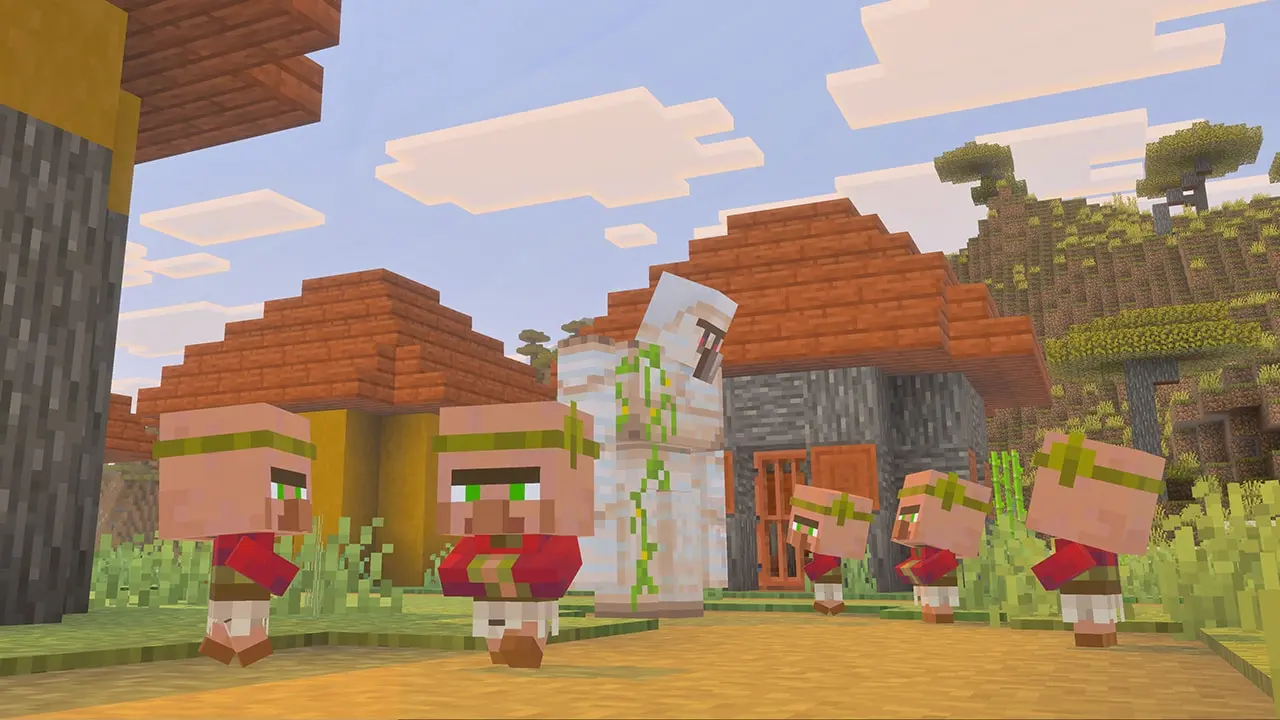
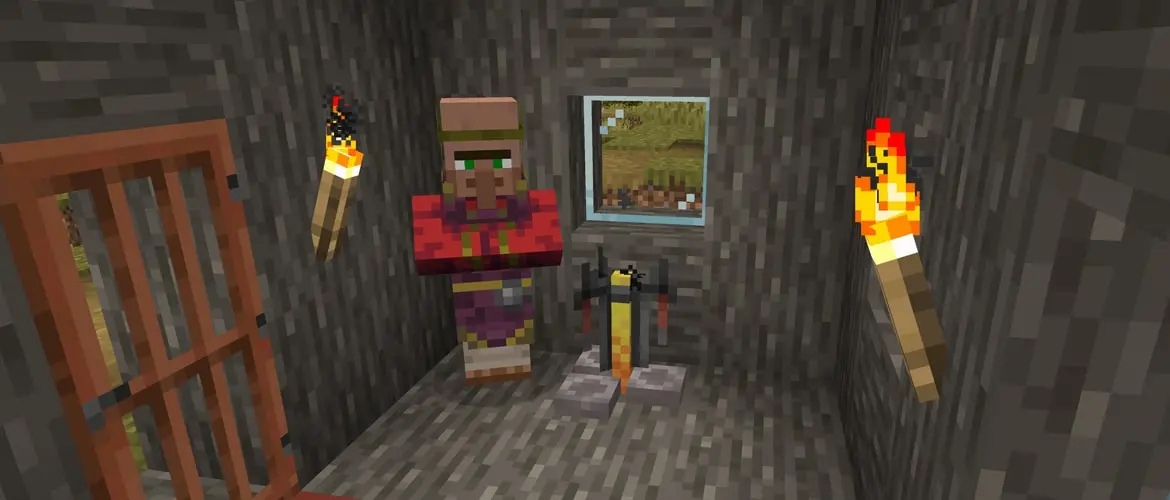
In a normal world, librarians are the practical route when you need more than one book. A lectern is the librarian job-site block, and Mojang’s official lectern guide confirms that librarians sell enchanted books.
- Find an unemployed adult villager that can take a profession. A green-robed nitwit cannot become a librarian.
- Place a lectern where the villager can reach it, then inspect the new librarian’s trades.
- If Mending is absent and you have never traded with that villager, break the lectern, wait for the profession to clear, and place it again. Repeat during the villager’s working period.
- When Mending appears, buy it once. The first completed trade locks that villager’s trade list, so do not trade for something else while you are still rerolling.
- Keep the lectern accessible so the librarian can restock, and protect the villager before building a larger trading setup.
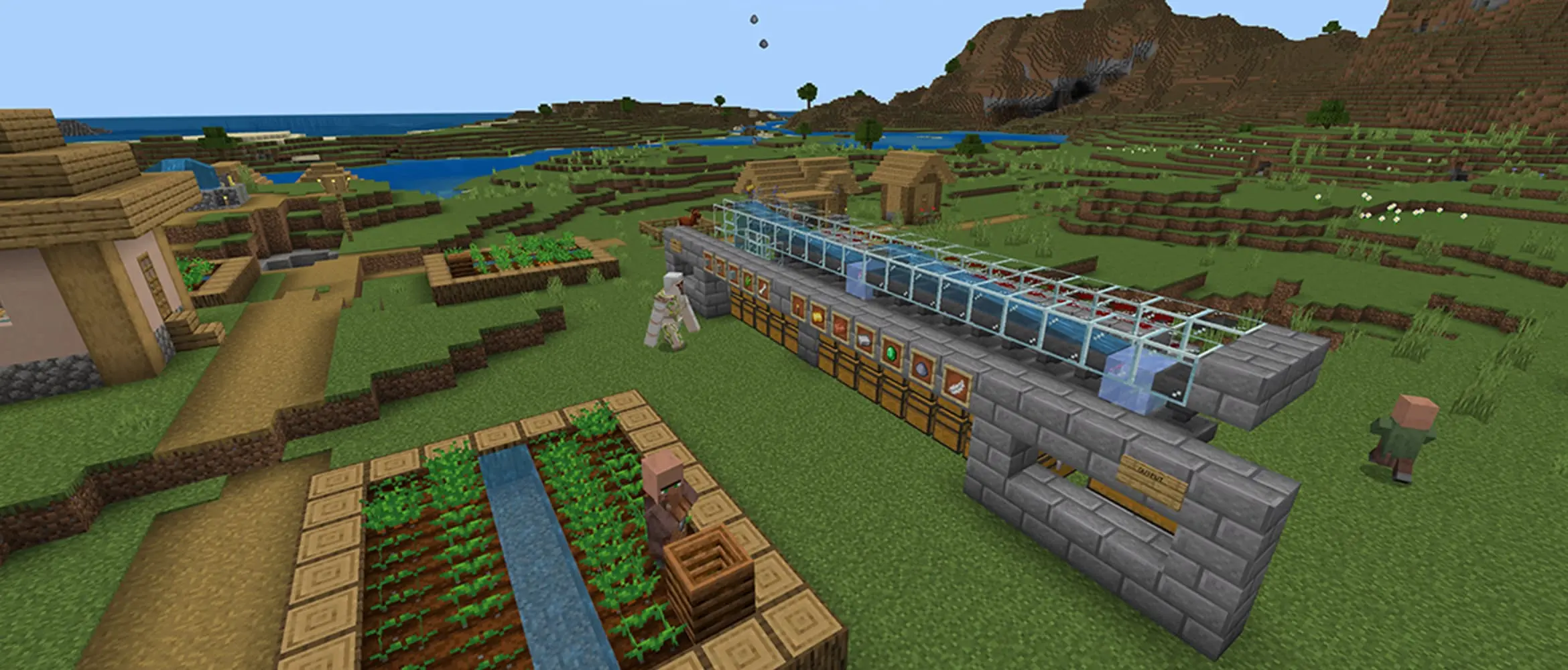
Prices vary with the rolled trade, demand, and the player’s reputation. Ignore videos that promise one fixed price for every world. For a full hall setup, job blocks, and restocking rules, use the Minecraft villager trading guide.

Chest Loot and Fishing Can Work, but They Are Random
Enchanted books can appear in structure chests, and a lucky book may carry Mending. That makes exploration a welcome bonus, not a dependable plan for outfitting a pickaxe, armor set, weapon, and elytra.
Fishing can also pull enchanted books from the treasure pool. It cannot target Mending, so it is best treated as a side benefit when you already want fish, name tags, saddles, or other treasure. A librarian gives you a renewable source after the desired trade is locked.
Do You Need a Swamp Librarian? Only With the Experiment Enabled
No swamp is required in an ordinary world. The biome-specific chart belongs to the optional Villager Trade Rebalance. Current Minecraft Java Edition 26.1 notes still describe those master-librarian rules as part of the Rebalance experiment, and the official Bedrock preview explanation says the experiment must be turned on from the Experiments menu.
If that experiment is active, Mending is the special master-level book for swamp librarians. If it is off, use the normal random librarian method. Check the world setting before moving villagers across a map for a rule the world may not use.
How to Put Mending on an Item
Place the compatible item in the first anvil slot and the Mending book in the second. The output preview shows the result and its level cost. Take the finished item only after Mending appears in the enchantment list. Mojang’s anvil overview explains the anvil’s role in combining items and enchanted books.
Mending has only one level. It works on many durable items, including pickaxes, axes, shovels, hoes, swords, armor, shields, fishing rods, tridents, and elytra. Compatibility still applies: in unmodified Survival, a bow cannot keep both Mending and Infinity.
Repeated anvil work builds a prior-work penalty and raises later costs. Add the books you actually want before the item becomes expensive to modify, then let Mending handle routine durability instead of repairing the same tool with materials again and again.
How Mending Repairs Gear With XP
Direct answer: Mending uses newly collected XP before it enters your level bar; it does not drain XP already stored. Each XP point repairs two durability on one eligible damaged item. The item must be in the main hand, in an allowed offhand slot, or worn in an armor slot when the orb reaches you.
Java players can put many tools in the offhand while another action produces XP. Bedrock limits which items can occupy that slot, so the reliable Bedrock method is to put the damaged tool in the main hand before picking up the orbs. Equipped armor and elytra can repair in both editions.
Multiple items: If several eligible damaged items have Mending, each incoming orb repairs one selected item at random; it is not split evenly. After that item reaches full durability, any XP left in the orb goes to your level bar. Unequip the other damaged items when you want a predictable repair.
How Much XP Does Mending Use?
- Repair rate: one XP point restores two durability, regardless of the item material or how many other enchantments it carries.
- Quick calculation: divide the missing durability by two. A tool missing 500 durability needs 250 XP points when it is the only damaged eligible item.
XP Points and Levels Are Different
The green bar stores experience points; the number above it is the current level. Enchanting tables and anvils charge levels, while Mending uses incoming XP before those points finish filling the bar. One level at 30 represents more points than one level at 5, so “I gained a level” is not a reliable repair measurement.
Spending levels at an anvil does not trigger Mending. You need fresh XP from an activity such as trading, removing smelted items from a furnace, mining XP-dropping ore, breeding, fishing, or defeating mobs.
Advertisement

Repair One Item at a Time
- Move other damaged Mending tools and weapons out of both hands.
- Remove damaged Mending armor if a tool or elytra needs the full repair stream.
- Hold the target tool in the main hand, or equip the armor piece or elytra that needs work.
- Collect a short burst of XP and check the durability bar. If it moves, keep going until the item is full.
- Swap to the next damaged item and repeat. Put the full set back on only after the focused repairs are done.
This routine is safer than standing at a farm with every piece equipped and guessing where the orbs went. It also catches a wrong hand, a full item, or a server-specific rule before you waste a long repair session.
Good XP Sources for Mending
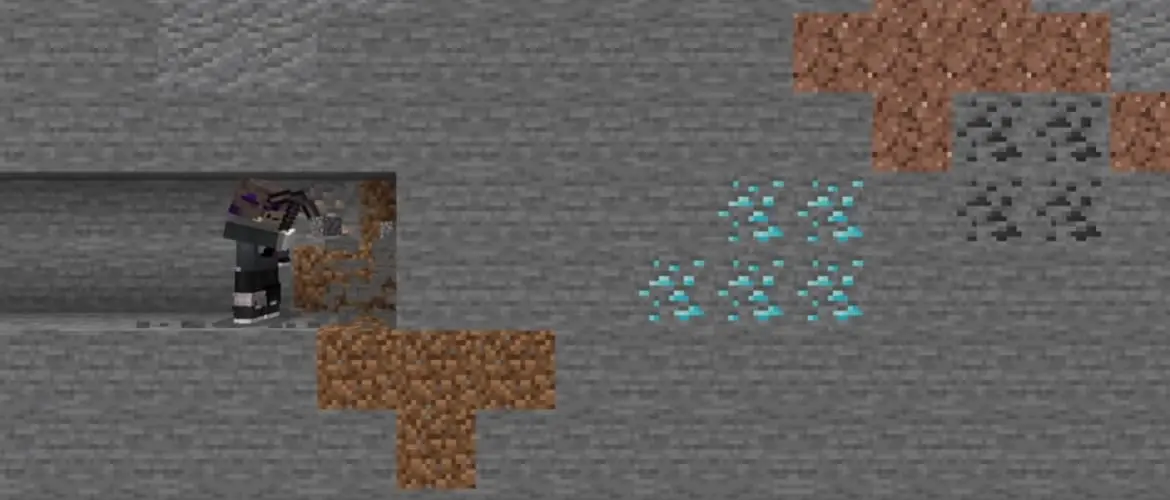
The best source is the one your world can run safely and repeatedly. Trading is convenient because the librarian setup can provide both books and XP. Furnace output can hold XP until you remove a finished item by hand. Mining redstone, lapis, diamond, emerald, coal, or Nether quartz can repair a held tool during a normal resource trip.
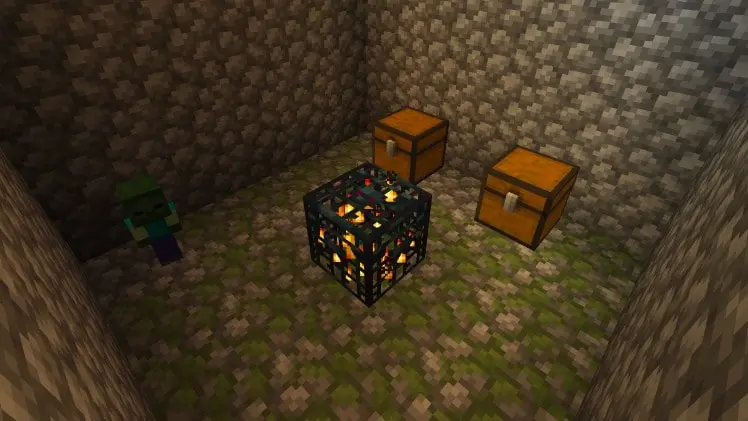
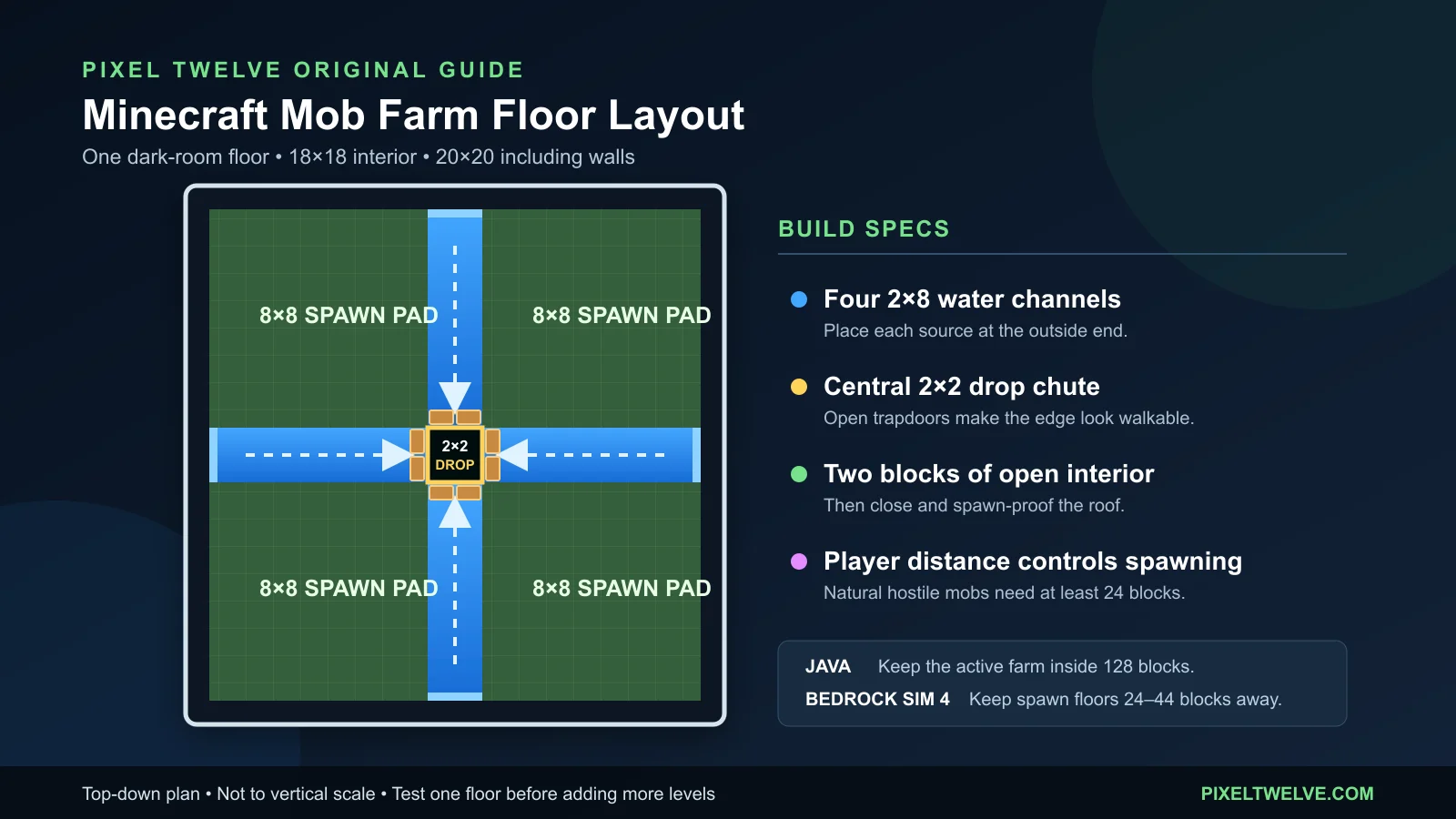
A mob farm becomes useful when several pieces need maintenance. Build and light it correctly before bringing fragile gear into the chamber; the Minecraft mob farm guide includes a tested floor plan, Java and Bedrock distance notes, and a troubleshooting path for weak spawns.
Do not take a nearly broken favorite into a dangerous farm just to save a minute. Use a calm source first, confirm the repair is working, and keep a backup tool in storage for long trips.
Which Items Should Get Mending First?
- Primary pickaxe: mining causes constant wear, and many ores return XP while the tool is in hand. The Minecraft mining guide helps plan the resource route around the ore you need.
- Elytra: flight consumes durability, and losing it far from home is painful. The End City and elytra guide covers finding one and getting it home safely.
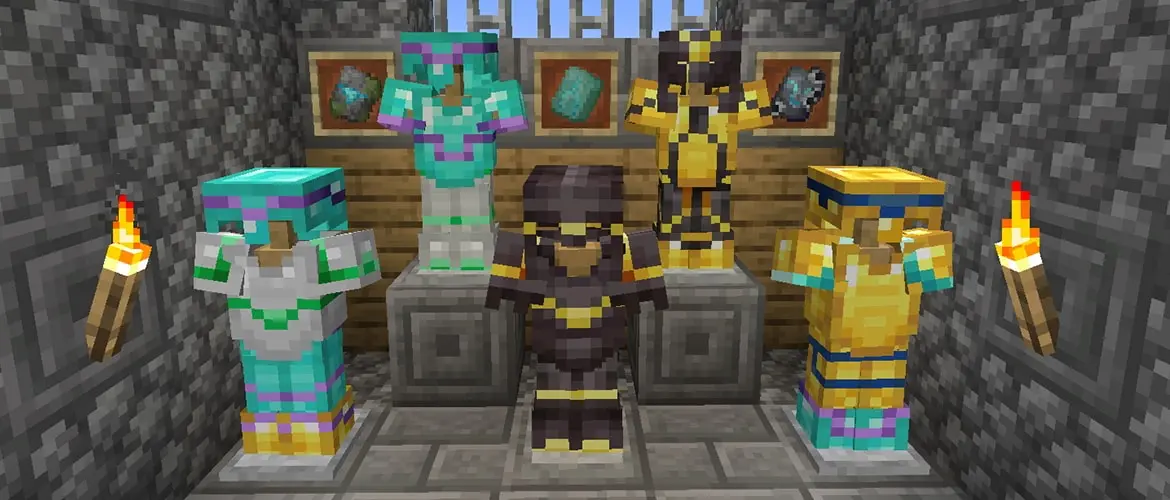
- Main armor set: all four pieces can use Mending, although damaged pieces compete while worn. Use the armor progression guide before spending rare books on equipment you plan to replace.
- Sword or axe: combat can generate the XP that repairs the weapon already in your hand.
- Bow: choose Mending for renewable durability or Infinity for ordinary-arrow convenience; the two do not combine in normal Survival.
Start with whatever would take the most time to rebuild. A named, fully enchanted Silk Touch pickaxe usually deserves a book before a spare shovel that rarely leaves a chest.
Why Is Mending Not Working?
The Item Is Not Held or Equipped
Move a tool or weapon into an eligible hand before the XP reaches you. Wear armor and elytra. Keeping a damaged Mending item elsewhere in the inventory is not enough.
Another Item Is Taking the XP
Remove other damaged Mending gear, especially a four-piece armor set. Repair the target alone, check it, then rotate through the remaining pieces.
The Item Is Already Full
Mending cannot add durability beyond the item’s maximum. If the bar is full, incoming XP belongs in the player’s level bar or may go to another damaged eligible item.
You Are Watching Levels Instead of Durability
Some incoming XP is diverted to repairs before it fills the green bar. Watch the item’s durability, not only the number above the hotbar.
The Book Will Not Combine
Confirm that the first anvil slot contains a compatible item and that the output really lists Mending. A bow with Infinity cannot accept Mending in normal Survival. Mods, plugins, commands, and custom servers may change these rules.
The Item Broke Before XP Arrived
Mending repairs damage after XP is collected; it does not create an emergency shield at zero durability. Stop using a fragile tool and repair it before the bar empties.
Mending and Unbreaking Work Better Together
Unbreaking reduces how often many items lose durability. Mending restores durability after damage happens. Together they stretch the time between repair sessions and reduce the amount of XP needed over the life of the item.
Neither enchantment makes gear impossible to lose. Lava, the void, despawning drops, Curse of Vanishing, and a durability bar that reaches zero can still erase the investment. Keep a backup for trips where recovery is uncertain.
Minecraft Mending FAQ
Can You Get Mending From an Enchanting Table?
No. It is a treasure enchantment. Use librarian trading, compatible structure loot, fishing treasure, or commands in worlds where cheats are allowed.
Do You Need a Swamp Villager for Mending?
Only when the optional Villager Trade Rebalance experiment is enabled. Standard worlds use random librarian enchanted-book trades and do not require a swamp librarian.
Can You Get Mending From Fishing?
Yes, an enchanted treasure book can carry Mending, but the result is random. Trading is more dependable when several items need the enchantment.
Is There a Mending II?
No. Mending has one level. A second Mending book does not create a stronger version.
Does Mending Take Away XP?
It uses only new XP collected while an eligible damaged item needs repair. It never removes XP already stored in your level bar. One XP repairs two durability, and any part of the orb left after the selected item is full goes to the player.
Does Mending Remove the Need for an Anvil?
No. The anvil still applies enchanted books and combines compatible items. Mending takes over the everyday durability repair after the final gear is built.