



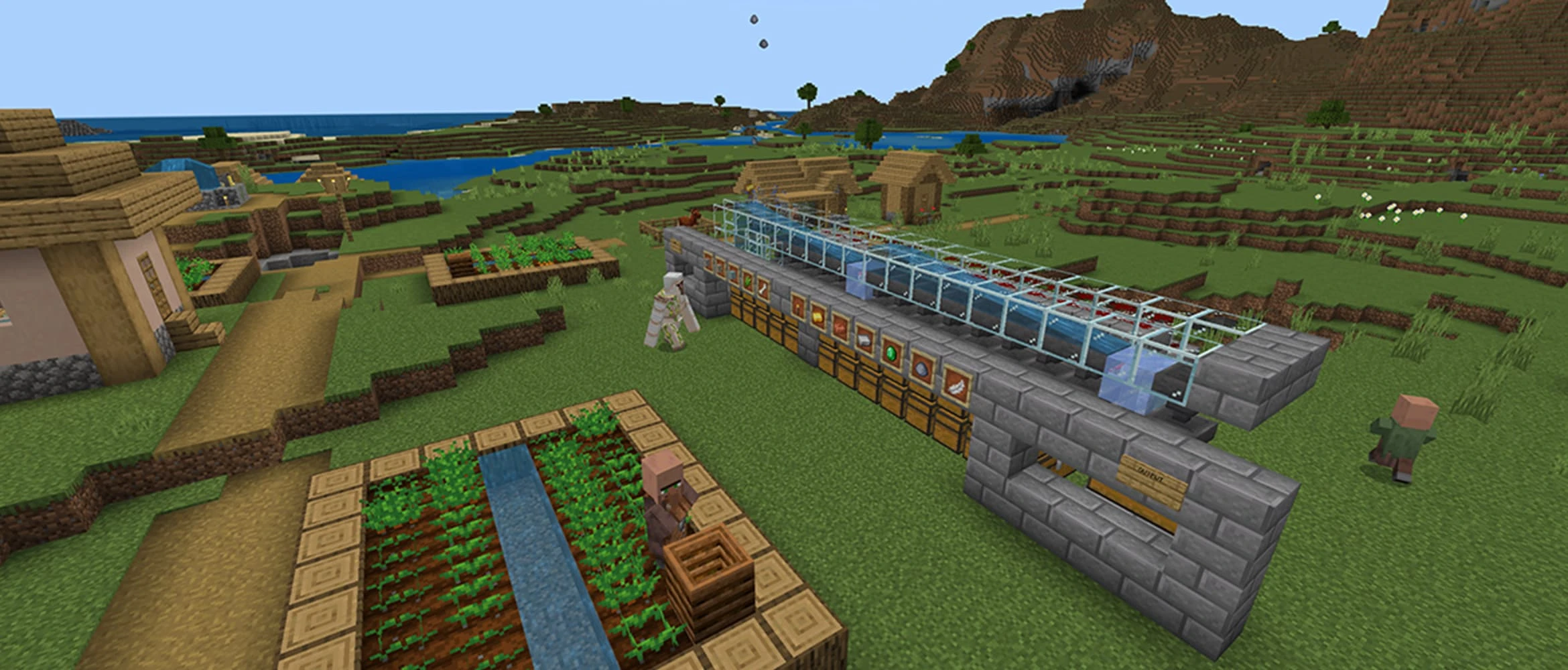
Redstone becomes confusing when a tutorial starts with a giant machine and skips the small circuit underneath it. Every working build has the same basic path: something creates power, redstone carries or changes it, and another block reacts. Learn that path first and the larger machines stop looking like random dust.
You do not need to memorize every component before building. A lever, redstone dust, a lamp, a repeater, and a piston are enough to learn most of the rules that beginners actually use.
Read Every Circuit as Source, Wire, and Output
The power source starts the circuit. Levers stay on until switched off, buttons create a short pulse, pressure plates react to players or other entities, and redstone torches provide constant power unless another signal turns them off.
Redstone dust carries the signal across blocks. The output is the part doing visible work: a lamp lights, a door opens, a piston moves, a dispenser fires, or a note block plays. When a build fails, inspect those three parts in order instead of breaking everything.
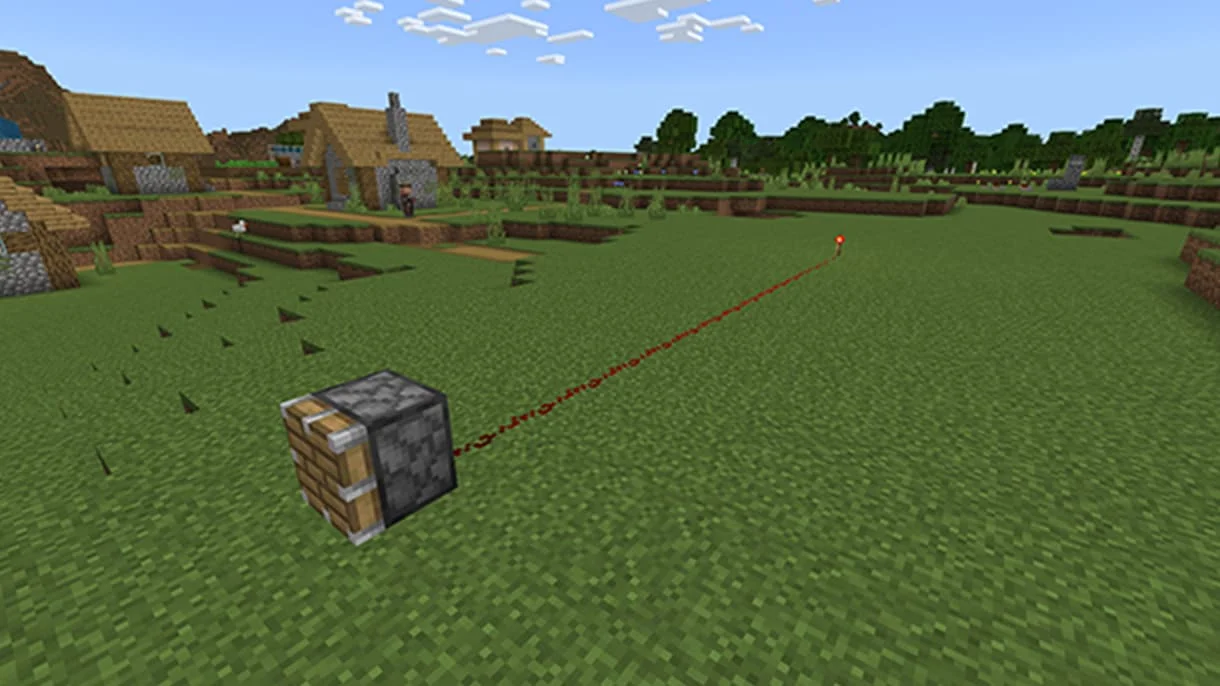
- Source: lever, button, pressure plate, redstone torch, observer, detector rail, and several other components.
- Wire or logic: redstone dust, repeaters, comparators, torches, and solid blocks that carry power.
- Output: lamps, doors, pistons, dispensers, droppers, bells, rails, and many other blocks.
Mine Redstone and Test in the Open
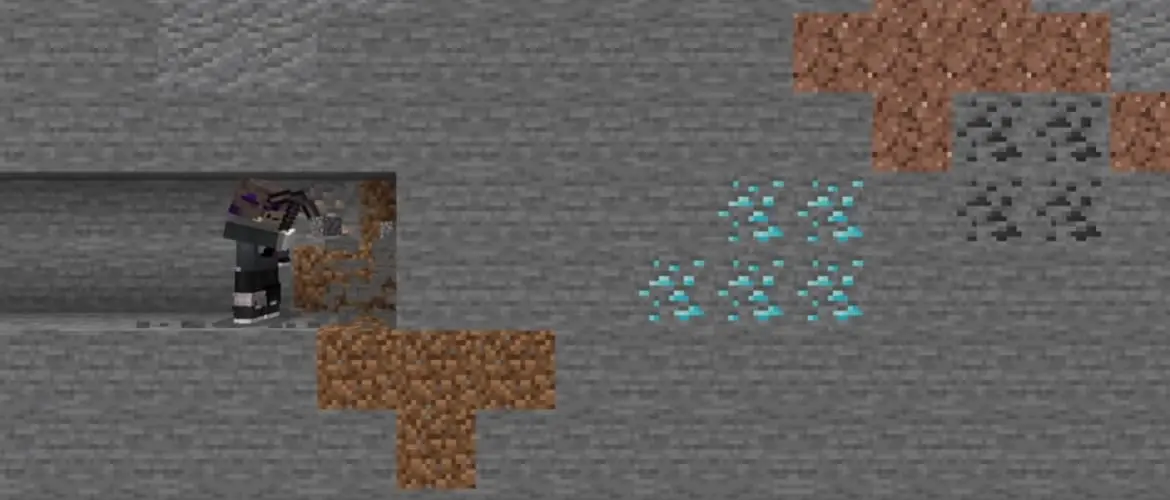
Redstone ore appears deep underground and needs an iron pickaxe or better. Each ore drops several pieces of dust and experience. Fortune increases the amount, but a normal iron pickaxe gives enough material for early experiments.
Build the first circuits on a flat surface where every connection is visible. Creative mode is useful for learning because components can be moved without spending resources. Rebuild the design in Survival after you understand which direction each part faces.
Use different floor blocks to mark separate lines when a test becomes crowded. Red wool under one signal and white wool under another can prevent two nearby circuits from being confused. Labels are more useful than trying to remember a half-finished machine the next day.
Keep a redstone lamp beside the test area. Connecting it to any point in a circuit shows whether power reached that spot, which is much faster than guessing from a piston that may be facing the wrong way. Remove the lamp after the check.
Redstone Power Fades Over Distance
A normal full signal starts with a signal strength of 15. Each piece of redstone dust reduces that strength by one as the line travels away from the source. After 15 dust segments, the next part of the line no longer has enough power to activate an output.
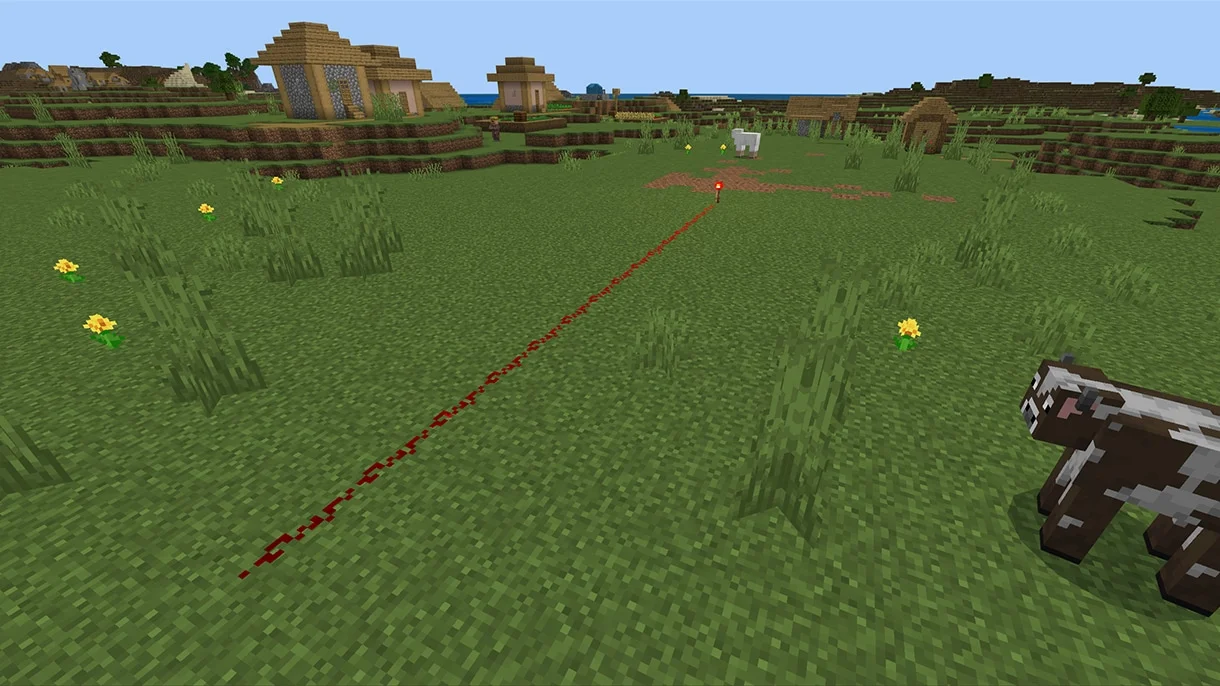
A repeater accepts a signal from the back and sends a fresh strength-15 signal out the front. Place one before the dust goes dark. Repeaters are directional, so turning one sideways or backward breaks the path even when the pieces appear close.
Right-click or use the interact control on a repeater to add delay. One click at a time changes the delay from one to four redstone ticks. Delays help doors move in order, lights animate, and short pulses last long enough for another component to notice them.
Solid Blocks Can Carry Power
A powered component can energize a solid block beside it, and that block may power nearby redstone parts. This is how compact circuits pass signals through floors and walls. Glass, slabs, stairs, and other non-solid blocks do not always behave like a full stone block.
When a hidden circuit works in the test field but fails inside a house, inspect the blocks around the dust. Replacing a full block with a decorative slab can cut a connection. A redstone line also needs space to climb; dust can step upward across full blocks when the path is open.
Keep early wiring one block away from unrelated doors, trapdoors, rails, and pistons. Redstone can power adjacent components through blocks, so a line tucked against the wrong wall may activate more than the lamp it was meant to control.
Advertisement

Use Torches to Reverse a Signal
A redstone torch normally stays on. Power the block holding that torch and the torch switches off. This creates an inverter: the output is off when the input is on, and on when the input is off.
Inverters are useful for iron doors that should stay open until a pressure plate is pressed, lamps that switch off during the day, and simple locks. Place a lever on one side of a solid block and a redstone torch on another side, then watch the torch change when the lever moves.
A torch that flips on and off too quickly can burn out for a short time. Slow the circuit with repeaters instead of building a rapid loop around one torch. A stable beginner circuit is easier to debug and less noisy.
Place Directional Components With Care
Repeaters, comparators, observers, pistons, dispensers, droppers, and hoppers all care about direction. Look at their textures before adding more blocks. A repeater's small torches point along its path, a piston faces toward the block it will push, and a hopper's narrow tube points into its destination.
An observer watches the block touching its face and sends a short pulse from the red-dot side when it detects a change. Placement direction is easy to reverse, so stand where you want the observer's output to face before placing it, then test it with one simple block update.
Java and Bedrock share the same basic redstone language, but some advanced behavior and update timing differ. Use tutorials labeled for the edition you play, especially for compact piston doors, flying machines, and zero-tick designs.
Build a Lever-Controlled Lamp First
Place a redstone lamp, run a short line of dust away from it, and put a lever beside the other end of the line. Flip the lever. If the lamp lights, the full source-wire-output path is working.
Move the lever onto the side of a solid block and place dust behind that block. This tests whether the block carries power into the line. Add a repeater and change its delay to see how long the lamp waits before switching.
Once the circuit works, hide the dust under a floor or behind a wall one section at a time. Test after every change. Covering the entire circuit and discovering a failure at the end creates far more work than checking each hidden piece.
Make an Iron Door That Works From Both Sides
An iron door needs redstone power and cannot be opened by hand like a wooden door. Place a button beside each side of the doorway. Each button can power the door directly when it is attached to a nearby solid block.
Pressure plates are convenient, but they also allow many mobs to trigger the entrance depending on the plate type. Buttons give the player more control. A lever can hold the door open, which is useful during construction but less useful for a secure entrance.
If one side works and the other does not, check whether both controls power the same door block or a solid block touching it. Avoid placing dust where the doorway will cut it when the door changes state.
Use a Piston for a Small Harvesting Build
A piston extends while powered and pushes the block in front of it. A sticky piston also pulls one block back when the power ends. Pistons can move up to 12 connected movable blocks, although several blocks such as obsidian cannot be pushed.
For a basic sugar cane harvester, place a piston facing the second block of the cane and use a lever or button to power it. The piston breaks the upper growth while leaving the bottom cane planted. Add water and a hopper later if you want the drops collected automatically.
An observer can replace the manual control by watching the cane grow and pulsing the piston. Build the lever version first. Once it works, swap in the observer and confirm which face watches the crop and which side sends power.
Debug One Connection at a Time
Start at the source and follow the signal visually. Is the lever on? Does the dust glow? Does it fade before reaching the output? Is the repeater facing forward? Is a solid block carrying power where a slab cannot? The first place the answer changes from yes to no is usually the broken connection.
Temporarily replace complicated inputs with a lever and complicated outputs with a lamp. A lever gives steady power, and a lamp shows whether a signal arrived. After the middle of the circuit works, reconnect the observer, pressure plate, piston, or hopper.
- Nothing activates: check the source, the direction of repeaters, and the distance of the dust line.
- The wrong block activates: move the wire away from nearby components and inspect powered solid blocks.
- The timing is wrong: add or adjust repeaters instead of changing several parts at once.
- A tutorial still fails: confirm that it matches your Java or Bedrock edition and current game version.