

Choosing between Minecraft: Java Edition and Bedrock Edition sounds like a technical problem until a friend invites you to a world you cannot join. Both editions have the same basic promise: gather blocks, survive the night, build something unreasonable, and lose track of time. The differences show up around that game. Your device, multiplayer group, preferred controls, and appetite for mods can make one edition a much better fit.
The decision is already made for many players. Consoles, phones, tablets, and Chromebooks use Bedrock Edition. Mac and Linux players use Java Edition. Windows players have the real choice, and the current PC package includes both editions under the same purchase, so trying each one is easier than it used to be.
Do not choose from a list of tiny redstone differences before answering the practical question: where are your friends playing? A perfect mod setup is not much comfort when the group is building on PlayStation, Xbox, Switch, and mobile.
The Short Answer
- Play Bedrock: if your group uses different consoles, phones, tablets, or Windows PCs and wants straightforward cross-play.
- Play Java: if you are on PC and want the largest mod scene, independent servers, deeper file access, and years of community tools.
- Play Bedrock: if native controller support, touch controls, console split-screen, Marketplace content, or family settings are important.
- Play Java: if you use macOS or Linux, or if a specific Java server or modpack is the whole reason you are starting.
- Try both on Windows: if you already own the PC bundle and are still unsure. A short survival world in each edition answers more than an hour of comparison videos.
Your Friends Decide More Than Any Feature List
Bedrock is the easier meeting place for a mixed-device group. A Windows player can join friends using Xbox, PlayStation, Switch, or mobile as long as everyone is running Bedrock and the current game version. Console online play may still require the platform's multiplayer subscription.
Java multiplayer stays inside Java. Windows, macOS, and Linux players can share Java servers and Java Realms, but they cannot join a normal Bedrock world. Bedrock players face the same wall in the other direction. Realms make hosting easier; they do not merge the two editions.
Ask the group for the exact edition before buying, installing, or starting a long-term world. 'Minecraft on PC' is not a complete answer because Windows can run either one.
Java Gives PC Players More Freedom
Java Edition remains the natural home for players who enjoy changing Minecraft from the outside. Community mods can add performance tools, new biomes, machines, magic systems, interfaces, maps, and entire progression paths. Texture packs, shaders, data packs, custom launchers, and independent servers give PC players a huge range of ways to shape the game.
That freedom asks more from the player. A modpack can require a specific Minecraft version, loader, memory setting, and matching server setup. Updates may break a favorite collection until its creators catch up. Backups are not optional when a world depends on dozens of community projects.
Java also suits players who want direct access to world folders or who follow technical communities closely. Its public server scene ranges from small survival groups to heavily customized networks. Native controller support is not included, so keyboard and mouse remain the expected setup unless the player adds another solution.
Bedrock Is Easier Across Consoles, Phones, and PC
Bedrock is built around reach. It runs across current consoles, Windows, mobile devices, and Chromebook, with native controller and touch options where the hardware supports them. Console split-screen gives families and roommates a way to share one screen, something Java does not provide by default.
Its menus, Microsoft account features, featured servers, achievements or trophies, and Marketplace make the experience more guided. That can feel restrictive to someone used to Java folders and free community mods. It can also be a relief for a parent or casual player who wants to install an add-on without learning how a mod loader works.
Bedrock often runs more smoothly on modest hardware, although performance still depends on the device, world, add-ons, view distance, and number of players. The edition was designed for far more than desktop PCs, and that shows in its controls and setup.
Mods and Add-Ons Are Not the Same Thing
Java mods are independent community changes installed outside the base game. Bedrock add-ons use resource and behavior packs to change textures, sounds, mobs, rules, and other parts of play. Add-ons can work in single-player, multiplayer, and Realms worlds, and the Marketplace gives players a curated way to find them.
The tradeoff is openness versus convenience. Java offers more variety and deeper changes, but the player is responsible for compatibility and trustworthy downloads. Bedrock offers a cleaner in-game path and a curated store, but much of the premium content costs Minecoins or platform-specific currency.
A player who wants a famous technical modpack should choose Java. Someone who wants to add furniture, pets, or a themed world on console should start with Bedrock and check whether the add-on supports the intended multiplayer setup.
Performance, Redstone, and Tutorials Can Feel Different
A survival guide written for one edition will usually help in the other, but not every tutorial transfers perfectly. Redstone timing, mob spawning, combat behavior, commands, farms, and small interface details can behave differently. A build may look identical while the machine behind it needs another design.
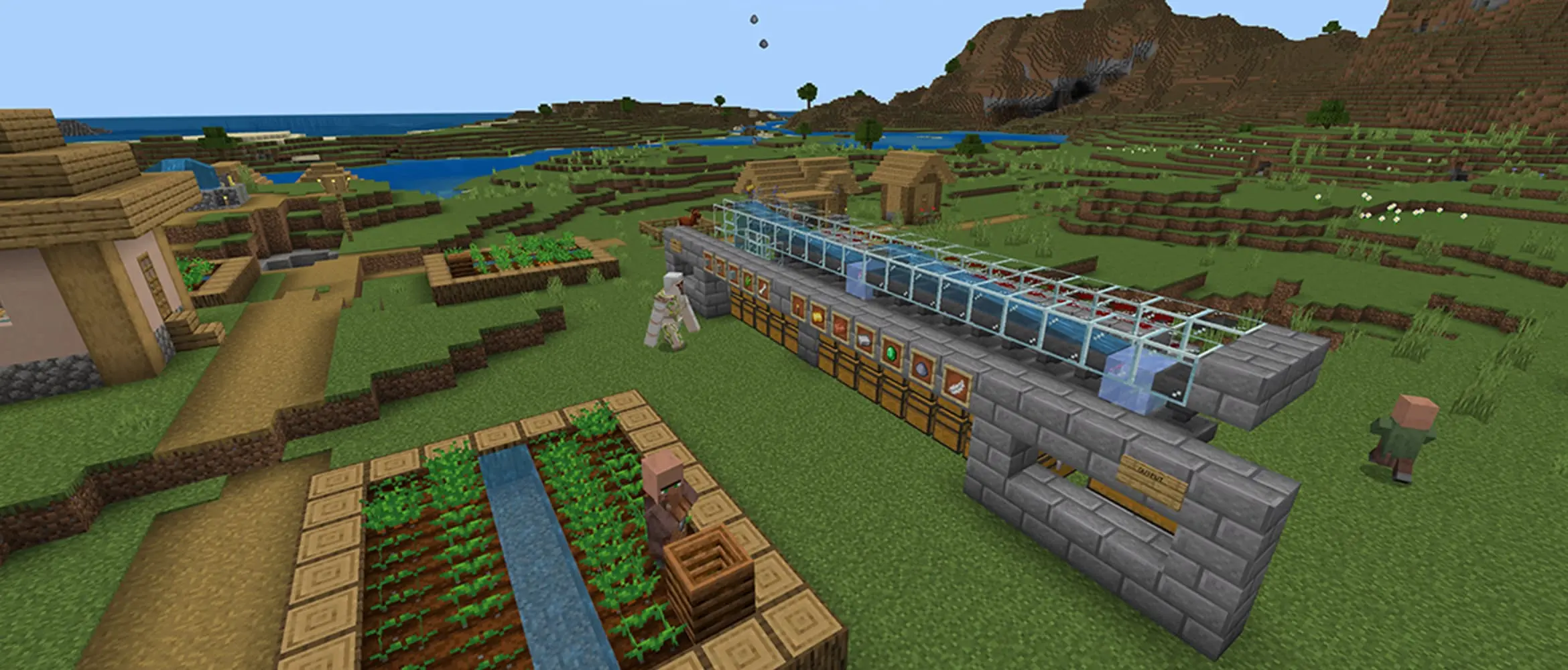
Check the edition and game version before collecting materials for a large automatic farm. Java creators often put 'Java' in the title; Bedrock creators may use 'Bedrock,' 'MCPE,' or a platform name. When a tutorial promises impossible rates or relies on a very precise glitch, that label is even more important.
Java can become demanding with high view distances, shaders, and heavy mods. Bedrock is generally the easier choice for lower-powered devices, but a crowded Realm or a stack of add-ons can still slow it down. Neither logo guarantees perfect performance.
Players who enjoy testing unfinished features will also see different names. Java uses snapshots through the launcher, while Bedrock uses Preview or Beta builds on supported devices. These builds are meant for testing, can change before release, and belong in copied worlds rather than the only save a player cares about.
Realms Still Keep the Editions Separate
Realms are Mojang's subscription servers. They stay online when the owner logs off, include backups, and remove much of the work involved in hosting. Bedrock Realms support cross-play among Bedrock devices. Java Realms connect Java players on Windows, macOS, and Linux.
A Realm cannot invite a Java friend into a Bedrock world or reverse that connection. Subscription tiers and included Marketplace benefits also differ, so the host should choose the plan only after confirming the edition and the number of people who will play at the same time.
Your Existing World May Be the Deciding Factor
Players returning to Minecraft sometimes treat the choice like a fresh purchase, then remember the five-year world sitting on an old console or PC. Worlds, Marketplace purchases, skins, server communities, and Realms are tied to an edition and account setup. Moving everything is not a normal one-button transfer.
Third-party conversion tools exist, but complex worlds can lose entities, commands, inventories, redstone behavior, or newer blocks during conversion. Keep the original backup and test a copy before trusting a converted save. For many players, staying with the edition that already holds the important world is the sensible answer.
Windows owners can keep both editions installed. One can be the family Realm and the other can hold a solo modded world. There is no prize for forcing every kind of Minecraft into one installation.
Which Edition Should You Play?
Choose Bedrock for a mixed group, console or mobile play, native controllers, split-screen, Marketplace content, and the quickest route from installation to a shared world. It is the version most likely to let a PlayStation player, a Switch player, and a Windows player meet without rebuilding everyone's setup.
Choose Java for PC modding, community servers, shaders, technical tinkering, and direct control over files. It rewards players who enjoy maintaining their setup almost as much as they enjoy the world inside it.
Windows players do not need to turn the decision into a permanent identity. Install both, use the edition your friends need, and keep Java available for the projects Bedrock cannot replace. The right Minecraft is the one that lets you enter the world you actually want to play.