
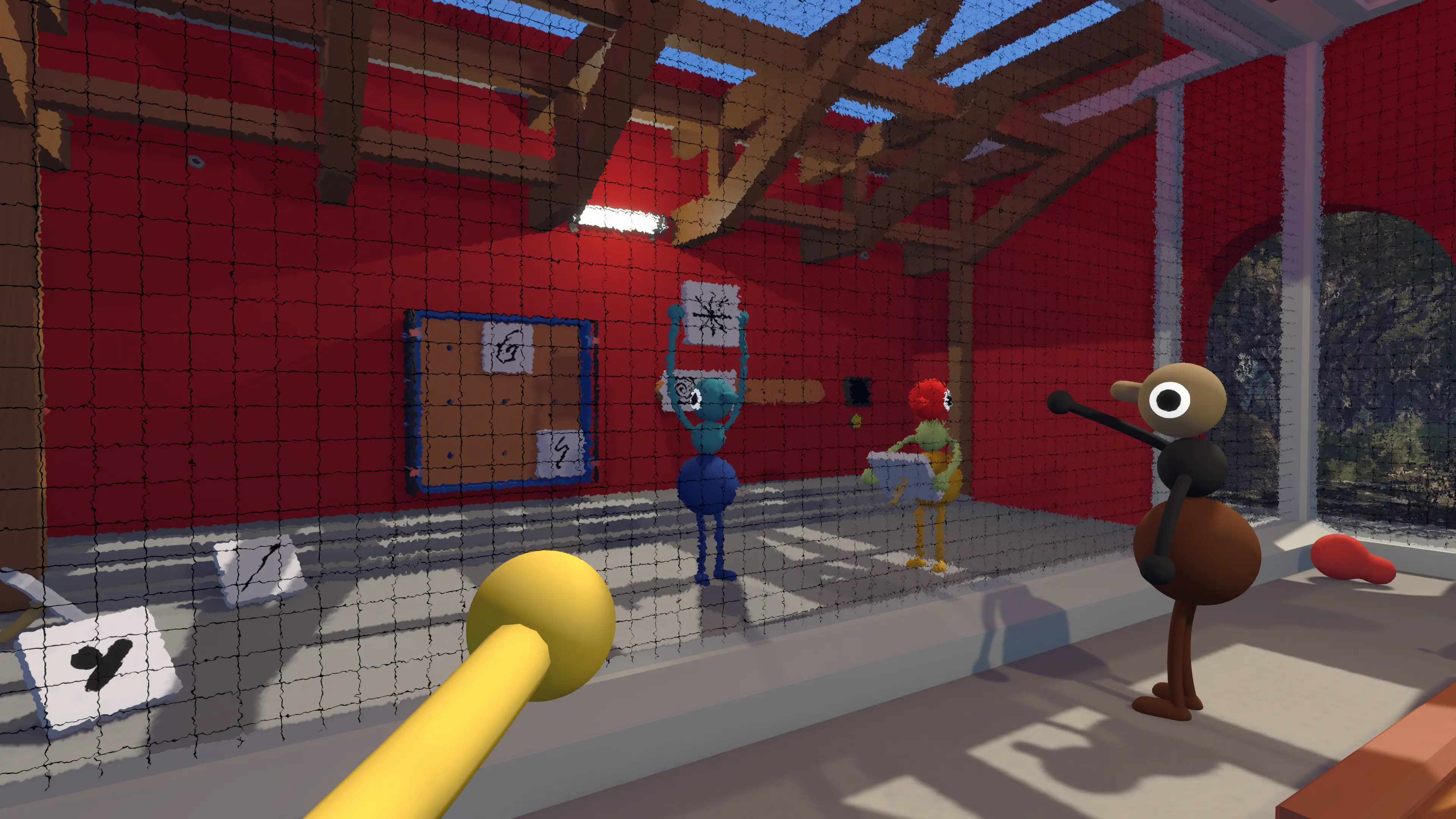
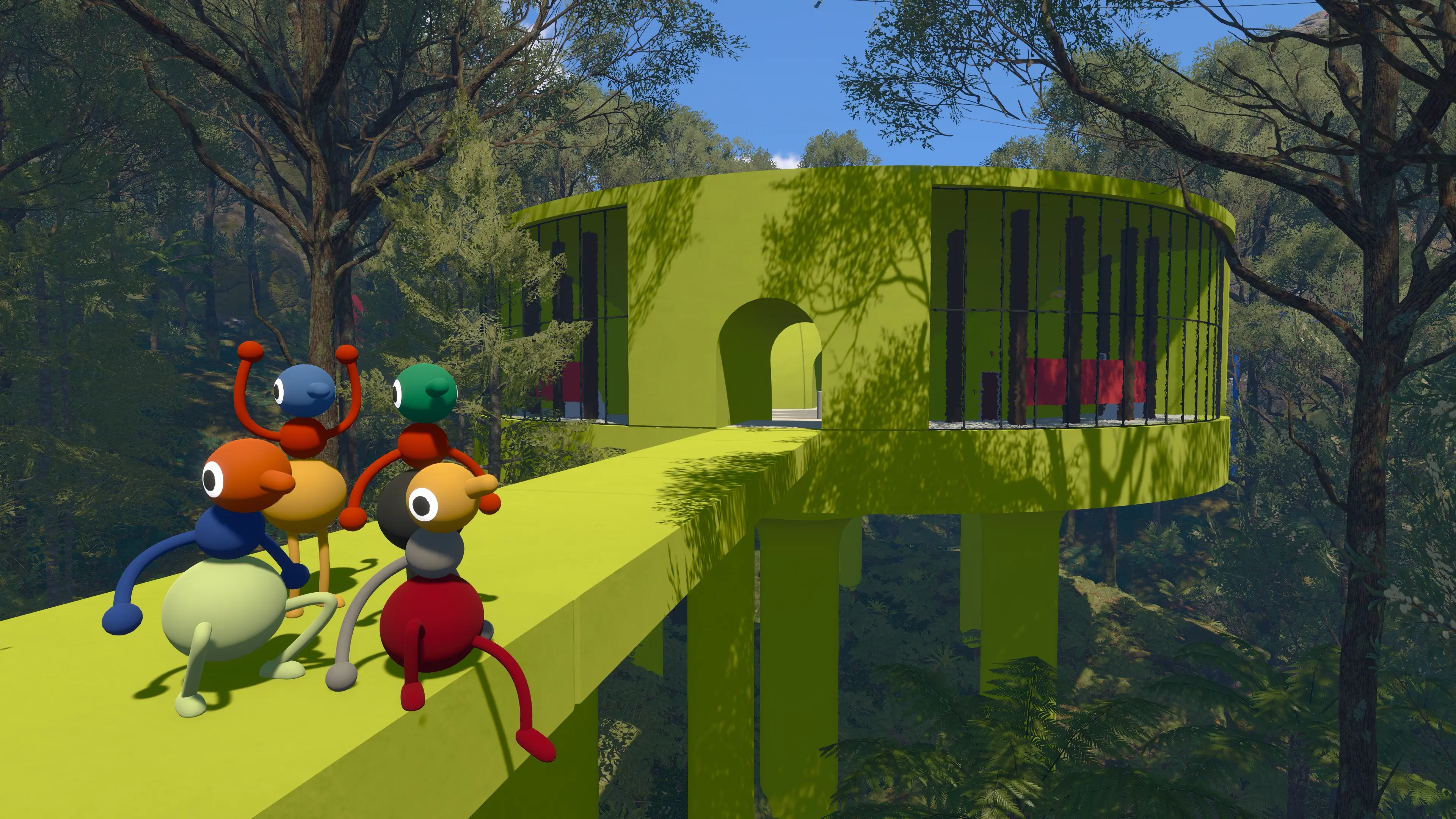

Big Walk voice chat uses proximity audio. Players farther away sound quieter, and soundproof barriers can block both voice and text chat completely. Version 1.5.1 adds separate volume sliders for different audio categories, so update before changing system-level settings. If your microphone is silent or too quiet, start with Settings > Audio > Microphone Activity, then check your mute button, system input, permissions, game version, and network connection.
Check the sections below if the game never detects your voice, nearby players are too quiet, speech echoes, or voices cut out while characters lag. PS Portal cloud streaming has a confirmed voice-chat issue.
If your group has not started its save yet, open the Big Walk Beginner Guide first. It covers the host choice, opening controls, and the small decisions that prevent a messy first night. The Big Walk game page collects the wider coverage.
How Big Walk Proximity Chat Is Supposed to Work
Voice chat follows the characters, not the party menu. A teammate beside you should sound clear. Their voice fades as they walk away, and it can disappear when the world puts a soundproof barrier between you. Walk back toward them or move around the barrier; if the voice returns naturally, the system is doing exactly what the game intends.
That limited range is more than an effect. Big Walk uses communication as a game mechanic. One person may see information another cannot, a group can lose contact after splitting up, and a shouted half-sentence can become part of the fun. The game is built around finding a way to understand each other, not maintaining a perfect conference call.
Try This 60-Second Voice Check First
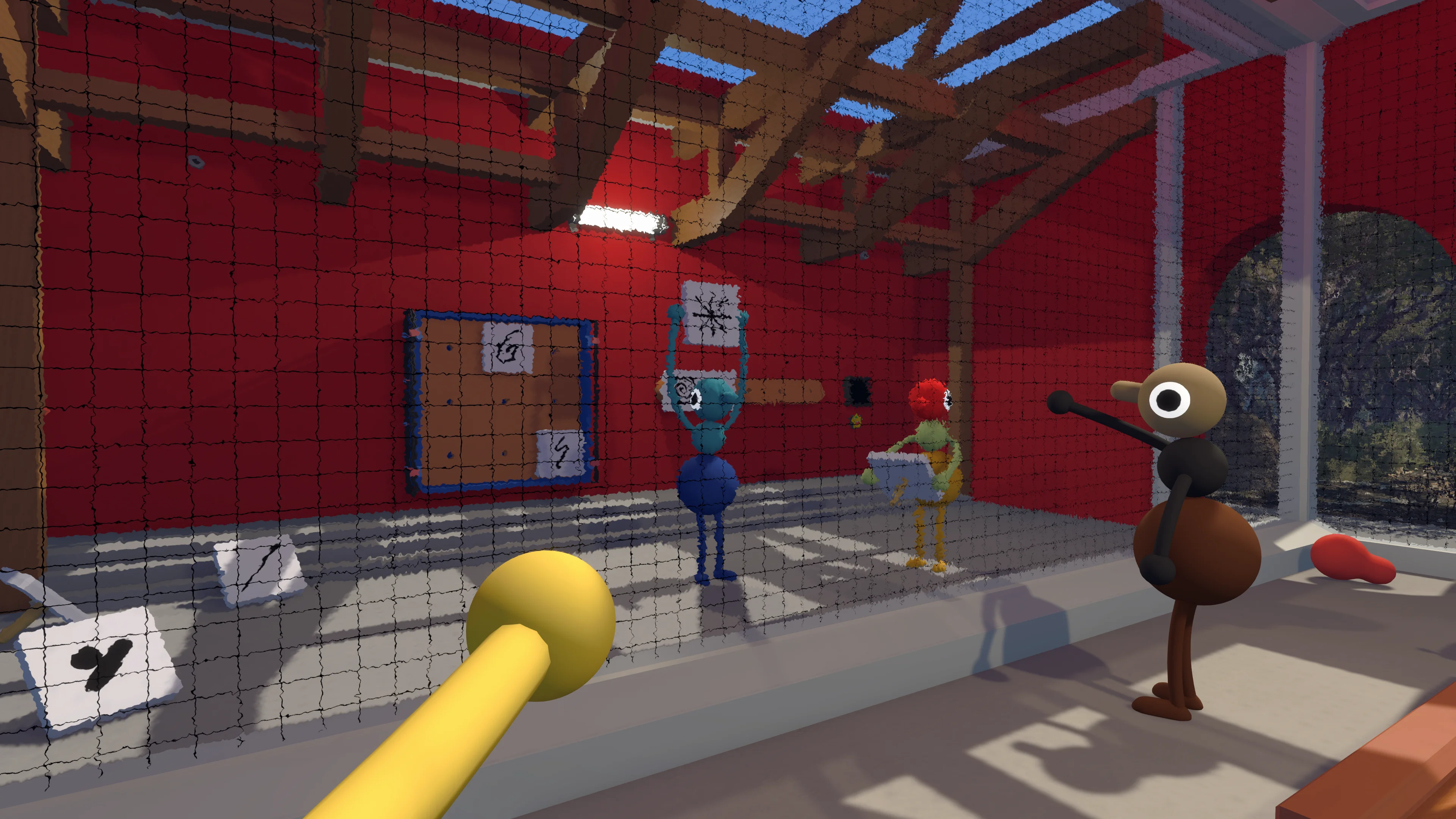
- Stand together: put both characters in the same open space. Do not test through glass, a wall, or across a large gap.
- Watch the meter: open Settings, choose Audio, and speak while watching Microphone Activity. Movement means Big Walk is receiving your voice.
- Check mute mode: if Mute Mode is set to Hold, keep the assigned button pressed while talking. Also check that nobody was silenced in the moderation menu.
- Test one person at a time: have one player speak while everyone else stays quiet. This quickly identifies the microphone causing silence or echo.
- Restart cleanly: if the meter works but nobody hears the voice at close range, fully close and reopen the game before changing several device settings at once.
Change one thing, test it, and then move on. Randomly switching inputs, headsets, party settings, and network options together makes it almost impossible to know which fix worked.
PS5 Voice Chat Is Not Working
Press the PS button, open Sound, and make sure Mute Game Voice Chat is turned off. Also check the orange microphone light on the DualSense. If the light is on, the controller microphone is muted. Players using a headset should confirm that PS5 has selected that headset as the input instead of the controller microphone.
On a PS5 console, press the PS button, open the voice chat card in Control Center, and switch from Party Voice Chat to Game Voice Chat. You can also leave the party. Test again beside another player in an open area. PS Portal cloud streaming has a separate known issue described below.
PS Portal Cloud Streaming: Known Voice-Chat Issue
House House confirms that Big Walk voice chat is broken through PS Portal cloud streaming. It can display “Communication disabled while party chat is active” and mute every player. The developer is still investigating; changing party-chat settings is not a confirmed fix for this case.
House House says voice chat works when PS Portal uses Remote Play from your PS5. That differs from streaming directly from the cloud.
The Microphone Activity Meter Does Not Move
Start with the obvious physical checks because they solve more problems than people like to admit. Push the headset plug in fully, lower the boom microphone, and turn off any mute switch on the cable, headset, controller, or keyboard. Then test the same microphone in another app. If it is silent there too, Big Walk is not the cause.
On Windows, confirm that the microphone you want is selected as the system input and that Big Walk or Steam can use it. Bluetooth headsets may expose more than one audio device, so the familiar headset name does not always mean the correct microphone profile is active. On macOS, open System Settings > Privacy & Security > Microphone and enable Big Walk. If the game was open when you changed the permission, quit it fully and restart it before testing Microphone Activity again.
Return to Big Walk and watch Microphone Activity again. Once the meter responds, stand next to a teammate for the listening test. A moving meter only confirms that your voice reaches the game; it does not prove that distance, barriers, mute settings, or connection quality are no longer affecting the other player.
Bluetooth Audio Works, but the Microphone Does Not
Some Bluetooth devices separate stereo headphones from the headset profile with microphone support. House House recommends this Windows 11 check:
- Open Big Walk, then open Windows Volume Mixer.
- Expand Big Walk and select the headset profile for both input and output.
- Retest Microphone Activity in the game.
Audio Interface or XLR Microphone Is Silent
Big Walk receives microphone audio from Channel 1. If your interface sends the microphone to Channel 2, use its routing software to assign or mix that input to Channel 1.
Voices Are Still Too Quiet After Basic Checks
House House recommends adjusting microphone input volume at the device level and keeping the microphone close to the speaker’s mouth. That is especially useful for a quiet headset or a built-in microphone picking up someone from too far away. Avoid raising the level so high that keyboard taps, fans, or room noise dominate every conversation.
Big Walk version 1.4.8 added output normalization for players whose voices were much too quiet. Version 1.5.1 is the newer patch and adds separate volume sliders for different audio categories. Update every player first, then use the sliders in Settings > Audio to balance the categories available in your build. Neither patch removes proximity falloff: voices should still fade with distance, and barriers can still block communication.
Fix Echo or Hearing Every Voice Twice
Echo usually means an open microphone is picking up voices from nearby speakers and sending them back into the game. Ask each player to mute in turn. When the repeated voice stops, you have found the device creating the loop.
That player should use headphones, lower the speaker volume, or move the microphone away from the speakers. Two people playing in the same room can create the same problem because they hear each other directly and through the game a moment later. Separate rooms are the cleanest fix and also preserve the communication rules Big Walk wants you to experience.

Fix Voices Dropping Out, Lagging, or Cutting Mid-Sentence
First walk closer. If the missing words come back, you were simply near the edge of proximity range. If voices cut out while characters also jitter, skip, or react late, treat it as a connection problem.
Version 1.5.1 now distinguishes a slow connection from an unstable one in the in-game network warning. Pause downloads and streams, move closer to the router, or use a wired connection where possible. The host matters most because every player is connected to that session. If the host has a poor connection or the game is running at a very low frame rate, the whole group can feel it. Lowering the host’s graphics quality and render scale is a sensible test.
For joining, save ownership, version matching, and cross-platform sessions, use the Big Walk Multiplayer Guide. The PC Requirements guide also covers the official computer specifications and Steam Deck status.
Can You Finish Big Walk With Text Chat?
Yes. House House says the entire game can be completed with the built-in text chat, and voice and text players can share the same session. Text still obeys the world: messages become unreadable at long range, soundproof barriers block them, and communication tools can carry them farther.
This is a thoughtful option for a player who cannot or does not want to use a microphone. It is not a global chat window hidden inside the game. Keep messages short when the group is moving, and agree on simple names for symbols or landmarks before everyone invents a different one.
Walkie-Talkies Are Part of the Answer
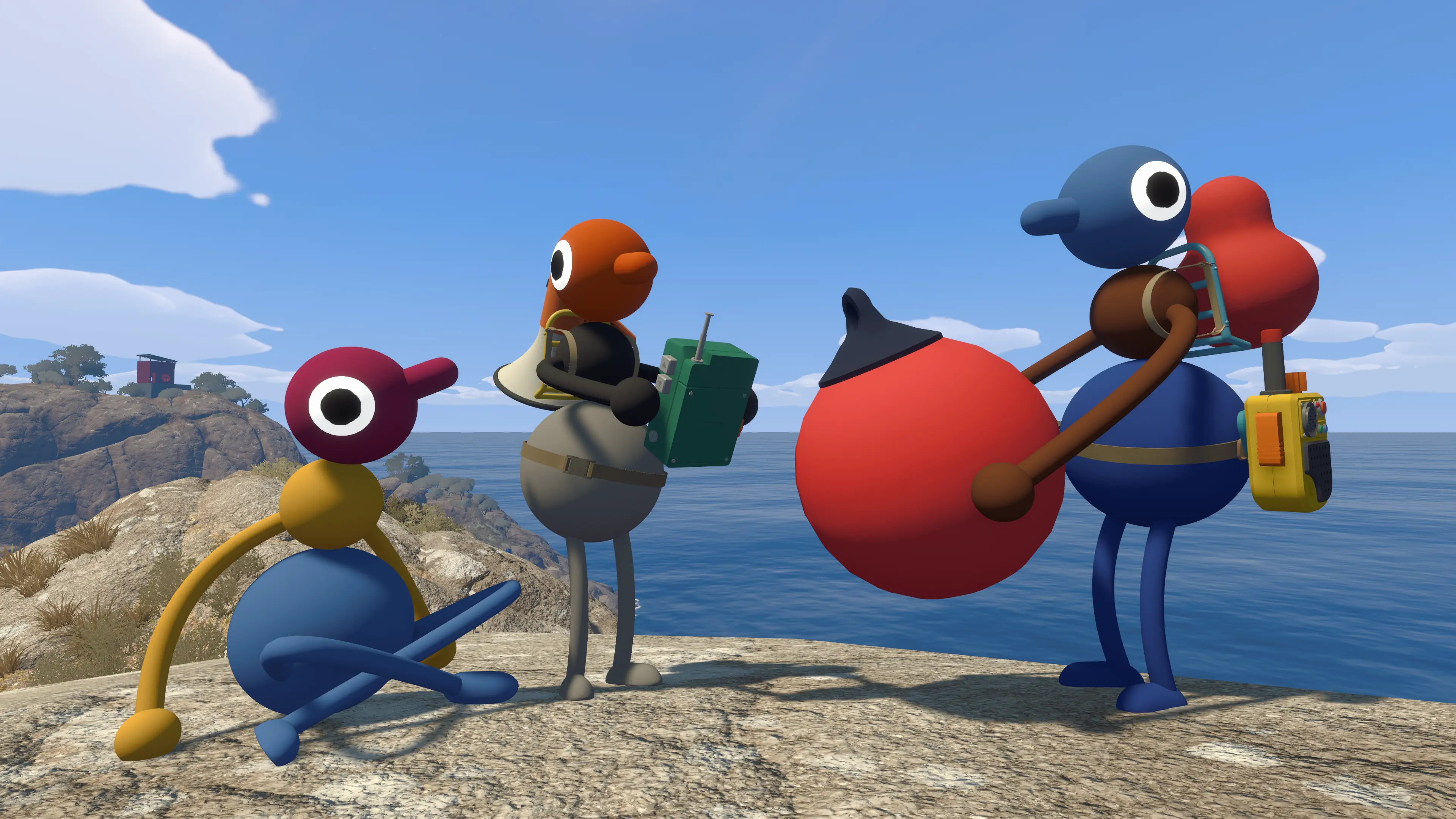
When the group needs to split up, carry walkie-talkies instead of immediately opening an outside call. They extend voice and text communication while keeping the game’s rules intact. Check who has a radio before leaving a landmark; discovering that both radios are in the same pair of hands is funny once, but not on the third long walk back.
Version 1.5.1 also extends the range of the unnamed item that amplifies your voice. House House hides the item’s name in the public notes, so treat that as a spoiler-free hint rather than a reason to replace the walkie-talkies.
The Big Walk Items and Tools Guide explains radios, maps, compasses, bags, lights, and the other objects worth carrying.
Should You Use Discord or Console Party Chat?
You can, but House House strongly asks players not to. External chat removes the moments when distance or a barrier forces the group to improvise. Nothing will punish the save, yet several situations stop making sense when everyone can hear the whole island at full volume.
Use an outside call only when accessibility or a persistent technical problem makes it necessary. For a normal session, give the built-in system a fair chance. The muffled shout from a lost friend is often a better Big Walk story than the puzzle you were trying to solve.
Read why Big Walk discourages Discord for the design reason behind that unusually firm recommendation.
Big Walk Voice Chat FAQ
Why Can I Hear a Friend Only When I Stand Close?
That is normal proximity chat. Distance lowers the voice, and some barriers block it. Test side by side in an open space before troubleshooting.
Why Does My Microphone Meter Move but Nobody Hears Me?
Check Hold-to-talk, the moderation menu, distance, and barriers. Then restart the game and test with one nearby player. If characters are lagging too, check the host and network.
Does Crossplay Voice Chat Work?
Yes. Big Walk supports crossplay and its built-in chat is designed for mixed-platform groups. Platform mute settings can still block voice locally. PS Portal cloud streaming currently has the separate voice-chat issue described above.
Do I Need a Microphone?
No. Built-in text chat can be used for the full game and works with the same distance, barrier, and walkie-talkie rules.
Where Can I Report a Voice Bug?
After installing updates and completing the close-range test, persistent issues can be sent to House House support at help@bigwalk.game.