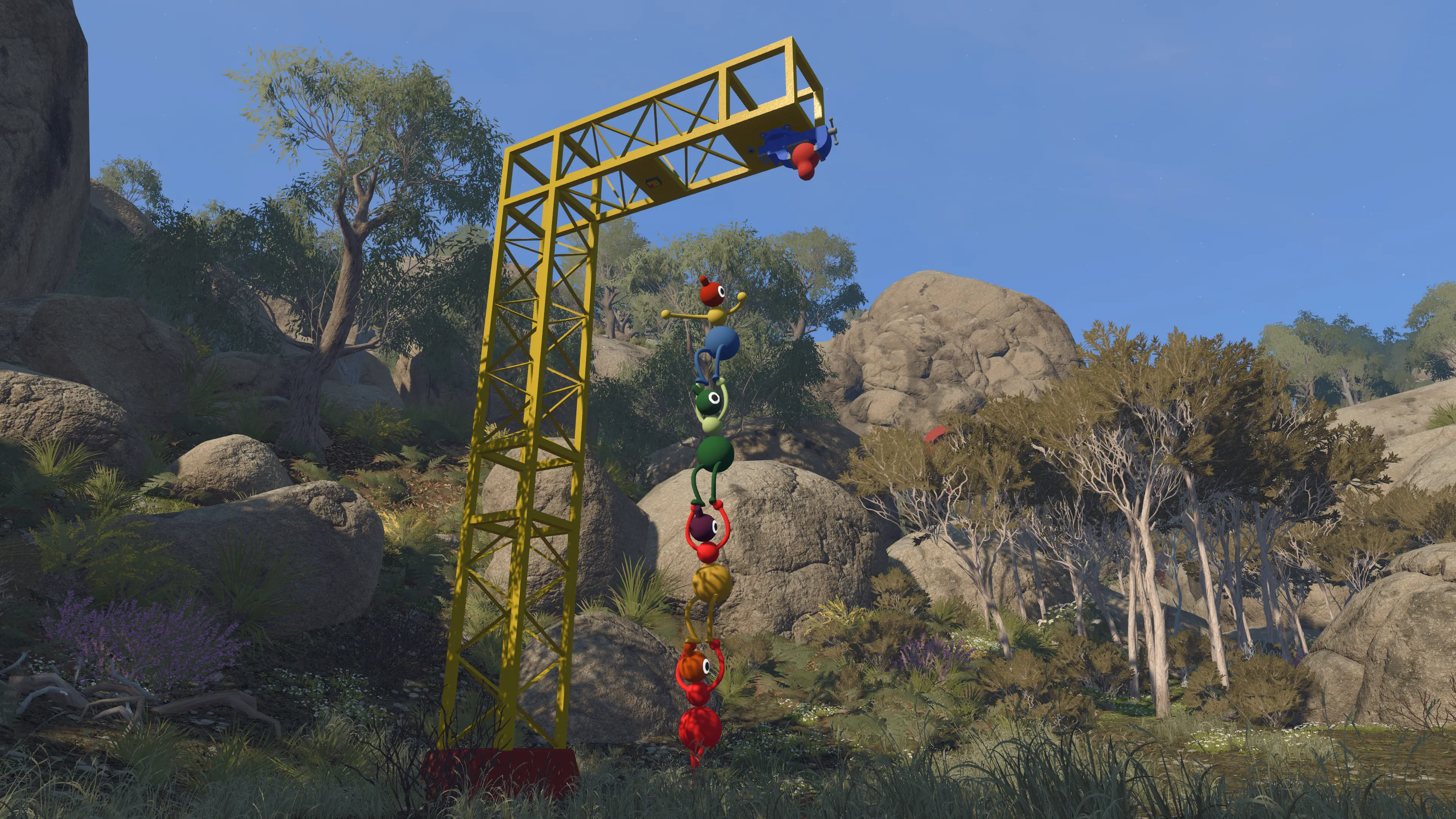
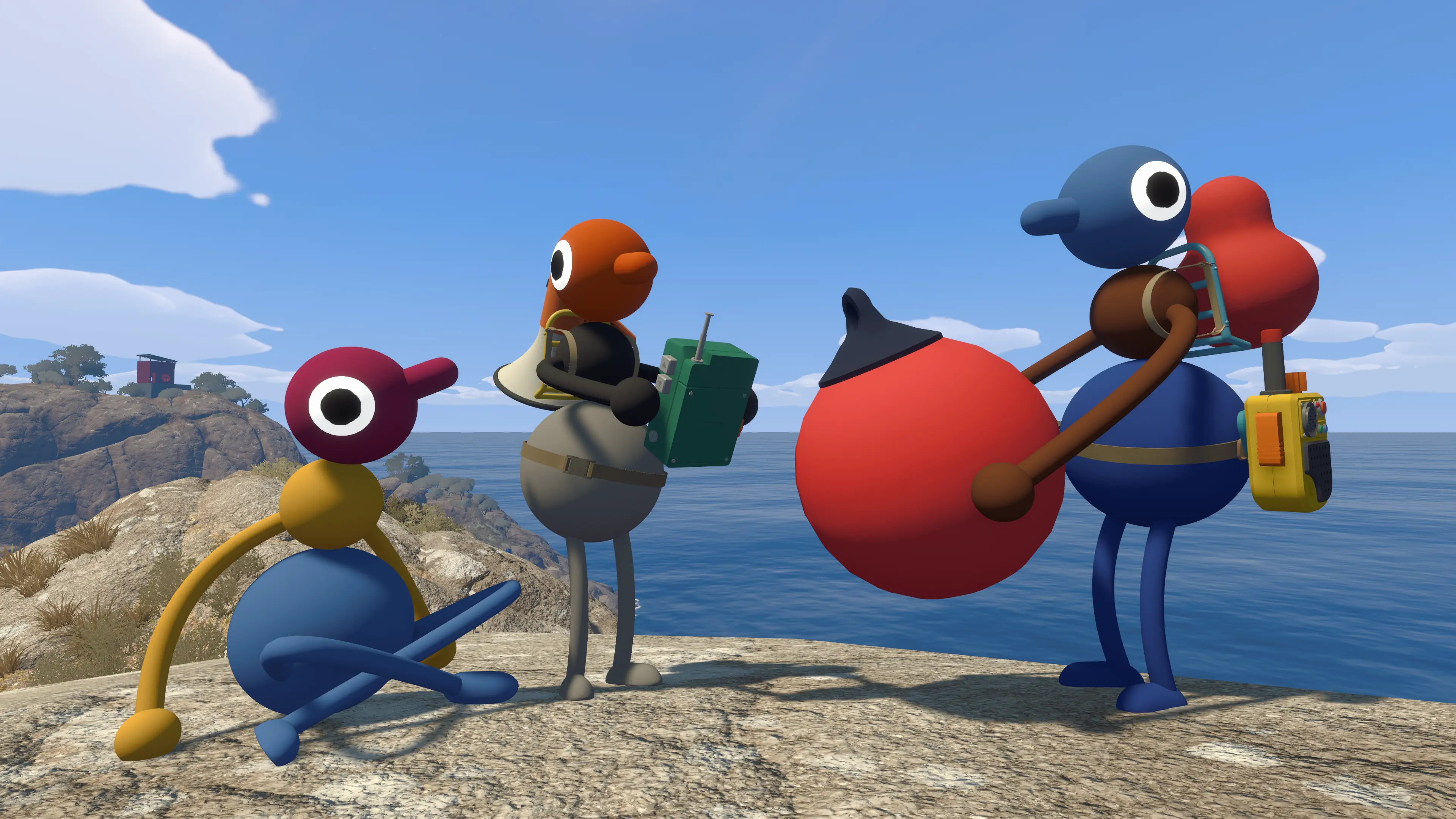
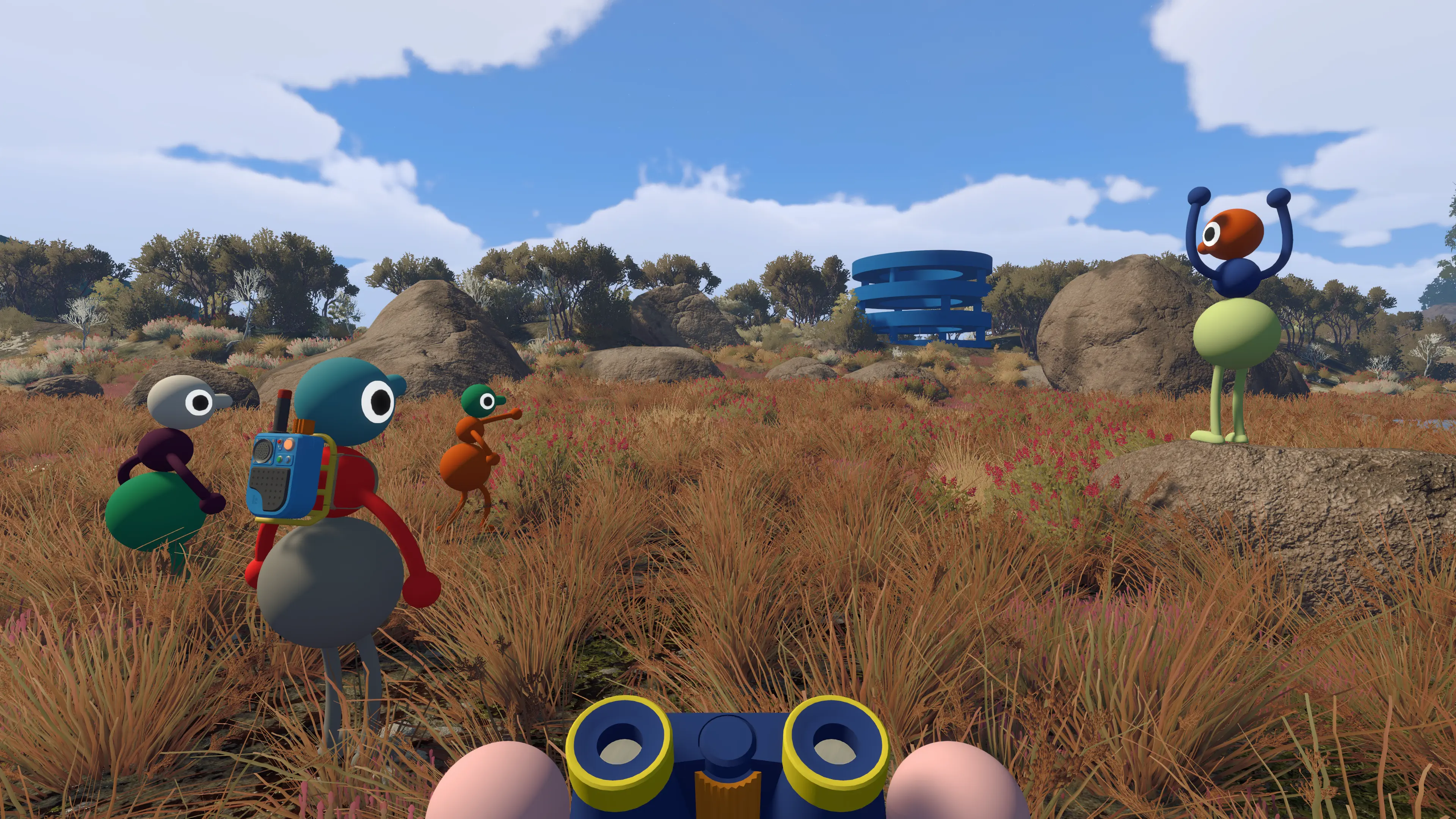
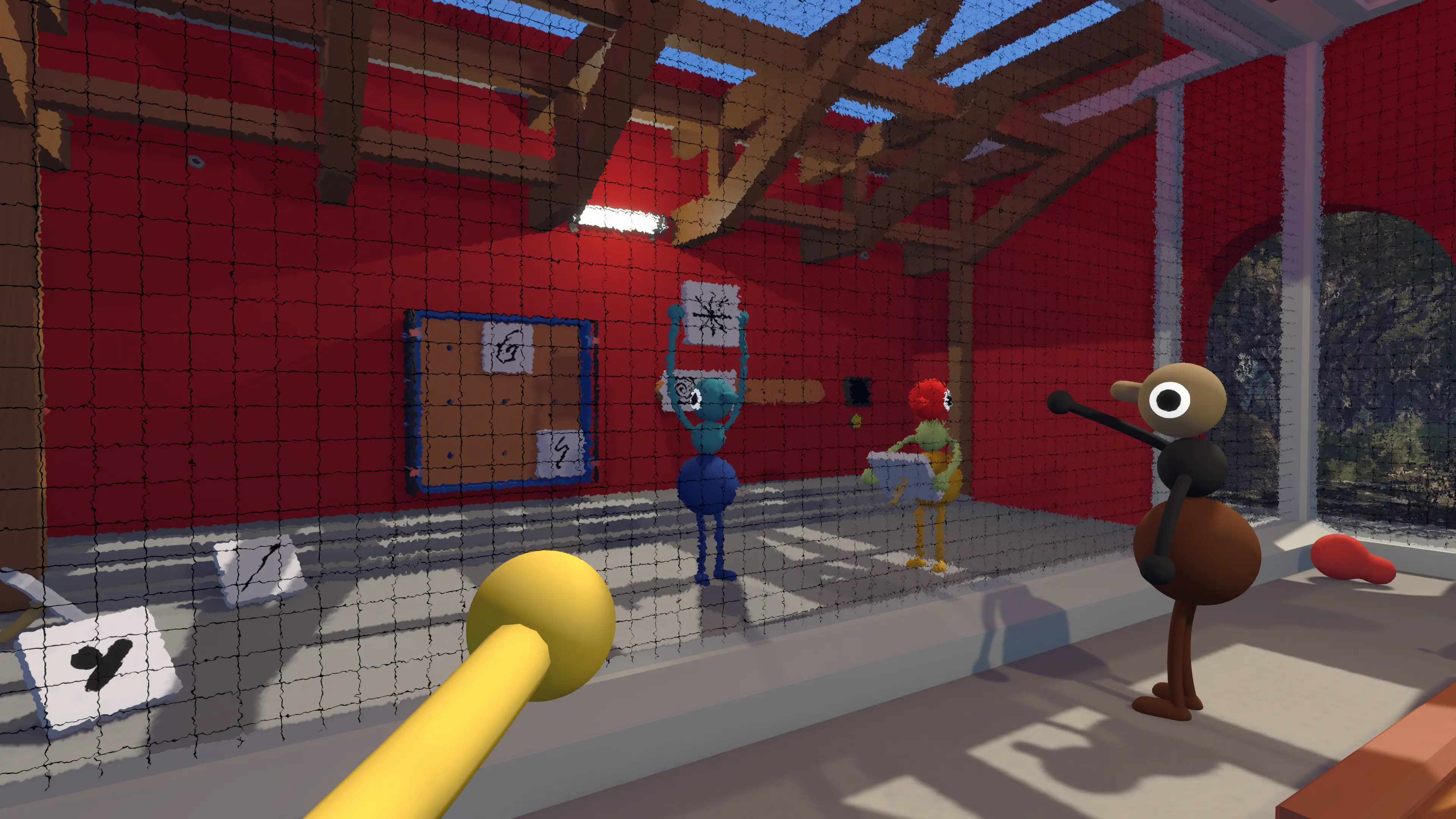
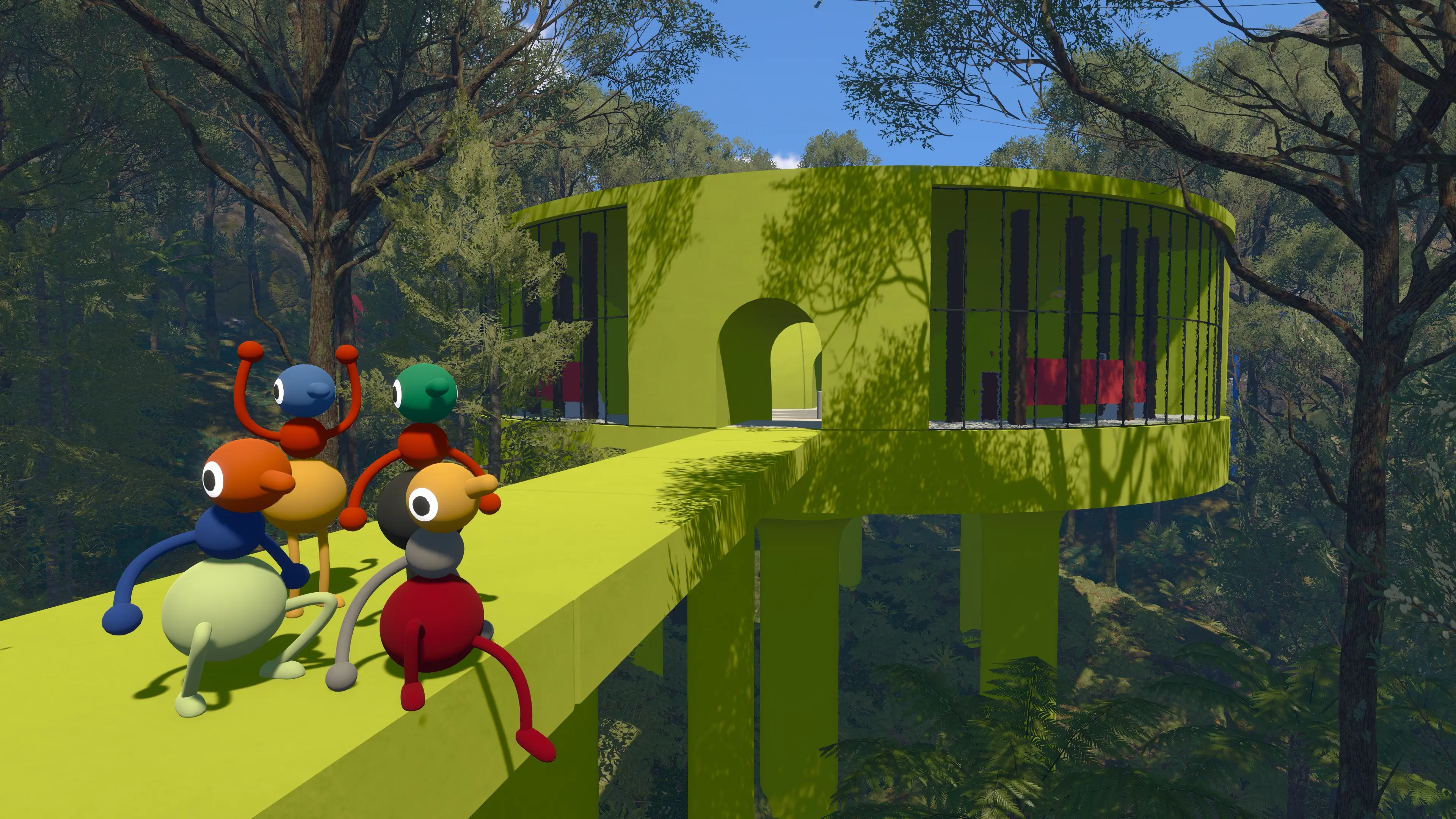
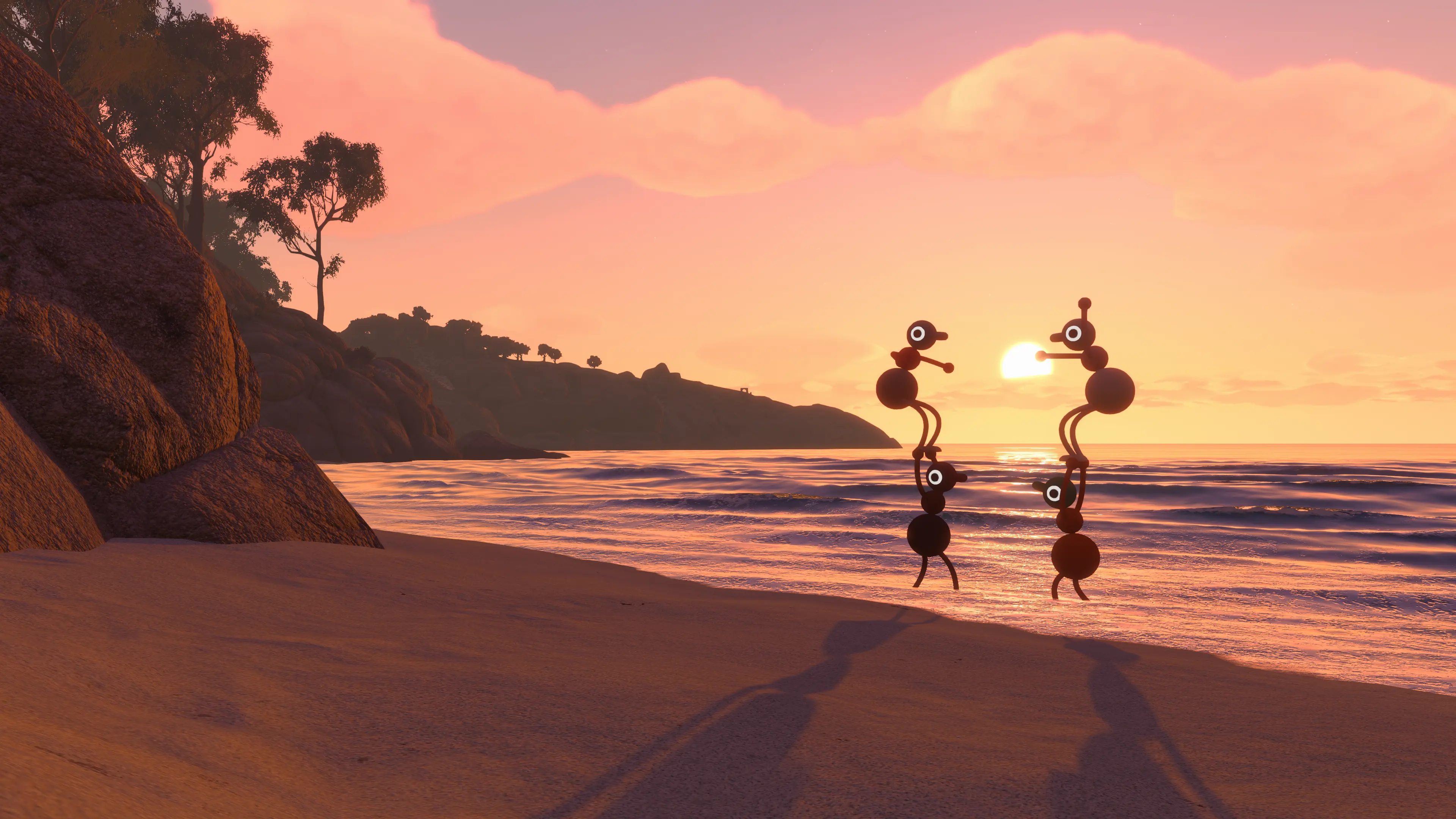
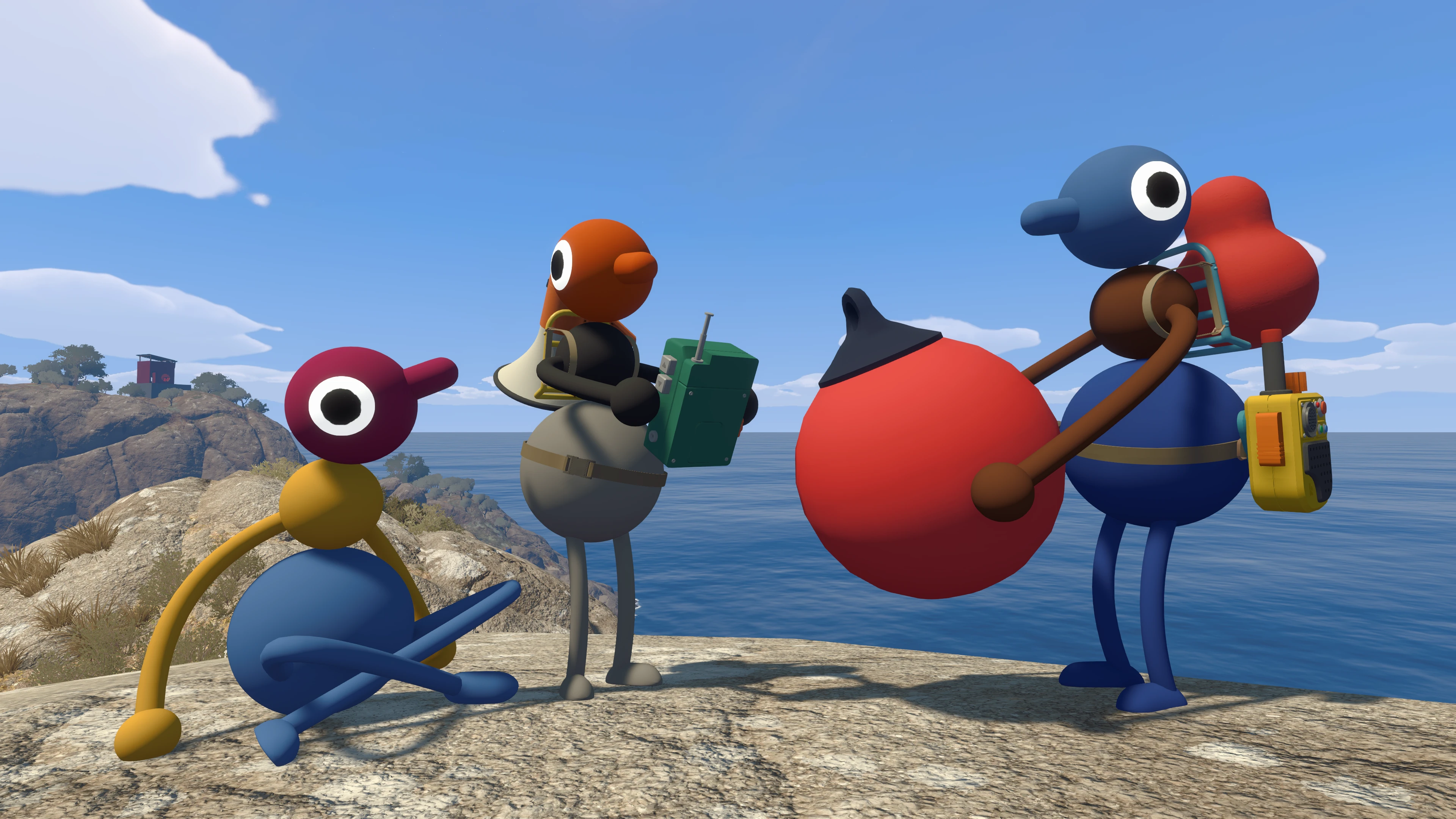
Big Walk is an online co-op game for two to 12 players. It supports crossplay across PS5, Switch 2, Windows, and Mac, but it does not offer public matchmaking. You need to organize the group before you start.
Choose the Host Before Anyone Plays
The host owns the campaign save. Big Walk saves progress automatically on that person's system or account, and the same host must open the session when the group returns. Other players cannot take ownership of that save through an official transfer option.
Pick someone with a reliable connection and a schedule that suits the group. If the host leaves, the session ends for everyone. Friends can join or leave during the journey, but the shared progress still belongs to the original host.
Select the Right World Setting
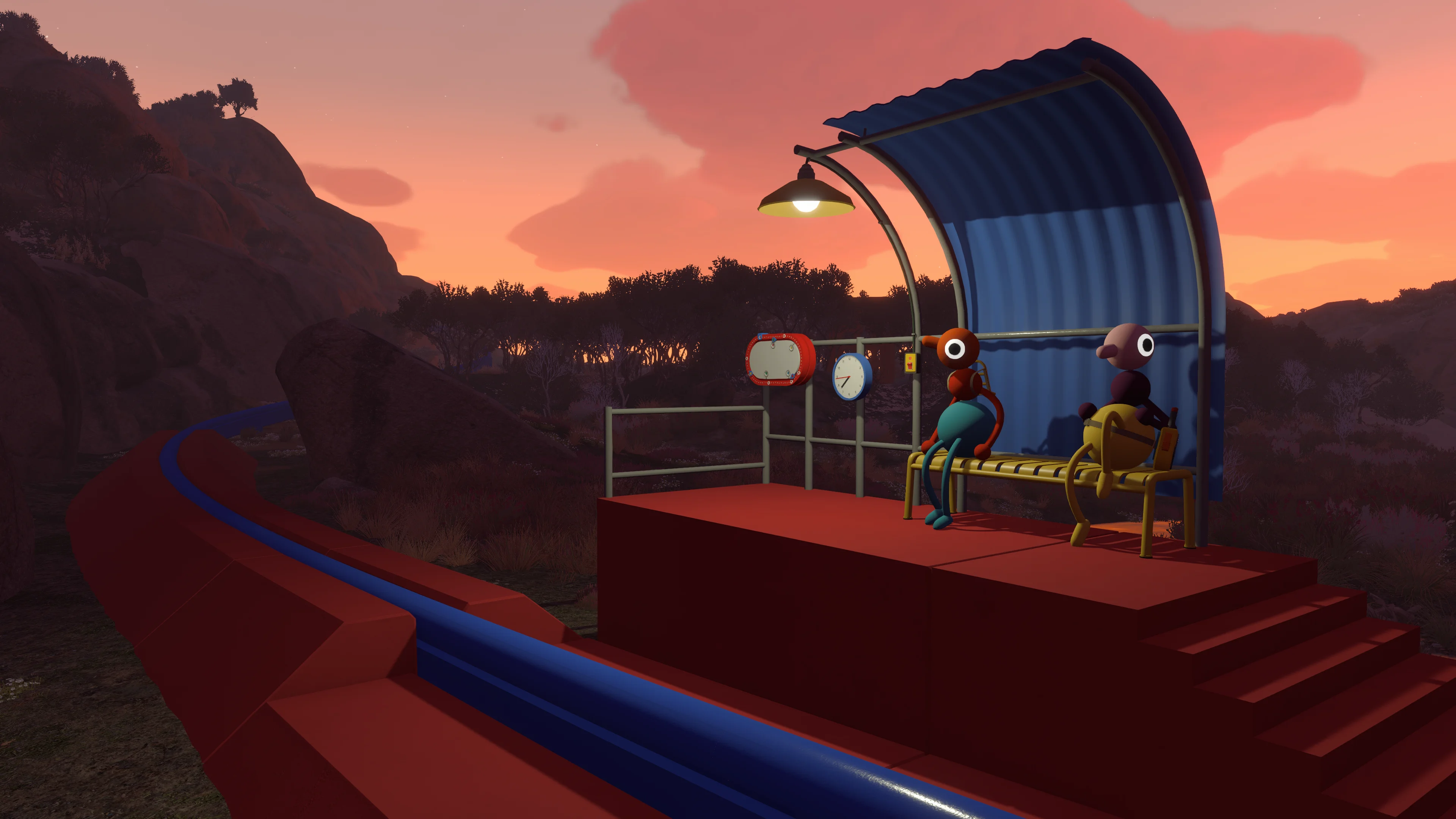
When starting, the host chooses a two-player, three-player, or four-plus version of the world. Some puzzles and island details change to suit that group size. House House recommends treating the choice as the minimum number of people expected to stay for the session.
If four friends are starting but one may leave early, choose the three-player setting. The selection does not set a strict maximum, so a larger group can still join a world configured for fewer players.
How to Invite and Join Friends
Start the game, create or continue a hosted session, and open the active games or friends area. Platform friends should appear when their sessions are available. For cross-platform groups, non-friends, or Mac App Store players, use a Join Code.
Each hosted session generates a new Join Code, visible in the host menu and under Session Details once playing. Share it privately: anyone who knows the code can join, and sessions are also visible to friends of players already there. Set or change a password in Session Details to control access. To remove someone, open Session Details > Moderation Settings.
Crossplay and Online Requirements
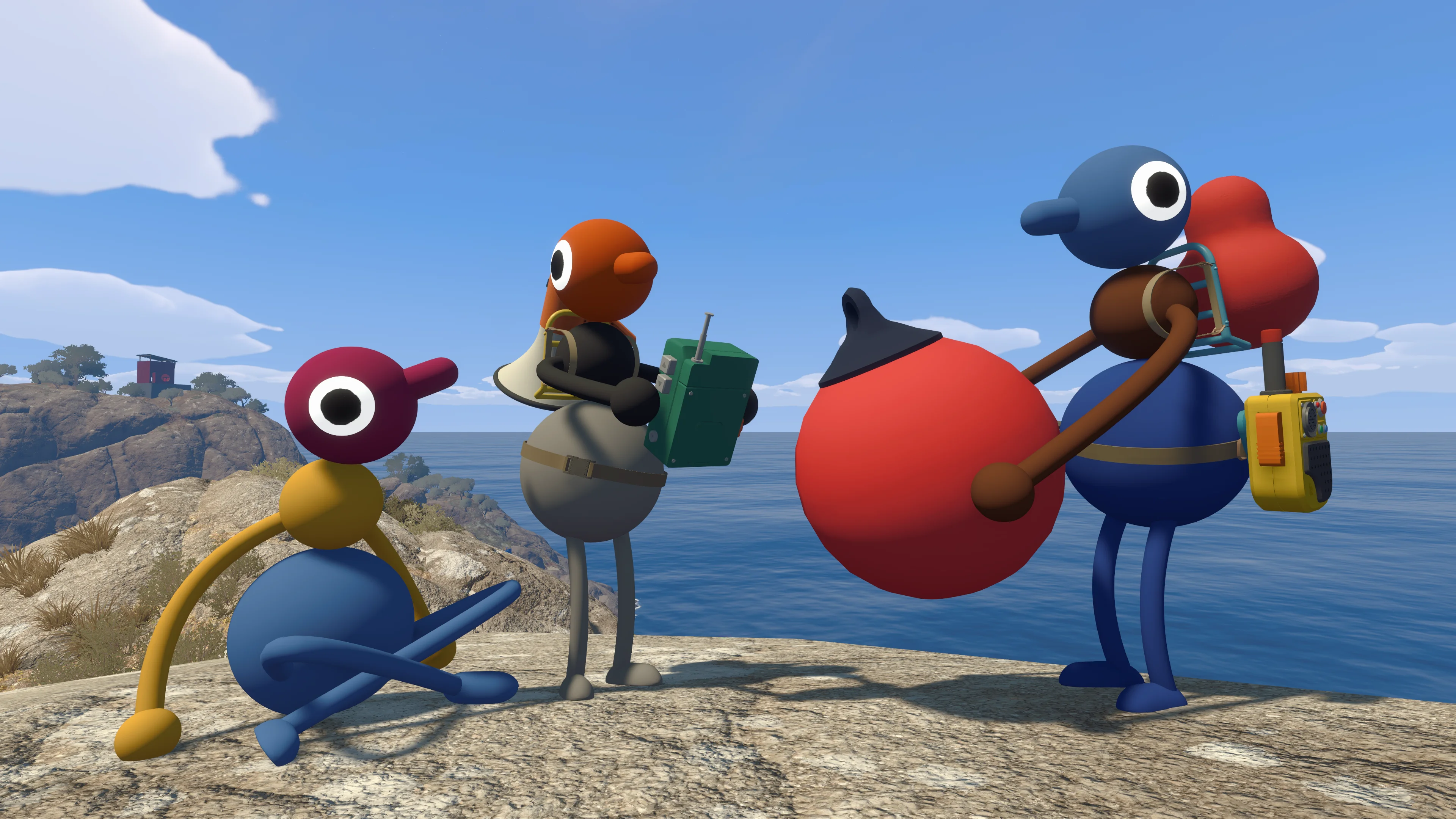
Crossplay is officially supported between PS5, Switch 2, Windows, and Mac. PS5 players need an active PlayStation Plus membership for online play. Switch 2 players need Nintendo Switch Online. PC and Mac players do not need a separate console-style subscription.
There is no PS4 or Xbox version, and House House says no other platforms are currently planned. Big Walk also has no local split-screen mode. People in the same home need separate supported devices and should play in separate rooms when possible, since hearing each other outside the game can bypass communication puzzles.
Can People Join or Leave Later?
Players can drop into an active session with the host's code and leave before the group stops. The host should choose a world setting that the remaining group can still handle. If too many players leave for the selected setup, save and return with a lower group-size setting rather than forcing the remaining players through unsuitable challenges.
You do not have to finish the game in one sitting. The host can save and quit, then continue later. The returning roster can change, but the host cannot if the group wants the same progress.
When a Friend's Session Does Not Appear
First, confirm both games are updated and that the host has fully entered a session. If the friend list still does not show the game, use a Join Code. Mac App Store players must use the code because the platform friend list is not available there.
Only the first two numbers of the game version need to match. A different third number does not prevent multiplayer, so do not treat that difference alone as the cause of a failed connection. Check that the host is loaded into the world and look for connection warnings. If joining still fails, close Big Walk completely on both sides, reopen it, and try again.
Quick Answers
- Player count: two to 12 online players.
- Solo play: one person can enter, but meaningful progress requires at least two.
- Matchmaking: no public matchmaking.
- Crossplay: PS5, Switch 2, Windows, and Mac.
- Shared save: owned by the host.
- Drop-in and drop-out: supported during a hosted session.
- Couch co-op: not supported.
Once the group is connected, use our Big Walk beginner guide for the first session, accessibility settings, and spoiler-free direction.