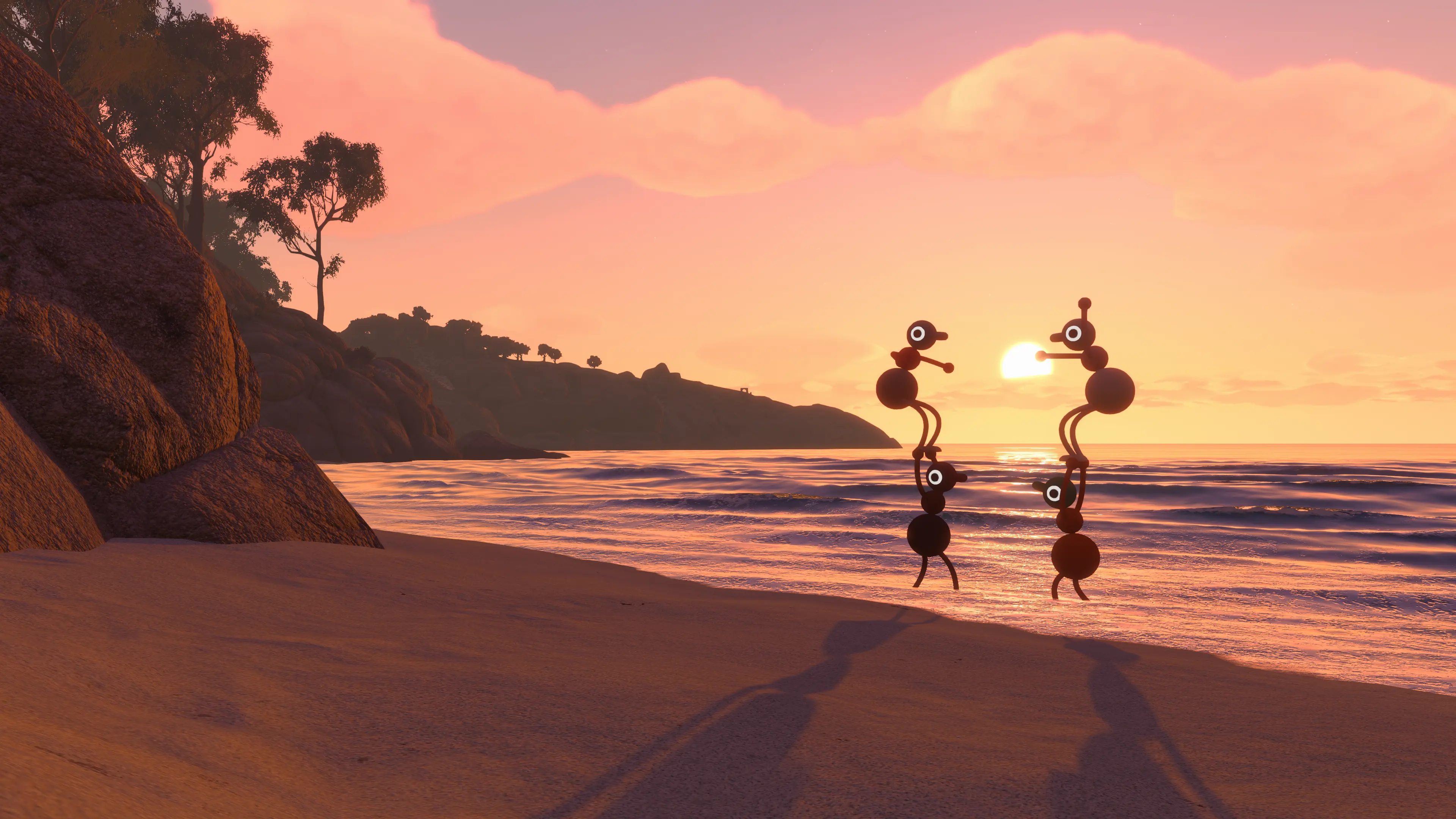
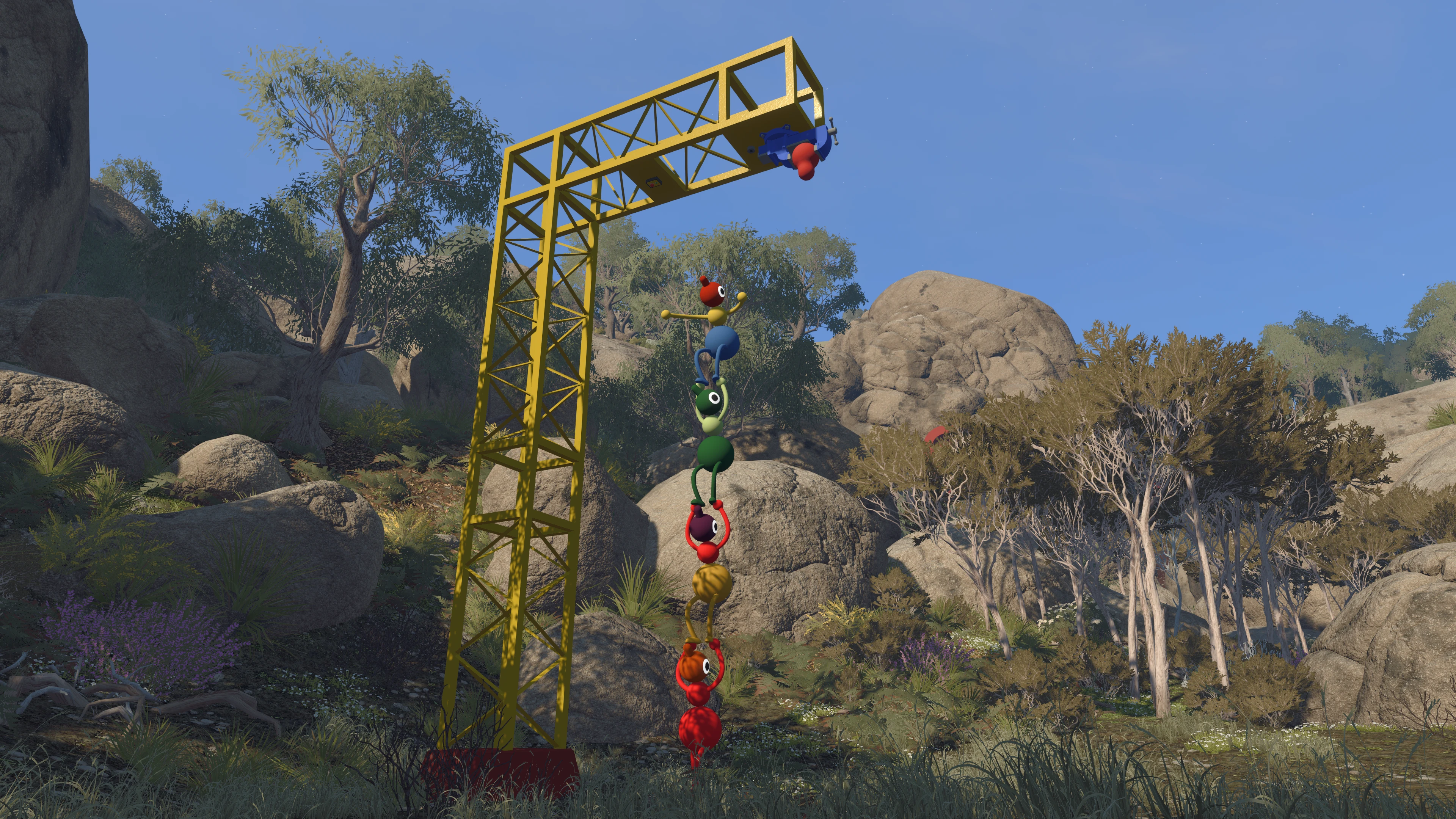
Big Walk is at its best when nobody in the group is completely sure what they are doing. The island gives you strange objects, distant landmarks, and just enough information to start an argument about which way to go. That confusion is part of the fun, so this guide will help with the basics without handing over puzzle answers.
The useful things to know early are practical: who should host, which world size to choose, why everyone should take the opening gym seriously, how far voices travel, and what is worth carrying. Get those right and the group can spend its time exploring instead of fighting menus or losing the save.
Big Walk supports two to 12 players on Windows, Mac, PS5, and Switch 2. Visit the Big Walk game page for the full overview and current coverage.
Choose the Host Carefully
The host owns the save. When that person closes the session, everyone disconnects, and the same host must return to continue that journey later. Give the job to the friend who is most likely to show up again, not simply the person who reached the menu first.
Friends on the same platform service may see the session automatically. Everyone else can join through the short Join Code shown in the host menu and under Session Details after play begins. Big Walk supports crossplay, so a PC player, PS5 player, and Switch 2 player can share the same walk.
If invites or saves are already causing trouble, the Big Walk Multiplayer Guide explains Join Codes, crossplay, passwords, version matching, and why the host must be present.
Pick the Lowest Realistic Player Setting
Every new session asks the host to choose a two-player, three-player, or four-plus version of the world. This is closer to a minimum group size than a maximum. If four people are starting but one may leave after an hour, the three-player setting is the safer choice.
The setting changes parts of the world to suit the expected group. It does not stop more friends from joining, up to the 12-player limit. Smaller groups feel focused; large groups become cheerful chaos. There is no officially preferred number, but there is no meaningful solo mode either. One person can look around, yet the adventure is built for cooperation.
Do Not Rush Through the Opening Gym
The gym looks like a room to escape, but it is really where the group learns its shared language. Run, jump, crouch, sit, grab objects, throw something, ring a bell, and pick up another player. Try moving and pointing with each arm until the controls stop feeling like a prank.
Spend a minute throwing an object to a friend and lifting someone onto a ledge. Later, a clear point or a well-timed grab can say more than a long explanation. The game rarely pauses to remind you which interaction was taught at the start.
For the First Walk, Stay Close
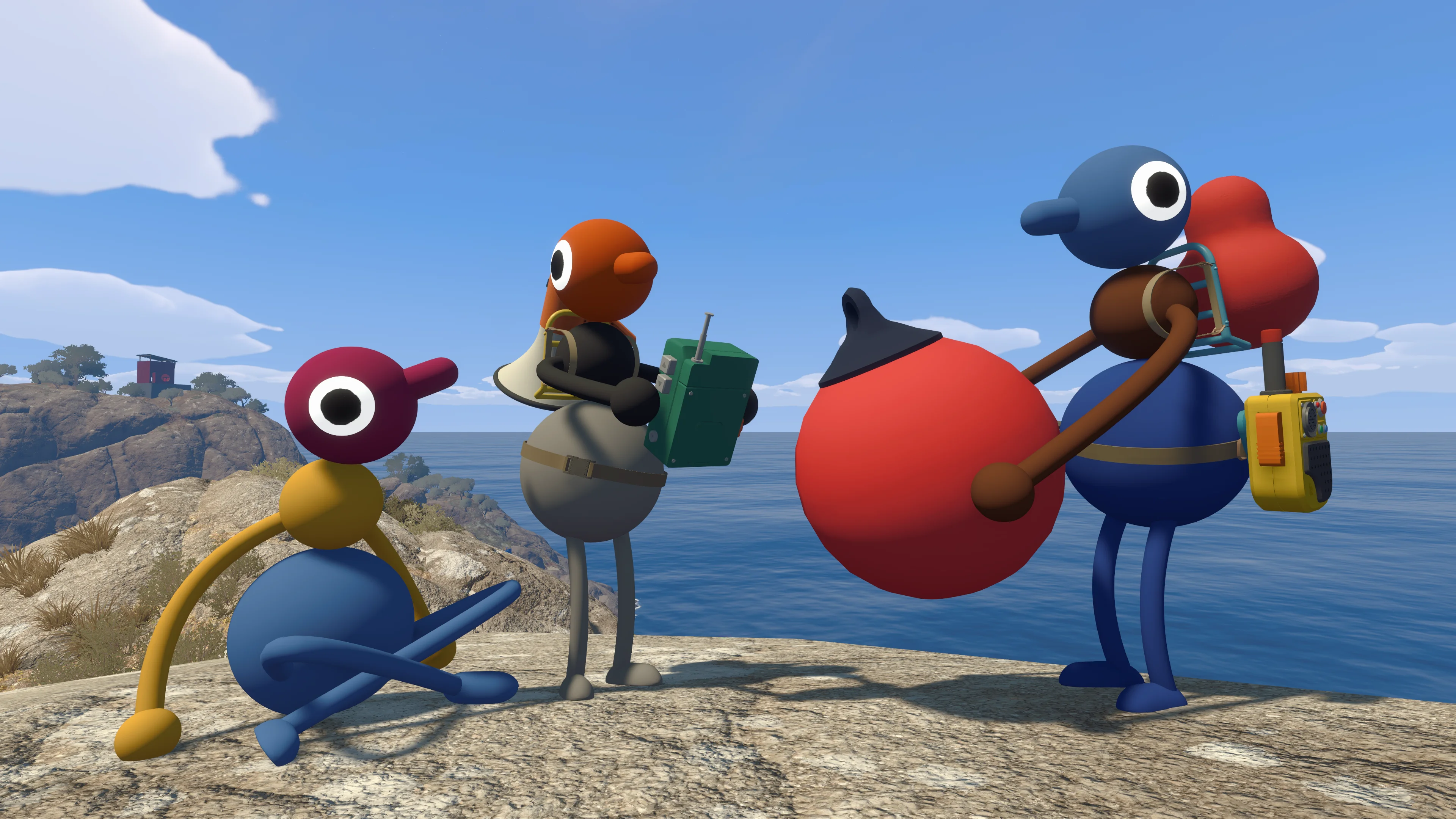
Voices and text fade with distance, and some barriers stop them completely. During the first outing, keep everyone in sight until the group understands the island and has agreed on a destination. When one friend quietly disappears into the bushes, resist the urge to send three more people after them in different directions.
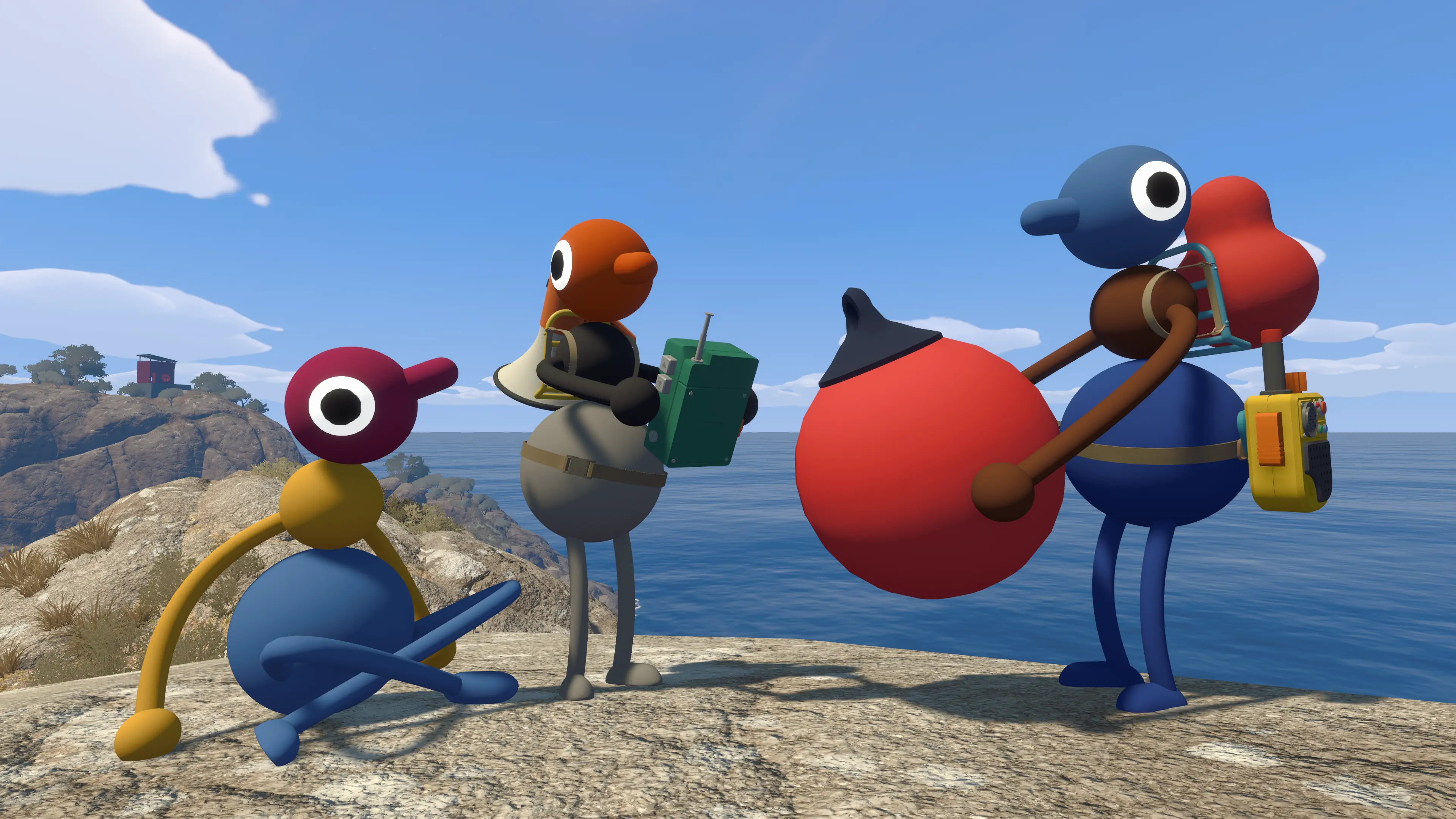
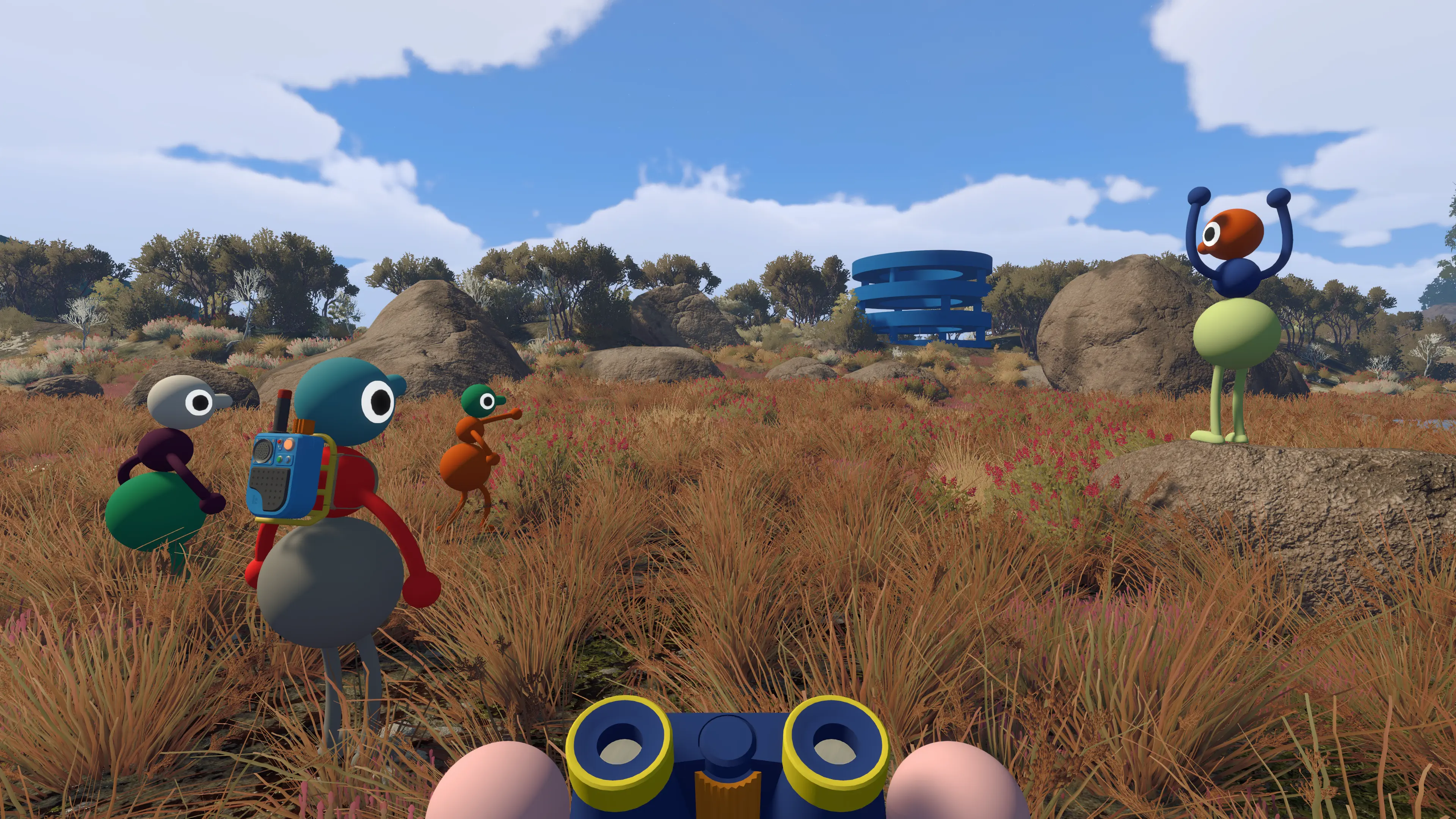
If the group intentionally splits up, decide where to meet before leaving. Choose something visible: a tower, a colored structure, a beach, or a road junction. Carry communication tools when you find them, and check that the players taking different routes did not accidentally put both walkie-talkies on the same team.
For quiet microphones, echo, dropouts, and the rules behind distance-based communication, use the Big Walk Voice and Text Chat Guide.
Follow Curiosity, but Read the Landscape
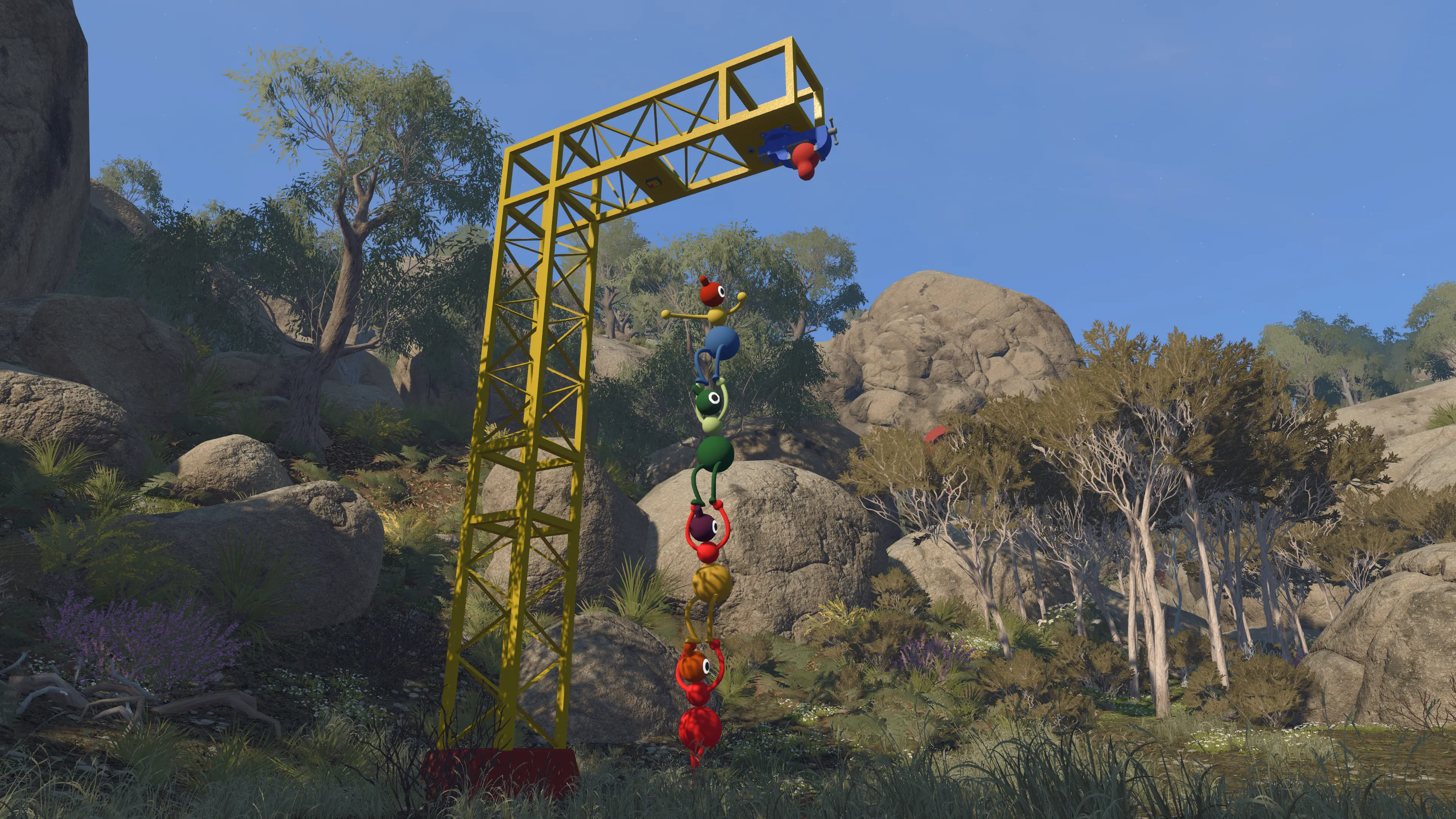
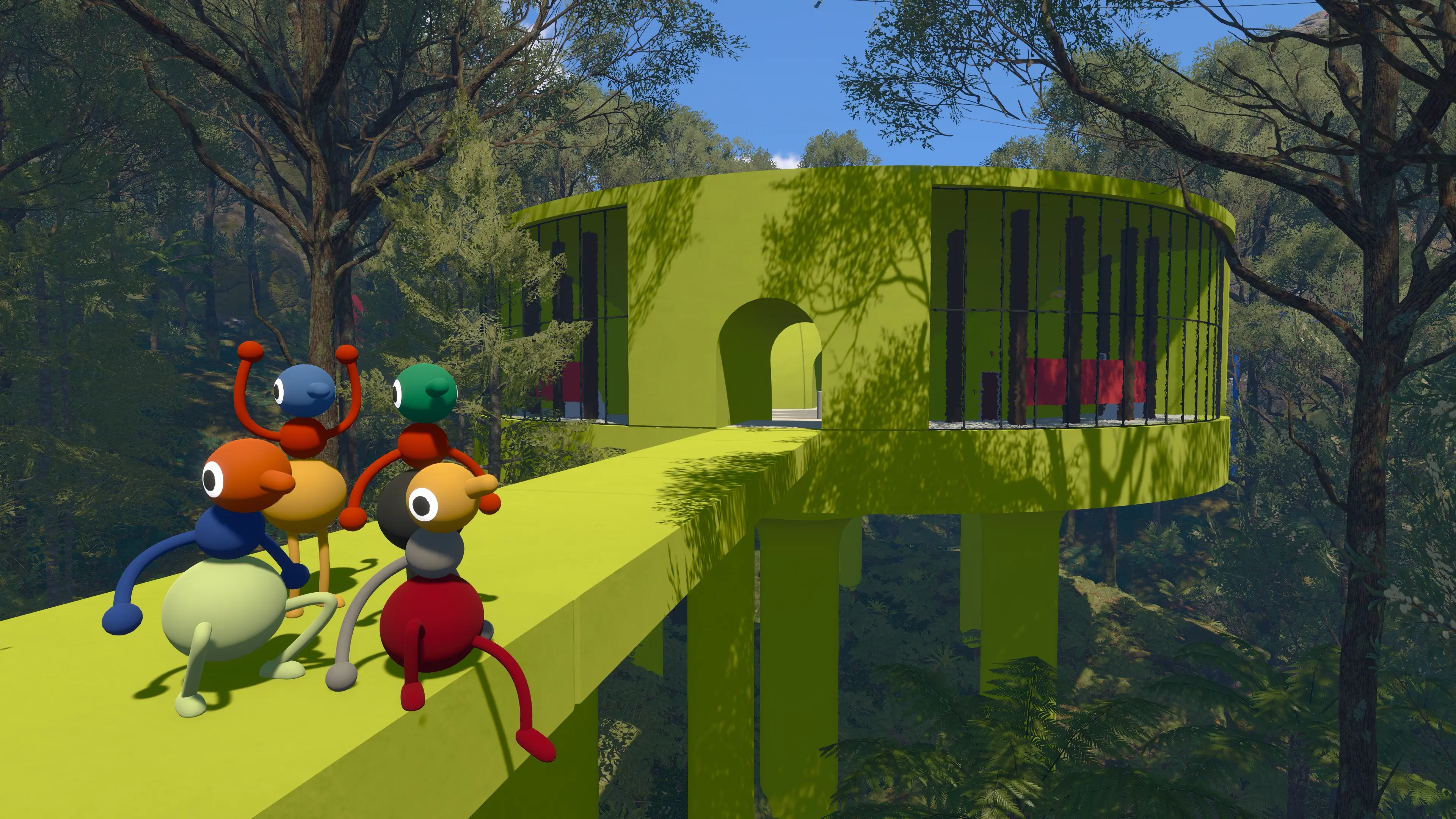
Big Walk does not fill the screen with quest markers. Large towers, bright structures, roads, cables, lights, and unusual machines are the island’s way of asking you to investigate. Pick one visible place and walk toward it together. A vague group plan beats five solo plans.
When you reach a structure, circle it before pressing everything. Ask what each person can see, which pieces move, and whether the environment connects to something nearby. The most satisfying solutions usually arrive after one player notices a small detail and somebody else understands why it matters.
Give Landmarks and Symbols Simple Names
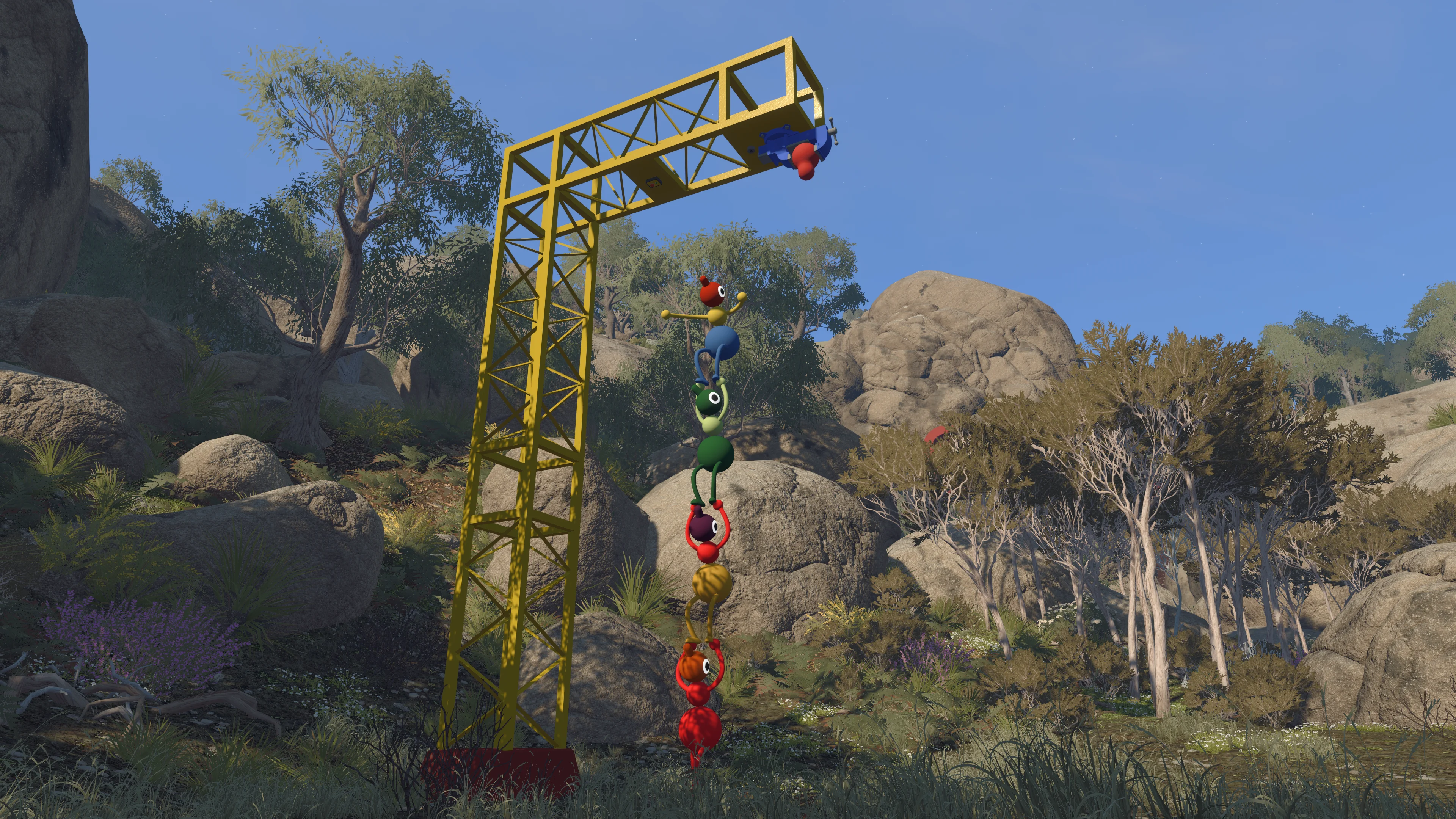
The official name of a place is less important than a name everyone remembers. “Yellow tower,” “beach stairs,” and “red spiral” are good enough. Trouble starts when one player says “curly sun,” another says “snail,” and both are describing the same symbol from opposite sides of a wall.
Repeat the chosen name once before moving on. If somebody is describing a sequence, let them finish before three voices offer different interpretations. Big Walk rewards clear communication, but it also exposes every group’s terrible habit of talking over the one person with the useful clue.
Carry Tools for the Plan You Actually Have
Hands are limited, and an object that looked essential ten minutes ago may be dead weight now. A light helps after dark. A compass and map help when moving beyond familiar landmarks. Walkie-talkies support a planned split. Backpacks increase how much a player can carry, but they do not make every object worth keeping.
Put important tools with the person least likely to wander off without warning. If an object seems common, leave it near a memorable landmark rather than hauling it across the whole island “just in case.” The group can come back when a real use appears.
Use the Big Walk Items and Tools Guide for equipment basics, and the Backpack Locations guide when the group wants more carrying space.
Five Early Mistakes That Waste Time
- Choosing an unreliable host: the save follows the host, so the group cannot continue that journey without them.
- Setting the world for the biggest possible group: choose the lowest number likely to remain for the whole session.
- Using Discord immediately: global chat removes the distance and barrier rules that make several situations work.
- Separating without a meeting point: a quick solo detour becomes a rescue mission when nobody knows which landmark the missing player meant.
- Assuming every silence is a bug: walk closer and remove barriers before rebuilding a working microphone setup.
Another common mistake is searching for a solution the moment progress slows. Give the group a few different attempts. Switch who describes the clue, let another person handle the object, or take one lap around the structure. Often the missing idea appears as soon as everyone stops repeating the same approach louder.
Use Accessibility Settings Before Frustration Builds
Big Walk includes full control rebinding, alternate crosshairs, hold-or-toggle choices, field-of-view adjustment, motion-reduction overlays, highlighted interactive objects, and the ability for characters to carry one another. The host can also enable challenge skipping when starting a session.
Skipping is designed for challenges involving hearing or reading, speaking or typing, reaction time, and fine motor control. Turn it on when someone needs it. The group can still solve everything else normally, and nobody earns a better story by forcing a friend through a barrier that the accessibility menu was built to remove.
A Good Plan for Your First Session
- Before launching: choose the long-term host, agree on the realistic player setting, and make sure everyone is on a compatible game version.
- In the gym: practice movement, arms, grabbing, throwing, carrying, and pointing until every player can demonstrate the basics.
- Outside: pick one visible landmark and travel together. Carry a light if the day is already fading.
- At the first structure: walk around it, name what you see, and let each player test one idea before repeating an attempt.
- Before stopping: return to a place the group will recognize and confirm that the host’s progress saved automatically.
There is an ending, but Big Walk is not a race. Stop to watch a friend make a ridiculous jump, sit somewhere with a view, or follow a path that may lead nowhere. Those detours are not lost time; they are a large part of why the game works.
Where to Go When You Want Direct Help
- Main route: the Big Walk Tower Walkthrough covers the major progression areas with clear spoiler warnings. Black Tower: the Purple Pieces and Black Tower Guide covers the late-game purple pieces and tower sequence.
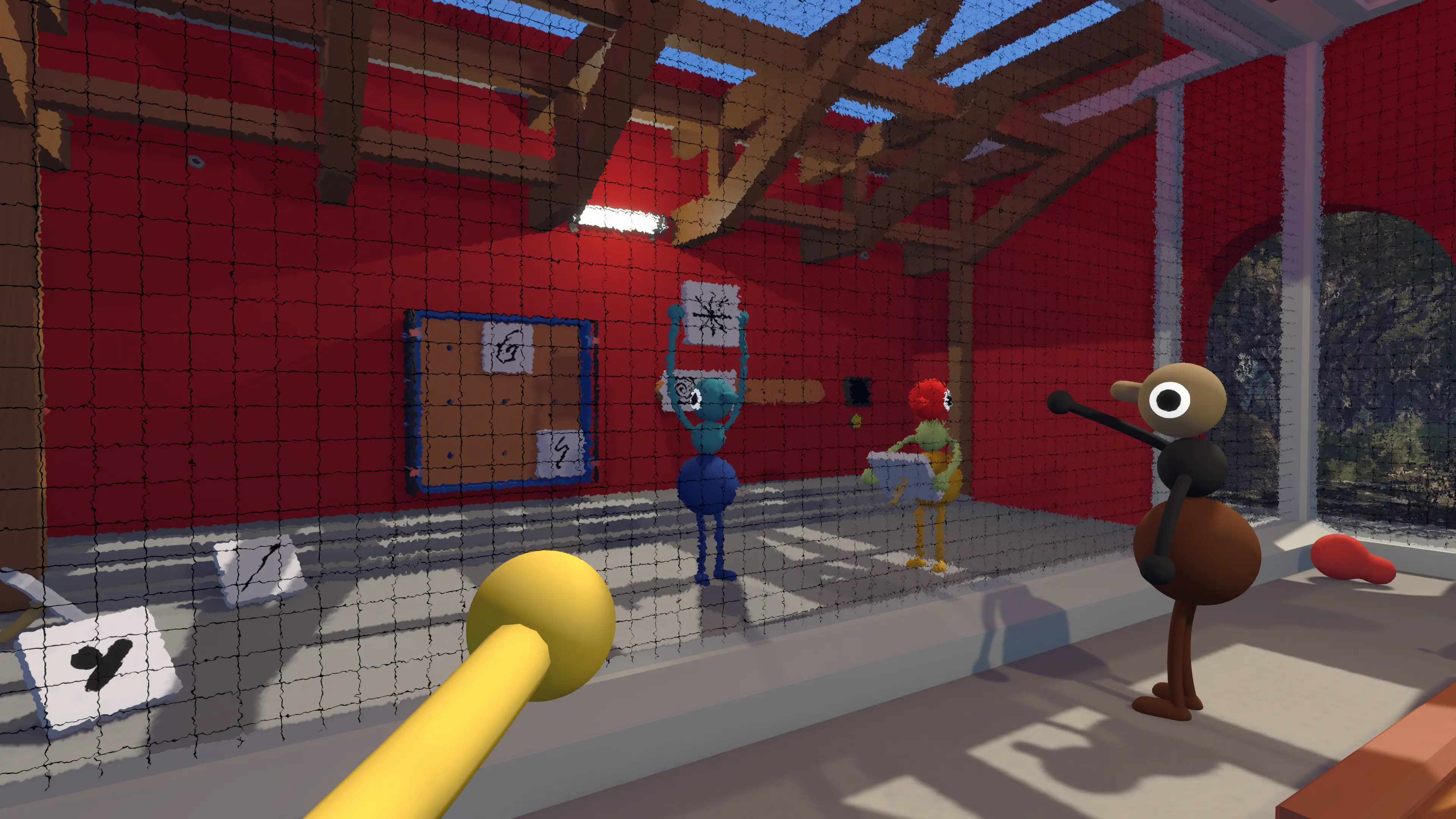
- Red tower: the Map Room Guide covers all five puzzles and the key cutters.
- Equipment: the Items and Tools Guide explains maps, compasses, radios, lights, and bags.
- More inventory: the Backpack Locations guide shows where to find all ten bags.
- Technical setup: the PC Requirements guide covers Windows, Mac, Steam Deck, and official specifications.
Start with the spoiler-marked Tower Walkthrough or jump directly to the Map Room guide. For computer compatibility, use the Big Walk PC Requirements guide.
Big Walk Beginner FAQ
Can You Play Big Walk Alone?
Not meaningfully. One player can enter and walk around, but the adventure is designed for cooperation and will not let a solo player get far.
How Many People Should Play?
Any group from two to 12 works. Two or three players create a focused co-op experience, while a large group is louder and more chaotic.
Does Big Walk Have Matchmaking?
No. The game expects a group of people who know one another or plan to keep playing together across multiple sessions.
Can Voice and Text Players Play Together?
Yes. The built-in text chat can be used for the whole game and follows the same distance, barrier, and walkie-talkie rules as voice.
Should We Use Discord?
House House strongly recommends staying in the built-in chat because communication limits are part of the puzzles. Use an outside service only when accessibility or a technical issue makes it necessary.