
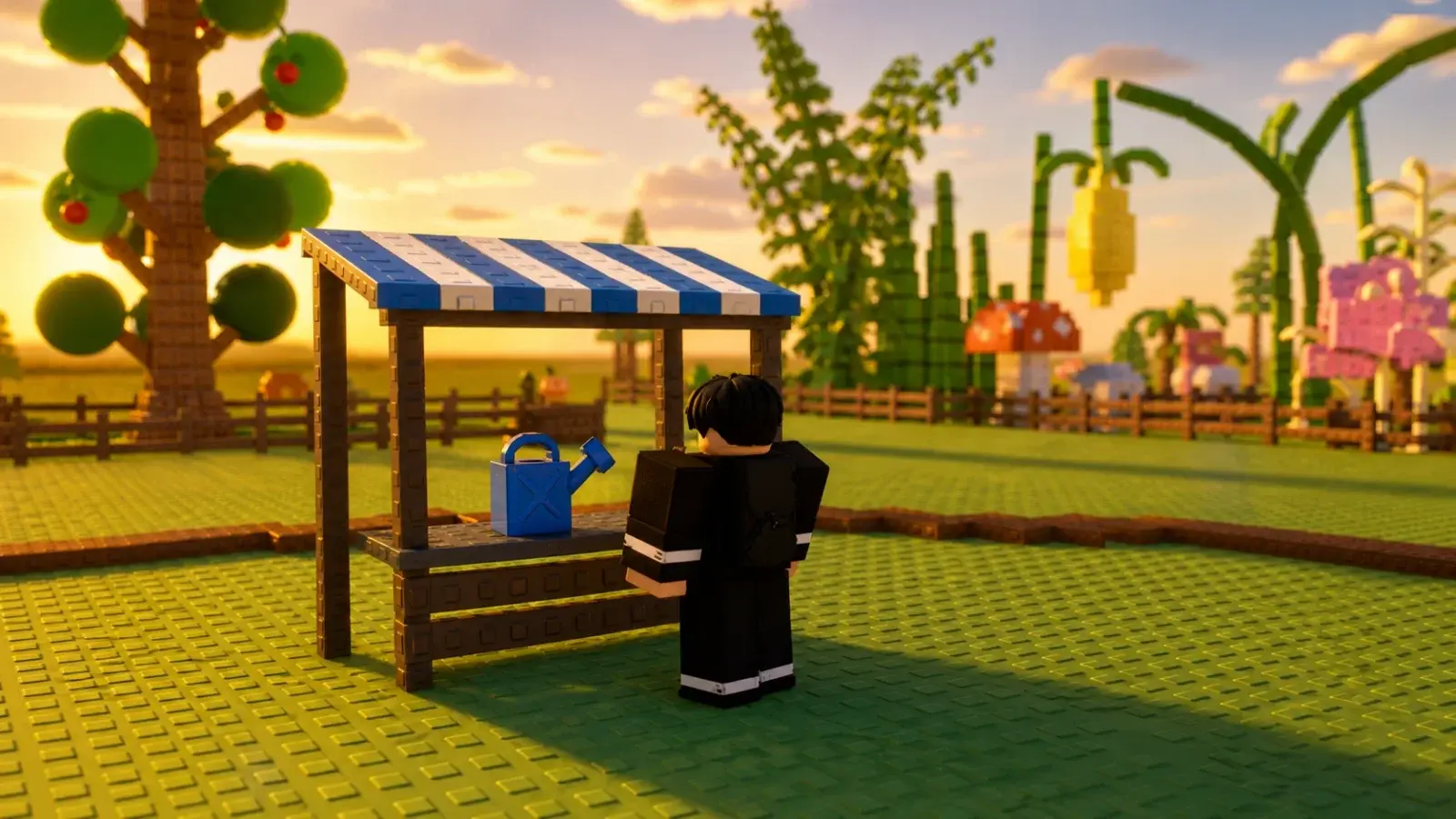
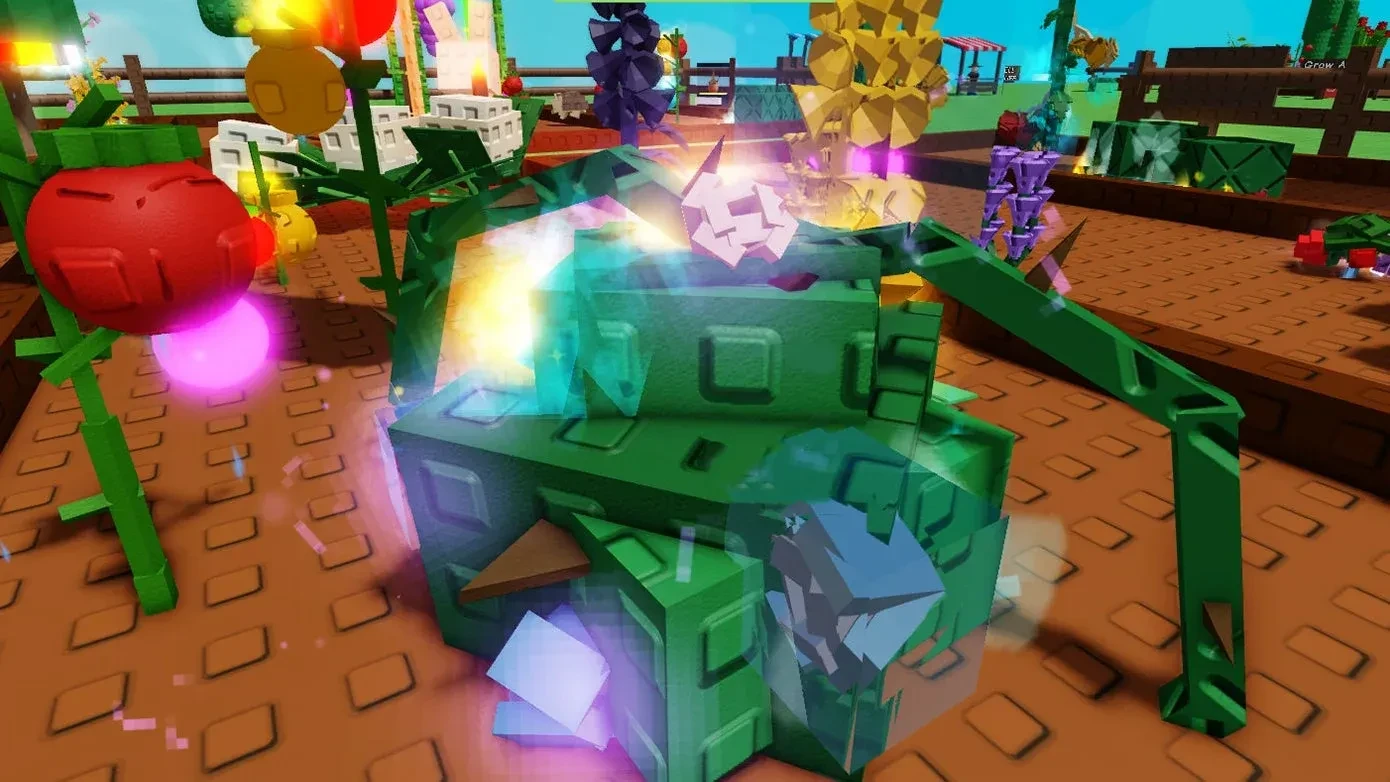
A mutation changes the appearance of a Grow a Garden 2 crop and increases what that harvest can sell for. Two fruits from the same seed can have very different offers if one is larger, fresher, or mutated. The useful part is knowing which crops deserve preparation before an event and when a valuable result should be sold or protected.
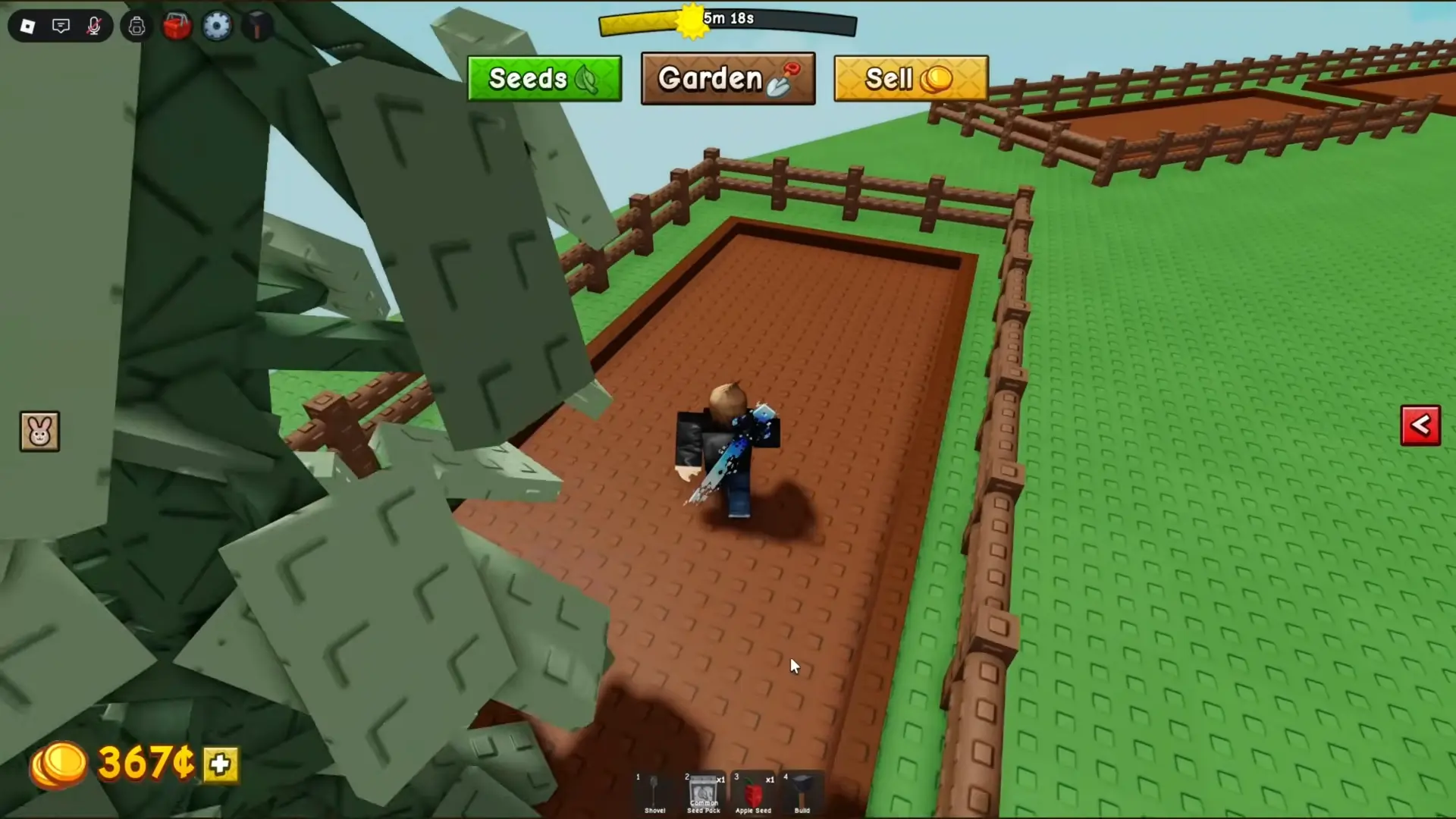
New players should begin with the Grow a Garden 2 complete guide if the basic seed, harvest, and Sheckles routine is still unfamiliar. Mutations improve that normal farming loop; they do not replace it.
How Crop Mutations Change Value
A crop can hold one mutation at a time. Current guides from Beebom and GAMES.GG agree that crop mutations do not stack into a long list of bonuses. Gold, Rainbow, Electric, Frozen, Starstruck, Bloodlit, and Aurora are among the names reported in the live game, but they do not all come from the same activity.
The mutation is only one part of the sale offer. The crop's normal value and size still affect what the harvest is worth. A large, high-value crop with a useful mutation will usually be a better sale than a cheap starter crop with the same effect. Check the offer at the Sell Shop before deciding that a bright visual effect automatically means the best possible payout.
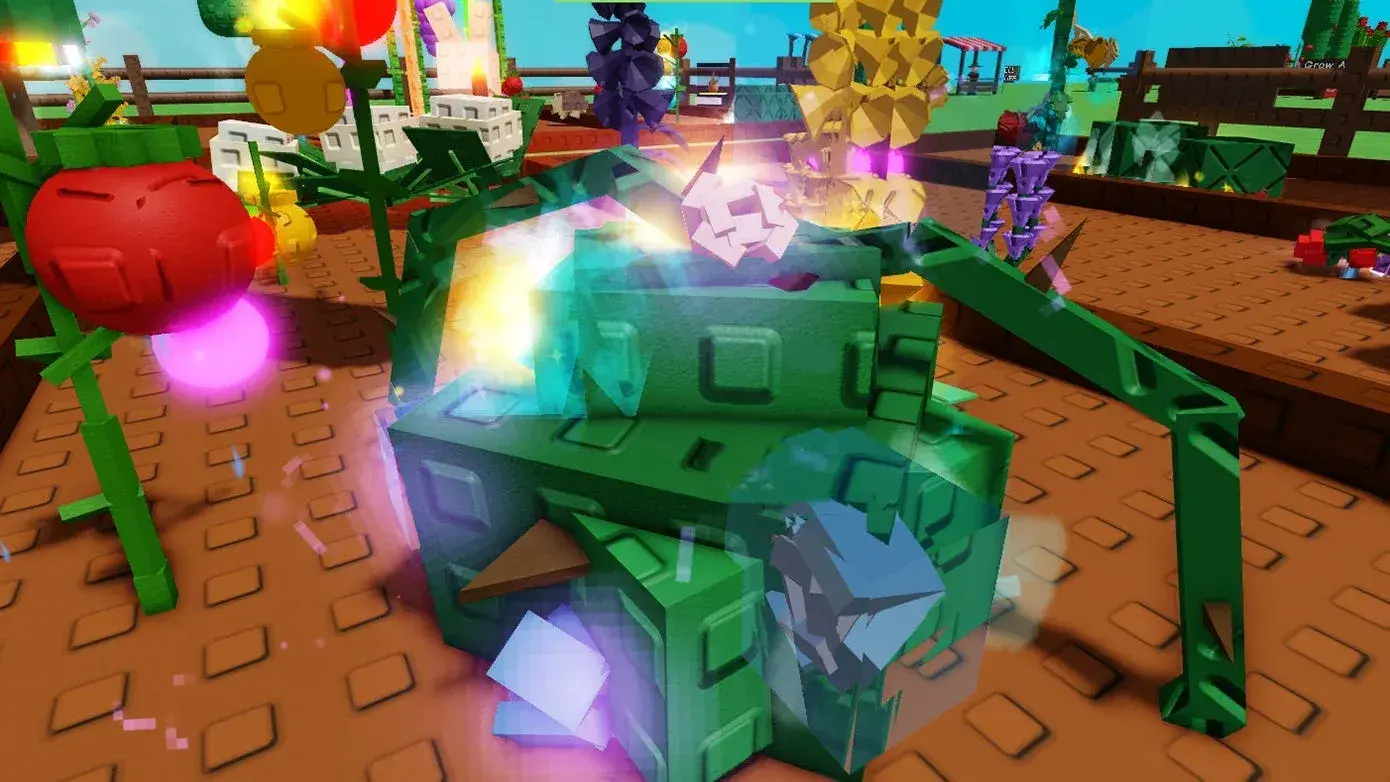
A mutated crop is usually easy to spot because its color or visual effects change. On a smaller phone screen, move closer to the plant and inspect the fruit before collecting the entire harvest. Sell one changed fruit first if you are unsure about its value. The live offer gives you a useful comparison without risking every crop from the same plant at once.
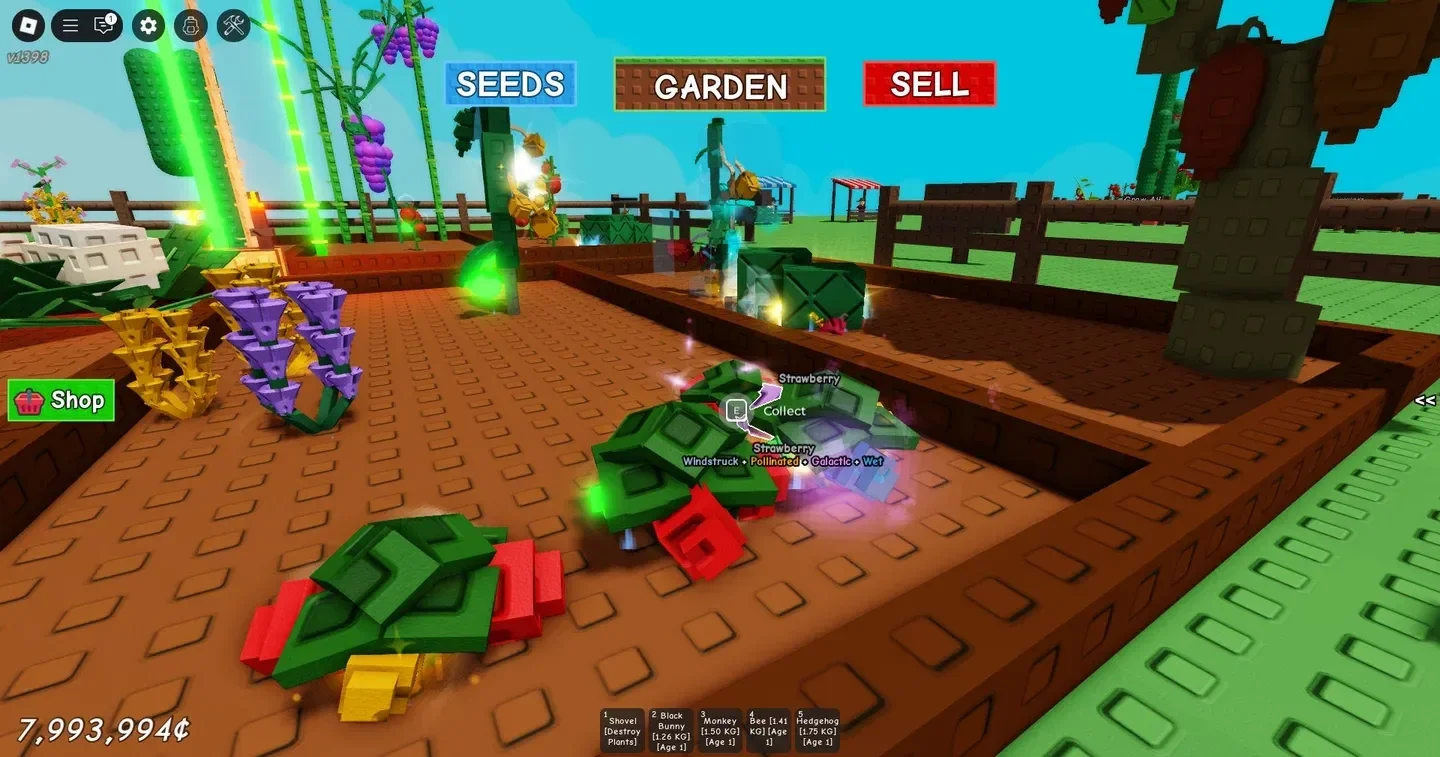
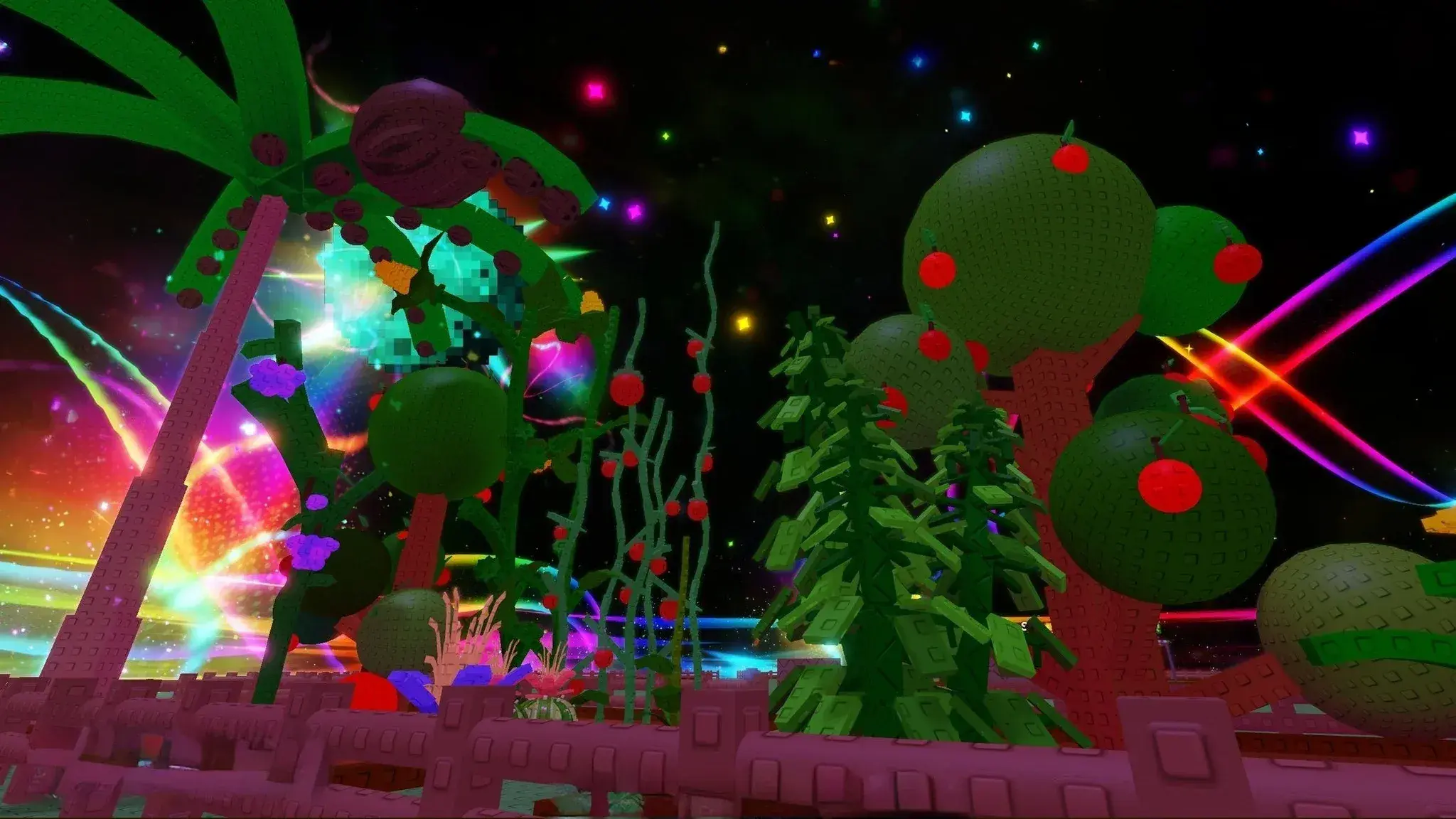
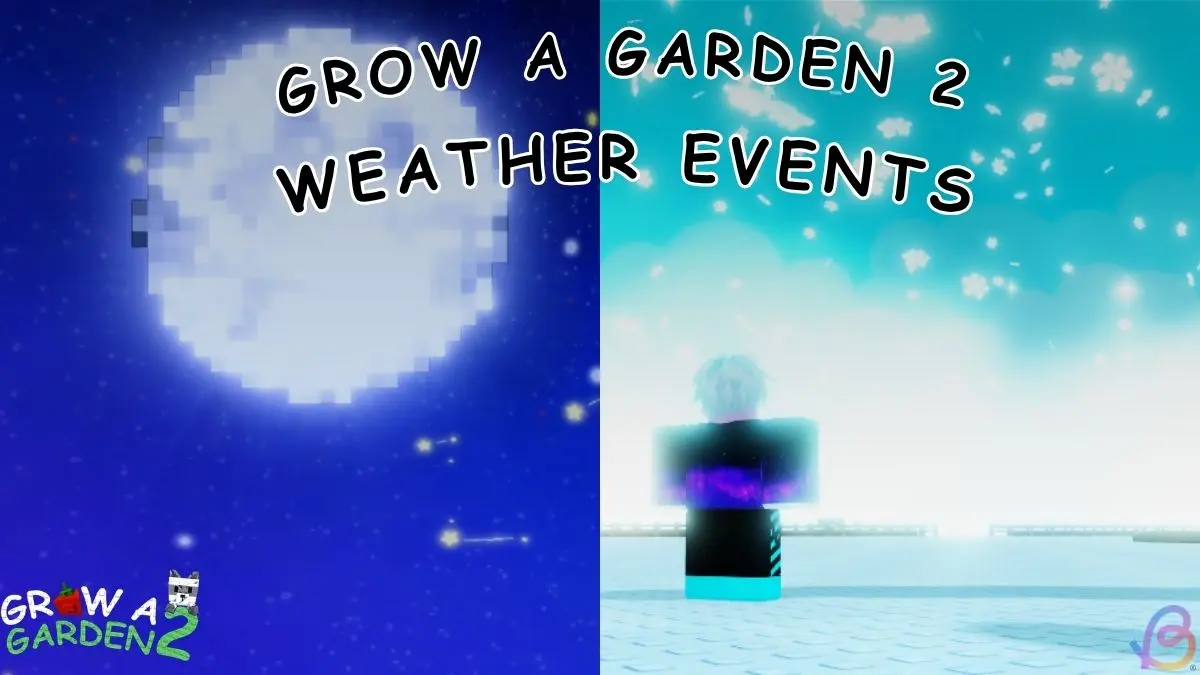
Weather is the clearest route to several mutations. Lightning can apply Electric, Snowfall can apply Frozen, Starfall can apply Starstruck, Blood Moon can apply Bloodlit, and Aurora can apply Aurora to crops in the plot. Gold and Rainbow can also come through special seeds, random chances, or related pet effects. Event rules can change after an update, so watch the server announcement and the effect on the crop instead of relying only on an old schedule.
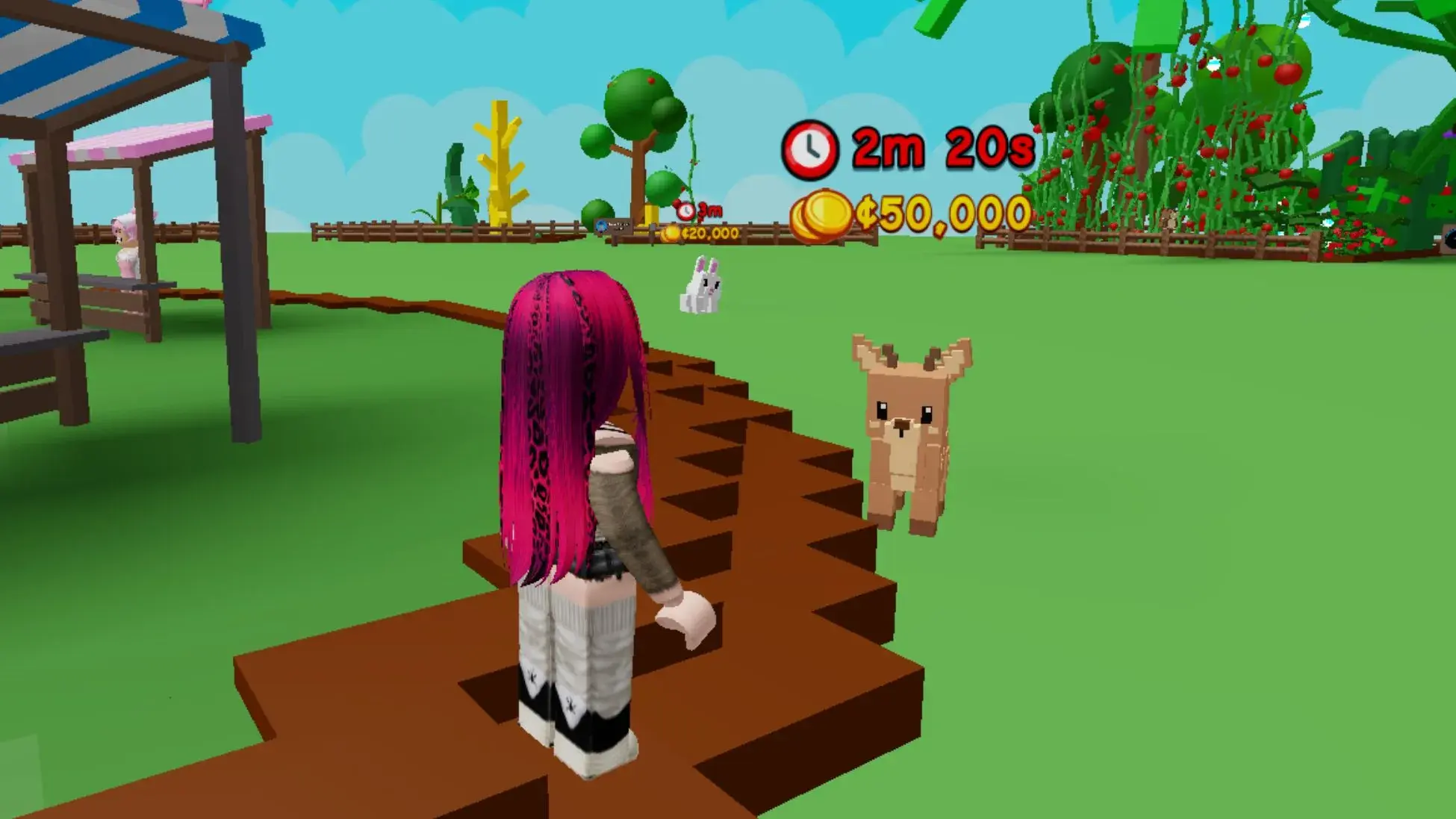
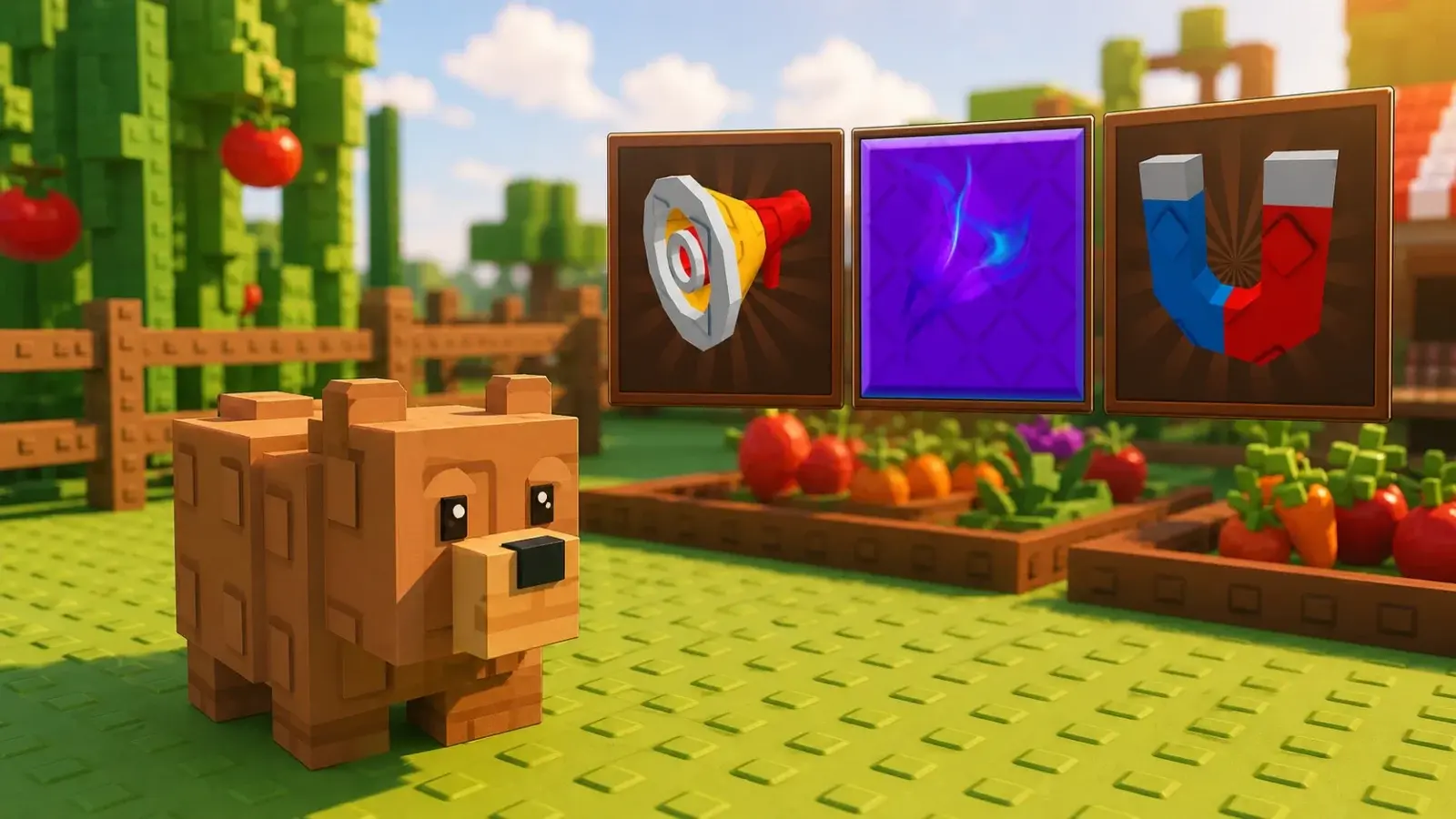
Some pets can help crops receive a specific mutation. Beebom and GAMES.GG both point to the Unicorn as a route to Rainbow results. Read the ability on the pet you own before changing your setup, because many pets support growth or defense instead of crop mutations.
Multi-harvest plants are useful mutation targets because they can keep producing fruit without another seed purchase. You can leave the plant in place, collect a completed fruit, and wait for the next event or normal growth cycle. Single-harvest crops can still mutate, but the plant disappears after collection, so make sure the final sale justifies buying and planting another seed.
How to Get More Useful Mutations
Prepare the garden before an event begins. Fill the plot with crops that are worth selling, let repeat-harvest plants produce fruit, and keep the best targets ready when the weather changes. An empty plot gives the event very little to affect. A garden full of cheap crops may receive more mutations, but the final sales can still be lower than a smaller group of stronger crops.
- Plant high-base-value or repeat-harvest crops before the expected event window.
- Place sprinklers near the crops you most want to grow and mutate.
- Stay in the server while Lightning, Snowfall, Starfall, or another mutation event is active.
- Inspect the changed crop and compare its Sell Shop offer before harvesting the rest.
- Sell or guard valuable results before leaving the plot at night.
Sprinklers are useful because current guides report that they improve growth and mutation chances. Place the strongest available sprinkler where it covers the crops with the best normal value instead of using it on an empty section. Special Gold or Rainbow seeds can also give those mutation types a more direct route, while pets such as the Unicorn are reported to support Rainbow results.
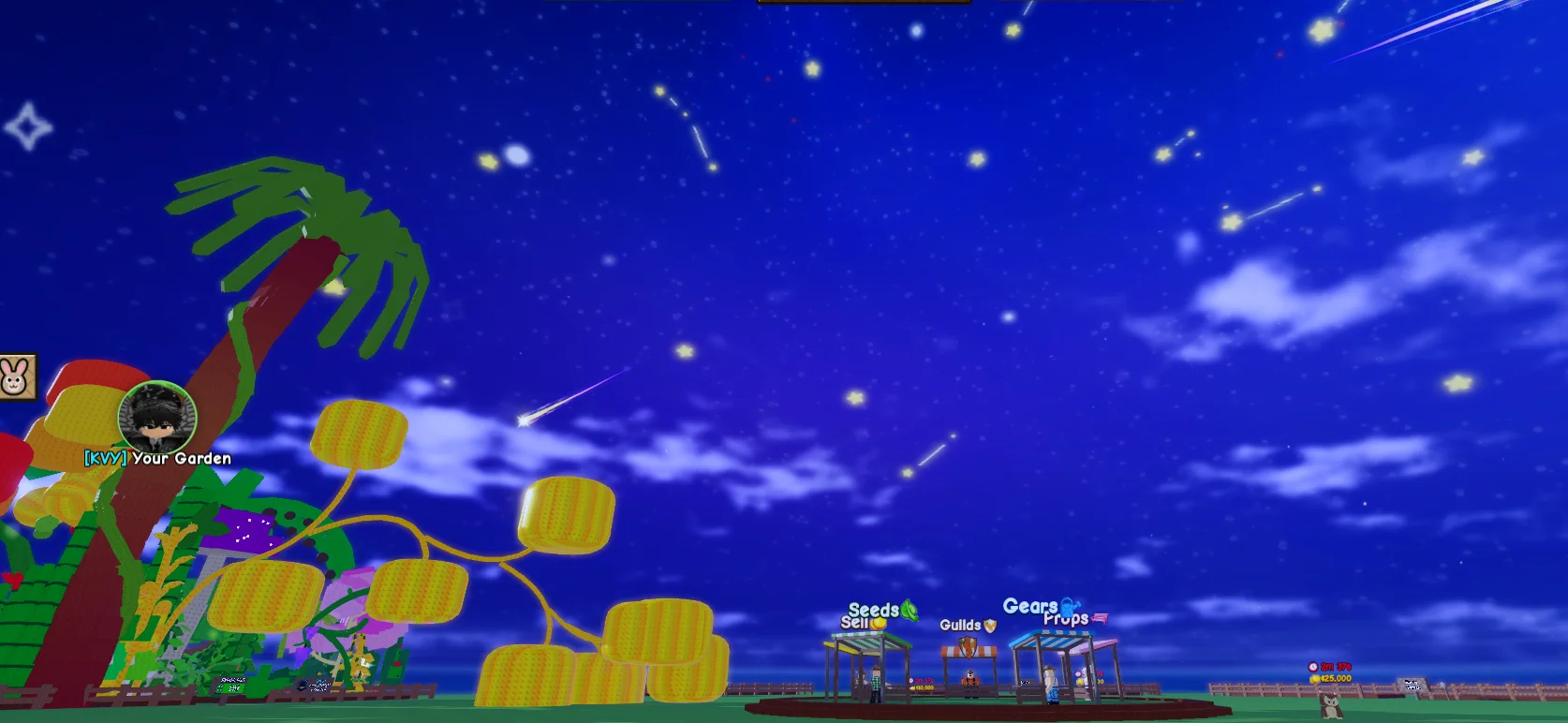
Use the best crops and money guide to choose plants with a stronger normal value before spending on a mutation setup. When a rare crop changes, check the garden locking guide before leaving it exposed at night. Staying inside the plot blocks normal stealing, and the Shovel can help recover a crop if another player carries it away.
Do not hold every mutated crop while waiting for a better number. Grow a Garden 2 allows one crop mutation at a time, and a completed sale funds more seeds, sprinklers, and future attempts. Keep the best crops ready for events, check the live offer, protect valuable harvests at night, and sell when the amount supports the next upgrade you actually need.