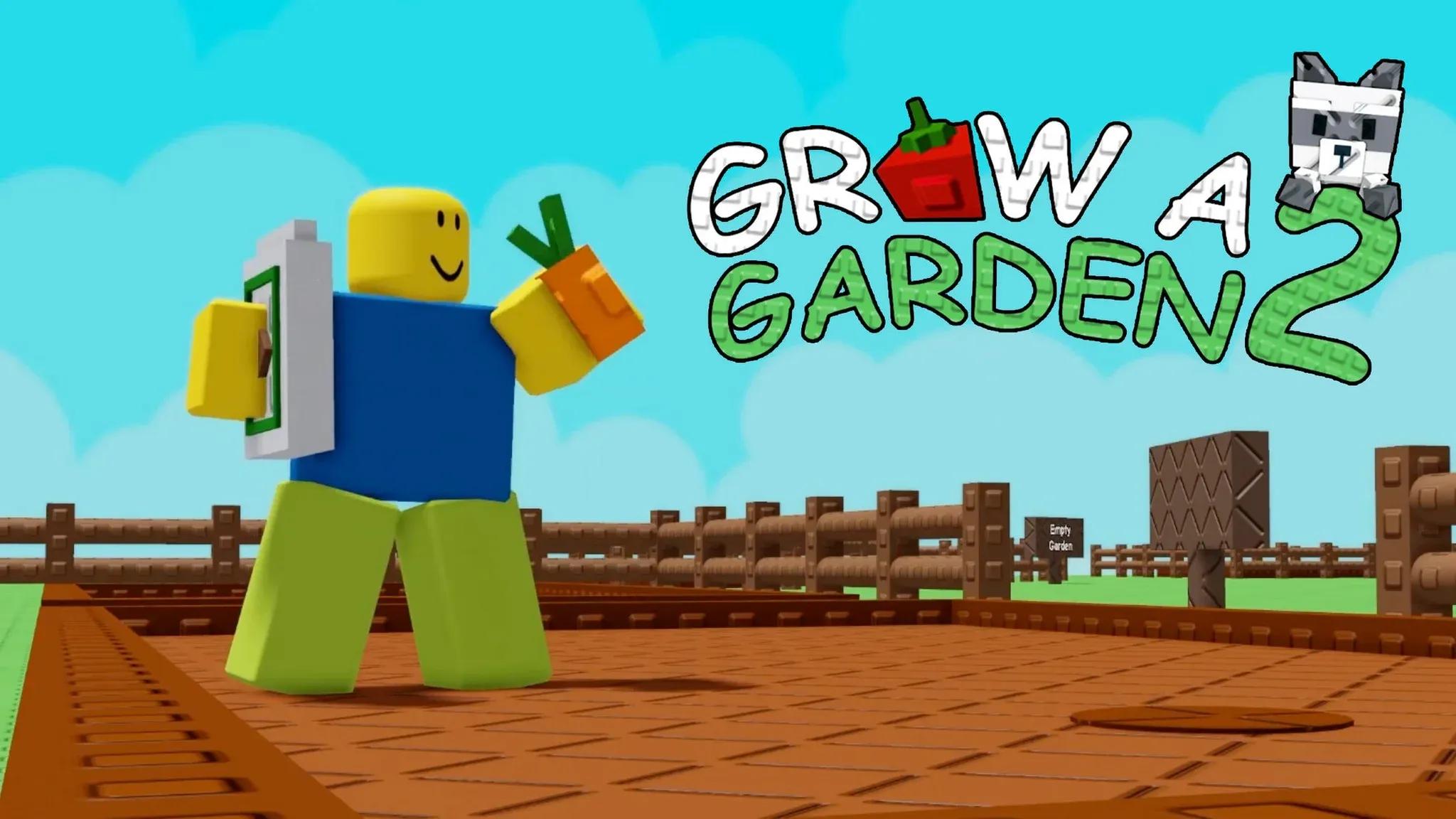
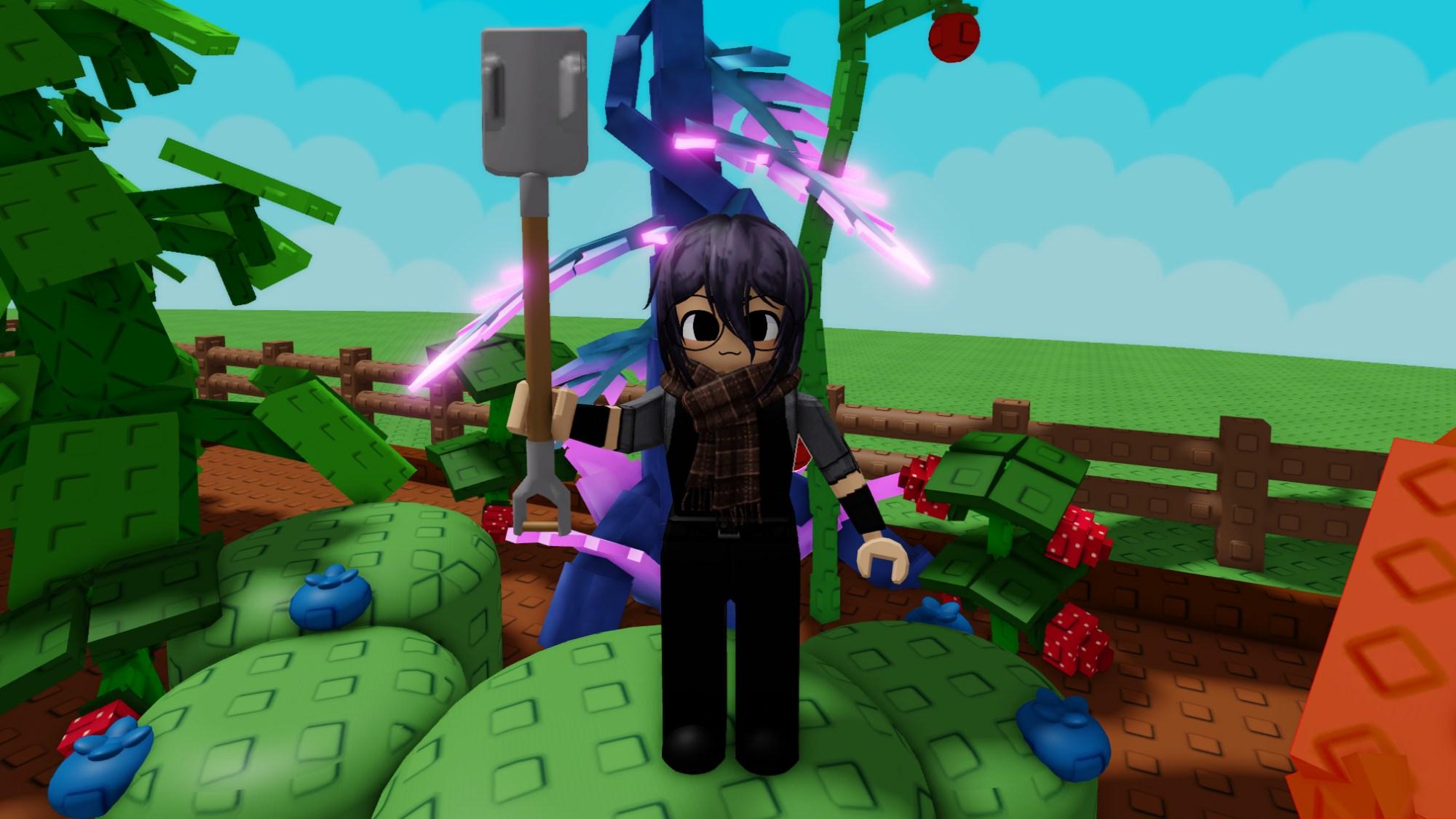
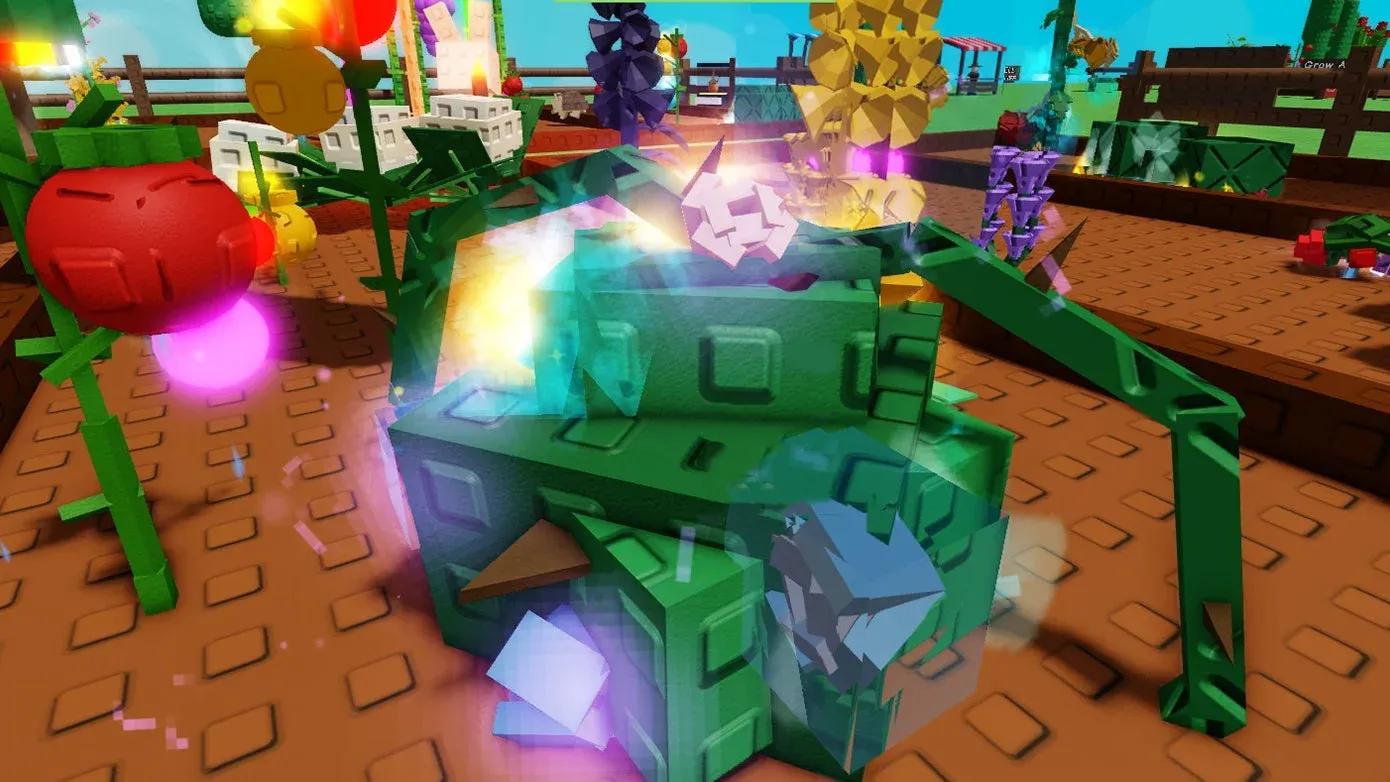
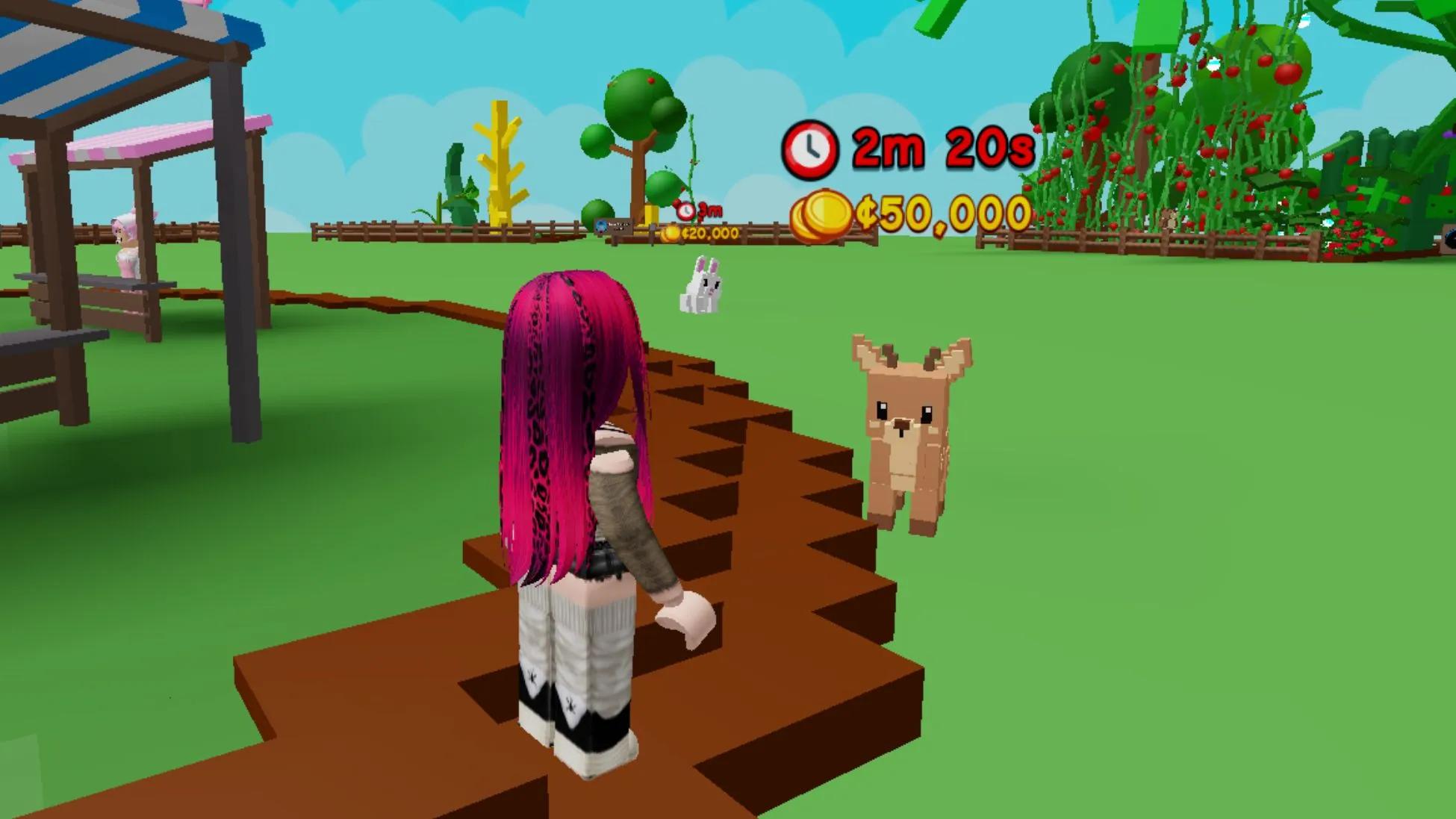
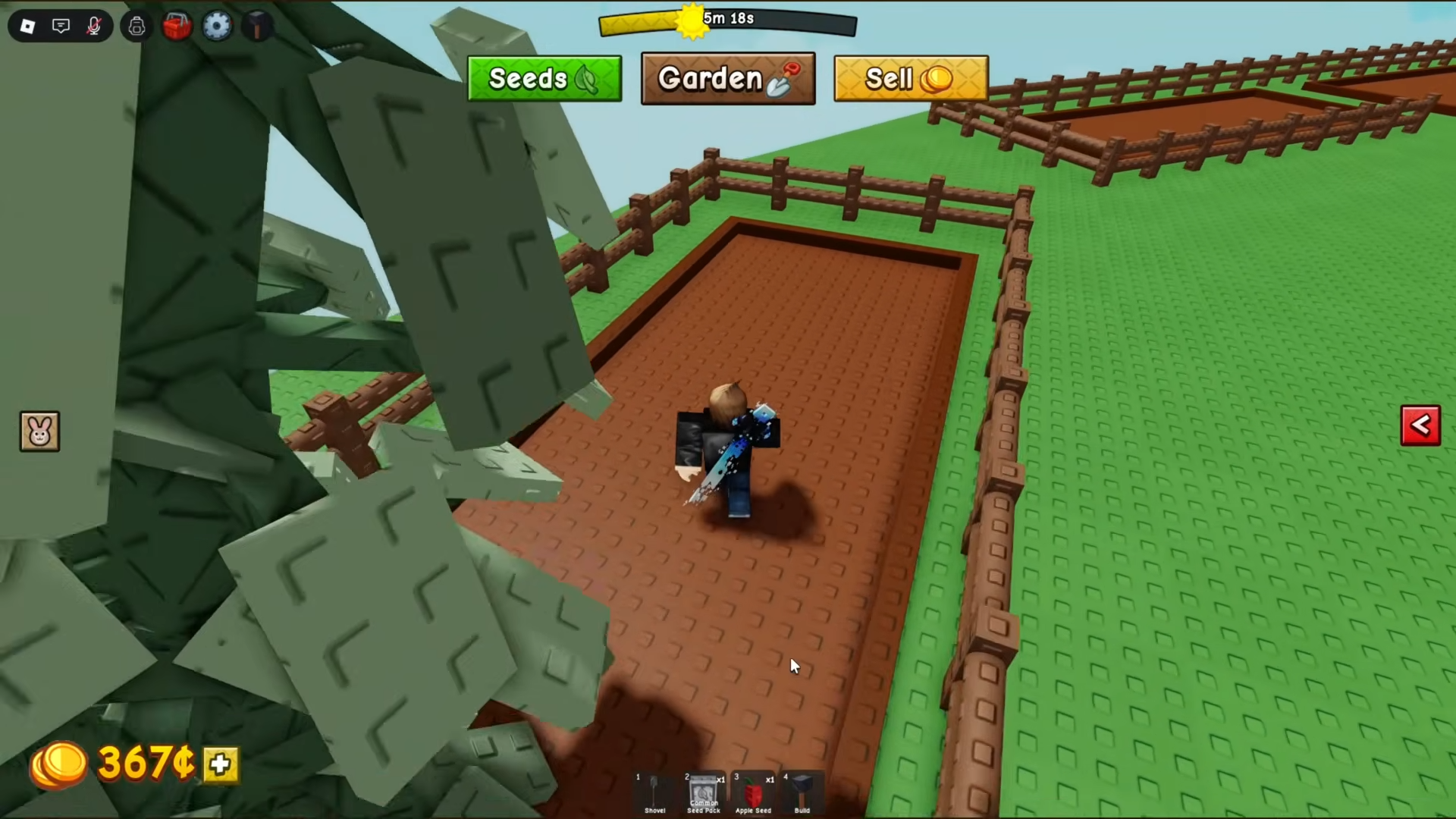
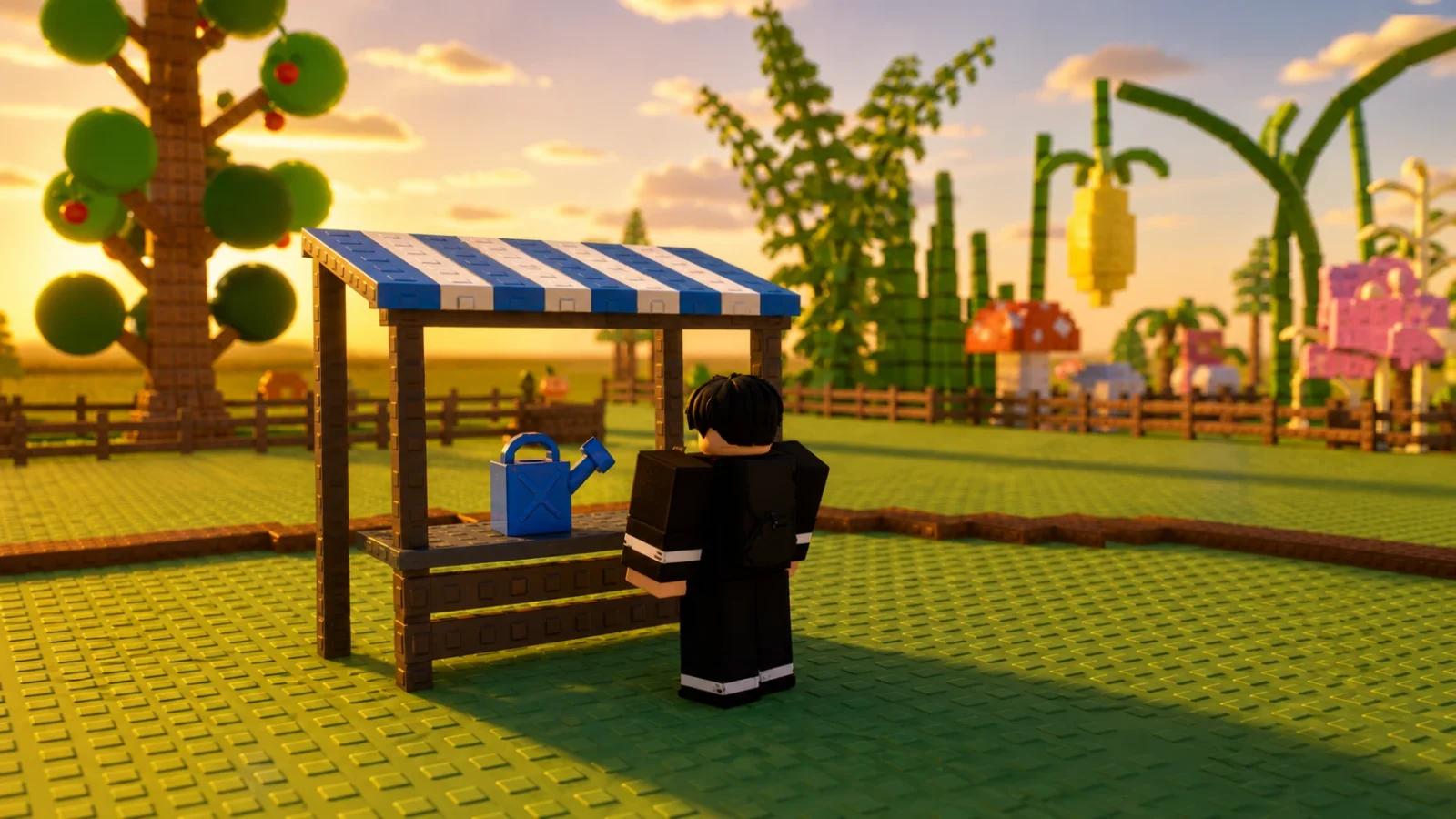
Selling crops is the normal way to turn a harvest into Sheckles in Grow a Garden 2. Take harvested crops to Steven at the Sell Stand in the central market. The official Roblox description confirms the basic loop: buy seeds, grow crops, harvest them, and sell them for Sheckles.
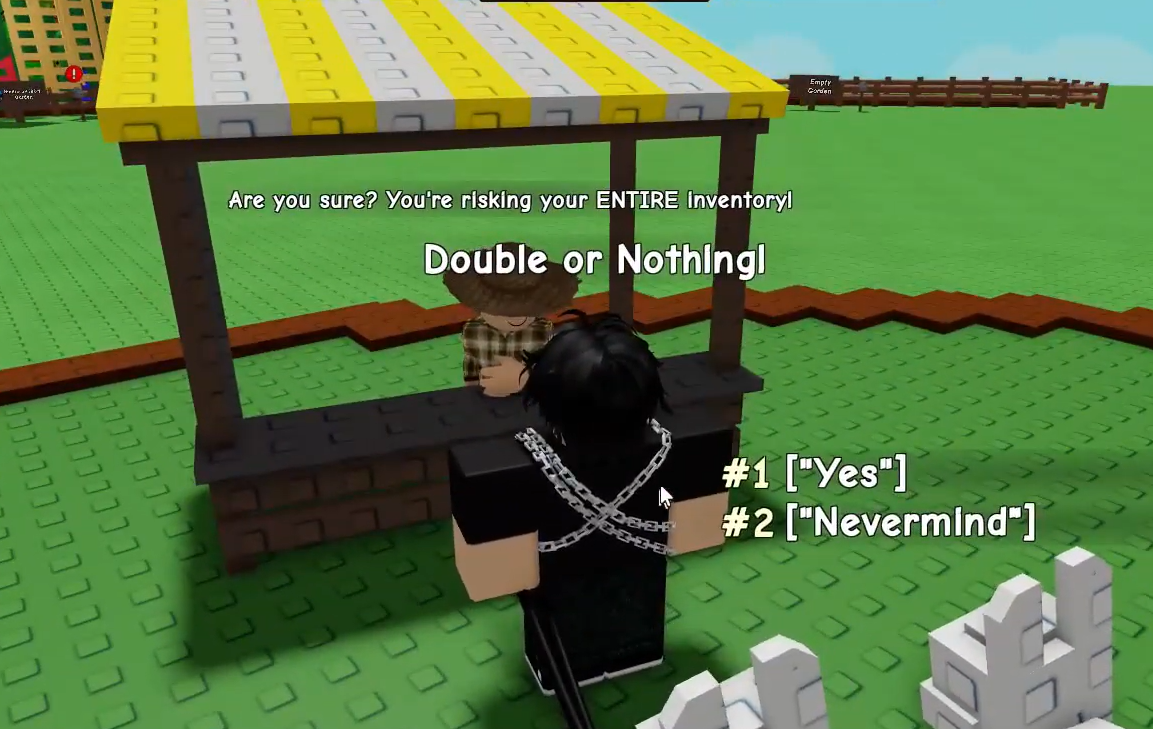
The June update also added Double or Nothing, a separate option for players who want to risk a sellable inventory for a larger payout. It is not required. A normal sale is the dependable choice, while Double or Nothing can remove the crops you risk and leave you with no payout.
How Normal Selling Works
At Steven's stand, you can sell an individual item at its listed worth or use the option to sell eligible inventory together. The current Sell Stand reference supports both choices. Hold or select the crop you want to check when you only want to sell one item. Use the inventory option when you are ready to clear a larger harvest.
Favorite any crop you want to keep before choosing a full-inventory sale. This is useful for a rare mutation, a very large fruit, or anything you want to compare later. Read the confirmation screen carefully and check the total. Once a normal sale is confirmed, the sold crops are gone and the Sheckles are added to your balance.
Selling one item takes longer, but it gives you more control when an inventory contains crops with very different values. Selling everything is faster after a routine harvest. Before using that option, open the inventory, search for anything you planned to keep, and favorite it. A few seconds of checking is useful when you have been growing through several weather events or collecting fruit from multi-harvest plants.
Crop type, size, mutations, and other live systems can affect the offer. Current community pages disagree on some exact multipliers and rotating bonuses, so this guide does not promise a fixed sale price. Use the amount Steven shows in your server. Our Best Crops Guide can help you choose what to grow, and the Mutations Guide explains why two crops with the same name may not sell for the same amount.
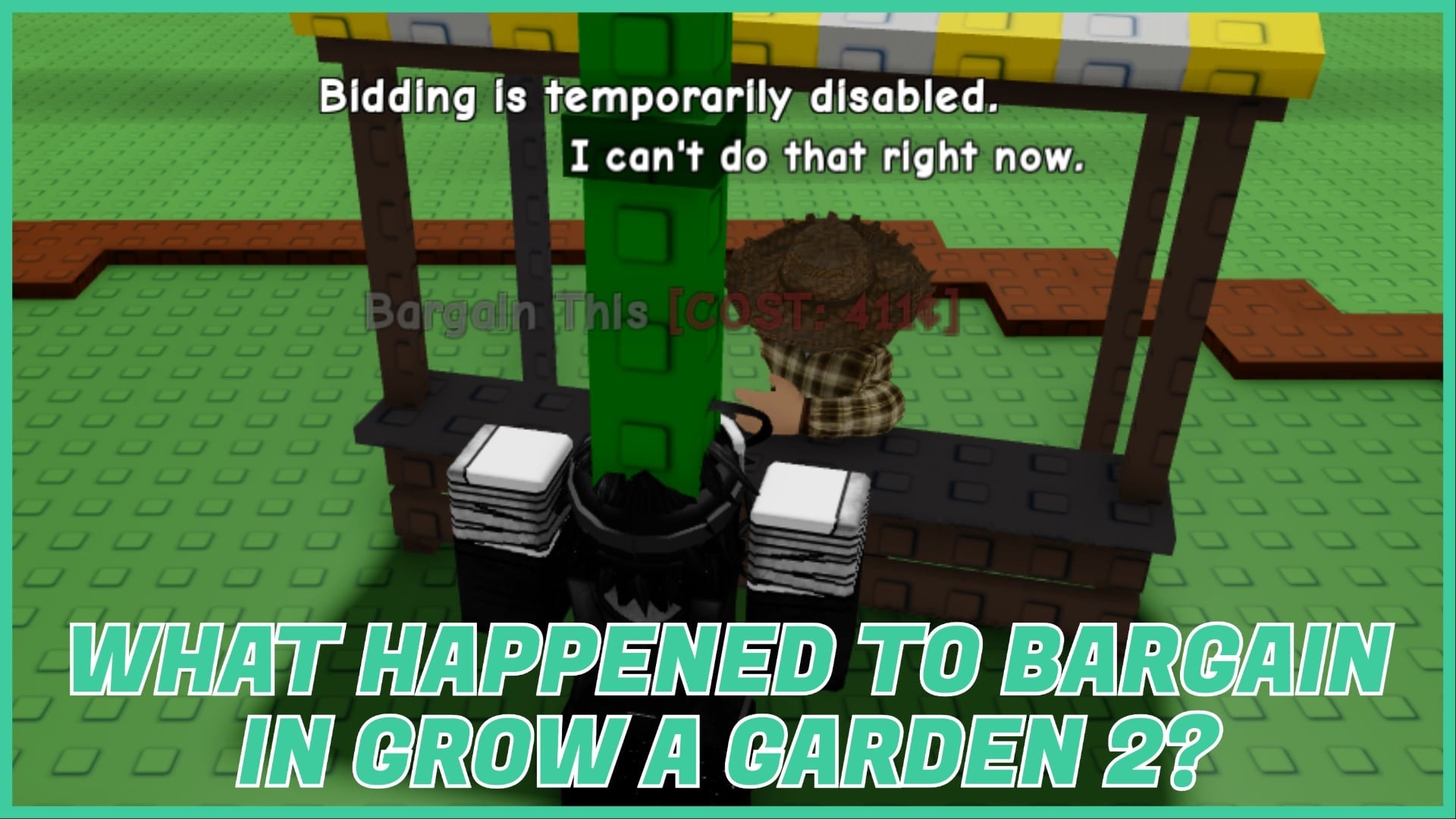
Older guides may mention Bargain or Daily Deal as if those menus are always available. Reports have changed as the game has been updated, and current references do not agree on every older selling feature. This guide does not tell you to use those options. If your live Steven menu shows something different, follow the wording and confirmation shown in the game.
How Double or Nothing Works
Double or Nothing was confirmed in the official June 19 update post. Go to the market and use its conversation point near the selling area. No special level or item is listed as a requirement in the current update coverage. The prompt will show what can be risked before you confirm.
The option risks the eligible sell inventory in the round. A win raises the pot, while a loss removes the risked inventory and pays nothing. After a win, the current menu may let you take the payout or continue. Continuing puts the pot at risk again. Exact odds are not published in the official update post, so do not treat any percentage from a community page as guaranteed.
- Sell normally when you need Sheckles for seeds, gear, or another planned purchase.
- Do not risk a rare mutation or a harvest you would be upset to lose.
- Favorite keepers and check the eligible inventory before confirming any large sale or risk.
- If you win and the amount already meets your goal, taking the payout removes the risk of another round.
Crops taken during nighttime play still need to reach your garden and then the market before they become useful money. The garden protection guide explains how stealing and defense affect that part of the game. For crop choices, use the Best Crops Guide and the Mutations Guide.
A major update is announced for August 1, but it is still upcoming as of July 27, 2026. Selling menus, eligible items, and Double or Nothing rules may change after it launches. Check Steven's live menu before risking a valuable inventory.