
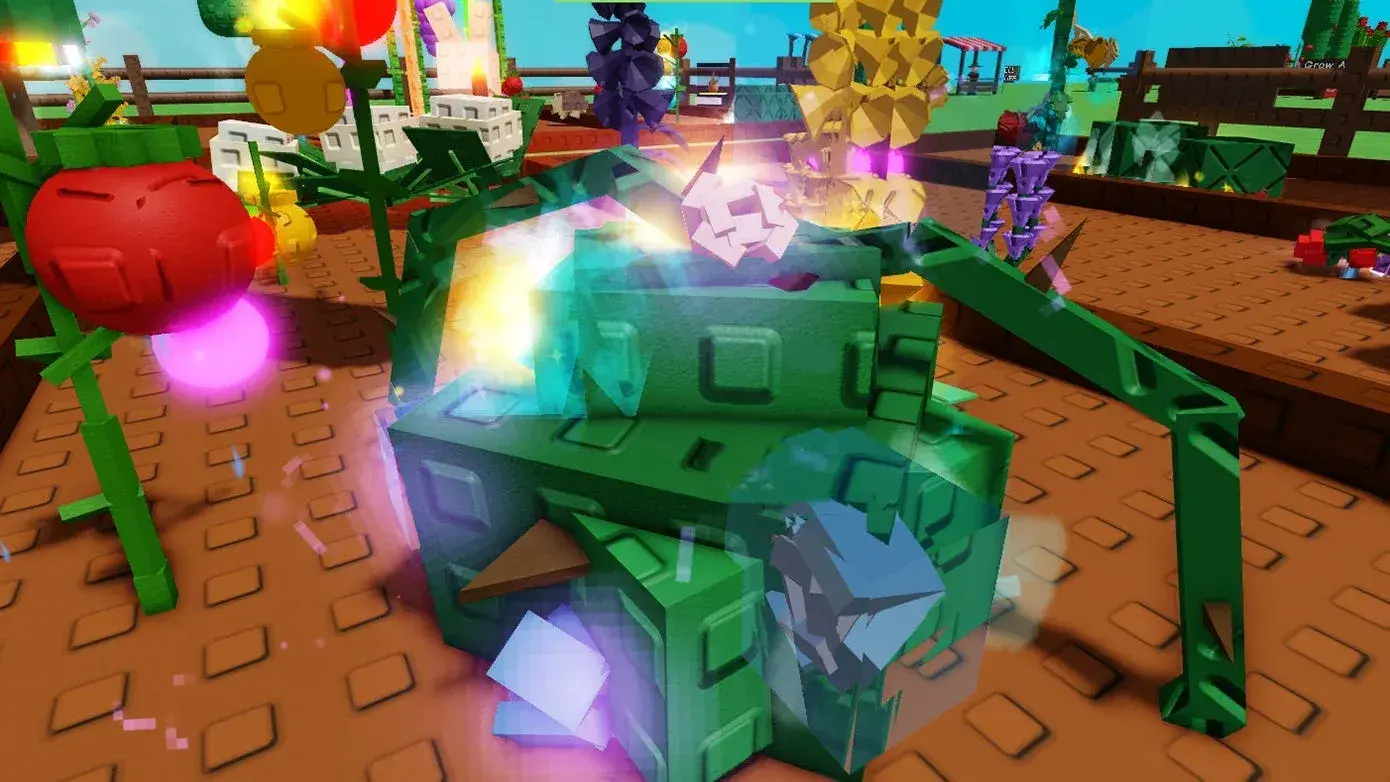
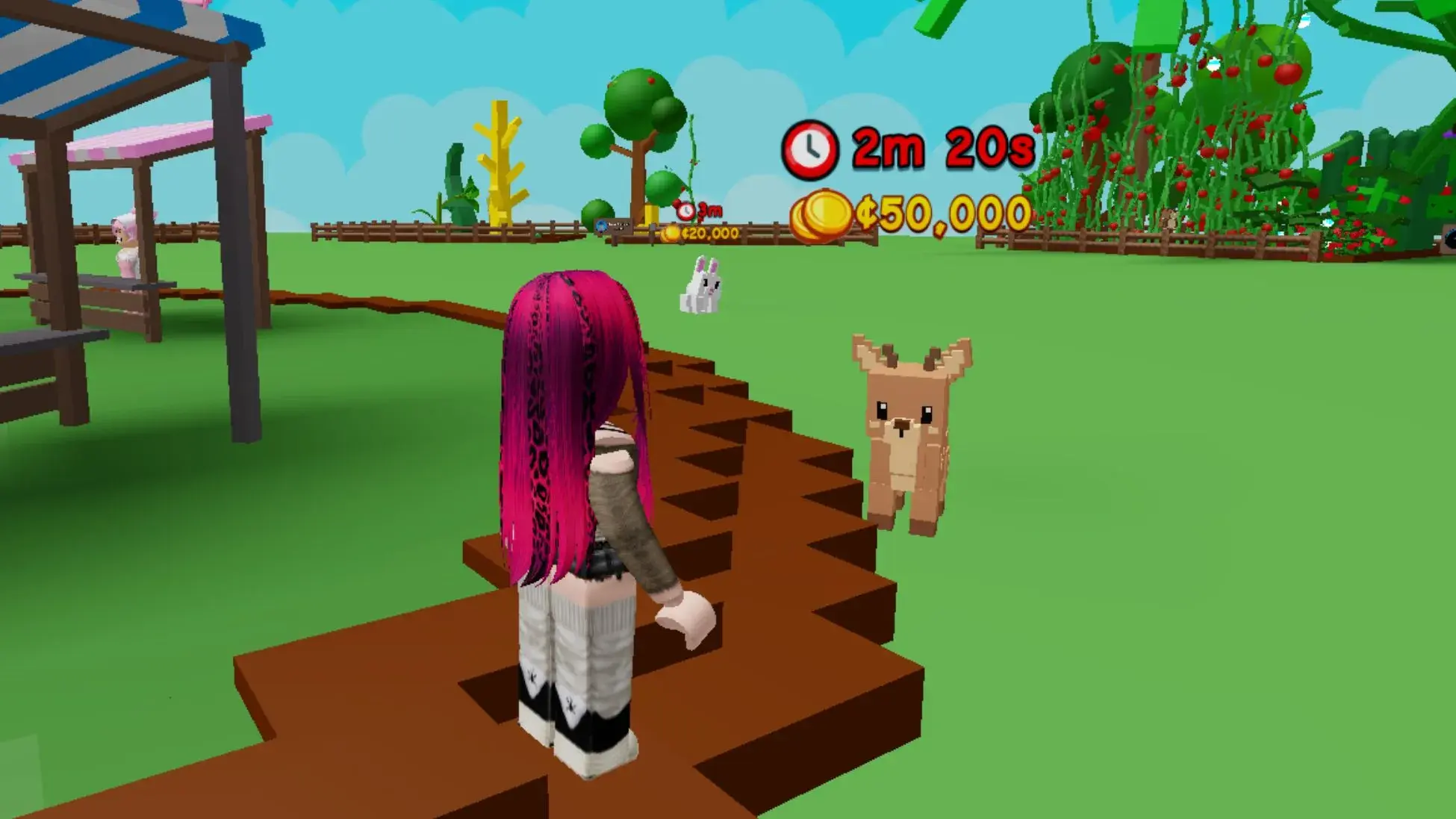
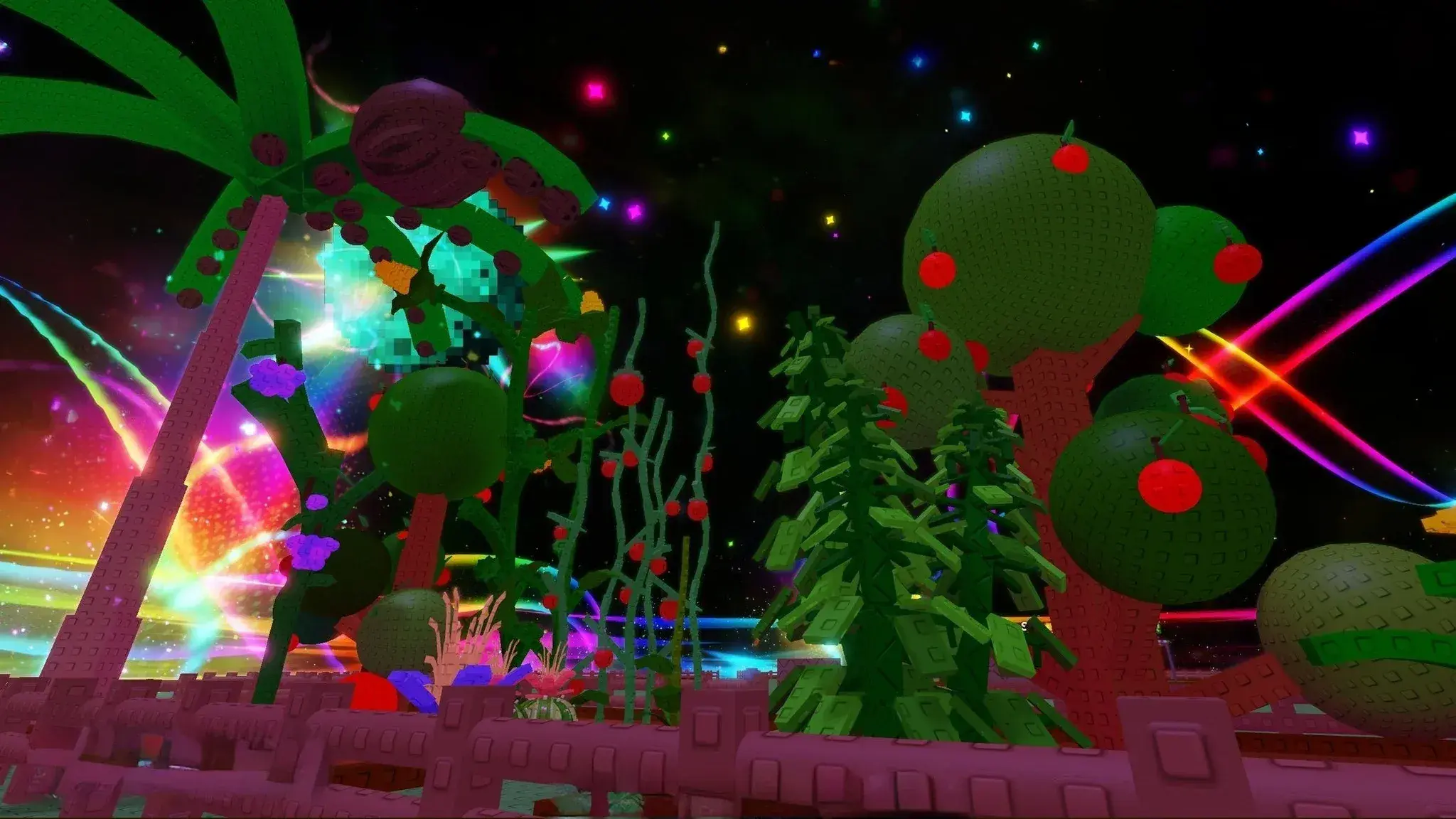
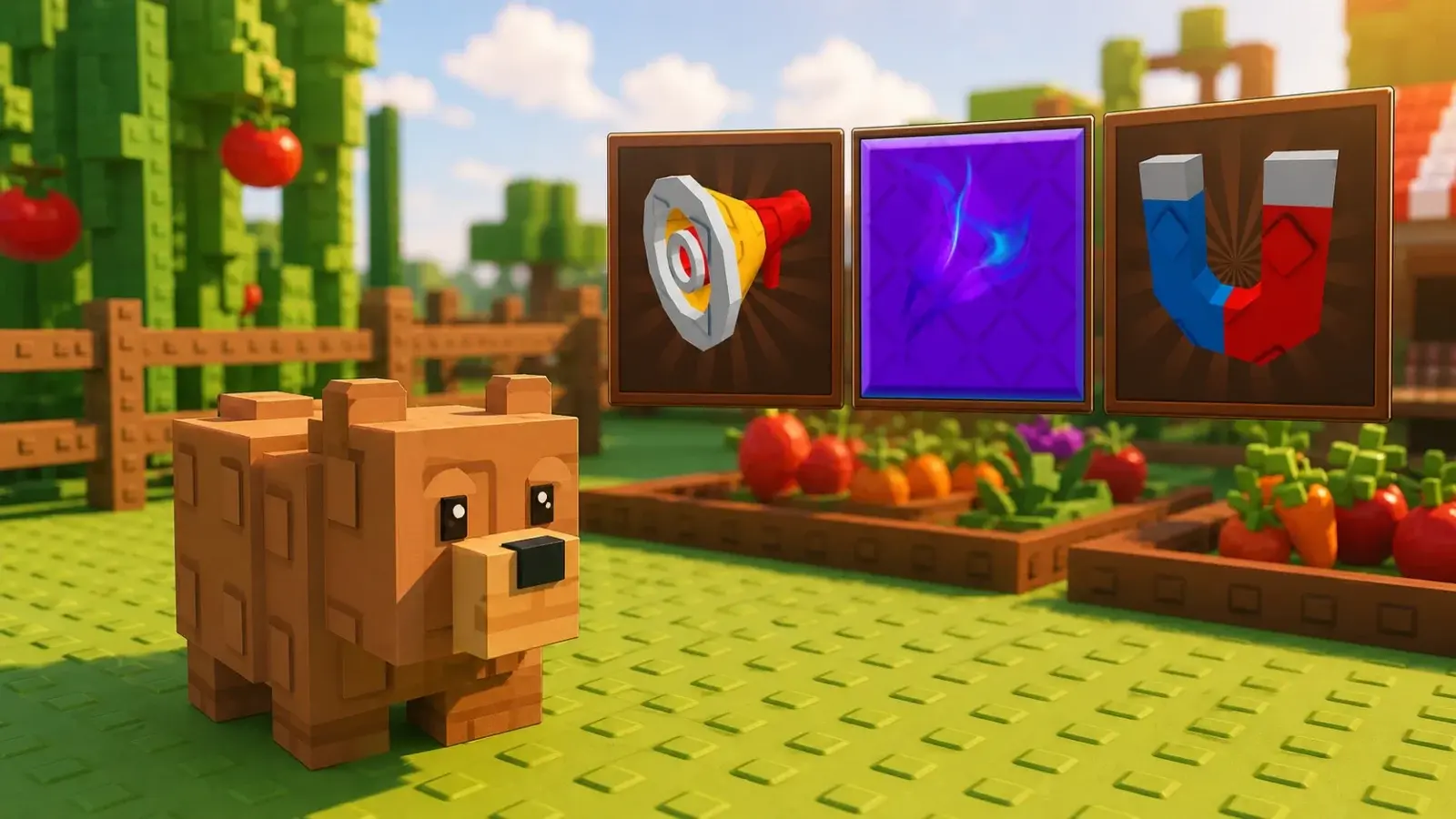
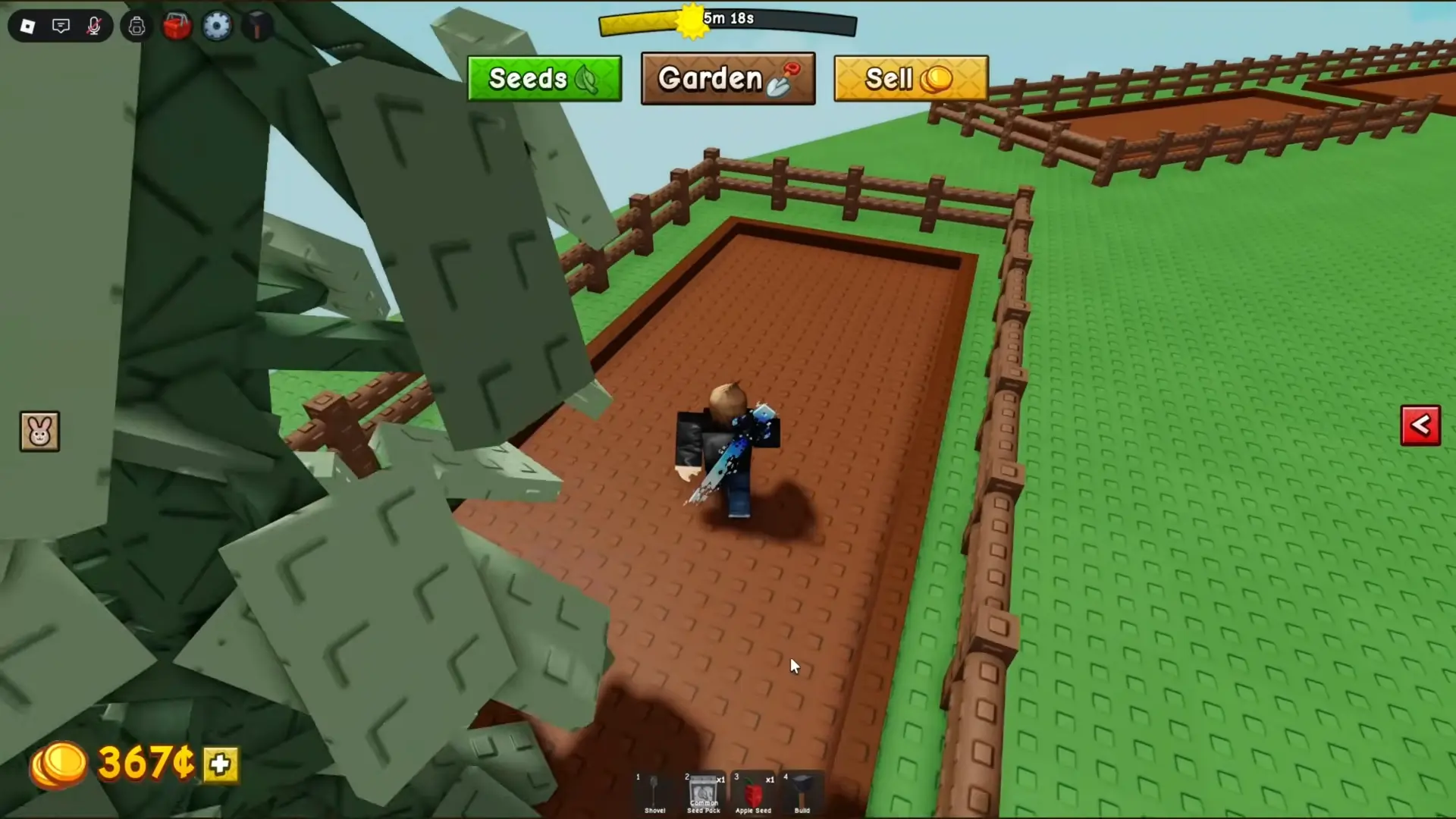
The Seed Shop is the main source of ordinary crops in Grow a Garden 2. It sits in the shared center area and shows the seeds available in the current stock. The sequel also gives seeds through codes, guild rewards, events, packs, and other limited systems, so an item missing from the shop may come from somewhere else.
Use the live shop names and prices when they differ from an older list. The seed pool has expanded through updates, and search results for the original Grow a Garden often show the wrong stock system.
Where to Buy Seeds and When Stock Changes
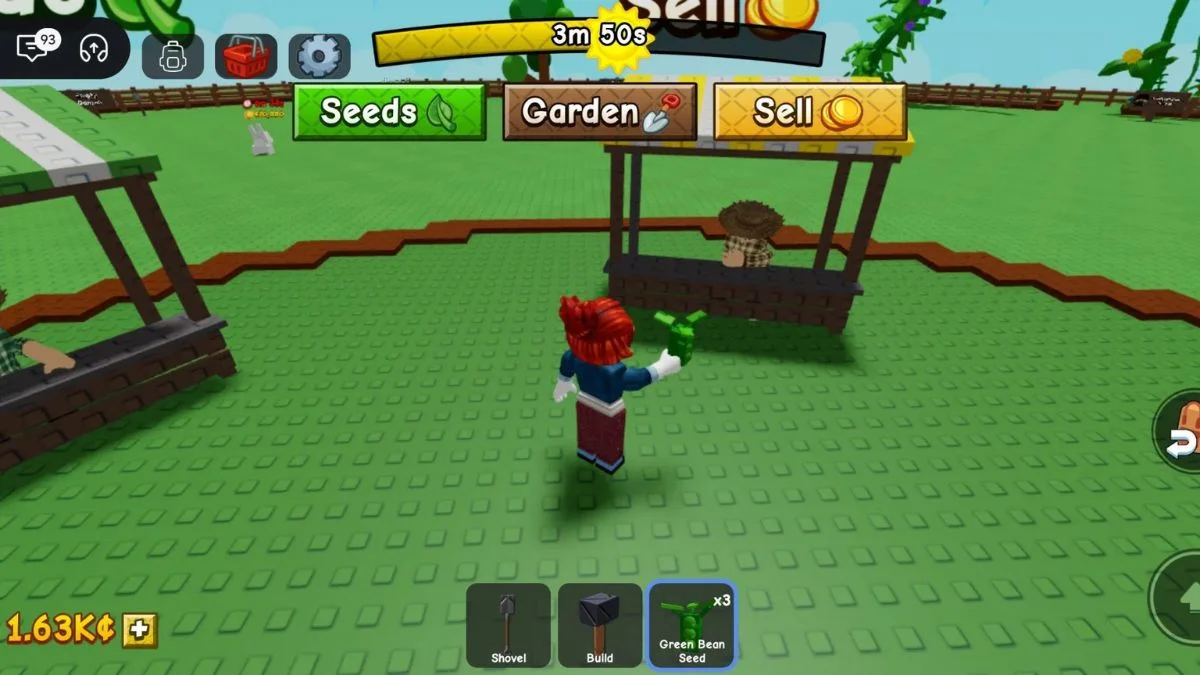
Open the Seed Shop and check the timer at the top of its panel. Current community trackers report that normal stock refreshes every five minutes, on the clock at :00, :05, :10, and so on. This schedule is community tracked rather than promised in the official Roblox description, so the in-game timer is the final check after an update or server problem.
Common seeds appear often. Rare seeds can show No Stock for many cycles because each restock has its own availability rules. Community trackers report a shared, clock-aligned rotation, so leaving and joining another public server normally does not create a different scheduled restock. Rejoining may still help when a server is delayed or the interface fails to update.
Keep the Seed Shop panel closed while you work, then return shortly before the next timer ends. This lets crops grow while you wait. When the stock changes, look at both the available seed and its price. A rare name is not an automatic purchase if it uses money needed to keep the rest of the plot planted.
The shop may offer a paid instant-restock option. Its Robux price and behavior have been reported differently across versions, so read the confirmation screen before using it. An early player should normally wait for the free timer. A paid refresh can still return stock you do not need, and it does not replace the Sheckles required to buy the seed.
Codes are the quickest source to check before spending. The current Grow a Garden 2 codes can provide seeds or watering cans without using the starting balance. Guild milestones, weekly rewards, weather events, auctions, and update events can also supply seeds that are not part of the normal shop. Read the item's source text before waiting through repeated shop cycles for it.
How to Spend Early Money
Start by filling the plot, not by saving for the rarest visible seed. Carrot is the basic one-Sheckle option in current starter lists. Strawberry, Blueberry, and Tulip are inexpensive steps above it. Tomato costs more, but its repeated harvests make it a useful early plant when you can afford several and still keep cash for the next purchase.
Use a simple spending rule: keep enough Sheckles to replant every open space, then spend the extra on a better seed or plot expansion. The live expansion sign shows the current price. Extra land pays off when the existing area is already busy. Buying more space while several original tiles are empty adds capacity without adding income.
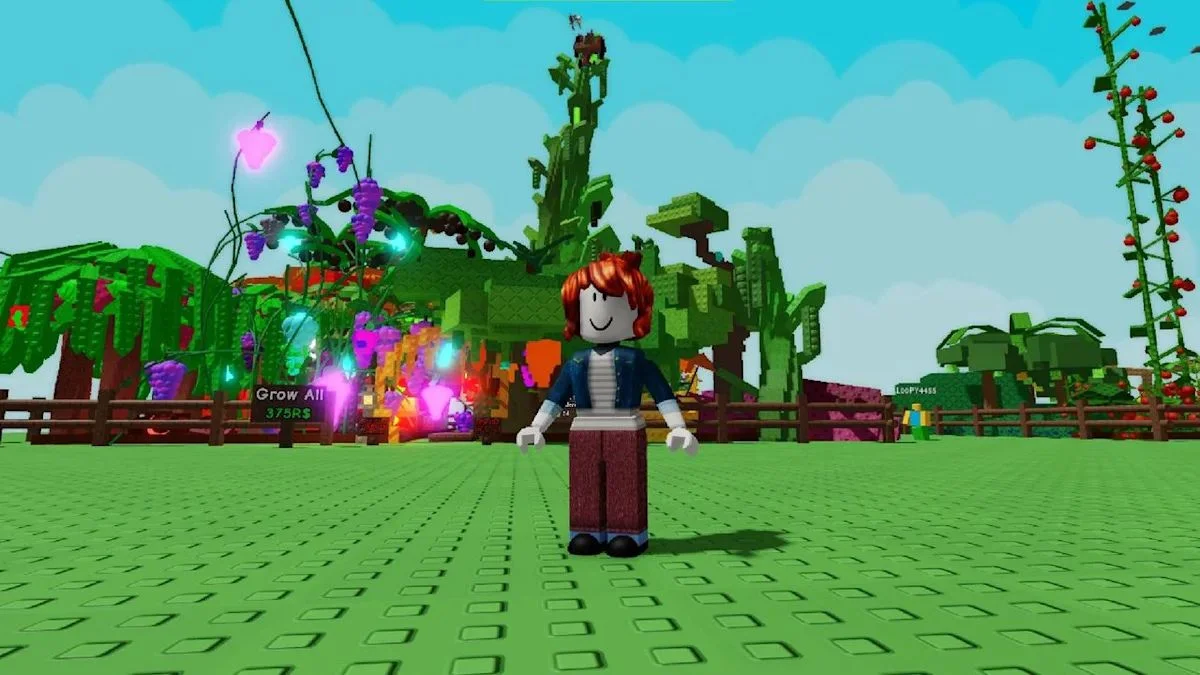
Multi-harvest plants are valuable because the plant remains after you collect ripe produce. They lower replacement costs and reduce trips to the shop. Single-harvest crops still help when they are cheap, fast, or the only useful stock available. Mix the two types instead of leaving land unused while waiting for one perfect restock.
Bamboo can be a practical middle purchase when it appears. Mushroom is a more expensive early target. Do not hold all income for either one if doing so stops the normal buy, plant, harvest, and sell cycle. Compare current priorities in the best crops and money-making guide, since crop values and availability can change.
Set aside a small reserve before buying a rare seed. The reserve covers cheap replacements, a useful restock, or an expansion that becomes affordable. It also prevents one purchase from sending the balance back to zero. Avoid early spending on decorative items, repeated paid refreshes, or a pet that costs more than the planted garden can replace.
Free watering cans are enough for the opening stage. Better gear becomes reasonable after the plot stays full and normal seed costs feel small. A sprinkler or other growth tool is more useful when it affects many valuable plants. Buying it for two Carrots gives little benefit.
Rare crops deserve more care after planting. Weather and other systems can add mutations that increase their sale value. Check the mutations guide before deciding whether to harvest immediately or wait for a specific condition. Protect anything you leave overnight by following the garden lock guide.
A stable early budget has three parts: money for ordinary seeds, a reserve for the next useful stock, and savings for one clear upgrade. That approach keeps the plot active even when the shop offers nothing rare. The complete Grow a Garden 2 guide hub covers the guild, auction, pet, stealing, and progression systems that connect to later seed choices.