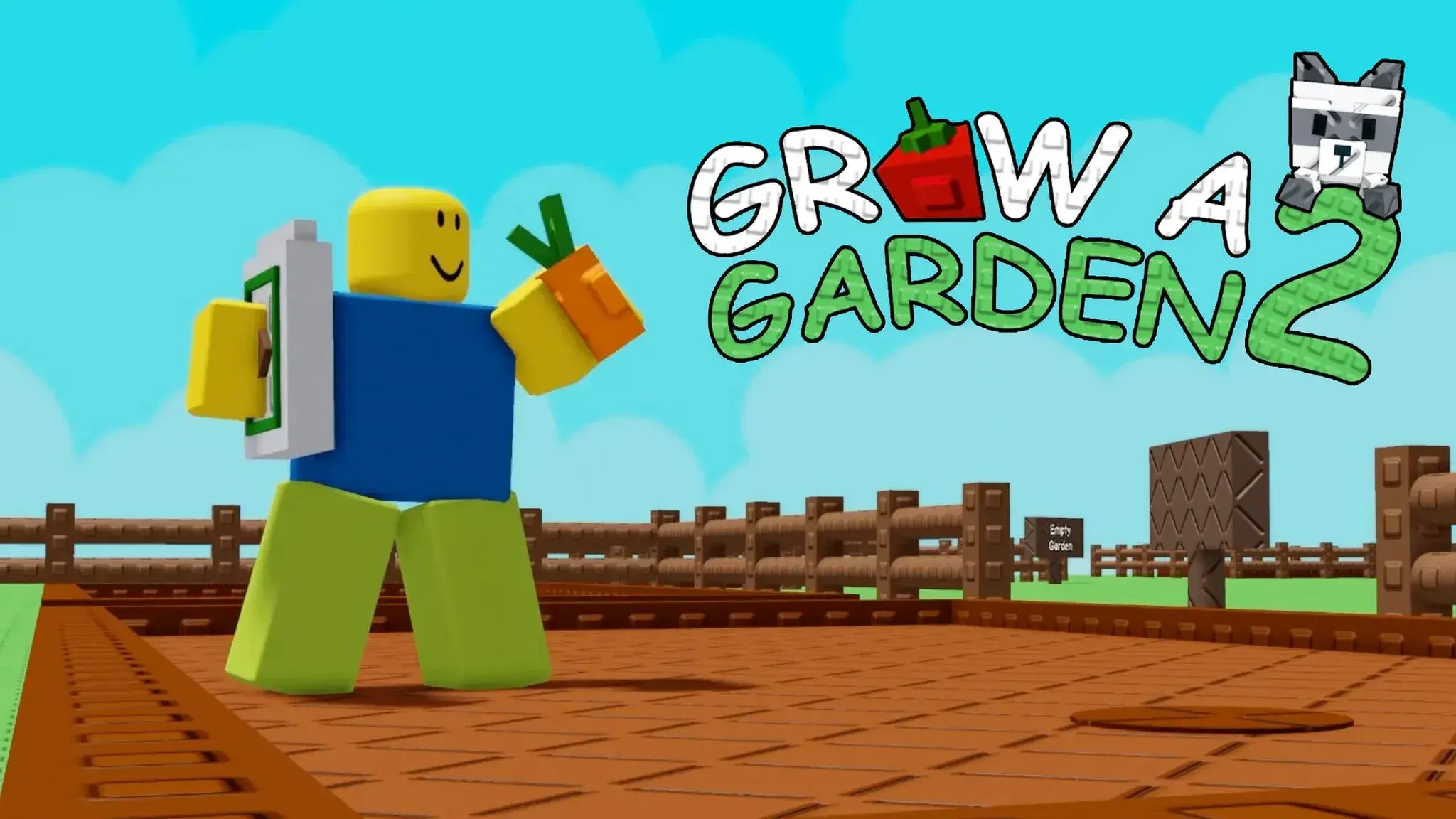

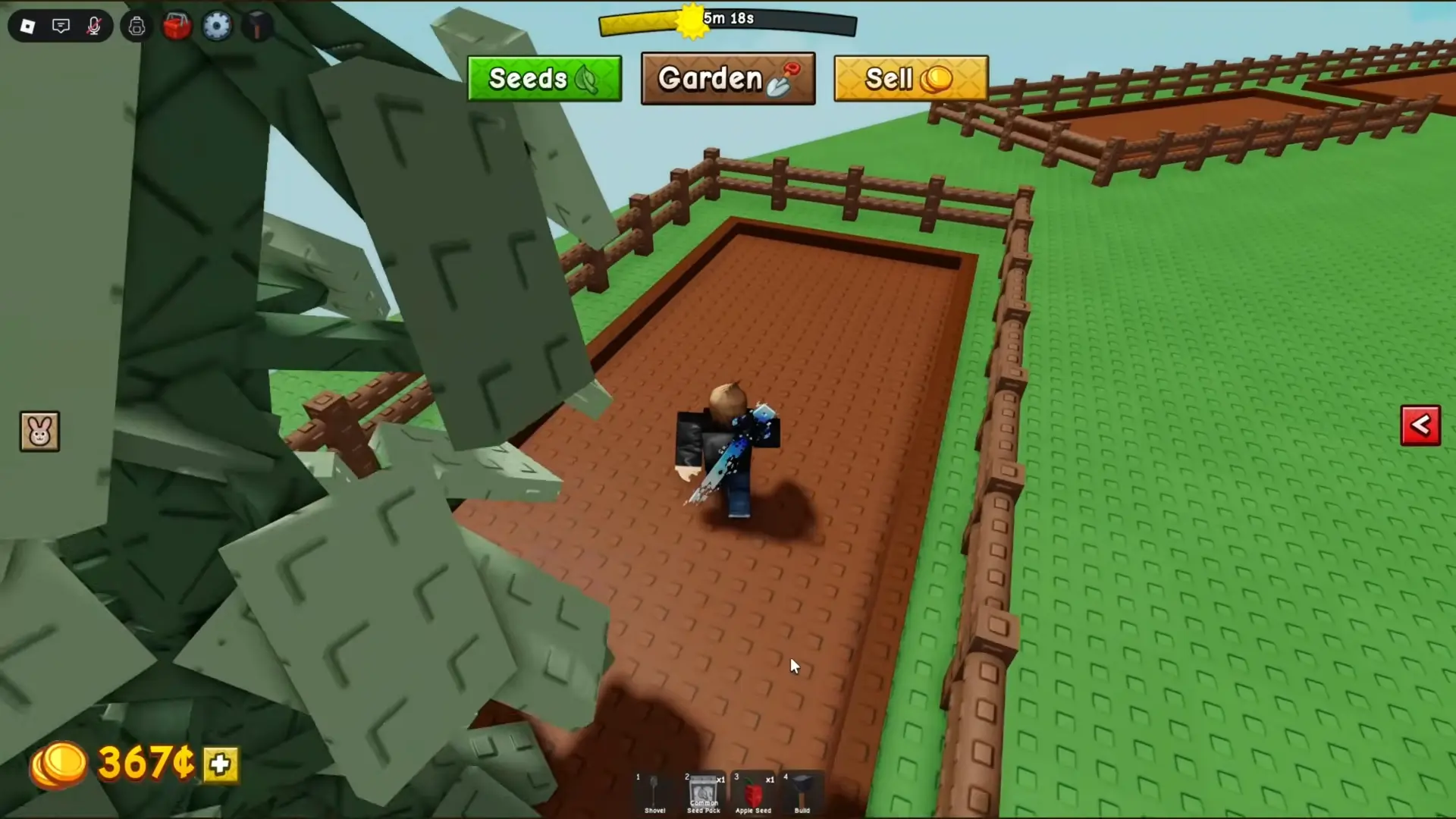

Last updated August 26, 2026. Grow a Garden 2 has three codes supported by both current checks. They give 10 Common Watering Cans, one additional Common Watering Can, and three Green Bean Seeds, providing useful early tools without spending Sheckles or Robux.
These codes are for Grow a Garden 2, the separate sequel made by Strawberreh Squad. Do not assume that codes, crops, or progress from the original Grow a Garden will carry into this game. Open the sequel from its own Roblox page before using the list below.
Working Grow a Garden 2 Codes
PC Gamer and Dexerto still list the same three codes in their current August checks. Roblox developers can retire a promotion after publication, so copy each entry exactly and treat the message inside Grow a Garden 2 as the final status check.
WATERYOPLANTSActive. Gives 10 Common Watering Cans.REMEMBERTODRINKWATERActive. Gives one Common Watering Can.TEAMGREENBEANActive. Gives three Green Bean Seeds.
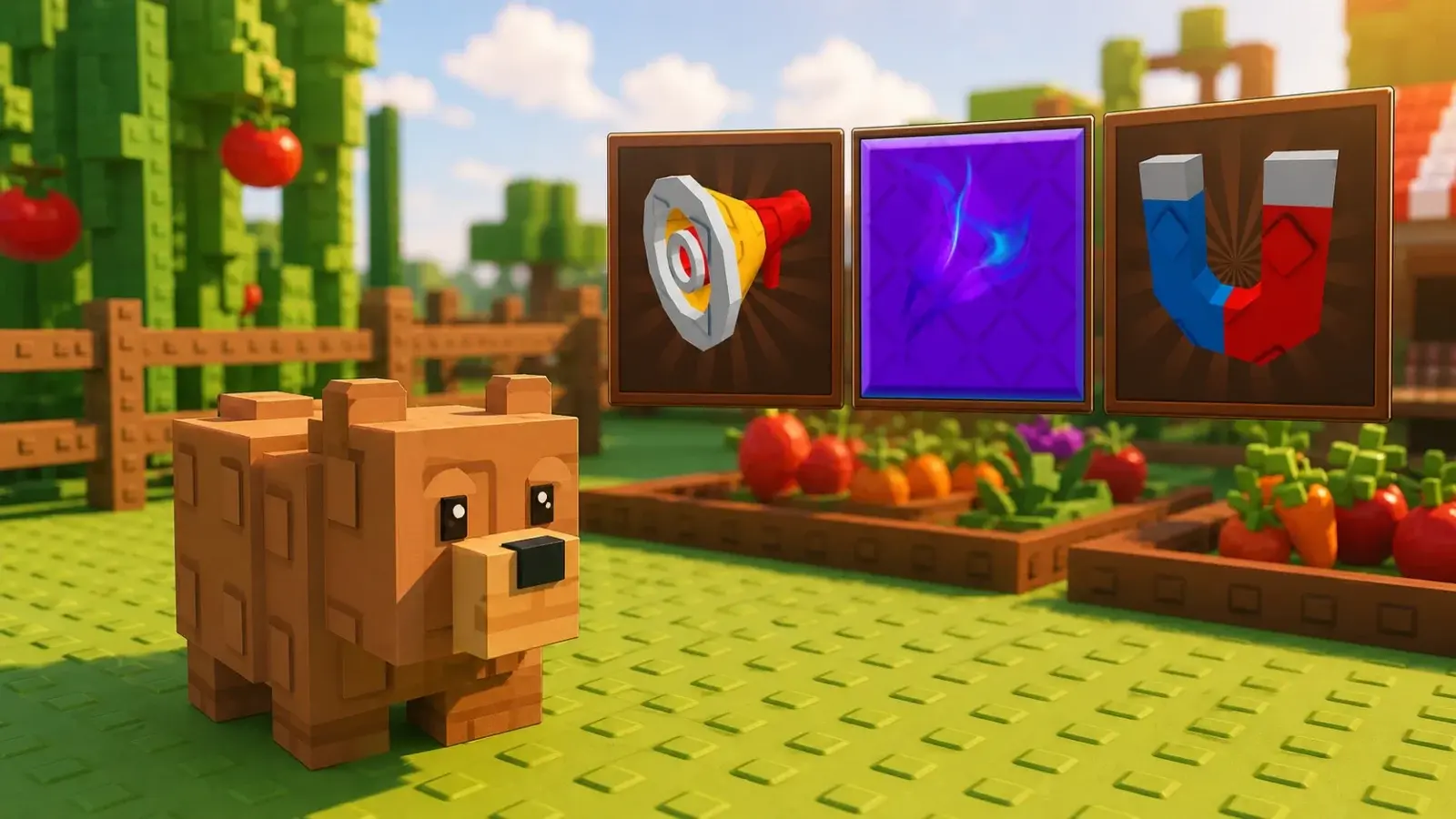
Watering Cans help crops grow, while the Green Bean Seeds give a new garden something to plant before the next useful shop restock. The rewards are modest, but they save some early spending and let you start selling crops sooner.
Claim every working code even if your garden is already producing money. The Watering Cans can be saved for a crop that takes longer to grow, and the Green Bean Seeds can fill open soil while you wait for better shop stock. A free item has more value when it replaces something you were already planning to buy, so check your inventory before spending Sheckles on another early tool or seed.
Some older promotional strings still appear on code pages, but current sources do not agree on whether all of them are expired. They are not included in the working list. A shorter list with confirmed entries is more useful than several codes that may waste your time.
Pay attention to the verification date on any code list. Grow a Garden 2 can remove a code after an update even while an older page still calls it active. This page keeps only the three entries supported by both current sources and states the rewards they now agree on.
How to Redeem Codes
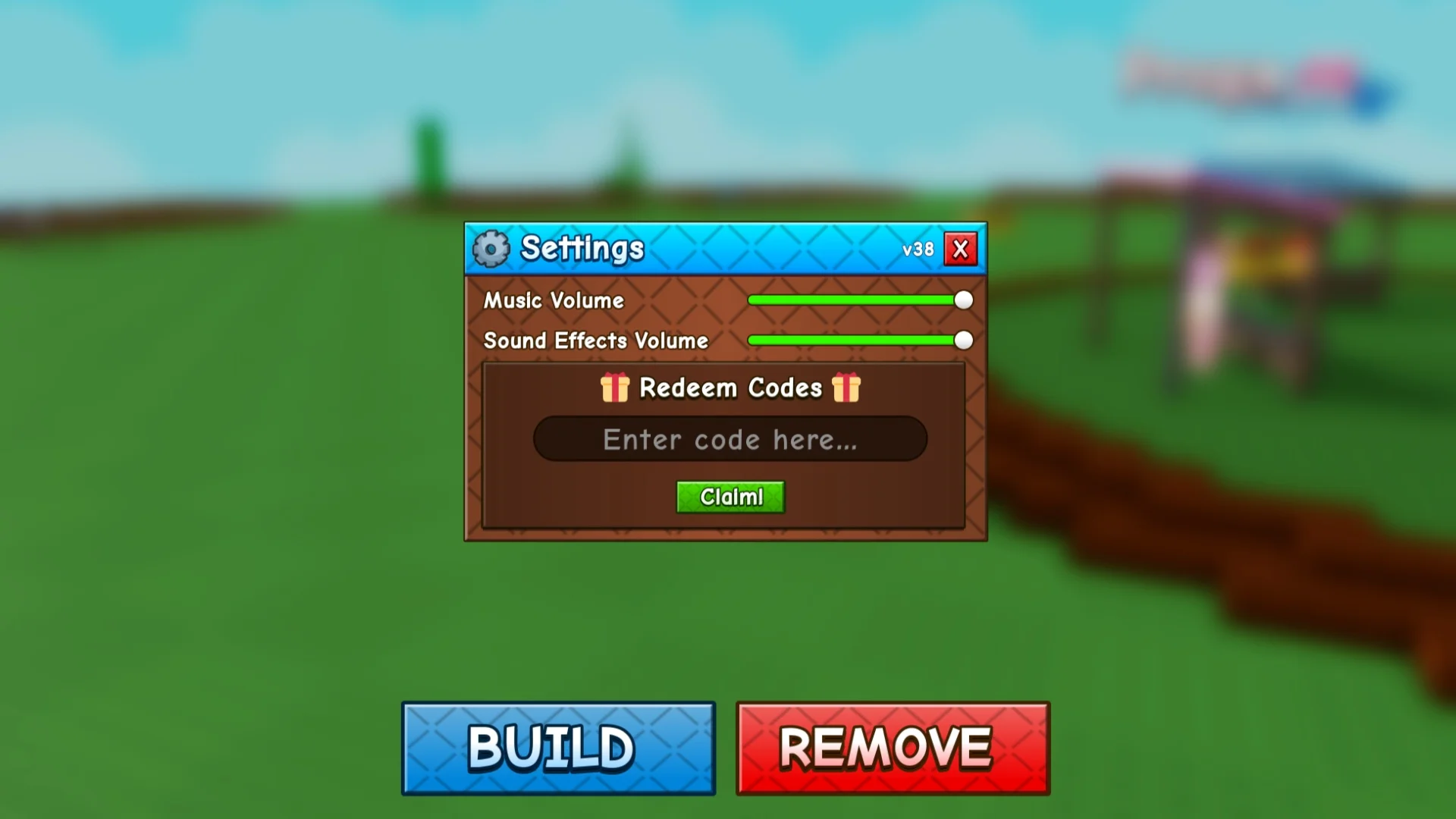
The redemption box is inside the game settings. You do not need to finish a tutorial, join a Roblox group, or reach a certain level first.
- Open Grow a Garden 2 from the official Roblox experience page.
- Wait until your character and garden finish loading.
- Select the cog icon in the top-left corner to open Settings.
- Scroll to the Redeem Codes section and paste one code into the box.
- Select Claim, then check your inventory for the reward.
If a code does not work, check the spelling before assuming it has expired. Delete any space before or after the code, keep every letter capitalized as shown, and try a newer server if the game was updated recently. A code can normally be claimed only once on the same Roblox account, so a second attempt may return an error even while the code remains active for other players.
On a phone or tablet, open Settings and scroll carefully because the code section may sit below the audio controls. On PC, pasting the code is safer than typing a long string by hand. If Claim does nothing, close the menu, wait for the experience to finish loading, and try again once. Repeatedly entering the same code will not create extra rewards.
New codes usually arrive with updates, milestones, or community events. The Roblox page links the official social channels when they are available, and established code trackers normally confirm new entries soon after. Avoid videos or posts that ask for a password, account cookie, download, or external code generator. A real Grow a Garden 2 code is entered inside the game and never requires access to your Roblox account.
Redeem the three current codes before buying the same early items from the shop. TEAMGREENBEAN starts the first crops, while the 11 total Common Watering Cans can support a longer-growing plant. Check again after a major update because Roblox codes can disappear without a long warning.