
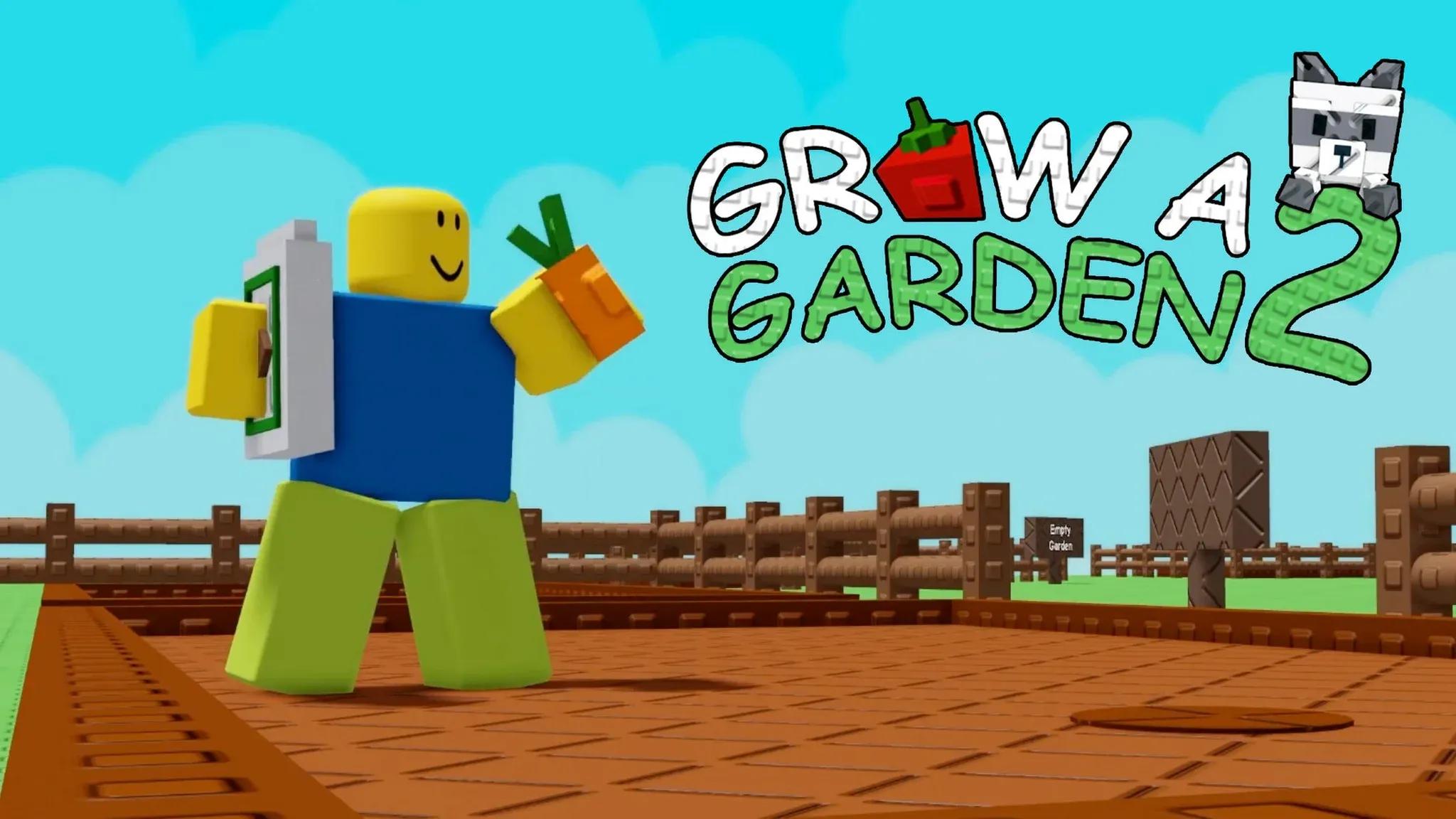

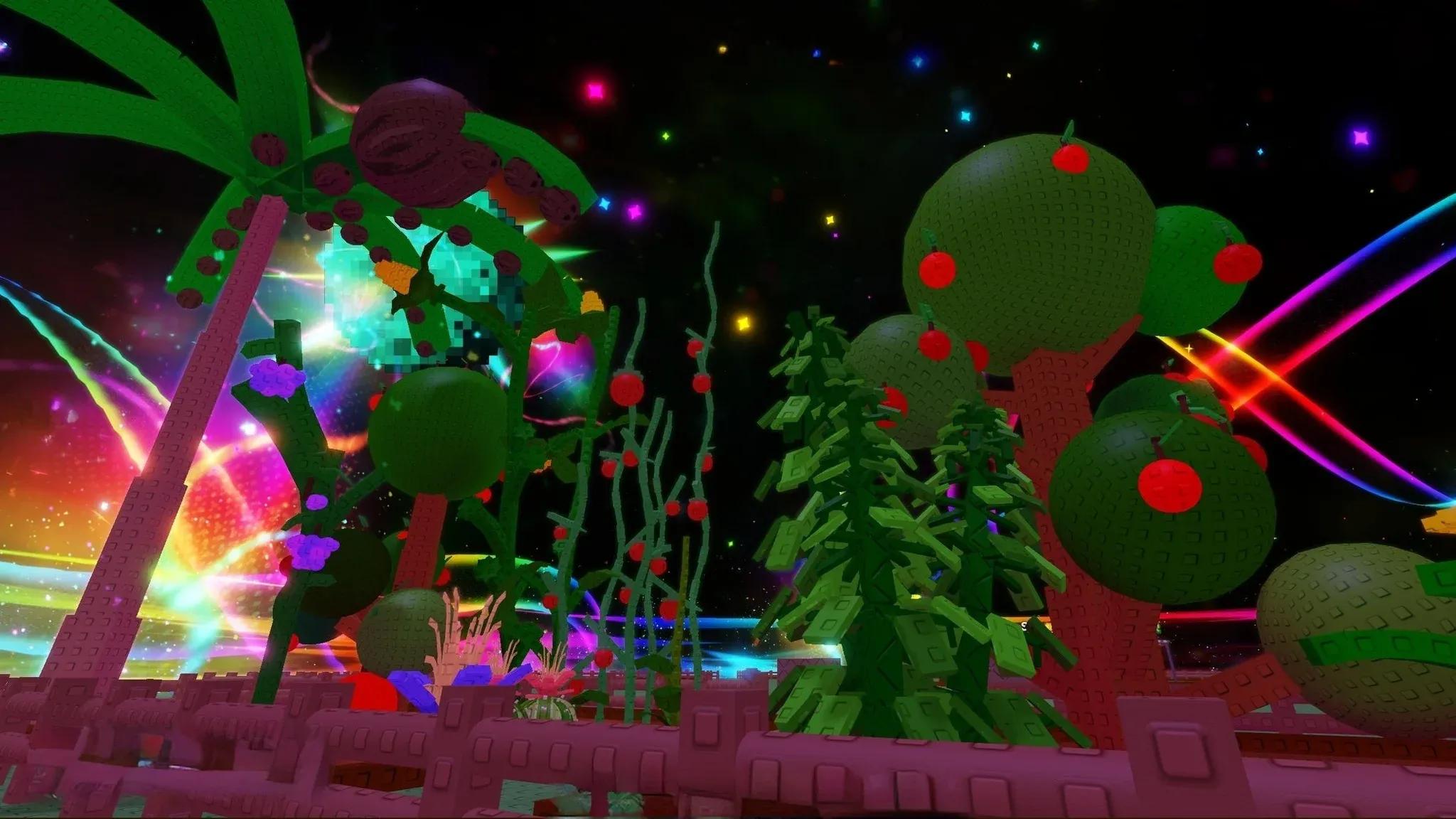
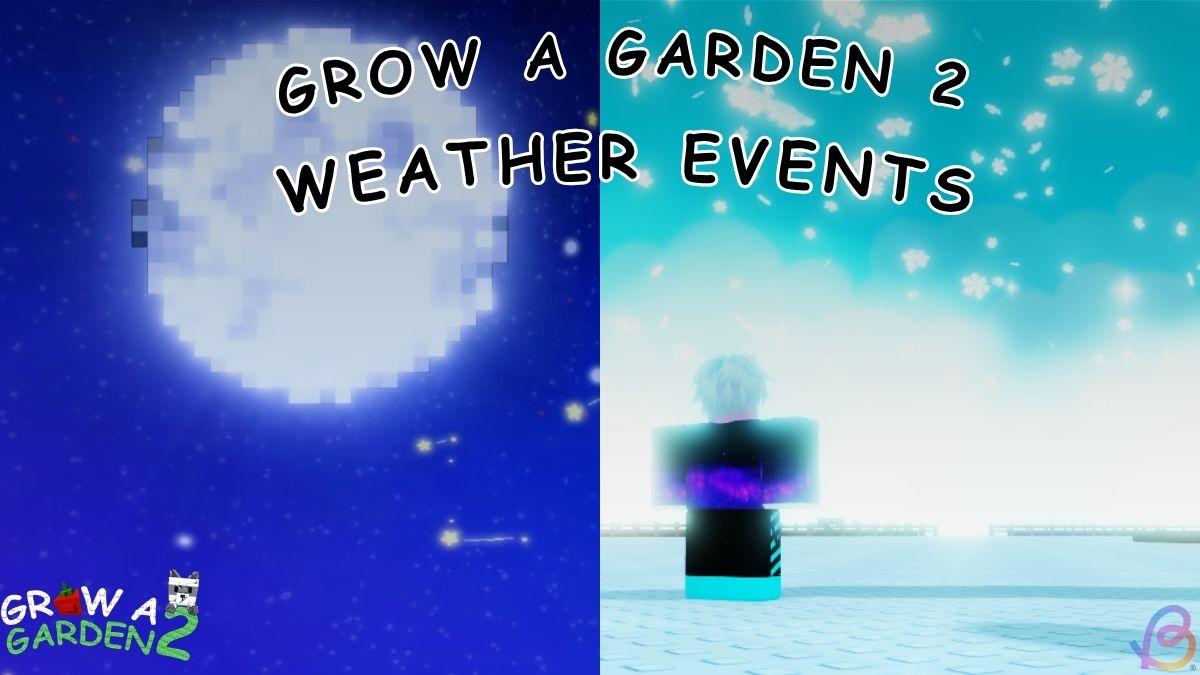
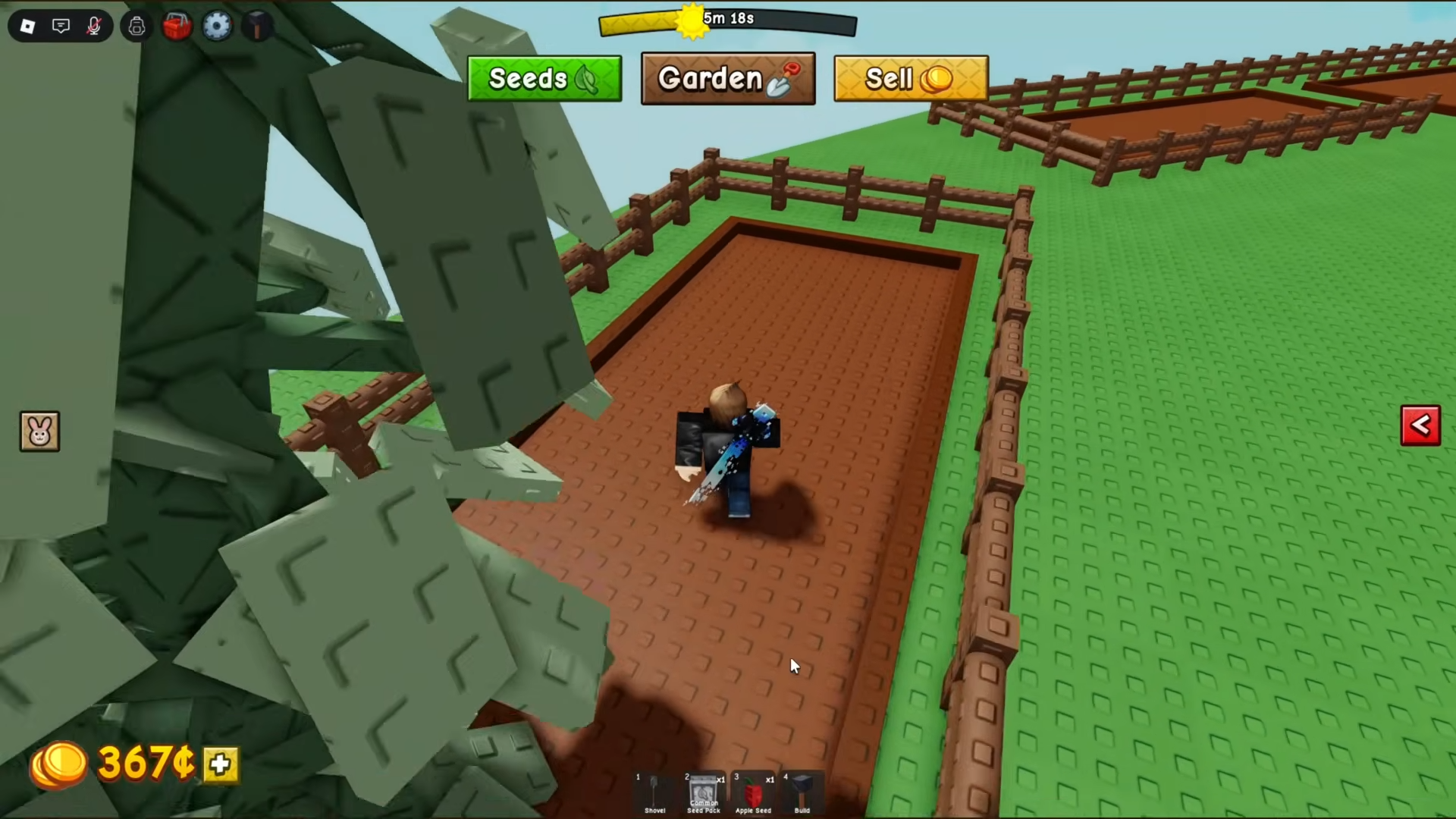
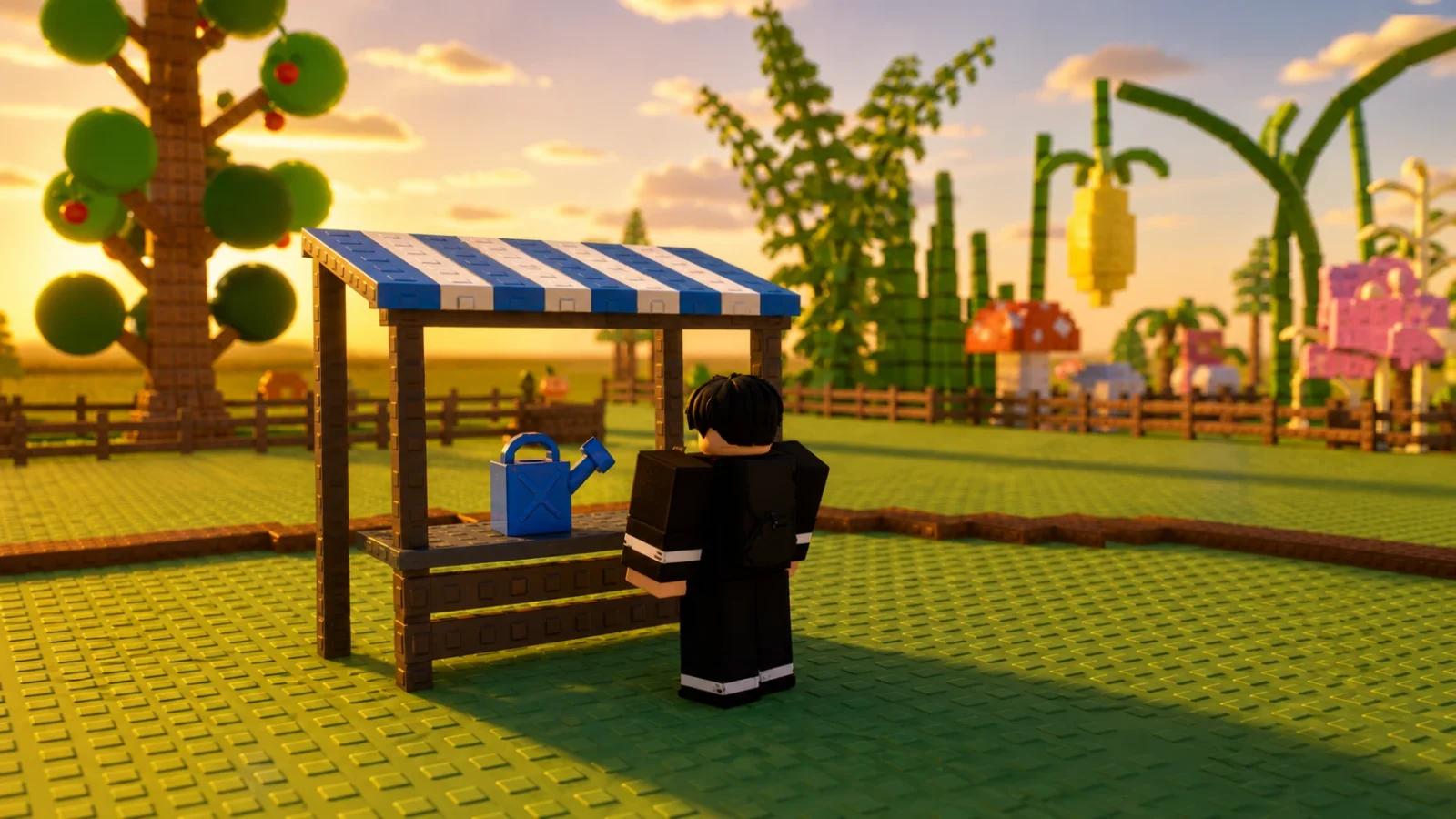
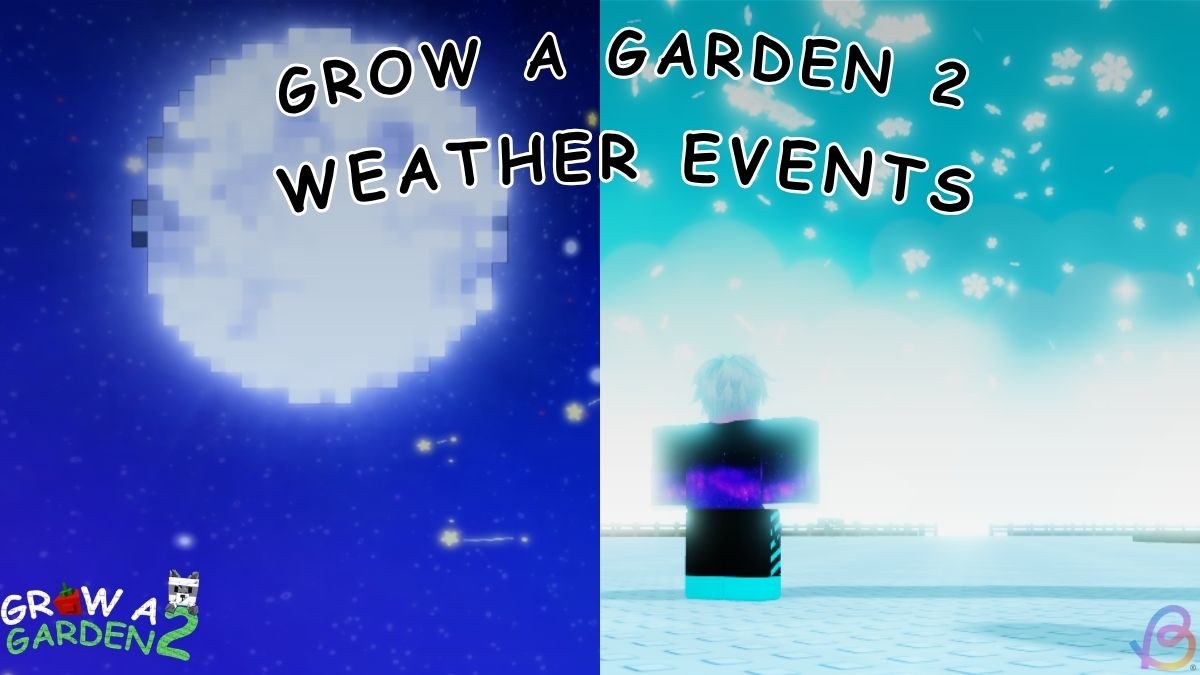
Weather in Grow a Garden 2 can change what happens to crops while they are growing. Rain, lightning, snow, rainbow skies, starfall, Aurora Borealis, and larger server events have all appeared in current guides and screenshots. The official June update post also confirms Aurora Borealis as part of the live game.
Event lists, start times, and crop bonuses can change between updates. Different current references also give different timer and multiplier numbers. Use the event name, countdown, and notices shown in your server instead of planning around a fixed schedule from an older page.
How Weather and Events Affect Crops
A weather event changes the server for a short period and may give eligible crops a matching mutation. The Beebom weather guide shows regular weather such as Rain, Lightning, Rainbow, Snowfall, Starfall, Aurora, Sunburst, and Eclipse, plus special moon events. Not every event follows the same trigger or appears with the same frequency.
Keep crops planted when useful weather begins. A crop cannot receive an event mutation if it is sitting in your inventory as a seed or has already been sold. Multi-harvest plants are especially convenient because the plant remains after fruit is picked, giving later fruit another chance to grow during a different event.
A weather mutation can raise the sale value of a harvest, but the exact result depends on the crop and the current game rules. Do not assume every plant will change, and do not use a fixed multiplier chart as a guaranteed payout. Our Grow a Garden 2 Mutations Guide explains how to identify changed crops and when to keep them for a better sale.
You do not need to harvest every crop as soon as the sky changes. Look at which plants are still growing, which ones can produce fruit more than once, and how much time the server says remains. If an event has almost ended, focus on crops that are already close to ready. When there is more time, plant extra seeds that fit your normal money plan. Weather can improve a harvest, but planting weak crops only for a possible mutation can still leave you with a small return.
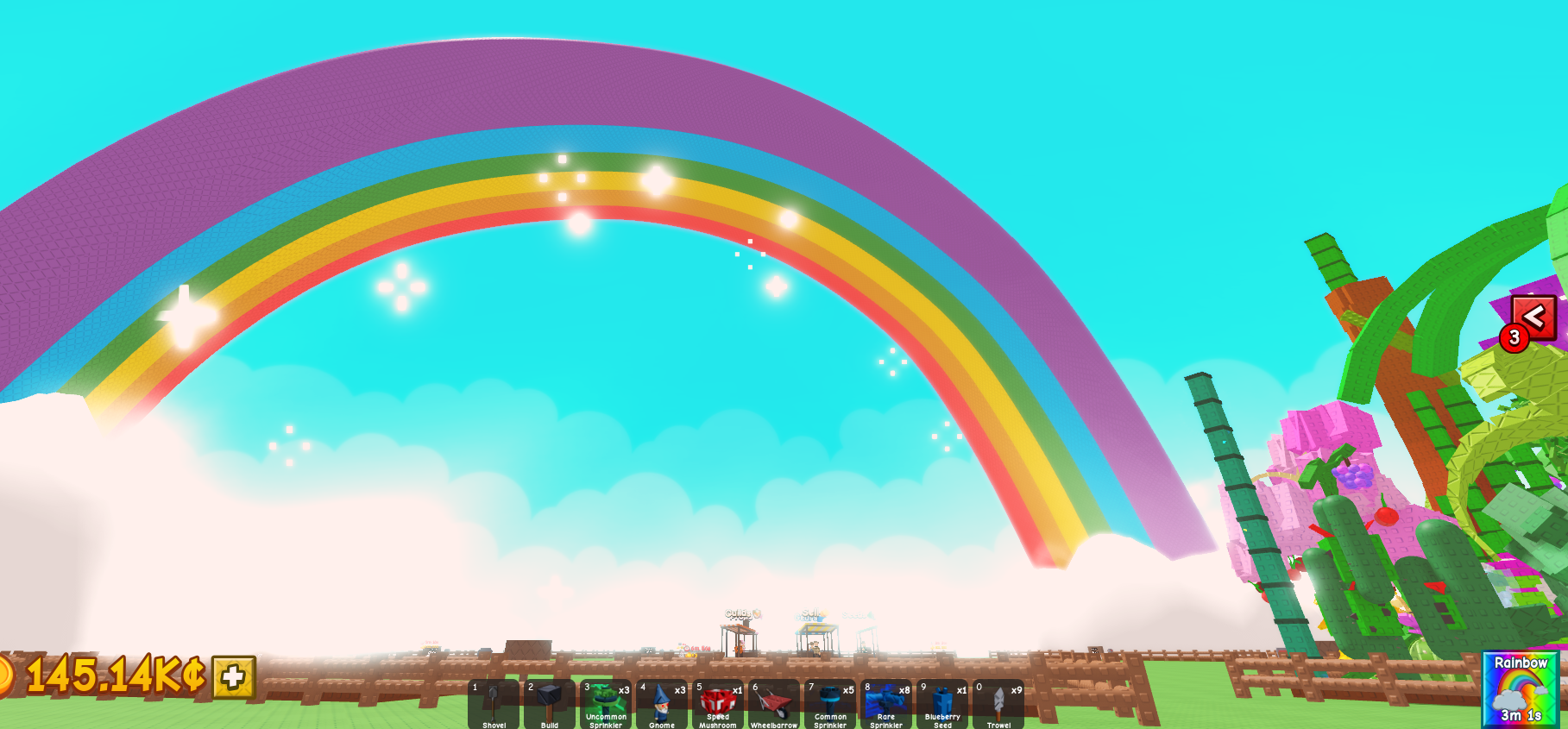
Some events start through the normal server cycle. Others may be tied to an update, an admin session, or a limited celebration. A tracker can help you notice activity, but it cannot override what your server displays. If a listed event does not start when a third-party timer says it should, trust the in-game notice.
Changing servers can also change what you see. One server may be in ordinary weather while another is running an event or preparing for an admin activity. Rejoining is not a guaranteed way to find a specific event, and leaving can make you miss the remaining time in your current server. Stay when useful crops are already growing. Move only when you are comfortable giving up the event and progress shown on that server.
What to Do When an Event Starts
- Check the event name and any countdown shown on screen. This tells you what is active in your server right now.
- Leave useful plants in the ground long enough to take part. Planting a fresh seed near the end of an event may not give it enough time to grow.
- Use watering cans or sprinklers only when their live descriptions fit your plan. Growth help can be useful during a short event, but item effects may change.
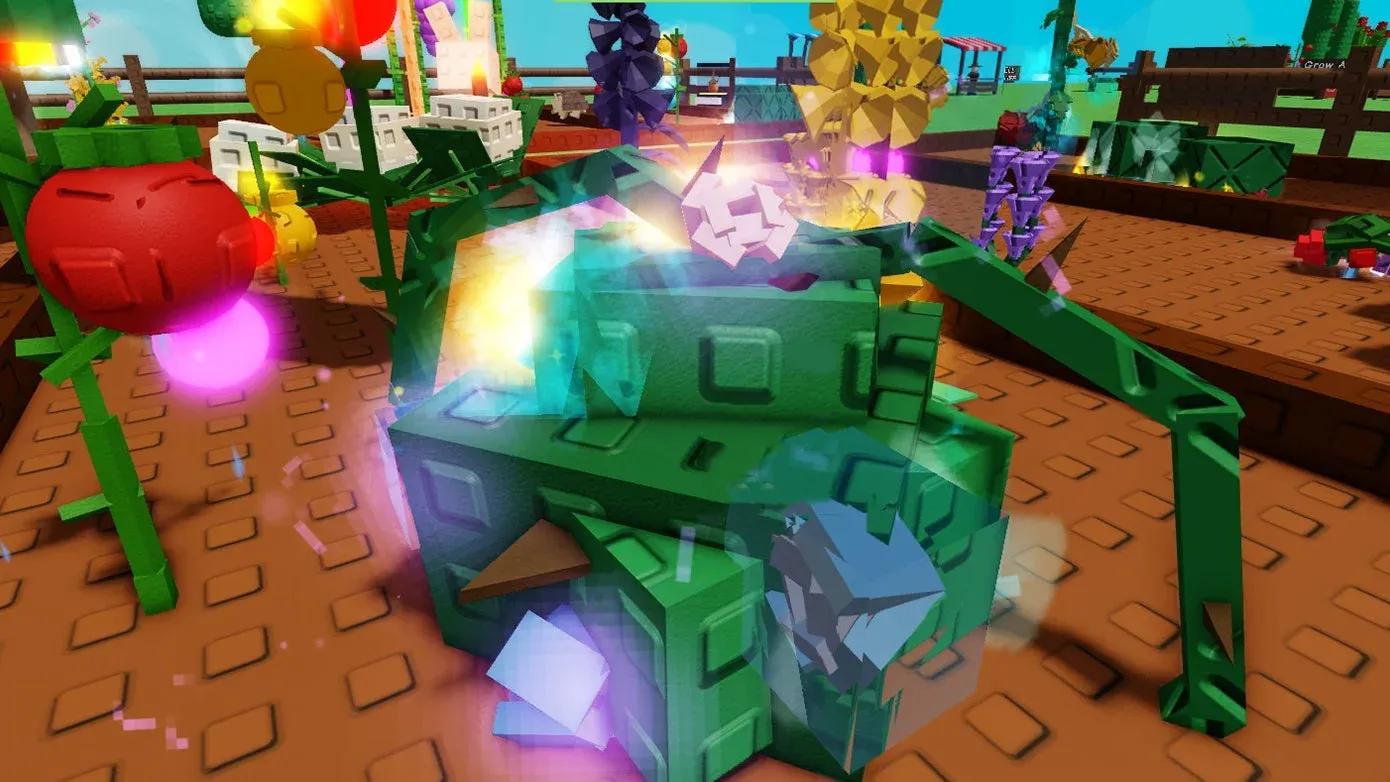
- Inspect harvested crops before selling. Color, particles, size, and the inventory label can show that a mutation was applied.
- Keep a valuable changed crop favorited until you decide whether to sell it. This lowers the risk of including it in a normal full-inventory sale.

The community weather tracker can be useful as a second screen, while our Seeds and Shop Restock Guide helps you choose what to plant before an event. New players should also use the Beginner Guide for the basic growing and harvesting loop.
A major Grow a Garden 2 update is announced for August 1. That update is still upcoming as of July 27, 2026. Event names, timers, mutation behavior, and rewards may change when it launches. After August 1, use the live server notices first and treat older charts as background information.