

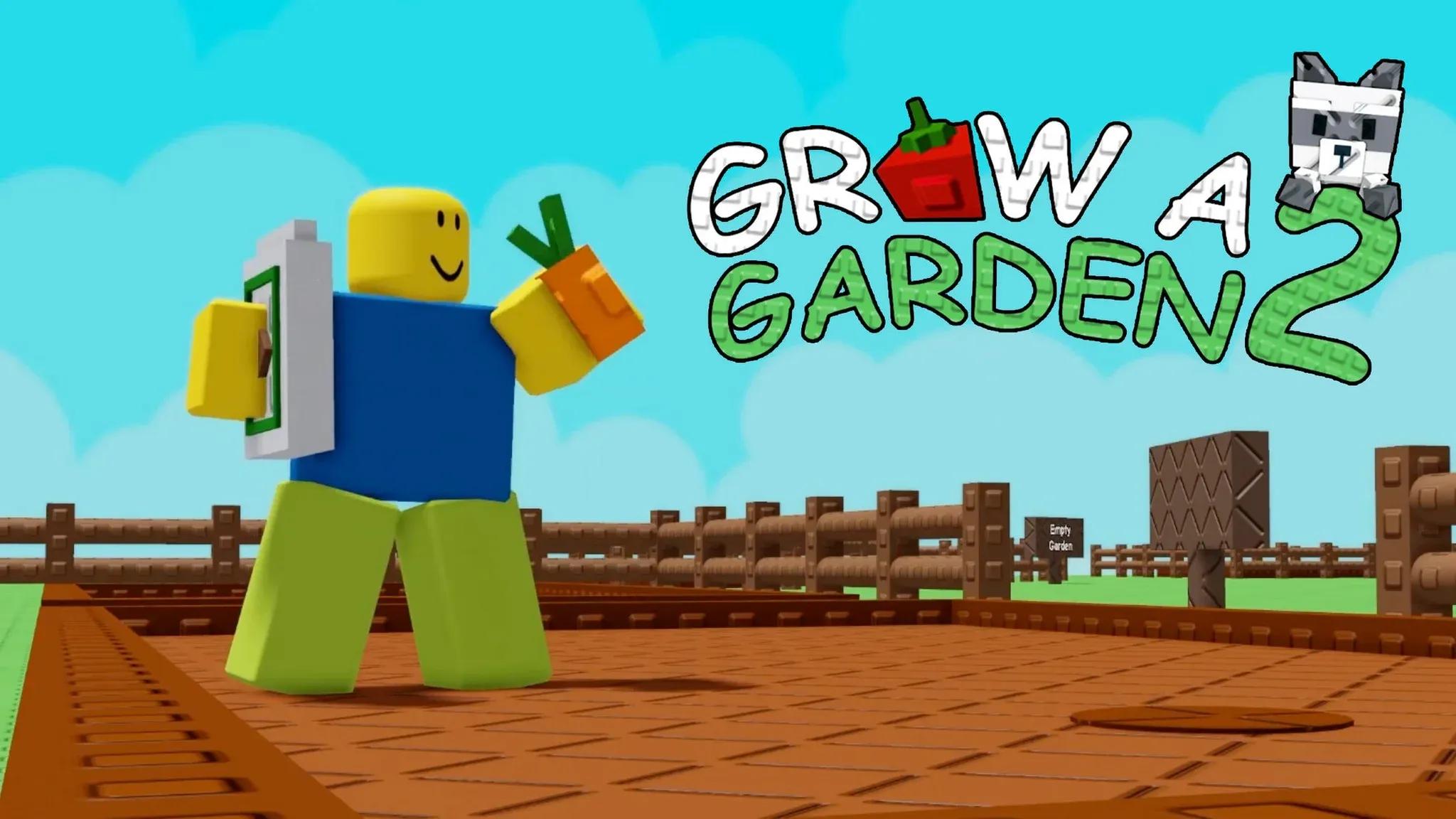

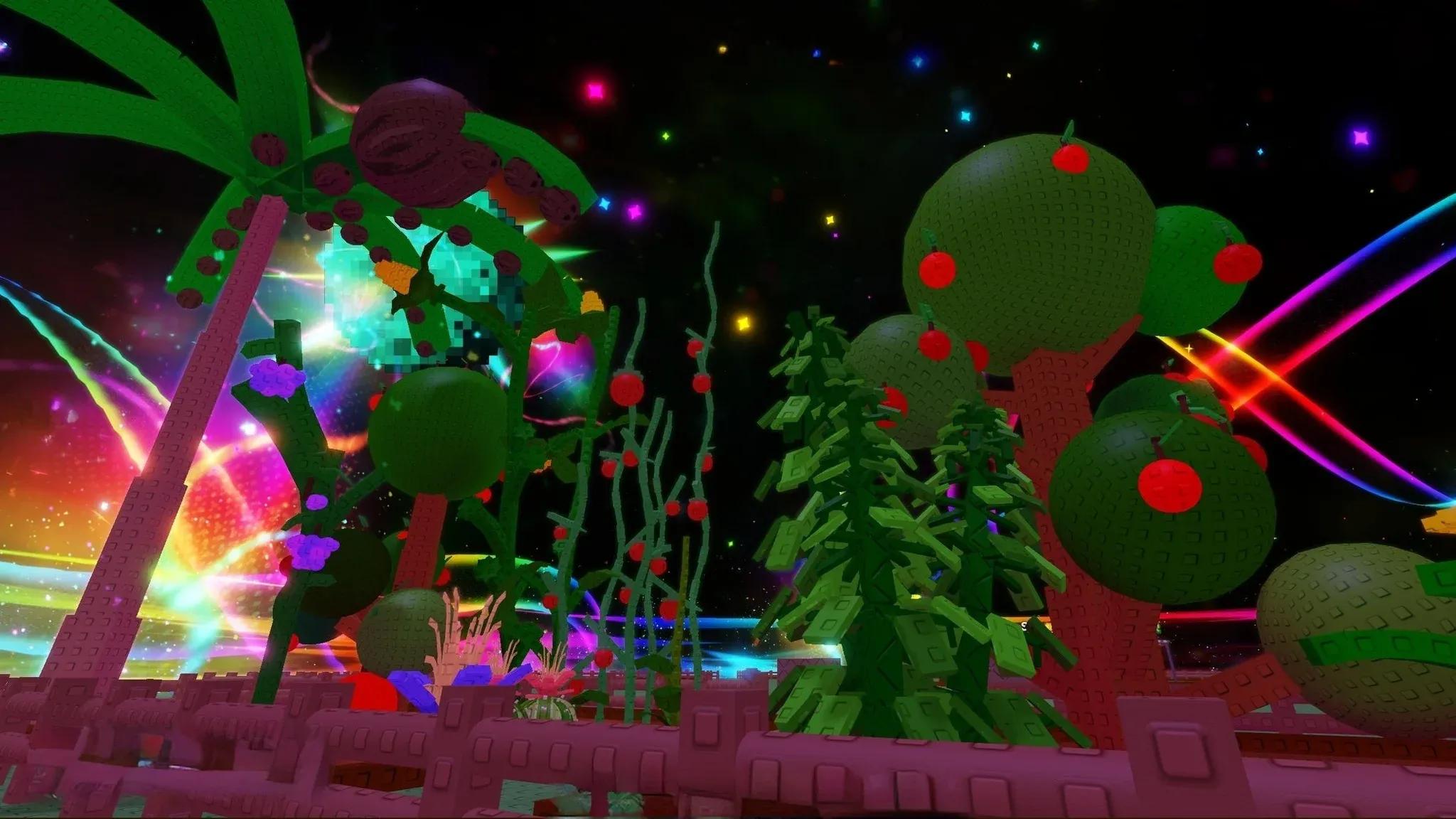
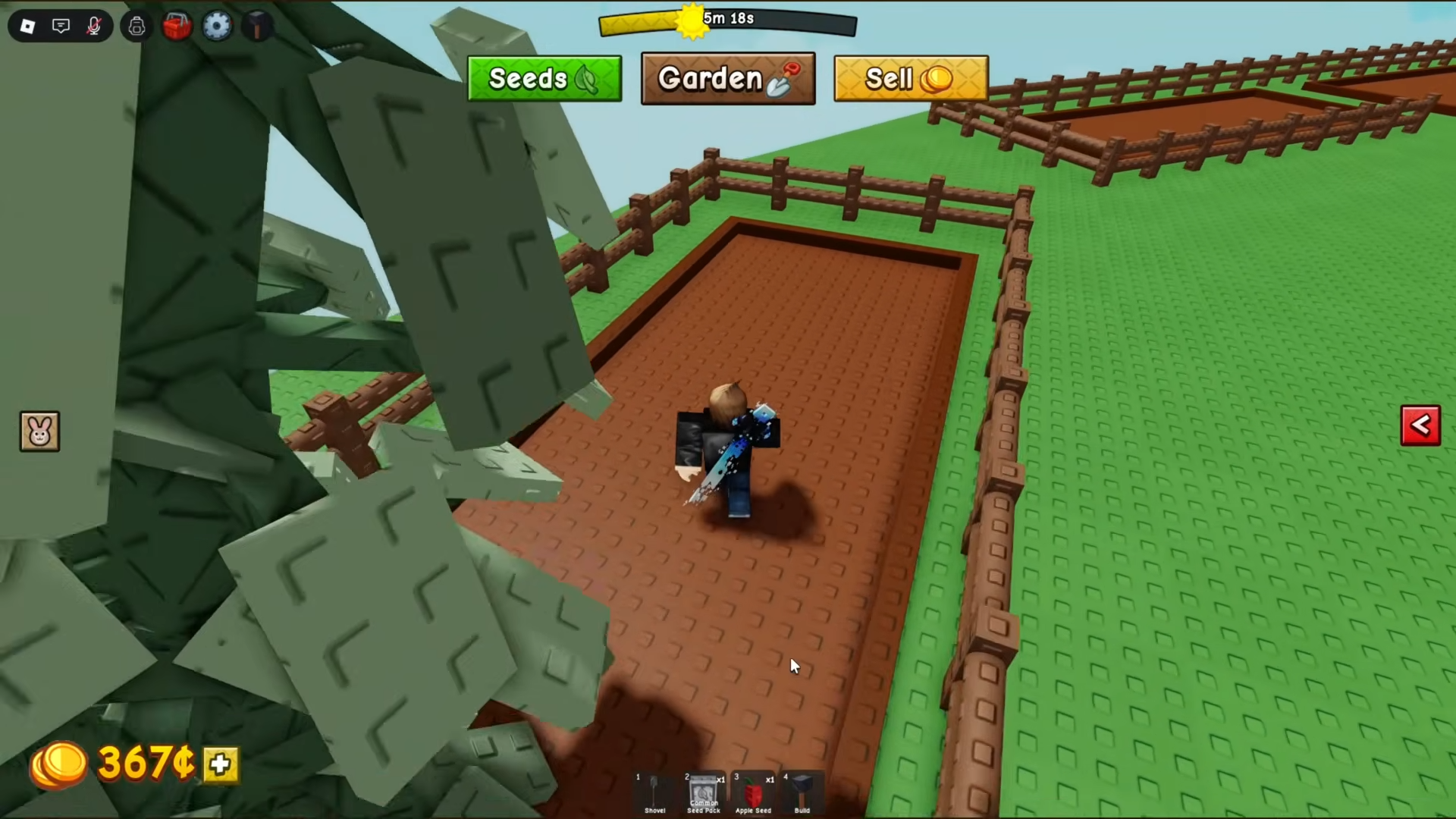

Grow a Garden 2 is a Roblox farming game built around a clear routine: buy seeds, plant them in your plot, wait for crops to grow, harvest the produce, and sell it for Sheckles. Better seeds become available as the shop restocks, so progress comes from keeping the garden active while saving enough money for stronger crops.
The sequel is a separate experience from the original Grow a Garden. Its codes, crops, money, and progress belong to Grow a Garden 2, so make sure you have opened the correct Roblox page before following a guide. New players can begin with cheap seeds and improve the plot over several harvests without spending Robux.
How Grow a Garden 2 Works
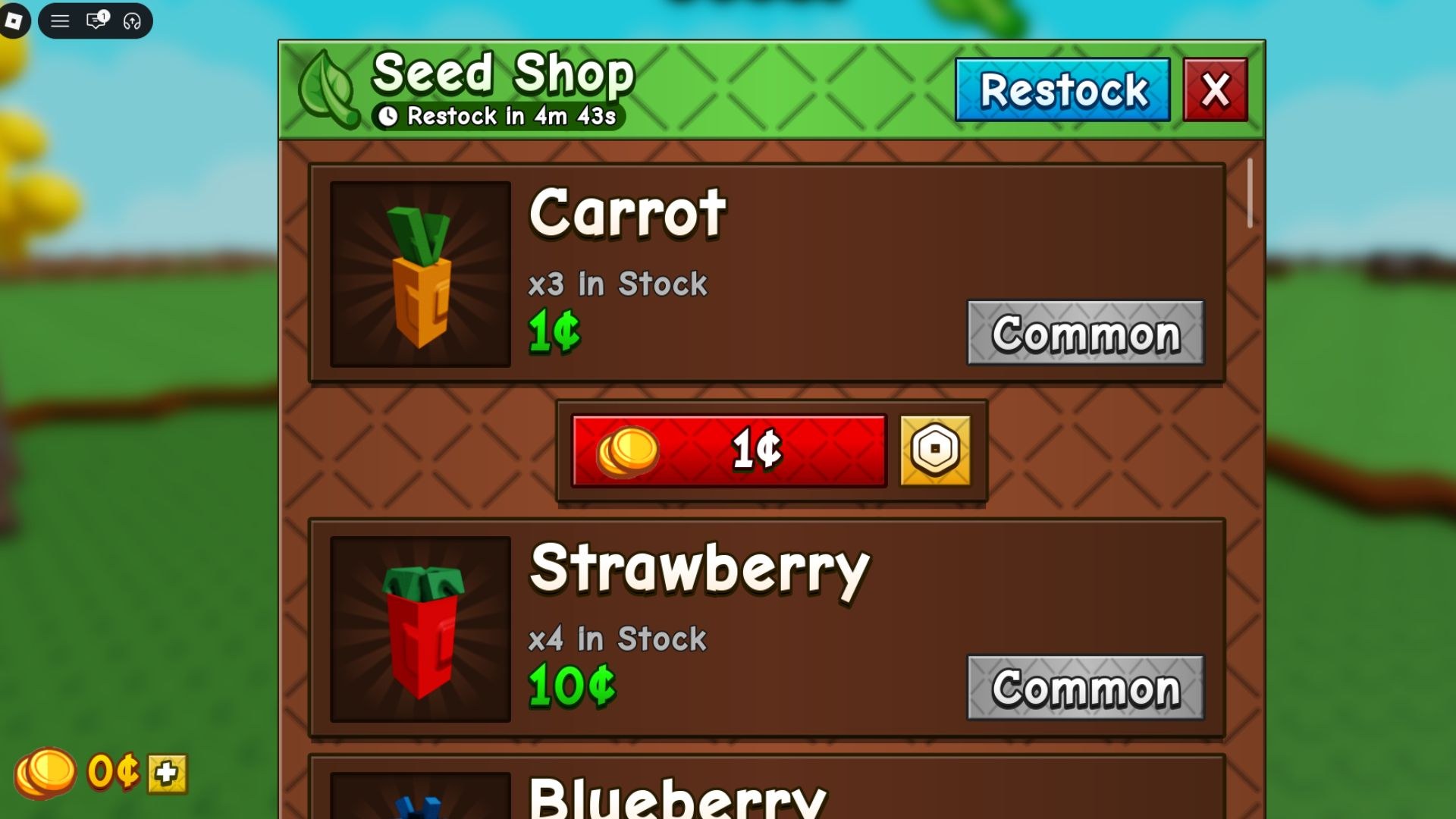
Start each session at the Seed Shop. Buy crops you can afford and plant every useful space in the plot instead of waiting for one rare seed. Carrots, strawberries, blueberries, tomatoes, and other starter crops may have low sale prices, but they begin producing the Sheckles needed for the next purchase. Check the stock again after it refreshes because useful seeds can sell out while other players are shopping.
After planting, wait for each crop to finish growing and use Watering Cans when you want to reduce the delay. Some plants give one harvest and disappear, while multi-harvest plants keep producing after collection. Check the crop type before spending most of your money. A repeat producer can support regular sales, while a valuable single-harvest crop needs to repay the seed cost in one collection.
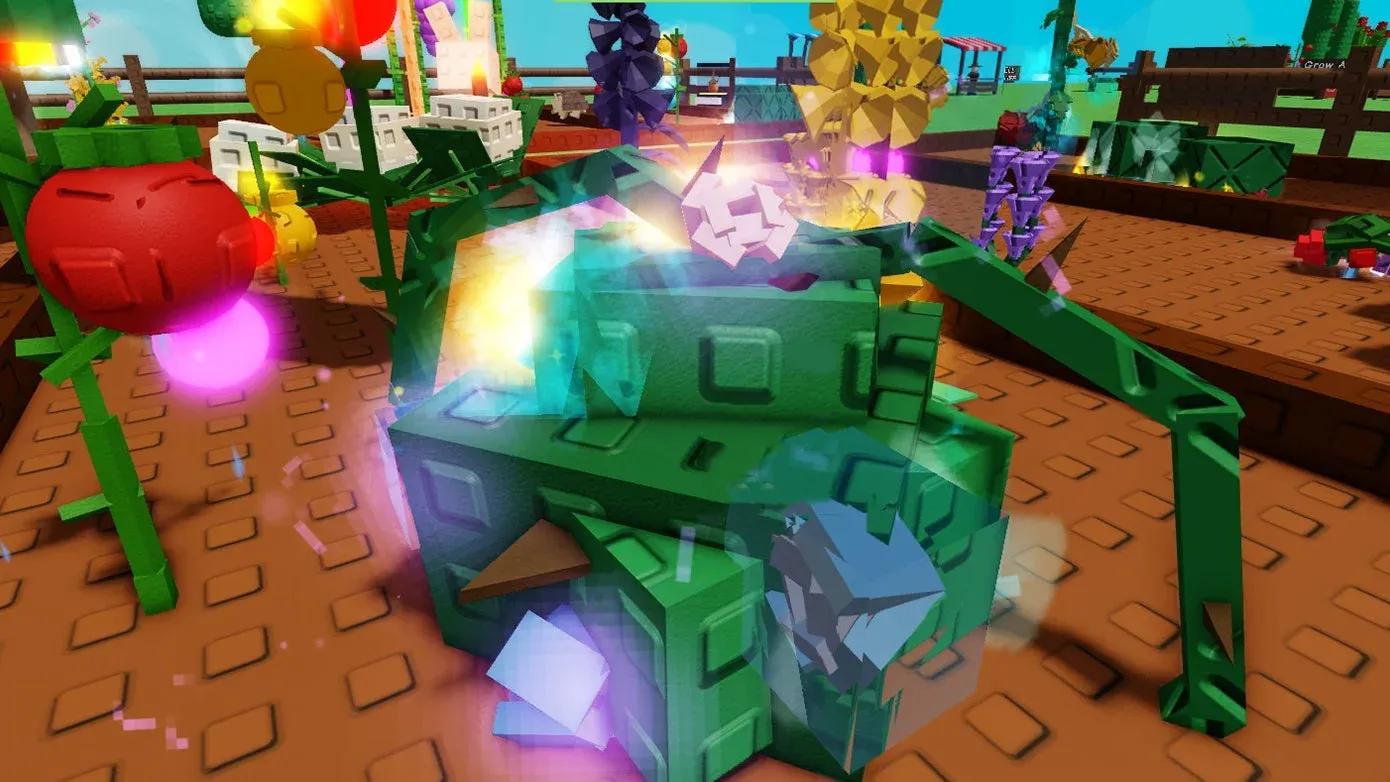
Sale value is not based only on the name of the seed. Crop rarity, weight, size, and mutations can change what the harvested produce is worth. Check the finished item before selling or leaving the plot. A stronger result deserves protection at night, while an ordinary harvest can usually be sold immediately and turned into the next round of seeds.
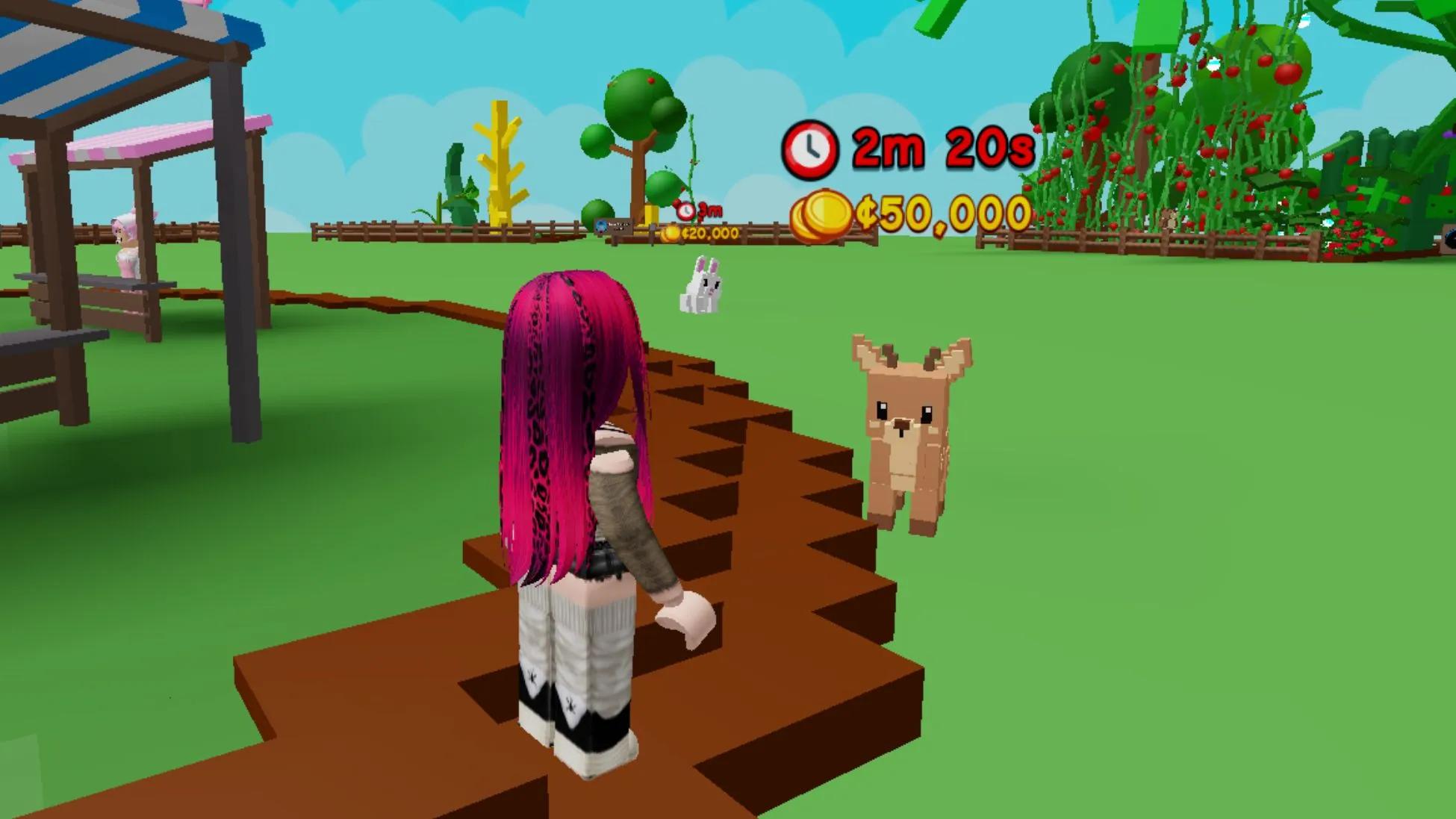
Sell harvested produce to increase your balance, then use part of those earnings on better seeds. Keep some Sheckles available for the next shop refresh instead of spending everything on common stock. The Seed Shop normally refreshes about every five minutes, and players in the same server share its inventory. When a strong seed appears, buying it quickly can be more useful than filling every remaining space with another starter crop.
Day and night also change how you manage the plot. At night, another player may take crops from a garden that has been left open. Staying inside your own plot locks it against normal stealing. Harvest rare produce before leaving, return home when night begins, and keep the Shovel ready if someone carries a crop away. Cheap plants are easier to replace, so protect the crops with the highest sale value first.
Choose the Guide You Need
Use the Grow a Garden 2 codes guide before buying early tools or seeds. It lists the working codes, explains where the redemption box is located, and covers the usual fixes when a valid code does not work. Codes can expire after updates, so check the date and redeem current rewards before relying on them for your next purchase.
Open the best crops and money guide when you are unsure what to buy from the Seed Shop. It separates useful starter crops from stronger midgame and late-game choices, explains single and repeated harvests, and shows how shop stock affects the decision. Use it when your garden is earning money but the next upgrade is not obvious.
Read the garden locking and stealing guide before leaving valuable crops unattended. It explains when the plot locks, what happens when another player steals produce, and how to use the Shovel to recover an item before the thief reaches home. The protection steps are especially useful once rare crops begin taking up more of the garden.
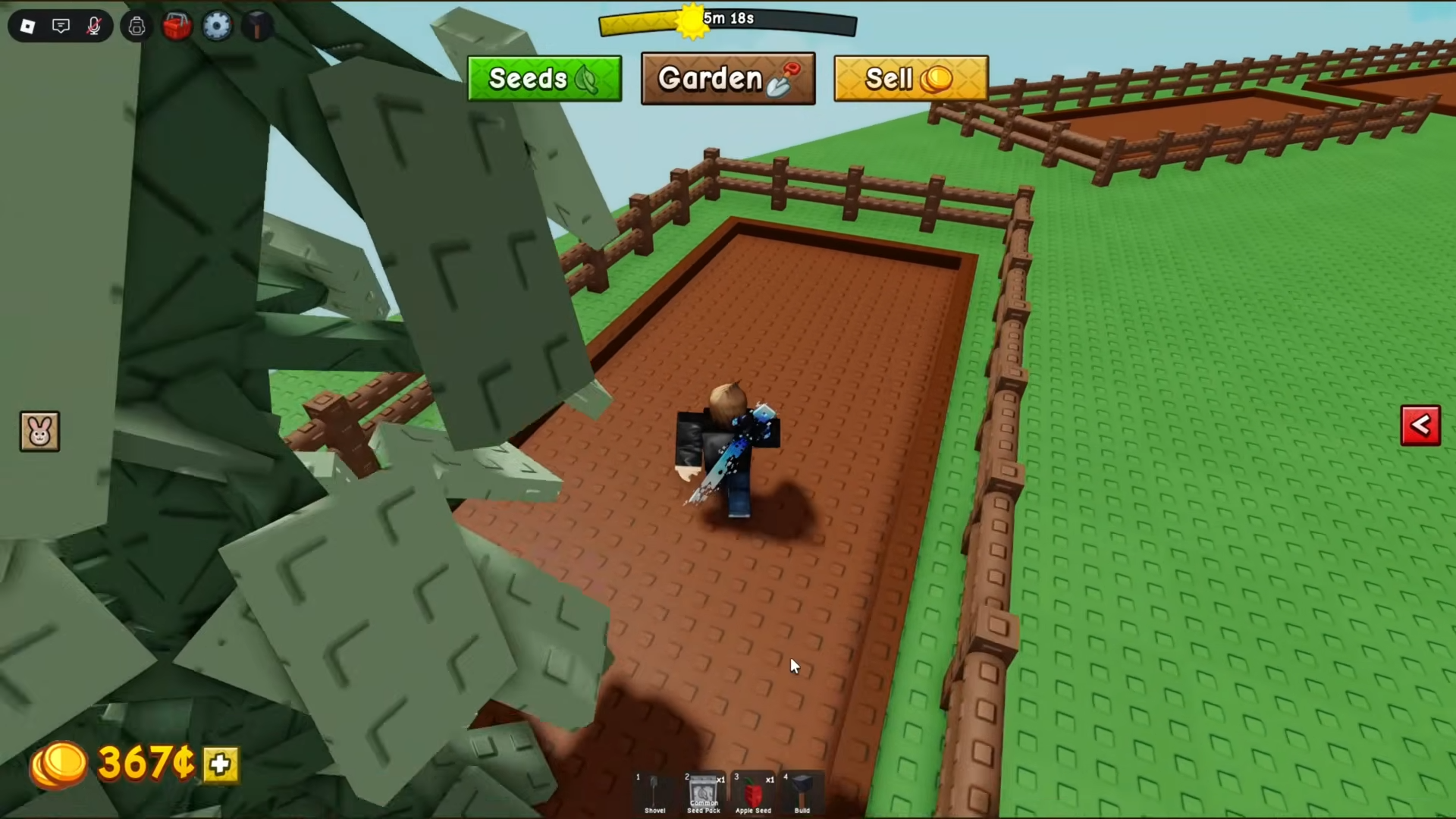
A new account can follow the same order every session:
- Redeem every current code and check the inventory for free items.
- Buy affordable seeds and fill the available soil.
- Harvest and sell produce until stronger seeds are affordable.
- Check each shop restock and save money for a useful upgrade.
- Return to the plot at night and protect the most valuable crops.
Repeat the routine without rushing every expensive seed. A full plot of affordable crops can earn more than empty soil waiting for rare stock. Use the codes page when rewards change, the crop guide when the shop offers several choices, and the locking guide when your garden starts holding produce that would be difficult to replace. Together, they cover the main decisions from the first seed purchase to protecting a valuable harvest.
Start with the Grow a Garden 2 Beginner Guide for a clear first-session route through planting, selling, upgrades, and night protection.
The Pets and Eggs Guide explains map spawns, guild eggs, pet slots, and useful early choices without relying on the original game's pet system.
Use the Seeds and Shop Restock Guide to understand the live timer, stock changes, and how much early money to keep before buying a rare seed.