



The Ironmouse Sprite is available in Fortnite, but her proper debut came with a rough first night. Players found her, used an Extraction Site or Portable Extractor, saw the “added to Collection” message, and then returned to the lobby without the Sprite.
Epic has now fixed the extraction problem and the empty Sprite Chest bug. More importantly, Fortnite Status says anyone who extracted an Ironmouse Sprite without receiving it will be granted the Sprite in the next few days.
So if your Ironmouse unlock is missing, do not keep spending Portable Extractors just to force it to register. Check your Collection, restart the game once, and give the automatic grant time to arrive. This guide covers the full process and the safest next step for affected players.
Ironmouse Sprite status right now
Here is the short version as of August 5, 2026:
- The Ironmouse Sprite is back in the regular loot pool.
- The missing-extraction bug has been fixed, according to Fortnite Status.
- Empty Sprite Chests were also fixed.
- The special boosted drop-rate window ended at 3 a.m. ET on August 5.
- Players who extracted Ironmouse during the bug should receive her through an automatic grant within the next few days.
The boosted window being over does not mean the Sprite instantly disappeared. Fortnite Status said she was back in the loot pool, but live availability can always change with a hotfix or the next season update. Check the official status account if she stops appearing again.
How to get the Ironmouse Sprite in Fortnite
The basic loop is the same one Fortnite uses for other collectible Sprites: find Ironmouse during a match, equip her, and extract her before you lose her. Simply picking her up is not enough to add her permanently to your Collection.
1. Play a mode that supports Sprites
Enter a normal Battle Royale or Zero Build match during the Runners season. Epic's support page says Sprites are not available in competitive modes, so a tournament or other competitive playlist is the wrong place to search.
If you are new to the current island, the Fortnite beginner guide explains the basic match flow without assuming you already know every system.
2. Search chests and watch nearby eliminations
Ironmouse is part of the loot pool, so open Sprite Chests and other loot containers as you rotate. Players also reported finding her in regular chests. There is no confirmed fixed Ironmouse spawn that works every match, which means a route promising one exact location would be misleading.
You can also pick up a Sprite dropped by an eliminated player. If someone else found Ironmouse first, winning that fight may give you the chance to extract her yourself.
3. Make sure Ironmouse is the equipped Sprite
Once you pick her up, confirm Ironmouse is the Sprite equipped on your character. This matters most when you are carrying more than one Sprite. A Portable Extractor works on the equipped Sprite, so using it while a different Sprite is active can save the wrong one.
Do this check before you start the extraction animation. It takes a second and can save a limited-use item.
4. Use an Extraction Site
The standard method is to carry Ironmouse to an Extraction Site and interact with the Extraction Crate. Epic changed the crate interaction during the season: walk up and press the extraction button instead of throwing or dropping the Sprite into the crate.
Extraction Sites can attract other players, so do not begin while standing in the open with no cover or healing. Clear the nearby area, reload, and start the interaction when you have a few quiet seconds.
5. Use a Portable Extractor only when needed
A Portable Extractor lets you save the equipped Sprite from anywhere on the island. It is useful when the Storm blocks the nearest site, enemies are controlling the crate, or you found Ironmouse late in the match.
It is not necessary if a safe Extraction Site is close. Saving the portable option for a rare find or a dangerous rotation is usually the better play.
6. Confirm the unlock in your Collection
After the extraction completes, finish or leave the match normally and open the Sprite Collection from the lobby. Ironmouse should appear as discovered. If the game showed a successful extraction but the slot remains locked, follow the troubleshooting steps below instead of repeatedly extracting her.
For more help with the season's wider systems, use the Fortnite complete guide hub.
Why is the Ironmouse Sprite missing after extraction?
This was a real Fortnite issue, not a mistake unique to your account. Fortnite Status investigated two linked problems during the launch window:
- Ironmouse was not being granted after a successful extraction.
- Some Sprite Chests were opening without producing a Sprite.
Fortnite Status later marked both problems as fixed. The account also said affected players would receive the Sprite in the next few days, which means the missing unlock may arrive without another extraction.
What to do if Ironmouse is still missing
Wait for Epic's automatic grant
If you extracted Ironmouse during the affected period, the official instruction is effectively to wait for the grant. Epic did not give an exact hour for each account, only a window of the next few days.
Avoid treating “next few days” as an instant fix. Grants can roll out in batches, so another player receiving the Sprite before you does not automatically mean your account was skipped.
Restart Fortnite once
Close Fortnite completely, reopen it, and check the Sprite Collection again. A restart can refresh what the lobby displays, but it cannot force Epic's server-side grant to arrive early.
Restarting once is reasonable. Reinstalling the entire game is not a useful first response to a confirmed account-side grant problem.
Check the correct Epic account
If you play across multiple systems, confirm you are signed into the same Epic account used for the successful extraction. Your Collection follows the linked Epic account, not a random local profile on the console or PC.
The Fortnite crossplay and account guide can help if you are unsure which profile holds your progress.
Submit an in-game bug report if it never arrives
Epic's support article for missing Sprites tells players to submit an in-game bug report after a successful extraction fails to add a Sprite to the Collection. Wait through the announced grant window first. If Ironmouse is still missing afterward, report it from the same account and platform.
Include useful details when the report flow allows them:
- the approximate date and time of the extraction;
- your platform and game mode;
- whether you used an Extraction Site or Portable Extractor;
- a replay, clip, or screenshot showing the successful extraction;
- whether the Sprite appeared as new or awarded zero Sprite Dust.
You can use Epic's missing Sprite support page for the official reporting direction.
Should you extract Ironmouse again?
You can extract another one now that Epic says the bug is fixed, but you should not need to do that to recover an earlier missing unlock. Fortnite Status specifically promised a grant for players who already completed the extraction.
If you naturally find Ironmouse again and have a safe normal Extraction Site nearby, there is little harm in collecting her. Spending another Portable Extractor only to test the fix is harder to justify, especially when the previous attempt already qualifies for the promised grant.
What if you extracted a mastered Ironmouse?
Epic's update promised the Sprite itself. It did not clearly promise that a particular mastery level, progress state, or Sprite Dust amount would be restored with the grant.
Keep any clip showing the level you extracted. If Ironmouse appears at a lower level after the rollout finishes, send a bug report with that evidence rather than assuming the mastery will correct itself.
Is the boosted Ironmouse drop rate still active?
No. The special boosted period ended at 3 a.m. ET on August 5, 2026. That was a temporary launch window tied to Ironmouse's debut, not a permanent drop-rate increase.
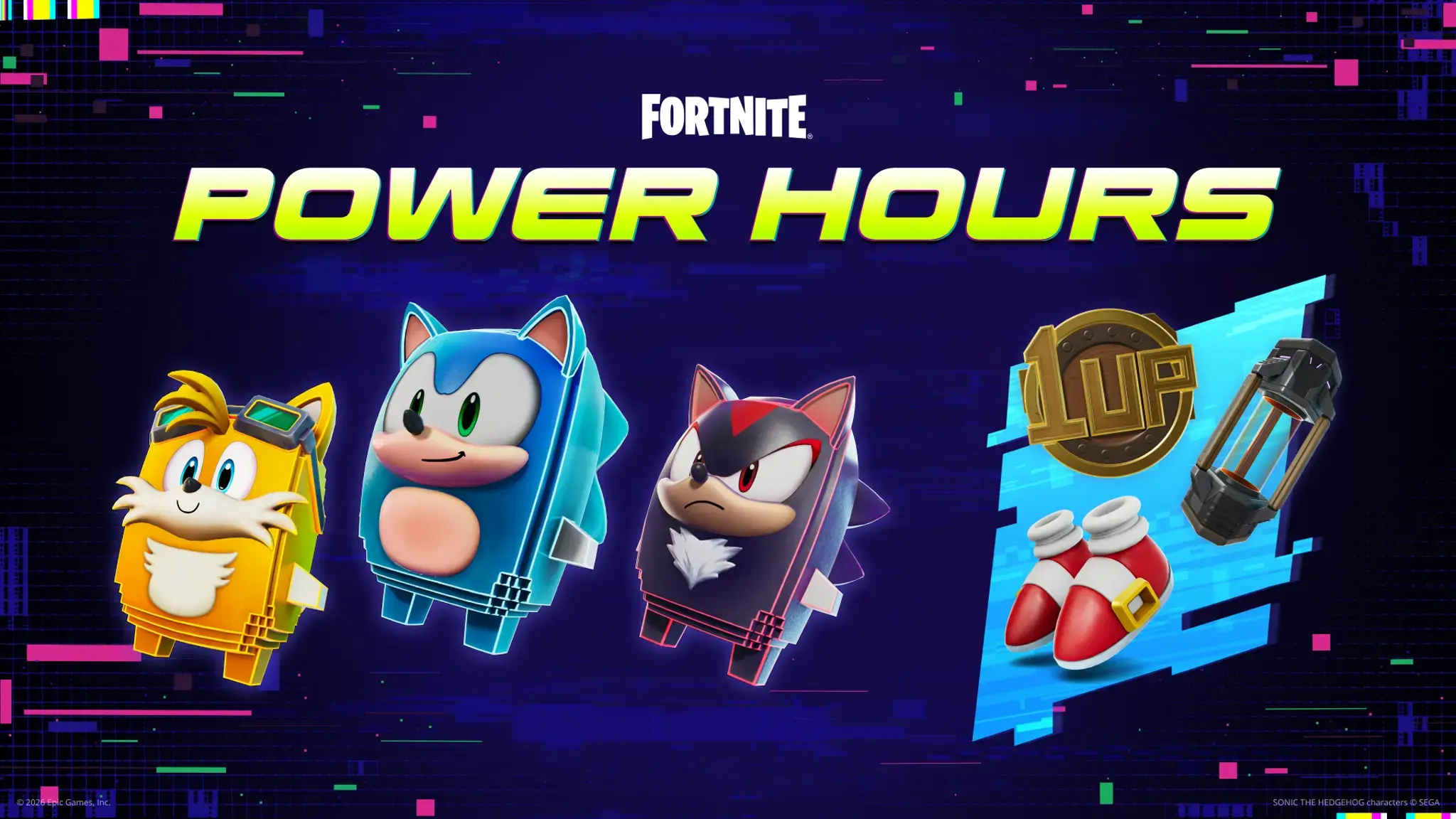
Fortnite runs recurring Sprite events during the Runners season, including Thursday releases and Saturday Power Hours. Those events can improve the chance of finding selected Sprites, but Epic says the featured modifiers change each week. Do not assume every future Power Hour will boost Ironmouse.
Is the Ironmouse Sprite a skin?
No. A Sprite is a collectible helper that can be equipped for a special power during matches. It is not a full player Outfit.
Epic's official Ironmouse reveal confirmed the Sprite. Rumors about a separate Ironmouse skin or bundle are not the same as an announcement, so do not spend V-Bucks or trust “free skin” links based on an unconfirmed claim.
Will Ironmouse carry into Fortnite Override?
Fortnite's current Runners season is approaching the Chapter 7 Season 4 Override launch. Epic has not confirmed in the Ironmouse announcement that the Sprite Collection will remain usable in the next season.
Collecting her now still records the unlock under the current system, but avoid promises about next-season gameplay until Epic explains how Sprites will work after the transition. The Fortnite Override release guide separates confirmed information from rumors about the update.
Quick troubleshooting checklist
If your Ironmouse Sprite is missing, use this order:
- Confirm the extraction finished successfully.
- Return to the lobby and check the Sprite Collection.
- Restart Fortnite once and check again.
- Make sure you are on the same Epic account used for the extraction.
- Wait through Epic's “next few days” grant window.
- Submit an in-game bug report if the grant never appears.
The main point is simple: the launch bug was acknowledged, it is marked as fixed, and affected players are supposed to receive the missing Sprite. You do not need to burn through more Portable Extractors while waiting for that process.