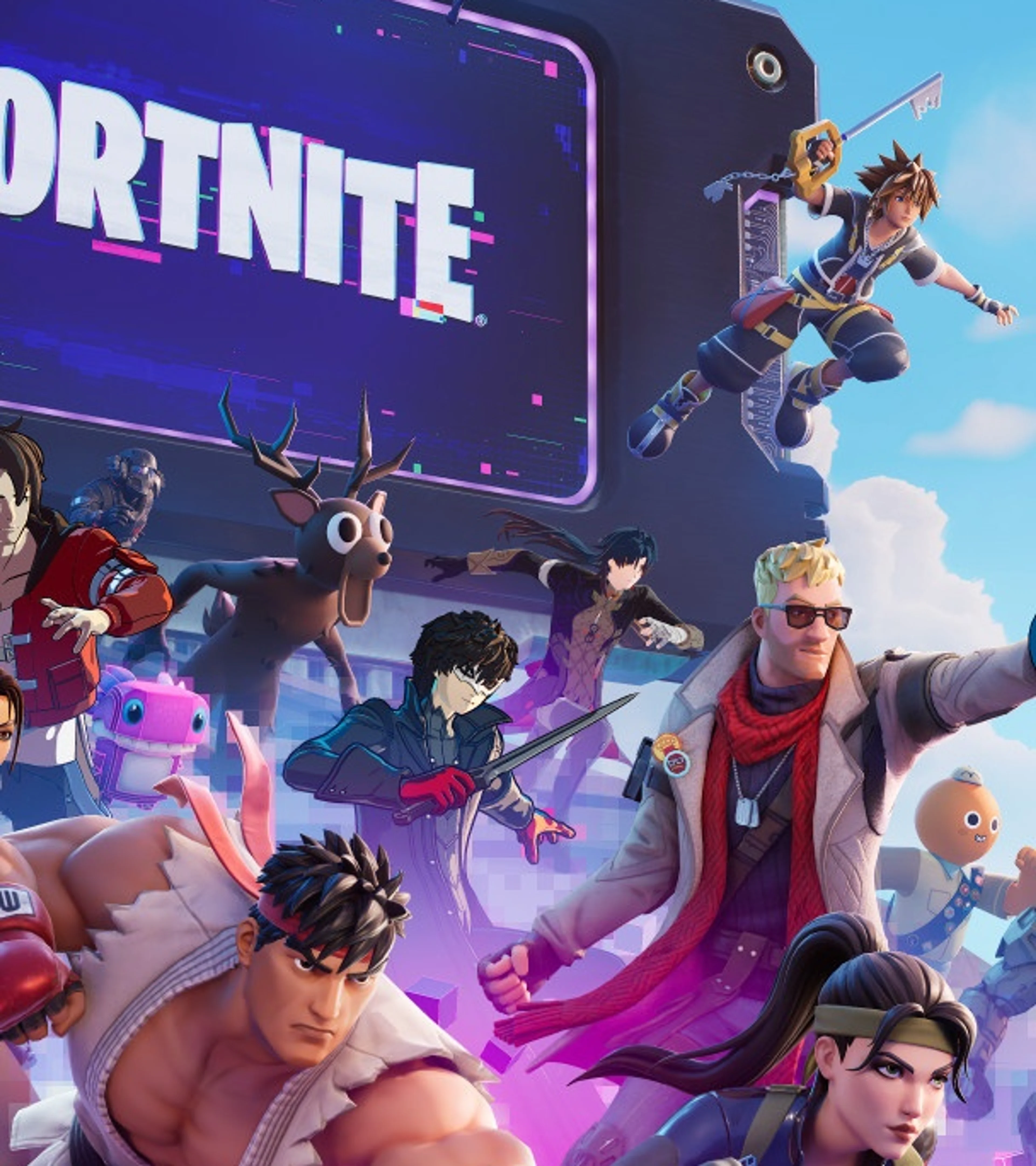



Fortnite is a free-to-play platform with Battle Royale, Zero Build, LEGO Fortnite, Festival, Rocket Racing, Creative islands, and other experiences. You do not need to learn every mode at once. Choose the one that sounds fun, understand its basic objective, and use this hub to find the right guide when something becomes confusing.
This page organizes Pixel Twelve’s Fortnite coverage for new and returning players. It explains accounts, modes, Battle Royale fundamentals, building, settings, Ranked, and seasonal updates without pretending that advice for one mode applies to all of Fortnite.
For the game overview and current coverage, visit the Fortnite game page.
Which Fortnite Mode Should You Play First?
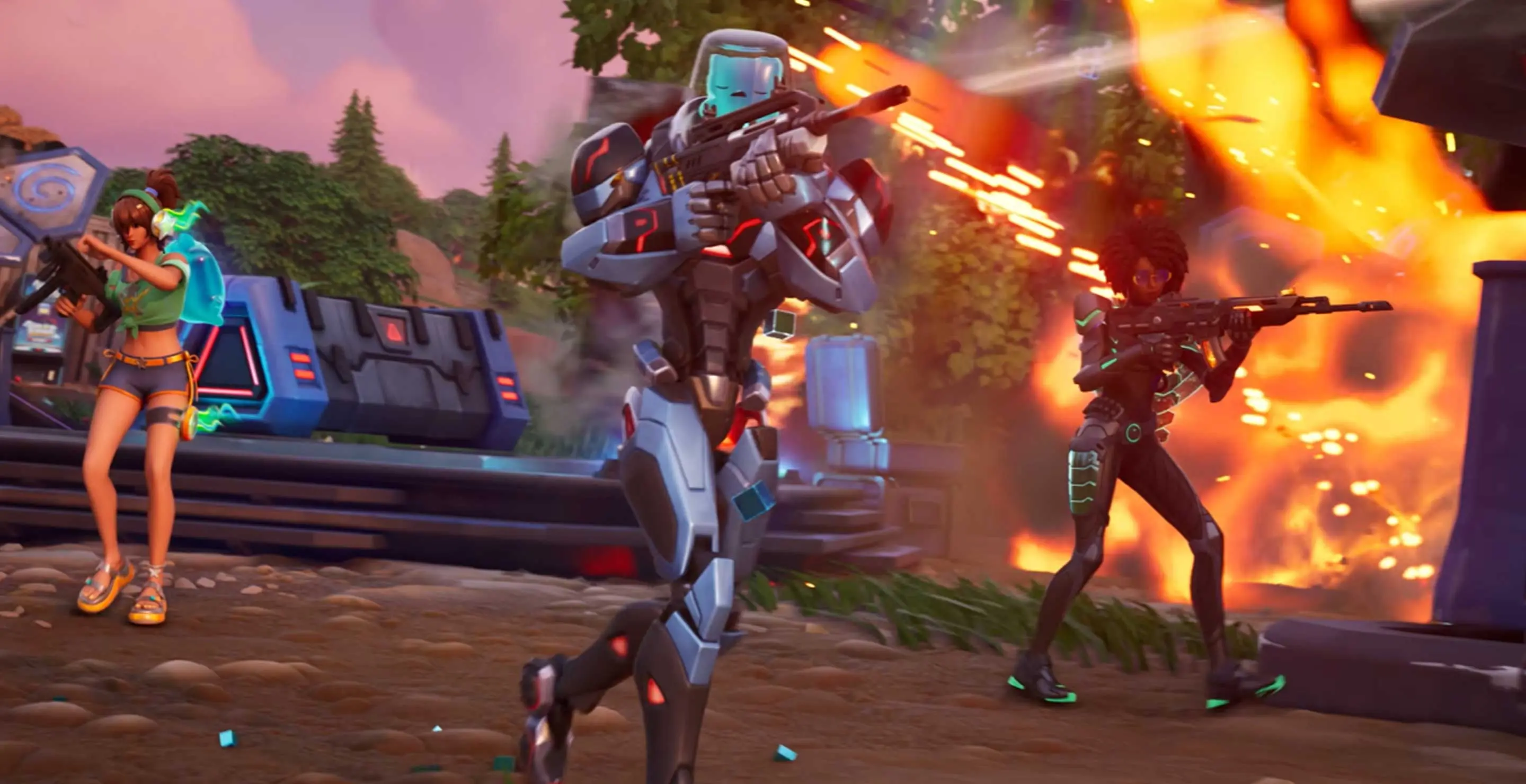
- Battle Royale: up to 100 players land, loot, survive the Storm, and fight to become the last player or team standing. Standard Battle Royale allows building.
- Zero Build: uses the same main survival loop without player-built structures. A recharging Overshield adds protection, while movement and natural cover become more important.
- Reload and Fortnite OG: offer different maps, pacing, or rules for players who want a faster or more nostalgic Battle Royale experience.
- LEGO Fortnite: focuses on survival, building, crafting, and exploration rather than a normal Battle Royale match.
- Festival and Rocket Racing: provide music and racing experiences connected to the same Fortnite account.
- Creative and UEFN islands: include community-made combat, practice, social, horror, obstacle, and experimental games.
Start with Zero Build if shooting, movement, and positioning interest you more than construction. Choose standard Battle Royale if building is part of what you want to learn. Other modes have their own objectives and progression, so switch freely without expecting one guide to explain everything.
Epic Account, Crossplay, and Shared Progress
Your Epic account connects friends, eligible purchases, and progress across supported platforms. Link each platform account carefully and use the same Epic account when moving between devices. Creating or linking the wrong account can make a locker appear empty even when the content still exists elsewhere.
Fortnite supports cross-platform parties. Add friends through their Epic display names, then invite them from the social menu. Some platform-level privacy or crossplay settings can still block a party, so check both Fortnite and console settings when an invite fails.
The Fortnite Crossplay Guide covers account linking, friend requests, cross-platform parties, shared progress, and common invite problems.
Your First Battle Royale Matches
Choose a landing area with several buildings but avoid the busiest landmark on the map while learning. Pick up a close-range weapon, a medium-range weapon, healing items, and mobility or utility if available. Weapon pools change, so focus on what each slot does rather than memorizing one seasonal loadout.
Watch the Storm timer before it forces a long run across open ground. Move early when the next safe zone is far away. In team modes, stay close enough to trade damage and revive teammates, but do not stand in the same doorway or share the same piece of cover.
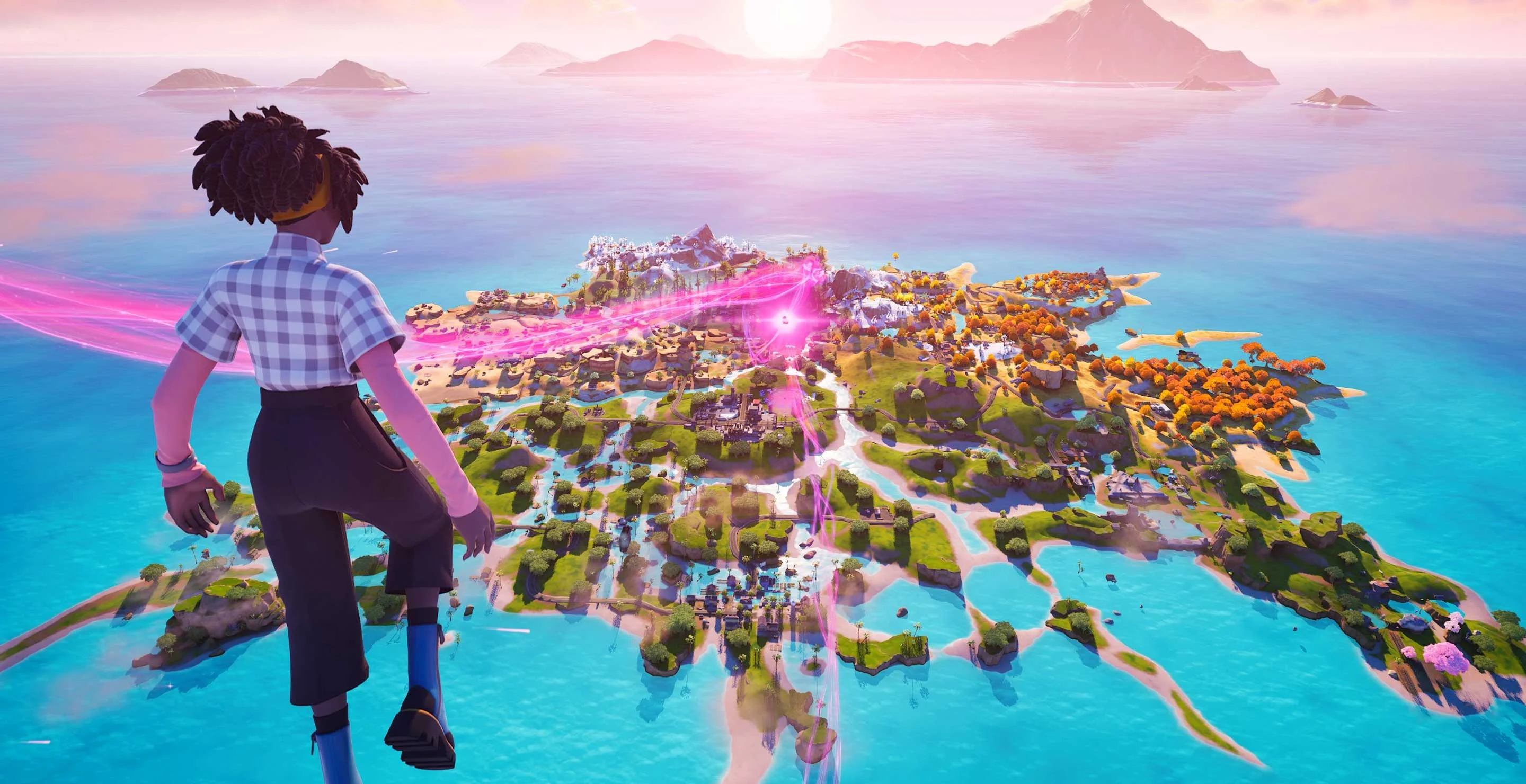
The Fortnite Beginner Guide explains landing, looting, healing, the Storm, fights, revives, and a practical plan for your first matches.
Zero Build or Standard Battle Royale?
Zero Build removes player construction, so terrain, buildings, vehicles, movement items, and Overshield decide more fights. Crossing an exposed field is dangerous because you cannot create a wall instantly. Plan a route between existing cover and keep an escape option when starting a fight.
Standard Battle Royale lets players collect materials and place walls, floors, ramps, and roofs. Beginners do not need fast edit courses immediately. Learn to place a wall toward incoming fire, build a simple protective box, and use a ramp to change elevation. Those three actions already make building useful.
Building and Editing Without Overcomplicating It
Construction is a tool for protection and movement, not a performance test. Practice one piece at a time in a Creative island. Place a wall, turn it into a box, add a ramp, then edit a safe opening. Reset the piece and repeat until the buttons feel normal.
In real matches, build with a reason. Protect a heal, block a shot, take a better angle, or move upward. Random towers consume materials and attract attention without solving the fight.
Use the Fortnite Building and Editing Guide for the four pieces, a basic box, safe edits, material choices, and practice settings.
Settings That Make Fortnite Easier to Read
Prioritize stable performance, clear visibility, comfortable controls, and audio information. A higher visual preset is not helpful if frame rate becomes inconsistent during a fight. Enable useful interface options, confirm that controller or mouse sensitivity feels repeatable, and avoid changing several settings after every loss.
Fortnite supports visual sound indicators that can help identify nearby movement and action. Treat them as extra information, not a replacement for listening and checking the environment. Control layouts should keep common actions reachable without forcing awkward hand movement.
The Fortnite Best Settings Guide covers FPS priorities, audio, visibility, controller and mouse settings, and what to adjust when the game feels inconsistent.
How Fortnite Ranked Works
Ranked uses the Battle Royale or Zero Build structure with visible progression and stronger competitive pressure. Your placement, eliminations, the strength of opponents, and match context can affect progress. Exact rules and available queues may change by season.
Do not play only for a hiding spot. Consistent climbing requires surviving sensible fights, rotating well, and learning from bad positions. Review why damage happened before blaming the final opponent: the real mistake may have been a late Storm rotation or a fight started without cover.
The Fortnite Ranked Guide explains ranks, progression, match habits, team play, and how to climb without turning every game into a passive wait.
How to Keep Up With Seasons and Updates
Fortnite changes weapons, locations, quests, collaborations, and special mechanics regularly. Check the date on any guide that depends on a specific item or map. Advice about cover, movement, team spacing, account linking, and basic construction usually lasts longer than a seasonal loot list.
For the current season overview, use the Fortnite Chapter 7 Season 4 Override guide. For Console locations, activation steps, and quest troubleshooting, use the Fortnite Override Console guide.
A Simple First-Week Plan
- Day 1: play the tutorial and several Zero Build or Battle Royale matches. Learn looting, healing, and the Storm.
- Day 2: adjust performance, audio, and control settings, then stop changing them unless a clear problem remains.
- Day 3: practice one weapon at close range and one at medium range in a low-pressure mode or Creative island.
- Day 4: if you play Build, practice walls, a box, ramps, and one edit. If you play Zero Build, practice routes between cover.
- Day 5: play with a friend and focus on staying close enough to help each other.
- Days 6–7: try Ranked only if normal matches feel understandable; otherwise keep learning without rushing the ladder.
Fortnite Guide Directory
- Learn the match: Beginner Guide — landing, loot, healing, Storm timing, and team play.
- Fix performance: Best Settings Guide — FPS, audio, visibility, controls, and sensitivity.
- Learn construction: Building and Editing Guide — pieces, boxes, ramps, edits, and materials.
- Play with friends: Crossplay Guide — accounts, parties, shared progress, and invite fixes.
- Start competing: Ranked Guide — ranks, progression, match decisions, and climbing.
- Track the season: Chapter 7 Season 4 guide for theme and dates; use the Override Console guide for locations, activation, and quest help.
Fortnite FAQ
Is Fortnite Free?
Yes. Fortnite’s main free-to-play experiences can be downloaded without buying the Battle Pass or cosmetic items. Some experiences or packs may have separate purchase requirements.
Should a Beginner Start With Zero Build?
Zero Build is a good start if you want to learn shooting, movement, the Storm, and cover first. Start with standard Battle Royale if construction is the feature that interests you.
Can I Play With Friends on Another Platform?
Yes. Add friends through their Epic accounts and form a cross-platform party. Console privacy or crossplay settings may need to be enabled.
Does My Locker Transfer Between Platforms?
Eligible content and progress are shared when platforms are linked to the same Epic account. Some V-Bucks rules differ by platform.
Why Does an Older Fortnite Guide Look Wrong?
Seasonal maps, weapons, quests, and mechanics change frequently. Check the update date and use evergreen guides for stable systems such as accounts, settings, basic building, and match fundamentals.