



Pixel Twelve
The Sims 4 Cheats and Codes: Money, Build Mode, Needs, and More

Cheats

The Sims 4 Cheats and Codes: Money, Build Mode, Needs, and More

Use official Sims 4 cheats on PC, Mac, PlayStation, and Xbox, with quick setup steps and a clear console warning.

By Tess CalderGame: The Sims 4Verified Aug 16, 2026

Quick cheat finder

Find a Sims 4 Cheat

22 cheats

Set Up Cheats

Open the cheat console and enable commands that need testing cheats.

2 cheats

Enable testing cheats on PC and Mac

Unlocks commands and Shift-click actions that require testing cheats.

Code

testingcheats true
AvailabilityPC / Mac

Enable testing cheats on console

Unlocks supported Live Mode commands and extra interactions.

Code

testingcheats on
AvailabilityPlayStation / Xbox

Disables Achievements and Trophies for the current save.

Money & Homes

Add Simoleons, set an exact balance, or move into a home for free.

Availability PC / Mac / PlayStation / Xbox

4 cheats

Add 1,000 Simoleons

Adds 1,000 Simoleons to the household.

Code

rosebud

Alternative

kaching

Add 50,000 Simoleons

Adds 50,000 Simoleons to the household.

Code

motherlode

Set an exact household balance

Sets household funds to the number you enter.

Code

Money [number]

Replace [number] with the balance you want, such as Money 145897.

Make homes free

Makes residential homes free to move into when enabled.

Code

freerealestate on/off

Enter it from the world or neighborhood screen; use off to disable it.

Build Mode

Place objects freely and unlock more of the Build/Buy catalog.

Availability PC / Mac / PlayStation / Xbox

4 cheats

Place objects without grid limits

Lets objects overlap and removes normal placement restrictions.

Code

bb.moveobjects on

EA's current move-objects help page asks you to enable testing cheats first.

Build on locked lots

Lets you edit lots that normally cannot be changed.

Code

bb.enablefreebuild

Open the cheat console before using Build Mode.

Unlock career reward objects

Unlocks career rewards in the Build/Buy catalog.

Code

bb.ignoregameplayunlocksentitlement

Enter the command, then open the relevant Build/Buy category.

Show hidden catalog objects

Shows hidden in-game objects in the Build/Buy catalog.

Code

bb.showhiddenobjects

Enter the command before searching the catalog.

Needs & Stuck Sims

Fill needs, clear Moodlets, or reset a Sim who will not move.

Availability PC / Mac / PlayStation / Xbox

4 cheats

Fill the active Sim's needs

Fills all needs for the active Sim.

Code

sims.fill_all_commodities

Enable testing cheats first.

Fill the whole household's needs

Fills the needs of every Sim in the current household.

Code

stats.fill_all_commodities_household

Enable testing cheats first.

Clear the active Sim's Moodlets

Removes Moodlets and returns the active Sim to a neutral mood state.

Code

sims.remove_all_buffs

Enable testing cheats first.

Reset a stuck Sim

Resets a Sim who is frozen or stuck.

Code

resetSim [first name] [last name]

Replace the brackets with the Sim's first and last name, keeping a space between them.

Careers, Rewards & CAS

Change careers, complete milestones, add points, or fully edit a Sim.

Availability PC / Mac / PlayStation / Xbox

6 cheats

Promote a Sim

Promotes the active Sim by one rank in the named career.

Code

careers.promote [career name]

Replace the brackets with the career name and enable testing cheats first.

Demote a Sim

Demotes the active Sim by one rank in the named career.

Code

careers.demote [career name]

Replace the brackets with the career name and enable testing cheats first.

Leave a career

Removes the active Sim from the named career.

Code

careers.remove_career [career name]

Replace the brackets with the career name and enable testing cheats first.

Complete the current aspiration milestone

Completes the active Sim's current aspiration milestone.

Code

aspirations.complete_current_milestone

Enable testing cheats first.

Add satisfaction points

Gives the active Sim the number of satisfaction points you enter.

Code

sims.give_satisfaction_points [number]

Replace the brackets with a number and enable testing cheats first.

Fully edit a Sim

Unlocks broader editing controls in Create a Sim.

Code

cas.fulleditmode

Enable testing cheats first, then open Create a Sim through the supported Sim interaction.

Household & Game Rules

Control household bills and whether Sims can die.

Availability PC / Mac / PlayStation / Xbox

2 cheats

Control household bills

Enables or disables the household bill setting.

Code

household.autopay_bills true/false

Replace the final value with true or false and enable testing cheats first.

Enable or disable death

Enables or disables death in the current game state.

Code

death.toggle true/false

Replace the final value with true or false and enable testing cheats first.

Quick Answers

You do not need to scroll through one giant list. Open the cheat console, use the quick answer you need, or search the cheat cards by money, building, needs, career, or Sim editing.

On PlayStation and Xbox, using testing cheats disables Achievements and Trophies for the current save. If those matter to you, make a separate save before experimenting.
  • Need 50,000 Simoleons? Use motherlode.
  • Want an exact household balance? Use Money [number].
  • Building without the placement grid? Use bb.moveobjects on.
  • Sim frozen in place? Use resetSim [first name] [last name].
  • Want full needs? Enable testing cheats, then use Make Happy or a needs command below.

A group of Sims celebrating together in The Sims 4
Cheats can change household funds, needs, careers, building, and Sim editing.

Open the Cheat Console

PC and Mac

  1. Press Ctrl + Shift + C while you are in a game or save.
  2. Type the command and press Enter.
  3. For commands that require testing cheats, enter testingcheats true first.
  4. Press Escape to close the console.

PlayStation

  1. Press L1 + L2 + R1 + R2 at the same time.
  2. Enter testingcheats on and press Circle when the cheat requires it.
  3. Enter the command and press Circle again.
  4. Press the same four shoulder buttons to close the console.

Xbox

  1. Press LB + LT + RB + RT at the same time.
  2. Enter testingcheats on and press A when the cheat requires it.
  3. Enter the command and press A again.
  4. Press the same four buttons to close the console.

Build Mode Controls

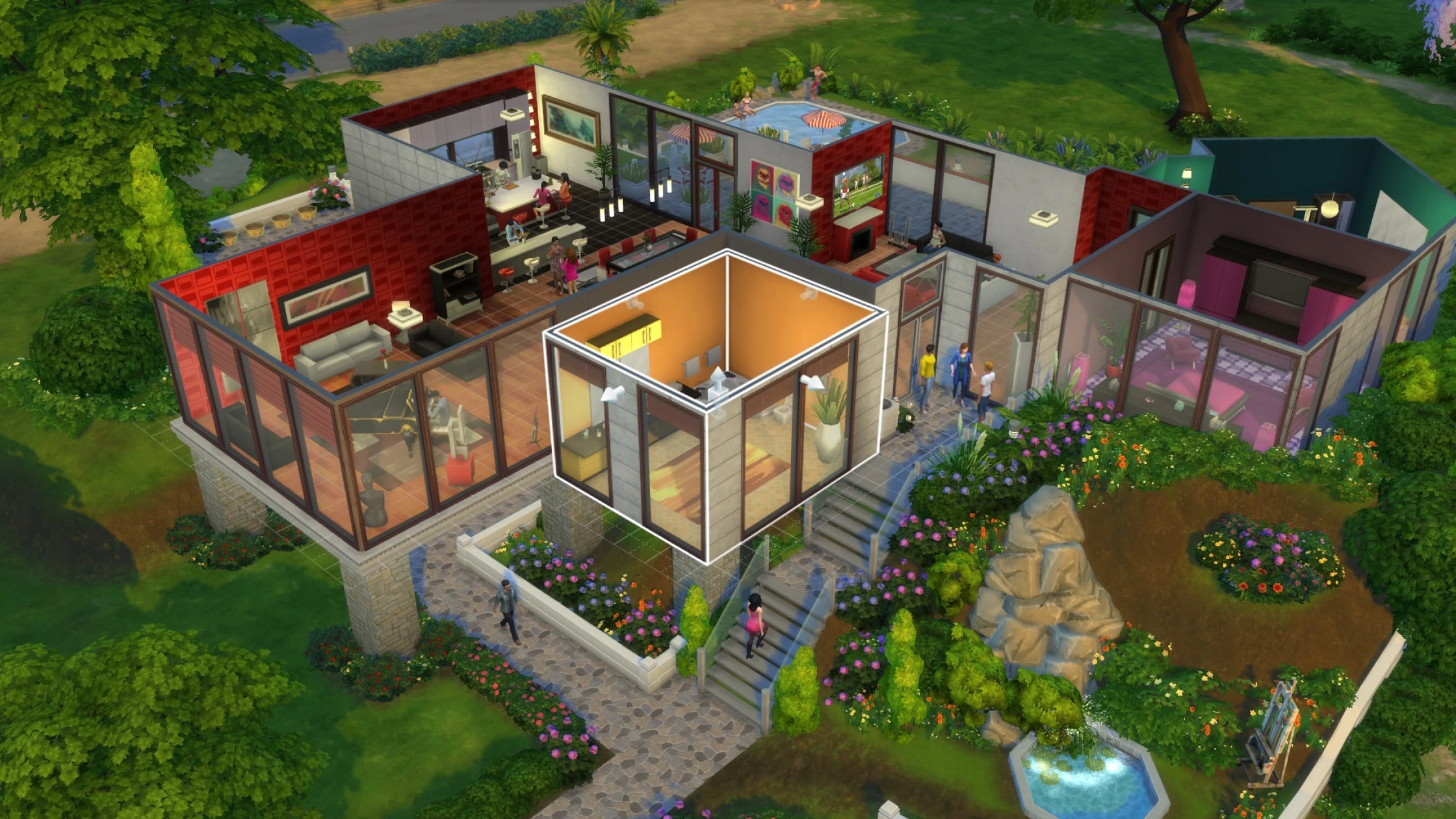
Build Mode cheats can unlock items and remove placement limits. EA's general cheats FAQ treats Build Mode cheats differently from Live Mode testing cheats, but its current bb.moveobjects help page still asks players to enable testing cheats first. Use a separate console save if Achievements or Trophies matter.

With an object selected, hold L2 + R2 on PlayStation or LT + RT on Xbox and press up or down on the D-pad to change its size. This is a controller shortcut, not a typed cheat.

Shift-click Actions

After enabling testing cheats, you can open extra actions without typing another command.

  • PC and Mac: hold Shift and click a Sim, object, or point on the ground.
  • PlayStation: hold Circle and press X.
  • Xbox: hold B and press A.
  • Useful actions include Make Happy, Disable Need Decay, Enable Need Decay, Make Dirty, Make Clean, and Teleport Me Here.

Careers, Rewards, and Create a Sim

Career commands use the internal career name after the command. cas.fulleditmode gives you broader editing controls when you open Create a Sim through the supported Sim interaction.

Use the searchable cards below for promotions, aspiration milestones, satisfaction points, and full Sim editing.

A Sim being edited in Create a Sim in The Sims 4
Create a Sim and career commands are grouped together for faster lookup.

Get Pixel Twelve's biggest stories first.

Add as a preferred source on Google