


Pixel Twelve
The Sims 4 Baby Guide: Pregnancy, Science Baby and Adoption

How To

The Sims 4 Baby Guide: Pregnancy, Science Baby and Adoption

A visual The Sims 4 baby guide covering Try for Baby, Science Baby, adoption, pregnancy settings and test, birth, newborn and infant stages, and pack-specific extras.

Game: The Sims 4Verified Sep 23, 2026
Add to list

Three baby routes, three different stories

Ready for a new little Sim? In the base game you can Try for Baby, Have a Science Baby or adopt. You do not need to play a romantic story to use the Science Baby or adoption routes. The choice changes what happens next: pregnancy belongs to Try for Baby; the other routes bring a child into the household differently.
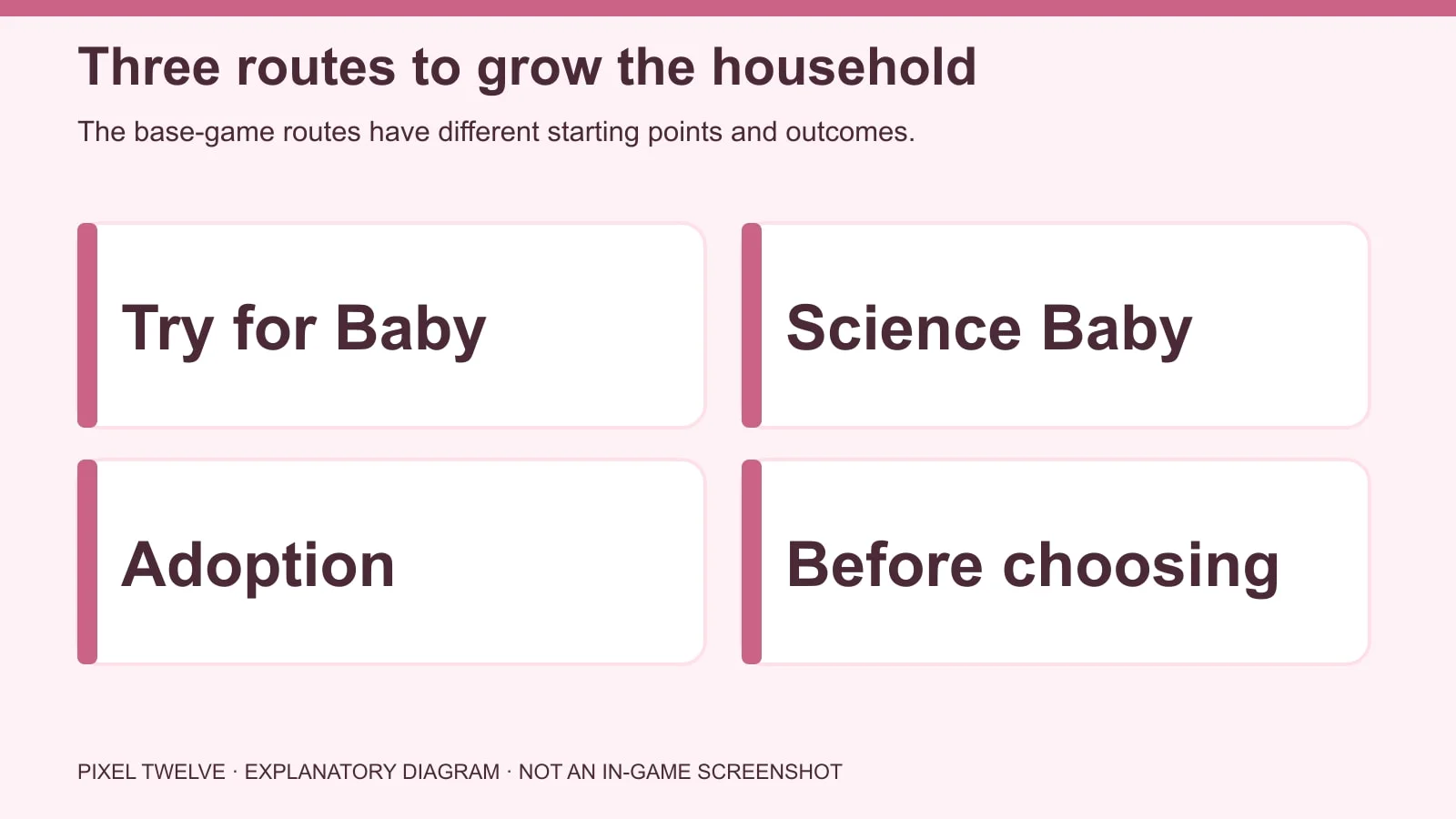
Diagram comparing Try for Baby, Science Baby and Adoption with their starting menus.
Choose a route before shopping for a nursery: romance and pregnancy are not required for every family story.

Check that your household has room for another member and enough Simoleons for care items. The family can still be tiny and cozy; it does not need a fully decorated mansion.
Try for Baby: check the Sims and the interaction

  1. Select the Sim whose story you are playing and build a romantic relationship with the other Sim. A high friendship bar alone may not make the Try for Baby interaction appear.
  2. Click a suitable object such as a bed and look through the available romantic actions for Try for Baby. EA also lists other compatible objects, including showers, hot tubs and rocketships; those depend on what you have in the save.
  3. If the interaction is missing, check the Sims’ age and pregnancy options in Create a Sim. Teen Sims cannot become pregnant; elder Sims cannot become pregnant but may be able to get others pregnant.

Trying does not guarantee a pregnancy on the first attempt. Avoid buying a pack or changing cheats just because the first try did not work.

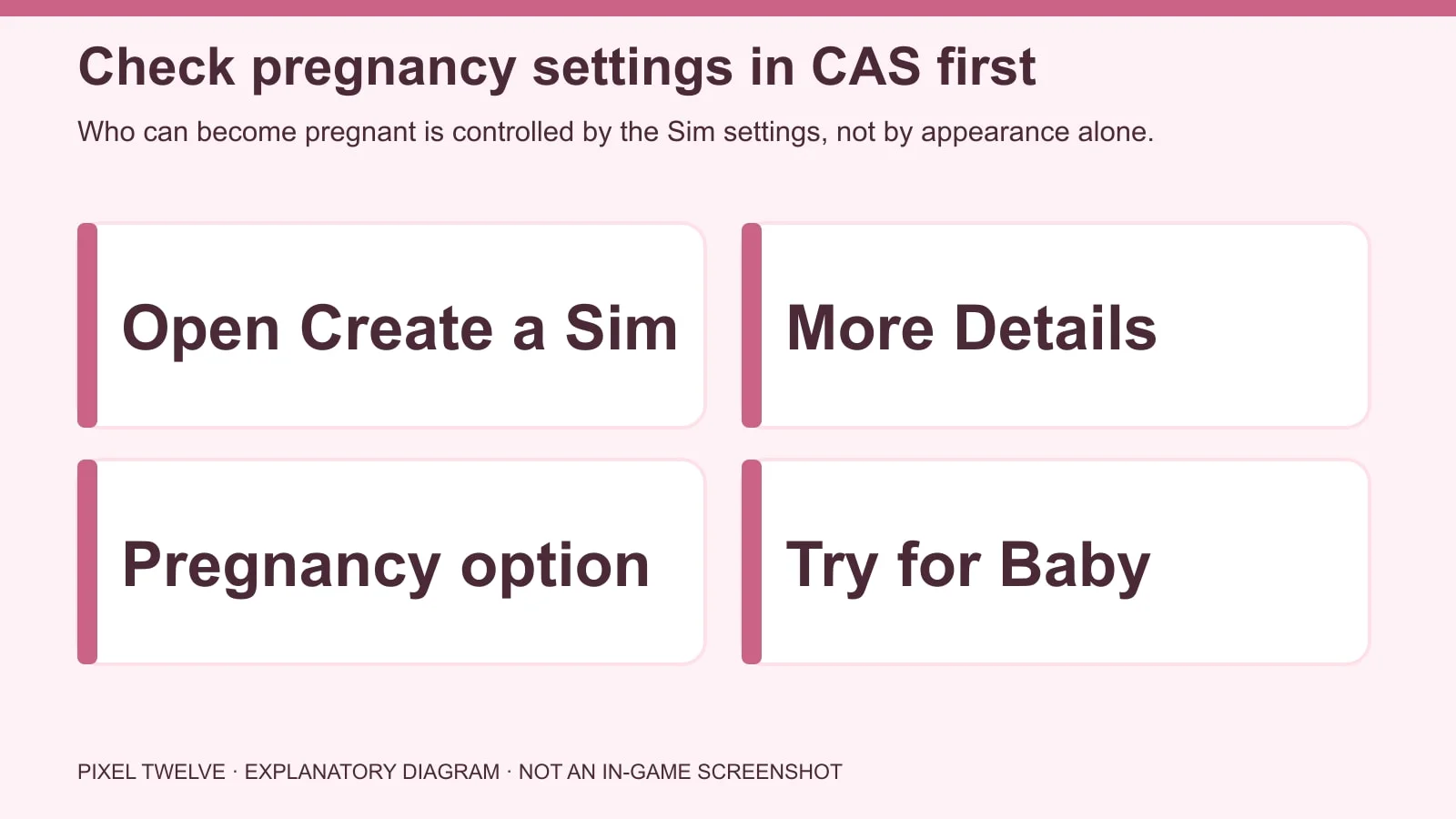
The exact CAS pregnancy setting

Diagram showing Create a Sim, More Details and the Pregnancy option before Try for Baby.
Appearance does not decide this setting: use the Pregnancy choice in the detailed CAS menu.
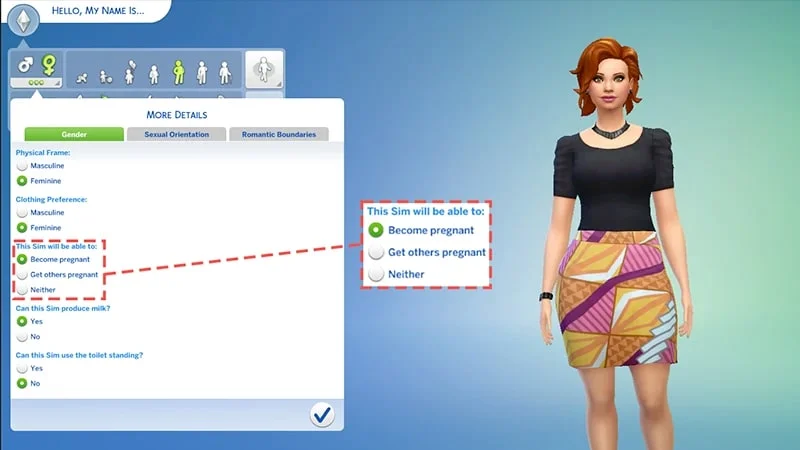
Official EA screenshot with a dashed highlight around the pregnancy options in Create a Sim.
Real CAS screen: choose Can Become Pregnant, Can Get Others Pregnant or Neither in the highlighted menu.
  1. In Create a Sim, select the Sim you need to check. At the upper left, find the gender icons and the three dots for More Details.
  2. Open the Gender tab and inspect Pregnancy. Choose Can Become Pregnant, Can Get Others Pregnant or Neither, according to your planned household story.
  3. Return to Live Mode and check the interaction again. This setting is separate from a Sim’s physical frame and clothing preference.

The CAS guide covers the other detailed tabs, including Sexual Orientation and Romantic Boundaries, if you want to shape the household more carefully before play.

Pregnancy test, birth and what the hospital means

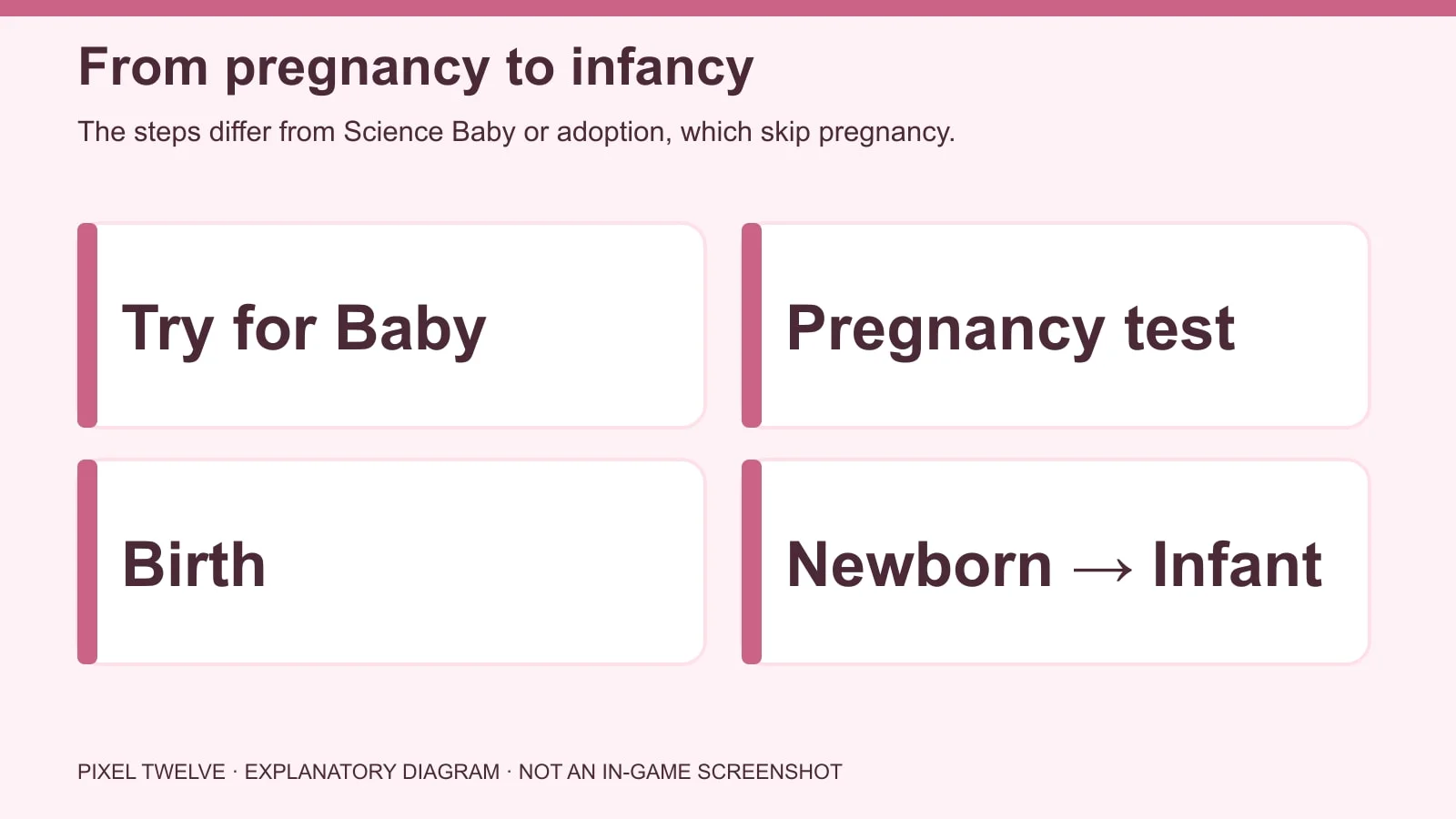
Diagram showing Try for Baby, optional toilet pregnancy test, birth and newborn to infant progression.
The §15 pregnancy test is optional; a pregnancy lasts about three in-game days.
  1. After Try for Baby, click a toilet and choose Take Pregnancy Test if you want an immediate result. EA lists the cost as §15. You can also watch for moodlets and trimester signs instead.
  2. A pregnancy lasts about three in-game days. When labor starts, select the Sim and choose whether to have the baby at home or go to the hospital.
  3. In the base game, a Sim can go to the hospital and return with the baby, but you cannot follow them inside. To accompany the Sim to the hospital and play there, you need the Get to Work expansion.

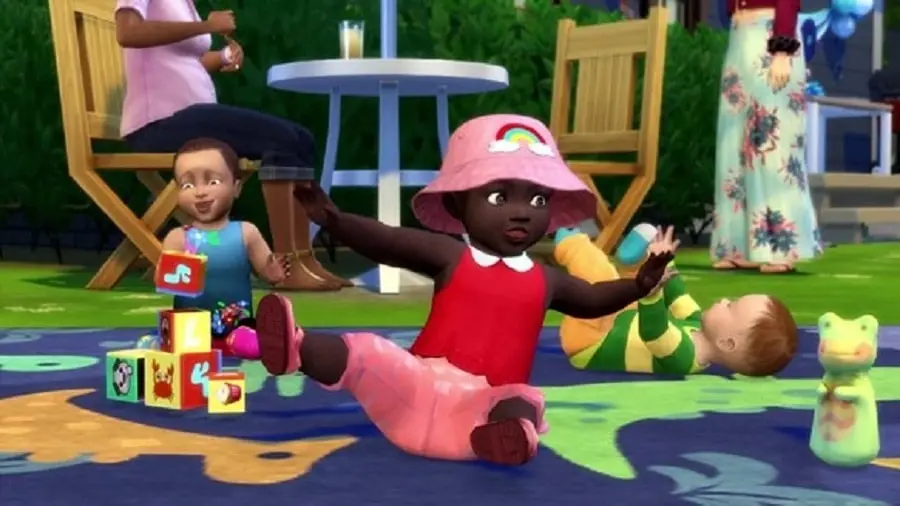
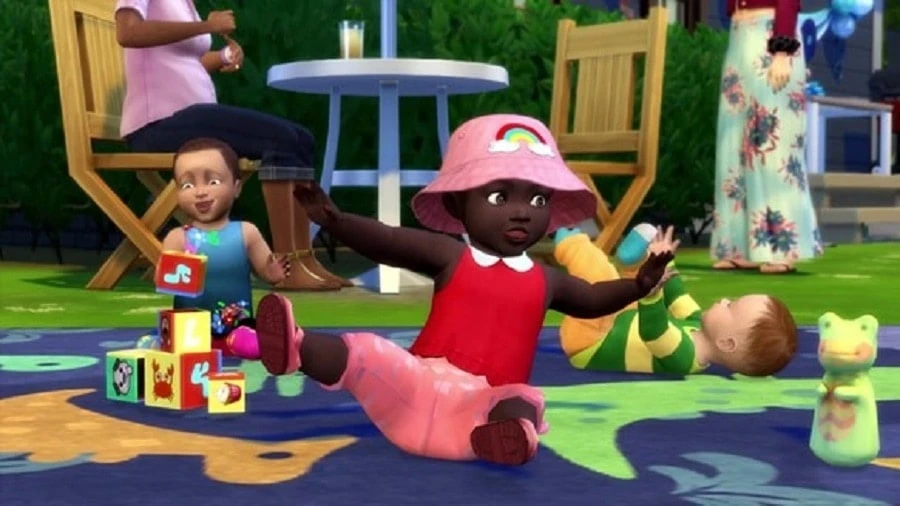
The first stage is a newborn; infant comes after that. The official image at the top shows infants, not the first newborn moment. They need feeding, comfort, sleep and a safe place as their needs change.

Science Baby: use the phone, with or without a partner

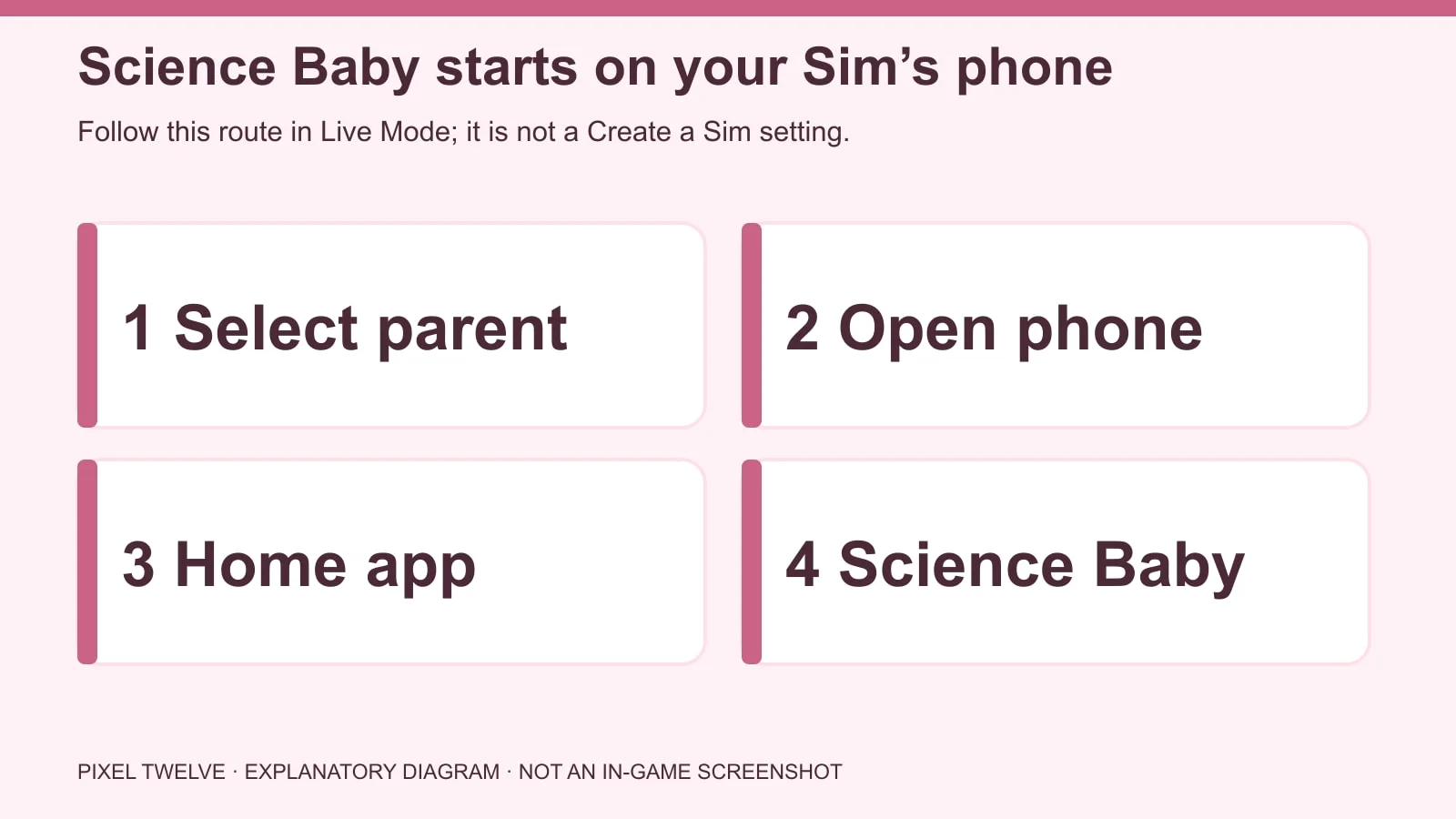
Phone flow diagram for having a Science Baby: select parent, open phone, choose Home and Have Science Baby.
Select the future parent, open their phone in Live Mode, choose Home, then Have Science Baby. Read the solo or partner choice before confirming.
  1. Select the Sim who will become the parent. Open their phone in Live Mode and choose the Home app.
  2. Select Have Science Baby. The game lets you choose the solo route or include another Sim. Read the on-screen choice before confirming which family connection you want.
  3. After the process, check the household portraits and the baby’s needs. Science Baby is not a pregnancy test or a faster version of the Try for Baby object interaction.

This route is useful when you want a single-parent story or a family without romance. Do not hunt through the CAS pregnancy tab for it: the starting action is on the phone.

Adoption: phone, computer or partner’s child

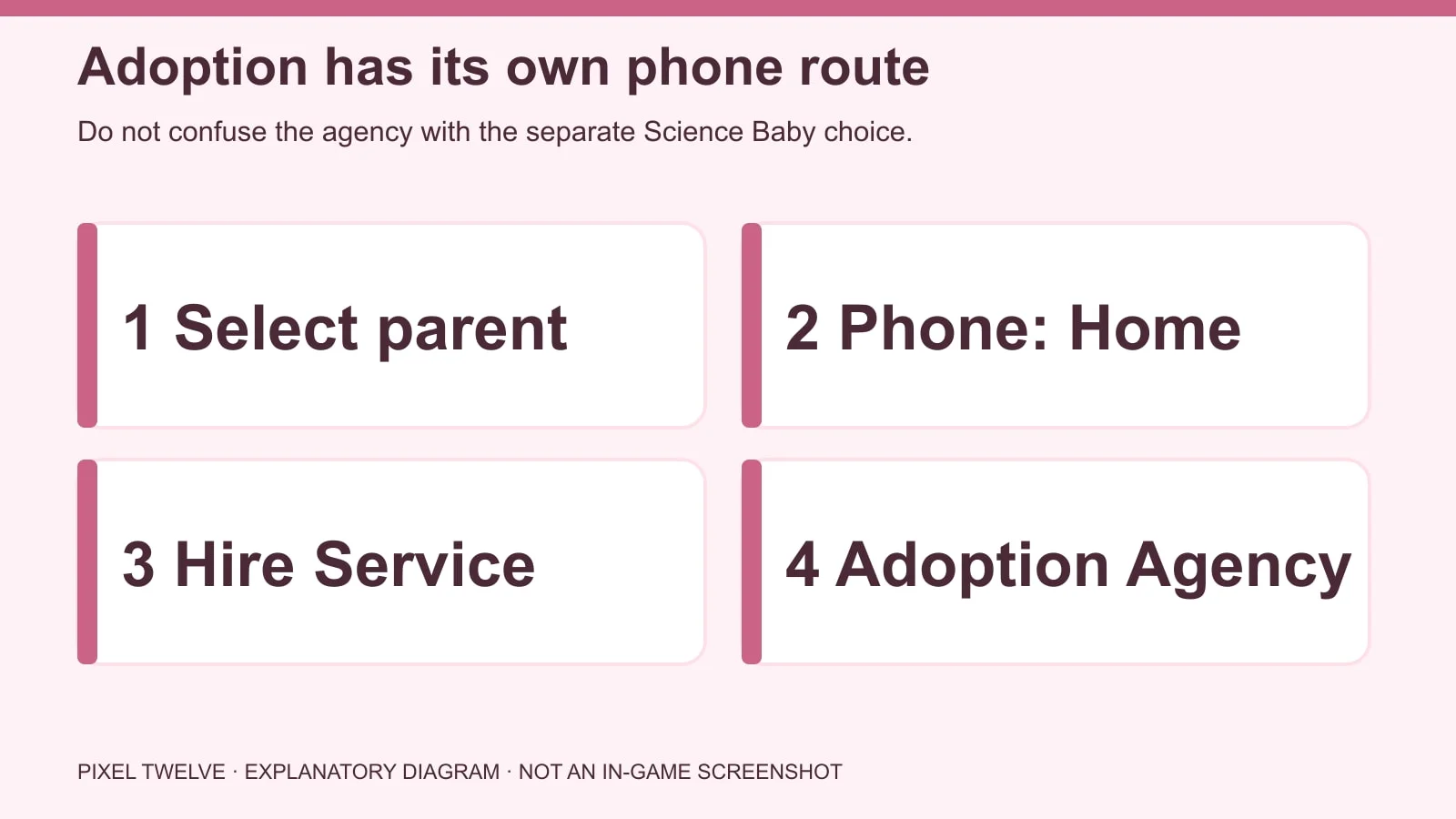
Phone flow diagram for adoption: select parent, open Home on the phone, choose Hire a Service and Call the Adoption Agency.
For the agency route, choose phone → Home → Hire a Service → Call the Adoption Agency. The computer and partner-child routes are separate options below.
  1. Phone route: select a prospective parent, open the phone → Home → Hire a Service → Call the Adoption Agency. Follow the child-selection prompts.
  2. Computer route: click a usable computer and choose Household → Adopt Sim. This leads into the adoption flow without the phone.
  3. Partner’s child: if your Sim is in a relationship with that child’s parent, EA says the adoption option can appear under Friendly interactions with an infant, toddler or child. This is a separate route from the agency.

If the adoption action is missing, make sure you selected the intended parent, used the correct phone app or computer category, and have room in the household.

What is base game and what needs a pack?

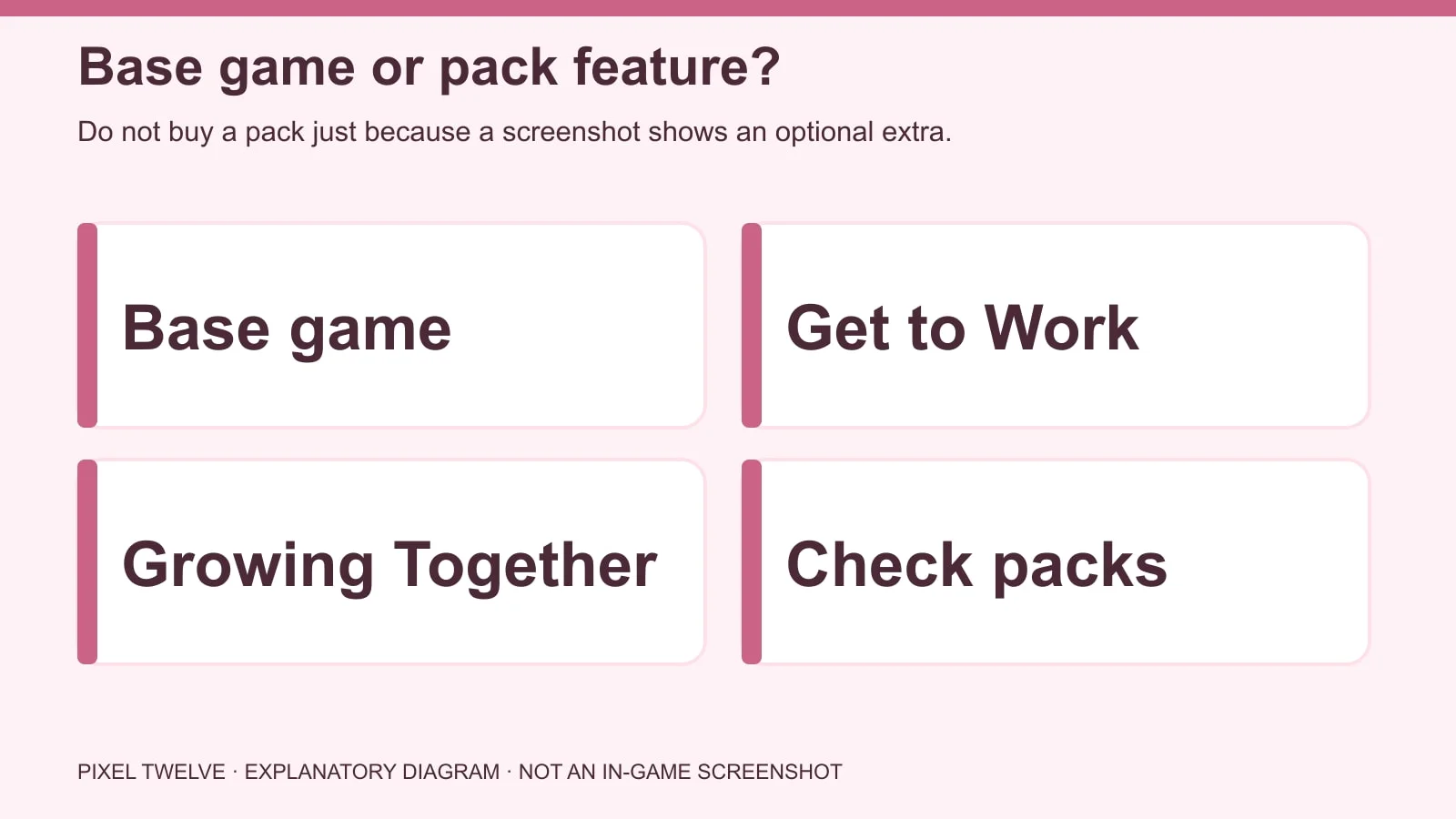
Diagram separating base-game baby routes and infants from Get to Work hospital play and Growing Together extras.
The core family routes and infant stage are base-game features; some extra scenes and systems belong to packs.
  • Base game: Try for Baby, Science Baby, adoption, the pregnancy test and the infant life stage. Get to Work: playing the hospital birth visit with the Sim. Growing Together: additional infant milestones and family systems.

Do not treat a pack-specific screenshot as a required step for every household. If a menu choice or object in somebody else’s save is absent from yours, check the pack attached to that feature before spending money. The same goes for Gallery nurseries that use pack furniture.

For a calm start, prepare a place for the baby, watch the needs panel and play one day at a time. A little chaos is very The Sims; missing the exact nursery aesthetic is not a failure.

Your first day with a newborn or infant

When the new household portrait appears, select it and look at the needs panel. A newborn has limited interactions; as the child becomes an infant, you can respond to more needs and spend time bonding. Click the child or a caregiver for the available care actions. If an interaction is not visible, make sure the right Sim is active and the adult can physically reach the child.

Start with the essentials: feeding, changing, comfort and sleep. Keep the crib or care area accessible, not trapped behind counters or clutter. If two adults keep interrupting one another, pause the game, choose one caregiver and queue one care action at a time. The family does not need every optional pack object to be playable.

Growing Together adds more infant milestones and family dynamics, but basic infant care comes from the free life-stage update. If a milestone mentioned in someone’s video is missing from your panel, check whether that video uses the expansion.

Twins and triplets: improve odds, never promise them

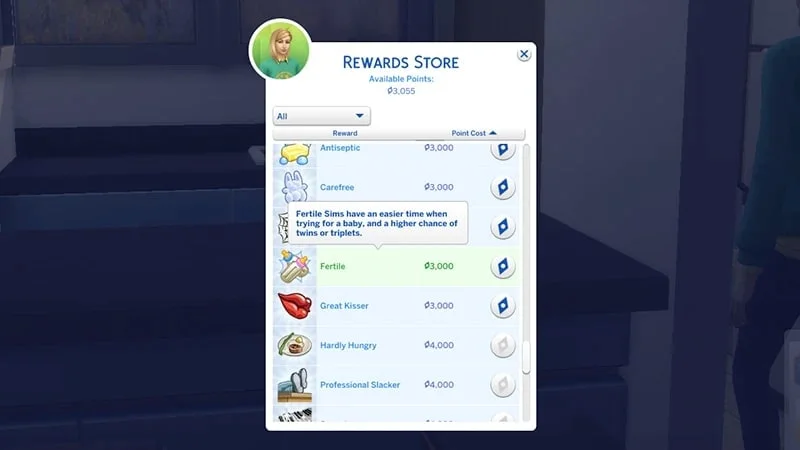
Want a bigger surprise? EA says twins and triplets are possible, but much less likely than one baby. The Fertile reward trait increases the chance; it is not a guarantee. In Live Mode, open Aspirations at the lower right, select the Rewards Store, and look for the baby-bottle Fertile trait. EA lists its cost as 3,000 satisfaction points.

Official EA screenshot of the Rewards Store with the Fertile trait and baby-bottle icon highlighted.
Real Rewards Store screen: look for the baby-bottle Fertile trait; it raises the odds, not the certainty, of multiples.

Other bonuses can come from packs, such as the On Ley Line lot trait in City Living. Do not confuse those pack extras with the base-game method. If your main goal is simply to have a child, use the earlier steps first; chasing a specific number of babies is a separate challenge.

Get Pixel Twelve's biggest stories first.

Add as a preferred source on Google