

Pixel Twelve
The Sims 4 Guide — Saves, Build Mode, Gallery and Current Updates

How To

The Sims 4 Guide — Saves, Build Mode, Gallery and Current Updates

Protect long-running households with backup saves, test whether lots work before moving Sims, and check pack requirements before downloading Gallery builds.

By Tess CalderGame: The Sims 4Verified Aug 16, 2026
Guide Type
How To
Last Verified
Aug 16, 2026

Guide details

Overview

Protect long-running households with backup saves, test whether lots work before moving Sims, and check pack requirements before downloading Gallery builds.

Watch

Official Trailers

Guide section

Current status

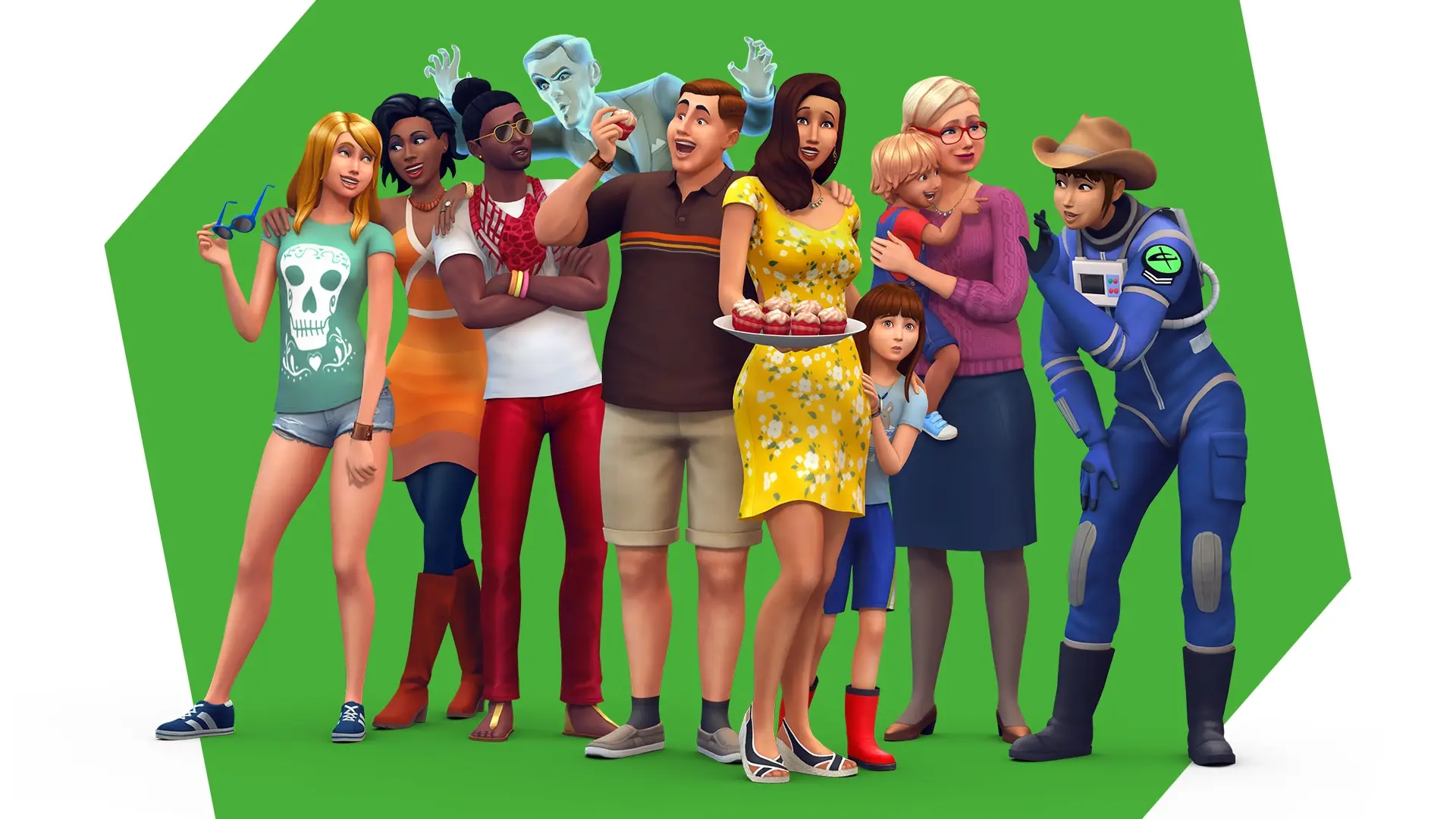
The Sims 4 base game is free to play on PC, Mac, PlayStation and Xbox. Packs and Kits add optional content, but the core game already includes Create a Sim, Build Mode, Live Mode, neighborhoods, travel between worlds and the Gallery. This guide focuses on the systems that affect a new or returning player regardless of which add-ons they own.

The latest listed base-game update as of August 16, 2026 is the July Patch Update, published August 4. Its version numbers are PC 1.126.78.1020, Mac 1.126.78.1220 and console 2.37. It fixed a major console travel crash after loading saves, improved autosave feedback, changed the default Save Reminder frequency to every two hours and fixed a manual-save overwrite problem involving autosave slots.

Guide section

Start with a safe save routine

The Sims 4 stores households, lots and worlds in save files. A single save can contain a long-running story, so the safest routine is to keep more than one named save rather than repeatedly overwriting the same file. Use a clear name for a new story, a legacy family or a building project, and create a separate save before testing a large Gallery download or a major household change.

The current save tools include Autosave and Save Reminders. In the August 4 update, Save Reminders default to “Every 2 Hours” instead of “Off.” The game also gives more consistent visual feedback when an autosave runs while exiting Build Mode or traveling. These tools reduce the chance of losing recent progress, but they do not replace a separate backup of important files.

The May 12 update added more backup-save choices. The system still keeps recent backups from previous sessions, and it now retains versions from roughly a day, a week and a month earlier. This is useful when a save becomes corrupted or a recent decision causes a problem that is not immediately visible. A backup is a recovery point, not a second independent storyline: load it only after deciding which version you want to restore and preserve the newer save separately if it contains anything worth keeping.

The August update fixed a case in which loading an autosave and then choosing manual save could overwrite the wrong manual slot. Autosave and Save Reminder timers also no longer reset when traveling. If a save still fails to load or a crash returns, note the platform and current version before looking for a fix, because EA’s patch notes separate PC, Mac and console behavior.

Guide section

Build Mode basics

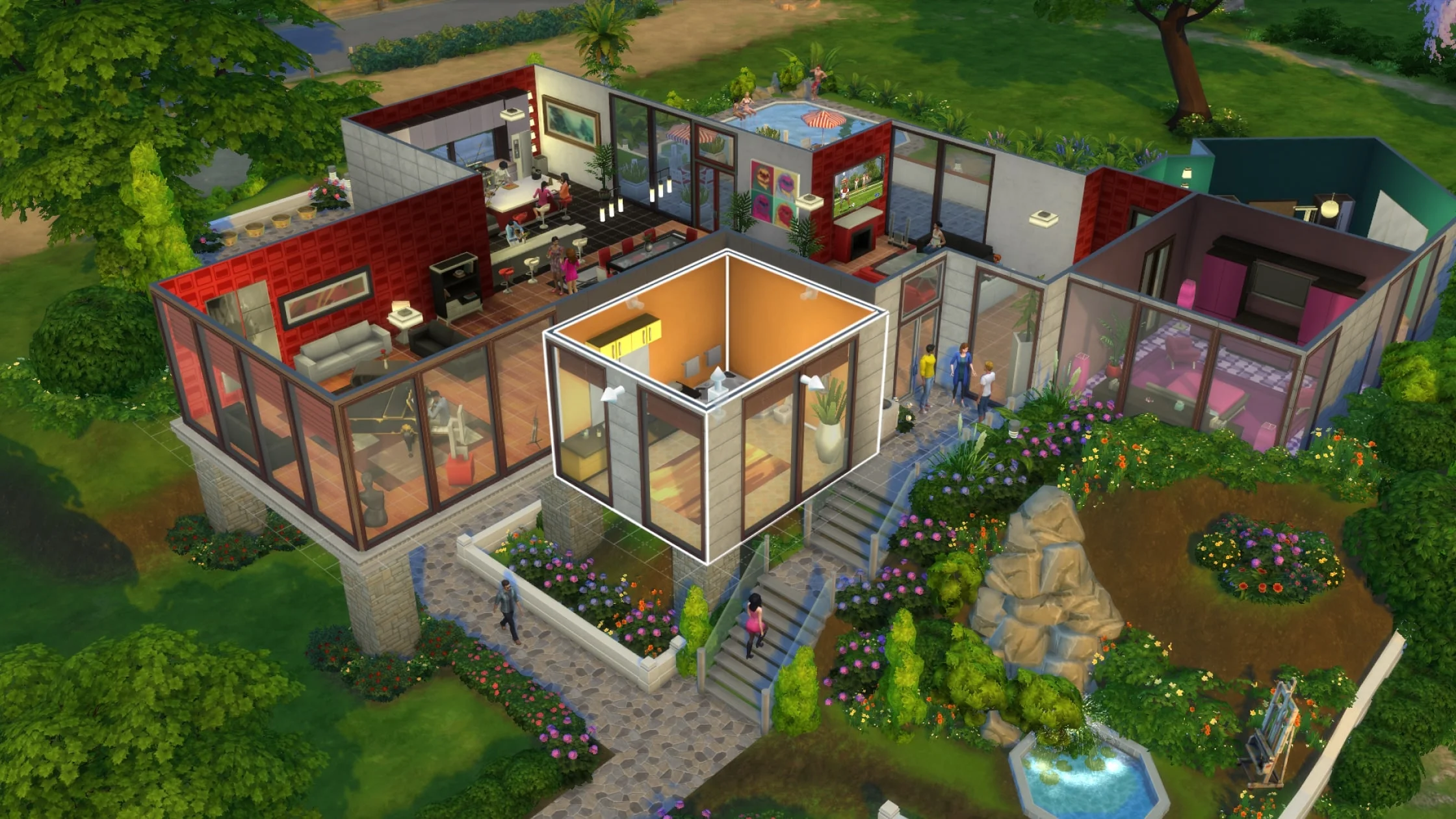
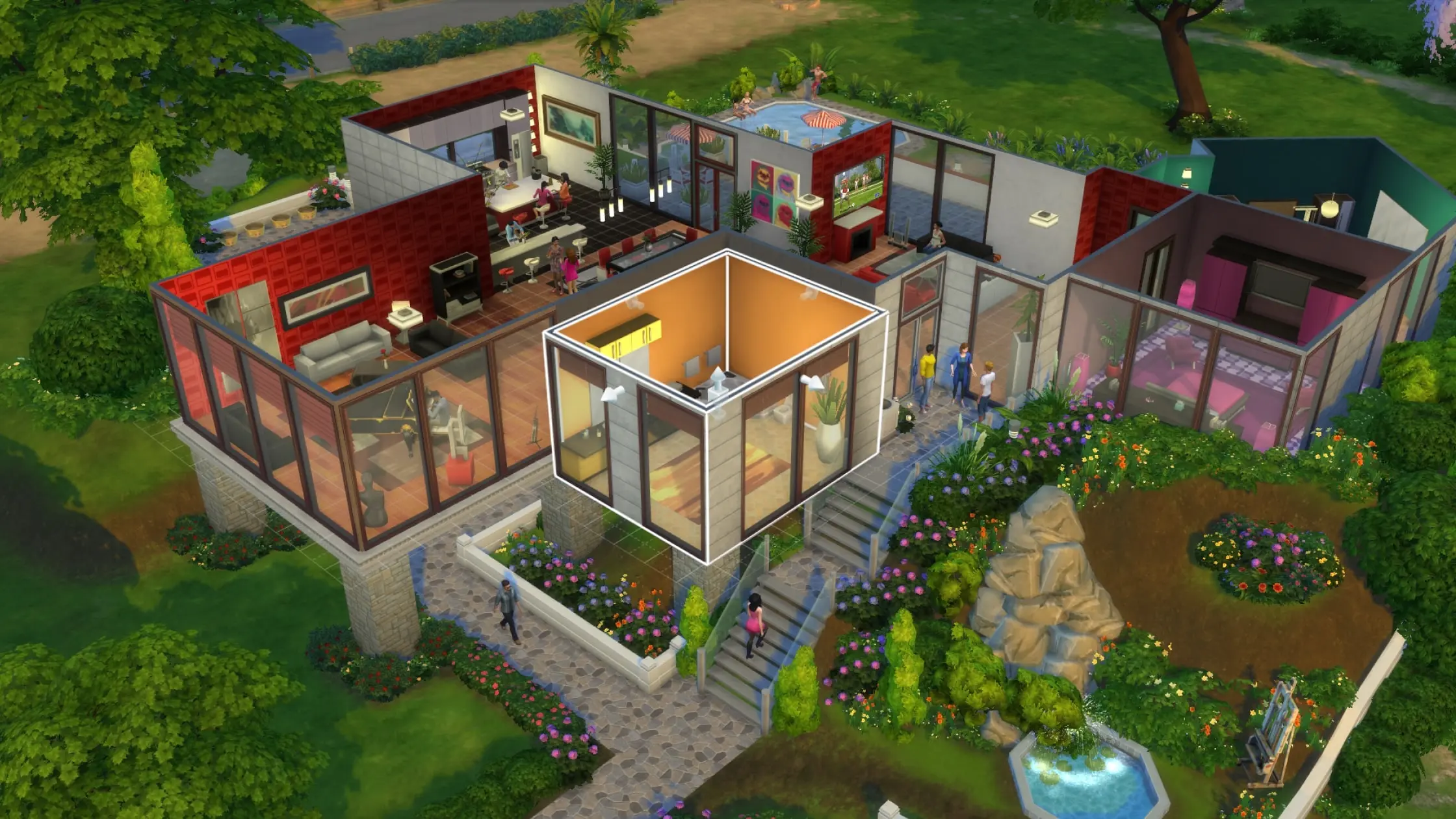
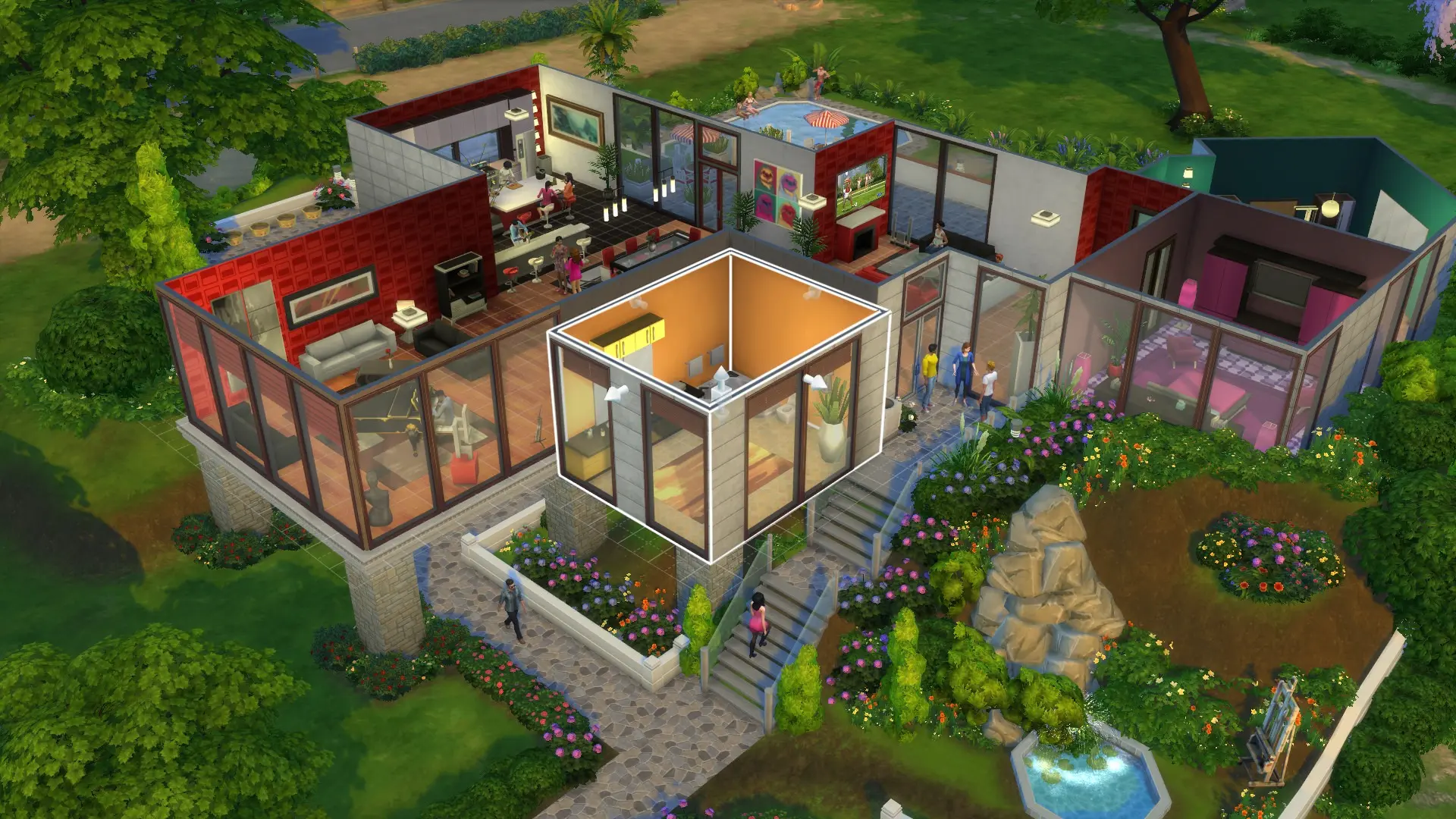
Build Mode is the place to construct and decorate residential lots, community spaces and rooms. EA’s official features page describes the main workflow as planning a layout, choosing furnishings and changing the landscape or terrain. The separate Build Mode hub explains the core tools for rotating objects, changing object sizes, moving objects and using keyboard shortcuts.

A simple build is easier to manage when it is divided into stages:

  1. Place the walls and rooms before decorating.
  2. Check doors, windows and stairs while the layout is still easy to change.
  3. Add large furniture first, then lighting and small objects.
  4. Test the lot in Live Mode before uploading it to the Gallery.

This order matters because a decorative item can hide a routing problem. Sims need usable doors, stairs and pathways, and an attractive room is not finished if a household cannot reach the objects inside it. If a build uses content from a pack, label it clearly before sharing so other players can decide whether they have the required items.

The August 4 patch rebuilt some thumbnails for premade houses and addressed a remaining roof-thumbnail issue. EA notes that the fix cannot force every local lot thumbnail to update; entering and leaving a lot may be required for an affected thumbnail to refresh. That is a presentation issue, not evidence that the house itself has been deleted.

Guide section

Current update checklist

The official updates page is the best place to check a version before troubleshooting. The August 4 patch also fixed Discover menu tabs, a Gallery-to-Marketplace error, career and school countdown timers, missing Residential Rental lot taxes and a Japanese text issue on PlayStation. Earlier 2026 updates added day, week and month backup states, Base Layers in Create a Sim, more than 150 bug fixes in one update and Marketplace changes on console.

Patches can change menus, default settings and save behavior. After a major update, review Game Options, confirm the Save Reminder frequency, check that your most important save loads and test one Gallery download before starting a long session.

Guide section

FAQ

Is The Sims 4 base game free?

Yes. EA lists the base game as free to play on PC, Mac, PlayStation and Xbox. Packs and Kits are optional purchases.

What should I do before testing a large build or Gallery download?

Create a named save or preserve a backup first. Check the download’s pack requirements, place it in a test lot if possible and verify that doors, stairs and essential objects work in Live Mode.

Does Autosave replace manual saves?

No. Autosave and Save Reminders protect recent progress, while manual saves and separate backups give you more control over recovery points.

Can I search the Gallery by image?

Yes, through the in-game Text-to-Image SimSearch beta for Lots and Rooms. It is still being refined, and its results and sorting have documented limits.

Guide section

More Pixel Twelve coverage

Get Pixel Twelve's biggest stories first.

Add as a preferred source on Google