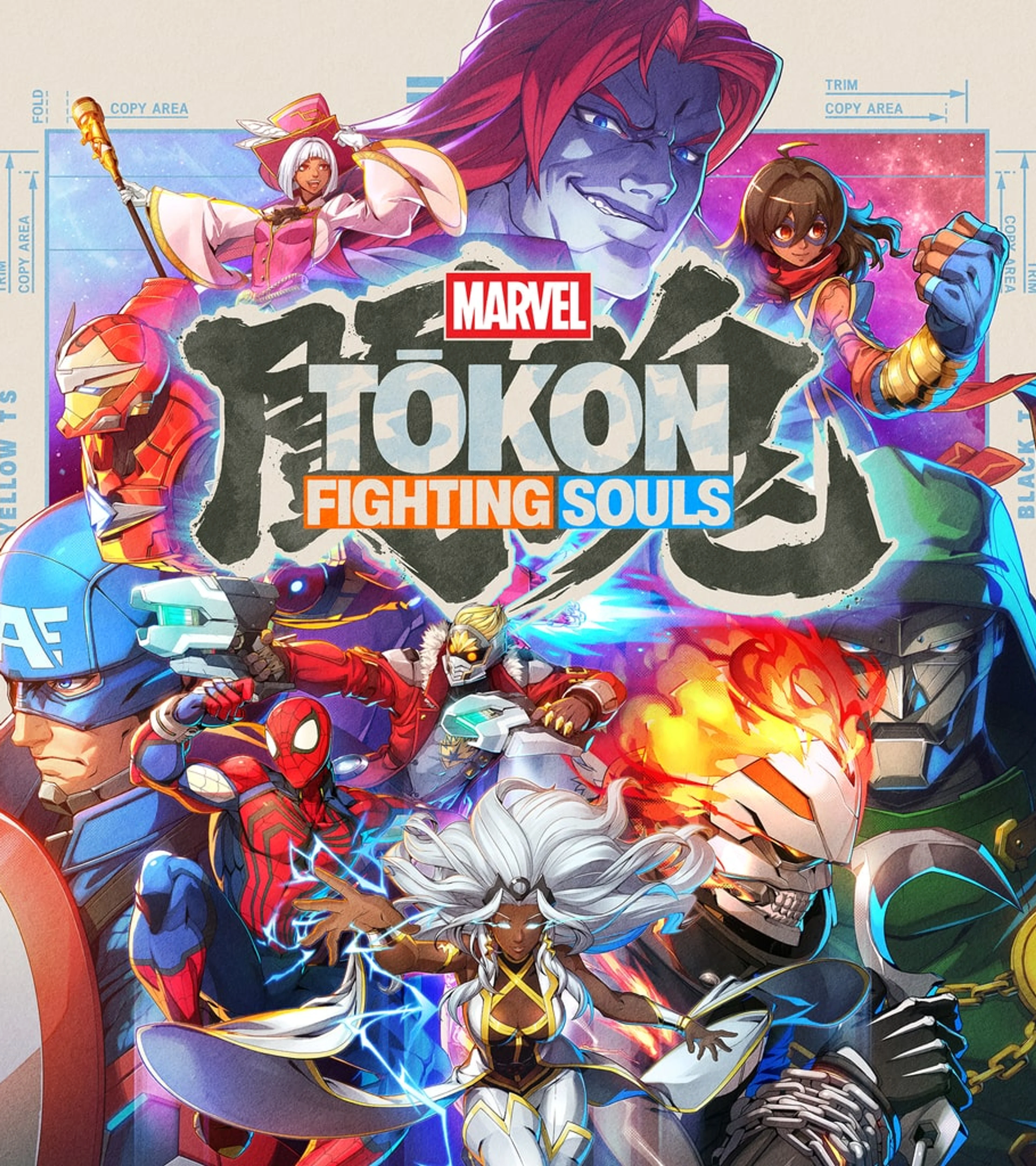
MARVEL Tōkon: Fighting Souls supports cross-play between PlayStation 5 and PC. However, as of August 29, 2026, PlayStation, Steam, and the official game FAQ still do not publish a full-game cross-progression or cross-save policy. Do not assume that rank, unlocks, story progress, settings, or purchases transfer between platforms.
PS5 online multiplayer requires PlayStation Plus and an internet connection. PC online features require a Steam or Epic Games Store copy, an internet connection, and a PlayStation account, but not PS Plus. Both platforms include offline and local content, so the requirement depends on whether you are entering a connected mode.
If you want the basic controls and team system, the Beginner Guide explains assists, switches, defense, and Startup Battle. For edition, price, roster, and PC requirements, use the release and editions guide.
MARVEL Tōkon Crossplay Requirements
- PS5 online: the game, an internet connection, and an active PlayStation Plus membership.
- PC online: a Steam or Epic Games Store copy, an internet connection, and a PlayStation account. PS Plus is not required on PC.
- PS5-to-PC private match: both players complete the online setup and meet through a Room Match.
- Offline play: no PS Plus membership is needed, although the game and local hardware are still required.
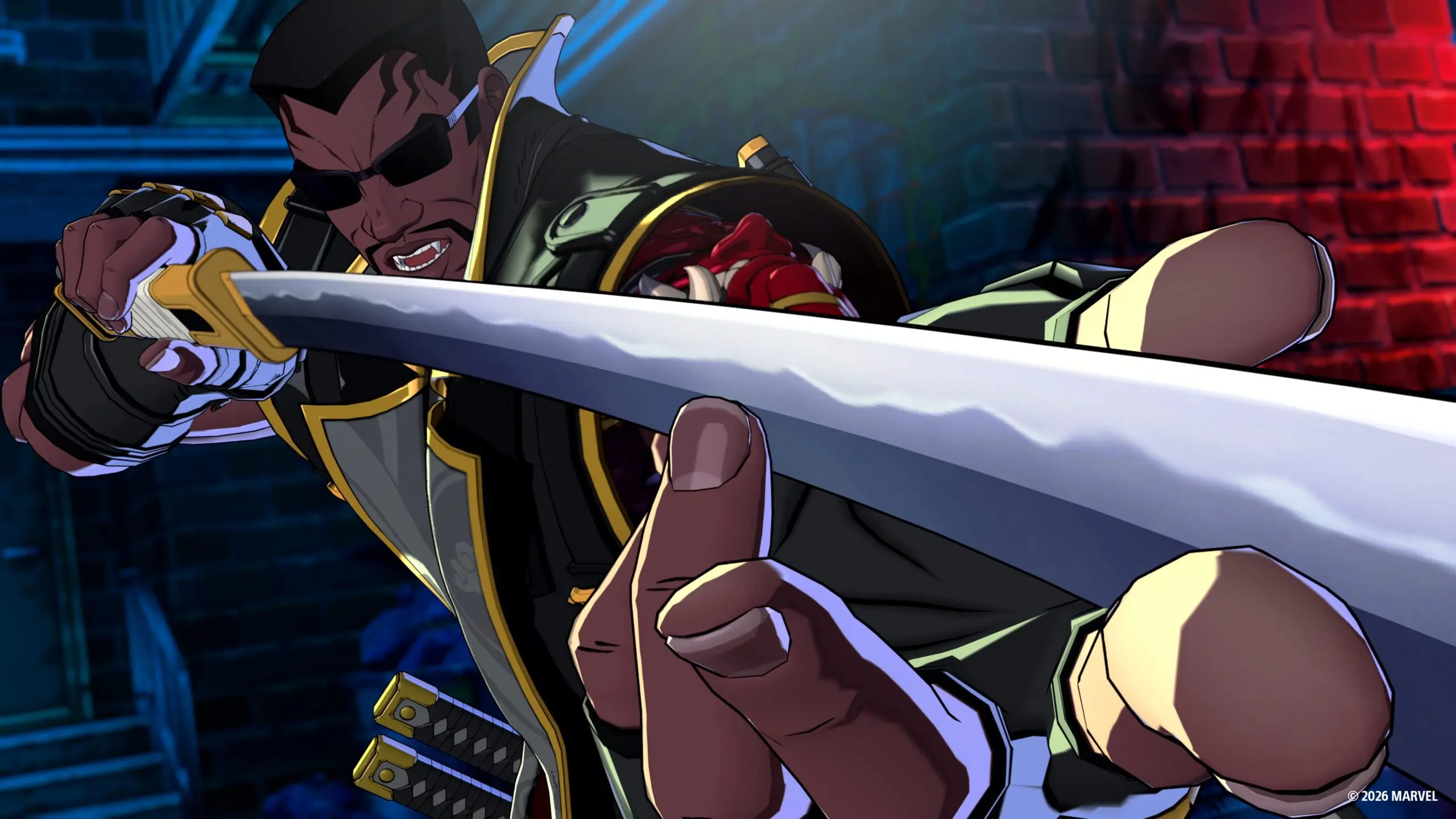
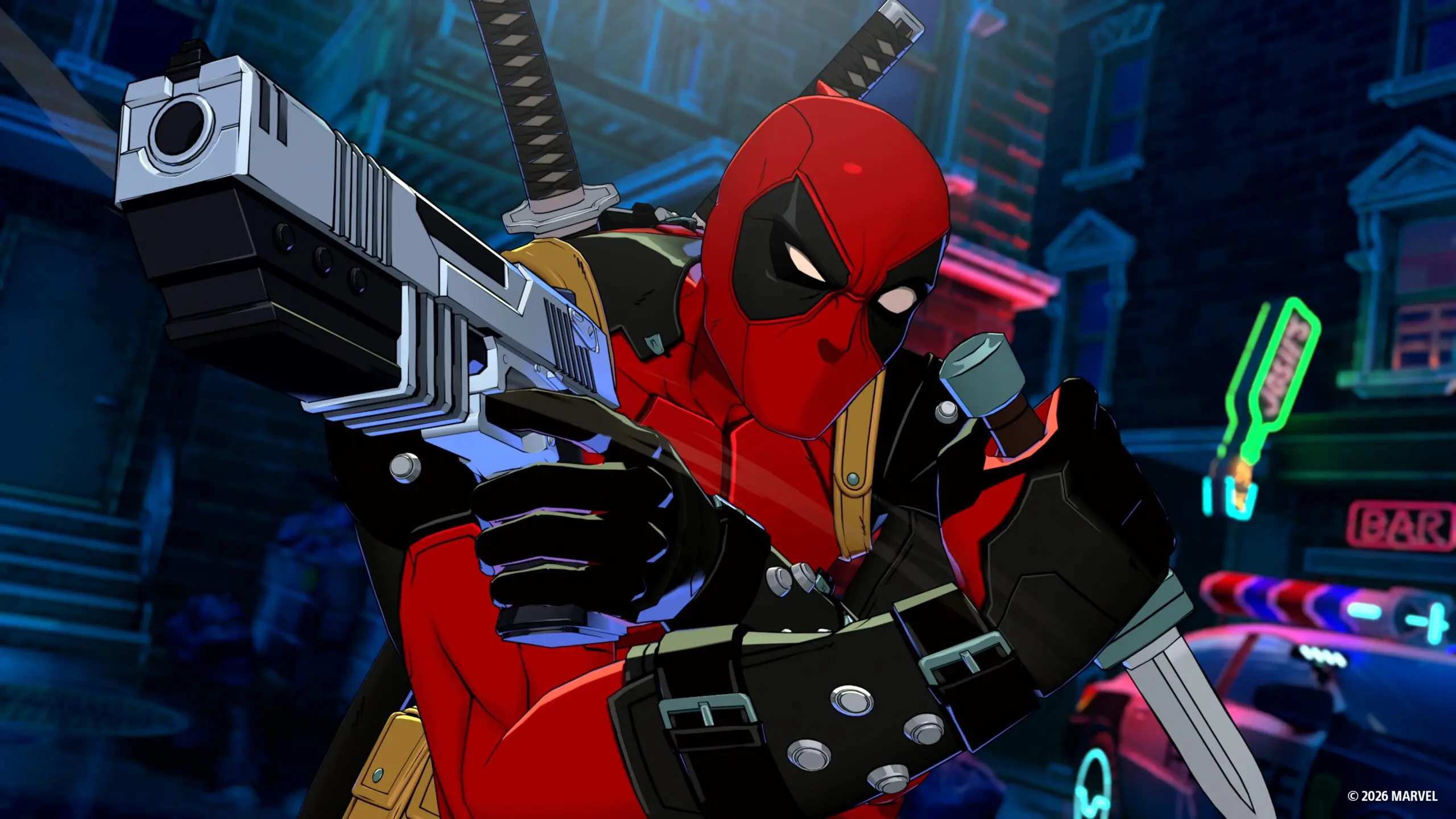
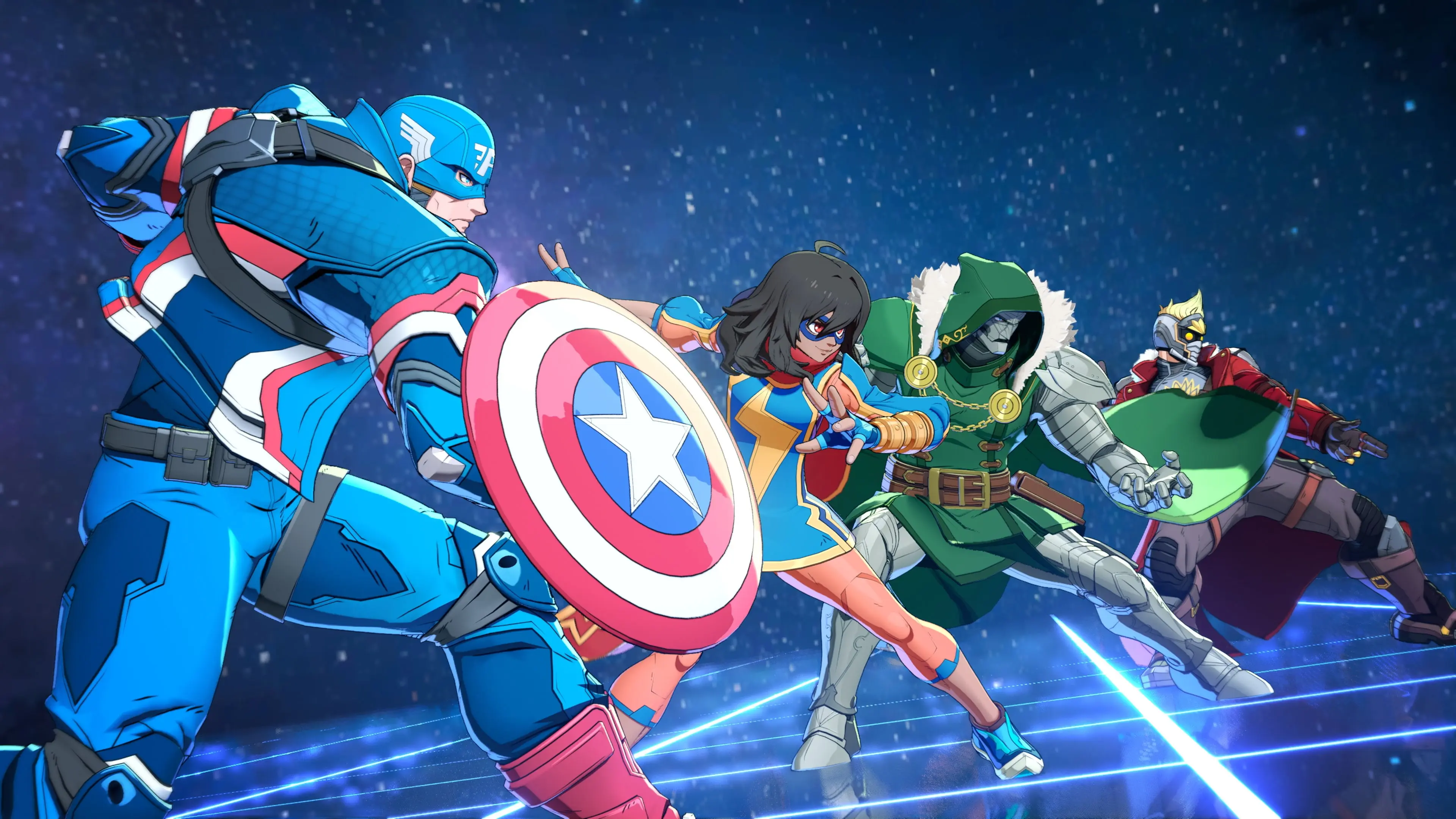
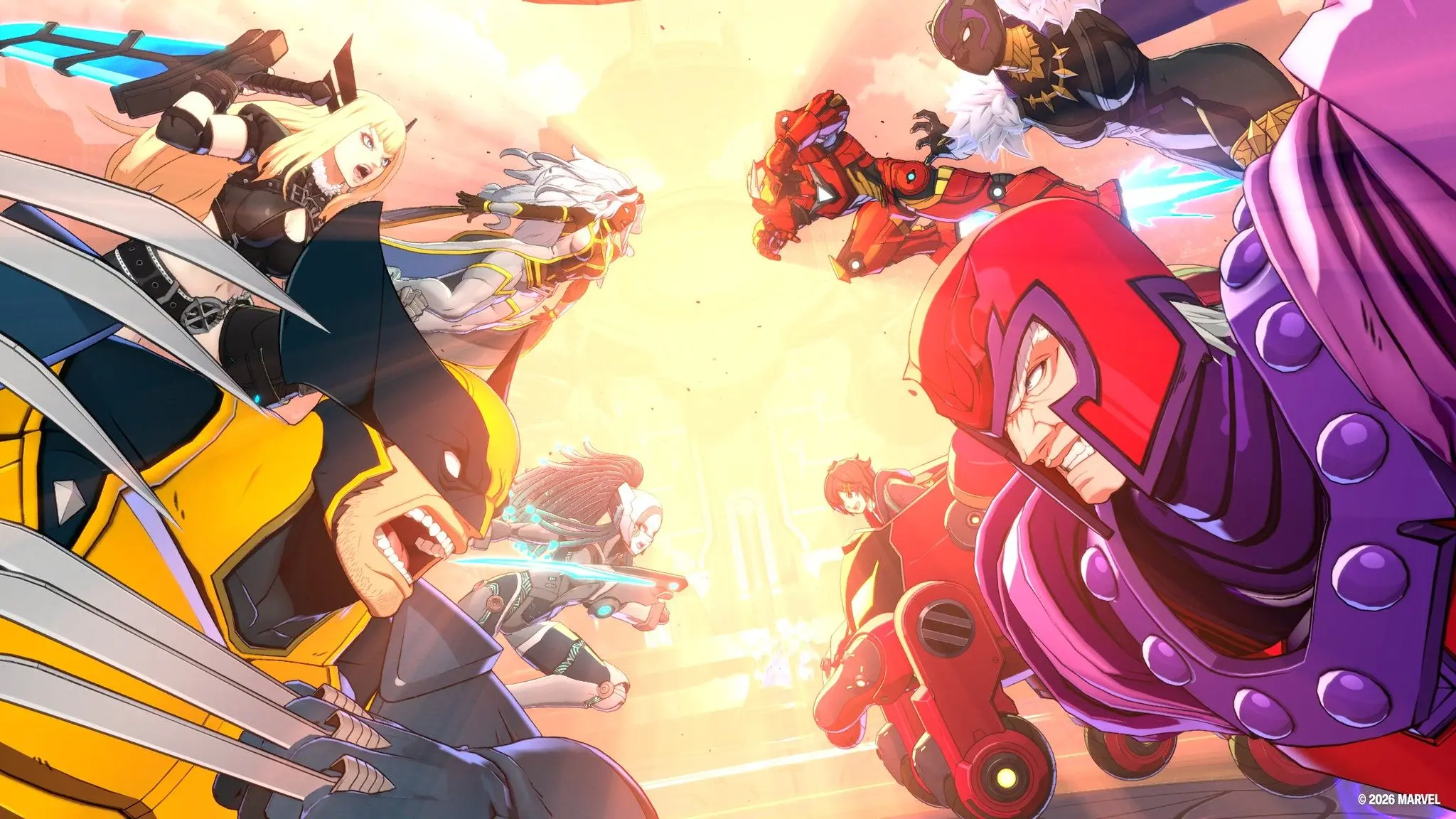
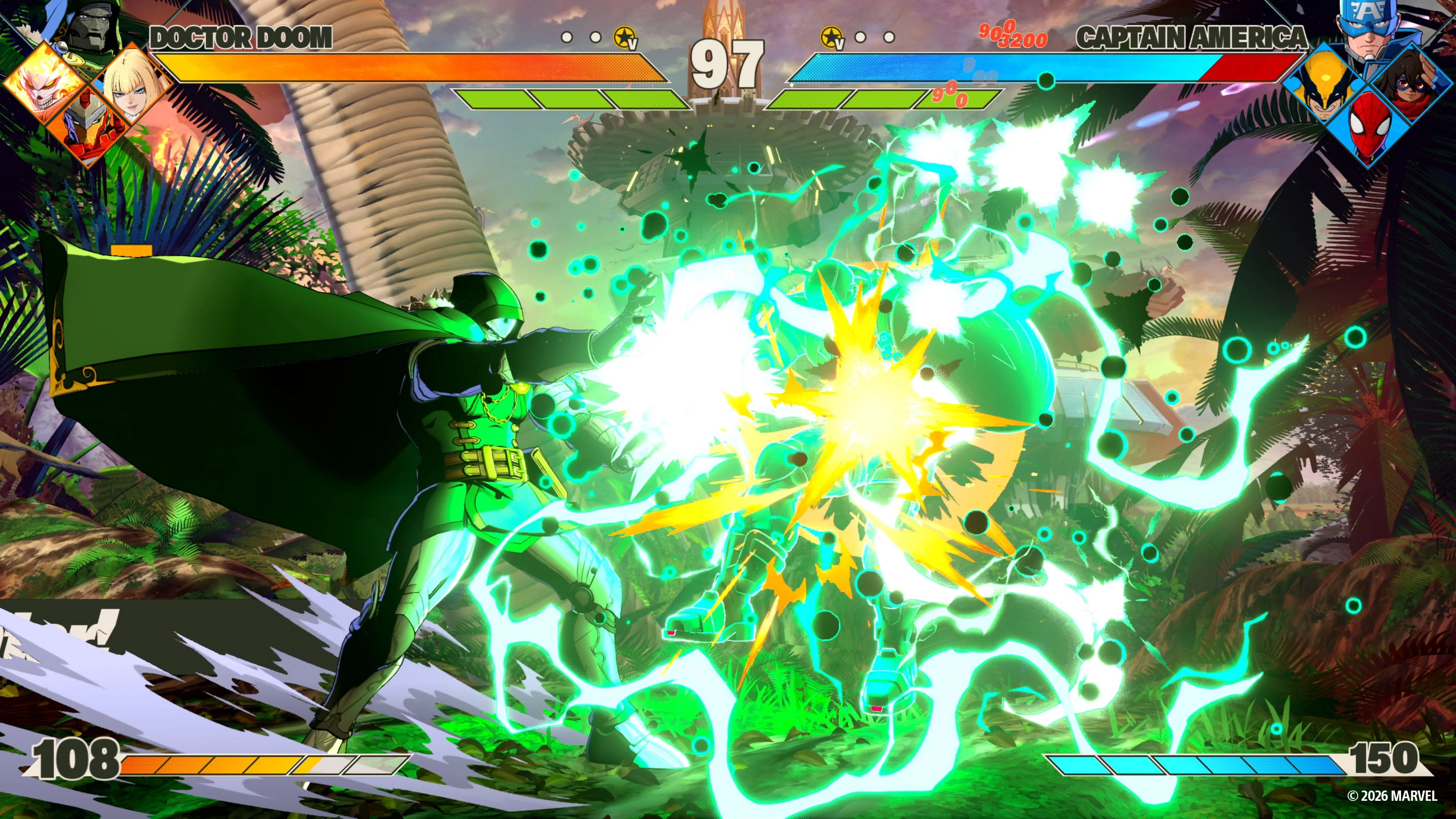
Cross-play connects the two platform communities. It does not turn the game into four-player co-op: every normal fight still has two people, and each person controls a full four-character Marvel team.
Which Online Modes Support Cross-Play?
The connected offering includes Ranked Match, Casual Match, Room Match, Player Profiles, and the online lobby. The lobby can hold up to 64 people, but that number describes the shared social space. It does not mean 64 characters are fighting at once.
Use Ranked or Casual when you want matchmaking. Use Room Match when you are arranging a fight with a specific friend, especially across platforms. Complete any first-time PlayStation account setup before the planned session; nobody wants to spend the first half hour of game night waiting for a verification message.
Do PS5 Players Need PlayStation Plus?
The official game FAQ lists Episode Mode, local Versus, Training, All-Star Arena, Battle Guides, Character Guides, and Arcadia Rumble as offline content; Arcadia Rumble has optional online features. These offline and local modes do not require PS Plus. A PS5 player needs PS Plus only when entering online multiplayer.
If a PS5 membership expires, the purchased game and offline content remain usable. Ranked, Casual, online rooms, and other network play stay unavailable until the membership is active again.
Does the PC Version Require a PlayStation Account?
Yes, for online features. The official game FAQ requires a PlayStation account and internet connection for the online lobby, private Room Matches, Ranked, Casual, Player Profiles, and other connected services on PC.
You still buy and launch the PC version through Steam or Epic Games Store. The extra account is part of the online connection rather than a replacement for the PC storefront. Create it before refund windows or a scheduled match become a concern, and confirm that PlayStation Network account services are available in your region.
The Steam listing also lists Easy Anti-Cheat and a third-party license agreement. Those Steam-side requirements are separate from PS Plus: buying a console membership will not remove the PC account or anti-cheat setup.
Which Modes Work Offline?
- Episode Mode: single-player stories centered on the official Marvel teams.
- Local Versus: two people fight on the same PS5 or PC, with each controlling a four-character squad.
- Training Mode and Character Guides: practice mechanics, inputs, team ideas, and character-specific tools without entering matchmaking.
- Startup Battle: a guided introduction to normal attacks, combos, defense, assists, and team systems.
- All-Star Arena and Arcadia Rumble: additional offline content; Arcadia Rumble also includes optional online features.
Offline does not mean every menu ignores the internet forever. Platform checks, updates, downloadable content, and account services can still appear around the game. The important distinction is that the listed single-player and local modes do not require an active PS Plus subscription.
Does MARVEL Tōkon Have Cross-Progression or Cross-Save?
Cross-save between PS5 and PC has not been confirmed on the official PlayStation, Steam, or game FAQ pages as of August 29. Cross-play means the platforms can fight together; it does not by itself prove that rank, unlocks, settings, story progress, or purchases move between them. Until PlayStation or Arc System Works publishes a direct policy, treat each platform's progress as separate for planning purposes.
Steam lists Steam Cloud for the PC version. That can protect Steam-side data, but it is not evidence of a shared PS5 save or cross-progression. If you own both versions, choose one main platform until the developer or publisher documents how saves and progression are handled.
How to Play With a Specific Friend
- Finish first-time setup: both players launch the game, install current updates, and complete any required PlayStation account sign-in.
- Choose Room Match: private rooms are the mode intended for an arranged fight rather than random matchmaking.
- Share the room details: use the in-game room tools to find the same session, then confirm both players appear before choosing teams.
- Test one normal match: if the connection feels poor, avoid changing characters, controllers, network settings, and cross-play options all at the same time.
When a friend cannot find the room, first confirm that both games are fully updated and that both players can enter normal online features separately. A version mismatch, incomplete PlayStation sign-in, platform privacy setting, or temporary service problem is more likely than the characters or edition you selected.
Cross-Play Troubleshooting
- The PC player cannot enter online modes: confirm the PlayStation account sign-in and internet connection required by Steam.
- The PS5 player sees a subscription warning: verify that the account using online multiplayer has an active PS Plus entitlement.
- The room does not appear: update both versions, restart the game, and create a fresh private room.
- Matches feel unstable: test each platform in an offline fight, then check network conditions. PC frame-rate problems can also make online timing feel worse. The PC performance guide covers the current launch reports and troubleshooting context.
- The PC player cannot enter online modes: confirm the PlayStation account sign-in and internet connection required by the official game FAQ. The official listings do not document a separate in-game switch for disabling cross-play. Room Match controls who you invite, but it should not be treated as a cross-play-off setting; use offline or local modes when you need no network connection.
If PC performance is the problem rather than account setup, test whether the machine can hold a stable 60fps in an offline fight before blaming cross-play itself.
Can You Use an Arcade Stick or Leverless Controller?
Yes. The official beginner guidance supports arcade sticks and leverless controllers, and the button layout can be changed in the control settings. A normal PS5 or PC controller works too. Quick Skills let newcomers perform special moves without buying dedicated fighting-game hardware.
On PC, confirm that Steam recognizes the controller before opening the game, especially when the device has a platform-mode switch or custom driver. If two inputs appear at once, disconnect the one you are not using before troubleshooting button mapping inside Tōkon.
Is There an Xbox, PS4, or Switch Version?
No. The supported platforms are PS5 and Windows PC. No PS4, Xbox Series X|S, Xbox One, Nintendo Switch, or Switch 2 version has been announced. Cross-play currently refers only to the PS5 and PC communities.
The release and editions guide covers price, PC specifications, the Year 1 pass, and edition bonuses. The full roster guide can help both players choose their first four-character squads before opening the room.
MARVEL Tōkon Cross-Play FAQ
Can PS5 and Steam Players Fight Together?
Yes. MARVEL Tōkon supports cross-play between PS5 and PC.
Does PC Need PS Plus?
No. PC requires a PlayStation account and internet for online features, but not a PlayStation Plus subscription.
Can You Play Offline on PS5?
Yes. Episode Mode, local Versus, Training, Startup Battle, Character Guides, All-Star Arena, and offline Arcadia Rumble content do not require PS Plus.
Does Crossplay Include Cross-Progression or Cross-Save?
As of August 29, no cross-save feature has been officially confirmed. Treat PS5 and PC progression as separate unless the developer announces otherwise.
Is MARVEL Tōkon a Four-Player Game?
No. A match has two players, and each player controls a team of four characters.