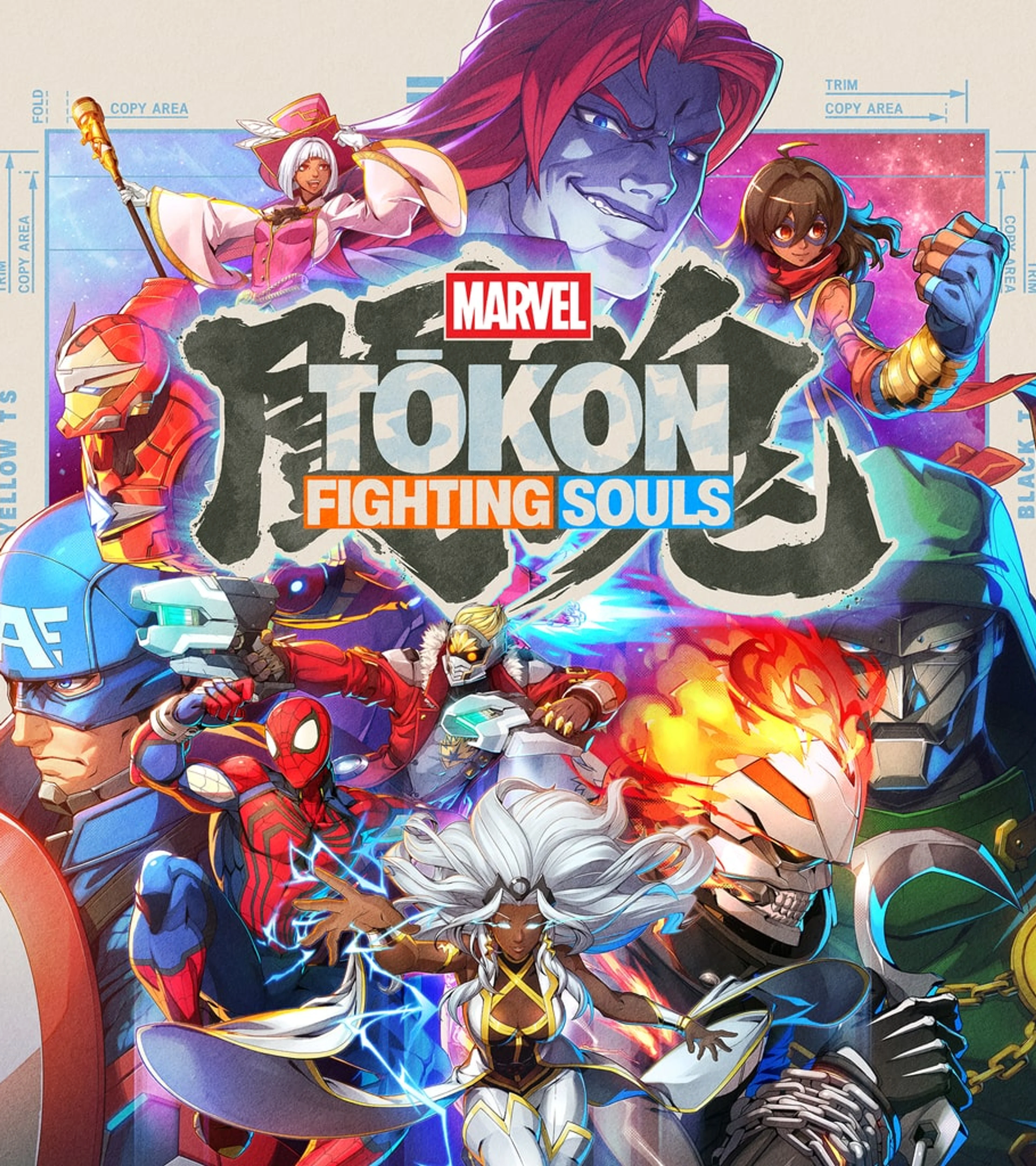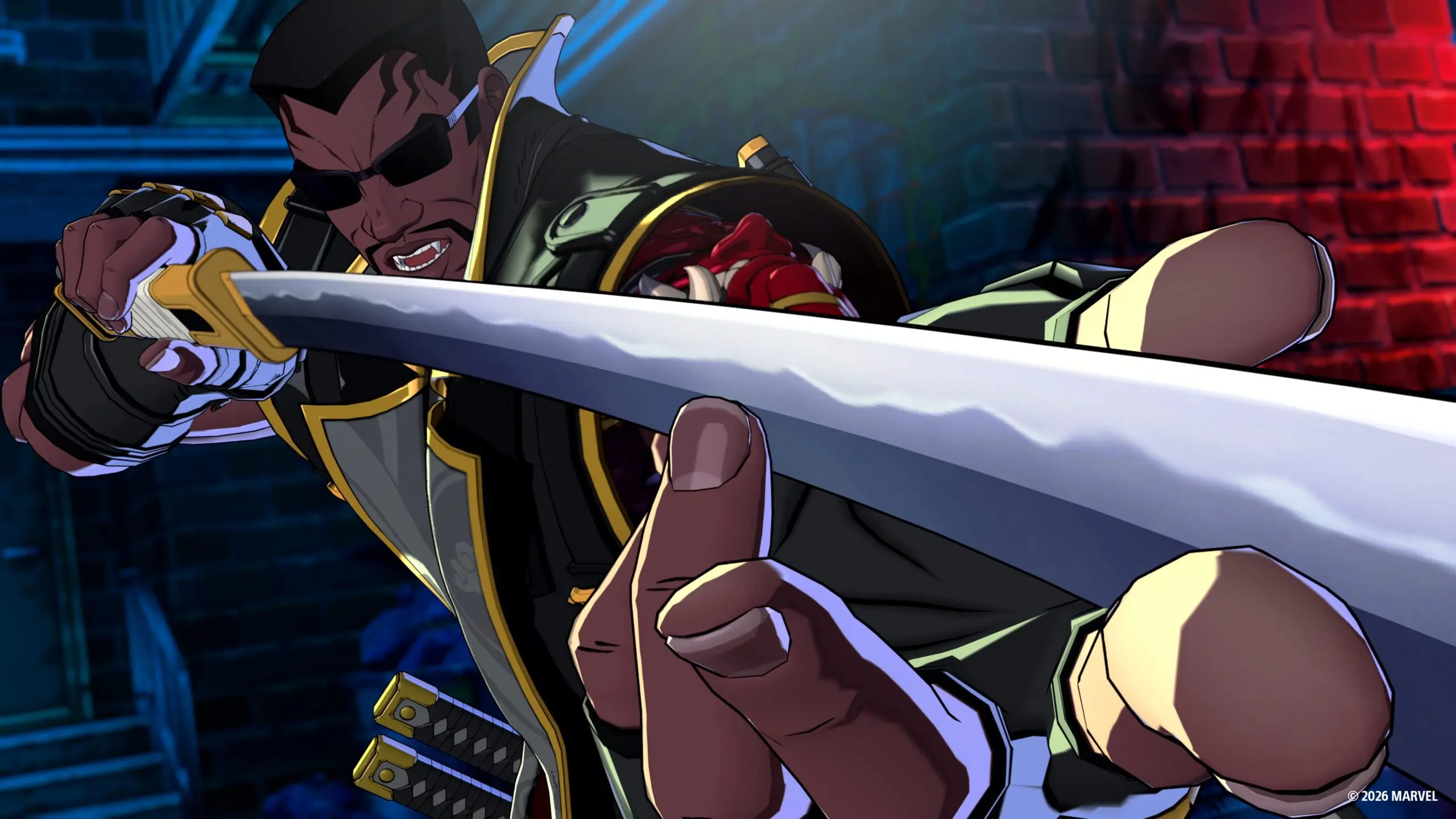
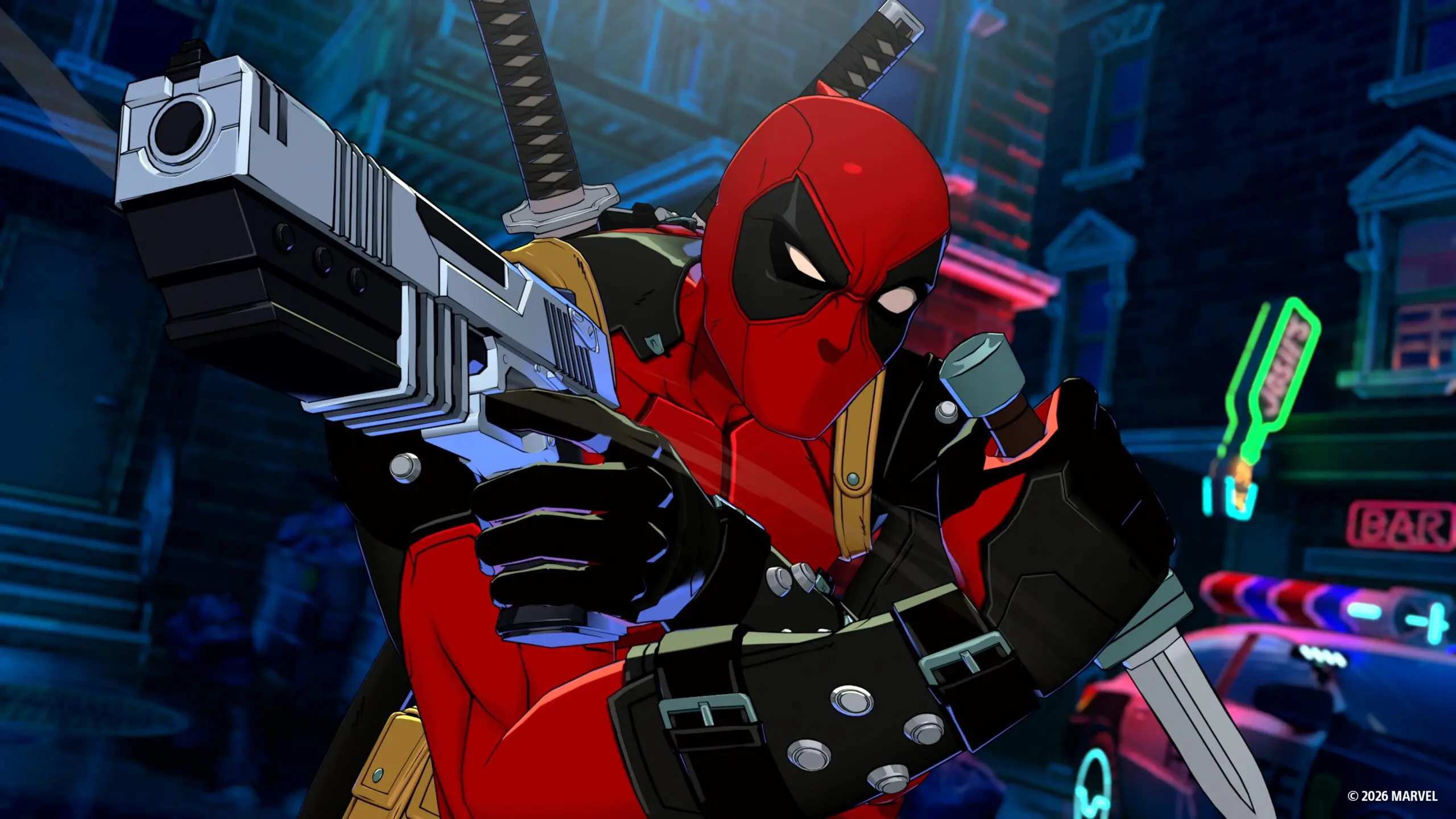
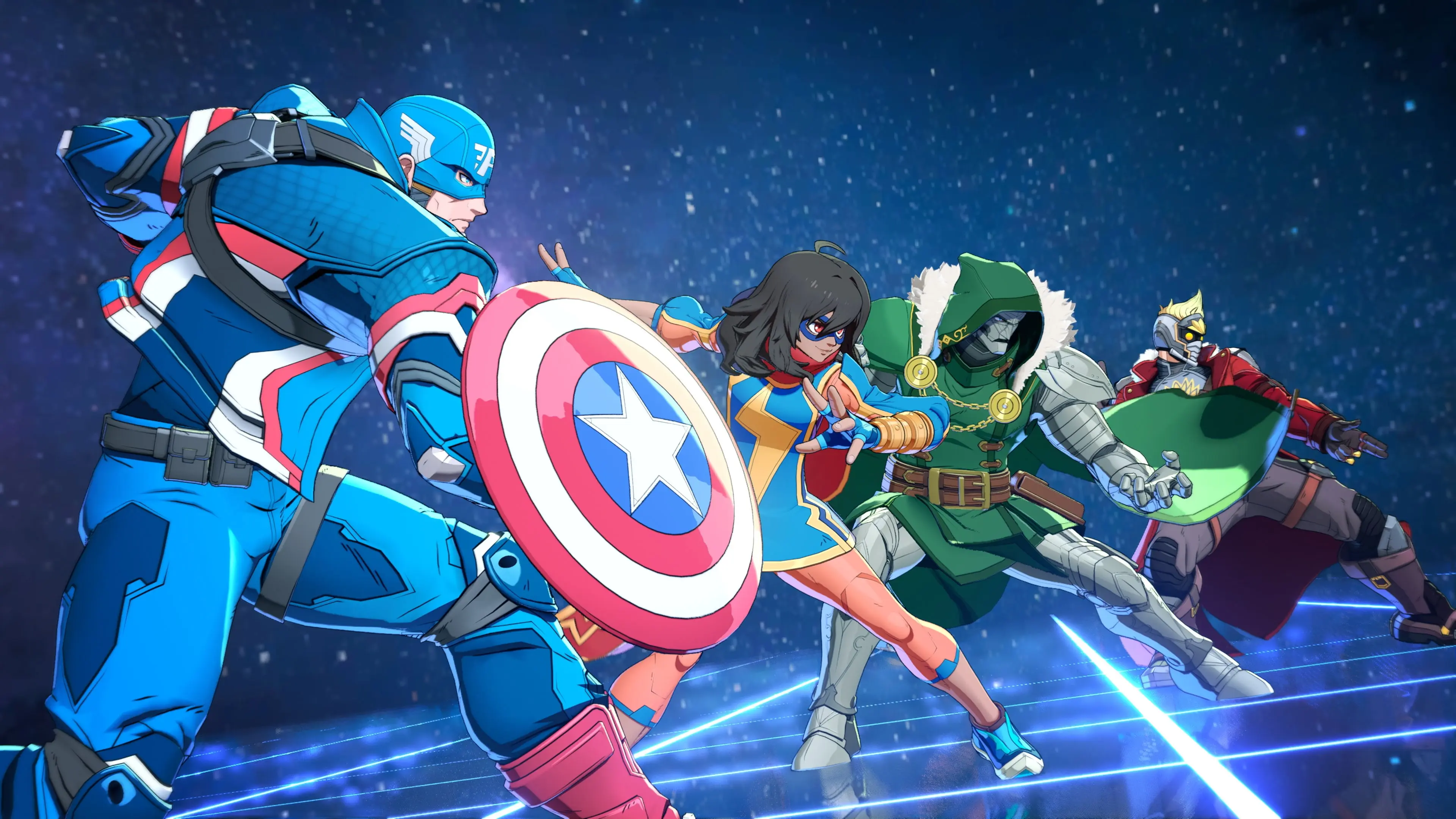
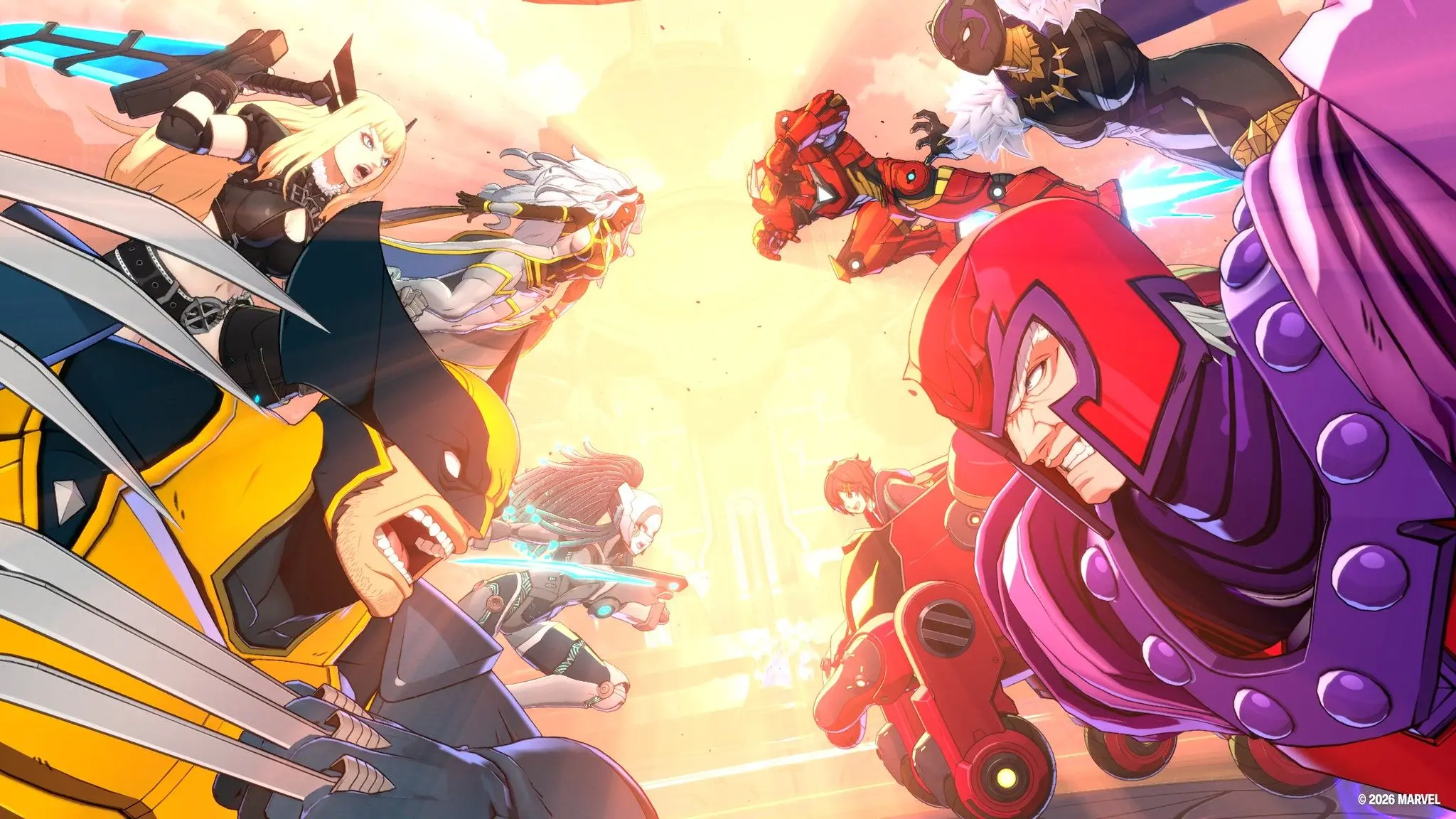
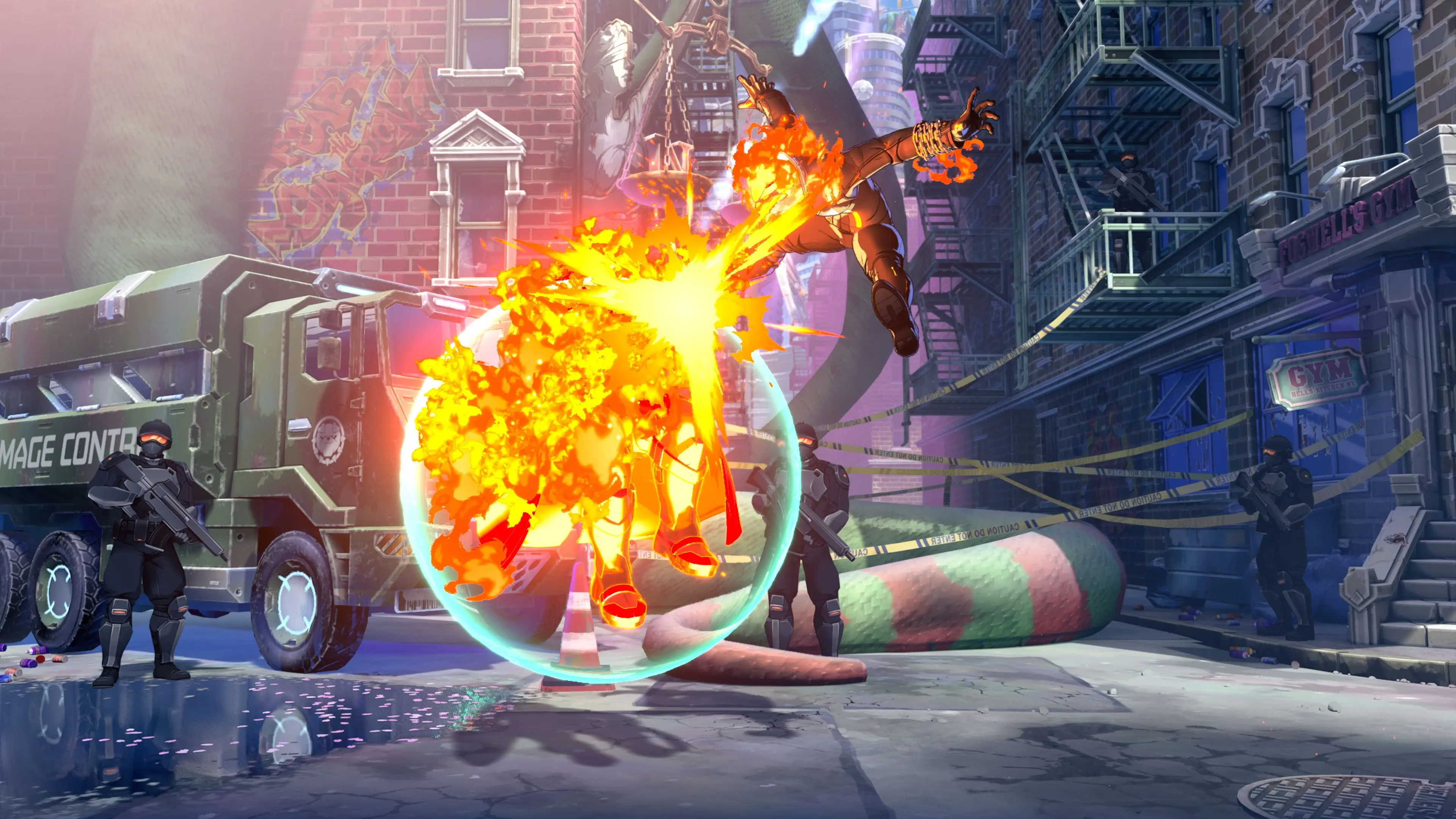
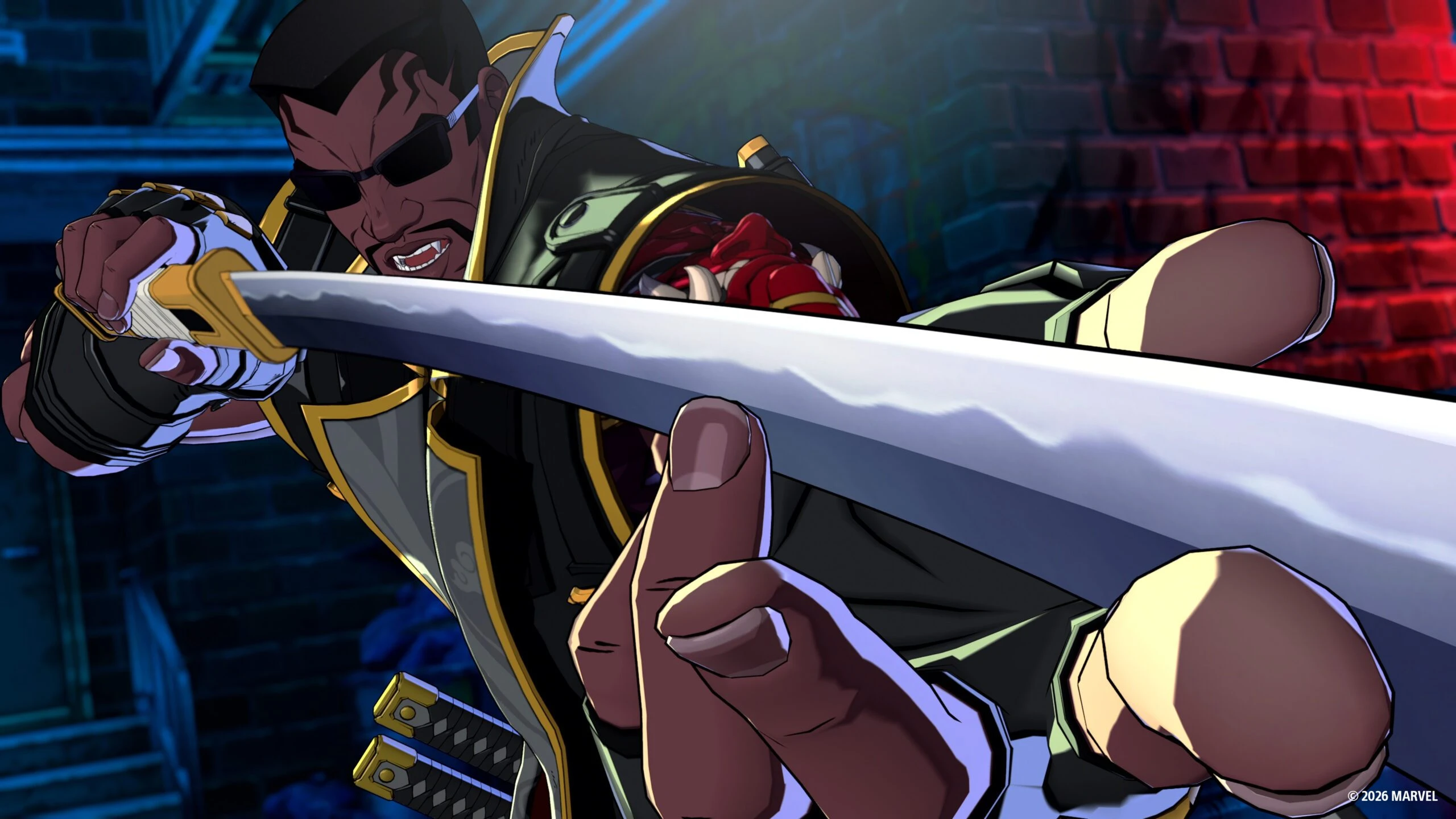
MARVEL Tōkon: Fighting Souls looks wild when eight Marvel characters start flying across the screen, but you do not need to master an entire four-person team before playing. The game shares one health bar across your squad, gives newcomers simple Link Attack combos, and includes Quick Skills for players who do not want to begin with motion inputs.
Your first goal is much smaller: learn one comfortable character, block reliably, call one assist on purpose, and finish one basic combo. Once those four actions feel natural, the larger 4v4 system starts making sense.
This beginner guide explains which characters are easiest to start with, how the default PS5 controls work, how assists and tags differ, and what to practice before entering Casual or Ranked matches.
MARVEL Tōkon beginner checklist
- Complete both Basics and Assemble lessons in Start Up Battle.
- Start with Captain America, Ms. Marvel, or Wolverine as your lead character.
- Use Quick Skills until movement, blocking, and basic combos feel comfortable.
- Learn one Light Link Attack and one Medium Link Attack.
- Practice standing and crouching guard before worrying about long combos.
- Call assists with intention instead of pressing the Assemble button randomly.
- Learn how a Break or lost round gives you access to more teammates.
- Spend a few minutes in Training Mode before your first online match.
How MARVEL Tōkon’s 4v4 team works
You select four characters, but they share a single team health bar. Losing one exchange does not eliminate the active hero and force the next person into battle. Instead, your squad works more like one fighter with several different tools.
You also begin a match with access to only the first two characters in your selected order. The other teammates join after you trigger a Break or lose a round. A Break can come from certain attacks and throws, selected Skills, or a successful Light Link Attack near the edge of the screen.
Team order therefore matters. Put the character you understand best first and an easy assist partner second. Your third and fourth picks can be specialists you want later, but do not build a beginner team that depends on them during the opening seconds.
You only need one reliable lead at first
Because the squad shares health, a new player can rely heavily on one lead character. Your teammates can still contribute through assists before you are ready to control them directly.
This makes Tōkon less intimidating than a tag fighter where every character needs a full set of practiced combos. You should eventually learn what all four teammates do, but the first step is making one hero feel dependable.
Best characters for beginners
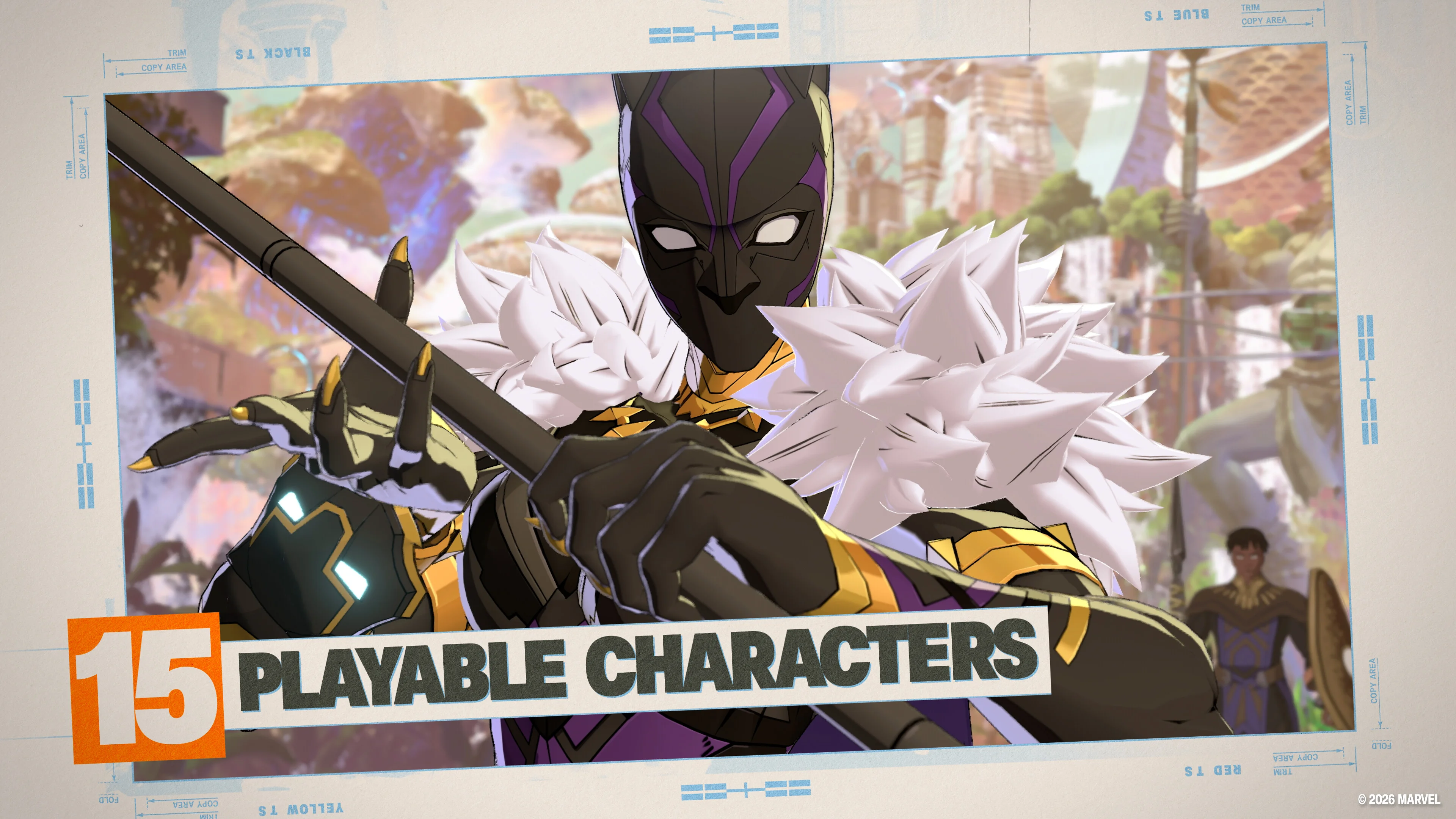
The character-select screen includes an Ease of Use rating. More stars mean the character is easier to learn, so use that rating when a favorite hero feels too complicated.
The official beginner guide points newcomers toward Captain America, Ms. Marvel, and Wolverine. Iron Man and Spider-Man are also described as relatively easy to learn, while Storm and Danger demand more practice.
Captain America: the safest first leader
Captain America is the clearest starting point because Start Up Battle uses him to teach the system. That immediately gives you experience with his attacks, movement, Skills, defense, and team actions before you enter Training Mode.
He is also an all-rounder rather than a narrow specialist. Use him when you want to learn what Tōkon expects without adding a difficult character gimmick at the same time.
Wolverine: simple close-range pressure
Wolverine suits players who want to move forward and fight at close range. His job is easy to understand: get near the opponent, stay active, and turn openings into pressure.
Pair him with someone who can threaten from farther away. Iron Man is the official example because his ranged attacks cover space Wolverine cannot reach safely.
Ms. Marvel: speed with more risk
Ms. Marvel is beginner-friendly, but her faster and more aggressive approach can expose careless decisions. Choose her if Captain America feels too slow and you prefer mobility over a steady all-round style.
Do not mistake speed for safety. Practice stopping your offense and blocking instead of pressing another button every time an attack finishes.
Iron Man or Spider-Man: accessible second choices
Iron Man gives a team useful ranged control, making him a strong partner for a close-range leader. Spider-Man is another approachable choice when you prefer movement and quick pressure.
Either hero can become your second character while you keep Captain America, Wolverine, or Ms. Marvel in the lead position. That gives you a simple core before adding more technical teammates.
Leave Storm and Danger for later
Storm and Danger are not bad beginner picks, especially if one is your favorite Marvel character. They simply ask you to understand more of the game before their strengths become obvious.
If you choose one immediately, keep the other three team slots simple. A complicated lead plus three unfamiliar assists makes it hard to identify why an attack plan failed.
How to build your first team
A beginner team needs answers at different distances, not four characters who all want the same position. Start with this simple structure:
- First: your most comfortable leader.
- Second: an assist that covers the leader’s weak range.
- Third: a character with a different pace or movement option.
- Fourth: a favorite or specialist you can study later.
Captain America, Wolverine, Ms. Marvel, Iron Man, and Spider-Man give you enough approachable options to build that structure. A Wolverine and Iron Man pairing is especially easy to understand: one pressures up close while the other threatens space from a distance.
Do not chase a competitive tier list on day one. Team familiarity is more valuable than a theoretical top composition when you still need to look at the controller before calling an assist.
For the full launch roster and ready-made team ideas, use our MARVEL Tōkon characters and teams guide. The release guide covers platforms, editions, and other launch details.
Basic PS5 controls to learn first
The default PS5 layout gives each core attack its own face button:
- Square: Light Attack
- Triangle: Medium Attack
- Circle: Heavy Attack
- Cross: Assemble Assist
- L1: quick dash
- L2 plus a direction: switch to a teammate
- R2: Quick Skill
On PC, use a compatible controller or fighting-game peripheral and keep the same button layout while you learn. The official FAQ confirms peripheral compatibility but does not list every device, so check your hardware before depending on a specific arcade stick or leverless controller.
You do not need every command memorized before playing. Learn Light, Medium, Heavy, Assist, Guard, and Quick Skill first. Add direct tags and advanced defensive actions after those feel natural.
Easy Link Attack combos
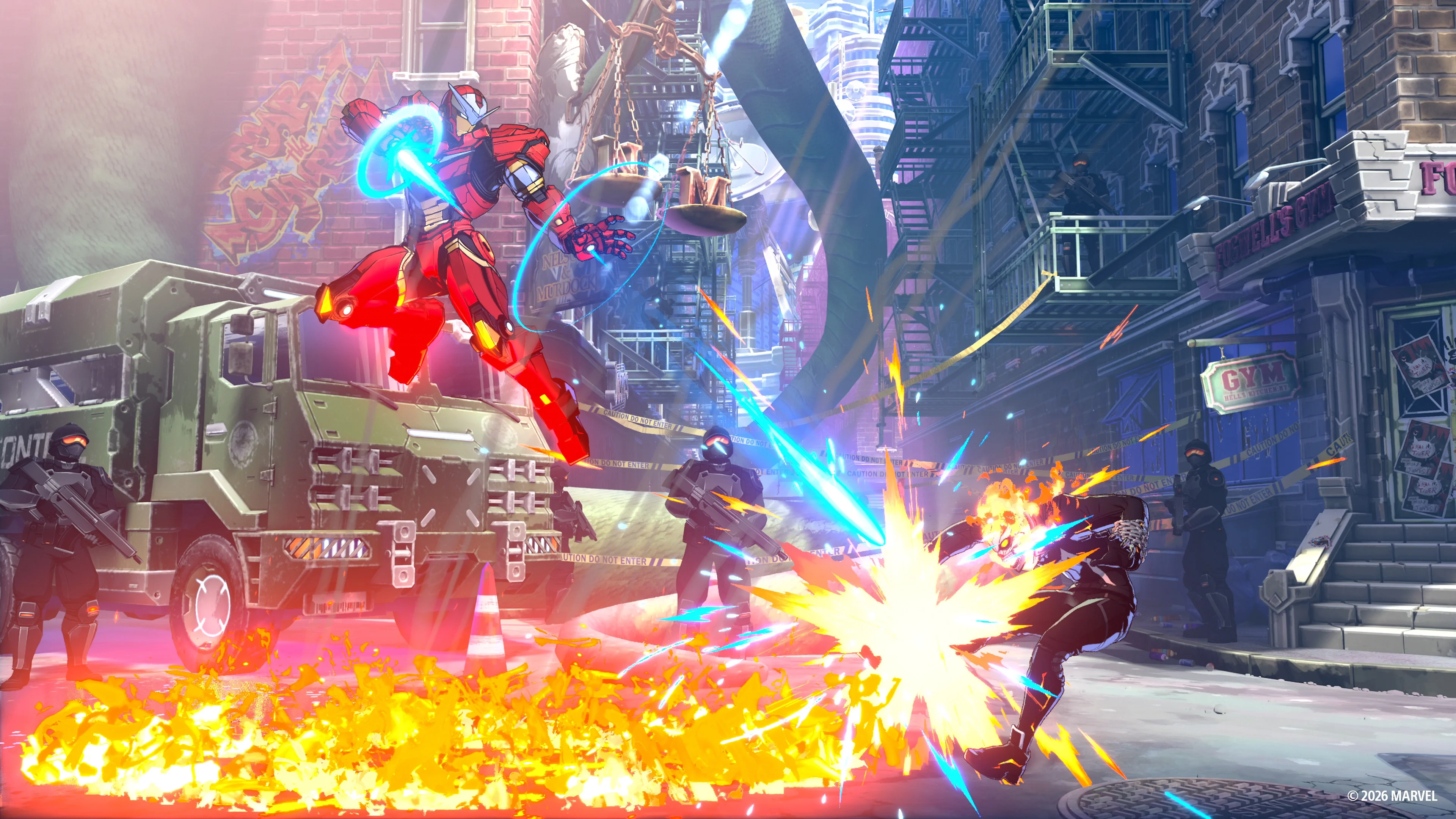
Link Attacks let beginners produce useful combo routes by repeating one attack button. They activate when an attack connects or is blocked, not when you swing at empty space.
Start with these three sequences:
- Light, Light, Light, Light: finishes through a Skill and can cause a Break near the correct screen position.
- Medium, Medium, Medium: leads into a Super Skill.
- Heavy, Heavy, Heavy: leads into an Ultimate Skill.
These routes are not the final form of your offense. They are stable starting points that teach hit confirmation, spacing, and what each attack strength is designed to do.
Once those sequences work consistently, practice the official intermediate route:
Light → Medium → Heavy → Skill → Assemble Rush → follow-up attack
Do not move to the longer route just because it deals more damage. A short combo you complete in a real match is more useful than a long combo you drop after the first hit.
Quick Skills or command inputs?
Quick Skills perform a character Skill with a simpler input. Command Inputs use traditional directional motions and reward the extra execution with slightly more damage and more Skill Gauge.
New players should begin with Quick Skills. This leaves more attention for movement, blocking, assists, and recognizing an opening. Switch individual attacks to Command Inputs later instead of trying to convert your entire playstyle in one session.
Using Quick Skills is not “playing wrong.” They are part of the game’s accessibility design and let you learn the decisions behind a move before adding mechanical difficulty.
How to block and escape pressure
Hold back to use a standing guard. Hold down and back to crouch guard. If you are unsure whether the next attack hits high or low, do not mash an attack and hope to escape. Watch the opponent and make blocking your default response.
Tōkon also has two team-based defensive options using Square and Cross on the default PS5 layout:
- Assemble Counter: press Square and Cross while you are not guarding. Your character steps back and automatically counters if the opponent attacks during the move.
- Crossover: press Square and Cross while guarding. A teammate interrupts the opponent and gives you room to take back momentum.
Practice both in Start Up Battle, but do not use them as a replacement for normal guard. A player who blocks patiently will recognize better moments for a Counter or Crossover.
How assists work
Press Cross to call an Assemble Assist. The direction you hold determines which teammate responds:
- Neutral or right plus Cross: second teammate
- Down plus Cross: third teammate
- Left plus Cross: fourth teammate
The game includes shooter, vertical, and assault assist types. These calls can cover the ground, challenge the air, extend pressure, or continue a combo. Neutral assists do not consume Assemble Gauge, and assists can also be called during combos.
Aerial assists work at double-jump height or higher. That creates more routes later, but a beginner should first learn one grounded assist that makes the lead character safer.
Start with assists before direct switching
Calling an assist is easier than managing several characters. Use teammates as repeatable tools until you understand their range and timing.
After an assist appears, the game briefly shows a Switch? prompt. Press L2 during that window to change to the assisting character. This assist-to-switch method keeps the rotation connected to the action instead of forcing a blind tag.
You can also switch directly with a direction and L2:
- Neutral or right selects the second teammate.
- Down selects the third teammate.
- Left selects the fourth teammate.
Your first 30 minutes
Minutes 0–10: finish Start Up Battle
Complete the Basics section even if you have played other fighting games. Then complete Assemble, because Tōkon’s assists, teammate access, defensive calls, and shared health make it different from a standard one-on-one fighter.
Minutes 10–20: build one repeatable routine
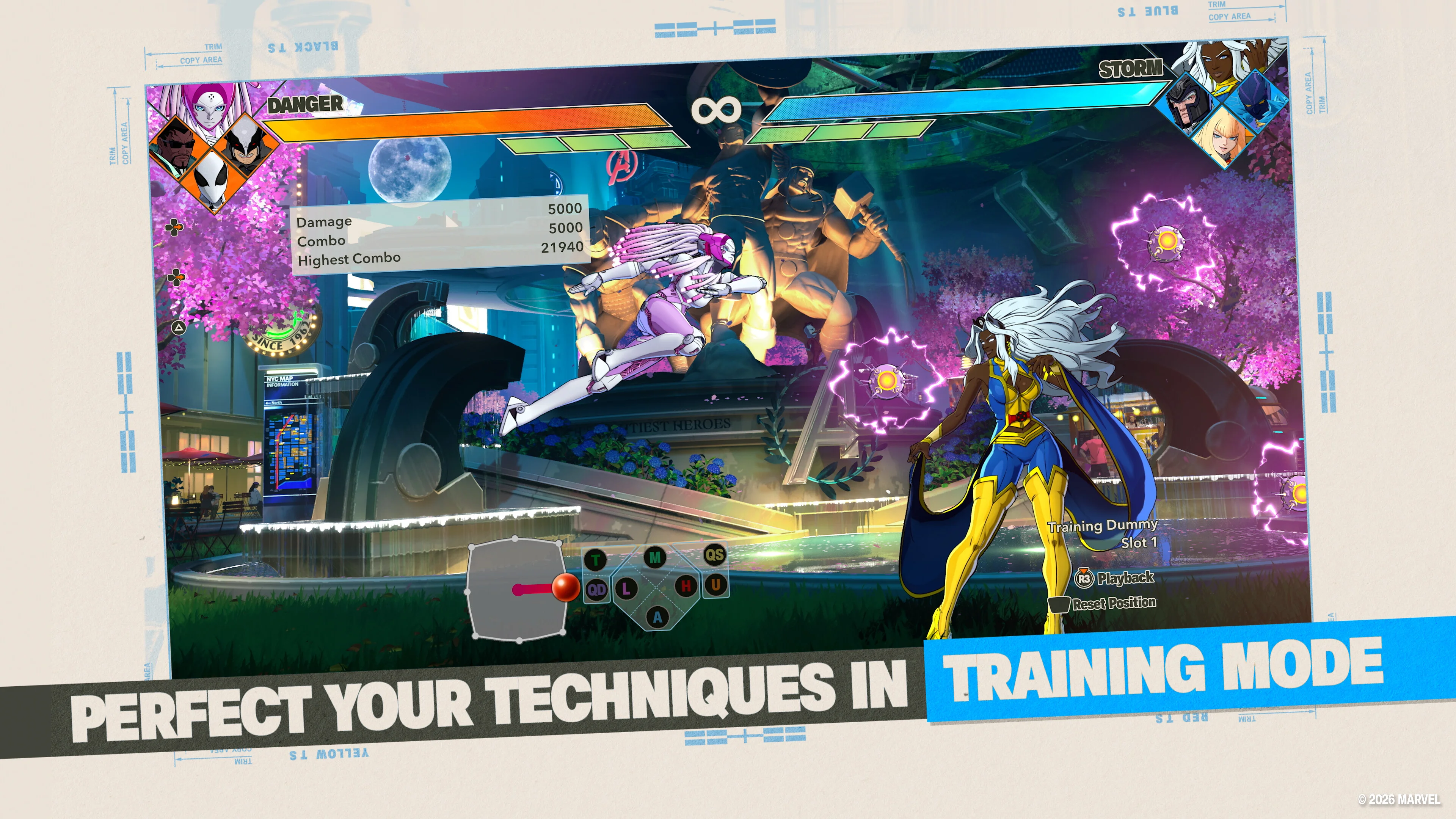
Enter Training Mode with your planned lead character and practice this loop:
- Move into range without jumping constantly.
- Block one recorded attack from the training dummy.
- Complete a Light Link Attack.
- Call the second teammate as an assist.
- Repeat from the opposite side of the screen.
Turn on input display and damage information if you are unsure whether the game received the button you intended to press.
Minutes 20–30: play a controlled match
Use Versus Mode against the CPU or enter Casual Match. Your goal is not to win every round. Try to block a full sequence, complete one Link Attack, call an assist without being punished, and notice when the third or fourth teammate becomes available.
Ranked Match is there when you want a competitive ladder, but it is not the fastest place to learn what a button does.
Common beginner mistakes
Trying to learn four characters at once
Choose one lead and treat the other three as assist tools. Add a second controlled character after the first one feels stable.
Pressing Link Attacks from too far away
The automatic chain only continues on hit or block. Mashing Light at empty space does not create the same sequence and can leave you exposed.
Ignoring team order
You begin with the first two selected characters. Place your most important early pairing in those slots instead of hiding it third and fourth.
Switching without a reason
Tag because another character solves the current range or matchup, not because every teammate has been off-screen for a while. Assist first, then use the Switch prompt when the transition is safe.
Practicing damage but not defense
One reliable guard and punish sequence will win more early matches than a fragile combo that only works when the opponent stands still.
Starting with four technical favorites
Your favorite roster is a valid long-term goal. For the first matches, surround one demanding character with simpler teammates so you can understand what went wrong.
What Can You Play Offline in MARVEL Tōkon?
The official FAQ lists Episode Mode, local Versus, Training, All-Star Arena, Battle Guides, Character Guides, and Arcadia Rumble as offline modes. Start Up Battle and Training Mode are the fastest places to learn the controls, test assists, and settle on a team order before entering an online match.
Online Lobby, Room Matches, Ranked, Casual, and player profiles require an internet connection. PS5 online play also requires PlayStation Plus, while PC online play requires a PlayStation account. For crossplay, matchmaking, and access requirements, use our MARVEL Tōkon crossplay and PS Plus guide.
MARVEL Tōkon beginner FAQ
Do I need to master all four characters?
No. Start with one reliable leader and learn the teammates as assists. The shared health system lets you remain effective without memorizing four full combo lists immediately.
Who is the easiest first character?
Captain America is the safest starting choice because Start Up Battle teaches the game through him. Ms. Marvel and Wolverine are also official beginner recommendations.
Should beginners use Quick Skills?
Yes. Quick Skills reduce execution pressure while you learn the game. Command Inputs can be added later for slightly higher damage and more Skill Gauge.
How do I unlock the third and fourth teammates?
Trigger a Break or lose a round. Breaks can come from specific attacks and throws, selected Skills, or a successful Light Link Attack near the screen edge.
Should I play Ranked immediately?
Finish Start Up Battle and spend a short session in Training Mode first. Casual or CPU matches give you space to practice the basics before ranking becomes the focus.
Can I use an arcade stick?
Yes. Compatible arcade sticks and leverless controllers are supported, and the buttons can be remapped. A standard controller is also completely suitable for learning the game.
The simple route to your first good team
Pick Captain America, Wolverine, or Ms. Marvel as the leader. Add Iron Man or Spider-Man second. Keep Quick Skills enabled, learn one Light combo, and call the second teammate on purpose. That is enough structure for a real first match.
The deeper systems can wait. MARVEL Tōkon becomes easier when you stop treating the four-character roster as four separate homework assignments and start treating it as one lead character supported by three useful decisions.