If you are new to Madden NFL 27, learn four systems first: Timing Based Catching, the Tackle Stick, defensive adjustment presets, and the weekly rhythm of Franchise. The rest can wait until those controls feel natural.
Madden throws a large playbook, several passing options, pre-snap controls, player ratings, and multiple long-term modes at you almost immediately. Trying to absorb all of it in one night usually leads to frantic button presses and a lot of preventable turnovers. A smaller routine works better: choose one passing concept, one defensive answer, and one mode to learn at a time.
What should a beginner learn first in Madden NFL 27?
- Catching: begin with the traditional ratings-driven setting, then add the timing meter when you are comfortable reading the ball.
- Tackling: use the Wrap Tackle as your safe choice and save the Hit Stick for clean, well-lined-up shots.
- Defense: pick one preset adjustment that answers what your opponent keeps doing instead of changing the whole defense before every snap.
- Franchise: protect your roster from avoidable problems before chasing flashy trades or a complete rebuild.
That order keeps the first few games readable. You can tell whether a mistake came from timing, positioning, or a bad decision instead of wondering which of ten new systems caused it.
Leave Timing Based Catching off for your first practice game
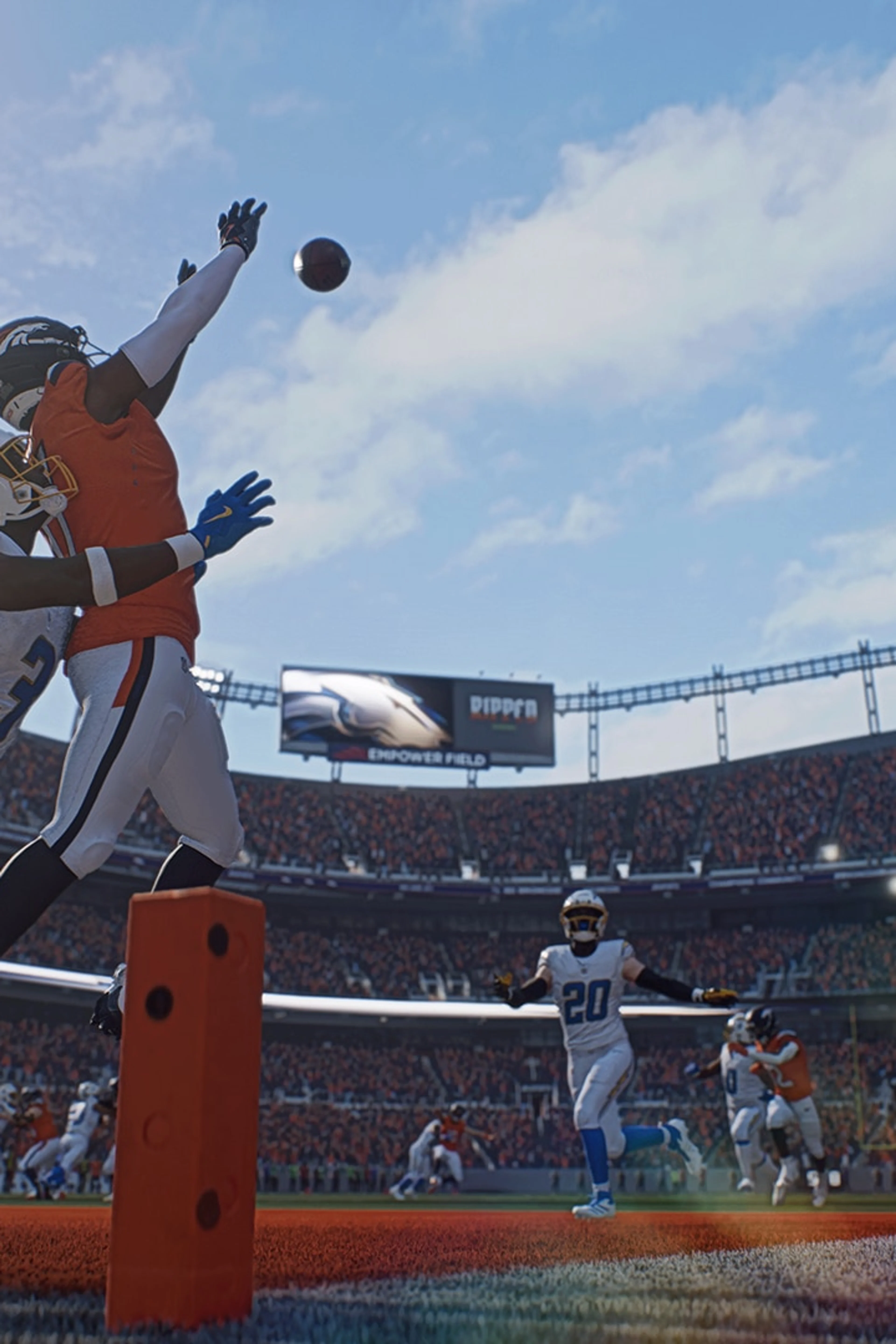
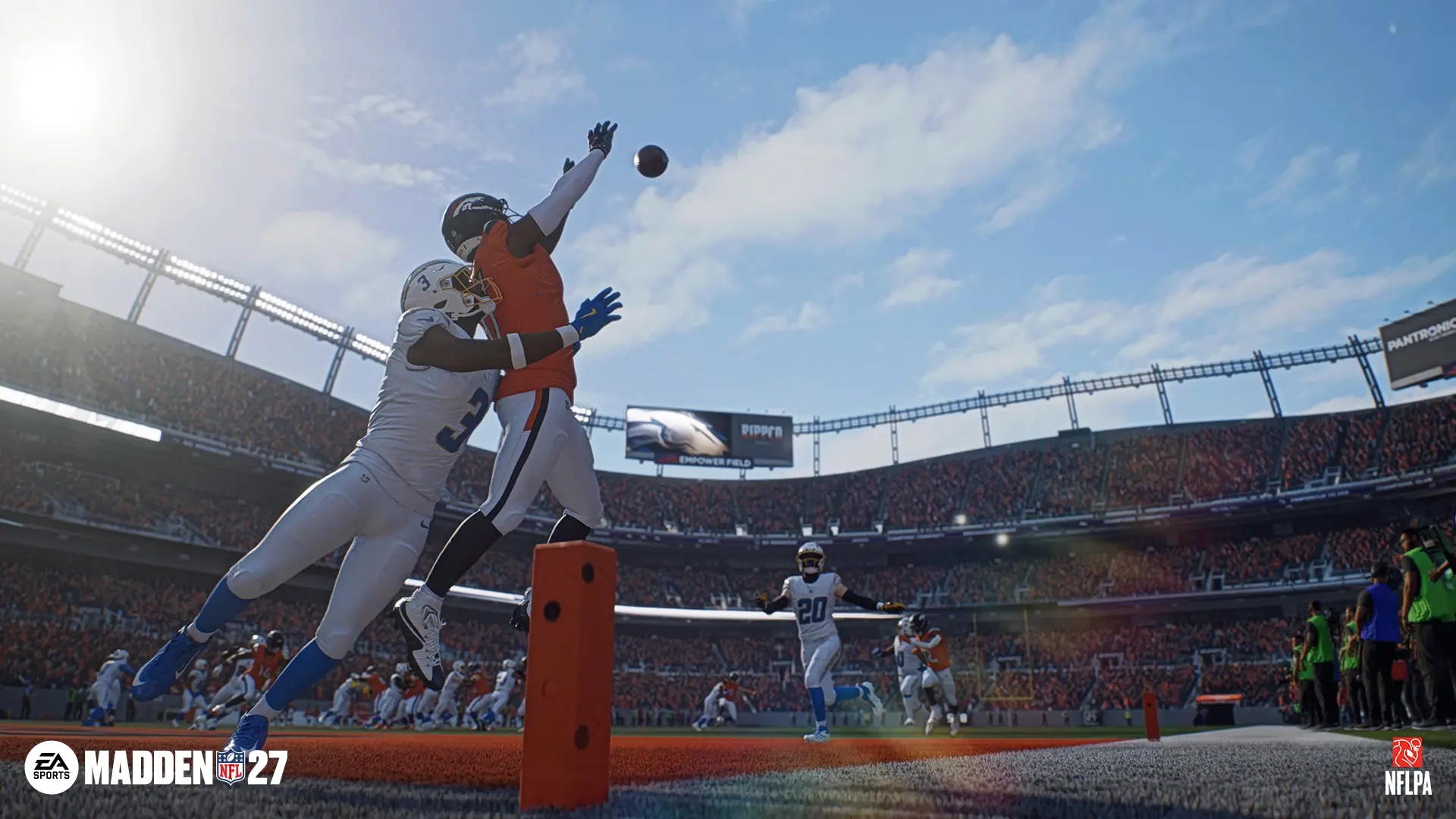
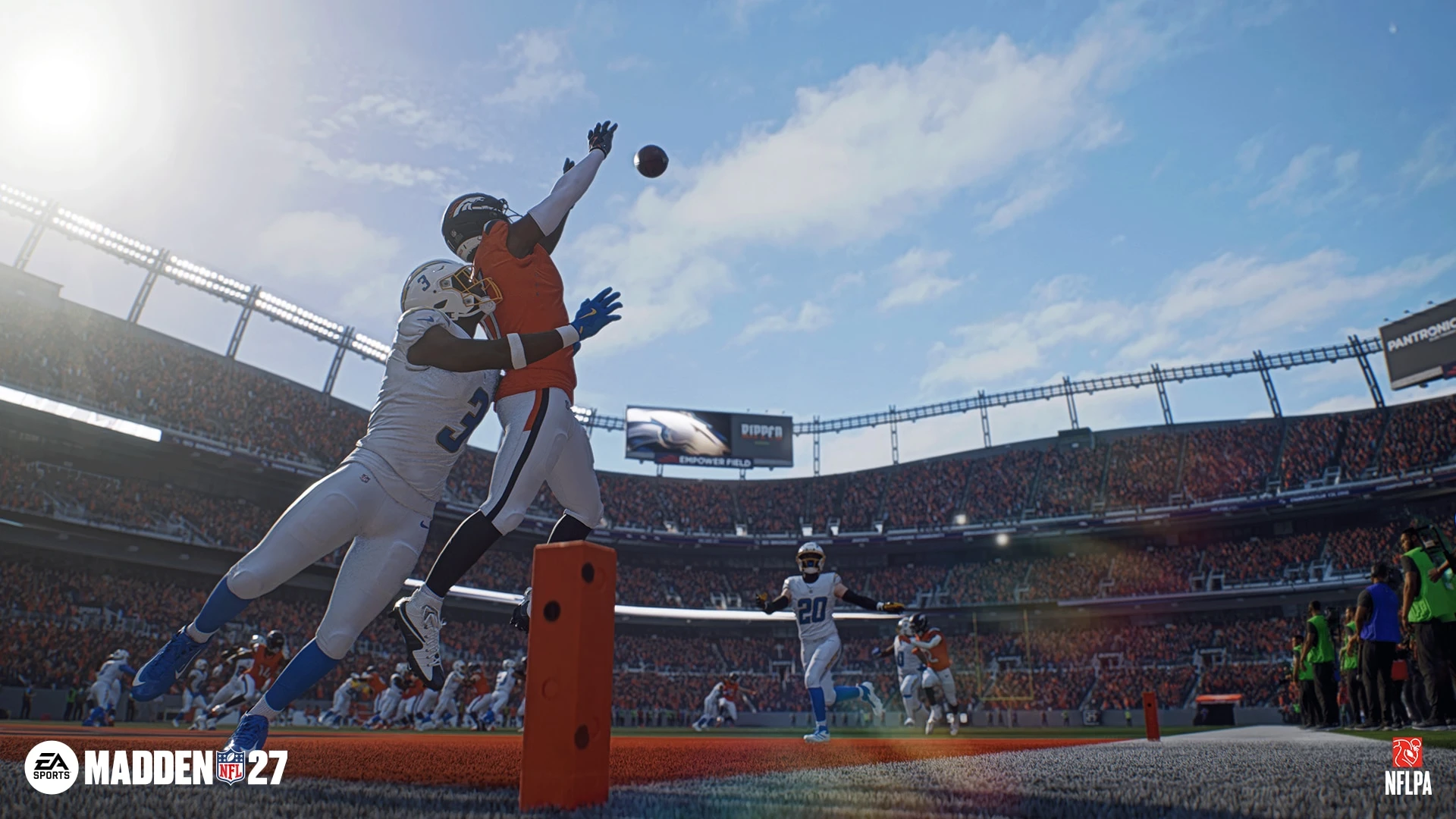
Timing Based Catching adds a release window to aggressive, possession, and run-after-catch attempts. After the pass is thrown, you press and hold the catch input you want, then release it near the green section before the ball reaches the receiver's hands. A perfect release lands in the green window. A slightly early release still lets player ratings influence the result, while a late release counts as missed timing.
The setting is optional. Turning it off returns catches to the traditional ratings-driven outcome, which is a sensible place to begin if you are also learning routes and quarterback reads. Play one short practice game without the meter. Once you can recognize where the ball is going, turn Timing Based Catching on and work on one catch type at a time.
Choose the catch type before chasing the green window
The meter does not make every catch the same. You still need to decide what you want the receiver to do when the ball arrives.
- Possession catch: use it when securing the ball matters more than gaining extra yards, especially near the sideline or in traffic.
- Run after catch: use it when the receiver has space and can turn upfield immediately.
- Aggressive catch: save it for contested throws where the receiver must attack the ball, not as a default answer for every deep pass.
A green release helps your attempt, but it does not erase coverage, ratings, or a poor throw. If a safety is waiting over the top, the better move is often to check the ball down rather than force a perfectly timed aggressive catch into double coverage.
Use the Tackle Stick without hunting for a highlight every play
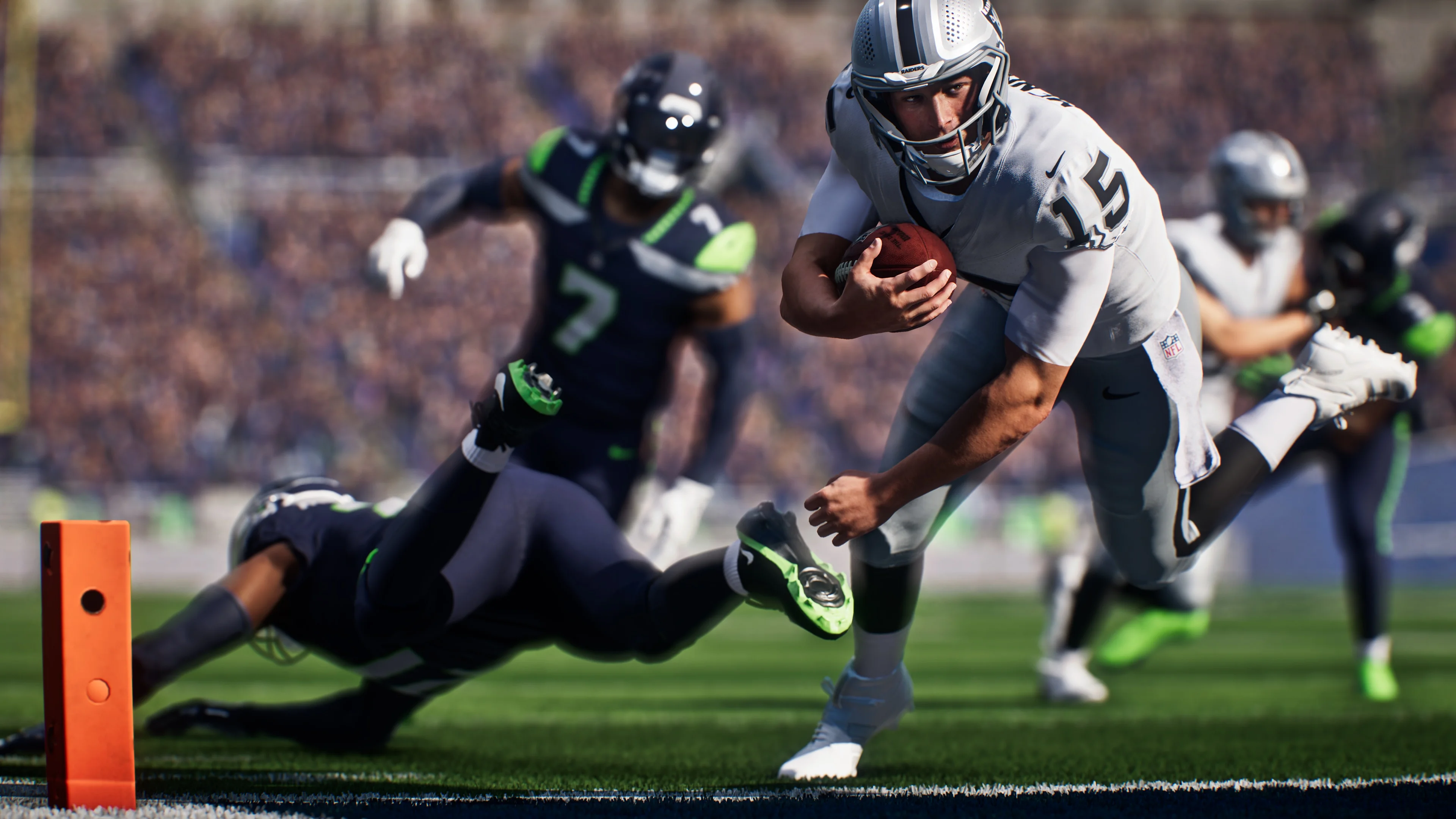
Madden NFL 27 puts four tackle choices on the Tackle Stick: up for a Hit Stick, down for a Cut Stick, left for a Lunge Tackle, and right for a Wrap Tackle. Each option has a place, but beginners should build around the Wrap Tackle.
The Wrap Tackle is the steady choice when you are squared up and simply need the runner on the ground. The Lunge Tackle helps close a small gap. Cut tackles can be useful against a runner trying to slip underneath contact, while the Hit Stick carries more risk if your angle is poor. Missing a big hit can turn a short gain into a touchdown, so do not treat the most dramatic input as the normal one.
Before moving the stick, line up the defender's hips with the ball carrier and stop sprinting past the play. Good pursuit makes the tackle; the input only finishes it.
Start defense with preset adjustments
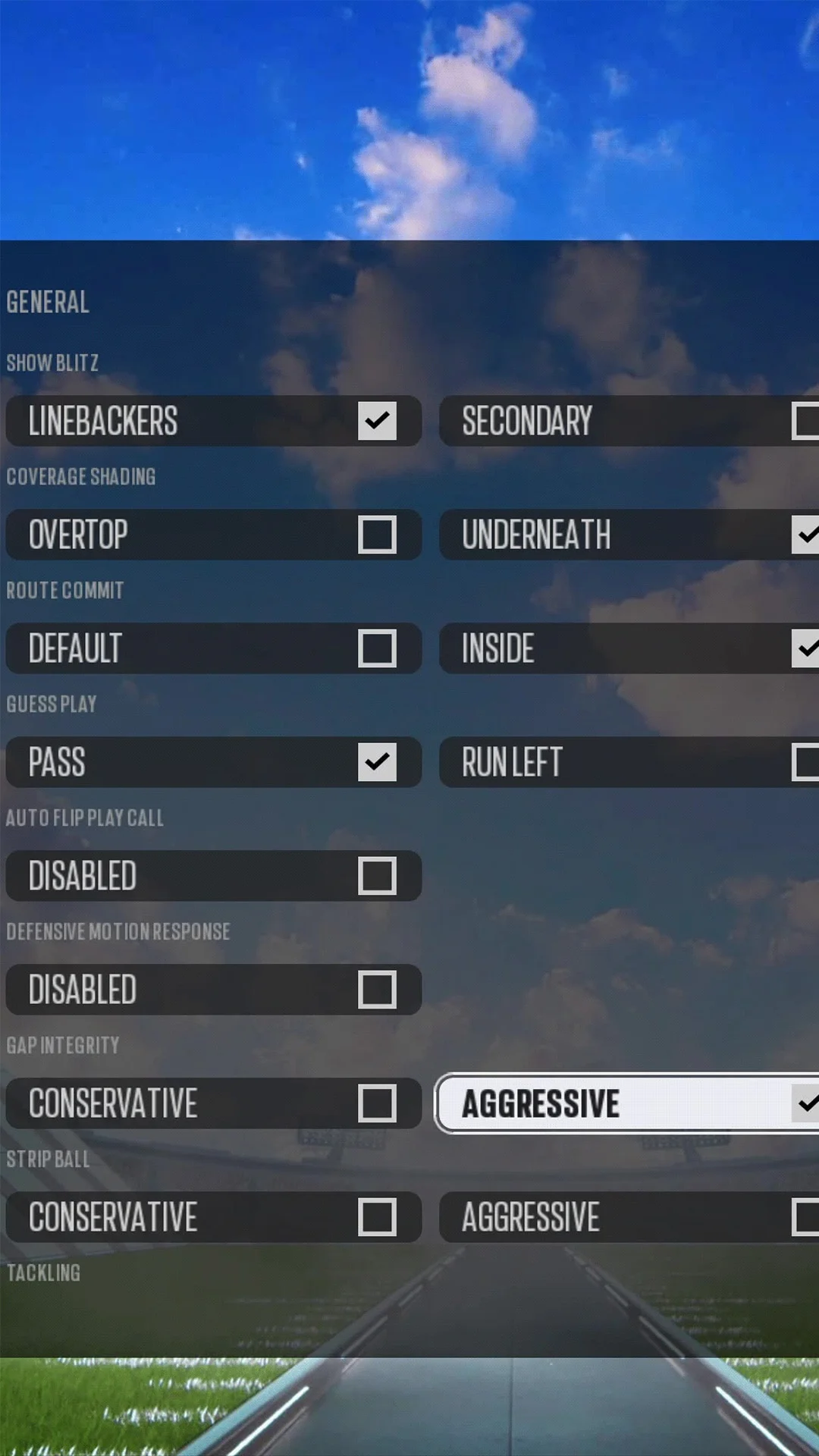
The new custom-adjustment system can store up to 20 offensive and 20 defensive commands, with 10 available on each side during a game. That is useful later. On day one, the built-in presets are faster and easier to understand.
- QB Scramble: use it when a mobile quarterback keeps leaving the pocket.
- Play Short Routes: use it when quick passes, drags, and checkdowns are moving the chains.
- No Deep Passes: use it when you would rather allow a short completion than give up a long touchdown.
At the line, L1 on PlayStation or LB on Xbox opens the custom adjustments. Make one change, let the defense get set, and watch what happens. Players must reset before another adjustment can be applied, so rapid menu inputs can leave the unit out of position when the ball is snapped.
Do not over-adjust before every snap
A common beginner mistake is trying to solve the entire offense with pre-play menus. Pick the one problem that is actually hurting you. If the opponent has completed three short throws in a row, tighten the short area. If the quarterback is scrambling, assign an answer for that. Do not also change the pass rush, shade every coverage, and move half the secondary unless you already understand the tradeoffs.
The same idea works on offense. A few reliable concepts such as slants, mesh, and a vertical shot are easier to read than a giant collection of unrelated plays. You are building a small language with the game, not taking an exam on the full playbook.
Coach Mode is for players who want the chess match
Coach Mode lets the CPU handle the post-snap action while you make the strategic decisions. Options include Auto QB, Auto Snap, Coach Suggestions, Pre-Play Cutoff, and Pre-Play Audio. Communication closes when the play clock reaches 15 seconds, so you still have to make choices on time.
You can also hold R2 on PlayStation or RT on Xbox and press a receiver icon to set the quarterback's primary read. This gives you influence over the play without controlling every movement after the snap.
Coach Mode is a good fit if you enjoy roster building, play-calling, and situational football more than stick skills. It is also a low-pressure way to learn what formations are trying to accomplish before taking full control again.
Build your first Franchise around stability
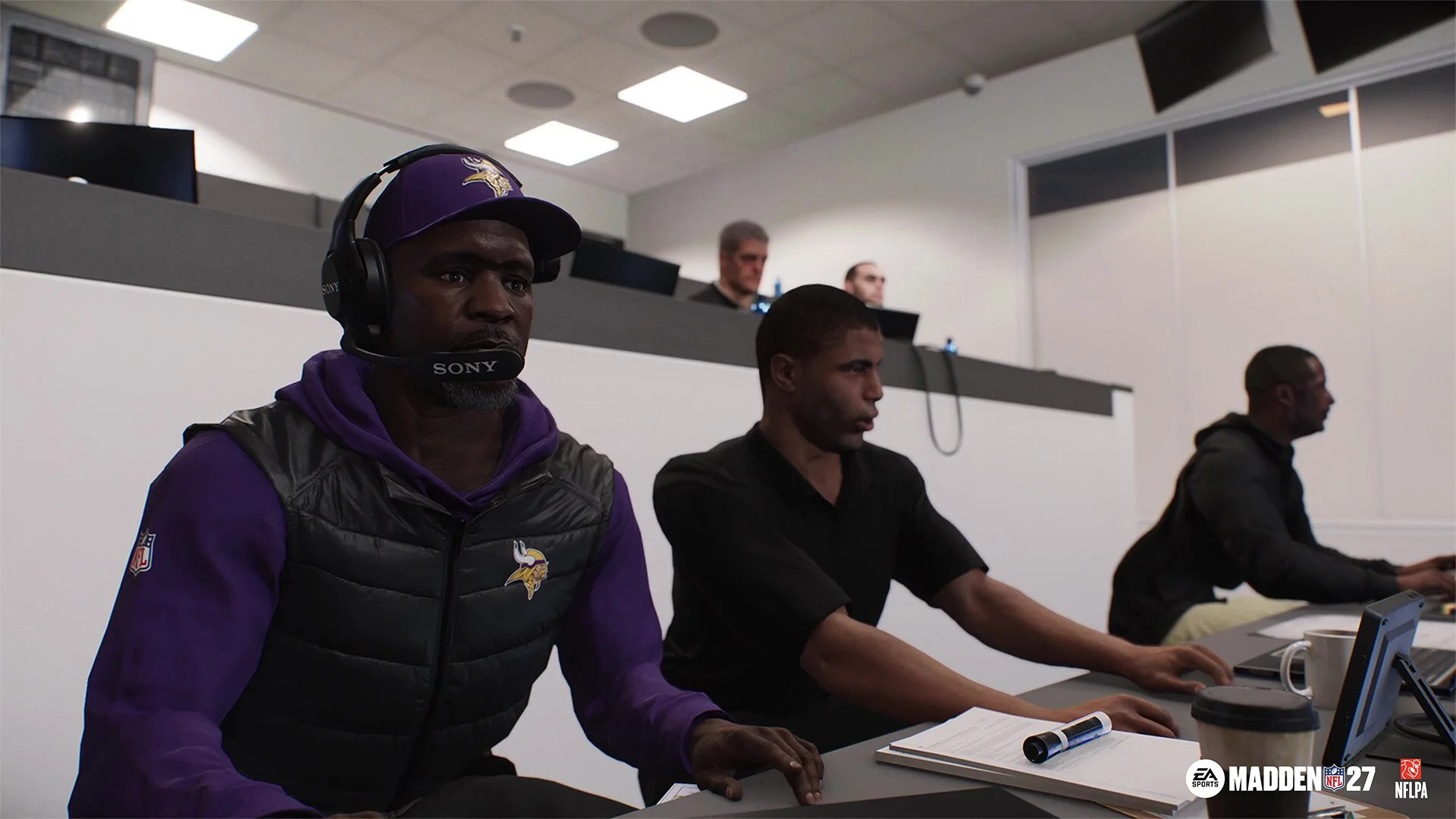
Franchise now uses the Persona Engine to shape player behavior, including holdouts and trade demands. Weekly Emergent Actions add decisions around the team, while contract negotiations, Free Agent Frenzy, real coordinators, dynamic weather, wear and tear, and smarter CPU trades create more ways for a season to change.
For a first save, choose a team with a quarterback you trust and enough cap flexibility to survive one mistake. Keep a small reserve for injuries and contract problems. Check wear and tear before important games, and do not trade several starters just because the first week went badly. Franchise becomes easier to read when the roster stays mostly stable for the opening month.
If you want a rebuild, make one clear goal for the first season: protect a young quarterback, improve the defense, or clear future salary. Trying to fix every position at once usually creates a thin roster and turns each injury into a crisis.
Cross-play has one important limit
Cross-play supports PC, PlayStation 5, and Xbox Series X|S in online Head-to-Head, Franchise, Madden Ultimate Team, and Superstar. It is enabled by default on supported platforms. Nintendo Switch 2 is not part of the cross-play pool.
Cloud Franchise cross-play is still described by EA as a live beta. EA recommends starting a new Franchise file for the feature, so avoid building a long save around a platform switch until you know the setup works for your group.
A simple plan for your first night
- 1. Play one short game with Timing Based Catching off. Focus on reading one side of the field and avoiding forced throws.
- 2. Open practice mode and turn the catch meter on. Repeat possession catches before moving to run-after-catch and aggressive attempts.
- 3. Use Wrap Tackle as your default. Try the other Tackle Stick directions only when the angle makes sense.
- 4. Learn three defensive presets. QB Scramble, Play Short Routes, and No Deep Passes cover common early problems.
- 5. Test Coach Mode for one quarter. You will quickly know whether you prefer direct control or the play-calling side of football.
- 6. Start Franchise after the controls make sense. Choose a stable roster and give yourself a month before making major trades.
The fastest way to improve
Madden NFL 27 gets easier when every snap has a small purpose. On offense, know your first read and your safe outlet. On defense, decide whether you are protecting the short area, the deep ball, or the quarterback run. One clear decision before the snap is more useful than five rushed adjustments.
You do not need a borrowed competitive playbook on your first night. Learn one offensive concept, one dependable tackle, and one defensive answer. Once those choices stop feeling rushed, the deeper parts of Franchise and custom strategy become much more enjoyable.