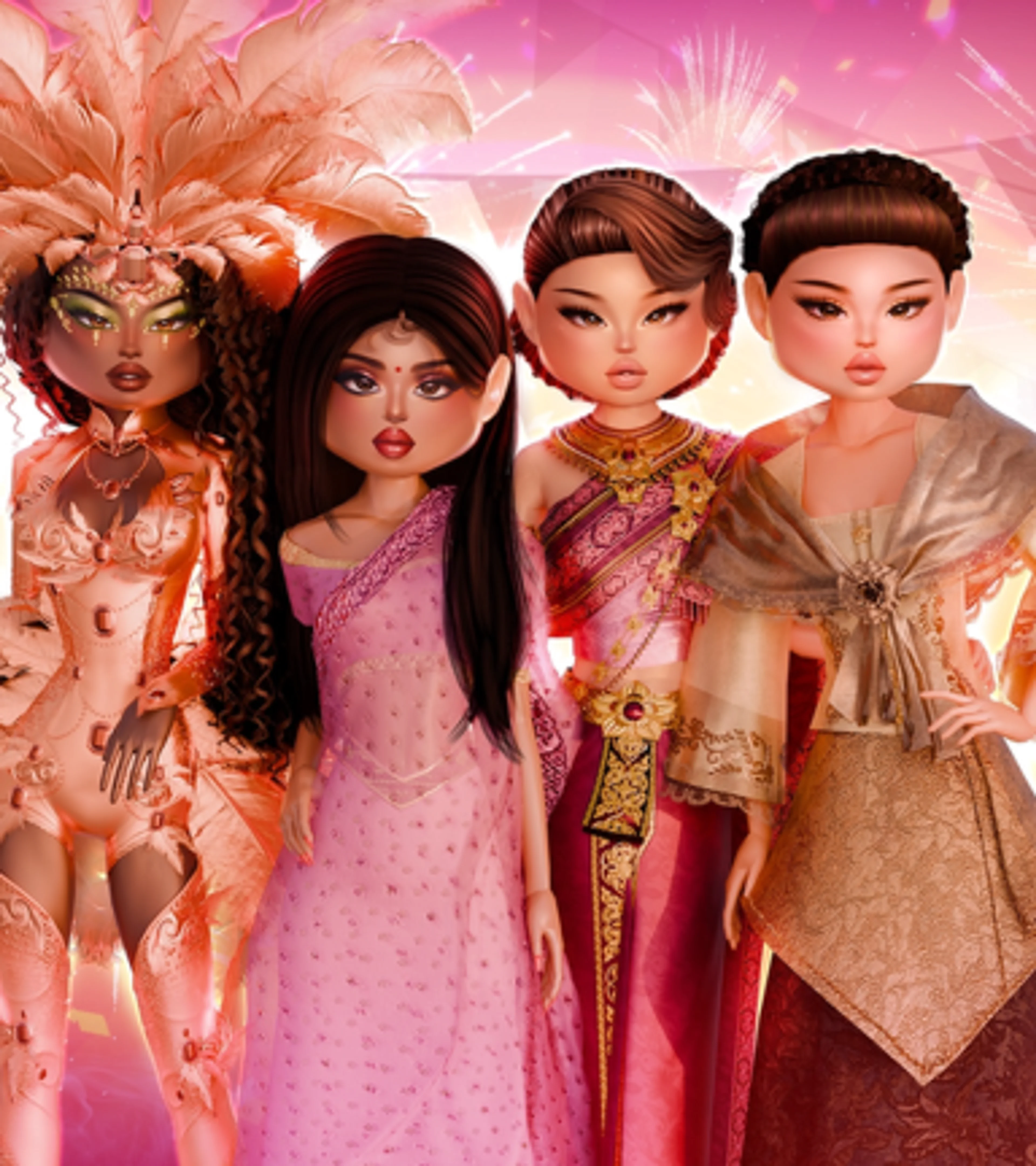
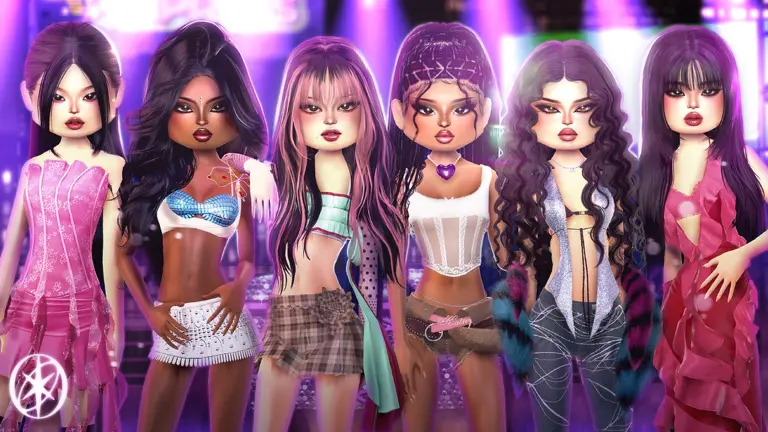
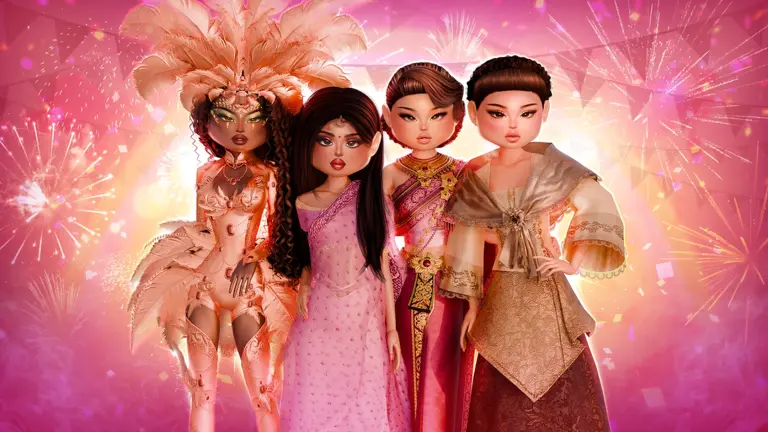
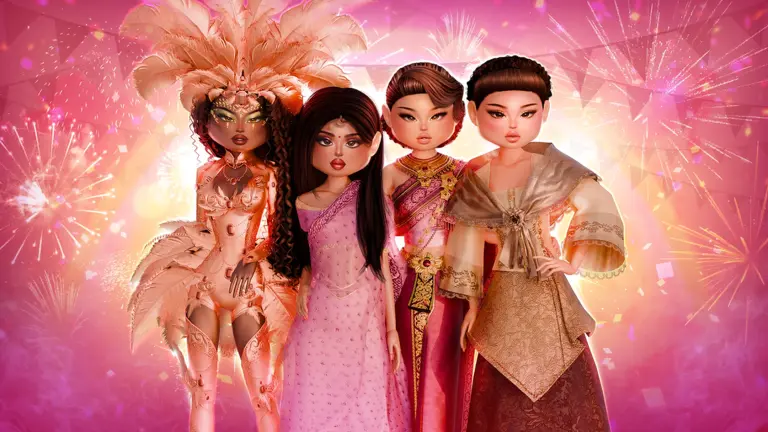

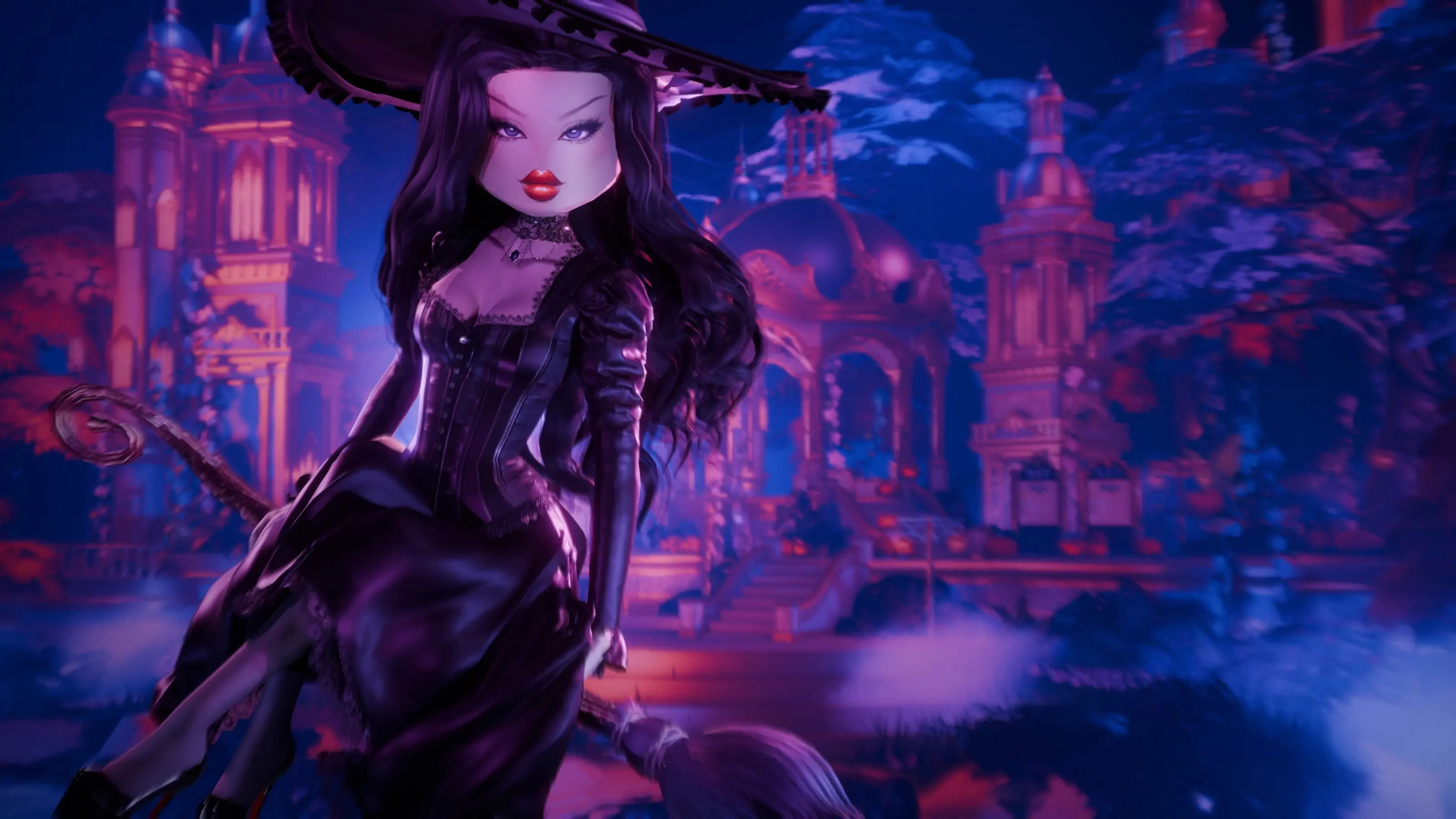
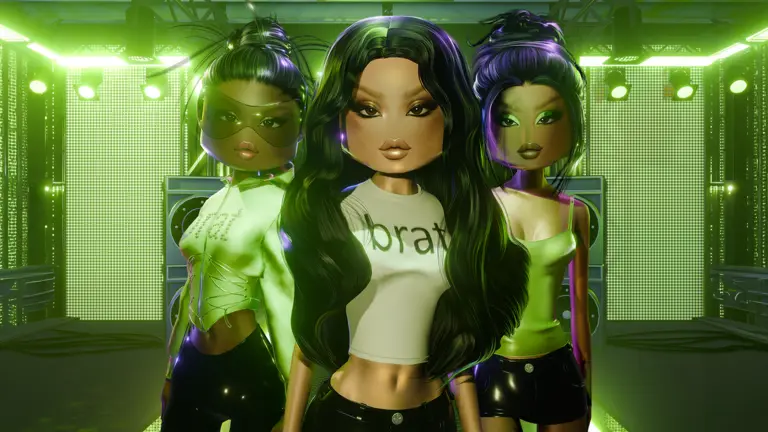
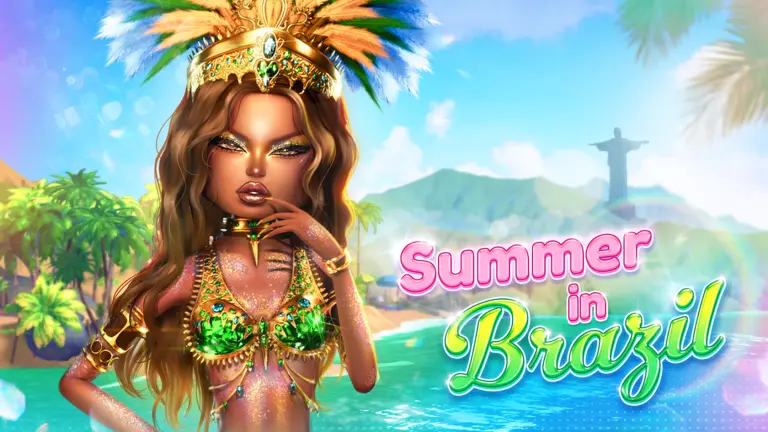
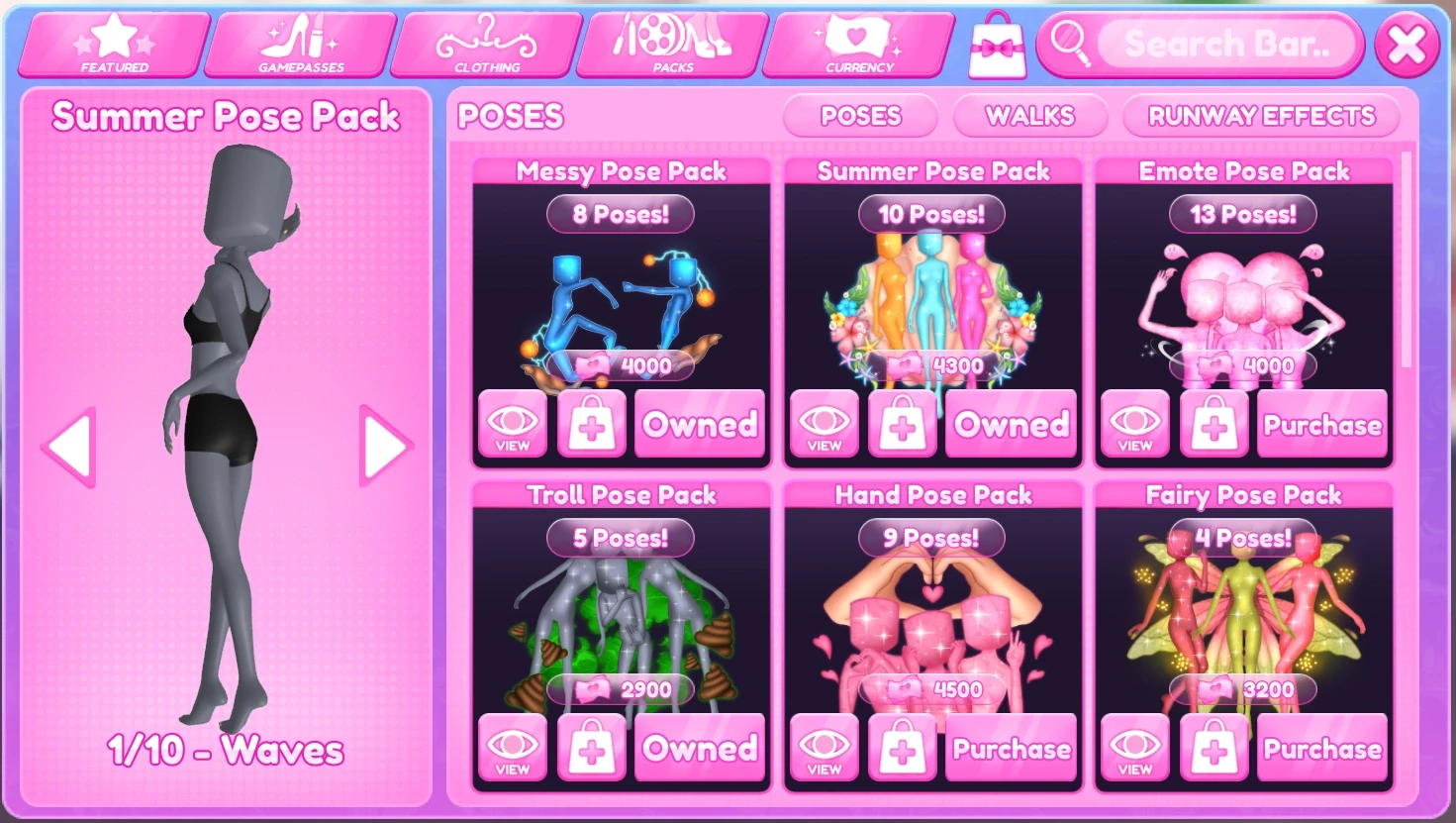
Dress To Impress currently has 18 standard paid Pose Packs in the Shop, with listed prices from 1,800 to 5,000 Cash. Starter Solo and Starter Duo are free. Some seasonal, reward, collaboration, and retired packs follow different rules, so they are listed separately below.
You do not need every pack to place well. A small favorites list that shows your outfit clearly is more useful than a large collection you cannot navigate before the runway timer ends.
Pose Pack Prices at a Glance
- Free: Starter Solo and Starter Duo.
- Lowest current standard price: Pop Culture at 1,800 Cash.
- Highest current standard price: Gala at 5,000 Cash.
- Current standard paid packs: 18.
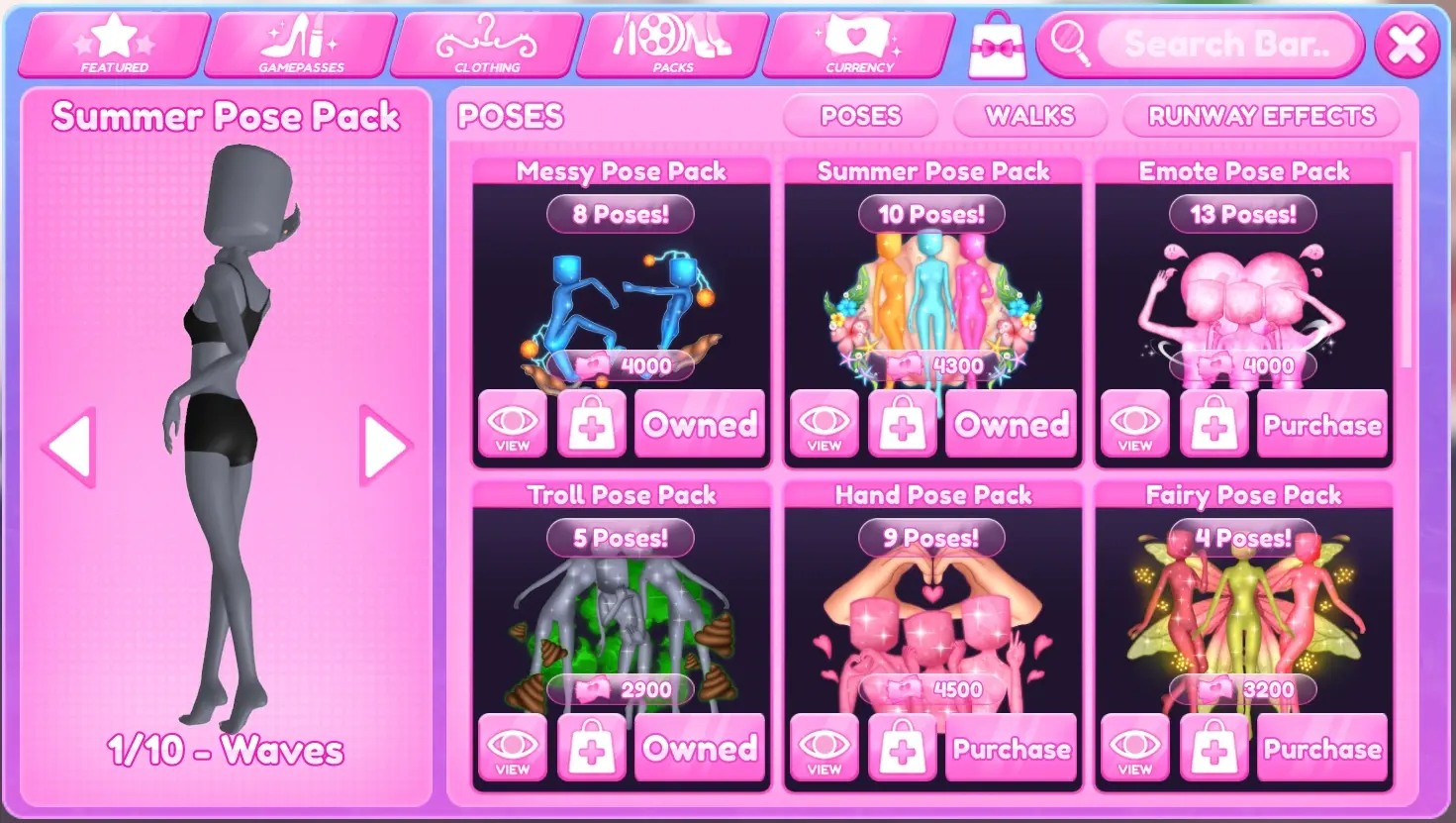
- Current seasonal option: Summer Pose Pack at 4,300 Cash during Summer 2026.
How to Buy a Pose Pack
- Open the in-game Shop.
- Select Packs, then choose the Poses tab.
- Select a pack and use View to preview its poses before spending Cash.
- Choose Purchase and confirm only after checking the pack name and price.
Standard packs use pink Cash, not Stars. Some seasonal packs use Cash while others can use a seasonal currency. The current Shop separates poses from Walk Packs and Runway Effects, so make sure the Poses tab is selected.
How to Equip and Use Poses
A purchased pack does not equip like clothing. Buying or earning it unlocks its poses inside the Pose Menu.
- Select the Pose button while styling, waiting, taking photos, or walking the runway.
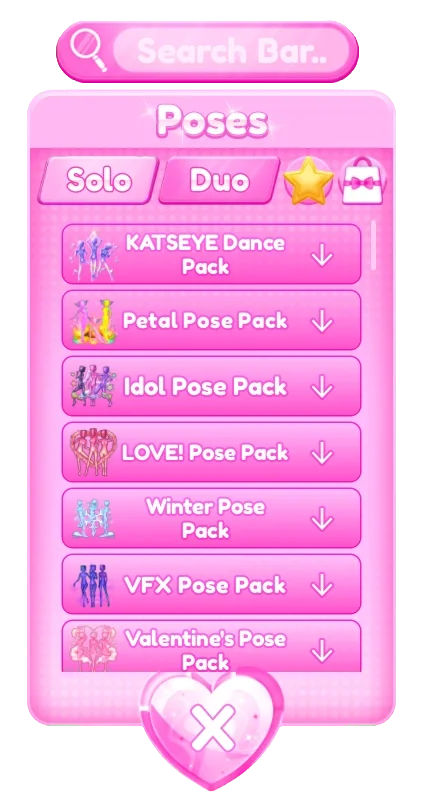
- Choose Solo or Duo, then open the pack you want.
- Select a pose name to play it on your avatar.
- Select the same pose again or switch poses when you want to stop or change the animation.
Some poses only work with a duo. If a pose will not play on one avatar, check whether it is listed in the Duo side of the menu.
Use Favorites and Search Before the Runway
The best runway setup is not the biggest collection. It is a short favorites list you know well.
- Favorite a pose: select the star beside its name. Favorited poses appear under the star tab.
- Search by name: use the search bar when you remember the pose but not its pack.
- Separate solo and duo choices: a coordinated duo pose is useful only when both players know when to use it.
- Test with the actual outfit: long skirts, wings, props, and layered sleeves can look different once the pose moves the arms or legs.
Save roughly five reliable favorites: a front-facing pose, a side angle, one movement pose, one dramatic pose, and one quiet pose that keeps the full outfit visible.
Which Pose Pack Should You Buy First?
Choose by the kinds of outfits you actually make, not by the number of poses in the pack.
For clean fashion and magazine looks
Editorial and Supermodel are the most obvious categories to preview. Look for poses that keep the torso, waist, and skirt visible instead of folding the avatar into the outfit.
For duos
The free Starter Duo pack is enough to learn timing. Preview the paid Duo pack only if you regularly play with someone and want more coordinated options.
For movement and performance themes
Dance, K-Pop, Emote, or Pop Culture can fit stage, celebrity, music, and party prompts. Test whether the animation stops long enough for voters to see the outfit.
For fantasy or character looks
Fairy, Mermaid, Goddess, and Hand can add a specific mood. A themed pack is useful when it matches your wardrobe; it is less useful if you rarely build those characters.
For jokes and custom servers
Troll, Crazy, and Messy are more situational. They can be fun in Freeplay and custom challenges, but a joke pose can distract from a polished runway look.
All Standard Pose Packs and Current Prices
These standard packs were listed as available at any time when this guide was checked. Dress To Impress can change prices or availability, so confirm the live Shop before spending Cash.
Under 3,000 Cash
- Pop Culture Pose Pack — 1,800 Cash
- Dance Pose Pack — 2,000 Cash
- Masculine Pose Pack — 2,000 Cash
- Crazy Pose Pack — 2,000 Cash
- Editorial Pose Pack — 2,500 Cash
- Troll Pose Pack — 2,900 Cash
From 3,000 to 3,999 Cash
- Duo Pose Pack — 3,000 Cash
- Goddess Pose Pack — 3,000 Cash
- Fairy Pose Pack — 3,200 Cash
- Supermodel Pose Pack — 3,200 Cash
- Mermaid Pose Pack — 3,500 Cash
4,000 Cash or More
- Messy Pose Pack — 4,000 Cash
- Emote Pose Pack — 4,000 Cash
- Baddies Pose Pack — 4,000 Cash
- Kawaii Pose Pack — 4,000 Cash
- K-Pop Pose Pack — 4,500 Cash
- Hand Pose Pack — 4,500 Cash
- Gala Pose Pack — 5,000 Cash
Starter Solo and Starter Duo are available to all players for free. Learn those first before buying a pack only because its thumbnail looks good.
Seasonal, Reward, and Collaboration Packs
Not every pack stays in the Shop all year.
- Seasonal packs return only during the matching seasonal update. During the current Summer 2026 update, the Summer Pose Pack is listed at 4,300 Cash.
- Reward packs come from specific quests, passes, event tasks, or limited rewards. If the original event ended, a new player may not be able to unlock them.
- Collaboration packs are tied to crossover updates. Owning one does not mean it is still obtainable for everyone.
- Retired packs are no longer sold. The Sci-Fi and Fantasy packs are currently listed as retired, so do not save Cash expecting to find them in the standard Shop.
Always check the live Shop before planning a purchase. A screenshot from an older update can show a pack that is no longer available.
How to Pose Better on the Runway
- Start readable. Use a front or slight-angle pose so voters can understand the outfit immediately.
- Show one new angle. Move to a side or movement pose that reveals a silhouette, train, wings, or prop.
- Finish with your strongest pose. Hold it long enough to register instead of changing every half-second.
Two or three controlled poses usually show more than a rapid chain of ten. If a hand covers the face, an arm cuts through the chest, or a skirt collapses into the legs, switch. The outfit is still the main event.
Practice Poses in Freeplay
Use Freeplay Mode to test poses without a runway timer. Try each favorite from the front, side, and back, then walk a few steps between poses. Pair this with the layering guide if sleeves, hair, or accessories clip during movement.
Once you know which poses fit your usual looks, earning Cash has a clear purpose. The Stars and Cash guide explains the difference between progression Stars and spendable Cash, while the DTI hub keeps the rest of the current guides together.