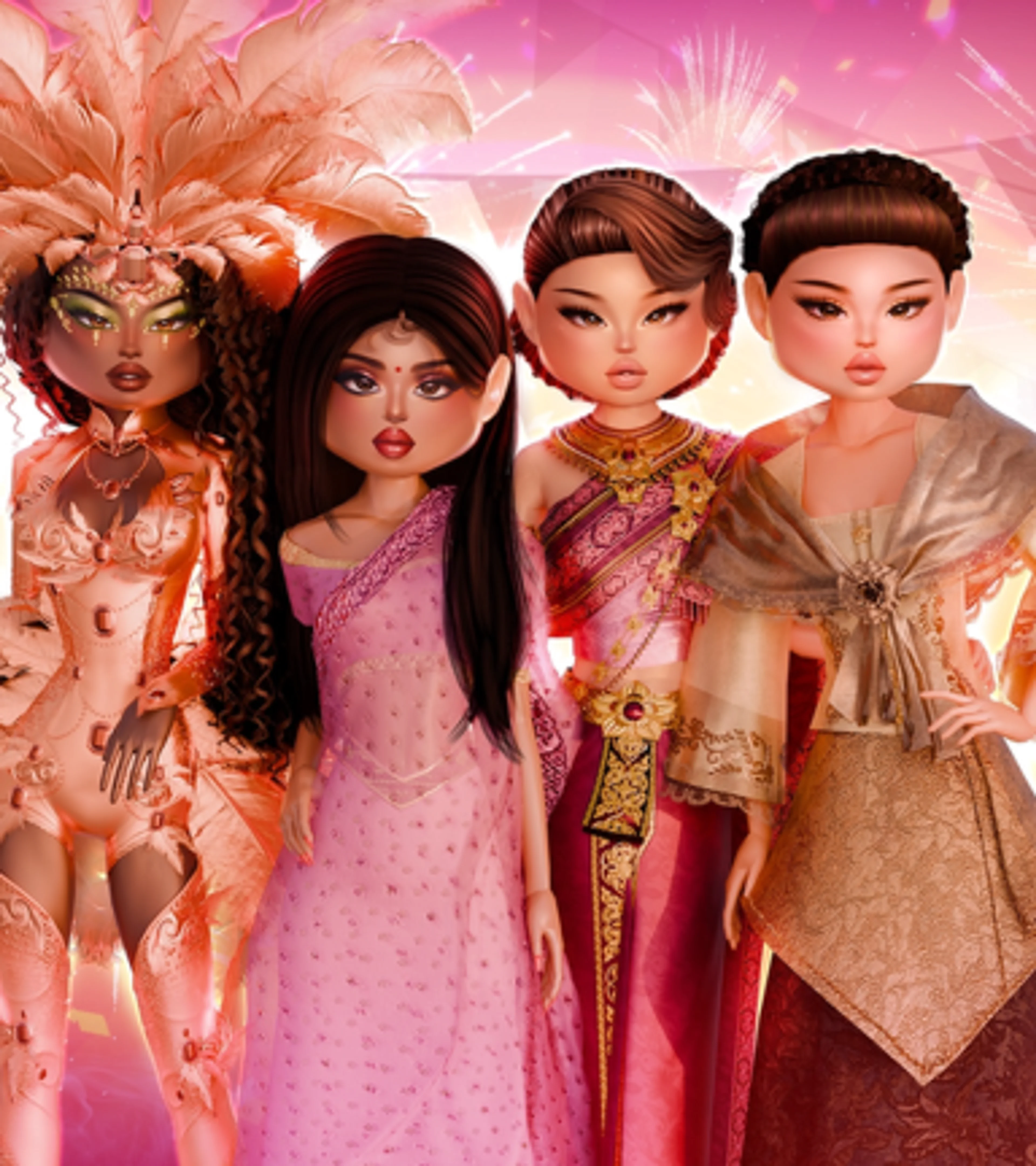






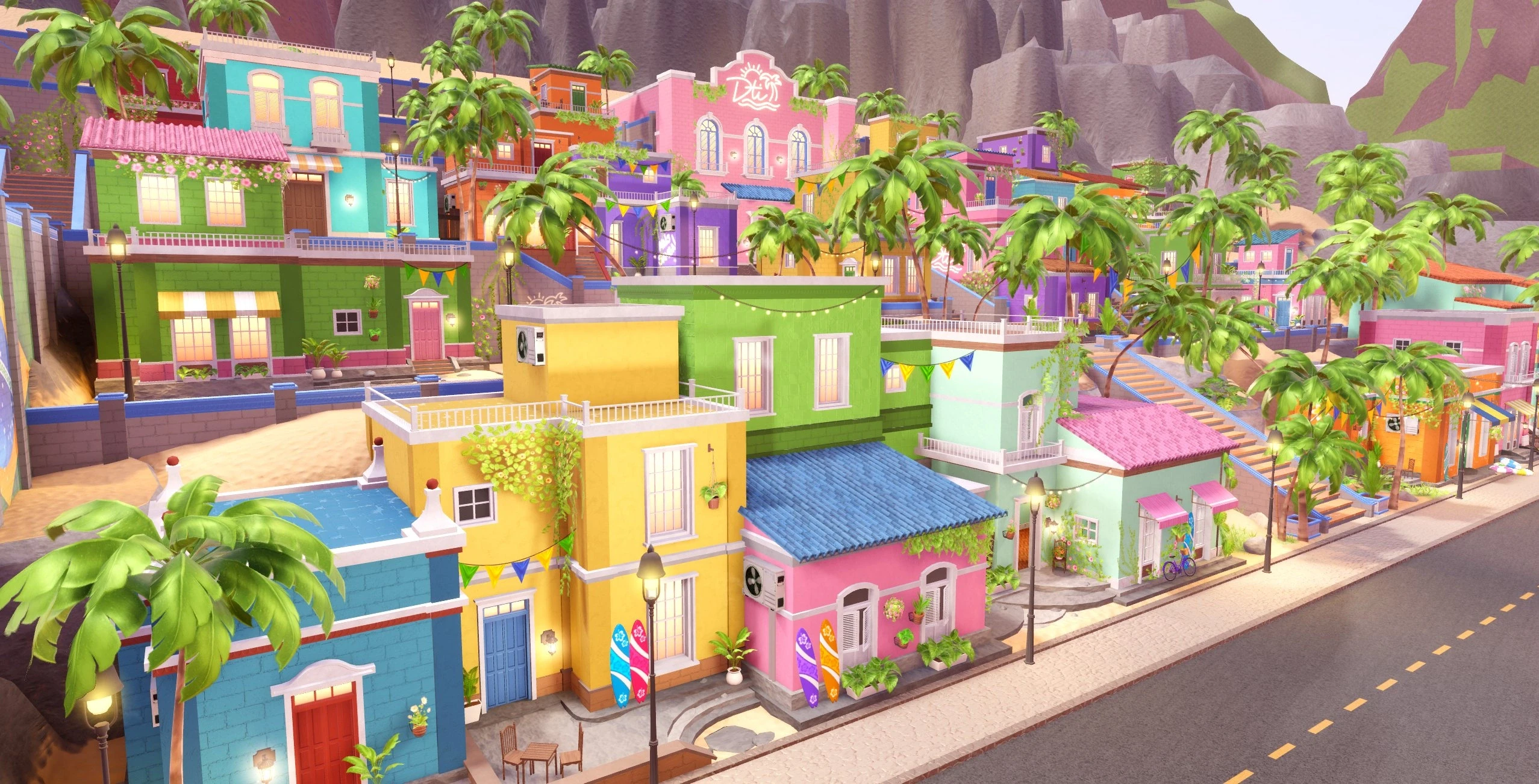
Dress To Impress Freeplay Mode removes the theme, voting pressure, and round timer so you can learn the wardrobe, test layering, save outfits, practice poses, and take cleaner screenshots. Use it to build an idea slowly, then remake that idea under the normal six-minute round timer.
Freeplay is not a shortcut that loads a complete saved outfit into competitive rounds. Saved outfits are mainly a Freeplay tool. The real advantage is remembering the item route, color palette, toggles, hair, makeup, and pose sequence well enough to rebuild the look quickly.
New players should first read the Dress To Impress beginner guide for rounds, themes, voting, Stars, and Cash.
How to Enter Dress To Impress Freeplay Mode
Join the official Dress To Impress Roblox experience and choose Freeplay from the current lobby or server interface. DTI changes its lobby layout during updates, so use the button labeled Freeplay rather than relying on an old video that points to a specific table or wall.
If you are joining a friend who is already in Freeplay, use the normal Roblox join flow when the game allows it. Recent DTI updates improved direct joining and the Freeplay teleport experience.
What You Can Do in Freeplay
- Dress without a timer: take as long as needed to find items, colors, patterns, and toggles.
- Ignore themes: build any aesthetic, character, cosplay, or experimental look.
- Save outfits: store finished looks through a Dressing Booth for later Freeplay use.
- Practice the runway: test poses, walks, camera angles, and the way an outfit reads from a distance.
- Use photo tools: move to cleaner sets, hide interface elements when the current camera allows it, and capture the full silhouette.
- Explore side areas: visit the house, studios, beach, outside map, or seasonal spaces available in the current version.
The Best Freeplay Practice Loop
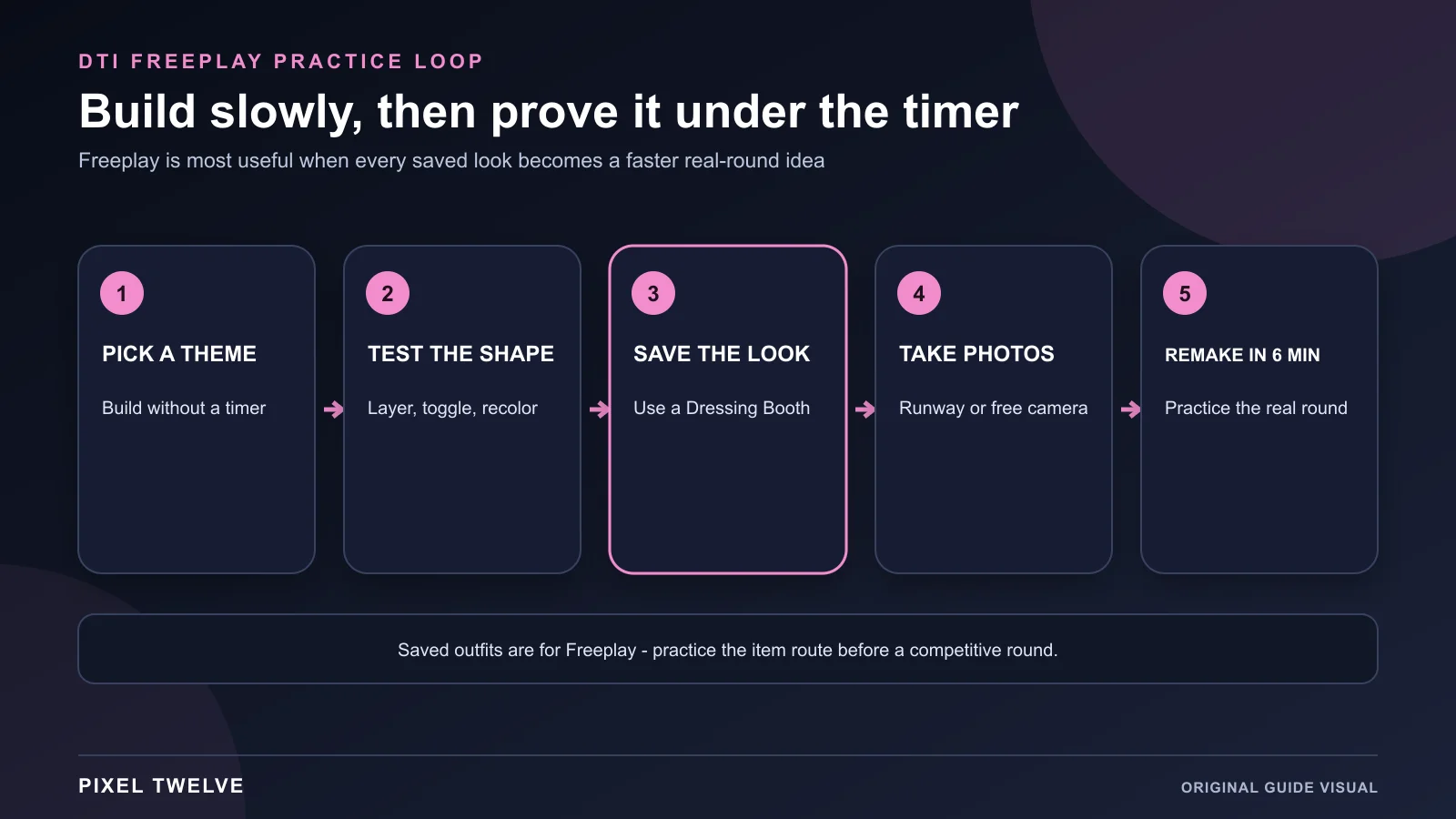
- 1. Pick a theme: choose one real DTI prompt or an aesthetic you regularly struggle to style.
- 2. Build without rushing: test several silhouettes, layers, colors, patterns, and toggles.
- 3. Save the finished look: use a Dressing Booth and give the outfit a name you will recognize.
- 4. Test the runway: check whether the shape still reads when the camera pulls back and the avatar moves.
- 5. Remake it in six minutes: start from nothing and prove that the idea works in a competitive-round timeframe.
Use the DTI themes guide when you need a prompt to practice or do not understand what a theme is asking for.
How to Save an Outfit in Freeplay
- Enter a Dressing Booth. Use one of the curtained changing areas in the dressing room.
- Open Saved Outfits. Choose the saved-look section instead of the special-item categories.
- Press the plus button. The current interface uses a plus control to create a new saved outfit.
- Name the outfit. Use a short theme or character name that will still make sense weeks later.
- Confirm Save. Wait for the outfit preview to appear before leaving the booth.
The community-maintained DTI reference currently lists up to 35 saved-outfit slots. The game can change slot limits or the booth interface during updates, so trust the number shown on your own account.
Can Saved Outfits Be Used in Normal Rounds?
Complete saved outfits are intended for Freeplay use. You cannot depend on loading a finished saved look into a standard competitive round. Special, code, reward, currency, and purchased items that appear in the booth are a separate feature.
Treat a saved outfit as a visual recipe. Memorize the five or six pieces that create the silhouette, save the colors, and practice the order in which you collect them.
How to Practice for Real Rounds
Start With the Silhouette
Stand far enough from the avatar to see the full body. If the theme is unreadable without zooming in, change the main dress, coat, skirt, trousers, wings, or hair before adding tiny details.
Use a Three-Color Limit
Choose one main color, one supporting color, and one accent. Repeating those colors across shoes, hair accessories, jewelry, makeup, and props makes a look feel planned.
Learn Item Locations
Build a route through the free wardrobe instead of crossing the room after every choice. Know where your dependable shoes, base layers, jackets, skirts, jewelry, and finishing items are located.
Practice One Toggle at a Time
Toggles can change sleeves, lengths, accessories, fit, and small details. Test them in Freeplay, then remember only the versions that clearly help a theme.
The DTI layering guide explains how to combine items without losing the silhouette or creating distracting clipping.
Five Themes Worth Practicing in Freeplay
Red Carpet or Award Show
Build one clean formal silhouette, then test whether the jewelry, bag, gloves, hair, and pose sequence support the same level of drama. This teaches restraint because too many statement pieces can compete with the dress.
Y2K or 2000s
Practice a repeatable route for low-rise bottoms, cropped tops, small bags, tinted glasses, layered jewelry, and platform shoes. Save two versions so the look can lean sporty or glam depending on the prompt.
Fantasy or Mythical Creature
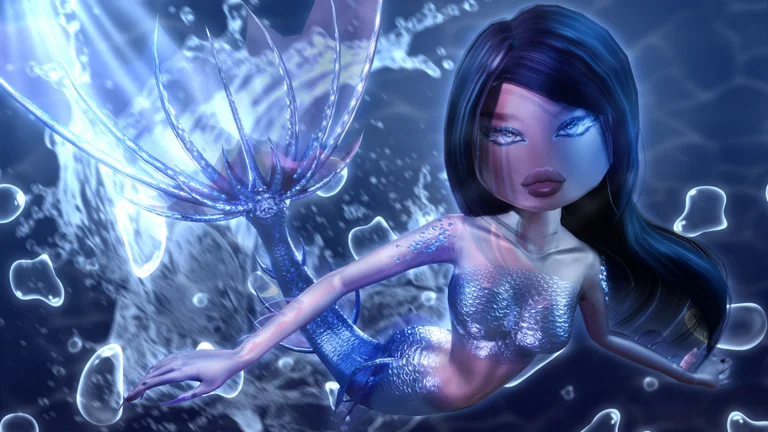
Start with the body shape and one creature idea before adding wings, horns, tails, armor, or magic effects. A clear fairy, dragon, angel, siren, or elf reads better than every fantasy item at once.
Gothic or Dark Academia
Use texture and shape instead of making every item pure black. Deep red, brown, navy, silver, or cream details help layers remain visible on the runway.
Character or Cosplay
Choose the three details that make the character recognizable from a distance. Practice substitutes for limited or paid items so the look can still work in a normal server with the wardrobe available to the account.
Freeplay Screenshot Checklist
- Match the background: use a studio or outdoor area that supports the outfit instead of fighting its colors.
- Check the full silhouette: capture at least one frame from head to shoes before close-up shots.
- Use poses with open arms: avoid hiding the bodice, bag, or layered sleeves in every image.
- Move the camera slightly lower: a small angle change can make long dresses and dramatic wings feel larger.
- Take a neutral reference shot: save one simple front-facing image so the outfit is easy to rebuild later.
Every Useful Freeplay Area
Main Dressing Room
This is the core practice space for free items, Dressing Booths, toggles, patterns, colors, and most outfit building. Learn this layout before exploring decorative areas.
Lana Salon
Use the salon for hair, makeup, skin tone, nails, and other beauty choices available in the current update. Build the face after the outfit direction is clear so the timer is not lost browsing unrelated options.
Dressing Booths
Booths contain saved outfits and several categories of special items. The interface has been reworked more than once, so check each tab instead of assuming an older inventory layout.
VIP Room
Players with VIP can practice with the paid wardrobe. Freeplay does not grant VIP access by itself.
Use the DTI VIP guide before spending Robux, or the No-VIP outfit guide for strong looks built from free options.
Runway and Photo Areas
Use the runway to test poses and movement. Studios, outdoor sets, seasonal rooms, and camera tools are better for screenshots because they give the outfit a matching background.
House, Studios, Beach, and Seasonal Spaces
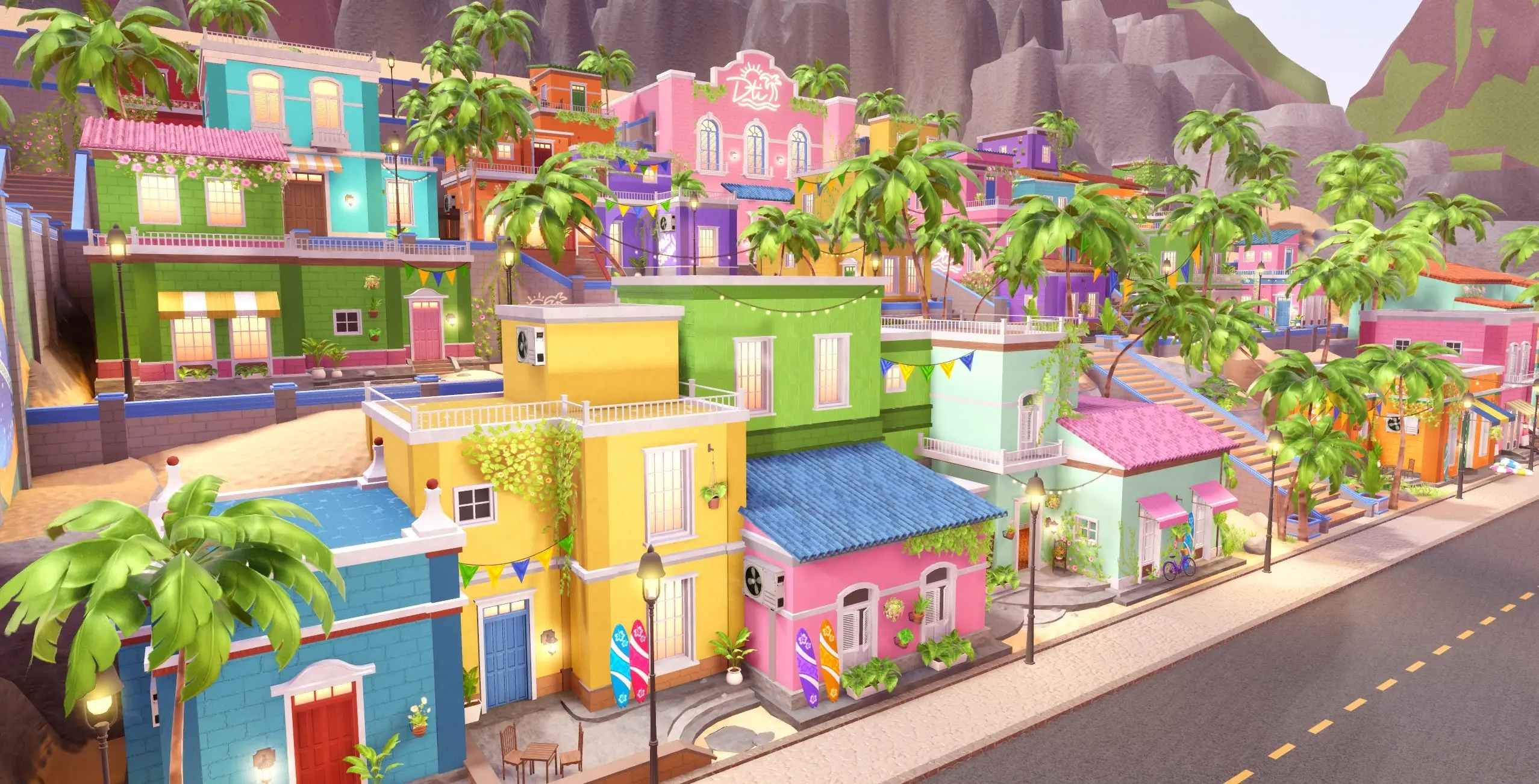
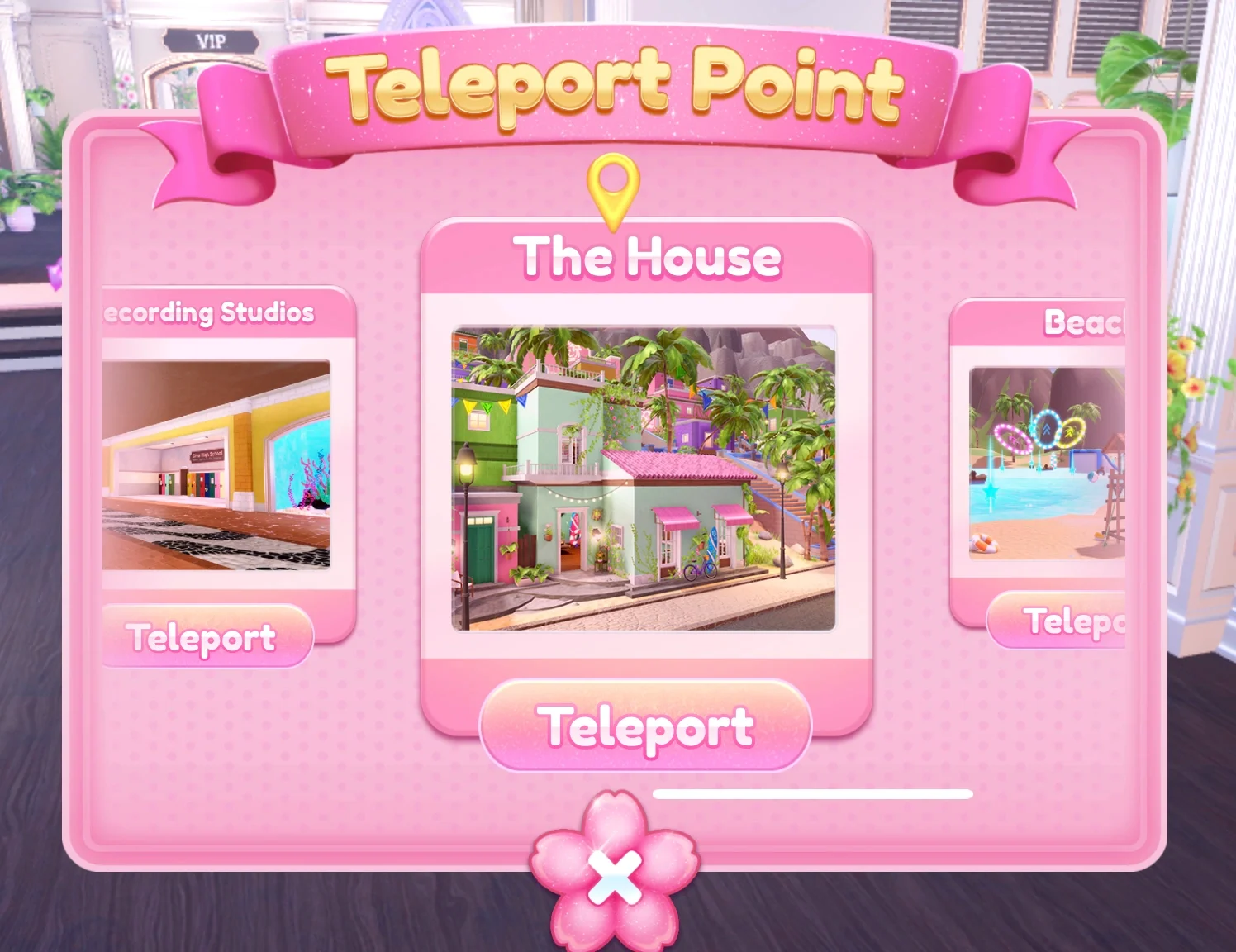
Freeplay receives map changes with major updates. Current versions can include quick teleports to areas such as Recording Studios, The House, or Beach. Those destinations are useful for photos and exploration but are not required to save outfits.
Best Freeplay Drills for Better Outfits
- One-item challenge: choose one difficult piece and build three different themes around it.
- No-VIP challenge: make a complete look using only free items, Cash items you own, and earned rewards.
- Three-layer limit: create depth without covering the whole silhouette.
- Two-minute finish: build the base slowly, then give yourself two minutes for hair, makeup, props, and poses.
- Theme remake: rebuild a saved look from memory, then compare it with the original.
- Pose sequence: pick three poses that show the front, side, and strongest detail without hiding the outfit.
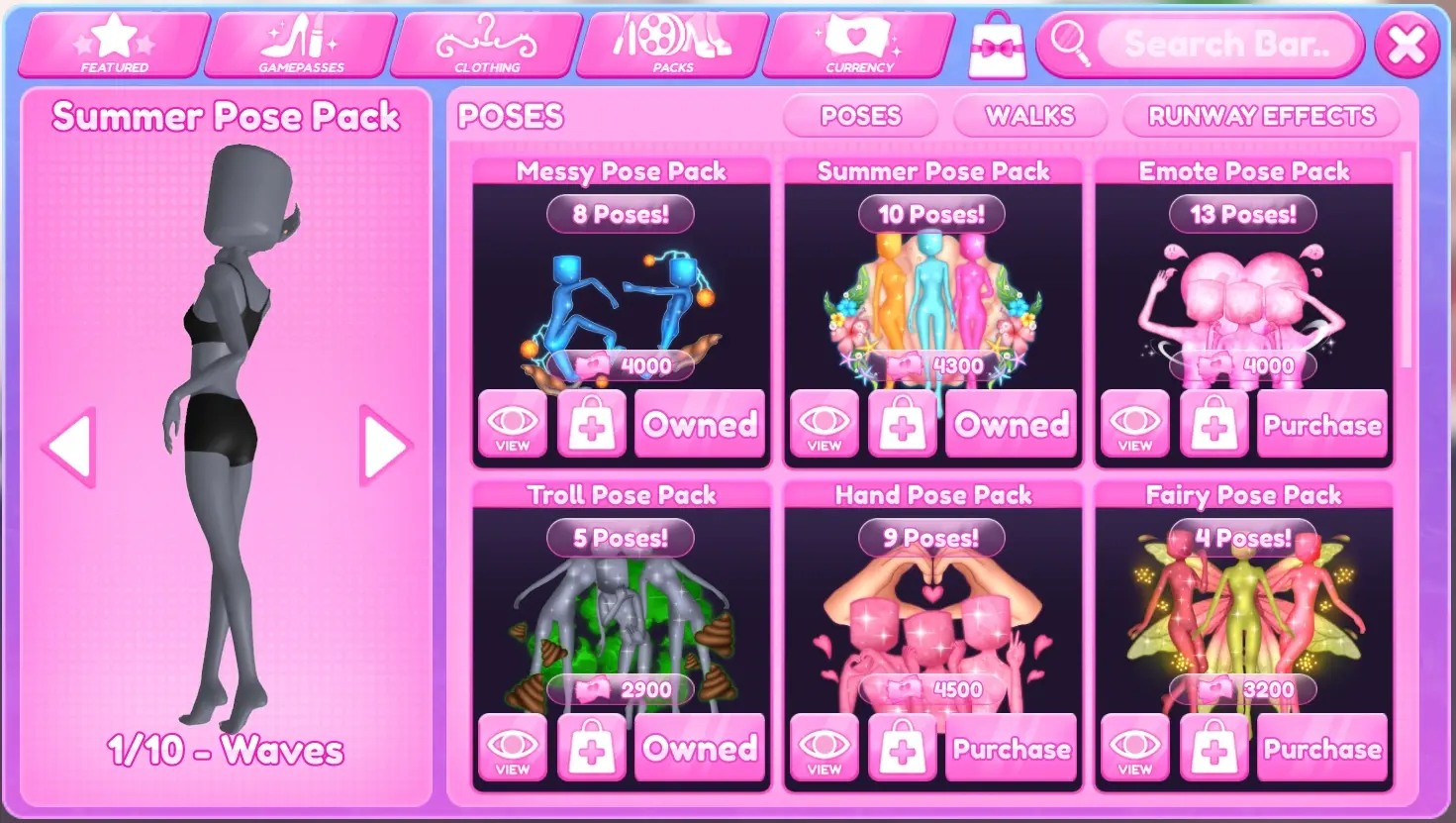
The DTI Pose Packs guide explains what the packs add and which players benefit from buying them.
Common Freeplay Problems
The Saved Outfit Button Is Missing
Confirm that you are in Freeplay, enter a Dressing Booth, and open the Saved Outfits section. Rejoin a fresh server if the interface does not load.
An Item Is Missing
Items can move into Dressing Booth categories, rotate out with an event, or change during a rework. Check the latest update notes before assuming the item was deleted.
The Map Looks Different
Seasonal and collaboration updates can replace outdoor areas, studios, decorations, and teleports. The dressing functions stay more consistent than the scenery.
The Outfit Looks Good Up Close but Bad on the Runway
Remove small details until the silhouette is readable. Then add back only the accessories that still show at runway distance.
Check the Dress To Impress latest update hub when an area, item, or interface changes.
Dress To Impress Freeplay FAQ
Does Freeplay give Stars or Cash?
Freeplay is designed for dressing, practice, exploration, and photos rather than normal round voting rewards.
Is there a theme or time limit?
No. You choose the idea and can keep editing until you leave or reset the look.
Can you practice Custom Makeup in Freeplay?
Yes, if the account owns the feature. Freeplay is a useful place to save faces and test combinations without a round timer.
The Custom Makeup guide explains the paid feature and who gets value from it.