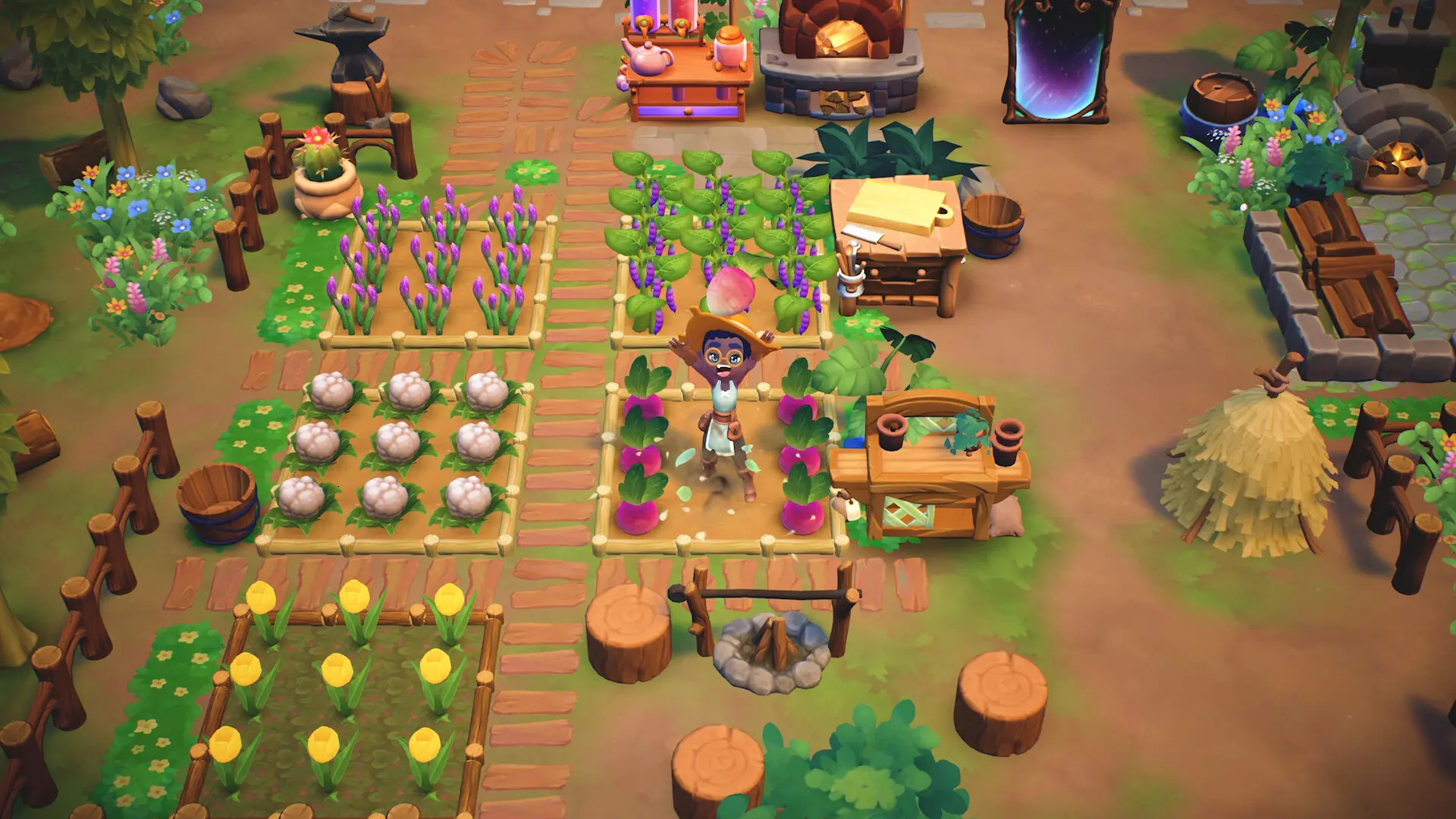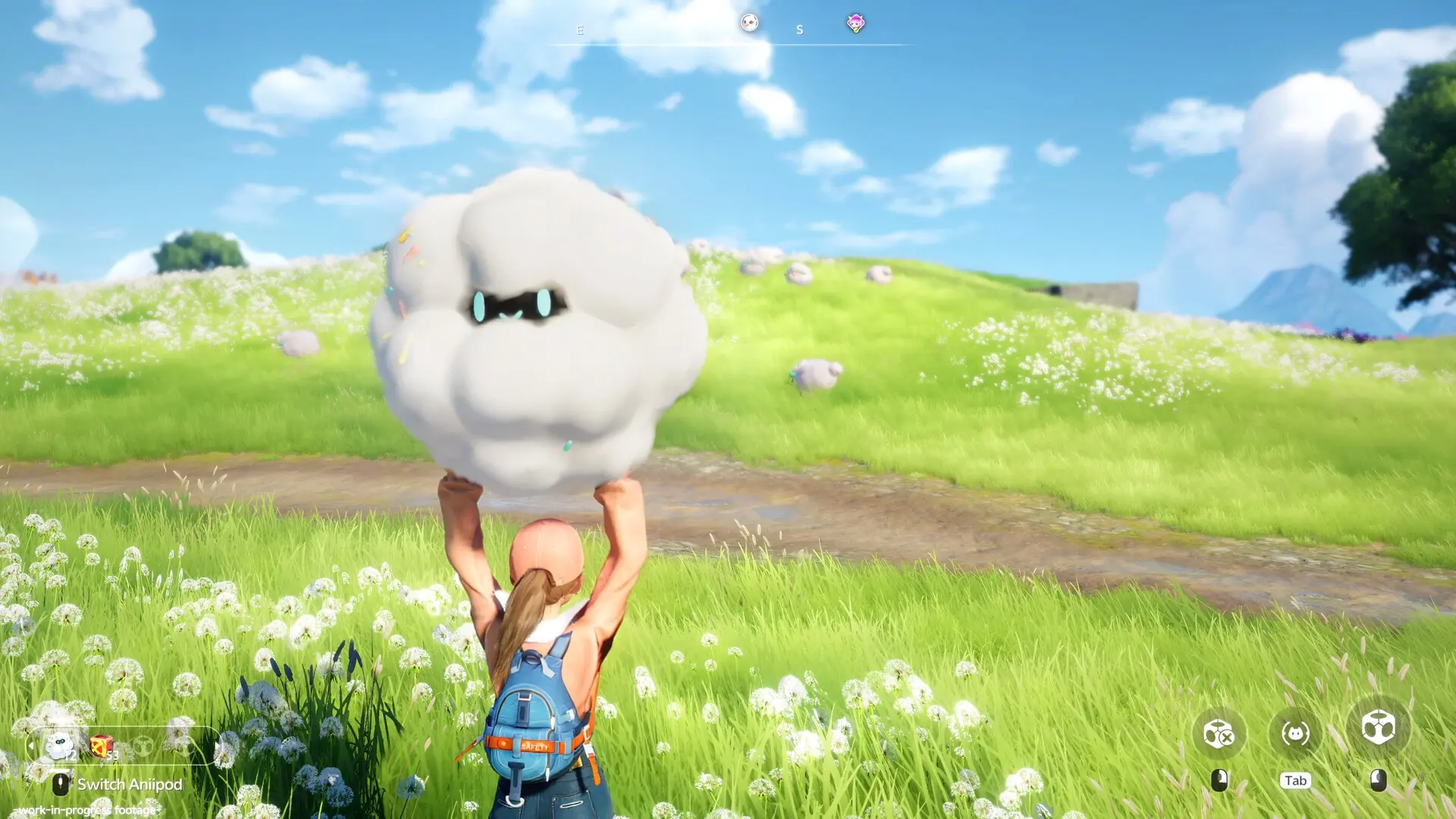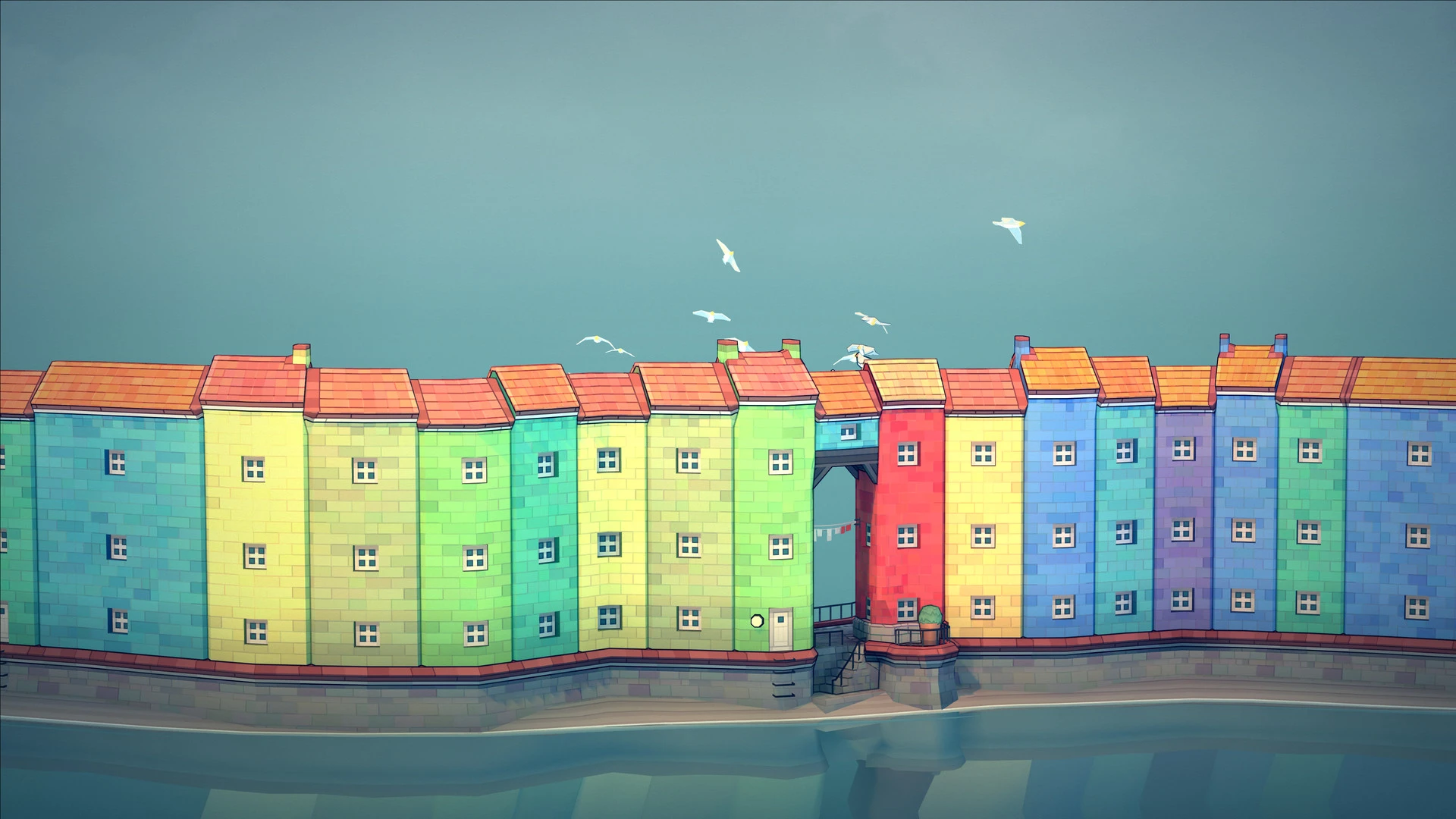
These seven games all have a PC version, but they do not suit every child in the same way. The ages below are our starting suggestions based on the tasks, controls and reading in each game. They are not official age ratings or a promise that every child will enjoy the game.
The U.S. ESRB rating describes content, not how easy a game is to play. Six games below are rated E (Everyone). Minecraft is rated E10+ (Everyone 10+). Read what the ESRB labels mean. Check the rating used in your country too.
Quick picks by age
- Age 7: Start with Townscaper or Unpacking. For the other games, plan to play together or help with reading and controls.
- Age 8: A Short Hike, Untitled Goose Game and Dorfromantik in Creative Mode become easier to try with help nearby.
- Age 9: Disney Dreamlight Valley can fit a child who likes its characters, if an adult handles the account and purchase settings.
- Age 10: Minecraft joins the list under its U.S. E10+ rating. Start in Creative Mode if building is the main interest.
The list starts with games that have fewer goals or less reading, then moves to games with more steps or settings. Every pick has an image, a clear age note, a PC download link and a link to its game page.
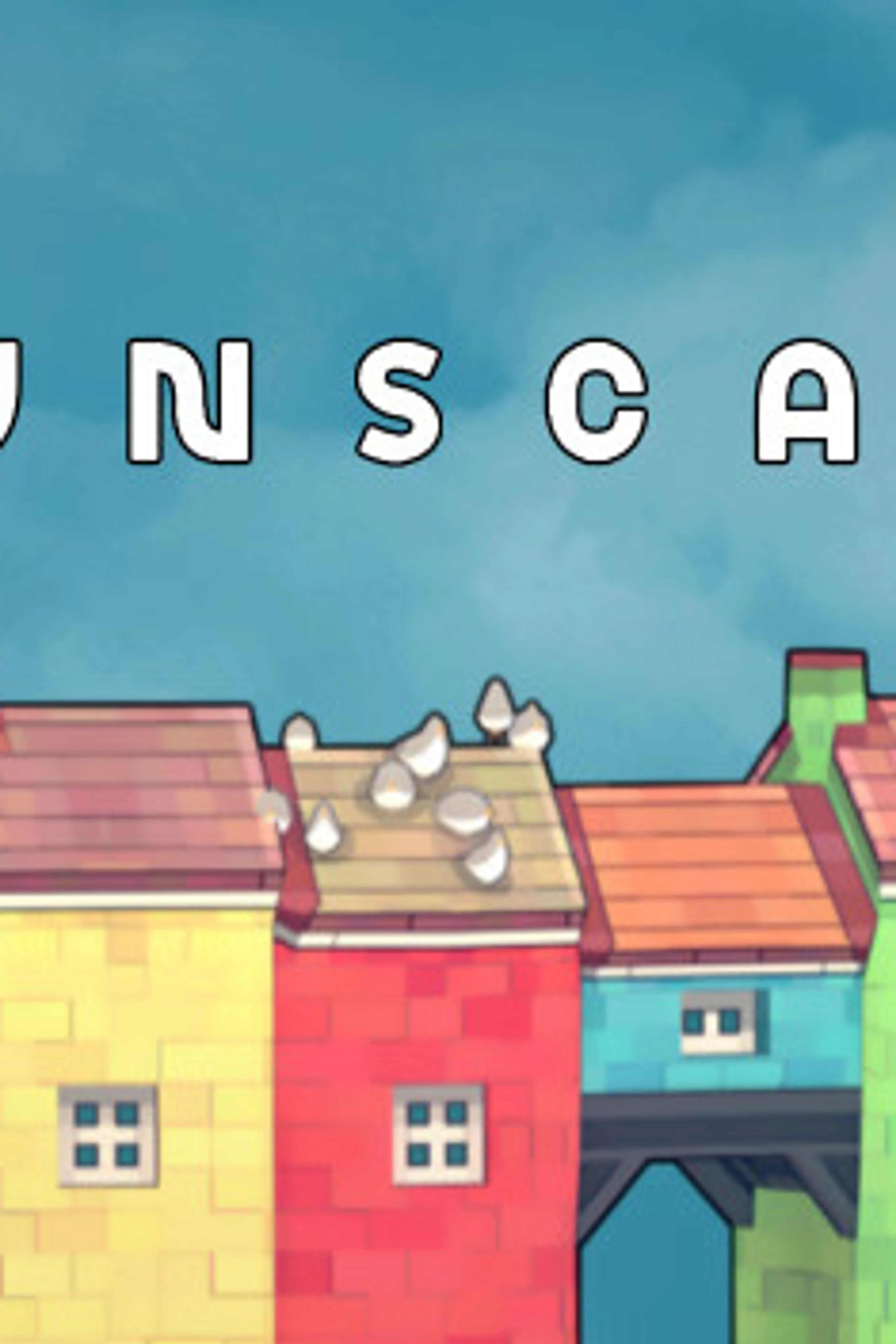
1. Townscaper — simple building
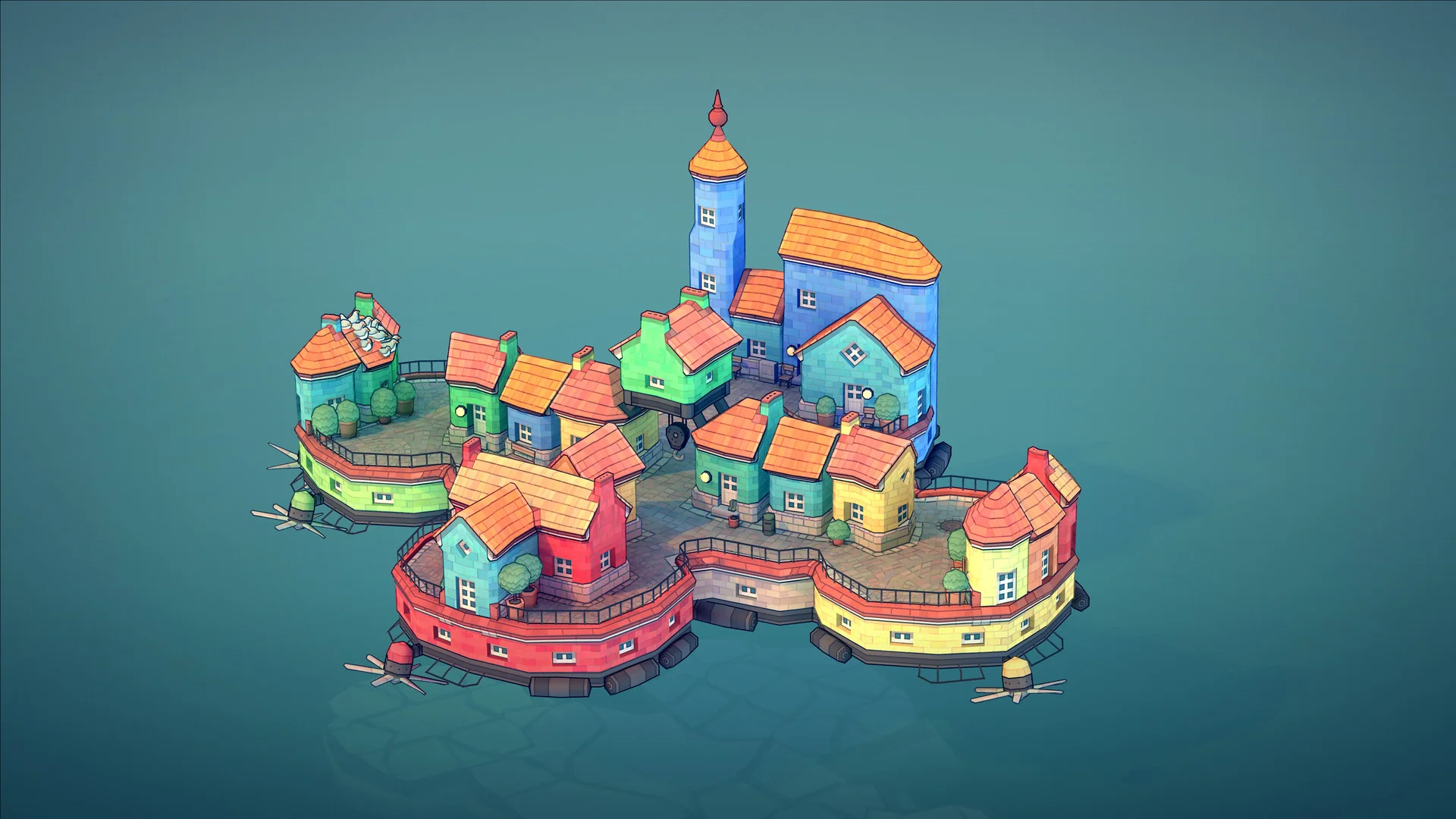
- Suggested age: 7–10. U.S. rating: E.
- Why it may fit: Pick a color and place blocks to make houses and bridges. There is no required goal, so a new player can make a small town without following a story.
- What may be hard: A child who wants missions, characters or a win screen may lose interest quickly.
- Computer platforms: Windows and macOS. Get Townscaper on Steam.
- More details: Townscaper game page.
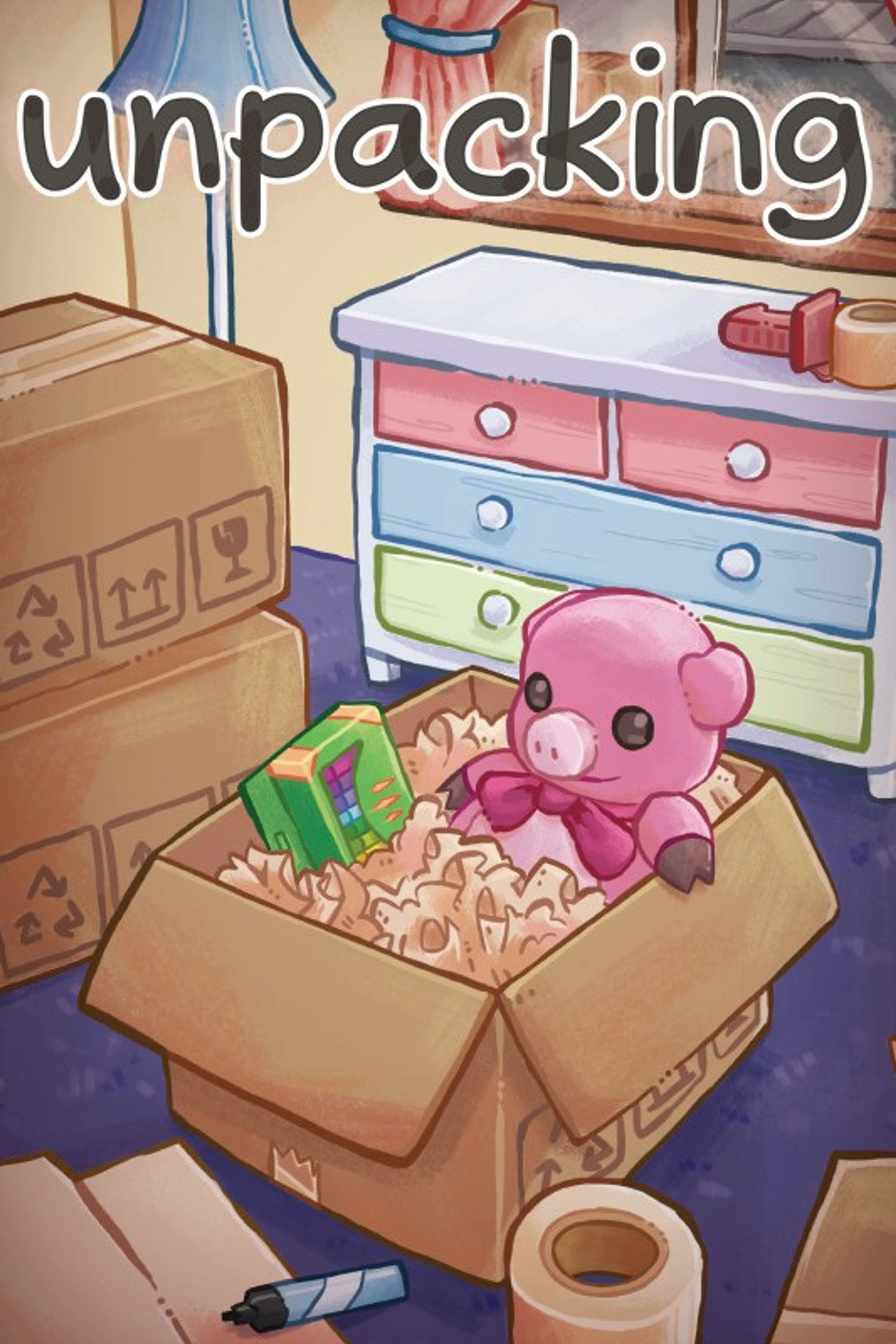
2. Unpacking — arrange a room
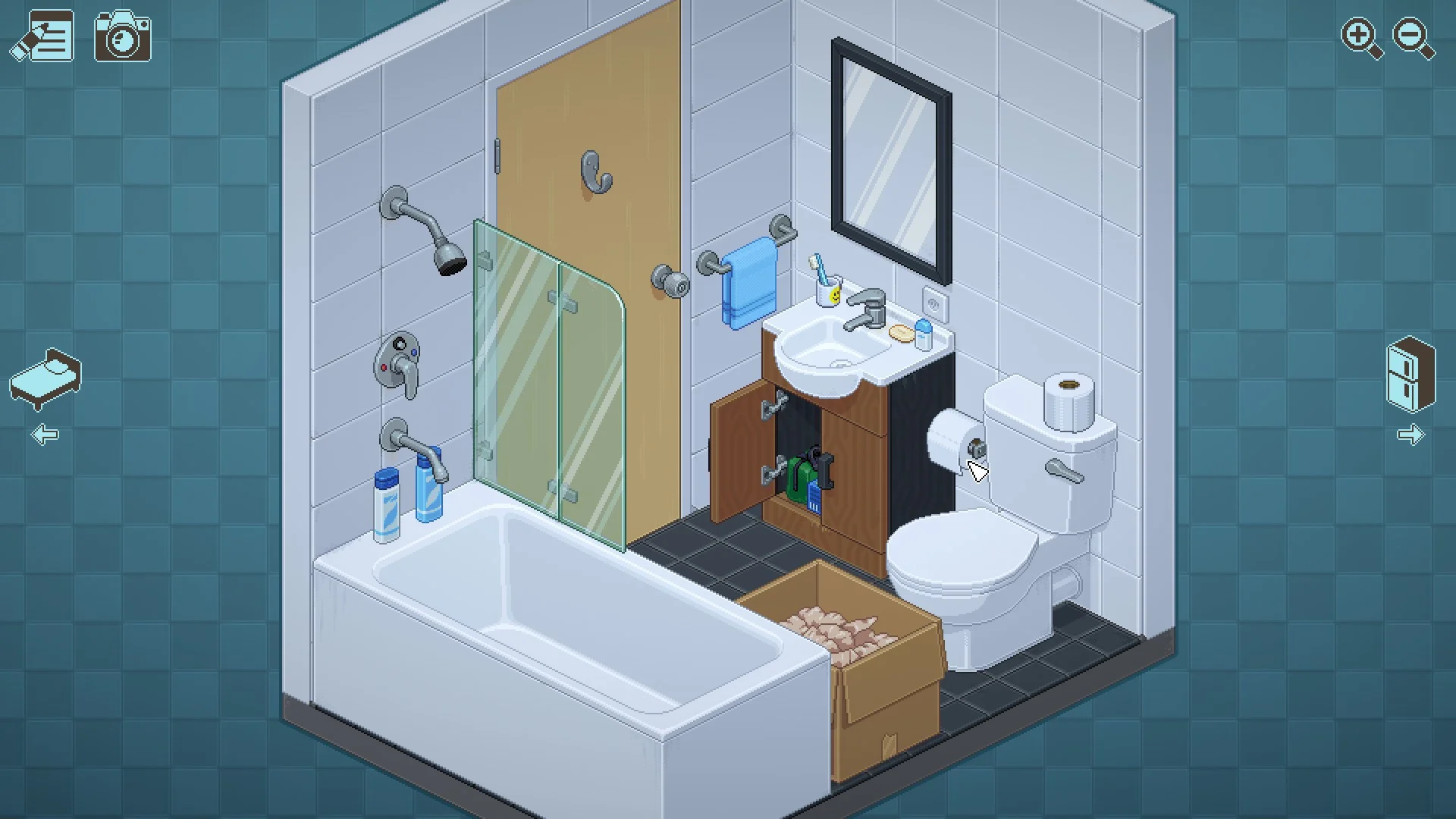
- Suggested age: 7–10. U.S. rating: E.
- Why it may fit: Move objects from boxes into rooms. The developer says there is no timer and little text; reading is not needed to finish.
- What may be hard: Some objects must go in specific places. If that becomes frustrating, turn on the “Allow items anywhere” setting.
- Computer platforms: Windows, macOS and Linux. Get Unpacking on Steam.
- More details: Unpacking game page.
3. A Short Hike — explore and talk to hikers
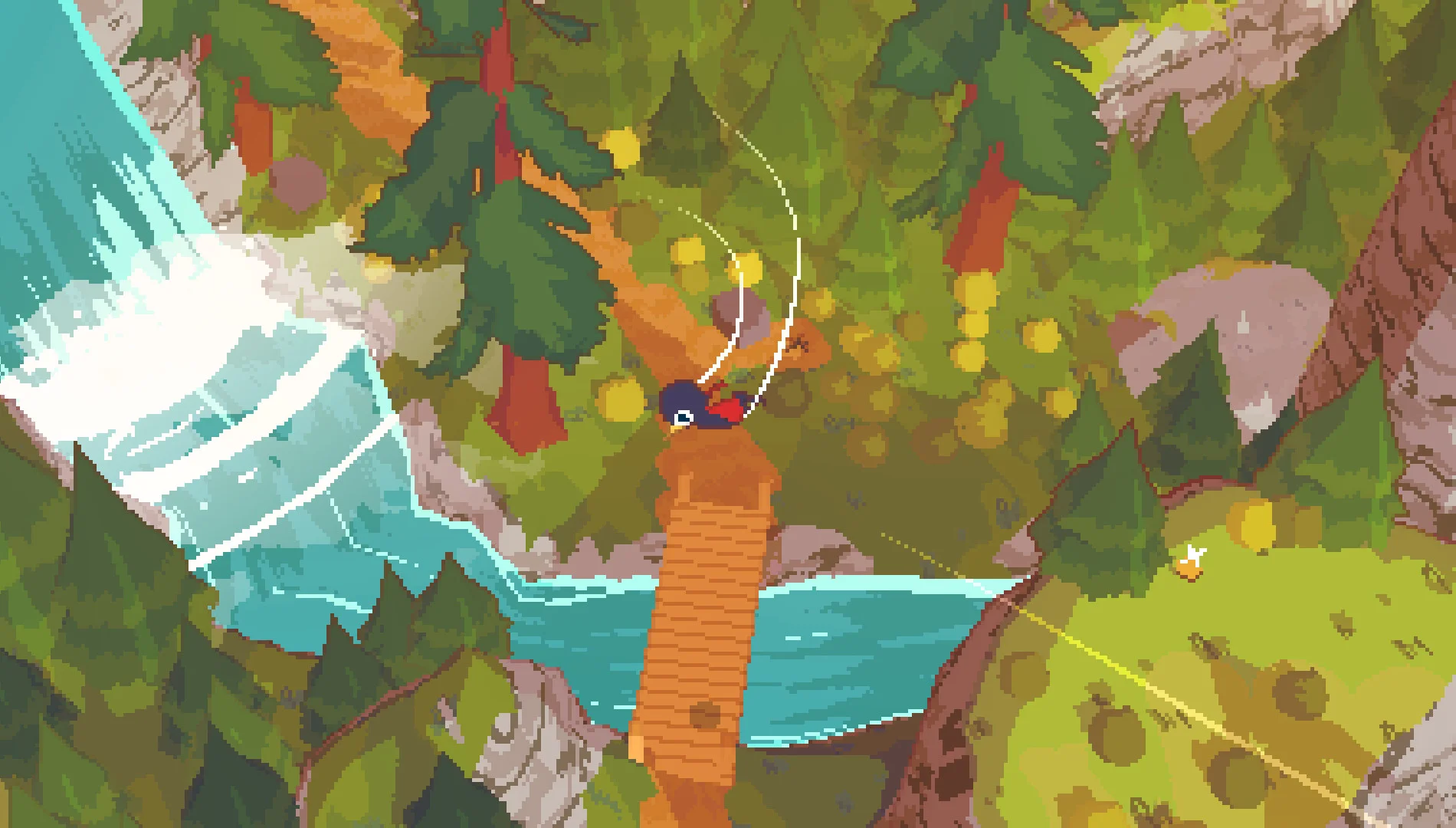
- Suggested age: 8–10; age 7 with help. U.S. rating: E.
- Why it may fit: Walk, climb and glide around a park. A child can explore a path without trying to beat a score.
- What may be hard: Movement in a 3D space and conversations with other hikers may need practice or reading help.
- Computer platforms: Windows, macOS and Linux. Get A Short Hike on Steam.
- More details: A Short Hike game page.
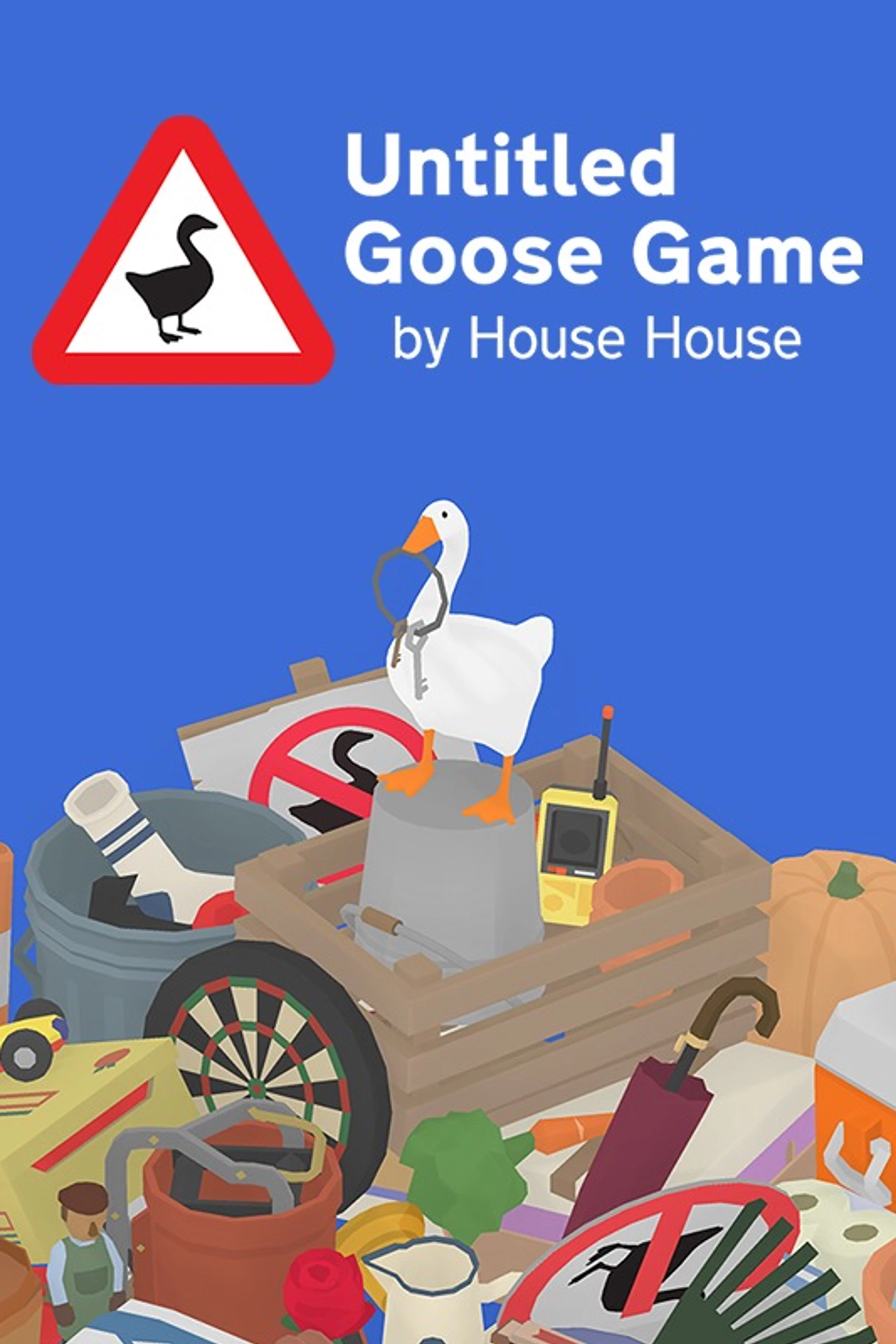
4. Untitled Goose Game — solve silly problems together
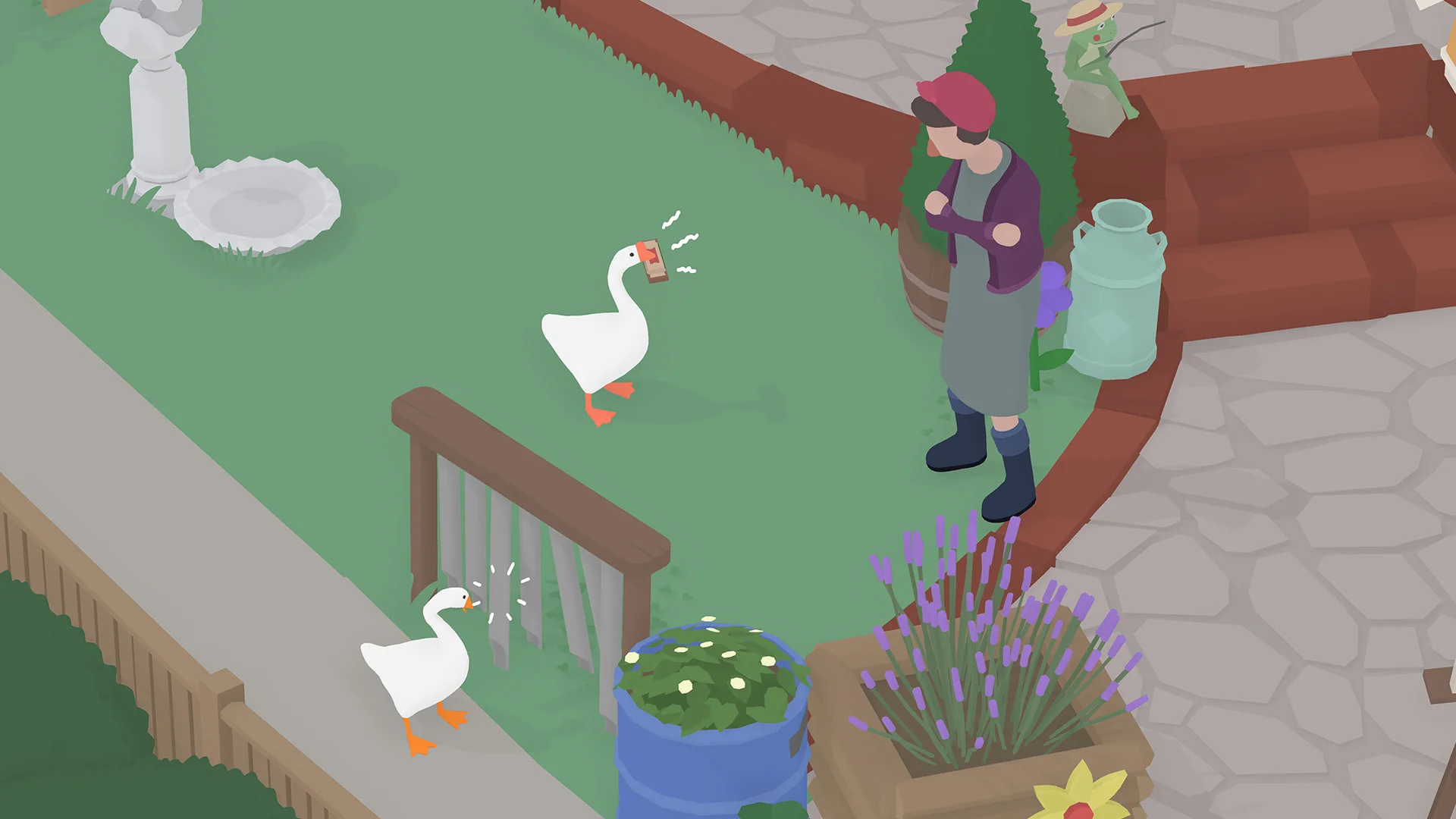
- Suggested age: 8–10; age 7 with another player. U.S. rating: E.
- Why it may fit: Play as a goose, move objects and work out funny pranks. The PC version has a two-player mode.
- What may be hard: Some tasks need planning, timing and patience. A second player can help, but the game still asks you to solve puzzles.
- Computer platforms: Windows and macOS. Get Untitled Goose Game on Steam.
- More details: Untitled Goose Game page.
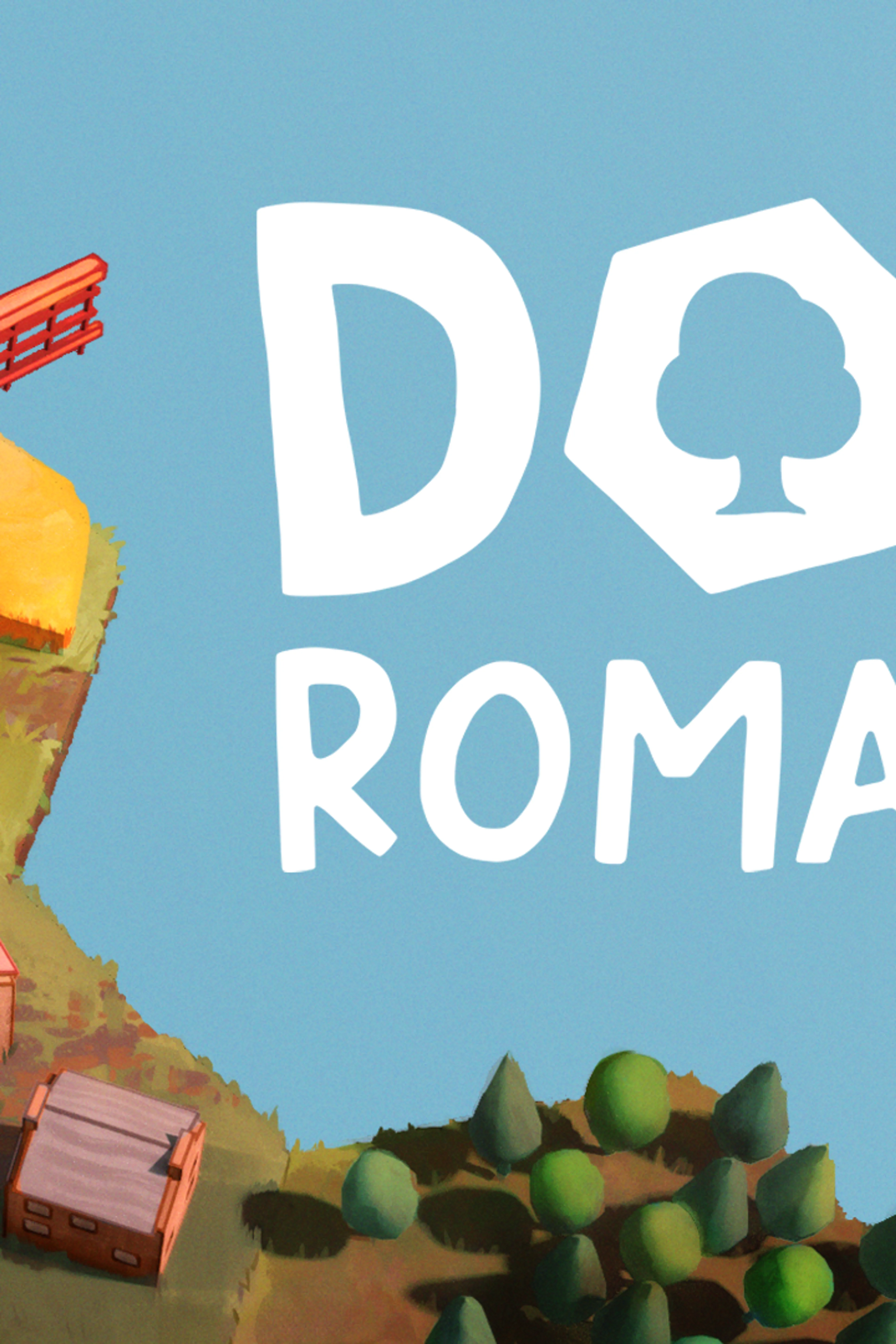
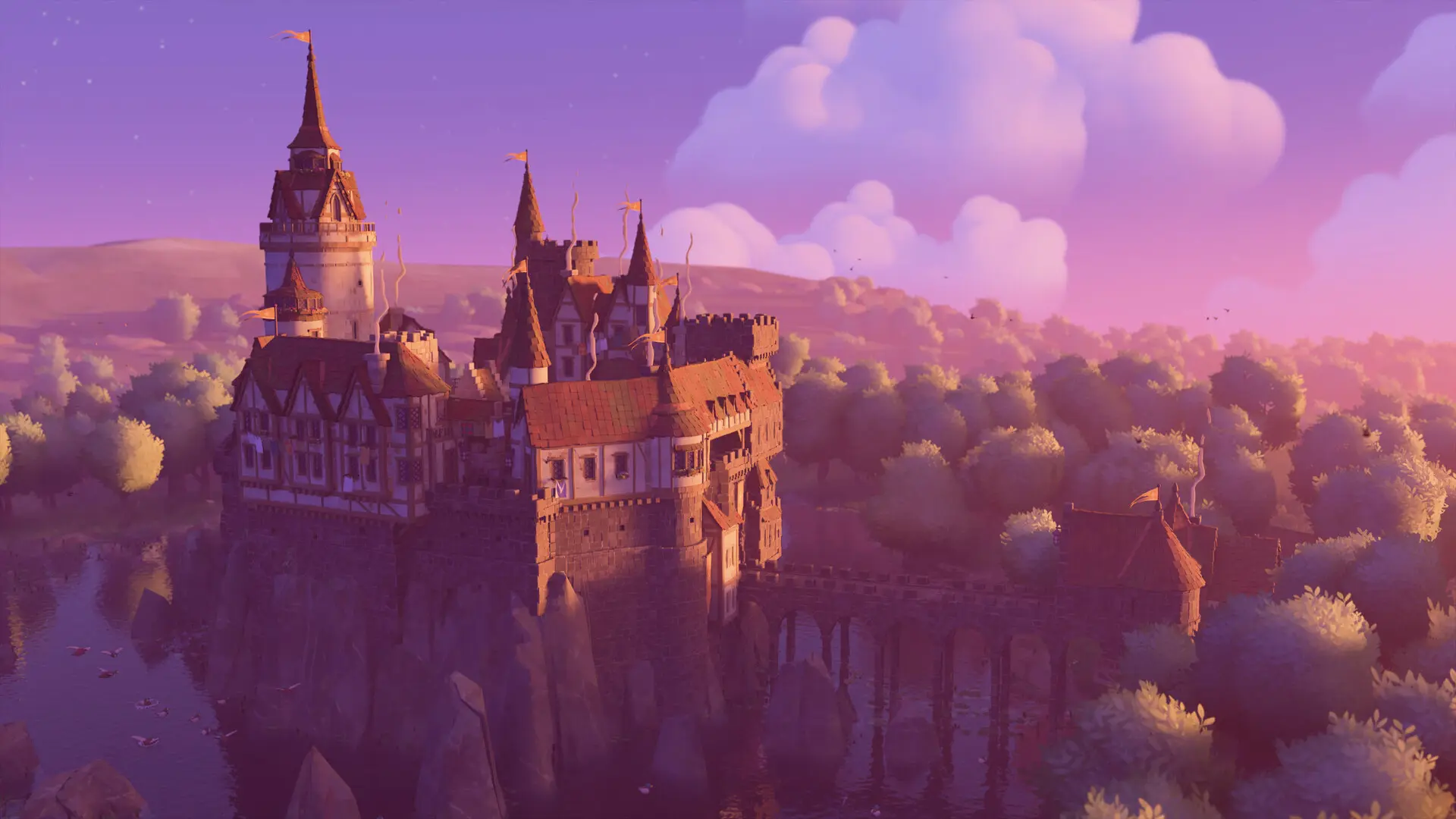
5. Dorfromantik — build with tiles
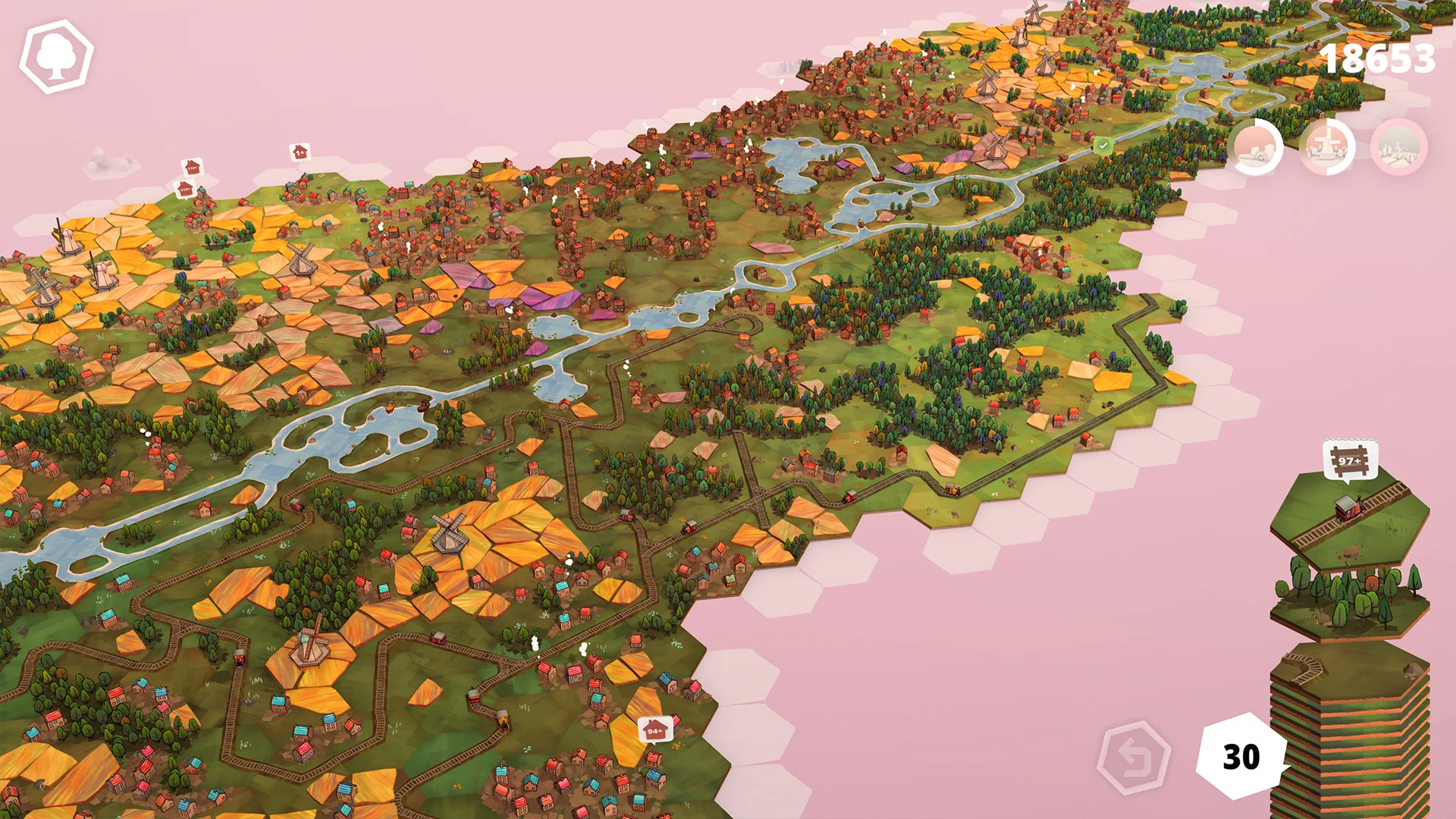
- Suggested age: 8–10 in Creative Mode; age 7 with help. U.S. rating: E.
- Why it may fit: Place hexagon tiles to make a landscape. Creative Mode lets a child build without the normal mode’s tile limit.
- What may be hard: The normal mode adds scores, matching rules and a tile stack that can run out. Start in Creative Mode if those rules are too much.
- Computer platforms: Windows and macOS. Get Dorfromantik on Steam.
- More details: Dorfromantik game page.
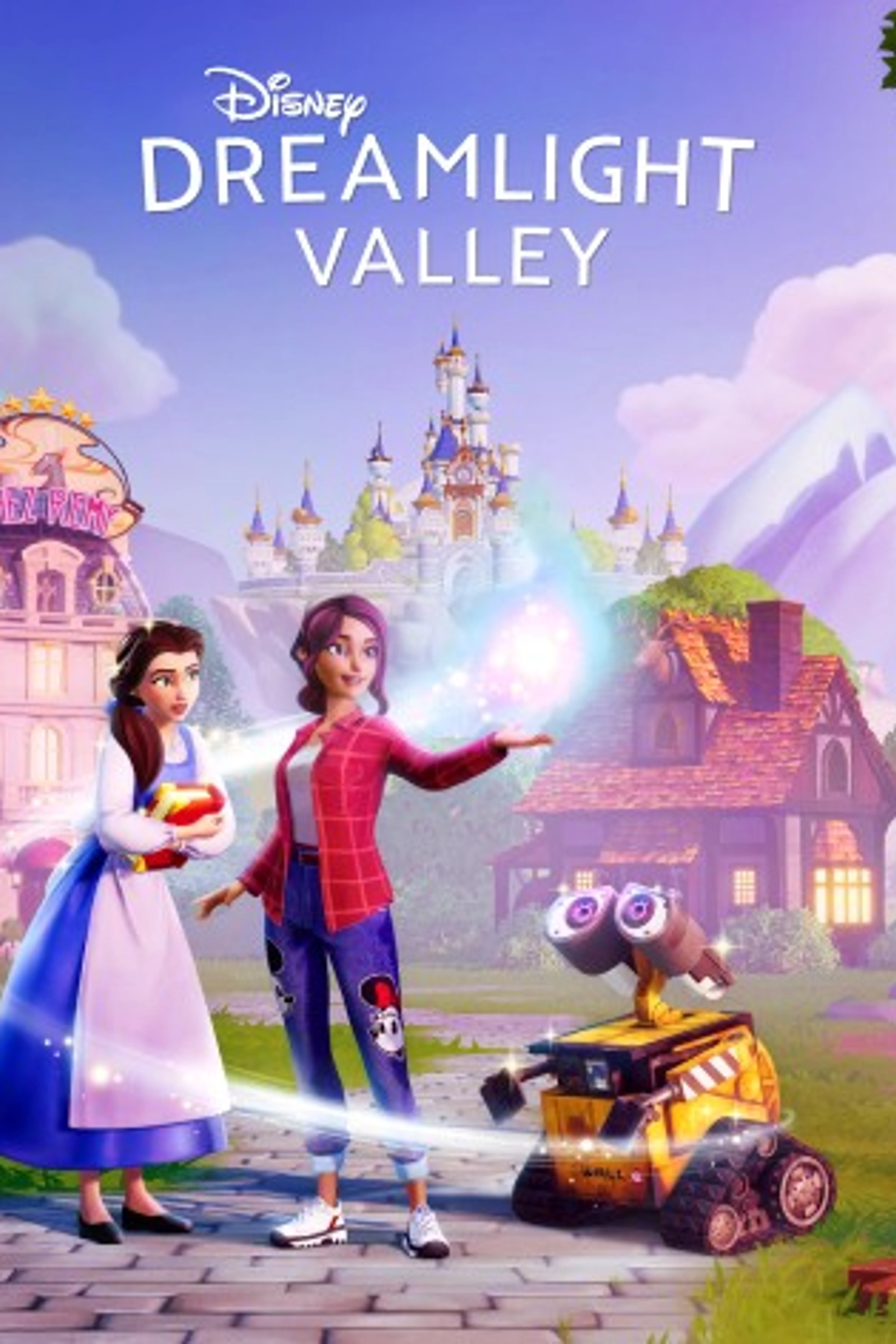
6. Disney Dreamlight Valley — characters and decorating
- Suggested age: 9–10 with an adult; ages 7–8 only with help. U.S. rating: E.
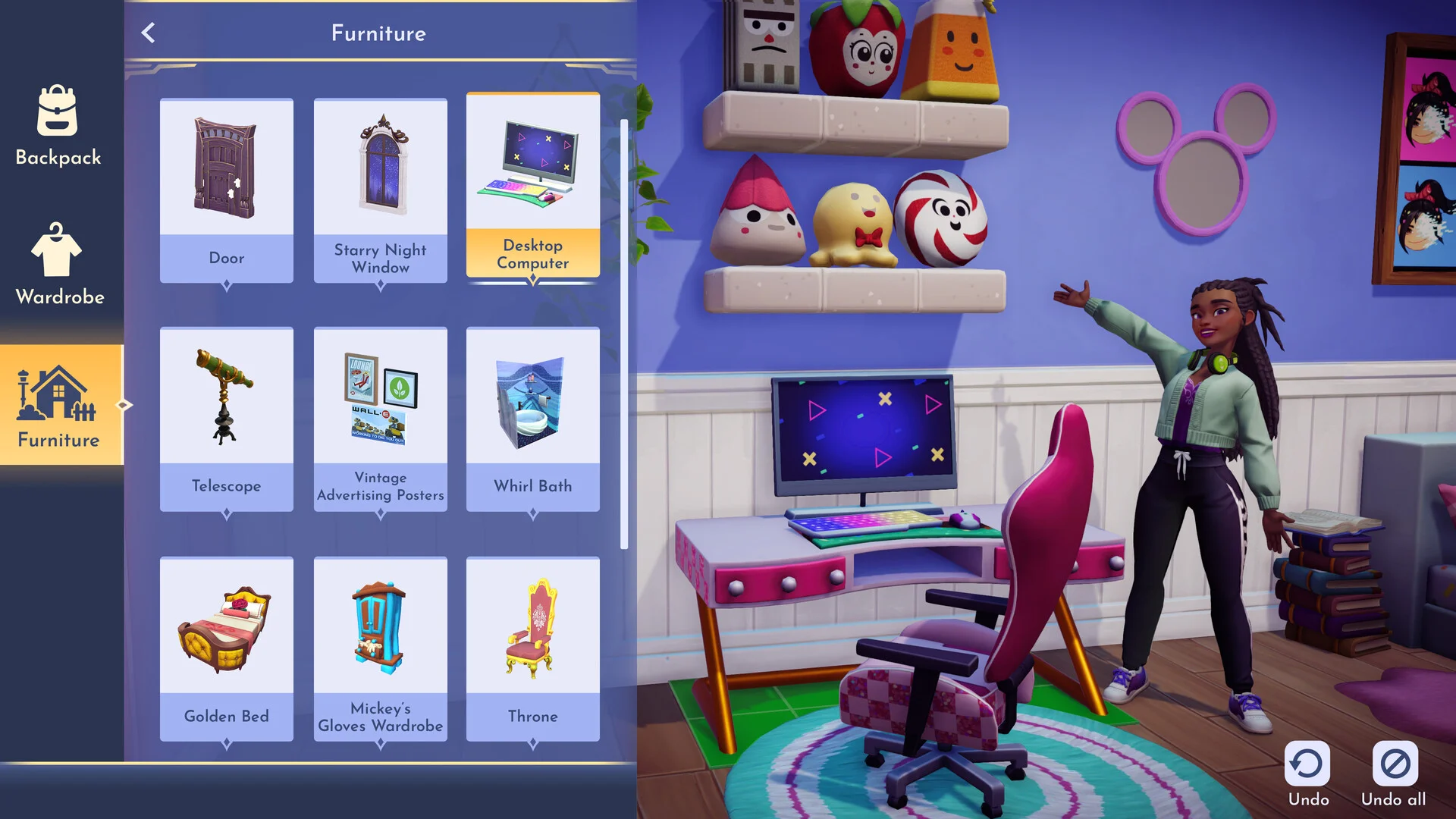
- Why it may fit: Meet Disney and Pixar characters, choose outfits and decorate a home. A child who likes these characters has clear things to do.
- What may be hard: Quests can require reading and several steps. The ESRB also flags user interaction and in-game purchases, so an adult should set up the account and manage spending.
- Computer platforms: Windows via Steam; macOS has a separate Mac App Store version. Get the Windows version on Steam or the Mac version on the App Store.
- More details: Disney Dreamlight Valley game page.
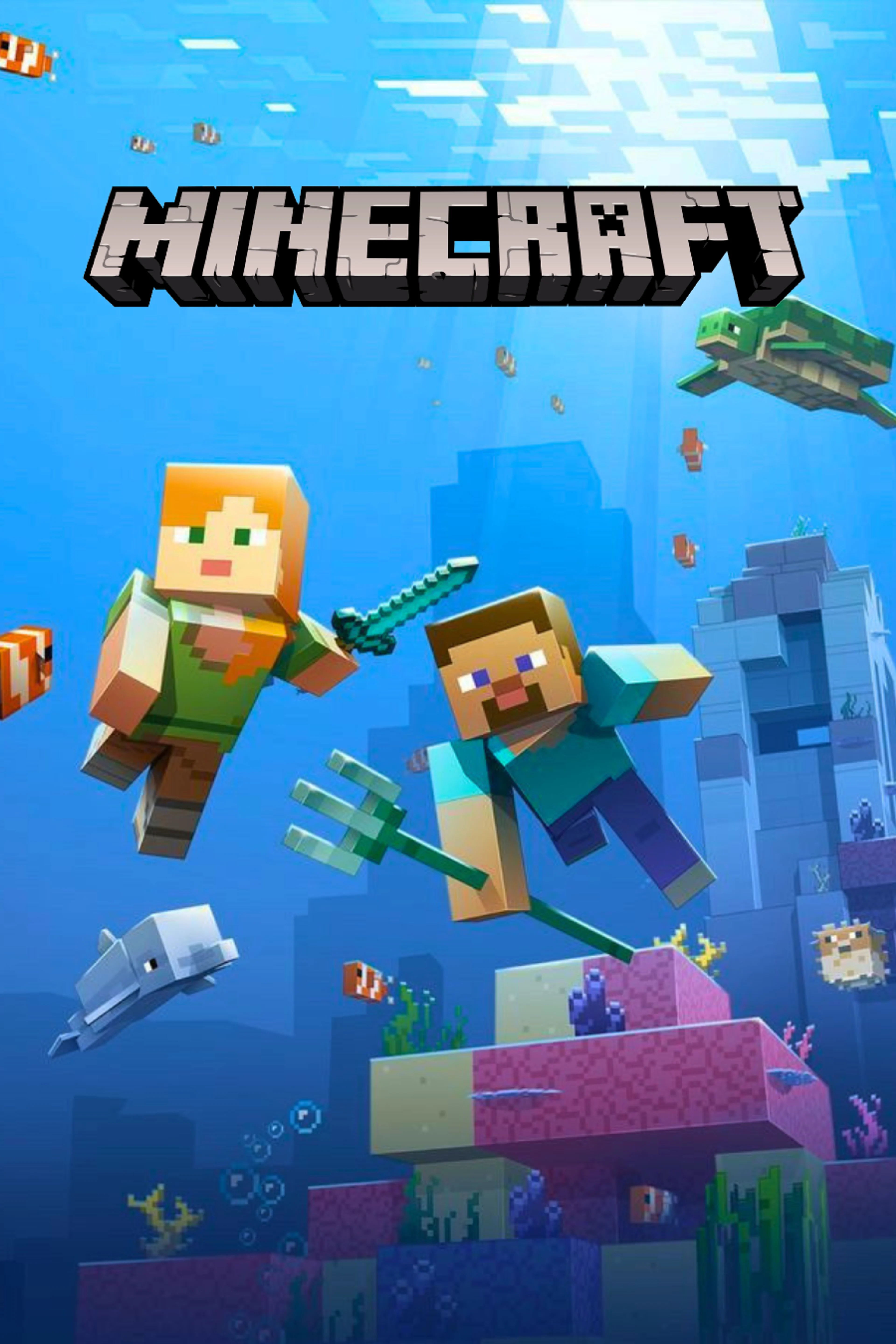
7. Minecraft — build a world, with a clear age warning
- Suggested age: 10 under the U.S. ESRB E10+ rating. For ages 7–9, a parent should read that rating and decide whether the game fits their child. Minecraft is not rated E in the U.S.
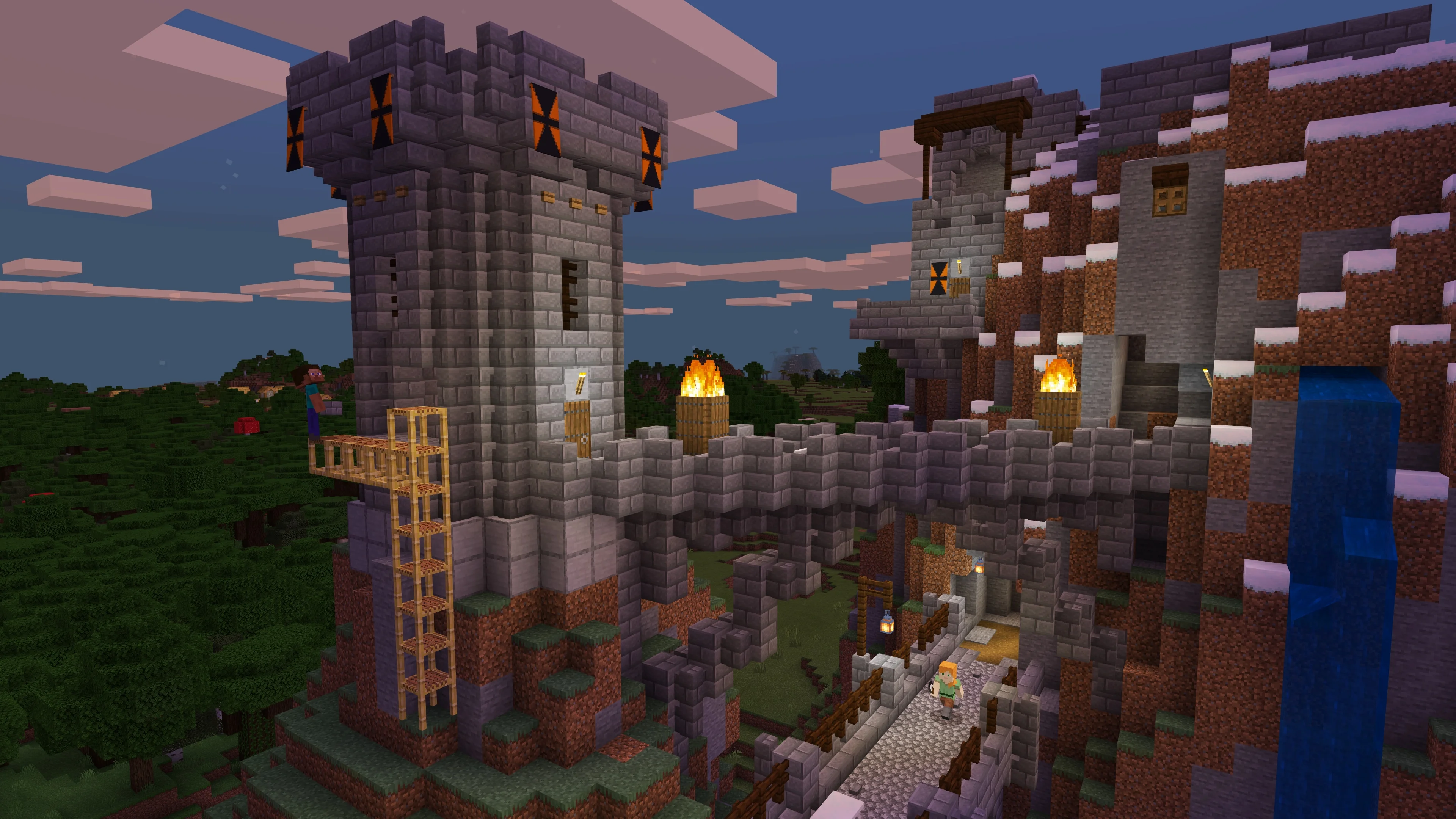
- Why it may fit: Creative Mode focuses on building, gives players blocks and lets them fly without taking damage. A child can start with a small house or garden.
- What may be hard: Survival Mode includes health, hunger and fantasy combat. Online play brings other people into the game. Use a child account and review multiplayer and chat settings before allowing online play.
- Computer platforms: Windows for Java and Bedrock editions; macOS and Linux for Java Edition. Get Minecraft for PC on the official Minecraft site.
- More details: Minecraft game page and Minecraft’s guide for parents.
How to download a PC game from this list
Open the official store link beside the game you want. Check that the listed version supports your computer and read its system requirements. Use the store’s own account and install steps. Then open its library or launcher and select Install. A parent should handle purchases and child account settings.
For the six Steam links, download Steam from its official site if it is not already installed. Minecraft uses its own official store and launcher. The Mac version of Disney Dreamlight Valley uses the Mac App Store. Avoid assuming that buying a game on one store gives you a copy on every other platform.
If you are unsure where to start, choose the child’s favorite activity first: building, arranging rooms, exploring or solving problems together. Use the age and “what may be hard” notes above to decide how much help to give.