The Call of Duty: Modern Warfare 4 Beta starts Friday, August 21, at 11:00 a.m. PT, immediately after Call of Duty: NEXT. Before the first match, there are a few setup details to handle: the Beta is a separate install, PC players need TPM 2.0 and Secure Boot enabled, and Activision is moving some shader and update work away from the launch screen.
The two Beta weekends also have different access rules. Here is what to check before opening the game, with the full schedule collected in our Modern Warfare 4 Beta hub.
Install the Beta separately
The Modern Warfare 4 Beta is its own download. It does not arrive as a normal update inside the main Call of Duty experience, so find the dedicated Beta listing on your platform and launch it directly from there.
Preloading begins Thursday, August 20, at 9:00 a.m. PT on every supported platform except Nintendo Switch 2. One download covers both Beta weekends. Switch 2 players join during the Open Beta and do not need the first-weekend client ahead of time.
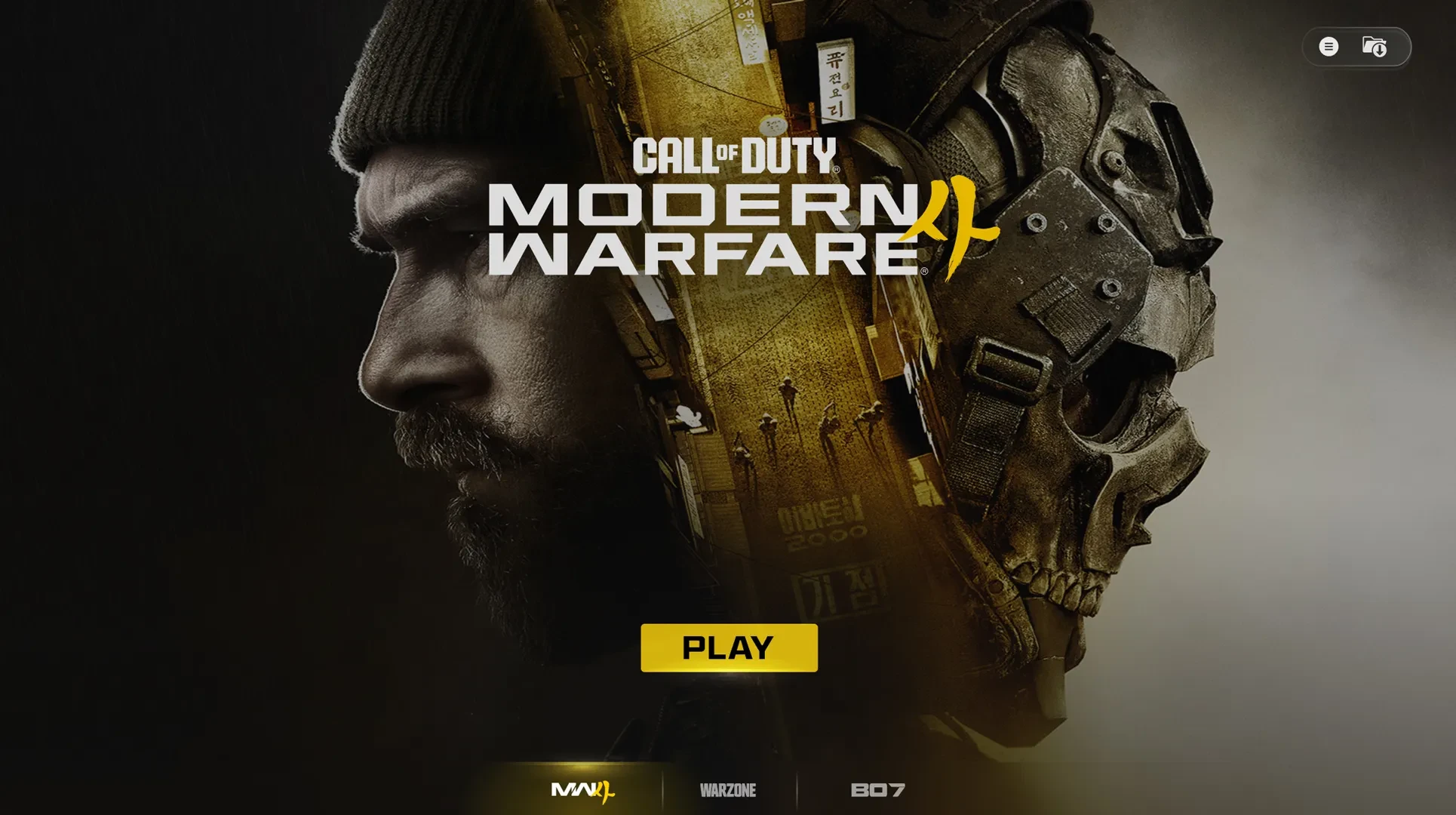
Activision is also showing part of a redesigned Call of Duty interface during the Beta. The full game will still connect to the wider Call of Duty and Warzone experience at launch, but the Beta itself can be opened without cross-launching through the old hub.
PC players need TPM 2.0 and Secure Boot
These two security features are mandatory for online Beta play on PC. Activision lists them as part of the RICOCHET Anti-Cheat security foundation, and a system with either feature disabled will not be allowed into the online Beta. The publisher’s TPM 2.0 and Secure Boot support page explains how to check the settings before launch.
Activision’s Beta PC requirements also call for Windows 10 64-bit or newer, a Ryzen 5 1600 or Intel i5-8400 at minimum, 12GB of memory, a Radeon RX 470, GeForce GTX 970/1060, or Intel Arc A580, 3GB of VRAM, an SSD, and a broadband connection.
- Recommended: Windows 11, Ryzen 5 3600 or Intel i7-8700, 16GB of memory, a Radeon RX 6700 XT, GeForce RTX 3060 Ti, or Intel Arc B580, and 8GB of VRAM.
Those requirements apply to the Beta and may change before Modern Warfare 4 launches. Consoles do not need these PC firmware settings.
Shader preloading changes the first launch
Shaders are small graphics programs that tell the game how to render lighting, surfaces, shadows, and effects on your hardware. Modern Warfare 4 prepares them before you start playing, which should reduce the long waits and first-match stutters that can happen when the work is delayed until after launch.
Battle.net enables Shader Preloading from the first installation. Steam also supports it, but the first boot still performs a one-time shader compile; later updates receive the full benefit. Steam players who play Weekend One can use the preloading process for the Weekend Two update, while the complete behavior arrives with the finished game.
The process runs before launch or in the background and can use some system resources. Let the launcher finish its preparation before starting a match, and avoid interrupting it unless you need to free up your PC.
The restart message should appear less often
Activision is also reducing how often players see the familiar “Update Requires Restart” prompt. The change is aimed at data patches, but it does not remove every restart and the result depends on the platform.
- PC versions, including Xbox on PC, Battle.net, and Steam, usually apply data patches without a restart unless the patch arrives while the game is running.
- Xbox Series X|S still requires restarts for data patches during the Beta, with more reductions planned for launch.
- On PS5, most data patches should not require a restart unless the patch arrives while the game is running or suspended.
- Nintendo Switch 2 continues to use restarts during the Beta and at launch.
The target is fewer interruptions, not a promise that the screen will never return. Close the game when a platform needs to apply a larger client update, then check for the next download before troubleshooting your connection.
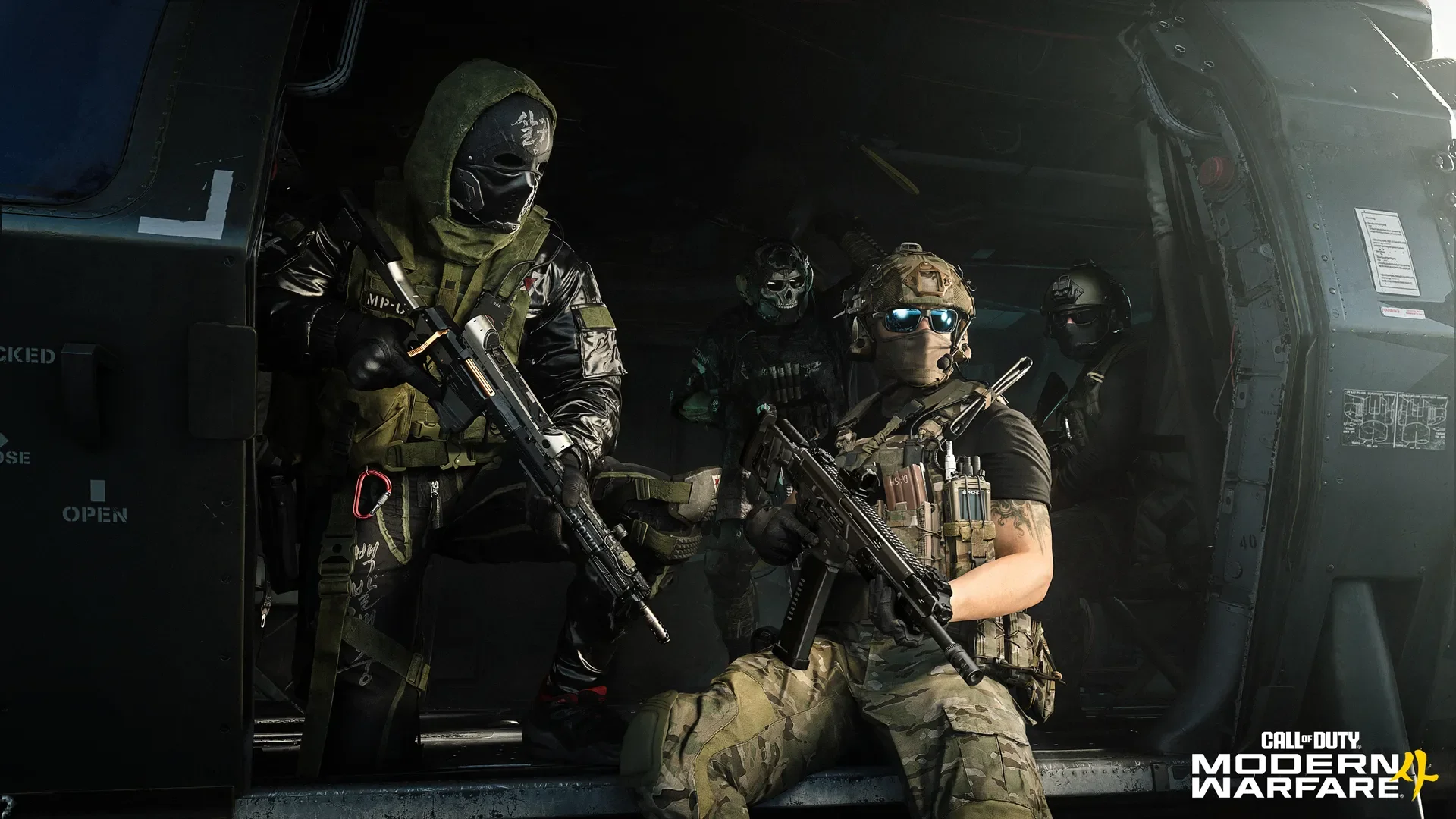
Credits
Image: Activision.Early Access starts Friday; the Open Beta starts next week
Early Access runs from 11:00 a.m. PT on Friday, August 21, through 10:00 a.m. PT on Tuesday, August 25. It is available to players who pre-ordered or pre-purchased Modern Warfare 4 on Xbox Series X|S, Xbox on PC, PlayStation 5, Steam, or Battle.net, plus players who redeem a Beta Code. Nintendo Switch 2 is not included in Weekend One.
A Beta Code is useful only for Early Access. Physical and participating retailer preorders use the code-redemption process, while digital purchases through a platform store register Early Access automatically. Our guides explain how to get into the Beta early and where to redeem a code.
The Open Beta begins at 10:00 a.m. PT on Friday, August 28, and ends at 10:00 a.m. PT on Tuesday, September 1. Everyone can join that weekend without a preorder or code, including Nintendo Switch 2 players. The exact weekend split is also listed in our Early Access versus Open Beta guide.
The Beta rewards disappear when the test ends
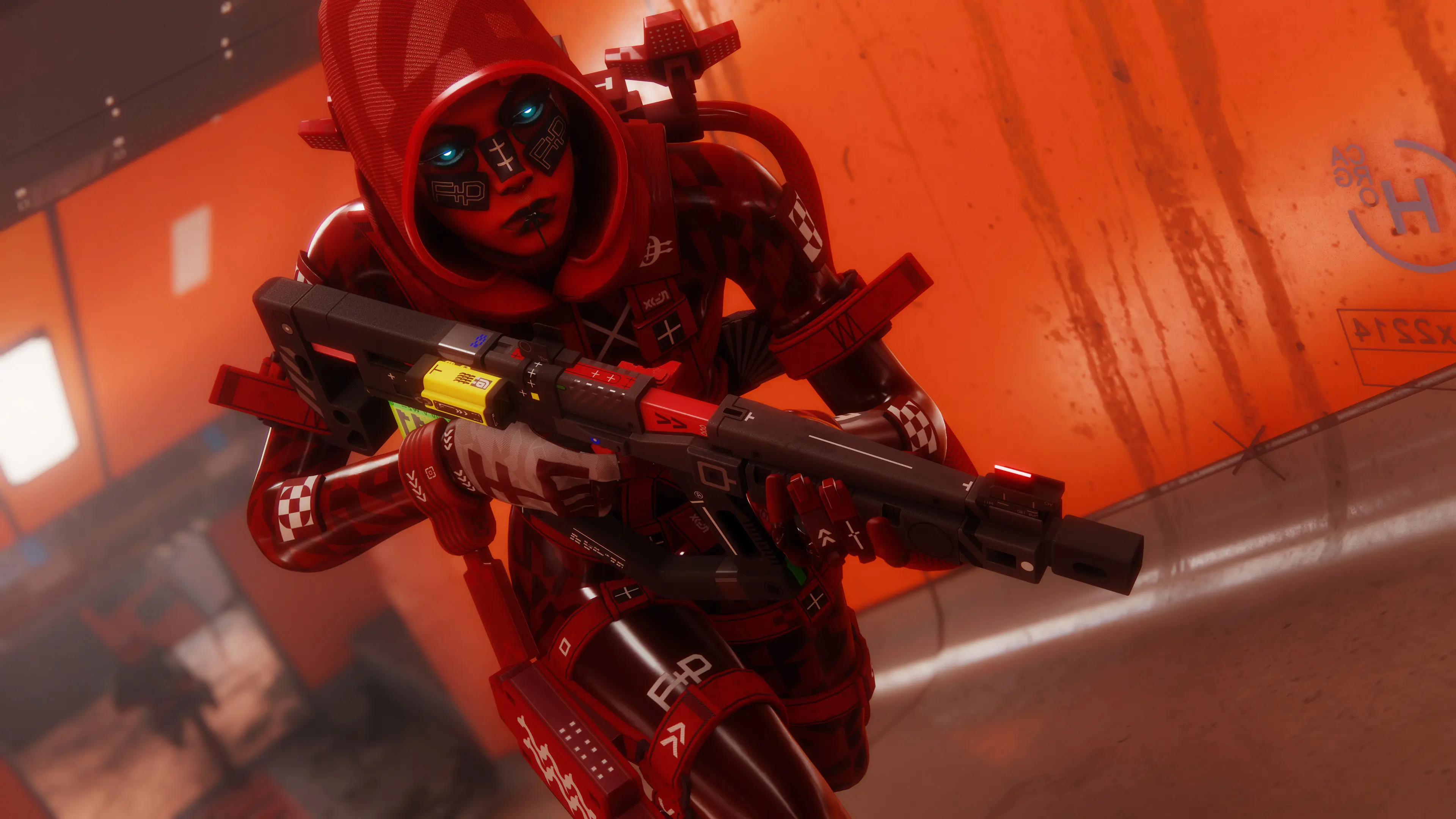
Activision has tied eight limited-time rewards to Beta progression. Reaching Level 20 during Weekend One unlocks the Dread Tiger Operator Skin for Reece. Reaching Level 30 during Weekend Two unlocks the Beta Forged ISO Nightshade Weapon Blueprint and completes the full reward track.
Rewards earned before the Beta closes stay attached to the same Activision account and become available when Modern Warfare 4 launches on October 23. Your Beta rank, weapon unlocks, and other test progression do not carry over.
Install the separate client Thursday, check TPM 2.0 and Secure Boot if you play on PC, and leave Shader Preloading time to finish before Friday’s first match. That small checklist covers the parts of the Beta setup that can still stop you at the last minute.