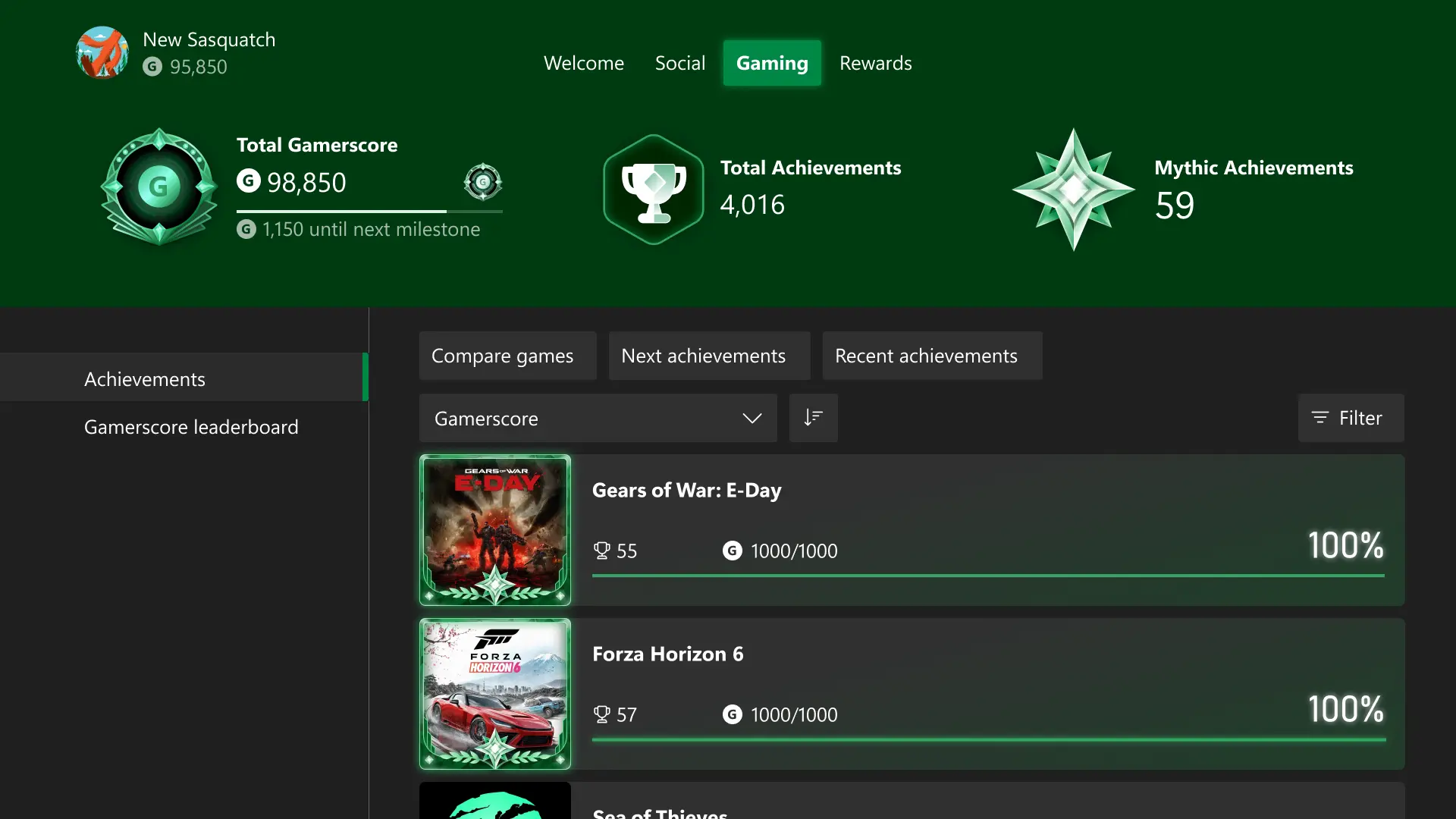
Microsoft Jewel now has its own iOS and Android apps, with Xbox achievements and progress shared with the standalone PC version. Microsoft announced the mobile launch on September 30. The match-three game lets you save Bonus Jewels, then place them on the board to make bigger matches.
Do you need Game Pass Ultimate?
The apps are free to download. Game Pass changes the Premium benefits: members get an ad-free experience and extra bonuses on PC, while Game Pass Ultimate extends those benefits to mobile too. A PC benefit does not mean your phone version is ad-free.
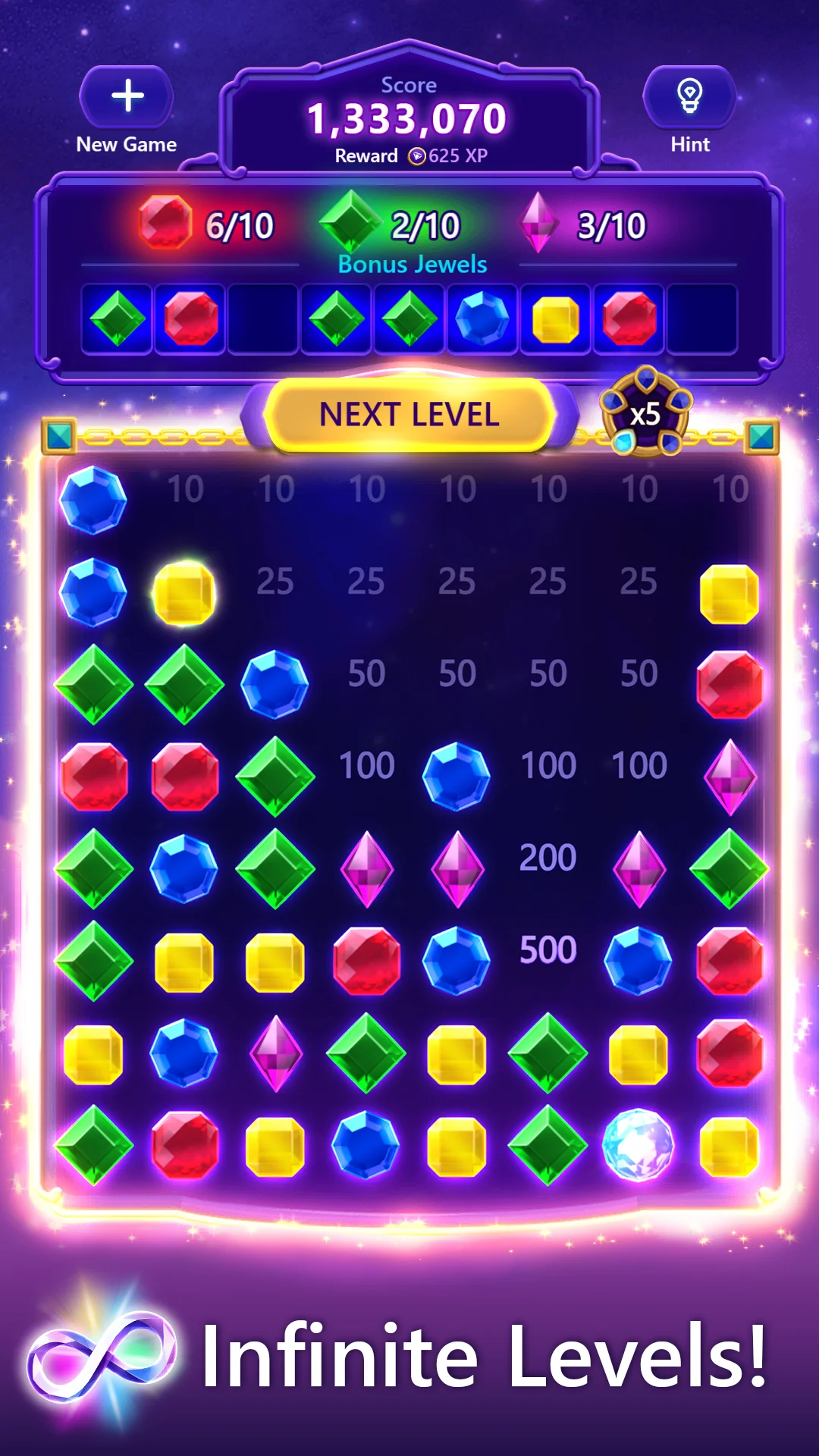
How the Bonus Jewels work
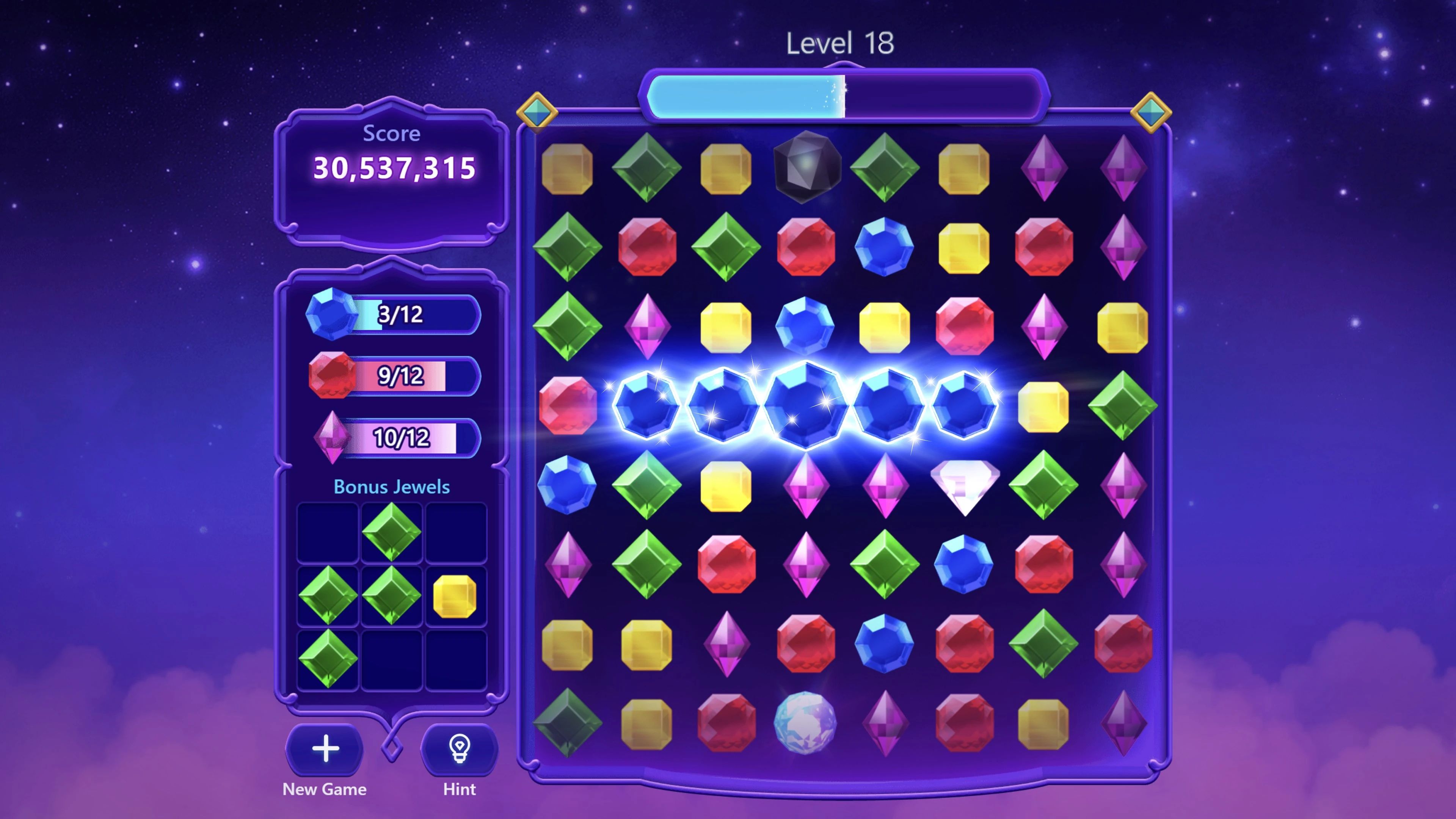
Match gems to fill the meter and add Bonus Jewels to your collection. You can place one anywhere on the board, rather than waiting for the right gem to fall into place. That can help you build a longer match, create a Power Jewel or set off a chain reaction.
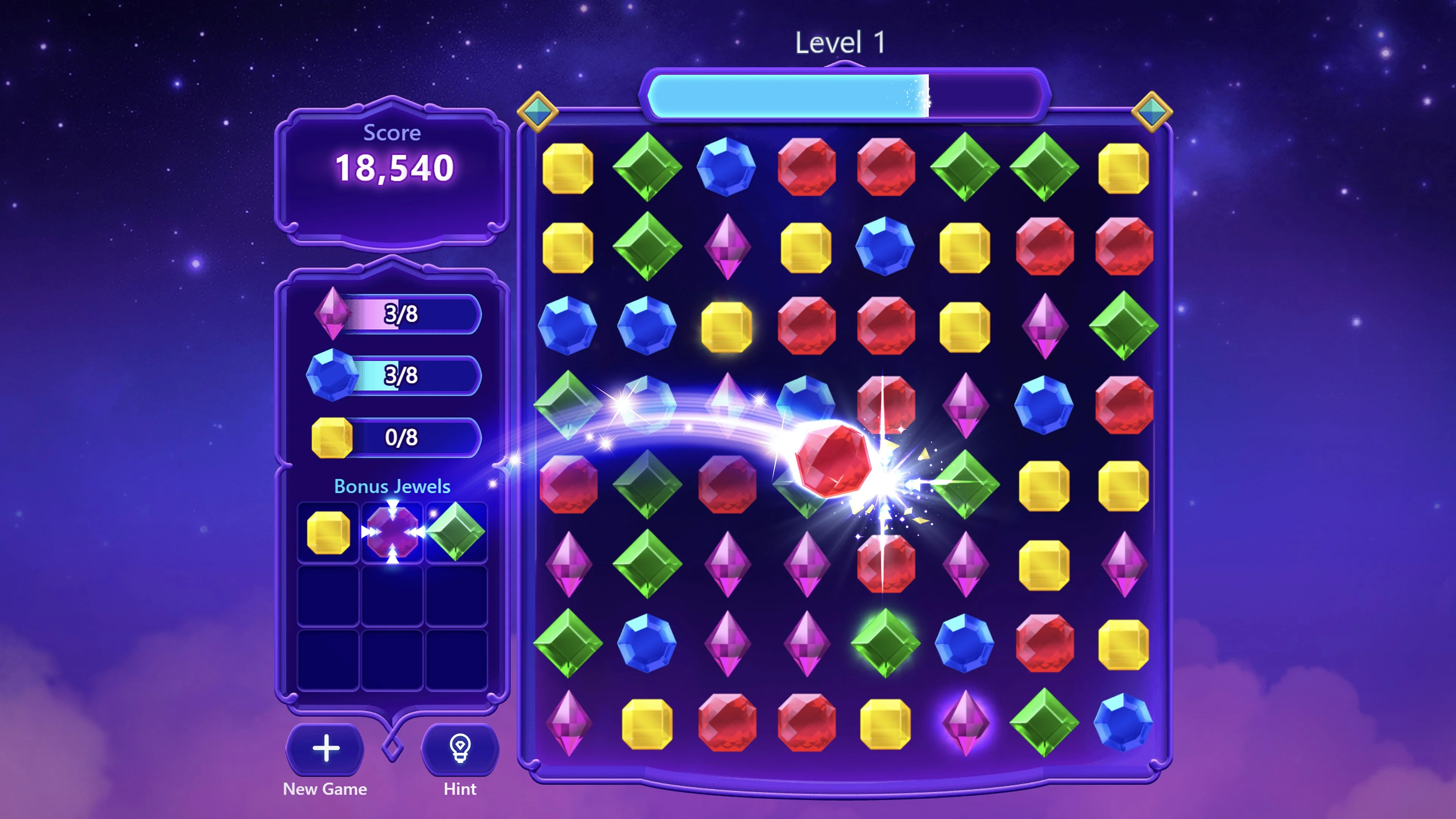
The collection sits above the board on mobile. Challenge Mode asks you to clear the jewels, and Daily Challenges offer fresh goals alongside the regular levels.
Sign in before switching devices
Use a Microsoft account to earn achievements and sync progress between the iOS, Android and standalone PC apps. That means you can continue on another device without starting over. Microsoft’s announcement names those three standalone apps; it does not promise that every browser or embedded version shares that progress.
The mobile release is Microsoft Casual Games’ first new mobile app in seven years and its fifth mobile app overall. PC players can find the standalone version through the Microsoft Store.