



As of September 1, 2026, the Modern Warfare 4 Open Beta has ended. Old Early Access codes cannot restore access. Use the official Call of Duty beta redeem page only to check whether a legitimate code was attached to your Activision account and which platform was selected.
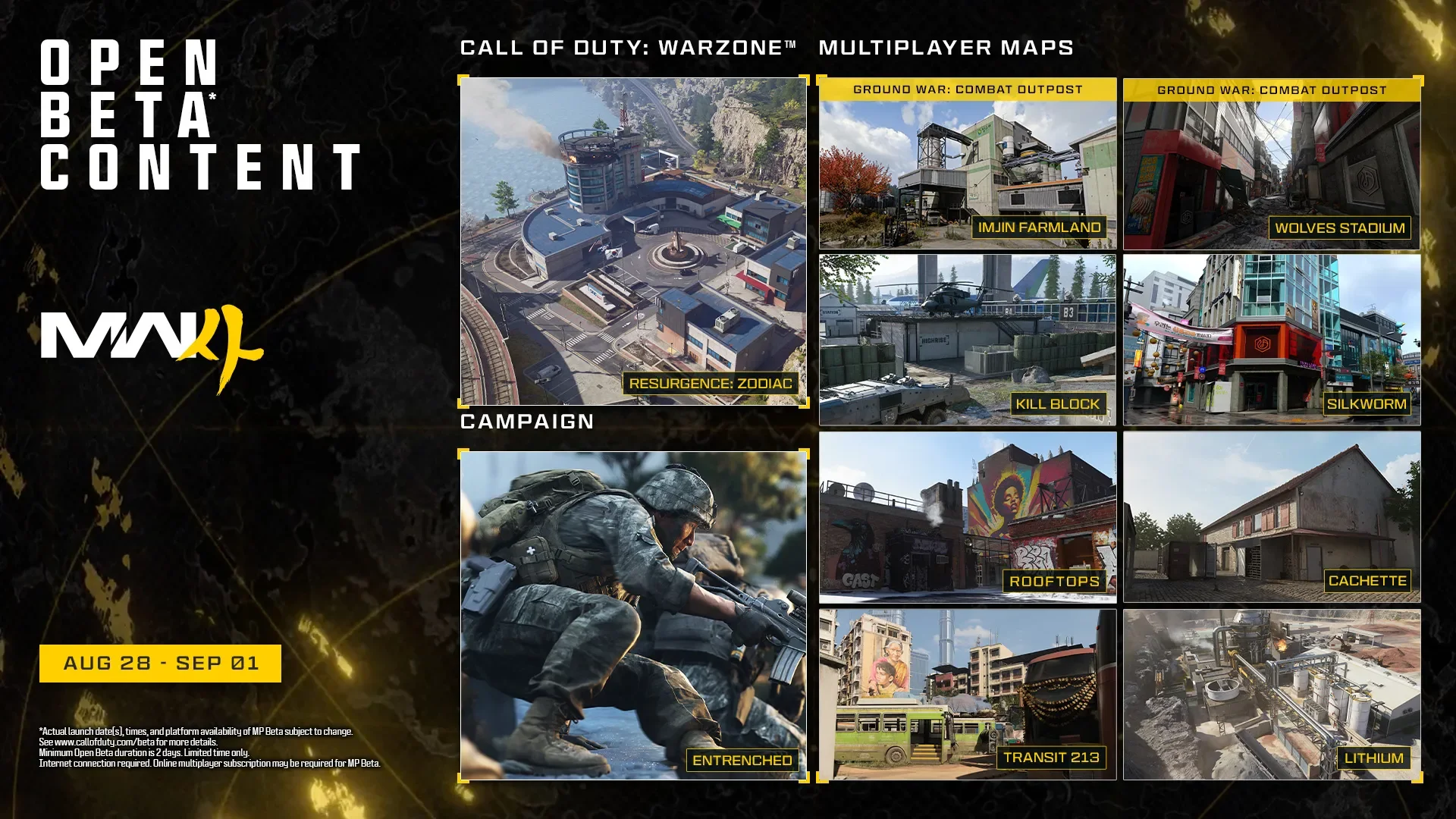
The MW4 Open Beta is no longer playable. It ran from August 28 at 10 AM PT through September 1 at 10 AM PT on PlayStation 5, Xbox Series X|S, PC, and Nintendo Switch 2. Weekend Two required no code or preorder, but that public access window is now closed.
Do Modern Warfare 4 beta codes still work?
A legitimate code previously granted access during the August 21–25 Early Access period. That phase and the later free Open Beta have both ended. Redeeming, buying, or trading an old string cannot reopen either session or create a full-game license.
How to use callofduty.com/betaredeem
If you already received a legitimate code and need to confirm what happened to it, use Activision’s page rather than a third-party key site. The official form accepts 10- or 13-character beta codes.
- Open callofduty.com/betaredeem and sign in to the Activision account you used for MW4.
- Enter the 10- or 13-character code exactly as it appears on the receipt, insert, or retailer email.
- Choose the platform and region that match the account where you intended to play.
- Read the confirmation at the top of the page. It shows whether the account already redeemed a code and the platform selected during registration.
Can you still join the Modern Warfare 4 beta?
- No. Activision’s published Open Beta window ended September 1 at 10 AM PT.
- A beta client may remain in a store library, but its presence does not mean the test servers are still available.
- An Early Access code applied only to Weekend One, which ended August 25; Weekend Two needed no code.
- Wait for a new official Activision announcement before assuming another test exists. No later beta window is listed on the current schedule.
The open period supported PlayStation 5, Xbox Series X|S, Xbox on PC, Steam, Battle.net, and Nintendo Switch 2. Those platform listings describe the completed test, not continuing access after September 1.
Credits
Image: Activision / Infinity Ward.What an old Early Access code was for
During the closed window, eligible players could redeem an Early Access code through Activision and select a platform. The resulting entitlement belonged to that beta phase; it was not a permanent game license, a preorder, or a way to play after the session closed.
If a code was redeemed before the deadline but the entitlement never appeared during Early Access, keep the confirmation for account-history questions and use Activision Support. Support cannot extend a test window that has ended.
What the common beta redeem errors mean
- You already used the code entered: the signed-in Activision account is already registered.
- Code already redeemed: the same string cannot be used again. Contact Activision Support if you never redeemed it.
- Invalid or unreadable characters: compare every character with the original 10- or 13-character code.
- Missing retailer code: check the receipt and order email, then contact the retailer that supplied the preorder.
Do not buy a beta code now
A seller can show a real-looking string without restoring either closed access window. Do not pay for a beta code, account login, shared platform profile, key generator, or unofficial download. None of them can turn the ended beta into current access.
Modern Warfare 4 beta FAQ
Is the MW4 Open Beta still live?
No. The Open Beta ended September 1 at 10 AM PT / 1 PM ET. Early Access had already ended August 25.
Does the Open Beta need a preorder?
No preorder was required during the August 28–September 1 Open Beta. That free window is now over, so a preorder does not restore beta access.
Can an old code be saved for the Open Beta?
No. The Open Beta did not use that entitlement, and the beta is now over. An old Early Access code cannot be saved to create access after the published cutoff.
For the final maps, modes, rewards, Day 4 patch, and progression rules, use the complete Open Beta guide. Visit the Modern Warfare 4 game page for launch details and related coverage.