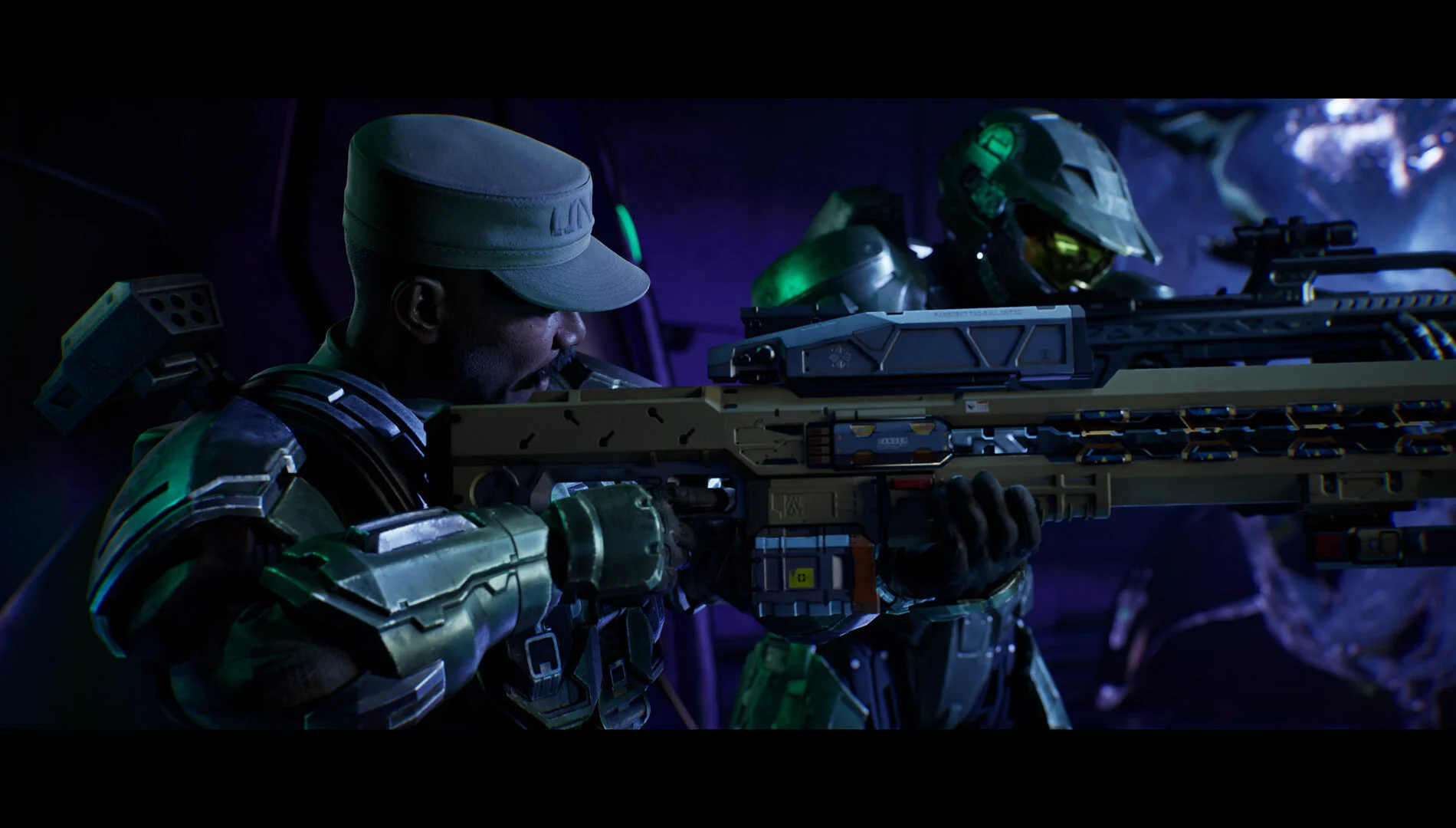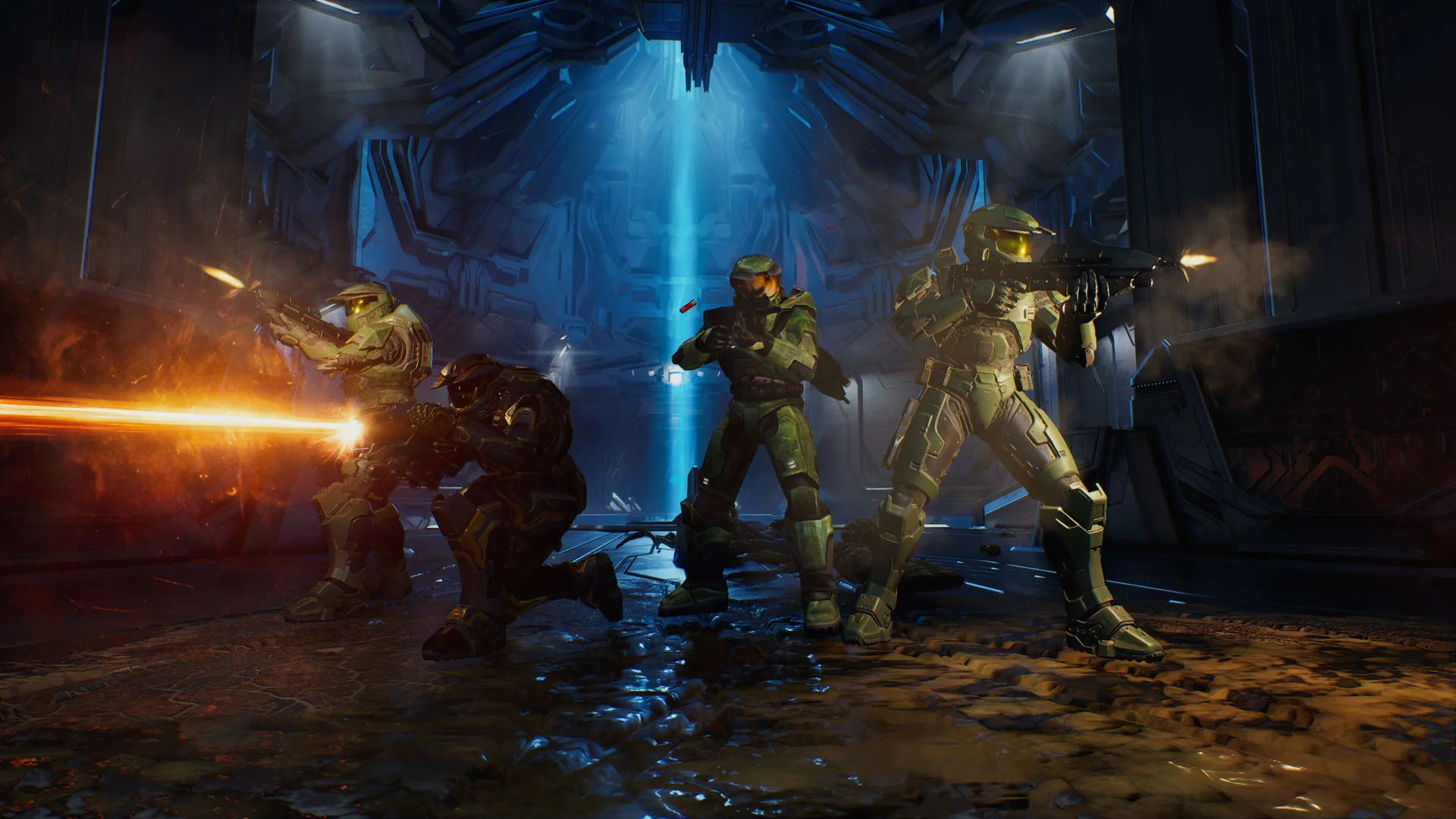

Halo: Campaign Evolved received its August update on August 17, and the patch deals with several complaints that showed up soon after launch. Players can now turn off Chromatic Aberration and Film Grain, Jackals respond more reliably to hits, and a Sgt. Johnson bug that could block a mission has been fixed. The update also includes control, stability, and performance changes across Xbox, PlayStation 5, and PC. Halo Waypoint’s update summary lists the player-facing changes, while the full patch notes explain the platform-specific fixes.
Campaign Evolved is Halo Studios’ remake of the original Halo: Combat Evolved campaign. That makes a visual toggle more than a menu extra: the game is built around a familiar adventure, and players can now decide how much of its post-processing they want on screen.
The visual effects are finally optional
The update adds separate toggles for Chromatic Aberration and Film Grain under Settings > Video > Video Motion & Effects. Chromatic Aberration adds colored fringing around parts of the image, while Film Grain overlays a fine texture. Both effects were previously forced on, so players who found the picture soft or noisy can now remove them without changing the rest of the presentation. The official patch notes also add an Upscaling Technique option on PC, including None for players who want to manage their own resolution settings.
The change follows the concern reported before the patch by GameSpot, which highlighted the lack of control over the two effects. The settings are small additions, but they let the remake look cleaner on a monitor or television without relying on a workaround.