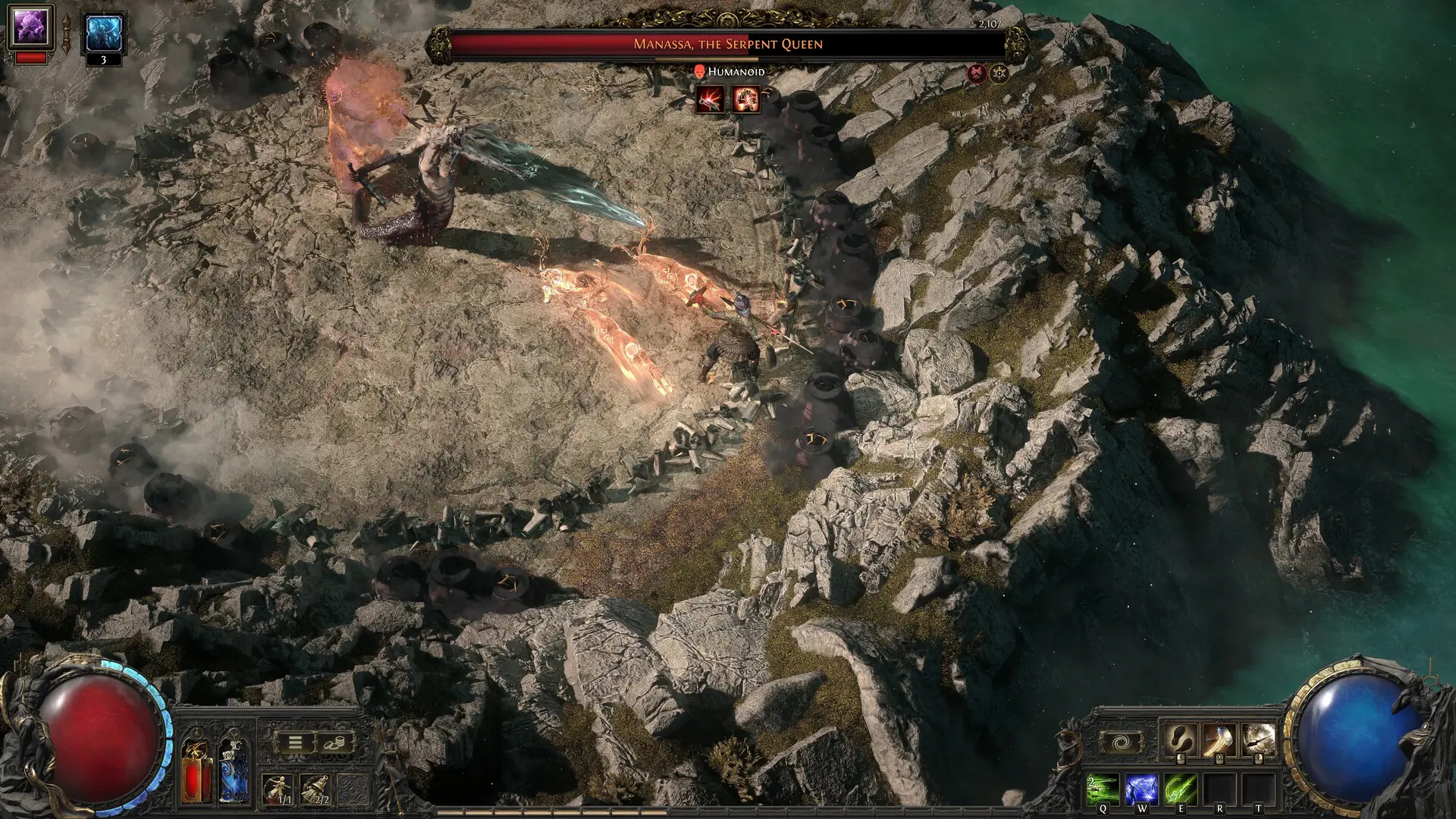
Path of Exile 2 players using NVIDIA graphics cards finally have an official fix for the long pauses, shader problems, and some “device removed” crashes that could interrupt DirectX 12 gameplay. Grinding Gear Games says you need both Path of Exile 2 update 0.5.4e and NVIDIA driver 610.88 or newer.
Installing only one side of the fix may leave the problem in place. Update the game first, update the driver second, restart the PC, and then test the same area or action that previously caused a pause.
Path of Exile 2 NVIDIA crash fix
- Required game version: Path of Exile 2 update 0.5.4e or newer.
- Required NVIDIA driver: Game Ready Driver 610.88 or newer.
- Affected renderer: The confirmed fix targets intermittent long pauses and device-removed problems reported while using DirectX 12.
- Who it helps: Players with supported NVIDIA GPUs. It is not a general promise that every Path of Exile 2 crash on every PC has been fixed.
How to install the fix
1. Update Path of Exile 2
Open the launcher you use for the game and allow it to download the newest update. Steam and the standalone client normally patch automatically, but you should confirm the download has finished before starting the game. The fix is part of update 0.5.4e, so an older build cannot use the complete solution.
2. Install NVIDIA driver 610.88 or newer
Download the current driver from NVIDIA’s official driver page or update through the NVIDIA app. Check that the installed version is 610.88 or a later number. Avoid unofficial download mirrors, because graphics drivers have deep access to Windows and should come directly from NVIDIA.
3. Restart the PC
A restart finishes replacing driver components that may still be in memory. Skipping this step can make it look as if the new driver changed nothing.
4. Test with DirectX 12
Launch Path of Exile 2 and use the DirectX 12 renderer if that is where you previously saw the problem. Return to a repeatable scenario such as loading a known area, opening a heavy encounter, or repeating the action that caused the pause. A repeatable test is more useful than playing a random map and hoping the issue appears.
What the update is designed to fix
The confirmed issue involved shader work that could produce very long pauses and, in some cases, a device-removed error. A device-removed message does not usually mean someone physically disconnected the GPU. It means Windows or the graphics API lost access to the device after a fault, timeout, or driver reset.
Grinding Gear Games created a replay system to capture the exact workload and then sent a complete affected PC to NVIDIA. That allowed engineers to reproduce the failure on the same hardware instead of trying to solve it from crash reports alone. The eventual driver change increased the available shader heap, while the game update supplied the matching improvements needed on the Path of Exile 2 side.
This is why the game patch and the graphics driver are paired. The fix was developed across both pieces of software, not delivered as a single setting players can toggle inside the options menu.
What to do if Path of Exile 2 still crashes
A remaining crash does not automatically mean the official fix failed. Path of Exile 2 can close for unrelated reasons, including damaged files, unstable overclocks, memory problems, overlays, other driver faults, or bugs that affect a different renderer. Use the checks below without changing several variables at once.
- Verify the installed versions: Confirm the game is at 0.5.4e or newer and the NVIDIA driver is 610.88 or newer. Write the numbers down before troubleshooting further.
- Verify the game files: Use the repair or file-verification option in your launcher. This replaces missing or damaged files without deleting characters or account progress.
- Remove unstable tuning temporarily: Return GPU overclocks or undervolts to their normal settings for one test. A setting that works in another game can still fail under a different workload.
- Try Vulkan as a comparison: If the problem occurs only with DirectX 12, testing Vulkan can help identify the renderer as part of the issue. Treat this as a diagnostic or temporary workaround, not proof of the exact cause.
- Record useful details: Note the GPU model, driver version, game version, renderer, area, and action that happened immediately before the crash. Include the error message exactly as shown.
- Report a repeatable problem: Send those details through the official Path of Exile support or bug-reporting channel. A short, repeatable sequence is more useful to developers than a general statement that the game crashed.
Should you delete the shader cache?
Do not treat shader-cache deletion as the official solution for this specific problem. Clearing a cache can force shaders to rebuild and may create extra stutter during the first session afterward. The confirmed solution from Grinding Gear Games is the paired game update and NVIDIA driver. Only use cache-related troubleshooting if official support recommends it for a separate issue or you understand the tradeoff.
The bottom line
For the known NVIDIA DirectX 12 pause and device-removed issue, the clean fix is simple: install Path of Exile 2 update 0.5.4e, install NVIDIA driver 610.88 or newer, restart, and retest. If the same failure continues, collect the exact versions and scenario before trying broader troubleshooting. That keeps a different crash from being confused with the bug NVIDIA and Grinding Gear Games already addressed.