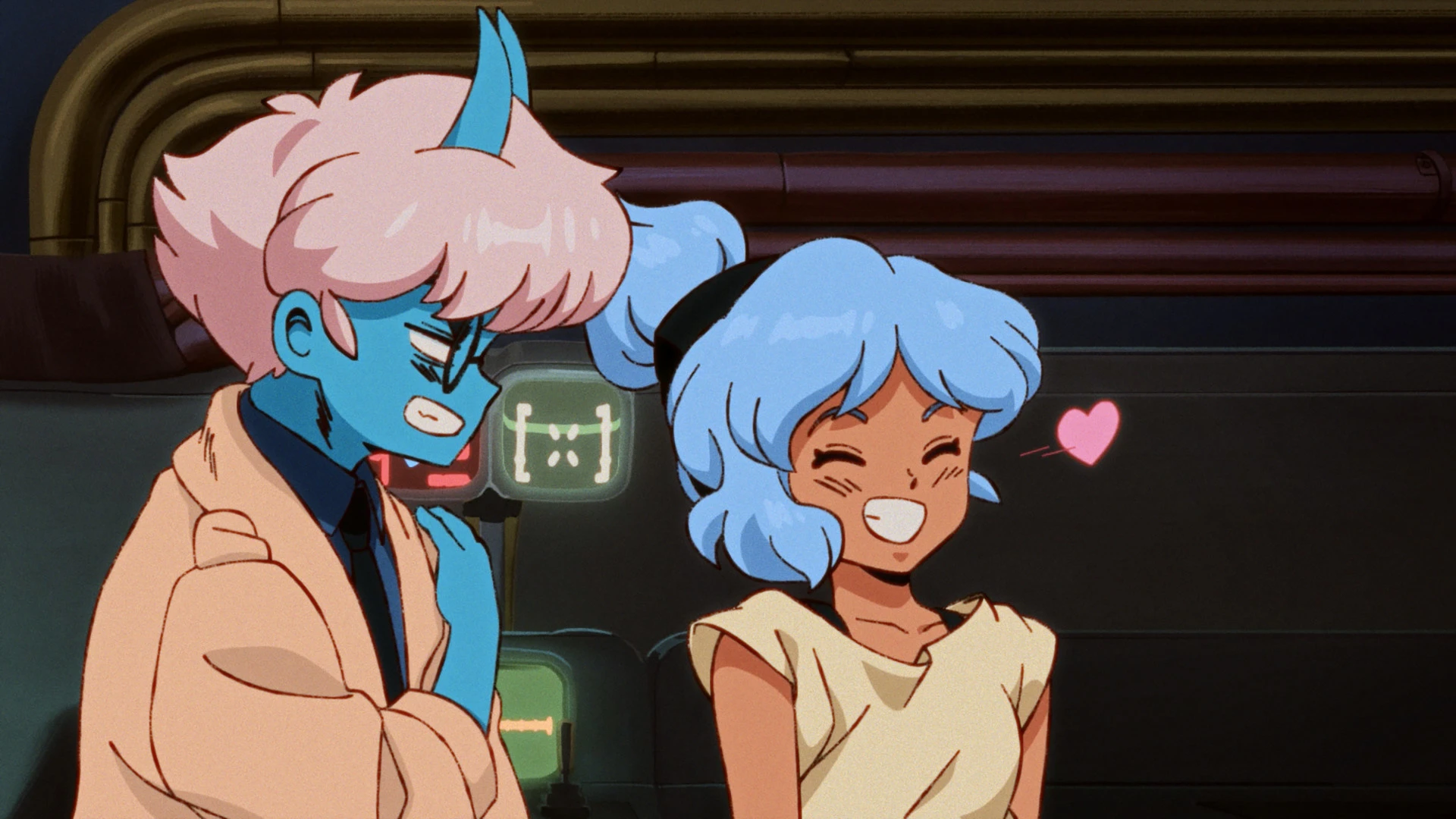
Orbitals does not have a normal single-player campaign. It is built for exactly two players and supports local split-screen or online co-op. Only one person needs to buy the $39.99 game: a partner can join through the free Global Friend’s Pass, local GameShare or online GameShare, depending on the systems available.
Shapefarm’s retro-anime adventure launched for Nintendo Switch 2 on September 3, 2026. Maki and Omura have different tools and viewpoints, so its puzzles, combat and navigation depend on both players communicating. The options below explain the least expensive way to play together without confusing a free companion app with a standalone copy.
Orbitals quick facts
- Release date: September 3, 2026; it is available now.
- Platform: Nintendo Switch 2 only.
- Player count: exactly two players for the full adventure.
- Co-op modes: local split-screen and online co-op.
- Single-player: no standard solo campaign is listed or described by the developer.
- Price: $39.99 for the standard digital edition in the US Nintendo store.
- Download size: 13.4 GB on the US digital listing.
- Copies required: one full copy when using Friend’s Pass or a supported GameShare method.
Can you play Orbitals single-player?
No — Orbitals is designed as a two-player co-op game. Nintendo’s digital listing names two players, and Shapefarm says the full journey was built for two. There is no AI partner or regular solo mode in the official launch information.
The free Global Friend’s Pass app includes a limited local demo, but that should not be mistaken for a solo version of the campaign. For the complete story, plan on having a second person available locally or online.
Which co-op option should you use?
- One Switch 2 in the same room: use local split-screen. Buy one copy and connect enough controllers for both players.
- Two nearby systems: use local GameShare from the Switch 2 that owns the game. A compatible original Switch, Switch Lite or Switch OLED can receive the shared session.
- Two Switch 2 systems online: use online GameShare through GameChat, with Nintendo Switch Online for both accounts.
- Two Switch 2 systems and one copy: the owner can invite a friend running the free Global Friend’s Pass app. Both players need Nintendo Switch Online for internet play.
How local split-screen works
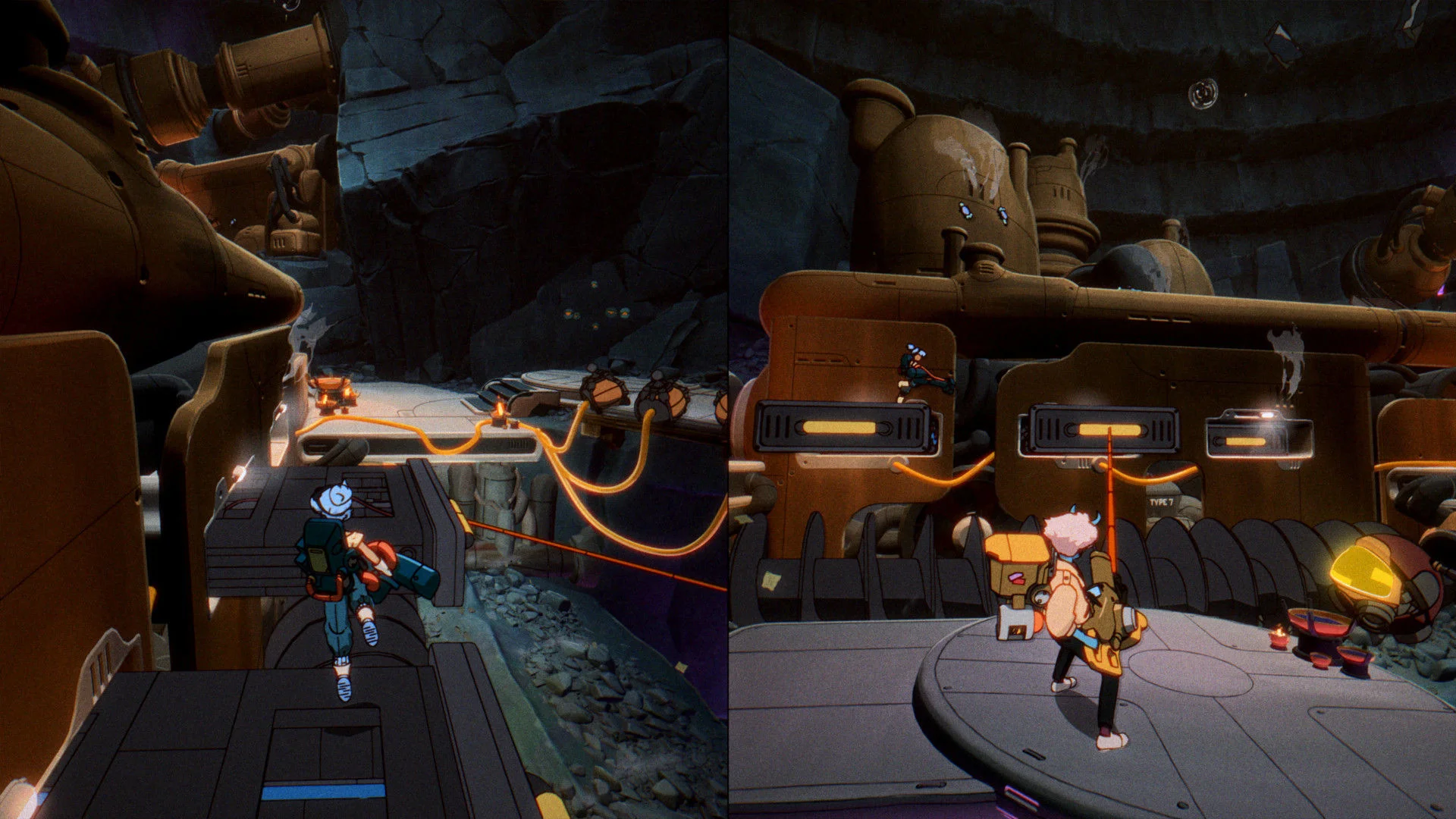
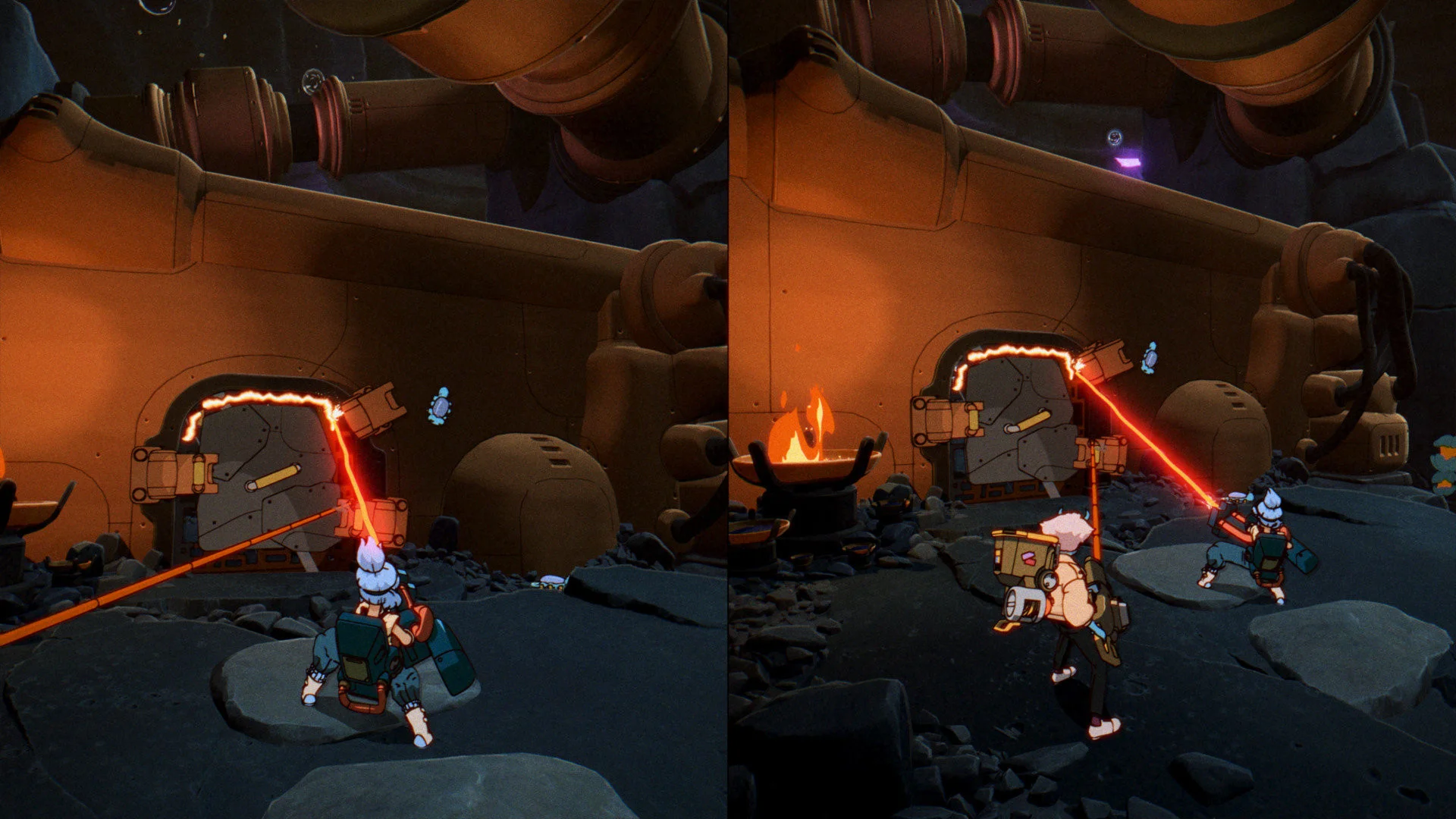
The simplest setup is one Switch 2, one copy and two controller sets. Start the game, choose local co-op and have the second player join on the same system. The screen divides so Maki and Omura can move and use their tools simultaneously.
This route does not need Nintendo Switch Online because the session never leaves the console. It is also the option with the least setup: no second download, GameChat connection or friend invitation is required.
How local GameShare works with another Switch
Local GameShare lets the Switch 2 owner share the session to a second nearby compatible system. The host must use Switch 2, but the receiving player can use Switch 2 or a compatible original Switch-family console, including Switch Lite and Switch OLED.
Only the host needs the full game. The systems must stay close enough for local communication, and this does not permanently add Orbitals to the guest’s library. It is a session-sharing feature, not a second license.
Advertisement

How online GameShare works
Online GameShare is the Switch 2-to-Switch 2 option. The owner starts a GameChat session and shares Orbitals with the invited player. Both people need Switch 2 systems, internet access and active Nintendo Switch Online memberships.
An original Switch can receive a local GameShare session, but it cannot be the remote partner for online GameShare. That distinction matters if the second player is in another home: for online play, both ends of the GameShare connection must be Switch 2.
How the Global Friend’s Pass works
The Global Friend’s Pass is a free companion app available from the Nintendo eShop. A player who owns Orbitals can invite someone using that app into the full co-op campaign. The invited person does not need to buy the full game.
For the internet-based full-game invitation, both players need Switch 2 systems and Nintendo Switch Online. The companion app also contains a free demo that can be played locally, which gives a pair a way to sample the opening before deciding whether to buy.
What does each player need?
- Local split-screen: one Switch 2, one $39.99 copy and controllers for two people; no online membership required.
- Local GameShare: one Switch 2 host with the game, one nearby compatible guest system and controllers; no internet membership required for the local session.
- Online GameShare: two Switch 2 systems, one full copy, GameChat and Nintendo Switch Online for both players.
- Global Friend’s Pass online: two Switch 2 systems, one full copy, the free companion app on the guest system and Nintendo Switch Online for both players.
The US store lists a $14.99 Digital Deluxe Upgrade Pack with cosmetic and digital extras. It does not replace the base game and does not change the number of copies needed for the supported sharing methods.
What kind of game is Orbitals?
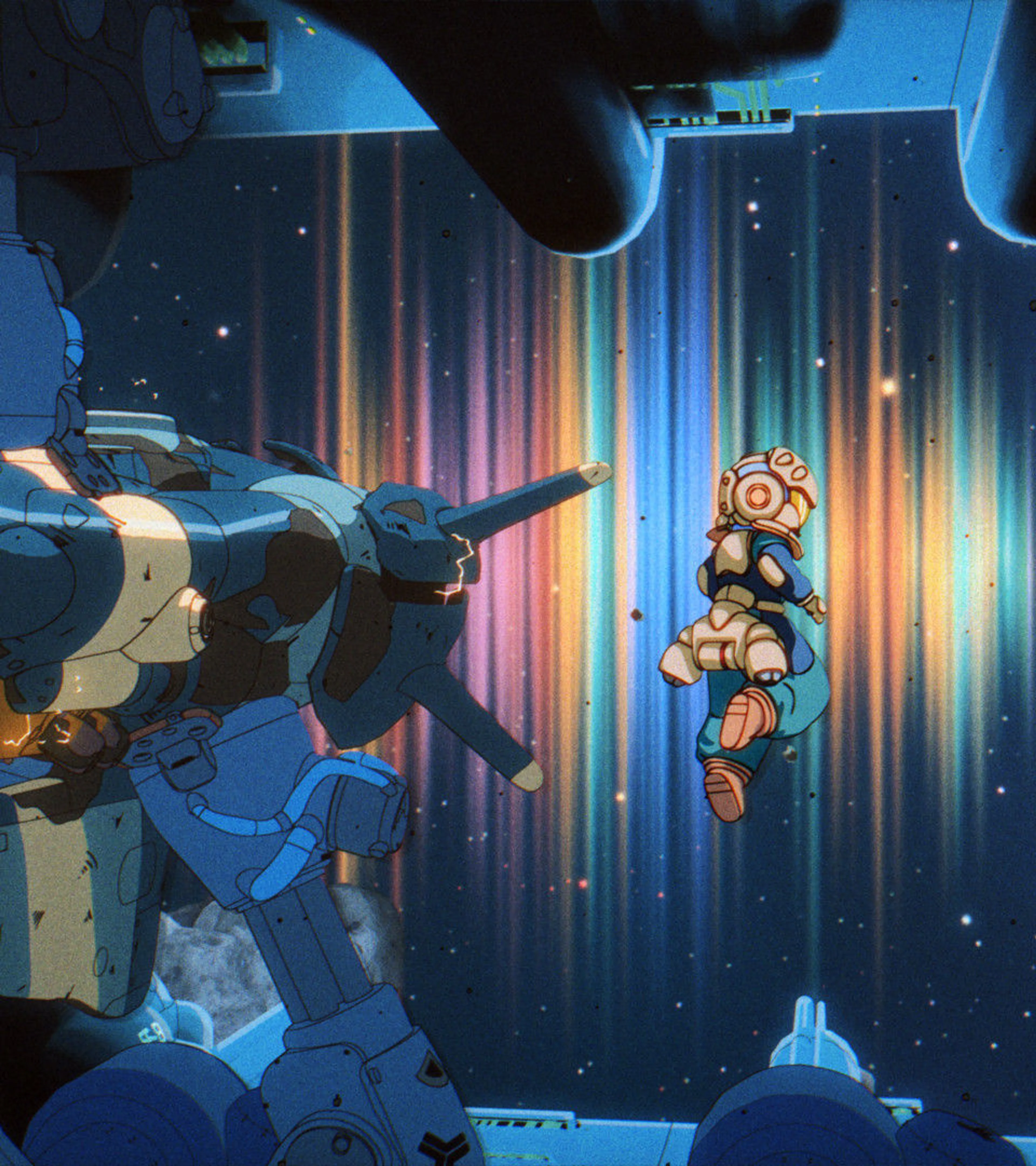
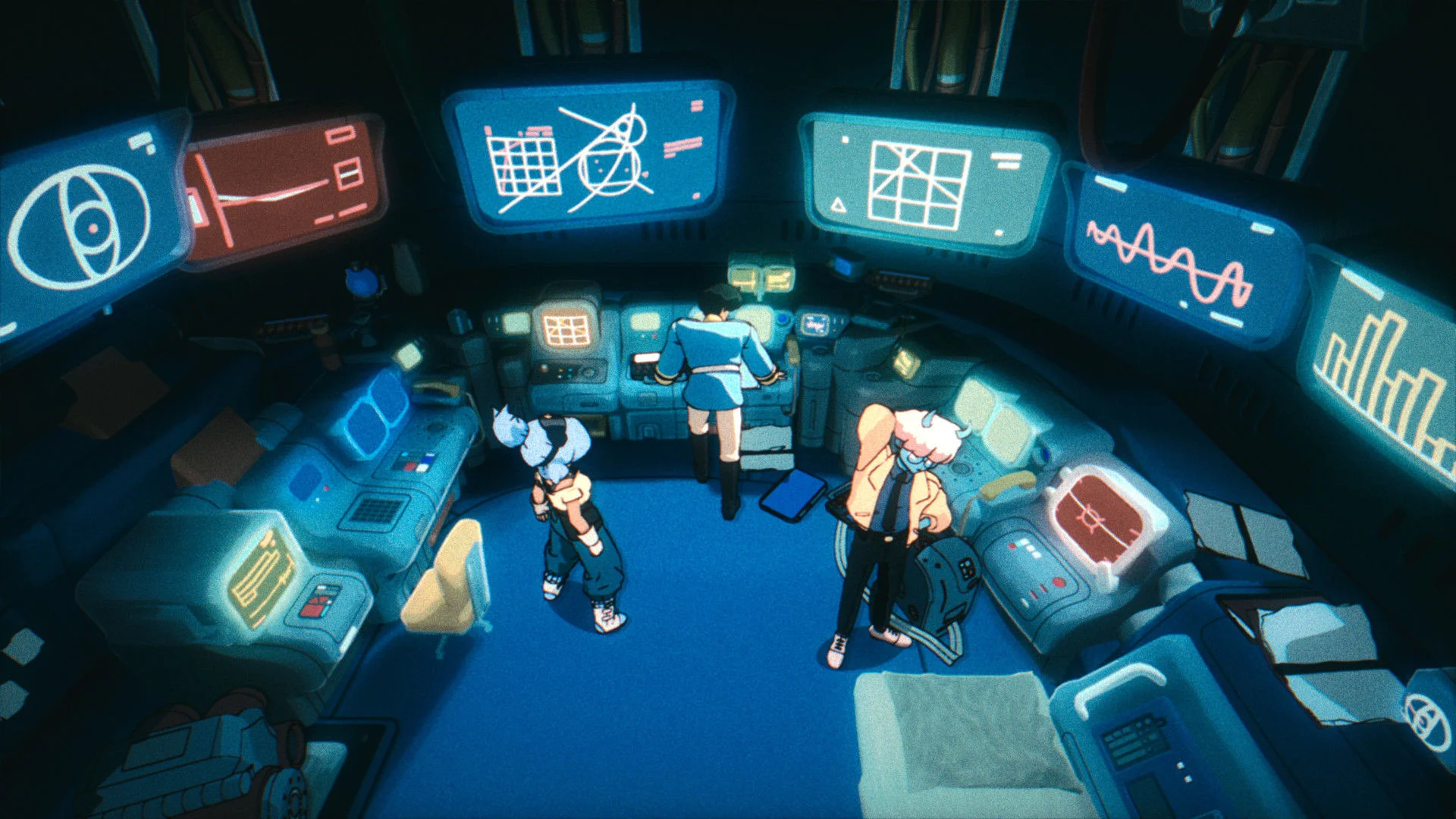
Orbitals is an asymmetric co-op action-adventure with puzzle-solving. Maki and Omura become stranded after a supernatural cosmic storm traps their station, and each character carries tools the other does not. Progress depends on combining those abilities rather than having both players perform identical jobs.
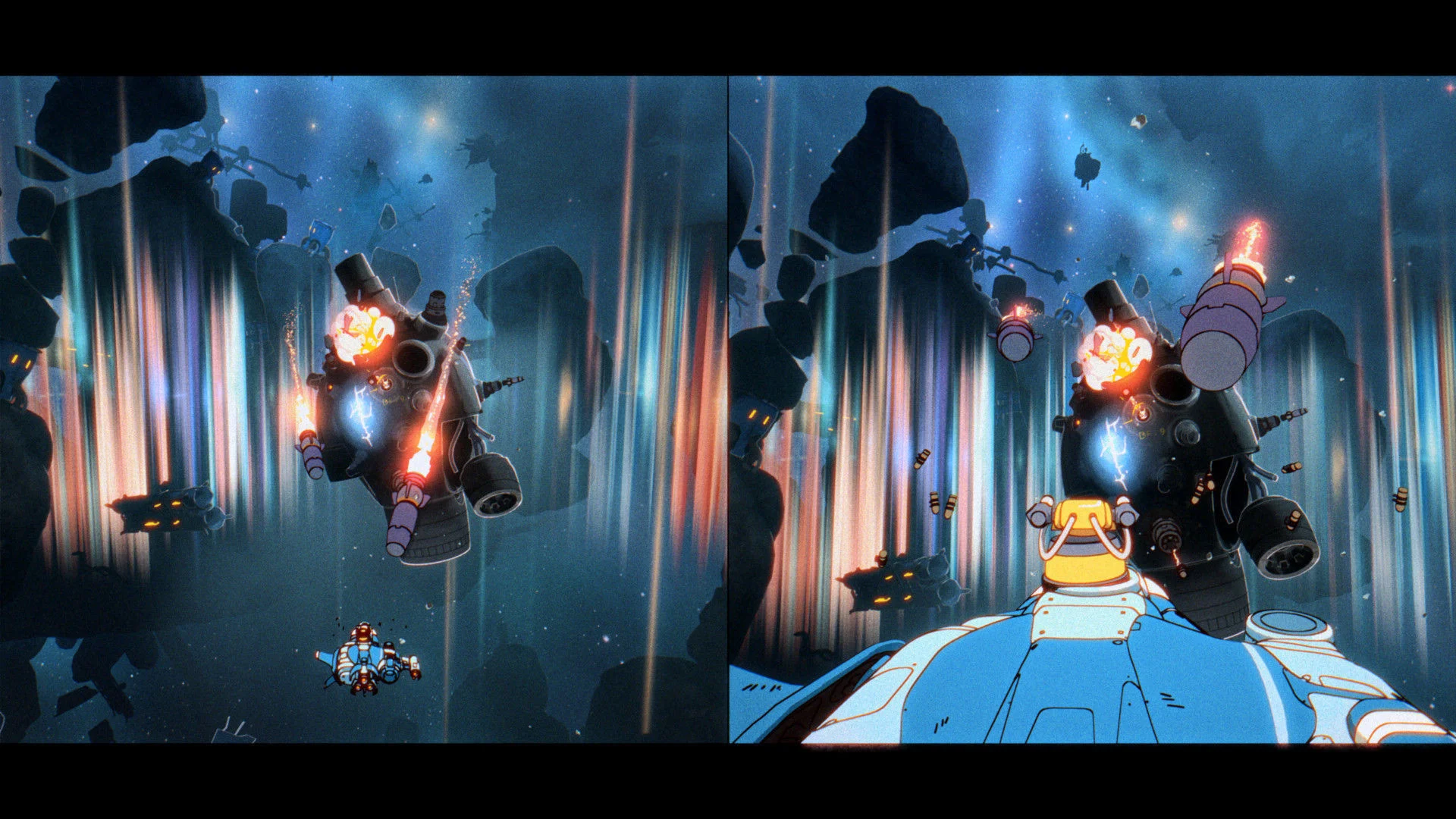
The presentation draws on retro anime, including animated story sequences created with Studio Massket. Gameplay moves between split-screen exploration, coordinated machinery, environmental puzzles and encounters where each player sees a different part of the problem.
Can you play with a random partner?
The official launch guides explain invitations through local play, GameShare, GameChat and Global Friend’s Pass. They do not advertise public matchmaking with random players. The safe expectation is that you should bring or invite your own co-op partner.
That makes communication important. The two players often receive different information or control different tools, so even an online pair should be ready to talk through what each person sees.
Orbitals co-op FAQ
Can the full game run on the original Nintendo Switch?
Orbitals is a Switch 2 game. A compatible original Switch-family system can receive a nearby local GameShare session from a Switch 2 host, but it cannot buy or independently run the full Switch 2 game.
Do both players need to buy Orbitals?
No. One full copy is enough when the second person joins through local split-screen, a supported GameShare session or Global Friend’s Pass.
Does Orbitals require Nintendo Switch Online?
Only for internet play. Both players need Nintendo Switch Online for online GameShare or a remote Global Friend’s Pass session. Local split-screen and local GameShare do not require the membership.
Does Orbitals have crossplay?
There are no PC, PlayStation or Xbox versions, so there is no conventional cross-platform multiplayer. Local GameShare can involve a compatible original Switch-family guest system, but the host game still runs from Switch 2.
Is the Deluxe Upgrade required for co-op?
No. The $14.99 upgrade adds optional extras and is not required for the campaign, Friend’s Pass or GameShare.
For future updates, screenshots and confirmed features, use the Orbitals game hub. If you are comparing one-copy co-op systems, the WheelMates Friend’s Pass guide explains a separate game’s approach. Switch 2 hardware pricing is covered in our September price update.