An Xbox disc should be the easiest way to play a game you own: put it in the console and start. During the latest Xbox network outage, some players found that the disc was not enough. Sign-in errors were expected. Seeing physical and backward-compatible games fail to open was harder to accept.
Xbox Support acknowledged problems with sign-ins, game libraries, and game launches. The company said it was working to reduce the impact, but the outage reached beyond online multiplayer and digital purchases. For some owners, the console could see a disc without letting the game begin.
Some Disc Games Still Need Xbox Services
VGC tracked the wider service problems, while Engadget's report through Yahoo included complaints from people trying to use physical games. The reports did not mean every disc stopped working. They showed that certain games and console setups still depended on Xbox services during the outage.
The difference depended on what each console already had installed and how the game handled ownership. Someone who had completed the download, set the console as their home Xbox, and used the game offline before could have a different result from a player installing the same disc for the first time. That makes the failure confusing because two people can own identical copies and still see different behavior.
Backward-compatible discs are one clear example. When an Xbox 360 or original Xbox game is supported on Xbox Series X, the console does not simply run the old software from the disc. It identifies the game, downloads a compatible digital version, and then uses the disc as proof that the player owns it.
Xbox explains that process on the official Series X page. It is a useful system because old games can receive compatibility fixes and run on new hardware. It also means the disc alone may not contain the version the console needs. A first install, a license check, or a missing download can still require a working connection.
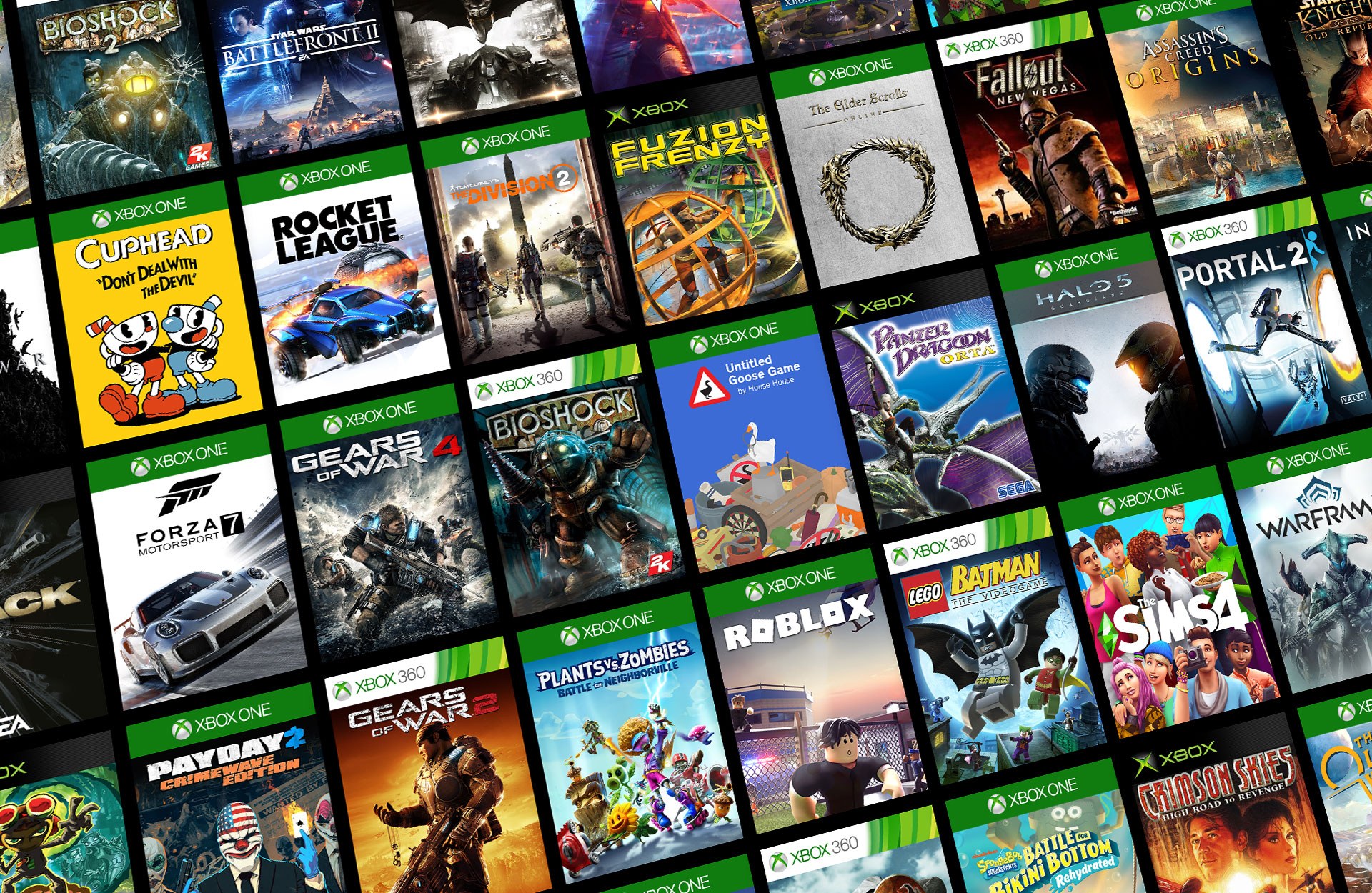
Newer physical games do not all work the same way either. Some discs include enough data for an offline install. Others need a large download, an update, or an online check before the first launch. The requirements can also change when a console is not set as the account's home Xbox or has not been prepared for offline use.
A disc can therefore serve as the installation source, the ownership key, or both. The plastic case does not tell the buyer which situation applies. Small print on the box may mention a download requirement, but it rarely explains what happens if Xbox account services are unavailable after the game has been installed.
Offline Play Should Be Easier to Trust
Microsoft provides an offline mode and explains how to prepare a console in its Xbox Support guidance. Games that require servers or constant internet access will not work offline, and downloaded licenses need the correct home-console settings. Most people do not check those details until their internet is down or Xbox itself has a problem.
A physical copy still has real value. It can be sold, lent to a friend, collected, and used as ownership proof without leaving the purchase entirely inside a digital account. Players buy discs partly because they expect more control. When a network outage blocks a game sitting on the shelf, that expectation and the actual system no longer match.
The outage was temporary, but the ownership question is not. Xbox can reduce the frustration by making offline status clearer on every game page, warning players when a disc needs a download, and checking that previously installed games keep working when account services fail. Those details should be visible before someone spends money, not discovered during an outage.
Players should also test offline mode before they need it. That is practical advice, not an excuse for the platform. A console with a disc drive should make physical ownership dependable, and an Xbox service problem should not leave people guessing which games they are allowed to open.