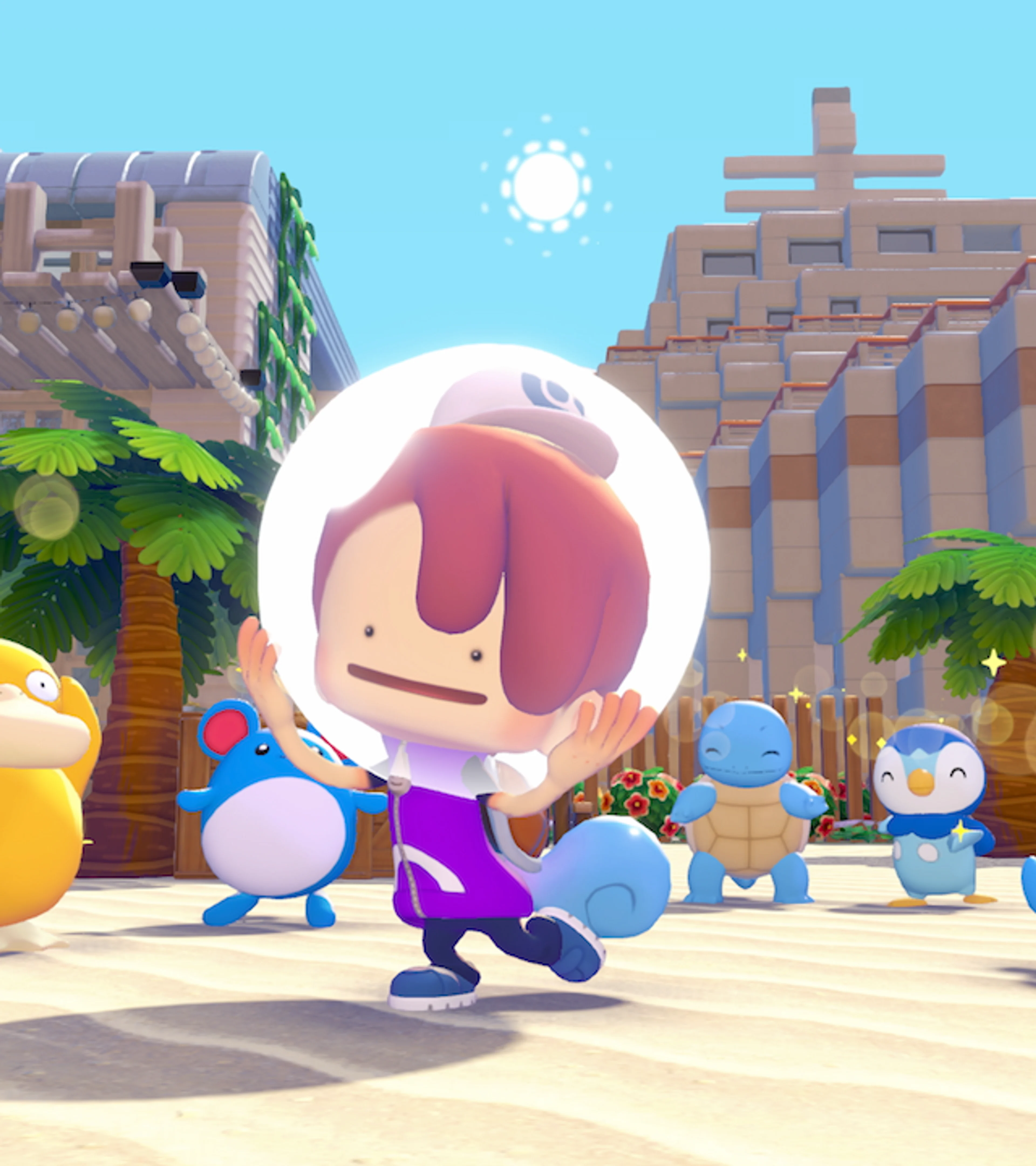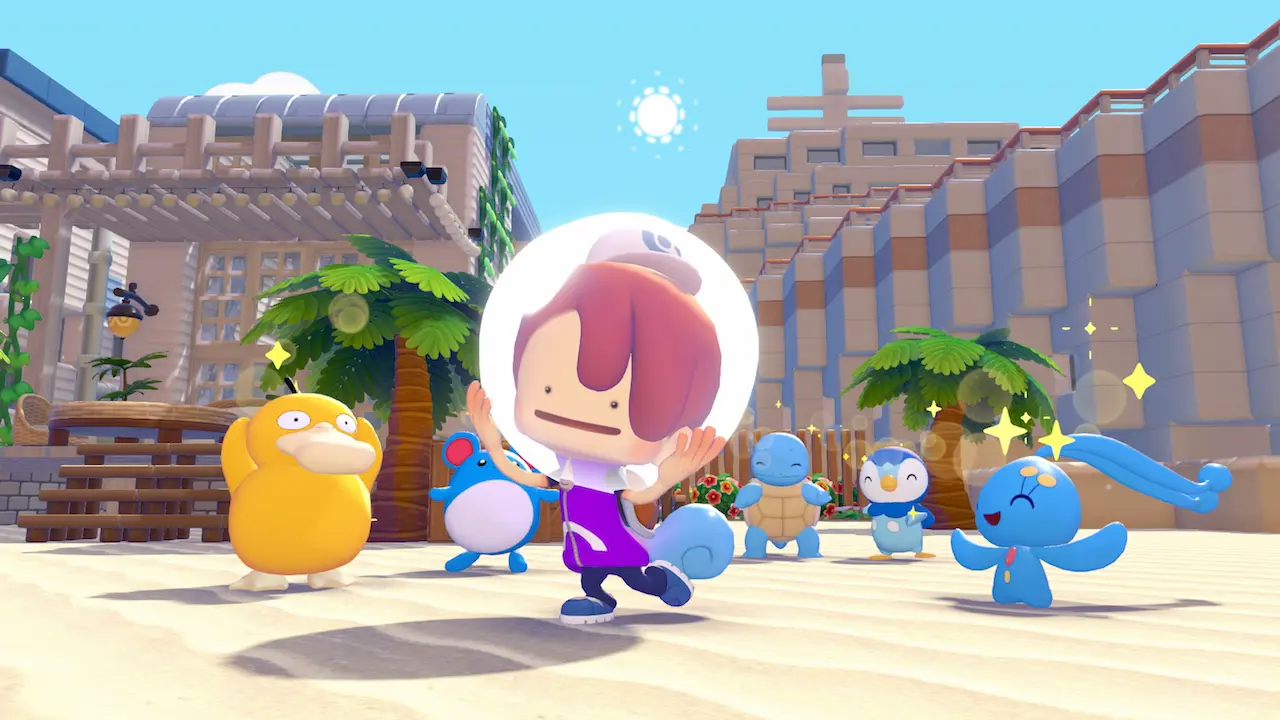
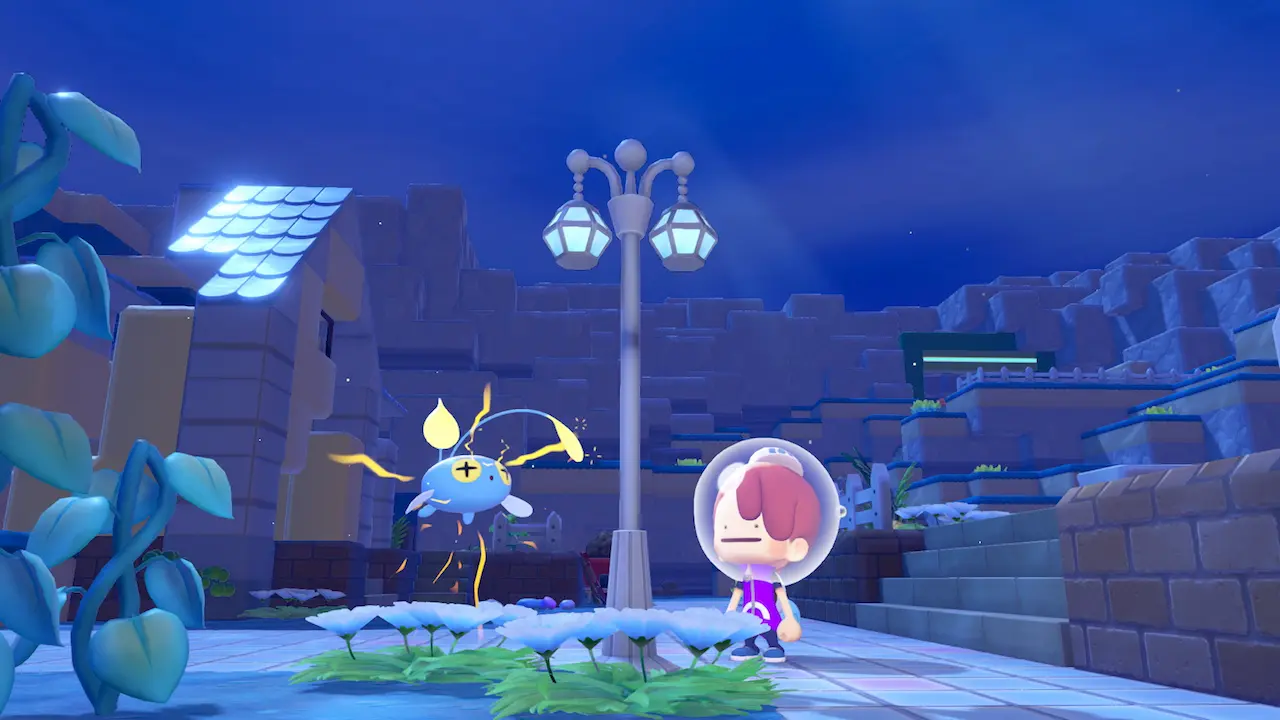
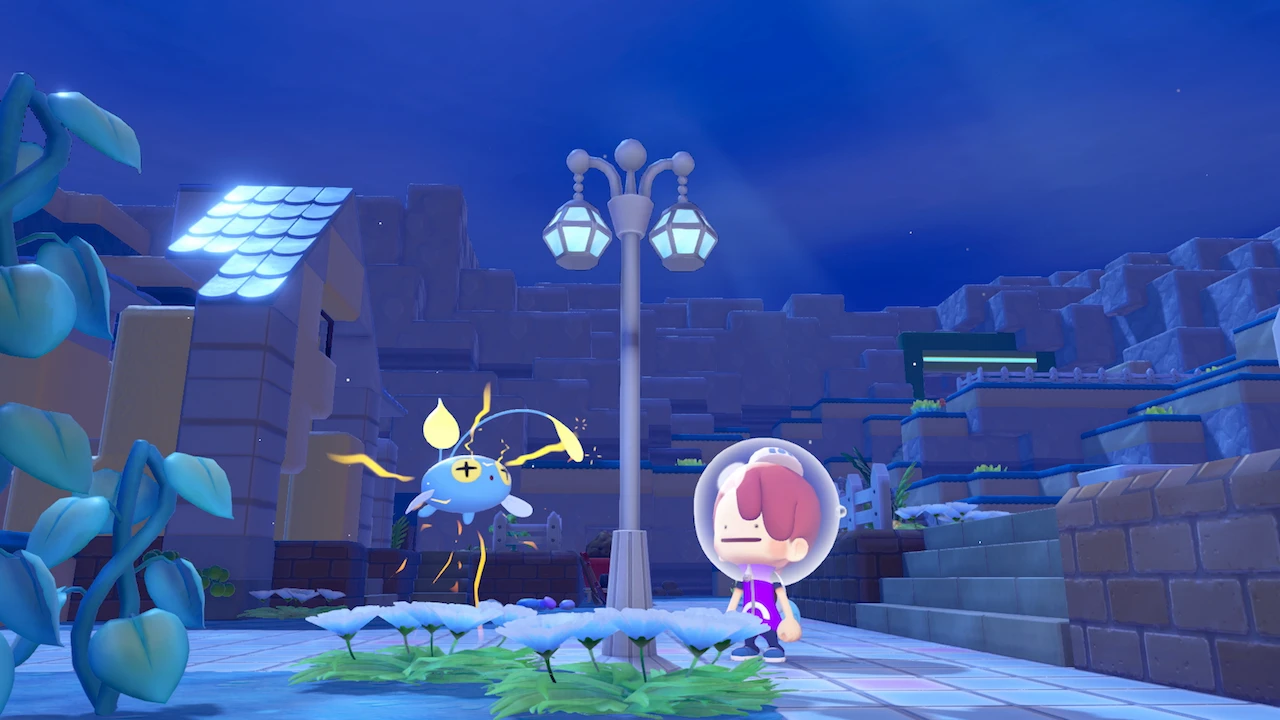
Pokémon Pokopia Version 2.0 is available now, and it is much bigger than a doorway to the Bubbly Basin DLC. The free update adds Dive and underwater building for every player, introduces new storage tools, speeds up several repetitive jobs, improves movement, and fixes a long list of bugs.
The storage changes are likely to get the most attention. Pokopia has always encouraged players to gather and build across several towns, but its separate boxes made materials easy to lose track of. Version 2.0 does not turn the game into one unlimited global inventory, but it gives players better ways to move, organize, and reach the items they use most often.
This guide covers the free update only. If you want the requirements for the paid underwater town, use our Pokémon Pokopia Bubbly Basin DLC guide. The Pokémon Pokopia game page also has the basic platform, multiplayer, and release information.
Is Pokémon Pokopia Version 2.0 available now?
Yes. Nintendo released Pokémon Pokopia Version 2.0.0 on August 4, 2026, for Nintendo Switch 2. The update is required for online play, and everyone in a multiplayer session needs to use the same version.
The console should download it automatically when connected to the internet. If it does not, highlight Pokémon Pokopia on the HOME Menu, press the Plus or Minus button, choose Software Update, and then select Via the Internet. The version number appears beneath the game title in that same menu.
Your existing save remains available after the update. You do not need to start a new town.
What is free and what needs the Expansion Pass?
Version 2.0 and Bubbly Basin arrived together, but they are not the same product.
- Free for every owner: Dive, underwater building, the Safe and portal pod, bulk item transfers, new emotes and hair colors, expanded movement options, higher generator and photo limits, and the other quality-of-life changes in the patch.
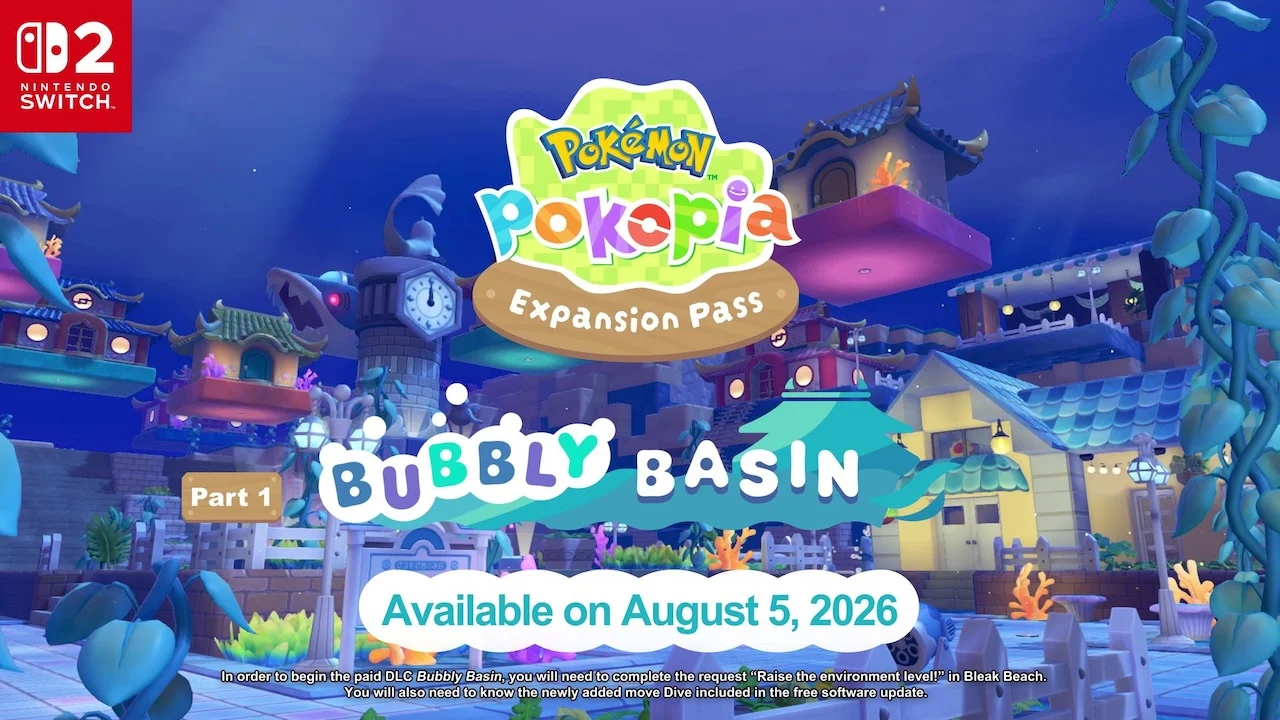
- Paid Expansion Pass content: the separate Bubbly Basin town, its Pokémon, requests, habitats, furniture, clothing, and other area-specific additions.
You can swim and build underwater without buying the Expansion Pass. You only need the pass if you want to enter Bubbly Basin and play its town content.
That distinction is useful for returning players. Install the update and test the new systems before deciding whether the paid town is for you.
How shared storage works in Version 2.0
Nintendo’s patch notes name two new items: the portal pod and the Safe. Their recipes become available through the shop after you raise Palette Town’s Environment Level. Nintendo does not give an exact level in the notes, so do not assume the recipe is missing or broken if it is not visible immediately. Keep improving Pokémon comfort and checking the Palette Town shop as the level rises.
Early preview coverage described the Safe as a shared-storage device. Items placed inside can be reached through other matching units placed in different towns or locations. That makes it useful for common building materials that you repeatedly need away from your main base.
The preview build showed 140 storage slots. Nintendo’s final patch notes do not list a capacity, so treat 140 as a preview figure rather than a guaranteed final number until you confirm it in your own game.
The safest early setup is simple:
- Raise Palette Town’s Environment Level and buy the Safe recipe when it appears.
- Craft one unit before changing your existing storage rooms.
- Put a few common materials inside and test access from another location.
- Place additional units only after you understand which inventory they share.
- Keep rare or carefully sorted items in normal boxes until you are comfortable with the new system.
This avoids dismantling a storage layout based on assumptions from the preview build.
Bulk transfers make normal storage faster too
Version 2.0 adds a bulk-move function between a storage box and Ditto’s bag. Nintendo does not describe the exact button prompt in the patch notes, but the new option should appear while managing a compatible box.
The update also changes the order used during crafting. When a workbench has a storage box next to it, materials from that box are consumed before materials in your bag. That helps protect the supplies you are carrying for another job.
These two changes improve the old storage system even if you have not unlocked the Safe. Moving a complete group of items is quicker, and a workbench can use its nearby supply box first instead of eating through your travel stock.
Version 2.0 also lets you delete items placed inside objects such as garbage bins. It is a small addition, but it makes cleanup easier when a container is full of items you no longer want.
How to unlock Dive
Dive is part of the free update. It lets Ditto move freely underwater and gives the Build specialty access to underwater houses.
Before learning it, complete the important “Raise the environment level!” request in Bleak Beach and learn the required movement abilities, including Surf. The official Bubbly Basin instructions also identify the earlier jump-related ability as a prerequisite. After those steps and the Version 2.0 update are in place, Manaphy introduces Dive.
If Dive is not appearing, check these points:
- The title screen or HOME Menu shows Version 2.0.0.
- The Bleak Beach environment request is complete.
- Ditto has the required movement abilities.
- You have returned to the correct story area after updating.
Buying the Expansion Pass does not bypass those requirements. The pass opens Bubbly Basin after Dive is available; it does not automatically teach the move.
Underwater building is free
Once Dive is unlocked, the Build specialty works underwater. You can place structures below the surface and continue a design beyond the shoreline instead of treating water as a hard border.
Version 2.0 also allows Strength underwater and improves water behavior while Ditto is holding or releasing liquid. A short press can hold liquid without removing it from the environment, and released water now tries to match nearby water levels automatically.
Several smaller building improvements support the same idea. Certain roof pieces now block water, windows and doors have finer depth placement, square plants can hold items, and curved eaves produce ten pieces per craft. Tidal Bells and Clear Bells can also be triggered with laser sensors and switches.
Together, these changes make underwater projects more practical even outside the paid DLC town.
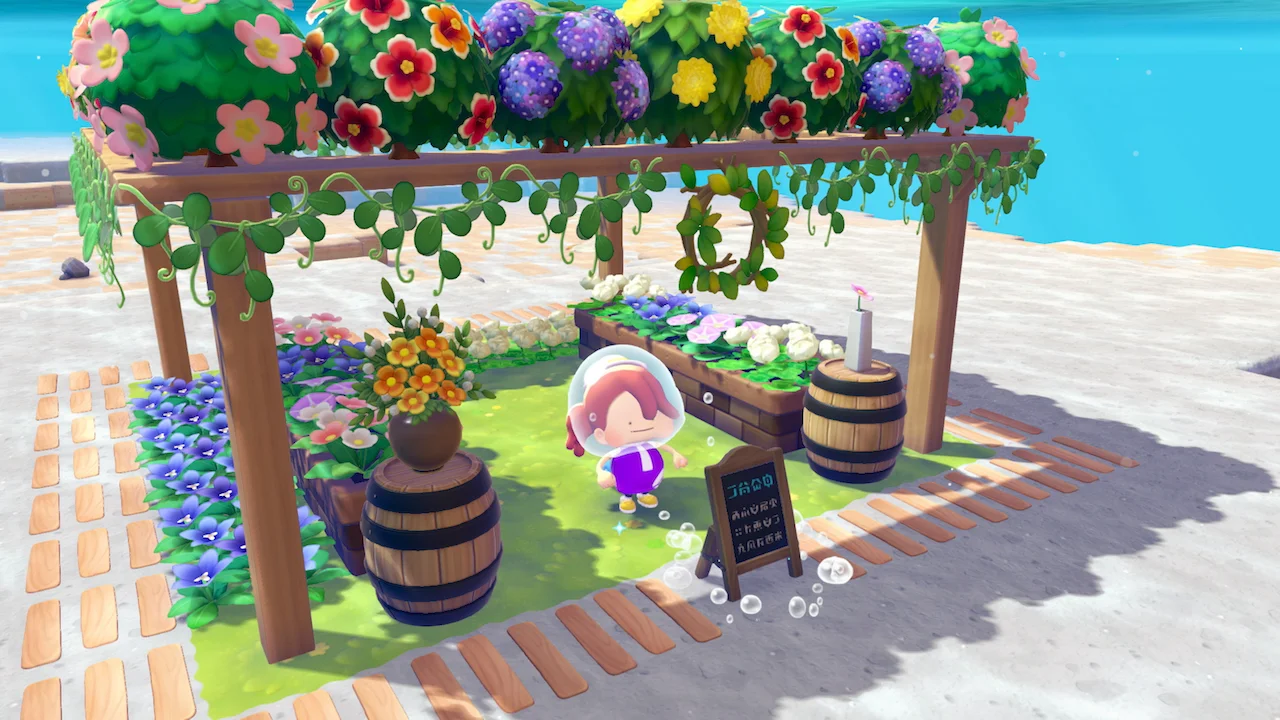
The best quality-of-life changes
The patch notes are long, but a few improvements will save more time than the rest.
Lost relics can be appraised in groups
You can now appraise up to ten lost relics at once. Players who kept a box full of relics because the old dialogue took too long finally have a faster way to clear the backlog.
Repeated jobs need fewer conversations
Paint, Gather Honey, and Collect can run multiple times in one interaction. These are routine jobs, so removing repeated conversations makes resource processing feel less stop-and-start.
Finding Pokémon in other towns is easier
If a Pokémon selected in the Pokédex is living in another town, Return Home can now take you to that town. The Pokédex and Habitat Dex also have a new All tab.
Companions keep up with more moves
Following Pokémon can travel with Ditto while using Surf, Glide, Rollout, or Magnet Rise. Rollout can break some large natural objects, Surf can start from land while using the focus button, and Strength now works underwater.
Building limits are more generous
The power-generator limit, excluding furnaces, rises from 64 to 128. Towns can display 40 different photos instead of 10. These increases are especially useful for large decorative builds.
Camera and controls are more comfortable
Version 2.0 adds camera settings intended to reduce motion sickness. You can move while the move wheel is open and hide the confirmation message that appears when canceling Magnet Rise.
New cosmetic options and recipes
The update adds orange, light pink, yellow-green, blue-green, and brown hair colors. New emotes include Lie Down and Ready, Set, Go!, found through Bleak Beach and Dream Islands.
Players who earned the diploma can talk to Smearguru for the dynamic Ditto print. Smearguru can also learn patterns from photos saved in References.
More existing furniture can be painted, including workbenches, vending machines, bikes, bookcases, Pokémon Center counters, arrow signs, handrails, metal chains, ropes, and stylish stools.
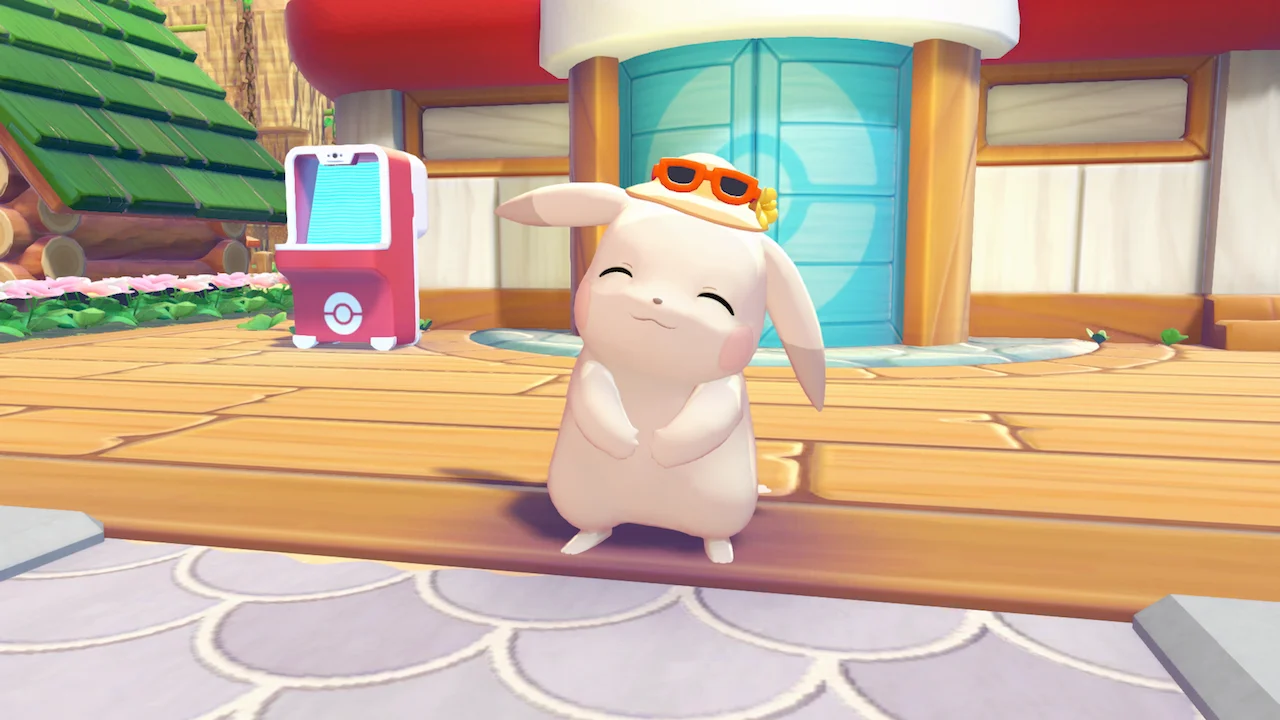
Important bug fixes
Nintendo fixed problems that could block construction or requests, send players to the wrong location after leaving a Dream Island, and prevent some Pokémon from traveling across water. The patch also addresses missing paint from community-box berry processing, disappearing visual effects behind glass, and multiplayer situations where a build could not be completed or canceled.
One especially useful habitat change allows a Pokémon to move back in when you rebuild the same habitat within the correct area. Replacing furniture that made a Pokémon sad should also register more quickly.
If you previously stopped playing because a request or Dream Island transition was broken, update the game and try the affected step again before rebuilding the surrounding area.
Does Version 2.0 fix Pokopia’s storage problem?
It improves it substantially, but it does not create one unlimited inventory for every item in the game.
The Safe gives players a shared pool that can be reached through matching units, while bulk transfers make regular boxes faster. Workbenches also handle nearby stored materials more sensibly. Those changes reduce travel and menu work without replacing every organized storage room.
Use the shared space for materials you need everywhere: lumber, stone, metals, glass, rope, and other common building supplies. Keep furniture collections, event items, and location-specific materials in labeled normal boxes. That split gives you the convenience of shared storage without turning one container into another unsorted pile.
Pokémon Pokopia Version 2.0 FAQ
Is Version 2.0 free?
Yes. The software update is free for every Pokémon Pokopia owner on Nintendo Switch 2.
Do I need the Expansion Pass to use Dive?
No. Dive and underwater building are part of the free update. The Expansion Pass is required for the Bubbly Basin town.
How do I get the Safe recipe?
Raise Palette Town’s Environment Level and check its shop. Nintendo confirms the progression requirement but does not name an exact level in the patch notes.
Does the Safe have 140 slots?
Preview coverage showed 140 slots. Nintendo’s final update notes do not confirm the capacity, so check the retail version before treating that number as final.
Can I move many items at once?
Yes. Version 2.0 adds bulk movement between a storage box and Ditto’s bag.
What should I do next?
Install the update, test the Safe before reorganizing your towns, and unlock Dive. If you own the Expansion Pass, continue with our Bubbly Basin guide for the paid town’s requirements and new activities.