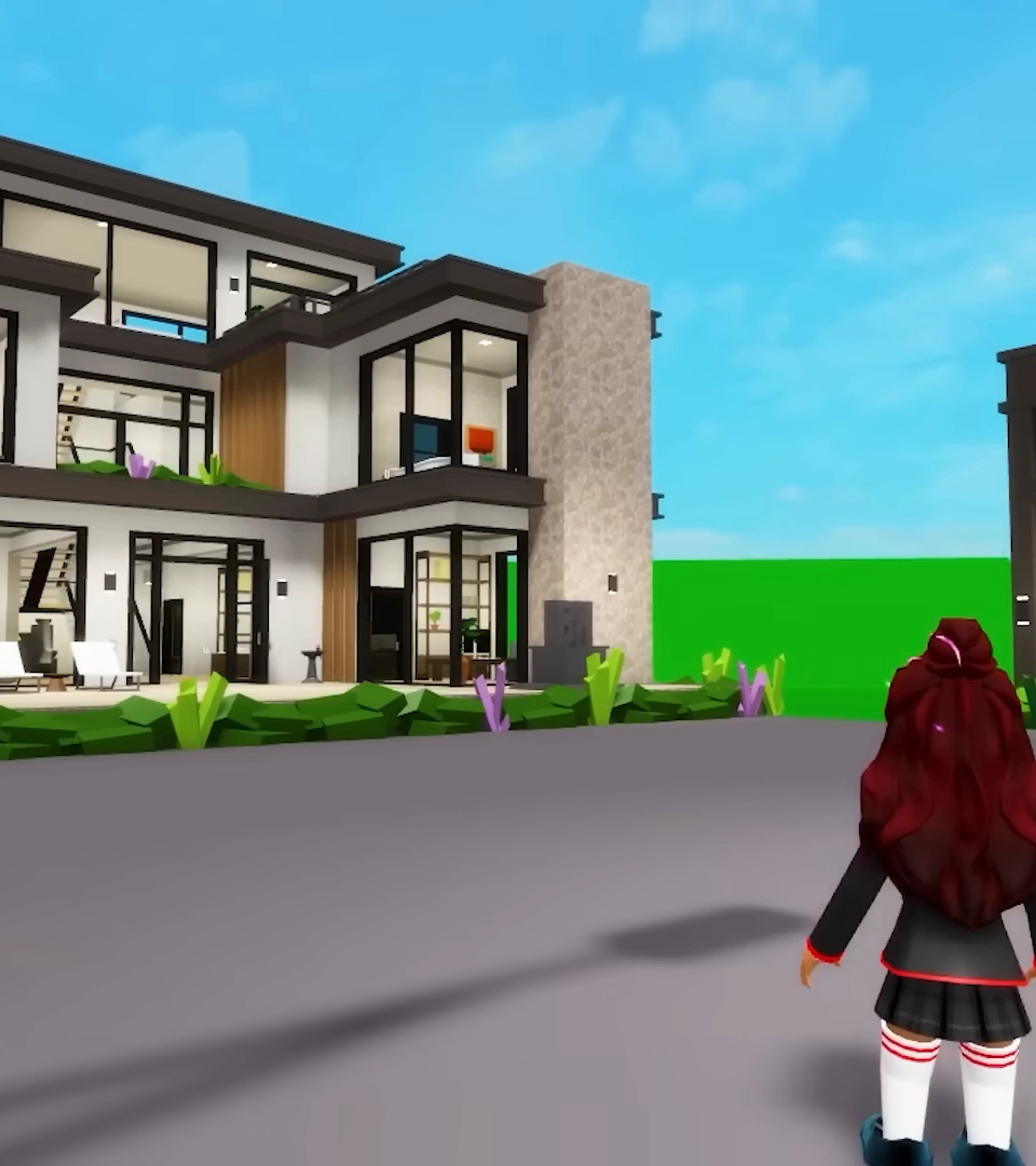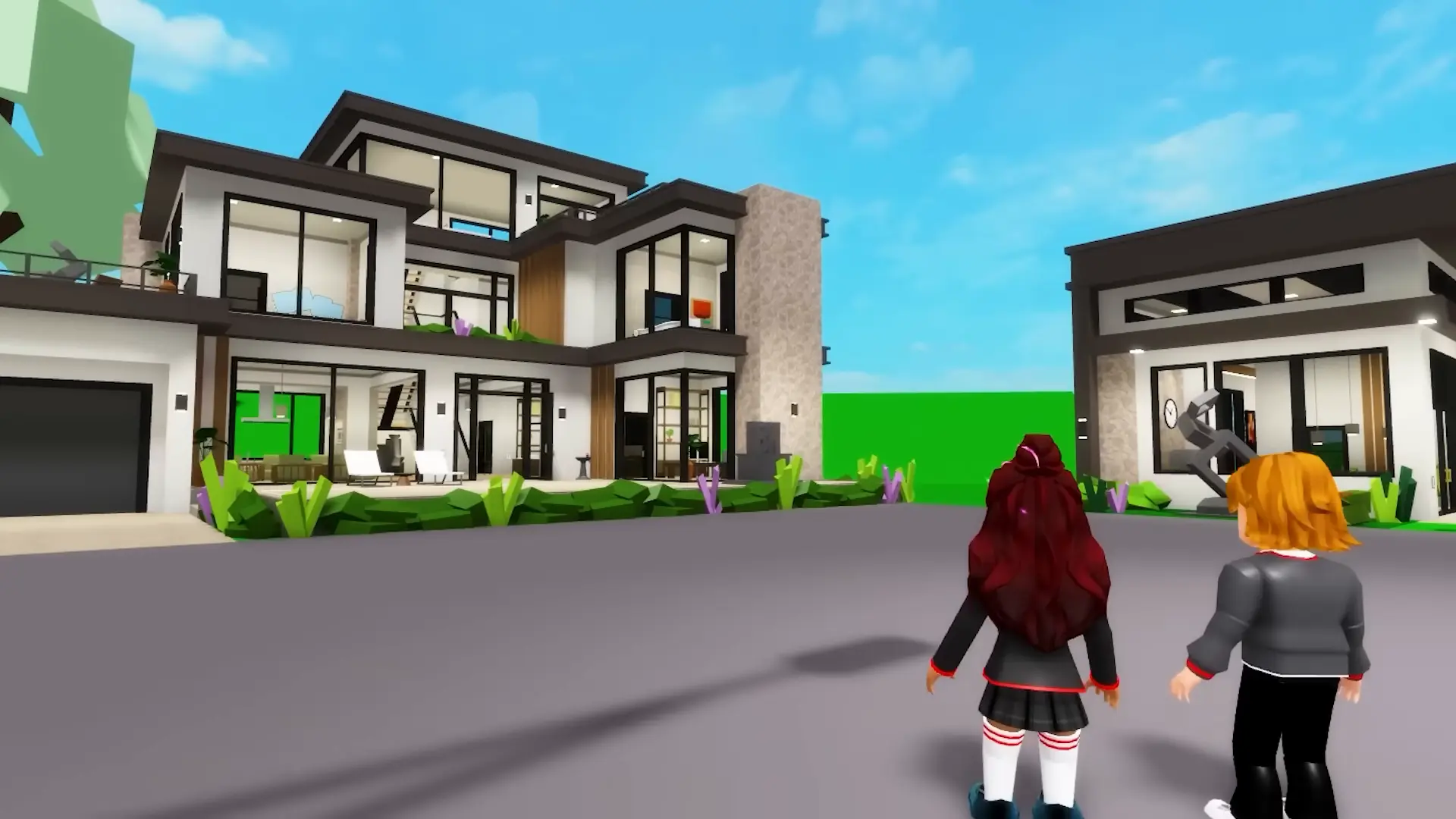
Use the save option in Brookhaven’s house menu to store your home’s settings and prop placements. House saving is manual. Private-server prop saving is a separate system for the wider server layout, so a video showing three server build slots is not showing your ordinary house save.
Save before leaving or rebuilding
After decorating, open your house menu and save the layout before leaving. Everyone gets one house save; additional house slots are sold separately. A private server is not required for the basic house save.
For a first test, make a small, recognizable arrangement and save it before committing to a large build. Keep a screenshot of your layout as a reference. That screenshot will not restore the build, but it can help you see whether you have returned to the arrangement you intended.
Why a tutorial shows three save slots
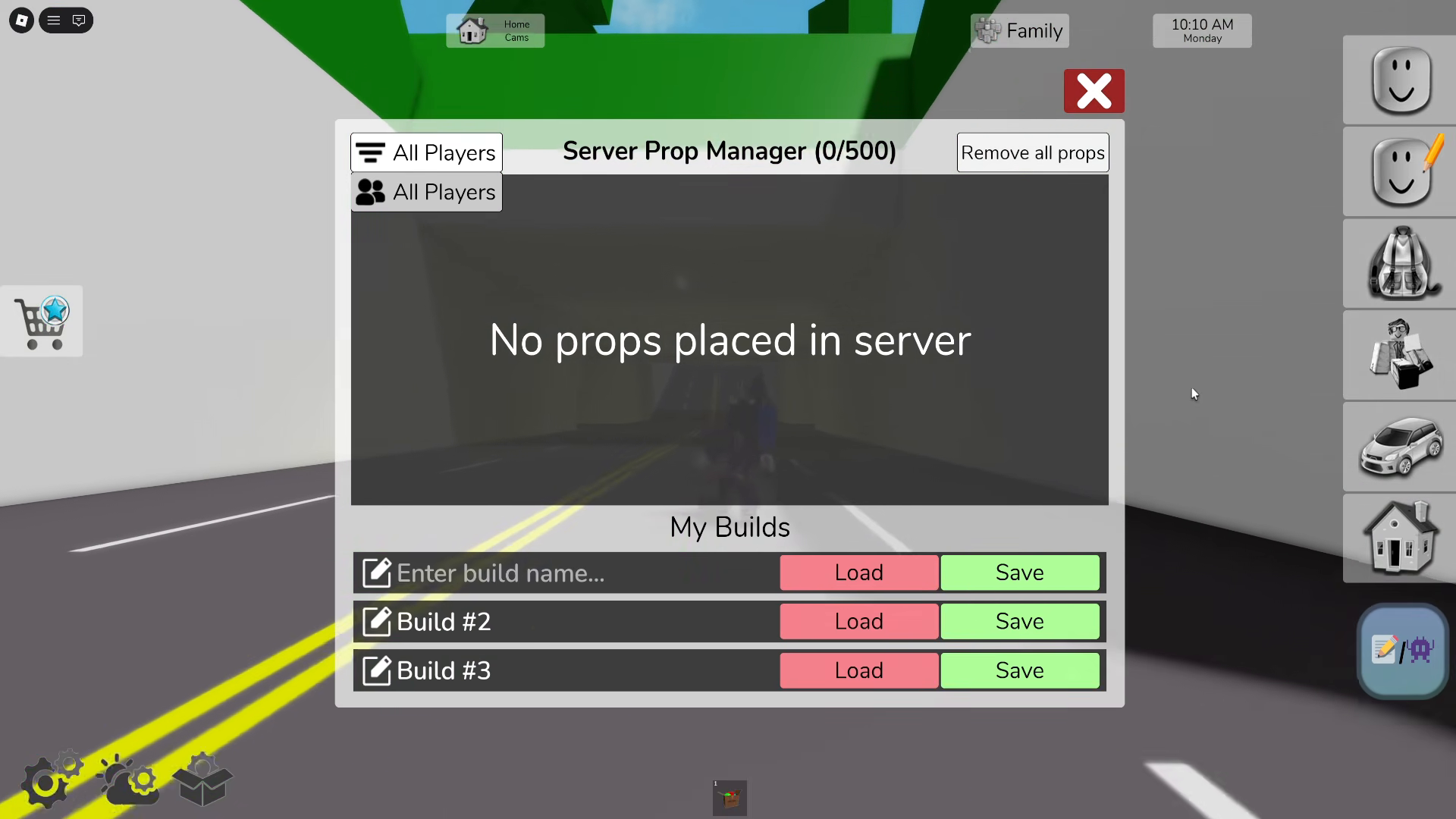
Private-server owners have three server-wide prop-save slots. These store a server layout rather than just one home. The Server Prop Manager shown below belongs to that system; do not use its slot count as the allowance for a house.
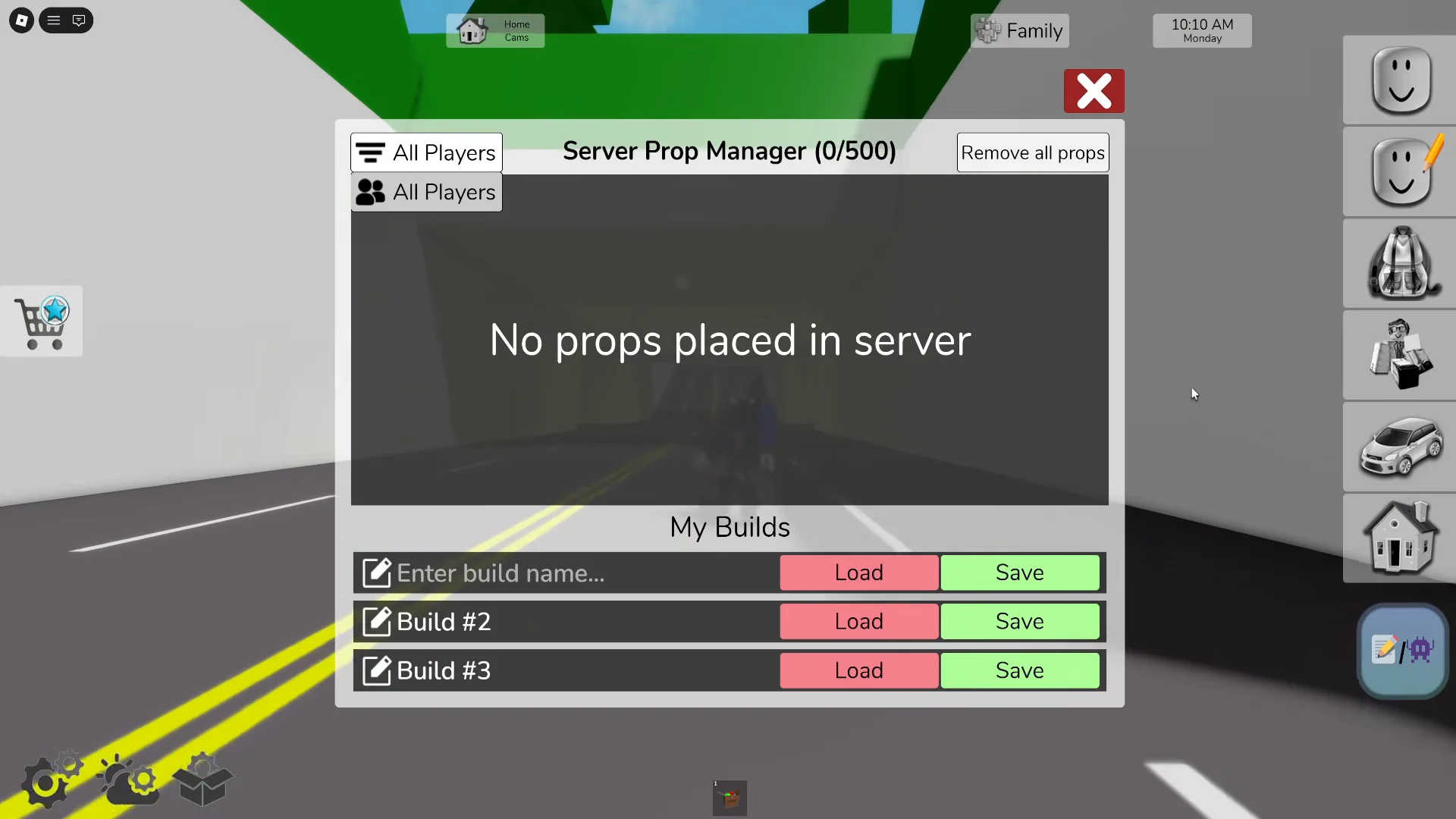
Open this screenshot at full size
Private servers are monthly subscriptions. Extra house save slots are a different purchase, and neither should be confused with the Premium house-and-vehicle pass. Check which feature you actually need before opening a purchase prompt.
Editing props and changing houses
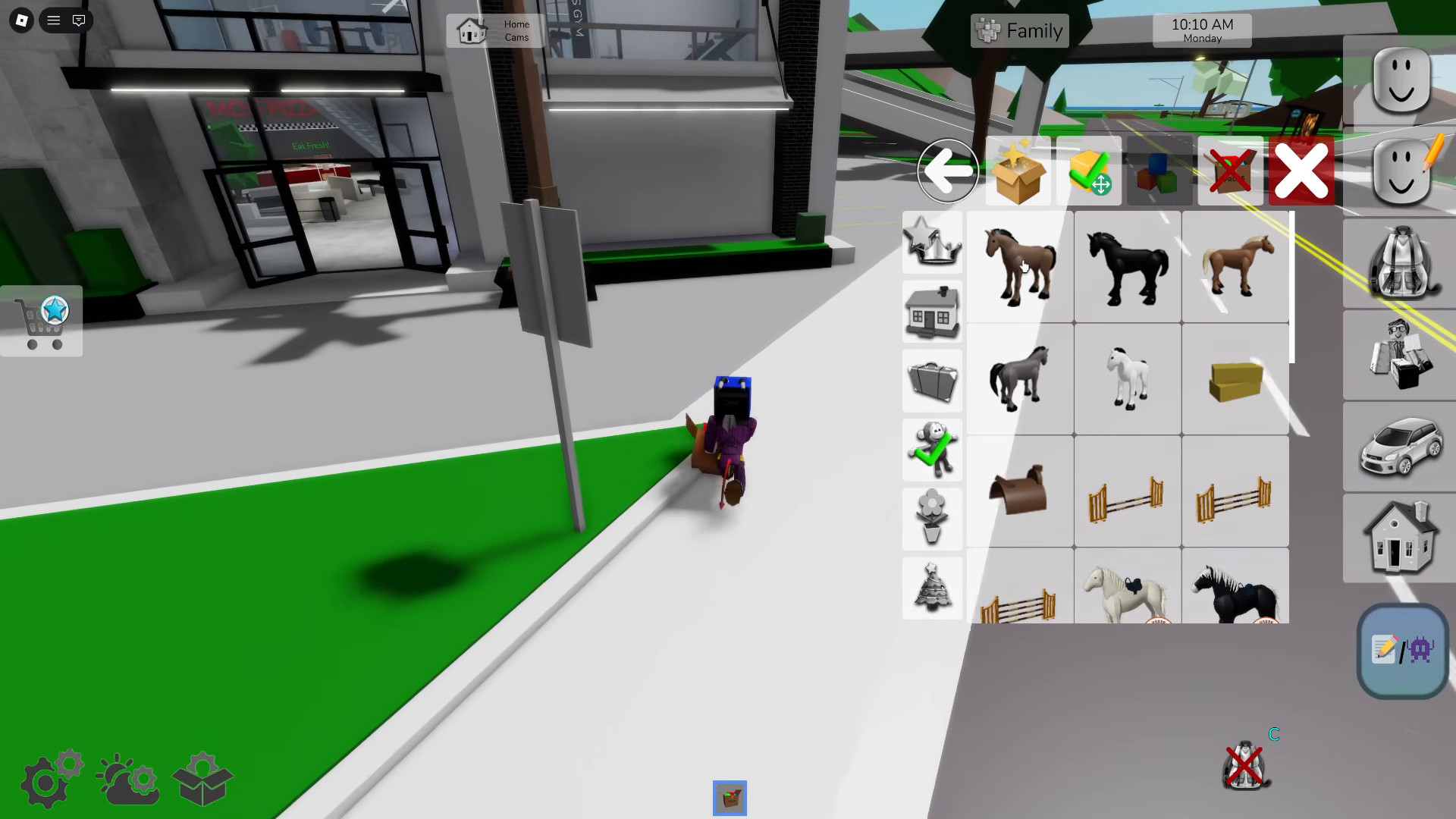
Props Edit Mode lets you reposition, rotate, duplicate and delete props. Color and texture editing are also available. Prop resizing and disabling collisions are private-server features; a missing advanced control does not mean that ordinary decorating is broken.
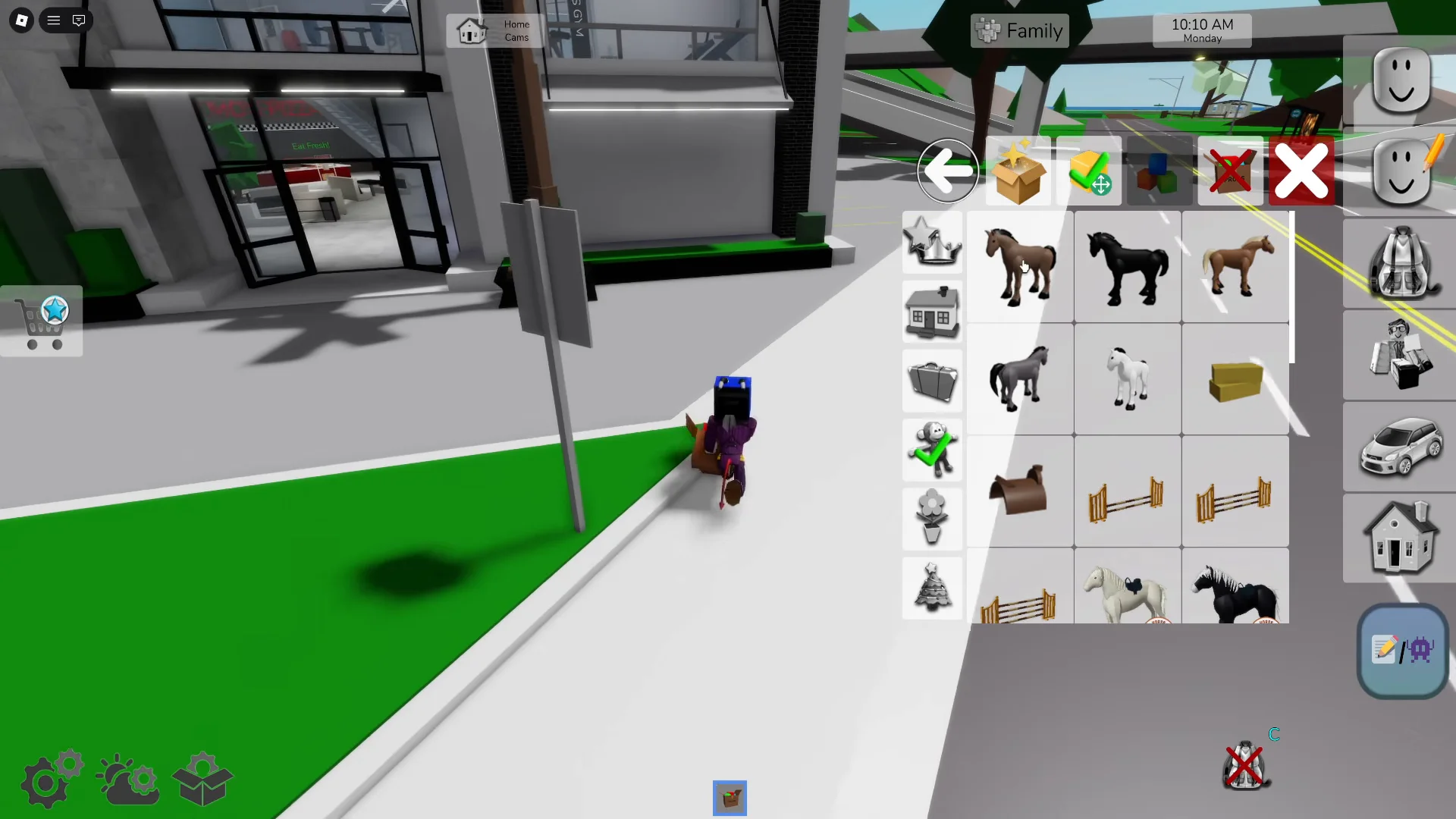
Open this screenshot at full size
Moving to another house resets access controls, including locks, roommates and bans. Set those again after moving. Changing properties normally has a ten-minute wait; VIP removes that cooldown. Choose your home before starting a long decorating session.
If your layout is missing
First, check whether you used the house save or a server-wide prop save. Then check whether you saved after your last changes. Avoid saving an empty or unfinished arrangement over a version you want to keep while investigating.
Older advice that Brookhaven cannot save house settings is outdated: the house-save feature was included in the May 15, 2026 update. This does not mean every session autosaves, or that a screenshot is a backup the game can load.