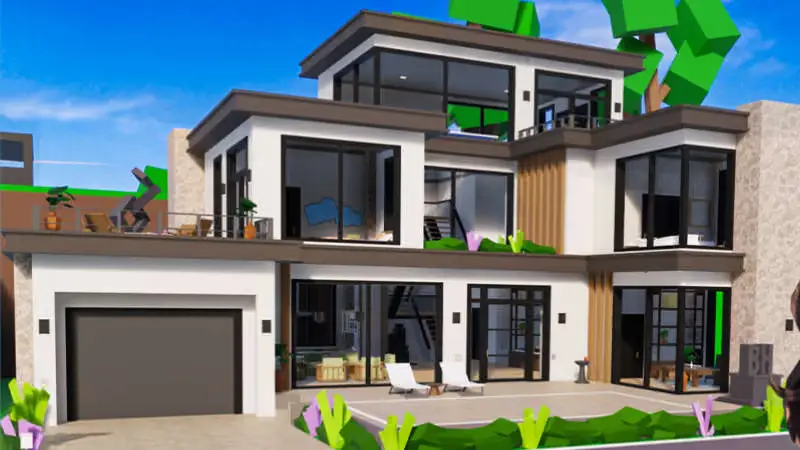

Start Brookhaven by claiming a free home, spawning a vehicle and choosing something to roleplay. You do not need to earn a salary before you can settle in. Most houses and vehicles are available without buying a pass.
Find the menus before exploring
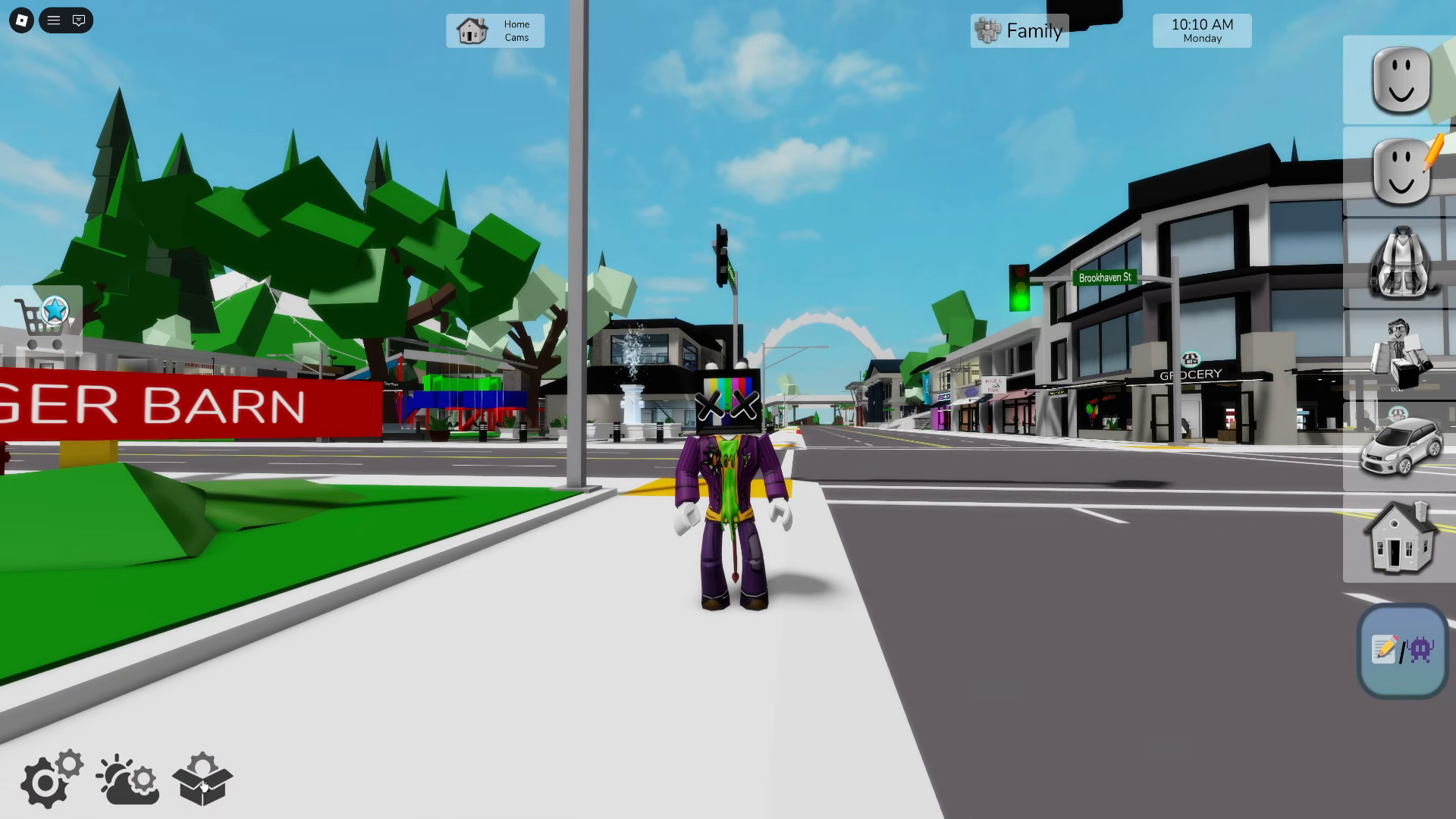
Use the sidebar on the right to open Houses, Vehicles, Jobs and the Avatar Editor. Click or tap the icons; there is no dedicated keyboard shortcut for this sidebar. On PC, WASD or the arrow keys move your character, Space jumps and Esc opens the separate Roblox menu.

Open this screenshot at full size
On mobile, use the movement joystick and jump button. Console players use the left stick to move and the controller’s jump button. Avoid copying a PC key from a video when you are playing on a phone or controller.
Claim your first home
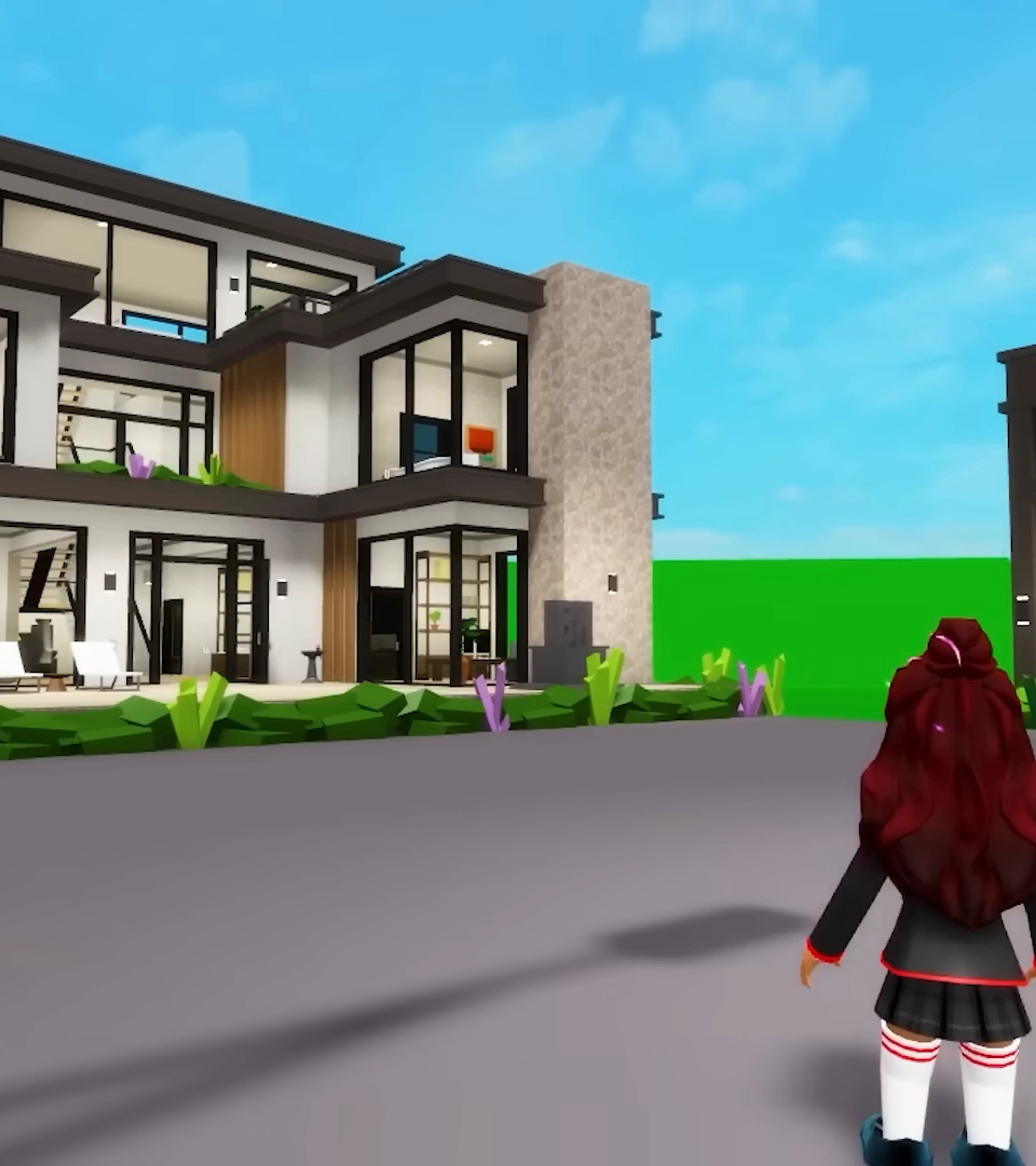
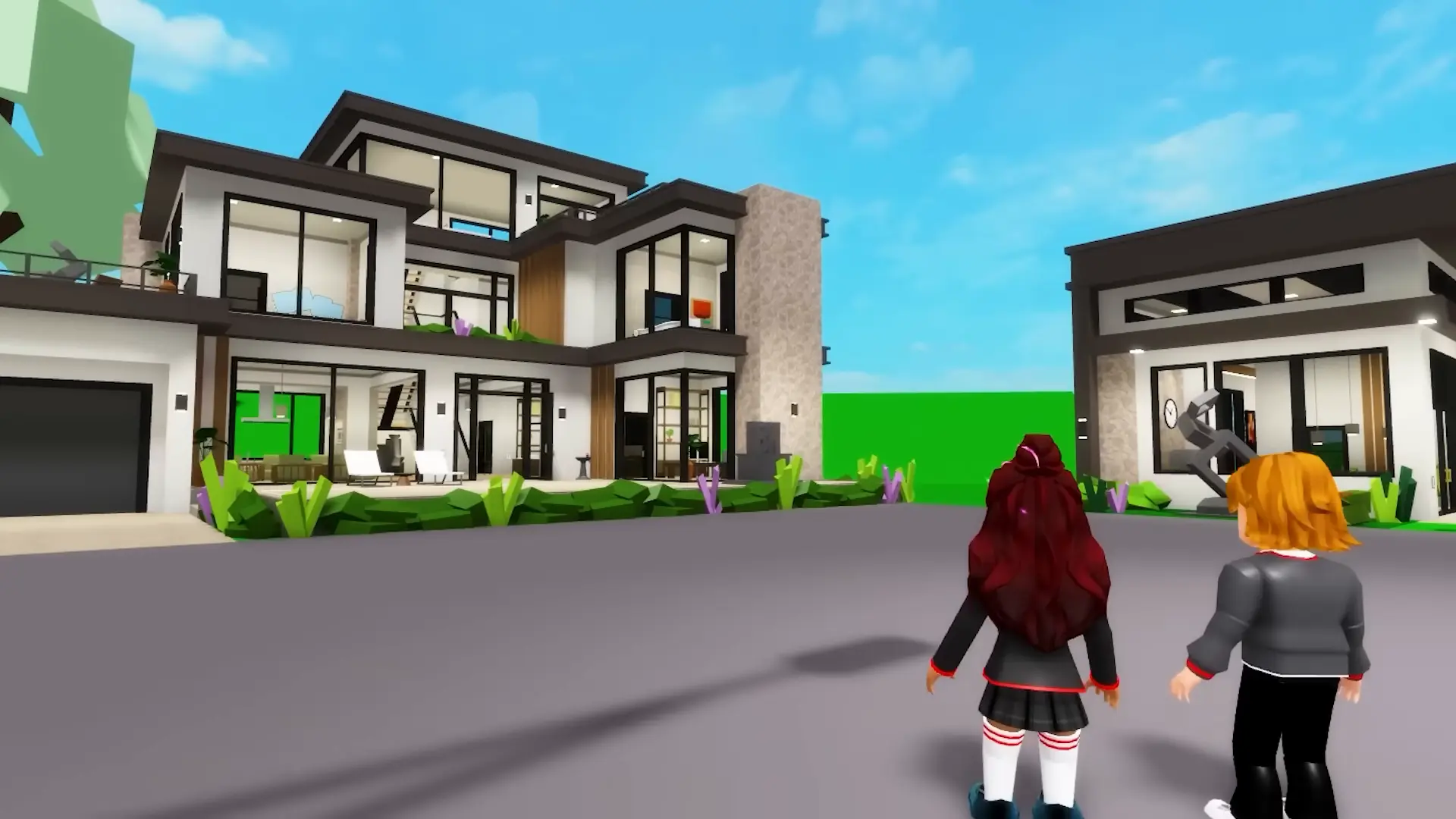
Open Houses, locate a plot marked Vacant, then go there and claim it. Choose a home for that plot. If the server’s plots are occupied, try an apartment, a motel room or another server. You can hold one property at a time.
Before decorating for a long session, read how house saves and private-server prop saves differ. Your home needs a manual save; simply walking away is not a saving method.
Spawn a car and get around
Open Vehicles and choose a free option. Ordinary cars appear beside you. Press jump to leave a car. For a bike, scooter or horse, use E on PC or the on-screen X on mobile.
If a vehicle does not appear beside you, check its type: boats appear at the water, aircraft use suitable pads and horses appear on streets. Some boats are free, while others require Boat Pack. Permanent aircraft require passes; do not assume that every thumbnail in the menu is a free unlock.
The basic emergency vehicles are available without taking a police or fire-service job. Special vehicles can have separate pass requirements. For a trip without driving, use the subway: sit down and choose Crown Pointe, Downtown, Blackhawk or Lake Madison.
Choose a job for the story you want to play
Select a role from Jobs or use Take Job inside a workplace. The icon above your character identifies the role to other players. Jobs do not pay wages: choosing doctor, shop worker or chef gives your roleplay a purpose, rather than starting an income grind.
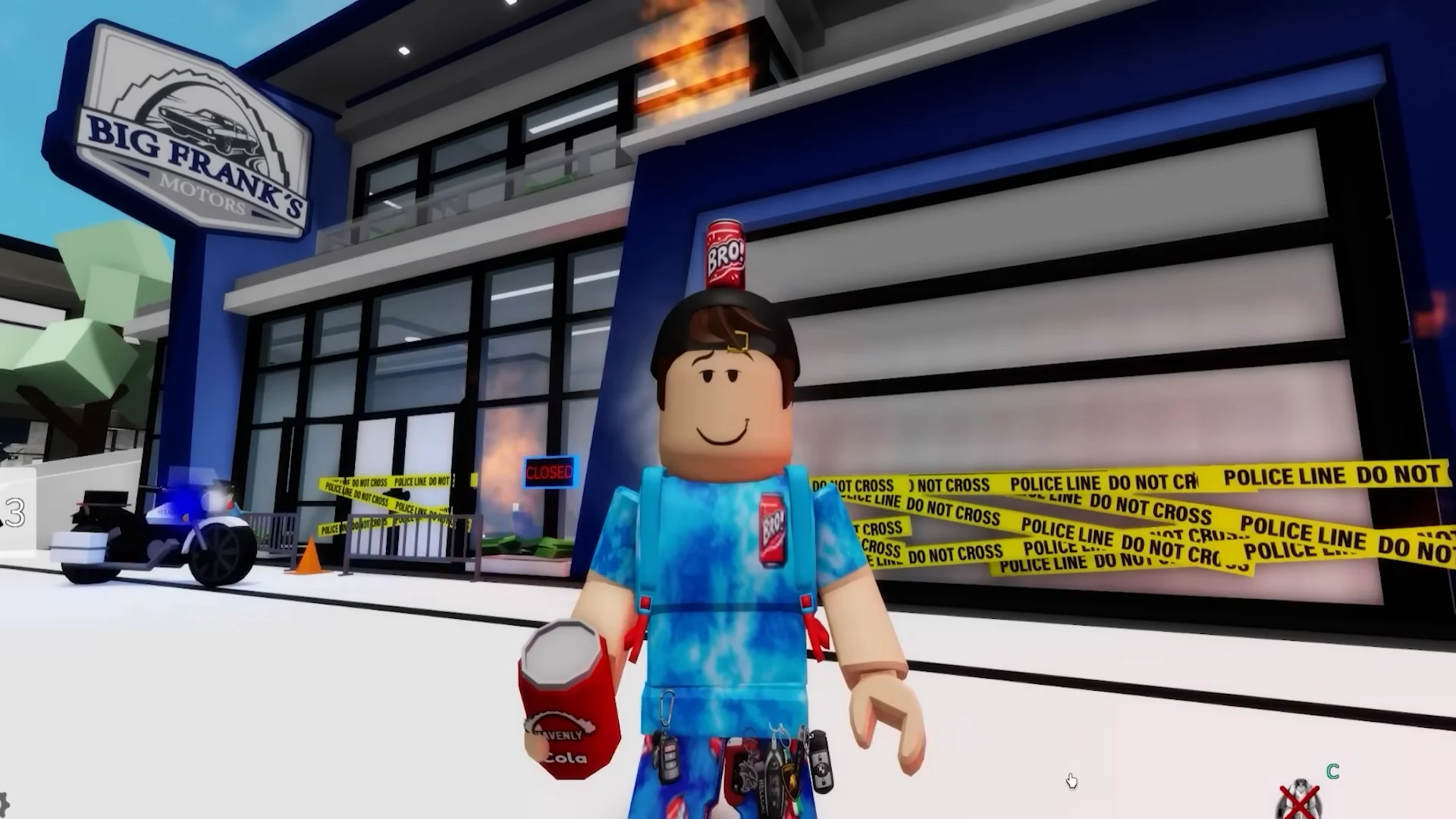
You can hold one job at a time, take a break or quit. Look for workplace clothing racks when you want a matching outfit, or use the Avatar Editor. Start with a small scene: for example, one player runs a repair shop while a friend brings in a vehicle and explains what went wrong. Agree on the scene before assigning anyone a role.
Join friends without buying a server
Open a friend’s Roblox profile and use Join Experience when their join settings allow it. A private server is optional and renews monthly; it is not required just to play together. If joining is unavailable, ask your friend to check who can join them rather than buying something to solve a privacy setting.
Once you are together, pick a meeting place and a simple plan: collect everyone from home, visit a workplace, then explore another part of town. You can change the plan whenever the group wants; there is no quest order you need to complete first.