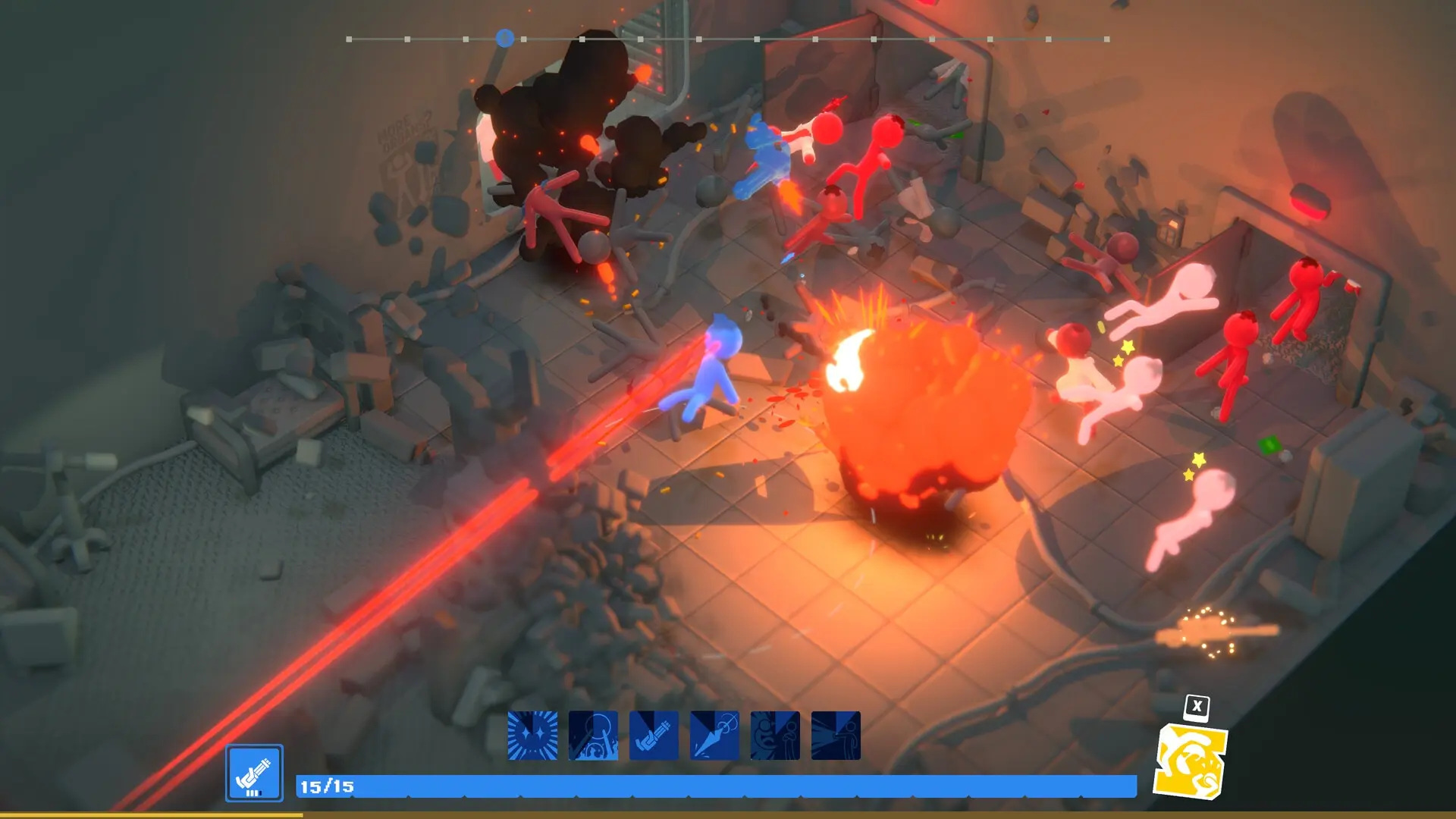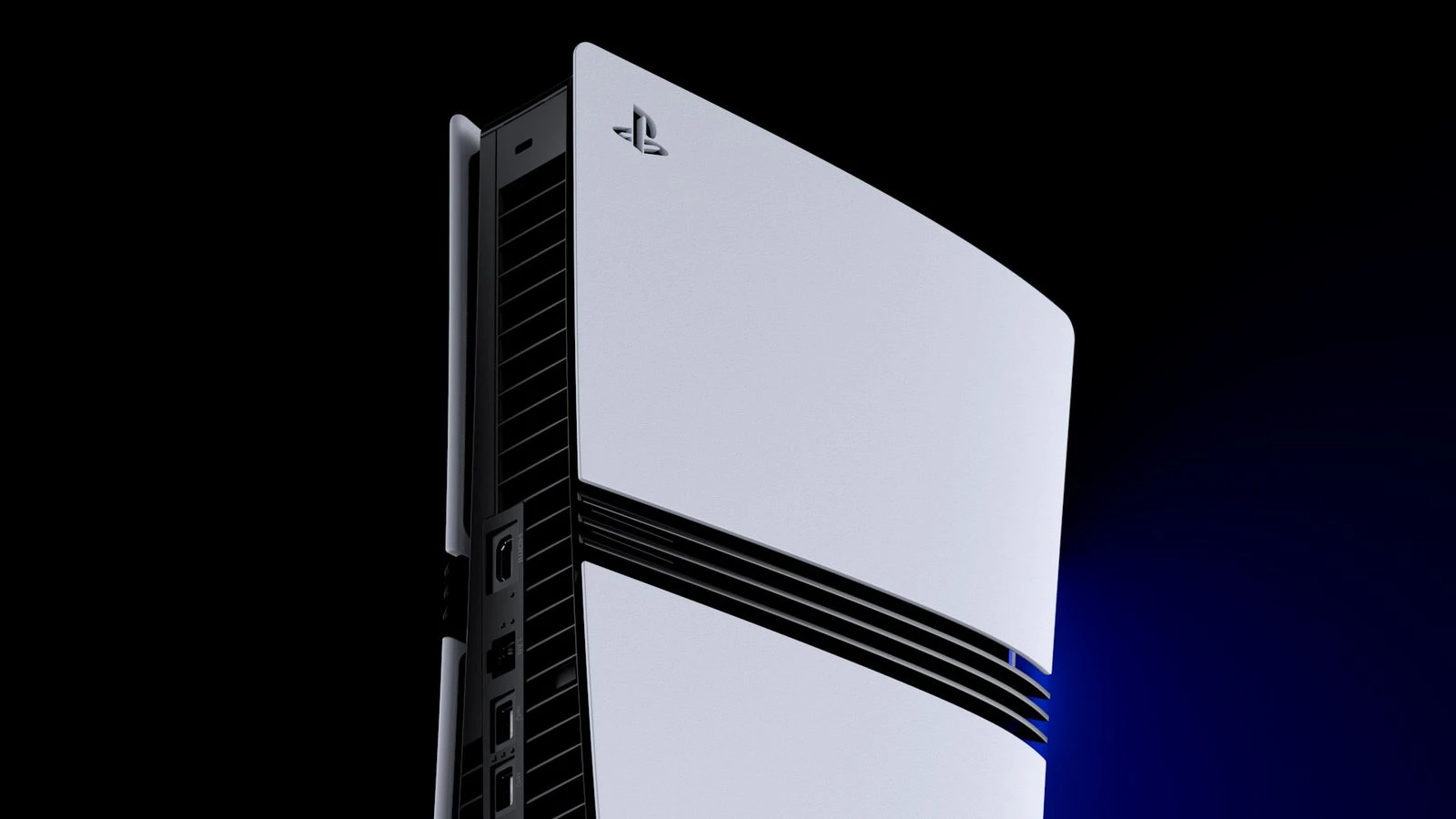
PS5 Pro's latest system software beta does something players have been asking for since enhanced PSSR launched: it turns the feature on by default.
That sounds like a new graphics upgrade, but it is a smaller and more practical change. The beta is not introducing another PSSR model, and it does not suddenly improve every PS5 game. It changes the default state of the existing Enhance PSSR Image Quality setting on PS5 Pro.
For players who never noticed that setting, this could mean cleaner image reconstruction in supported games without another trip through the console menus. For anyone who already enabled it, the experience should be largely the same.
What changed in the latest PS5 Pro beta?
Enhanced PSSR has been available through PS5 Pro system software since March 2026. Until now, players could open Settings and choose whether to apply it to games that support the original version of PSSR. The new beta simply switches that option on as the default.
The option is still reversible. Beta users can turn it off, and Sony's earlier guidance says that results may vary from one game to another. Image reconstruction behaves differently across engines, resolutions, and performance modes, so keeping the off switch is useful.
This is a default-setting change, not a new game patch. A title that already uses enhanced PSSR natively will continue using its own supported implementation. A title with no PSSR support does not gain it just because the console setting is enabled.
Does every PS5 game get enhanced PSSR?
No. The new default applies only on PS5 Pro, and only to PS5 Pro games that already support PSSR.
The base PS5 does not include PSSR hardware support, so nothing changes there. Games that use a different reconstruction method, or do not use an AI upscaler at all, are not pulled into the feature. Even the PS5 Pro Enhanced badge is not a promise that a game uses PSSR; developers can improve a Pro version in several different ways.
This is where some early headlines became confusing. Saying the beta enables PSSR 2 for 'every game' skips the most important limitation. The wider override works with games built around the original PSSR, not the entire PS5 library.
What does enhanced PSSR actually do?
PSSR stands for PlayStation Spectral Super Resolution. It is Sony's machine-learning image reconstruction system for PS5 Pro. A game can render internally at a lower resolution, then PSSR analyzes the image and rebuilds it at a higher output resolution. The aim is to keep more detail while protecting the frame-rate budget.
Sony says the upgraded version uses a new neural network and algorithm developed through Project Amethyst, its partnership with AMD. The practical improvements are meant to include cleaner fine detail, steadier images in motion, and fewer distracting reconstruction artifacts.
It is not frame generation, and it does not create a guaranteed frame-rate increase by itself. It also does not turn every image into native 4K. Developers still choose the internal resolution, graphics settings, target frame rate, and how the upscaler fits into the rendering pipeline.
How to check the enhanced PSSR setting
The enhanced option already exists in current public PS5 Pro system software. The beta changes whether it starts enabled, not whether owners can access it at all.
- Open Settings from the PS5 home screen.
- Choose Screen and Video, then open the video output settings.
- Find Enhance PSSR Image Quality.
- Leave it on for supported games, or switch it off if a specific title looks worse.
If the option is missing, first confirm that the console is a PS5 Pro and that its system software is current. Installing beta software is not required to use enhanced PSSR; the stable firmware already includes the toggle.
Should you leave enhanced PSSR turned on?
For most PS5 Pro owners, yes. Sony made the option available so older PSSR-supported games could use the newer reconstruction system, and the company now appears comfortable enough with the results to make it the beta default.
Still, keep the off switch in mind. If a game suddenly shows extra shimmer around hair, fences, foliage, reflections, or other thin details, compare the same scene with enhanced PSSR disabled. Ghosting, flicker, or an unexpectedly soft image are also good reasons to test both settings.
Because this is a system-level option rather than a separate switch inside every game, remember to turn it back on when you move to another title. One rough result should not decide the setting for the rest of the library.
Which PS5 Pro games use upgraded PSSR?
Sony's official rollout highlighted games including Resident Evil Requiem, Silent Hill f, Monster Hunter Wilds, Final Fantasy VII Rebirth, Dragon Age: The Veilguard, Control, Alan Wake 2, Nioh 3, and Rise of the Ronin. Some received direct upgrades, while the system option offers a broader path for titles that support the earlier PSSR version.
The latest beta is most useful for players who own several PS5 Pro games and do not want to check whether the override was left off. It does not replace developer patches, and a native implementation can still be tuned more carefully for a particular game's image and performance modes.
Why this small beta change matters
PS5 Pro is sold as the easier way to combine sharper graphics with smoother play. A useful image-quality feature hidden behind an optional switch works against that plug-and-play idea, especially when many owners may not know the switch exists.
That is more noticeable while PS5 hardware prices remain high. Buyers paying for the Pro model should not need a checklist just to reach the console's recommended image setting. Making enhanced PSSR the default removes one easy setup mistake without taking the choice away.
There is also a useful bit of restraint here. Sony is not deleting the toggle. Players who find an artifact in a particular game can still opt out instead of waiting for a patch.
When will the default setting reach everyone?
Sony has not announced a public release date for this beta change. System software betas normally reach invited users first, and features can be adjusted or removed before the public build arrives.
PS5 Pro owners do not need to wait to use enhanced PSSR. The current public firmware already has the option; the beta only changes its default state. If your setting is already on, there is nothing urgent to do.
Quick answers
Is enhanced PSSR available on the regular PS5?
No. PSSR is a PS5 Pro feature.
Does enhanced PSSR automatically increase frame rate?
Not directly. It can help developers balance image quality and performance, but frame-rate targets and rendering settings still come from the game.
Can enhanced PSSR be turned off?
Yes. The beta keeps the setting available, so players can disable it if a game shows unwanted visual artifacts.
Do I need the beta to use enhanced PSSR?
No. The enhanced PSSR option is already part of public PS5 Pro system software. The beta makes it enabled by default.
Is enhanced PSSR the same as PSSR 2?
Players and coverage often call it PSSR 2 or PSSR 2.0. Sony generally uses terms such as upgraded PSSR or enhanced PSSR for the newer system.
The practical takeaway
This is a sensible quality-of-life change, not a second graphics launch for PS5 Pro. If enhanced PSSR is already on, the beta should not transform your games. If you missed the setting, the new default prevents you from leaving a useful feature unused.
Keep it enabled for supported games, compare the image if something looks wrong, and ignore claims that every PS5 title just received a free visual upgrade. Once the console is set, the August PlayStation Plus lineup offers a few current games to try.