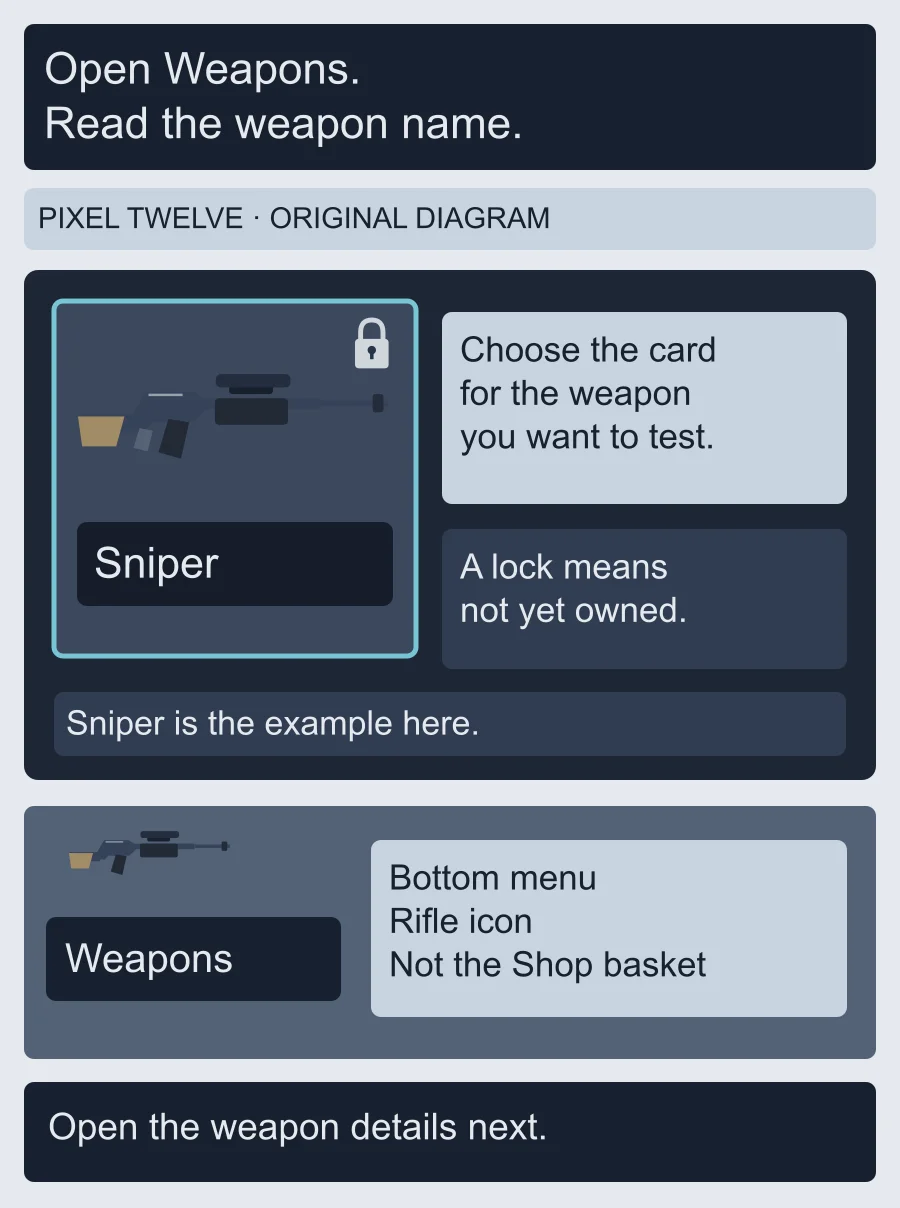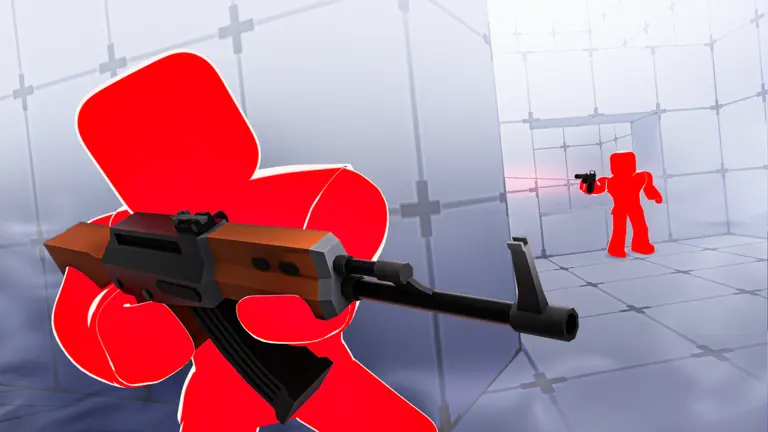
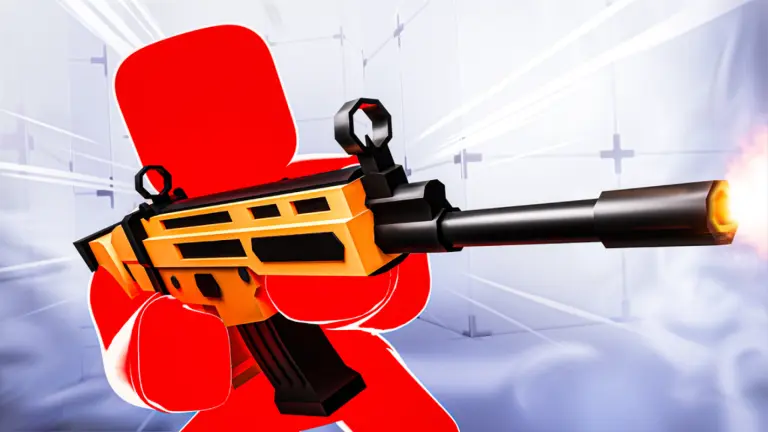
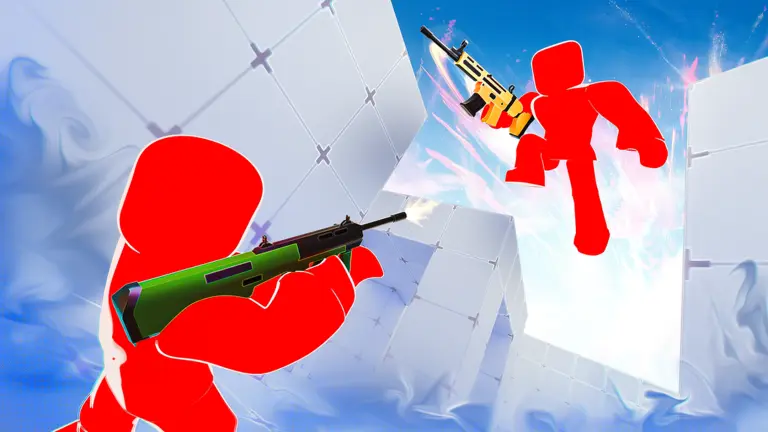
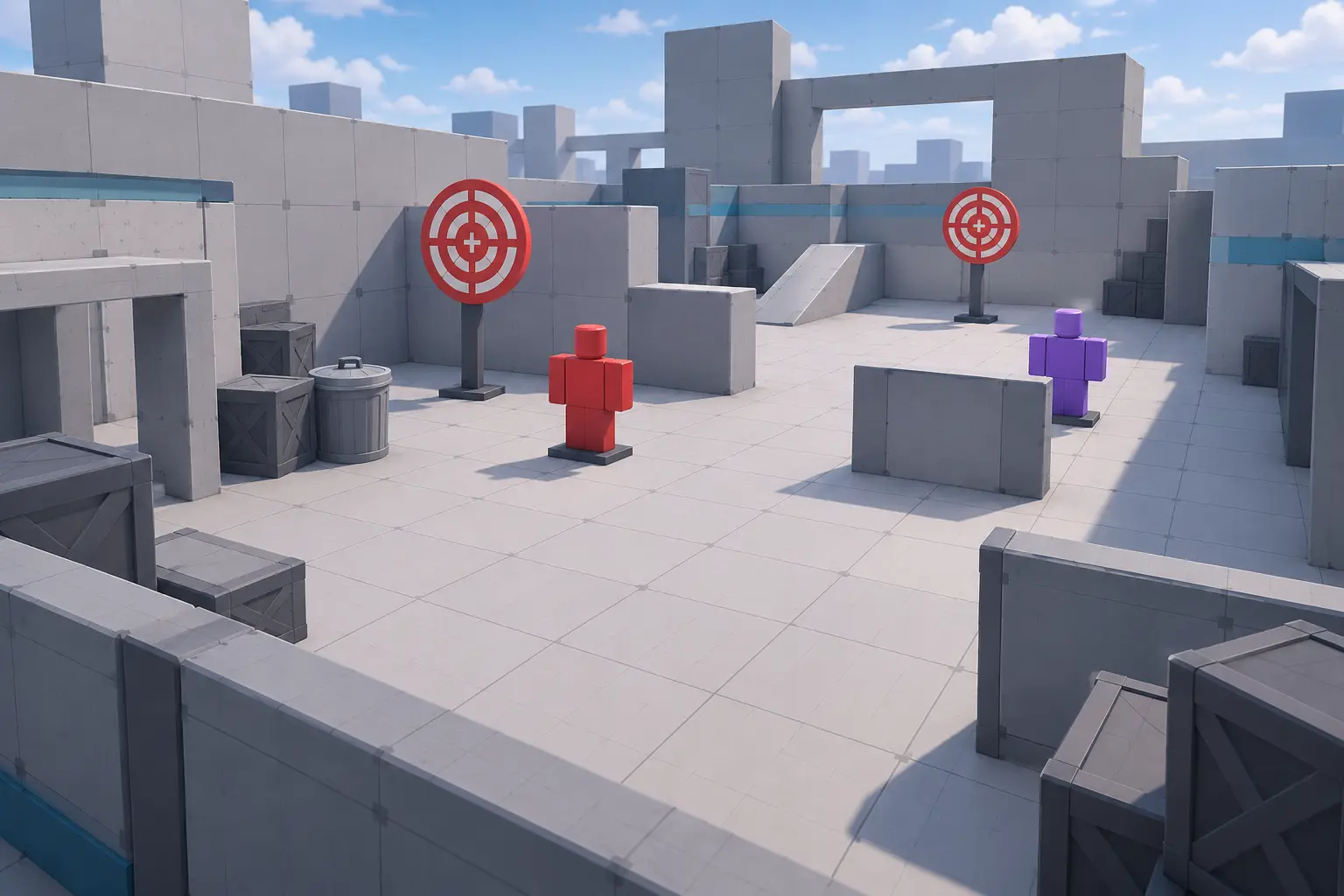
Start in the RIVALS lobby, the shared area you return to between matches. Look along the bottom of the screen for Weapons, marked with a rifle icon. Select it to open the weapon menu; Shop is a different button and is not the starting point for this preview.
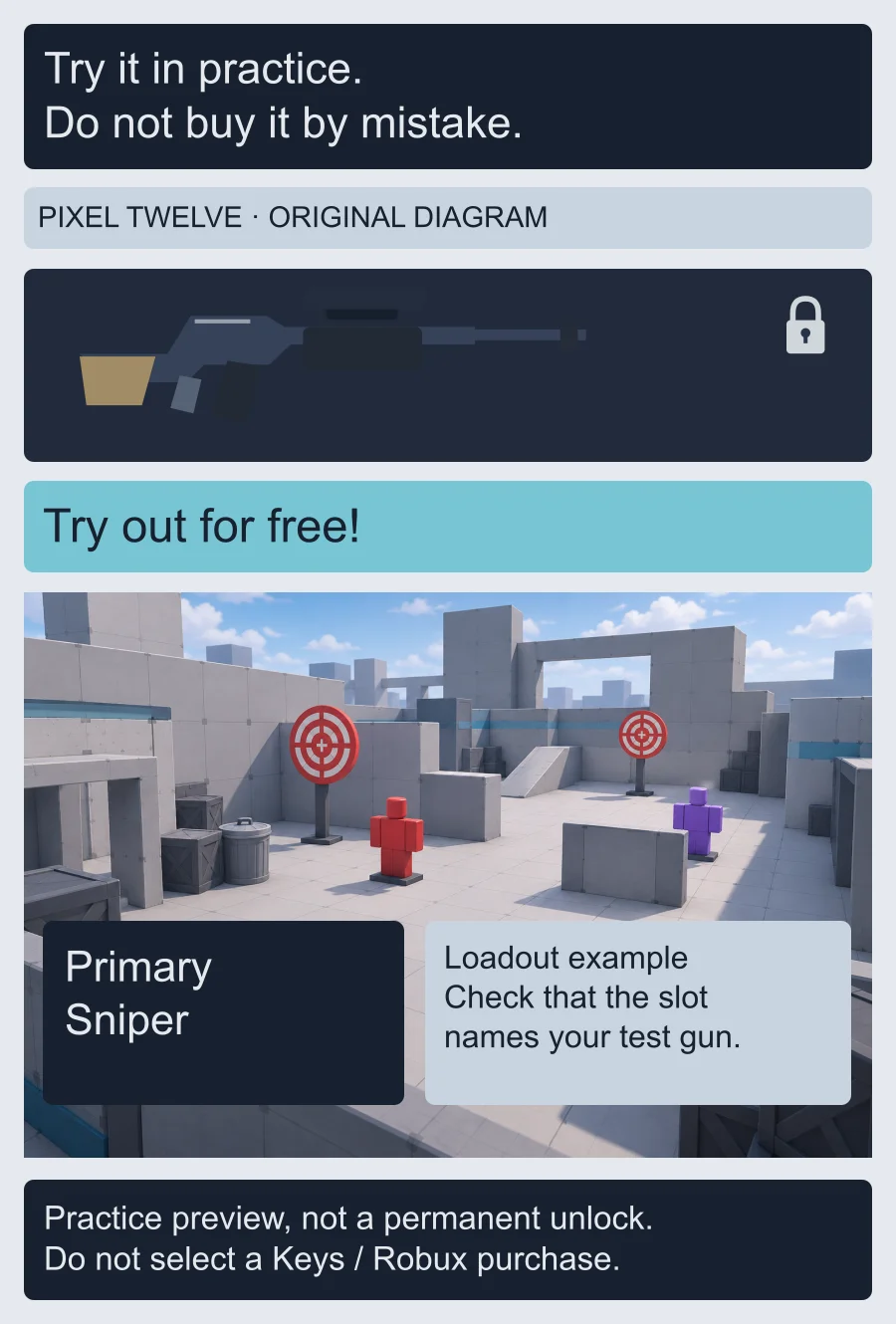
Select the weapon you want to try by reading the name on its card. A locked weapon is one your account has not permanently unlocked. Open that weapon's details rather than selecting a skin case or a cosmetic item. Keep the weapon name in mind so you can recognize it in the practice loadout.
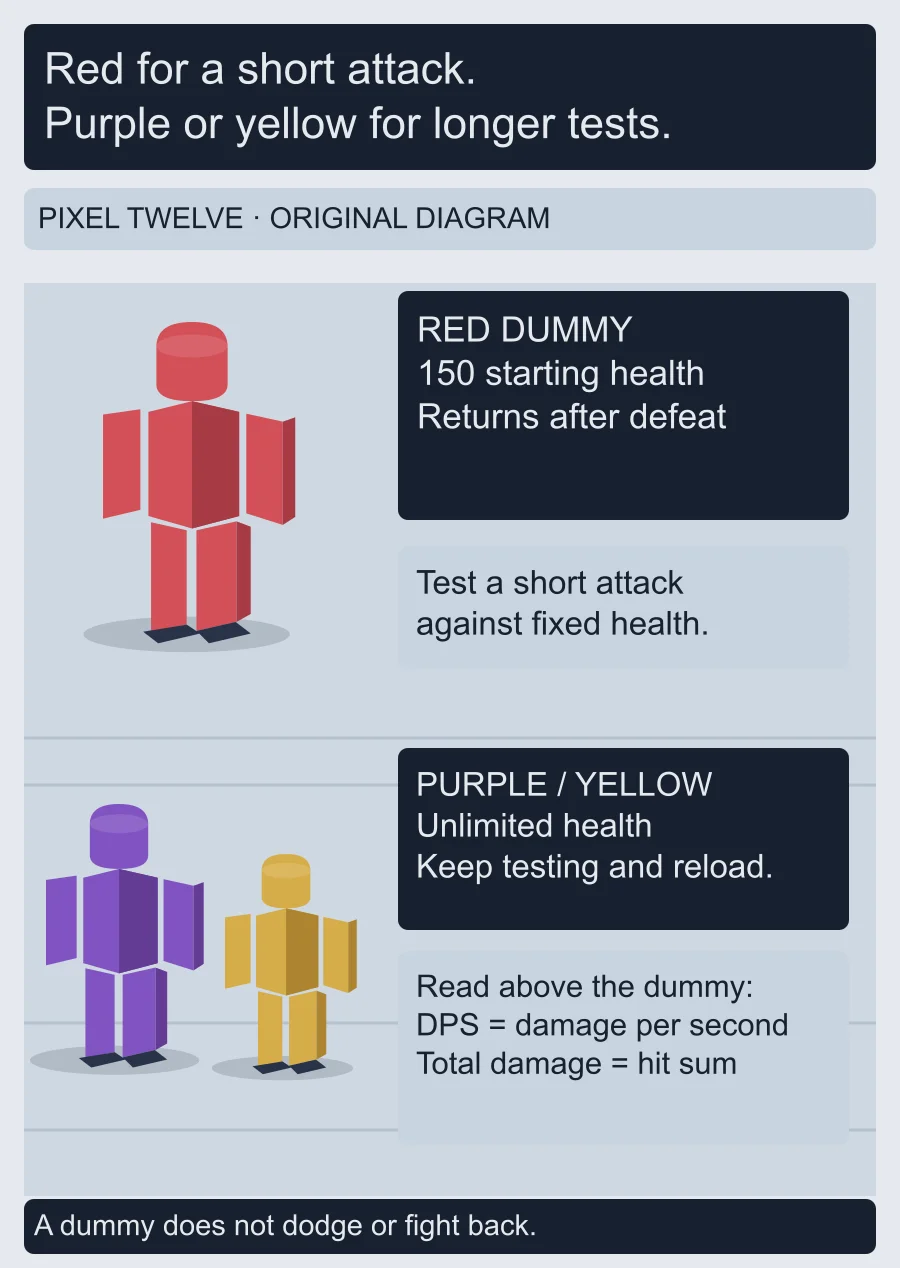
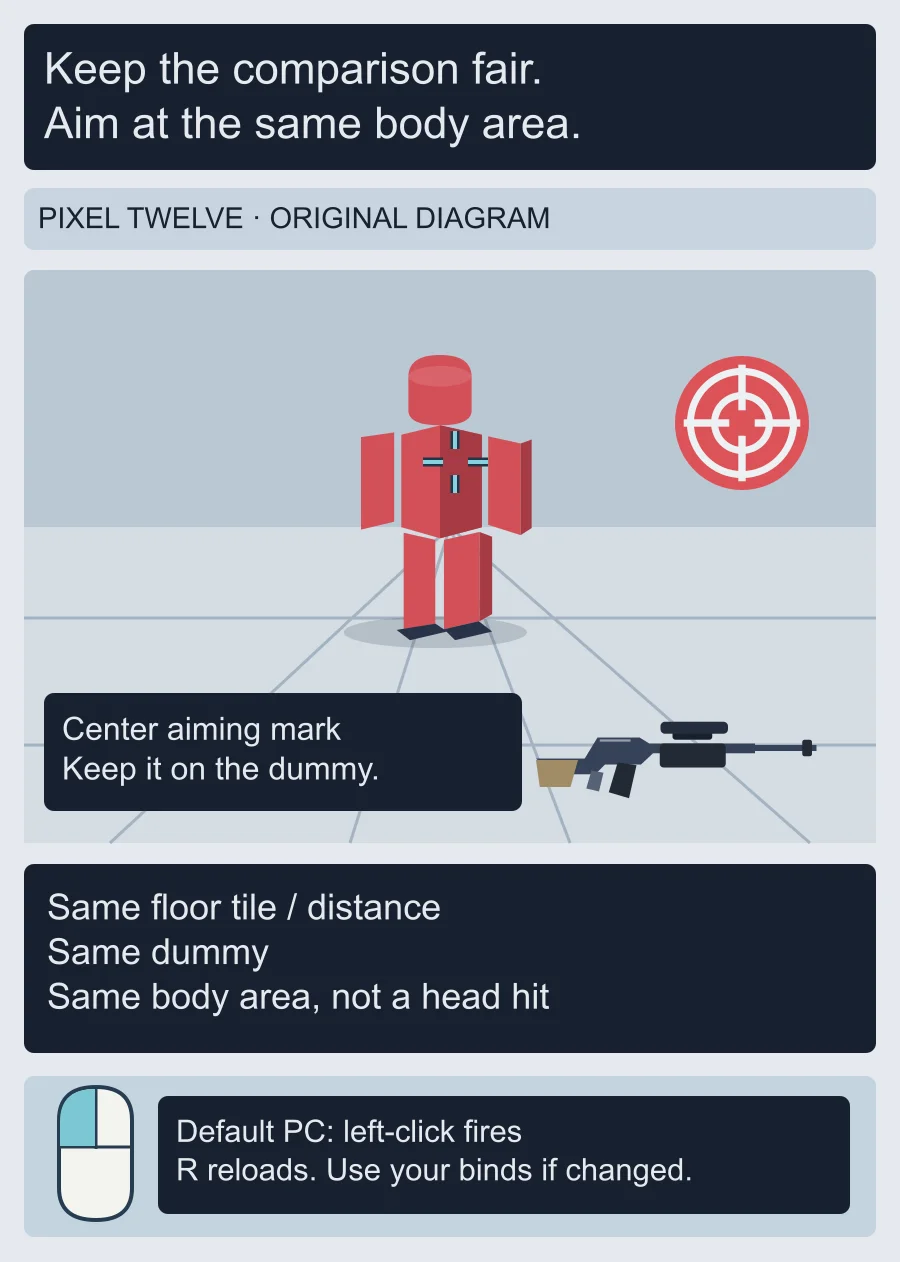
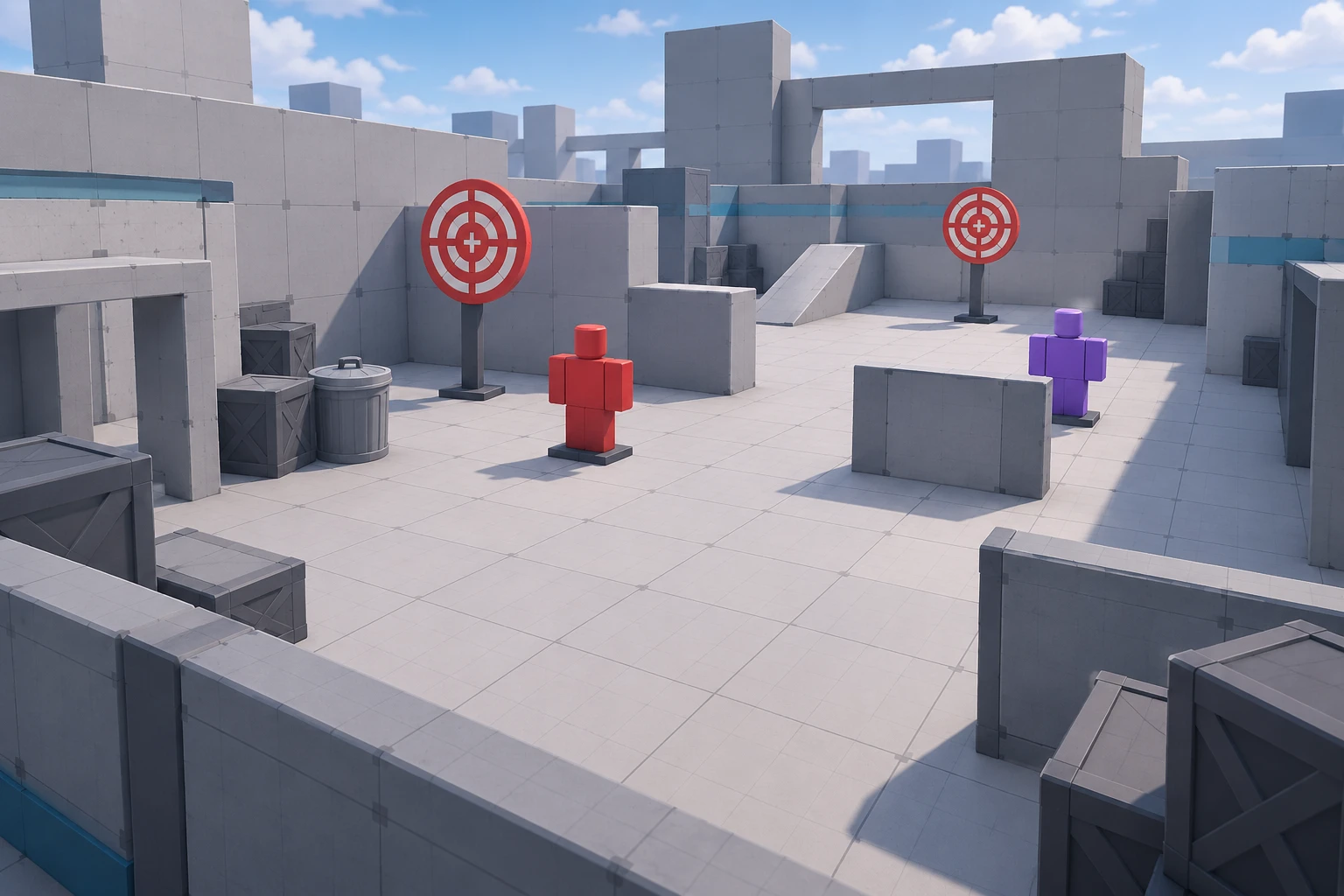
The illustrations below are original Pixel Twelve diagrams, not screenshots. They simplify the menu and training area; follow the written button names on your screen, not an assumed pixel position.