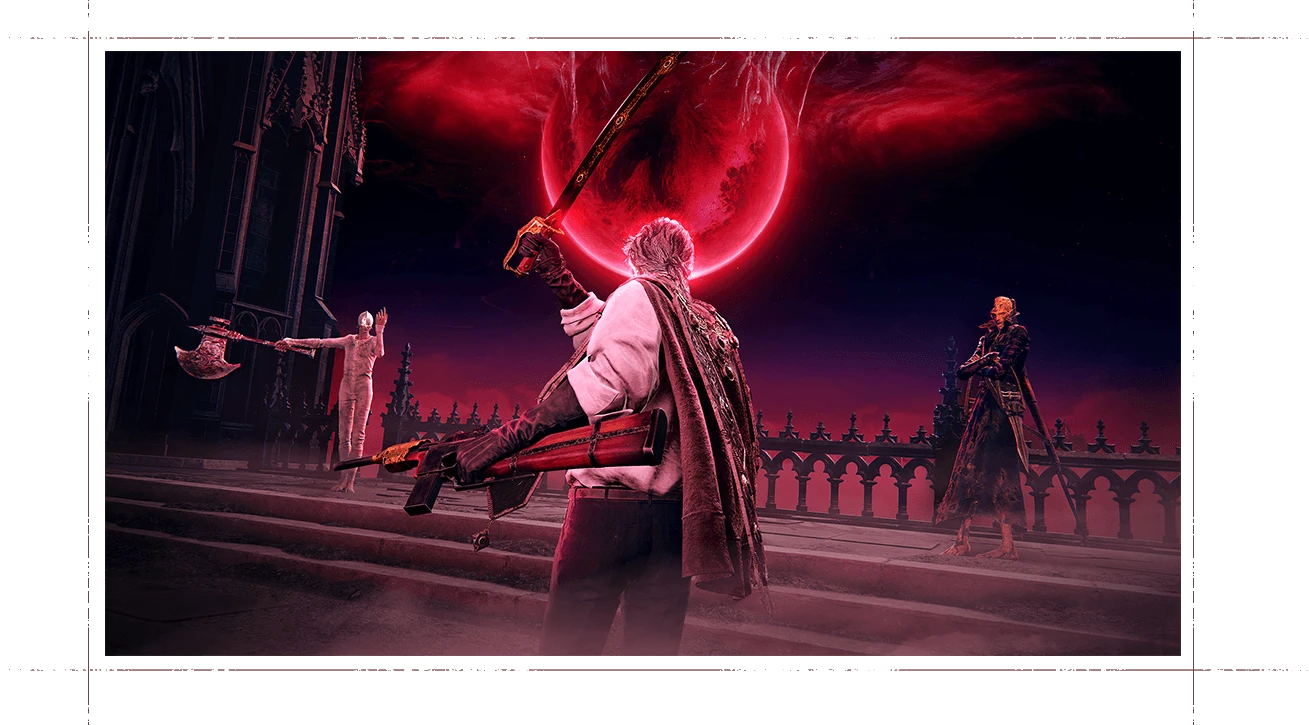
Last updated August 27, 2026. The August 2026 Duskbloods network test is over. The five sessions ran from August 21 through August 23 PDT, with the final block ending August 24 in Eastern time. No second network test is currently announced.
The official campaign page now thanks everyone who applied or participated and directs visitors to a post-test survey. The completed schedule remains below for anyone checking the original session times and time-zone conversions.
The Duskbloods network test status now
The official network test page says the test has concluded. Applications, participant selection, download distribution, and all five play sessions are no longer upcoming steps.
FromSoftware is now collecting feedback through the official post-test survey. The campaign page says anyone may respond, even if they did not participate, and offers a Duskbloods wallpaper after completion.
Download code timing (completed)
Download codes became available through the official Account Page on August 18 at 6:00 a.m. PDT / 9:00 a.m. EDT. Selected players used those codes in Nintendo Store or Nintendo eShop to download The Duskbloods Network Test Ver.
That code distributed the limited test client, not the full 2026 game. The official site does not currently offer a new application or a second network-test client.
The Duskbloods network test times (completed)
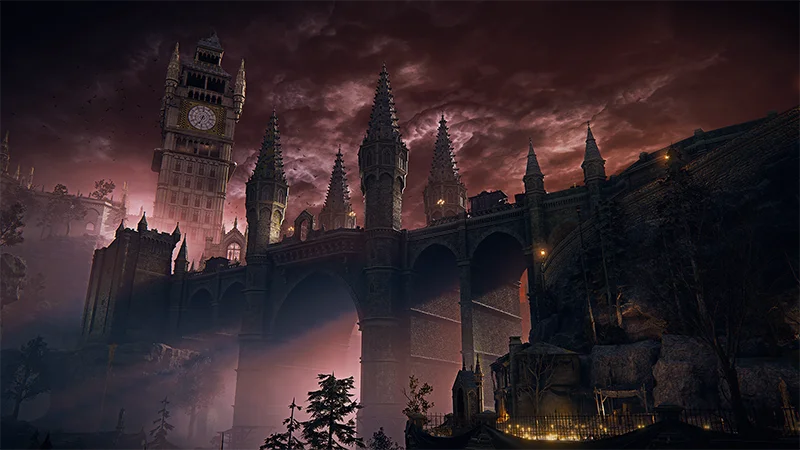
The official schedule listed five four-hour sessions. All five are now complete. Pacific times below use PDT, not standard time.
- August 21, 3:00 a.m.–7:00 a.m. PDT / 6:00 a.m.–10:00 a.m. EDT
- August 21, 7:00 p.m.–11:00 p.m. PDT / August 21, 10:00 p.m.–August 22, 2:00 a.m. EDT
- August 22, 11:00 a.m.–3:00 p.m. PDT / 2:00 p.m.–6:00 p.m. EDT
- August 23, 3:00 a.m.–7:00 a.m. PDT / 6:00 a.m.–10:00 a.m. EDT
- August 23, 7:00 p.m.–11:00 p.m. PDT / August 23, 10:00 p.m.–August 24, 2:00 a.m. EDT
The August 21–24 wording used in some announcements comes from that final Eastern time session crossing midnight. On the official Pacific schedule, the last session begins on August 23.
The campaign page warned that sessions could change or be canceled without notice. Its current status now explicitly says the test has concluded and leaves the post-test survey available.
What players needed for the test
Participation required all of the following:
- A Nintendo Switch 2 system
- An active Nintendo Switch Online membership
- The Nintendo Account linked to the original application
- A stable internet connection
- The network test client distributed on August 18
The test was not available on the original Nintendo Switch, PC, PlayStation, or Xbox. The full game is announced as a Nintendo Switch 2 exclusive. FromSoftware’s other upcoming Switch 2 release, Elden Ring Tarnished Edition, is a separate game and did not grant access to this test.
What was in the network test
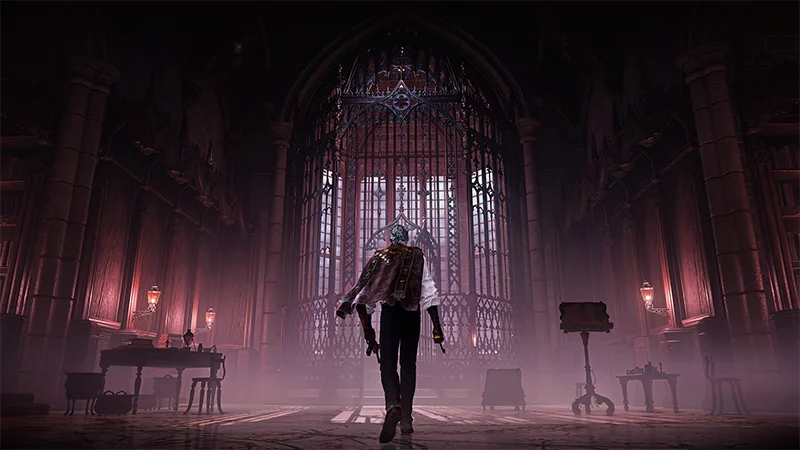
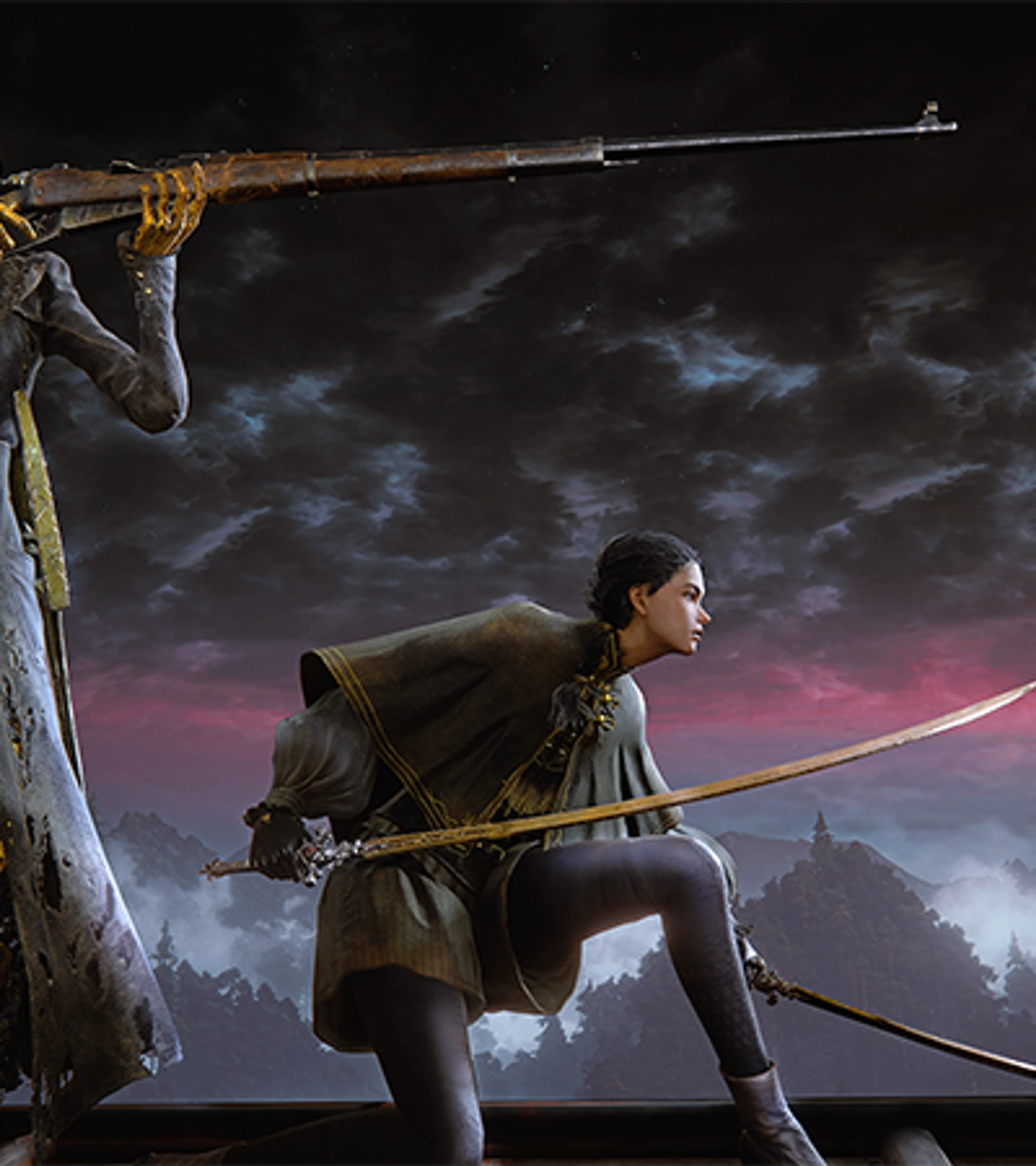
The test offered a limited piece of The Duskbloods, not the complete 2026 game. Each multiplayer match supported up to eight players. Participants played as Bloodsworn fighters in battles mixing other players with hostile enemies.
FromSoftware describes the full game as PvPvE multiplayer action. The network-test build put rivals and computer-controlled threats in the same space, with room for temporary alliances as everyone competed for First Blood. That differs from the open-world journey that made Elden Ring’s difficulty part of a much wider conversation.
FromSoftware used the sessions to stress the game servers, look for multiplayer problems across different network environments, and collect balance data from real matches.
Why the network test could be rough
The closed test was not a polished demo. The campaign page warned that bugs could occur, and its three stated goals were server load, multiplayer stability, and game balance.
A rough frame-rate moment, connection failure, unusual matchup, or overpowered ability in that build should not be treated as a final verdict on the finished game. Those were the kinds of problems the test was designed to expose.
FromSoftware has only given The Duskbloods a 2026 release window. The test schedule does not confirm a launch date, price, preorder date, or final content list.
What to do after the network test
- Official survey: share feedback through the post-test questionnaire.
- Wallpaper: download the official reward offered after the survey.
- Nintendo Account: use the unlink instructions on the campaign page if you no longer want it connected.
- Future tests: watch the official site; it does not currently list a second network test.
The original application period is closed, and the completed test client was not a retail copy of the game. Ignore unofficial “access code” offers unless FromSoftware announces another test through its own channels.
The short version
The five test sessions ended after the final August 23 PDT block. The campaign page now marks the test concluded and points visitors to a survey that is open to participants and nonparticipants.
There is no second network test announced at this time. Follow the The Duskbloods game page for the confirmed 2026 release window and future official coverage.