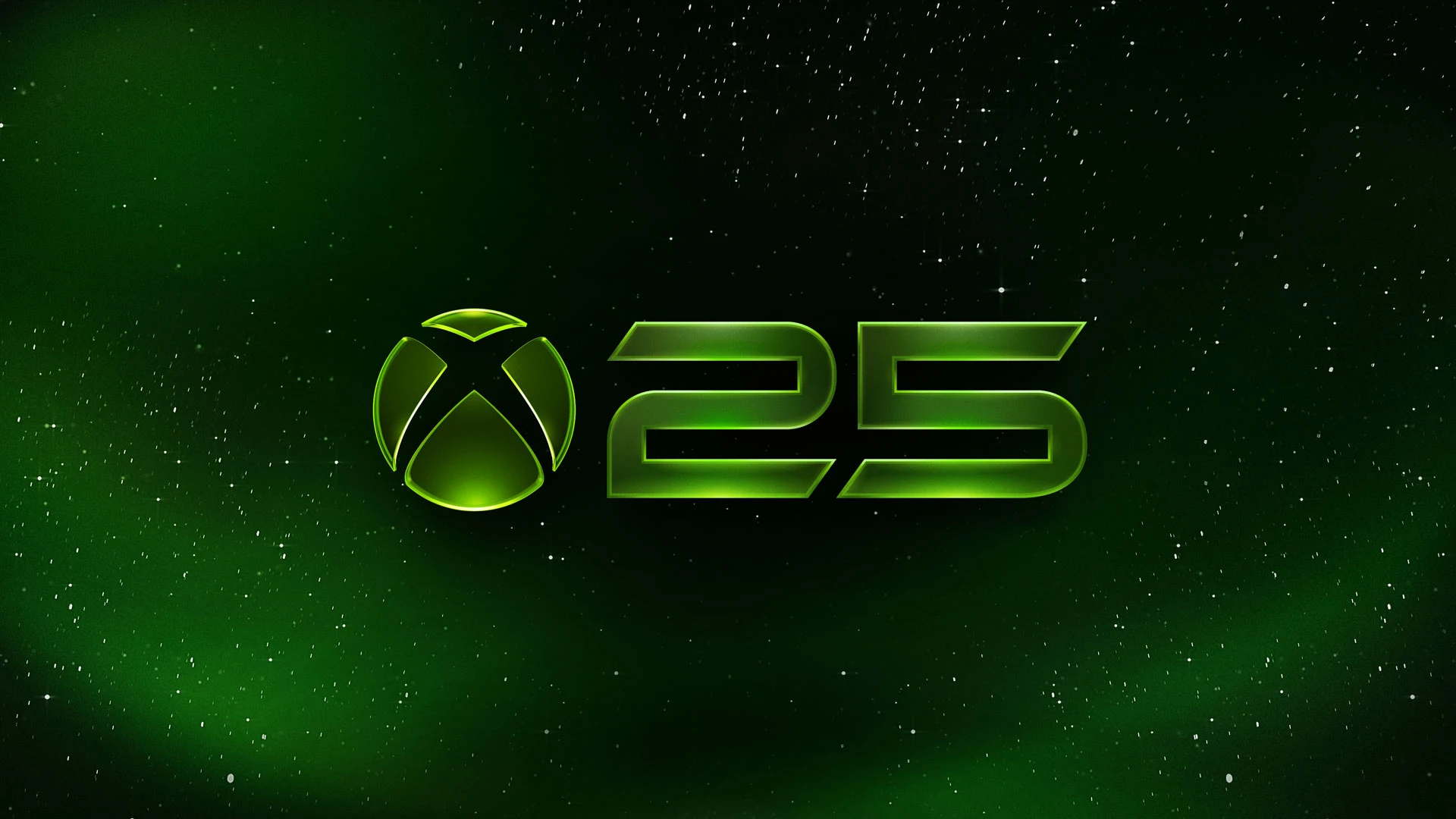
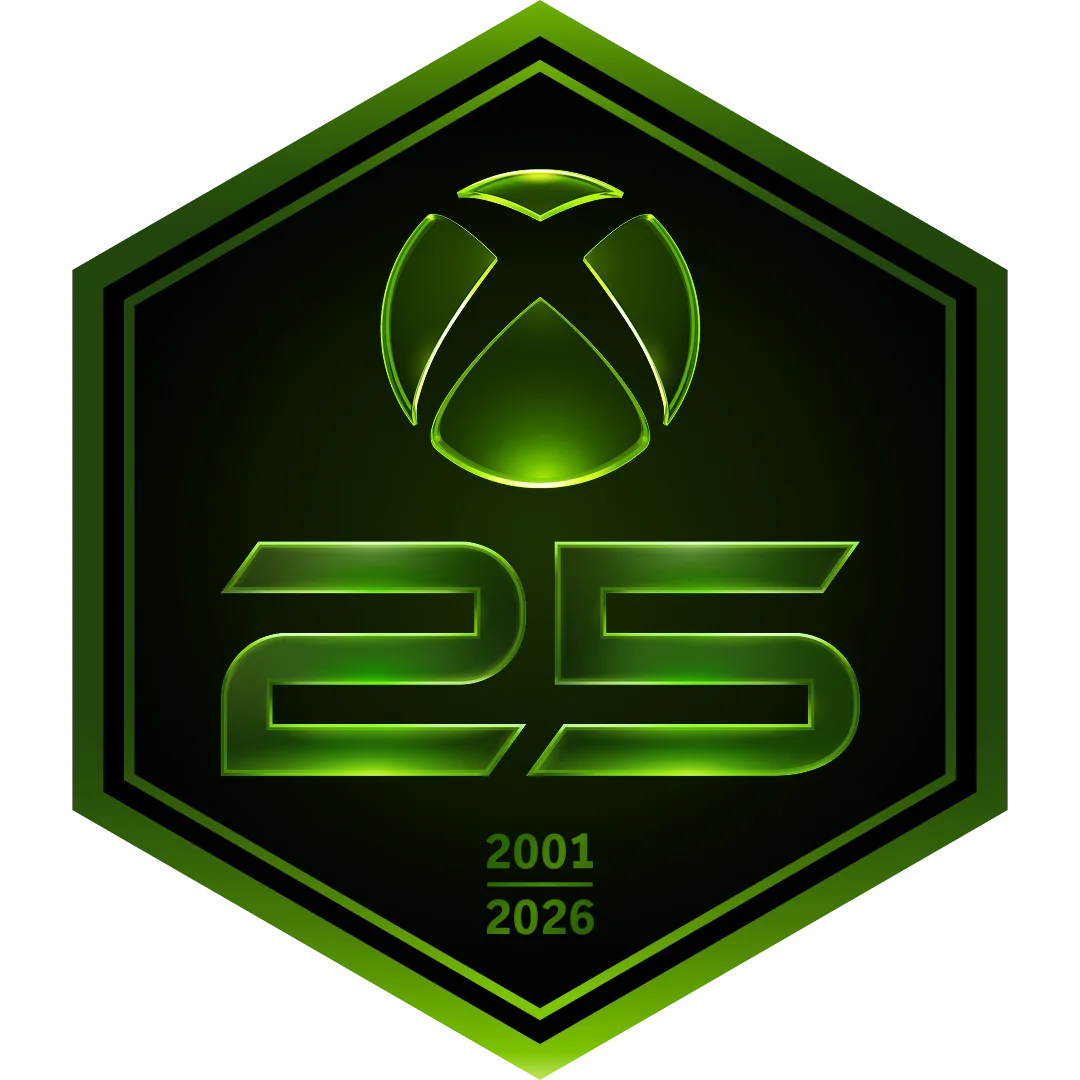
Quick answer: the green Xbox 25th Anniversary badge is a free commemorative profile marker for accounts that sign in during the 2026 celebration window. It does not measure account age, prove original-Xbox ownership, or require Game Pass. Sign in on console, PC, or the Xbox mobile app by December 31, 2026 to receive it automatically.
Microsoft also released free community-designed gamerpics, console backgrounds, and themes. They are available through the normal profile and personalization menus, so there is no code to redeem.
Here is how to claim the badge, where to find each free design, and what to try if the anniversary badge does not appear.
Xbox 25th Anniversary rewards at a glance
- Profile badge: Free after signing in
- Badge deadline: December 31, 2026
- Game Pass required: No requirement announced
- Purchase required: No
- Available through: Xbox consoles, Xbox app on PC, and Xbox mobile app
- Free designs: Gamerpics, themes, and a dynamic console background
- Xbox anniversary date: November 15, 2026
The badge and designs celebrate 25 years since the original Xbox launched in North America on November 15, 2001.
What does the green Xbox 25th Anniversary badge mean?
It means the profile signed in during Xbox’s 2026 anniversary celebration. The badge marks participation in that event window; it is not an account-age counter, loyalty tier, achievement score, Game Pass label, or proof that the player owned an original Xbox console.
Xbox describes profile badges as a way to tell the story of a player’s Xbox journey through achievements, milestones, and community events. This badge records the 25th-anniversary sign-in milestone, while Xbox’s profile interface can show when and how a displayed badge was unlocked.
How to get the Xbox 25th Anniversary badge
You only need to sign in to your Xbox account on one of the supported Xbox services:
- Turn on an Xbox console and sign in to your profile.
- Or open the Xbox app on Windows and sign in.
- Or open the Xbox mobile app and sign in.
- Open your profile and look for the green Xbox 25th Anniversary badge.
Xbox says the badge is automatically awarded to players who sign in. There is no claim button, reward code, purchase, or Game Pass tier attached to the official instructions.
The badge will be available through the end of 2026. Xbox has not said whether players who miss that window will be able to unlock it later, so sign in before December 31 if you want it on your profile.
Do you need Xbox Game Pass for the badge?
No Game Pass requirement is listed. Xbox says players receive the badge by signing in to an Xbox account on console, PC, or mobile.
This is separate from the anniversary Game Pass collections. Those collections group important games from different Xbox generations, but they are not the method used to unlock the badge.
Our Xbox Game Pass August 2026 guide covers the current games, tier changes, and titles leaving the service.
Is the Xbox anniversary badge free?
Yes. Xbox describes the badge as a profile reward for signing in. The official announcement does not require a payment, subscription, or product purchase.
Do not confuse it with the limited Xbox Series X25 console and X25 controller. Those are separate anniversary products. The profile badge is a digital account reward.
Xbox console prices also changed on August 1. The Xbox price increase guide lists the current hardware prices if you are comparing the regular consoles with the anniversary model.
What to do if the Xbox 25th Anniversary badge is missing
The reward may not appear instantly for every account. If you signed in and cannot see it, try these simple checks:
- Confirm that the console or app is using the Xbox account you want to keep the badge on.
- Close and reopen your profile page.
- Restart the Xbox app or console.
- Sign out, then sign back in.
- Check the profile again after a short wait.
Do not create a second account just to test the reward. The badge is connected to the account that signs in, and moving profile rewards between accounts is not part of Xbox's instructions.
If the badge still does not appear after the account refreshes, contact Xbox Support. Microsoft has not published a special badge troubleshooting page, so normal account support is the safest place to report a missing reward.
Before contacting support, take a screenshot of the profile page and note which console or app you used to sign in. Also check whether a different Xbox account is active in the Microsoft Store, Xbox app, or console profile. Players who use separate family, work, or old gaming accounts can easily refresh the wrong profile. Support will have a clearer starting point if you can name the correct gamertag, the device used, and when you first signed in during the anniversary window. Never include a password or account recovery code in a public post.
How to use the free Xbox 25th Anniversary gamerpic and theme on console
The new designs were made with Xbox community creators Klobrille and Ben Kenobi. Xbox added them to the normal customization menus.
For the gamerpic and profile theme on an Xbox console:
- Open Settings.
- Select Profile.
- Choose Customize profile.
- Pick the anniversary gamerpic or theme you want.
The exact order of visible designs can differ as Xbox adds more community work, but the anniversary options should appear in the same area as the other profile choices.
How to use the free Xbox dynamic background
On an Xbox console:
- Open Settings.
- Select General.
- Open Personalization.
- Select My background.
- Choose Dynamic background.
- Select the Xbox 25th Anniversary design.
A dynamic background changes the console Home screen. It does not change the art inside individual games or add anything to your game inventory.
How to use the new Xbox gamerpic and theme on PC
The Xbox app on Windows has its own profile controls.
To change the gamerpic:
- Open the Xbox app on PC.
- Select View Profile.
- Click the pencil icon over the current gamerpic.
- Choose the anniversary image.
To change the profile theme:
- Open View Profile.
- Select Customize profile.
- Choose the anniversary theme.
These are account and app designs. They do not change Windows wallpaper or the desktop theme.

Can you submit your own Xbox anniversary design?
Yes. Xbox invited players to share original Xbox-inspired designs on X by tagging @Xbox and using #Xbox25.
Microsoft did not promise that every submission will be published. Treat the tag as a chance to show the community your work, not as a guaranteed route into the console's design library.
Only submit art you created or have permission to use. Copying another artist's work or uploading unlicensed character art can create rights problems even when the post is made for fun.
Will Xbox release more free anniversary rewards?
Xbox says more anniversary updates, exclusive experiences, products, and news are coming throughout 2026. It has not promised another free badge or a specific schedule for future rewards.
The safest way to avoid fake giveaways is to use the official Xbox anniversary hub, Xbox Wire, and verified Xbox accounts. A real profile reward should never require you to send a password, recovery code, or payment to another player.
Xbox 25th Anniversary badge FAQ
How do I unlock the Xbox 25th Anniversary badge?
Sign in to your Xbox account on an Xbox console, the Xbox app on PC, or the Xbox mobile app.
When is the last day to get the badge?
Xbox says it will be available through the end of 2026. Sign in by December 31, 2026.
Do I need Game Pass?
No Game Pass requirement is included in the official badge instructions.
Do I need an Xbox Series X or Series S?
No. Xbox says players can receive the badge through console, PC, or the mobile app.
Is there a badge code to redeem?
No. The badge is awarded after you sign in to your Xbox account.
Are the new Xbox themes free?
Yes. The community-designed gamerpic, profile theme, and dynamic console background are available through the normal customization menus.
When is Xbox's actual 25th anniversary?
Xbox turns 25 on November 15, 2026.