A power bank with a built-in cable saves you from packing a separate lead, but it also limits your choice of cable. A model with USB ports and a separate cable gives you more control over length and replacement. Neither design is automatically better for every laptop bag.
Start with how you use your laptop. If you charge at a small table and often forget cables, an attached lead can help. If the power bank sits farther from the computer, or you use several connector types, a separate cable may be more practical. These two power banks show the difference.
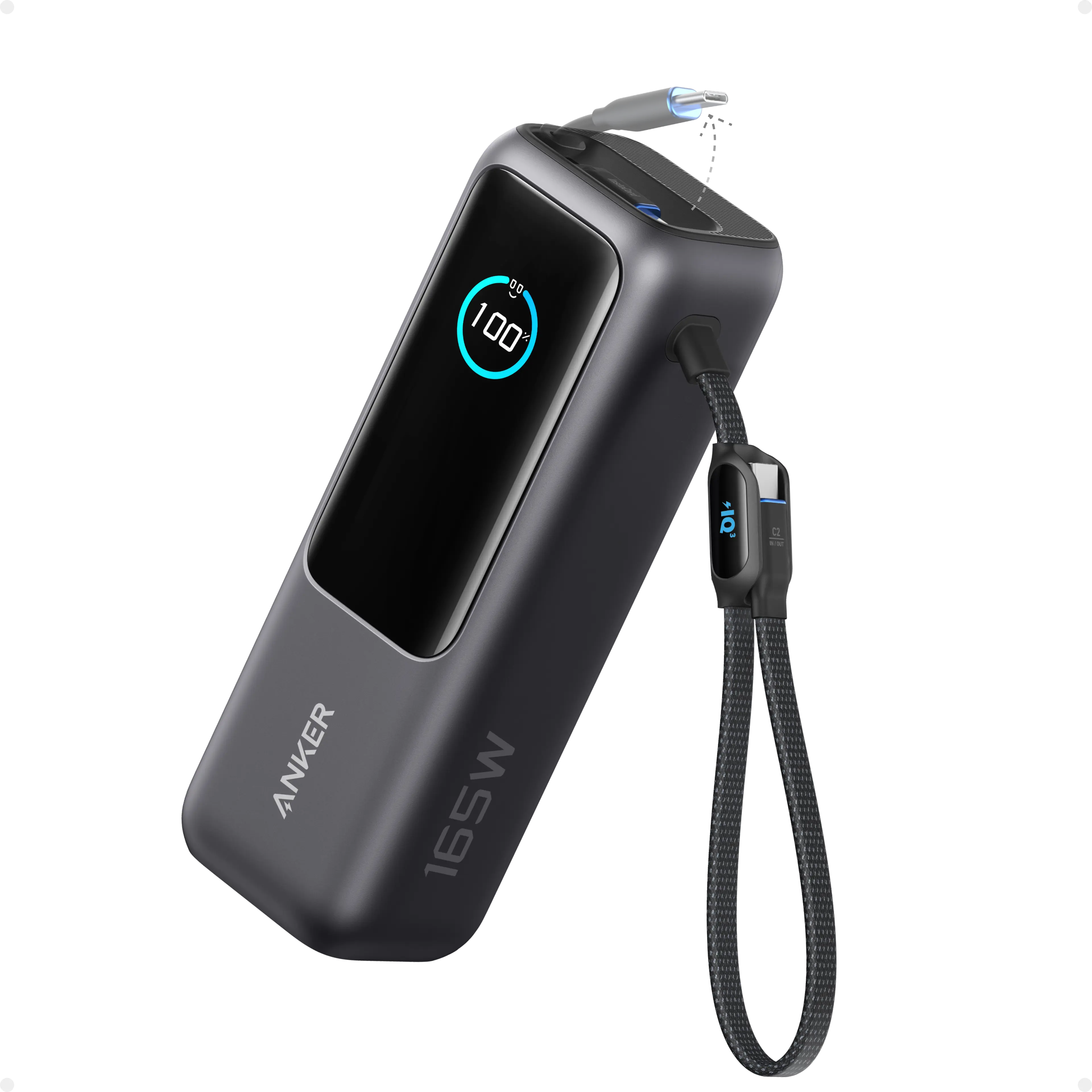
Anker Laptop Power Bank 25K (165W)
Anker · A1695
Two attached USB-C cables, including a retractable lead, plus a separate USB-C port. For readers who want fewer loose cables to pack.
Image: Anker
Product specifications
- Rated capacity
- 25,000mAh / 90Wh
- Maximum USB-C output
- 100W per connection
- Combined output
- 165W with two USB-C devices; 130W with three or four devices
- Weight
- 595g
- Dimensions
- 157 × 54 × 49mm
- Built-in cables
- 70cm retractable USB-C; 30cm loop USB-C
- Additional ports
- One USB-C and one USB-A
- Maximum input
- 100W USB-C; wall charger sold separately
Built-in cables: fewer things to pack
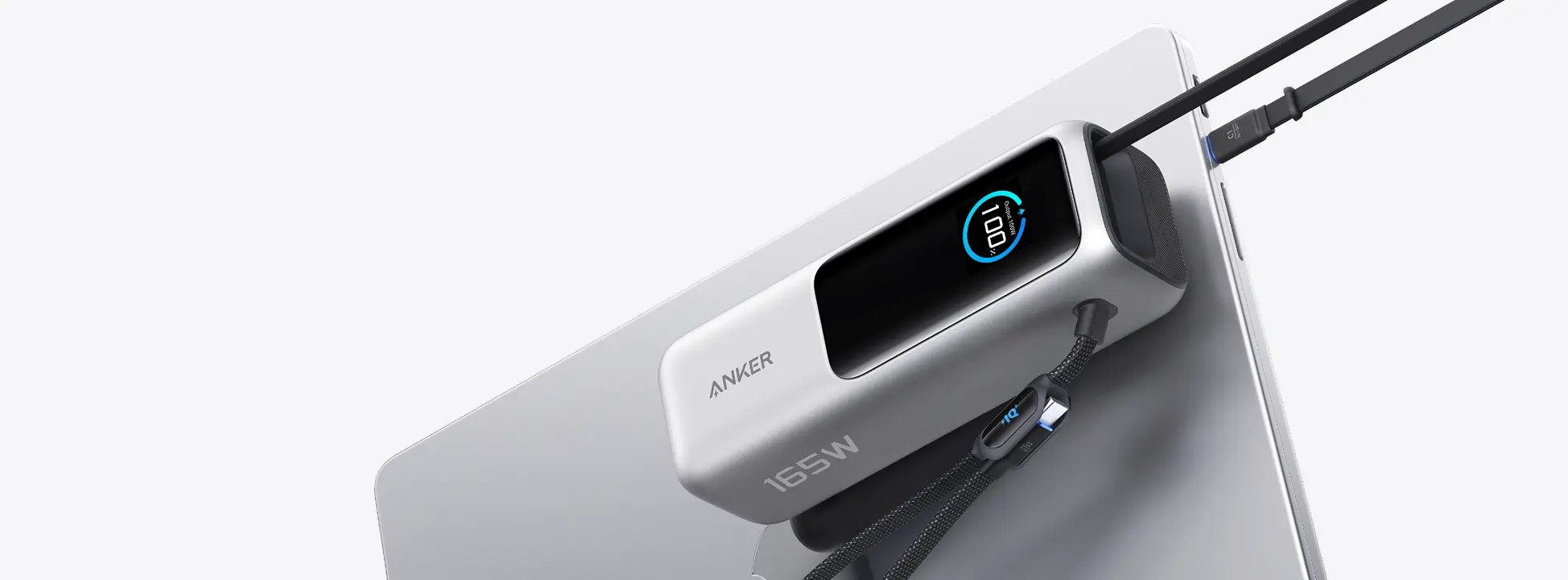
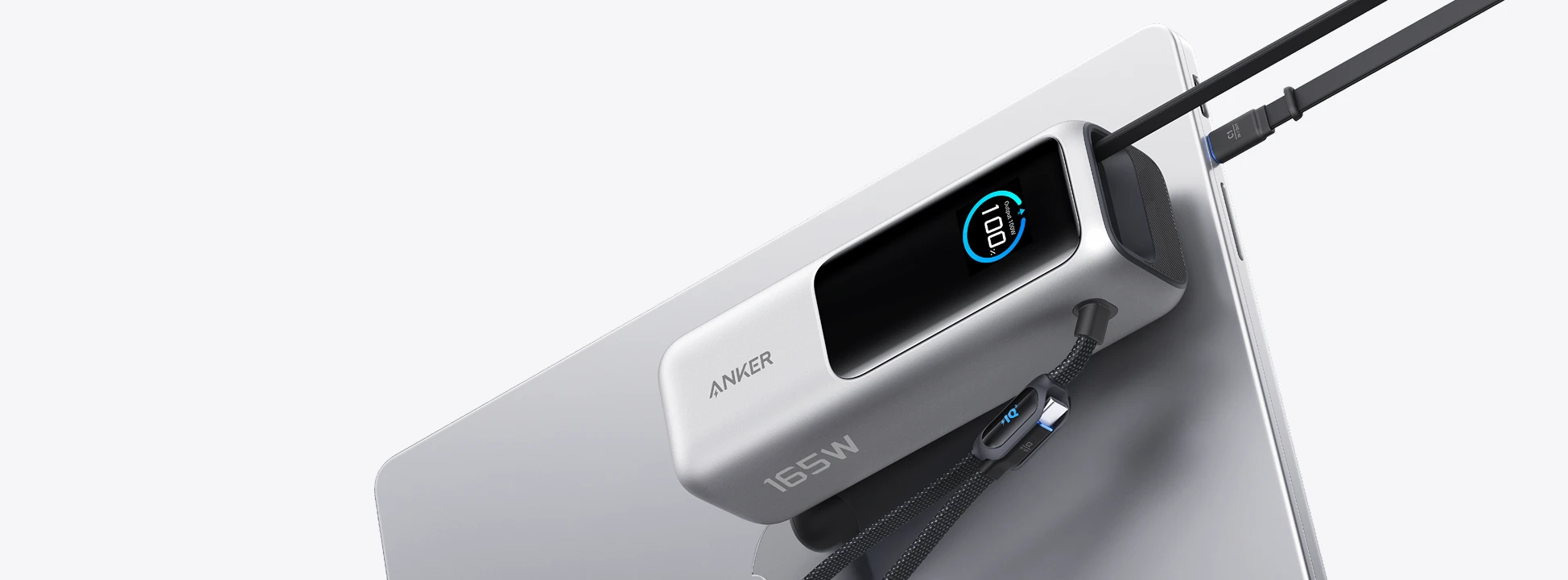
The Anker Laptop Power Bank 25K, model A1695, has two attached USB-C cables, including a retractable one. It also has a separate USB-C port, so using an attached cable is not your only option. Its USB-C connections support up to 100W each; the 165W label is not the output for one laptop.
Pros: You have a cable with the bank when you need it, and the retractable lead stores inside the unit. This suits someone who wants to take one charging accessory out of a bag rather than find a loose cable first.
Cons: An attached lead does not give you the same freedom to choose a different length. A damaged built-in cable is also not something you replace by simply unplugging both ends. The separate USB-C port offers another connection, but carrying a loose cable then removes part of the convenience you bought it for.
For more detail on this specific model, read our Anker 25K review.
Separate cables: choose the length you need
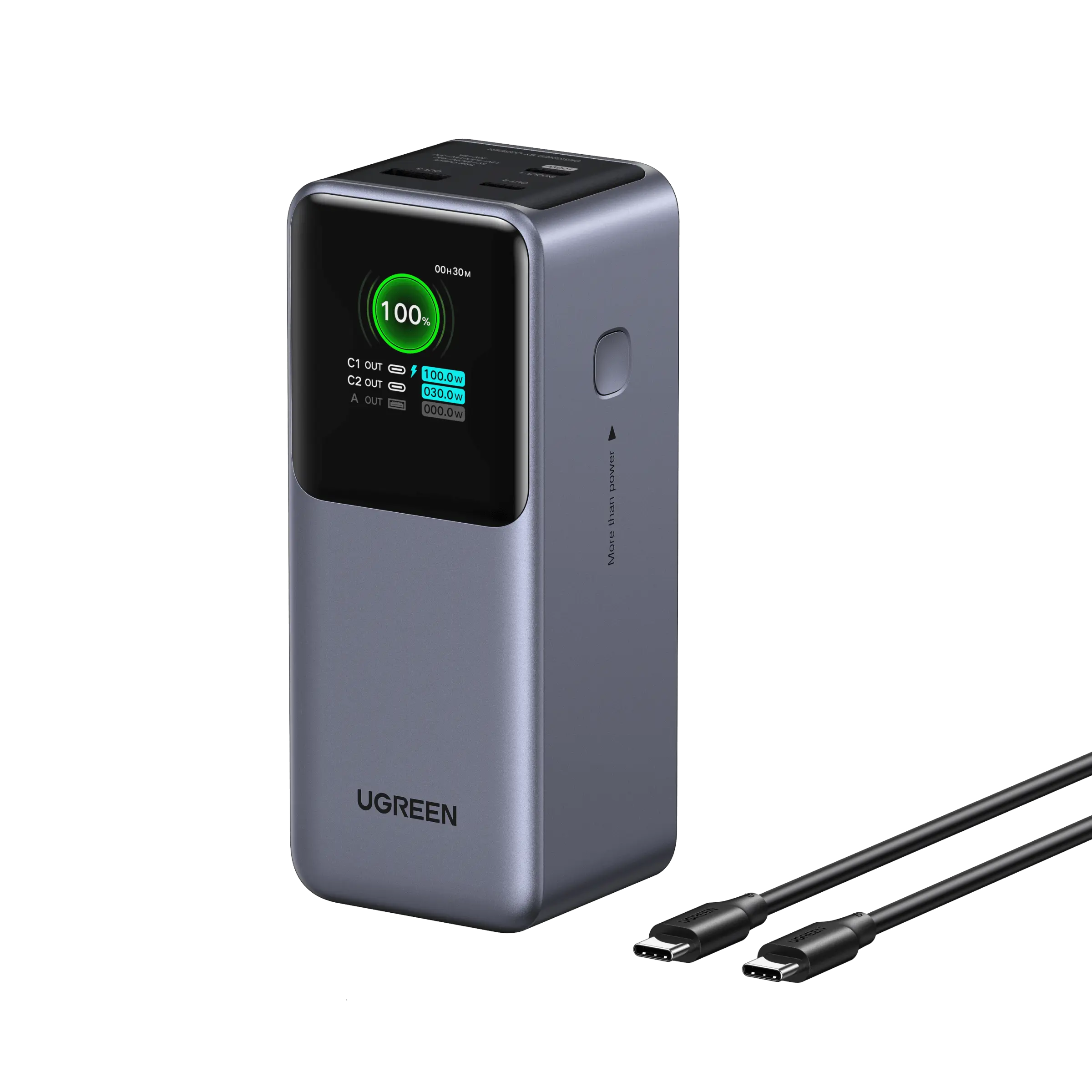
The Ugreen Nexode 20,000mAh 130W, model 35524, uses separate cables. Its main USB-C port supplies up to 100W, while the second supplies up to 30W. Use the main port for a compatible laptop that needs more than 30W.
Pros: You can choose a suitable cable length for your desk or bag. If the loose cable wears out, you can replace that cable without replacing the power bank. You can also keep the same bank and change leads for different devices, provided the connections and charging requirements match.
Cons: The cable is another item to pack and another item you can leave behind. Having a USB-C plug does not prove that a cable supports the power your laptop needs, so check its charging rating before buying.
Check these details before choosing
Cable design does not tell you charging speed or battery life. Both examples offer up to 100W through an individual USB-C connection despite their different total-output labels. Your laptop must support the charging mode, and connecting more devices can change how power is shared.
Check that the cable reaches your laptop without pulling on the socket. Compare the bank's size and weight, too: storing a cable inside the unit does not automatically make the whole package smaller or lighter. Our 65W, 100W and 140W guide explains how to check output separately from cable convenience.
Choose built-in cables if forgetting a lead is your main problem. Choose separate cables if length and easy replacement matter more. If you already own a suitable bank and cable, an attached lead alone is not a reason to replace both.