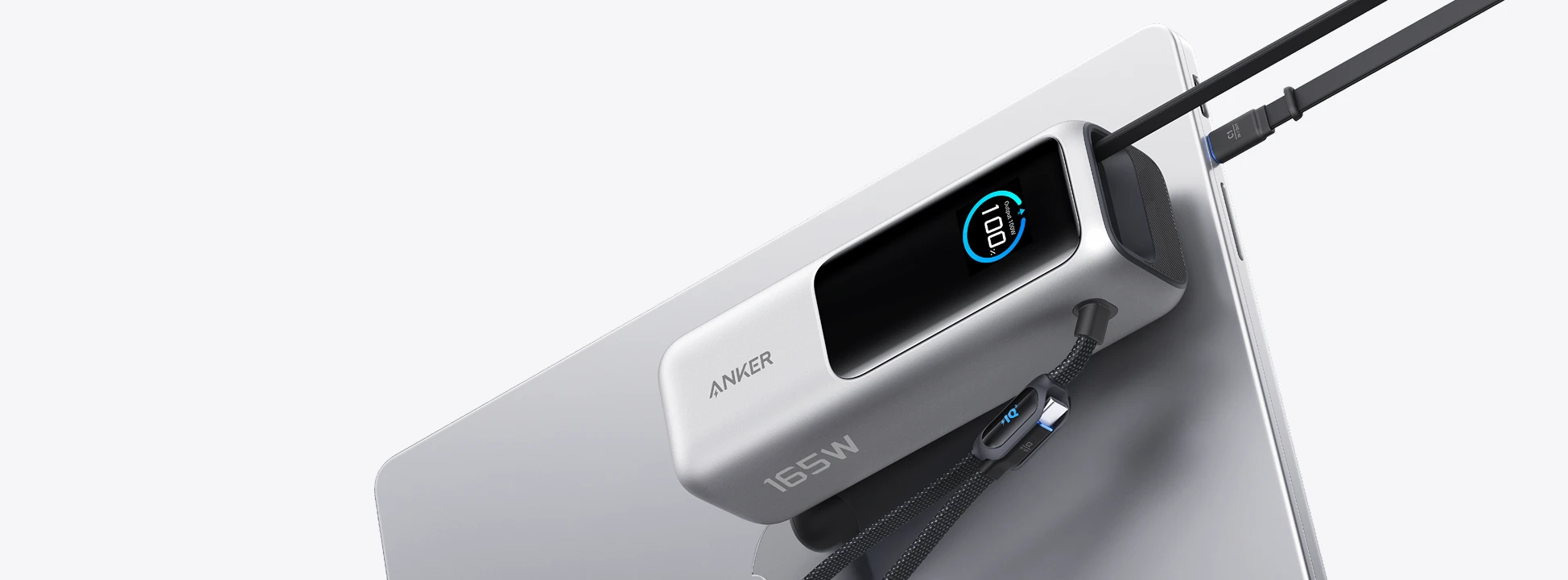
Choose a power bank by the charging power your laptop accepts, not the biggest number on the box. A 65W laptop will not automatically charge faster from a 140W port. For a laptop that can use more than 65W, a suitable 100W or 140W connection can make a difference.
First, check that your laptop accepts charging through USB-C. Then check its supported charging power and cable requirements. If you already know those details, our laptop power bank picks compare six options with clear pros and cons.
What 65W, 100W and 140W actually tell you
Watts, written as W, describe power. A power bank's output rating tells you the maximum power it can supply under the stated conditions. It is not a promise that every connected device will use that amount.
65W: A reasonable target when your laptop's USB-C charging requirement is 65W or less. The advantage is avoiding extra output you cannot use. The downside is less available power for a laptop that needs more, especially while it is working hard.
100W: Worth considering when your laptop supports charging above 65W, or when you want one bank for different compatible laptops. Check the main port's rating: a bank advertised as 100W overall may divide that power between devices.
140W: Useful for a laptop that supports this charging mode with the right cable. It offers more single-device power, but it does not improve a laptop limited to 65W or 100W. Do not buy it just because the number is higher.
Total output is not one laptop's charging power
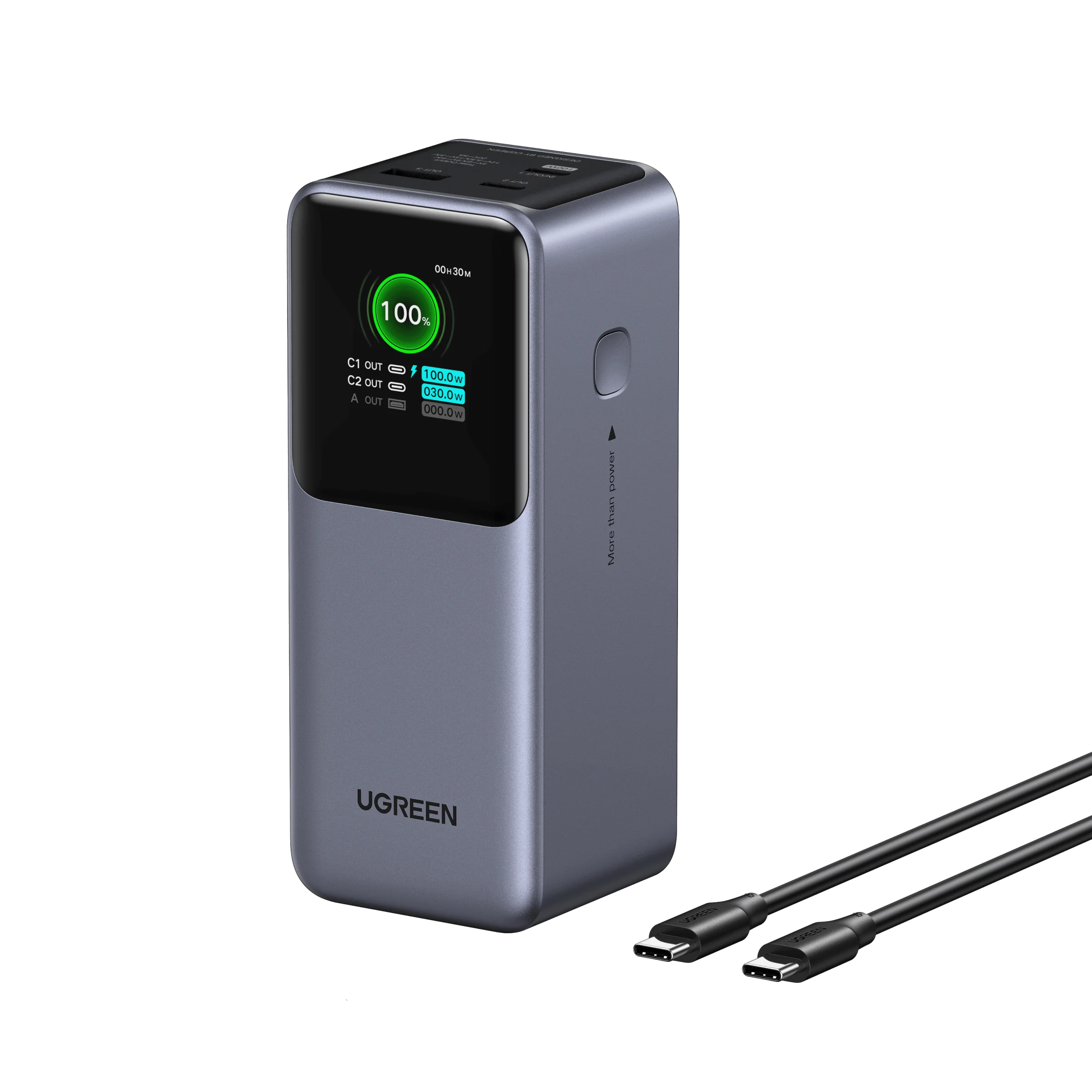
The Ugreen Nexode 130W is a useful example. Its main USB-C port supplies up to 100W, while the second USB-C port supplies up to 30W. 130W describes the combined output, not 130W for one laptop. Plugging into the wrong port can leave your laptop with much less power than you expected.
The Anker Prime A110B uses the same kind of naming: its 220W figure is total output, while a single compatible laptop can receive up to 140W. Its recharge input is different again, at up to 100W. Output charges your devices; input refills the power bank.
Before buying, look for three separate details: the main port's output, the power split when you connect another device, and the bank's recharge input. These matter more than the largest number in the product name.
The laptop and cable both matter
Check the instructions for your exact laptop model, including its year. Similar names can hide different charging requirements. Apple, for example, lists different cable combinations for fast charging different generations of the 16-inch MacBook Pro. A setup that works for one model is not proof that it works the same way for another.
Match the cable to the charging mode as well as the connector. A USB-C plug fitting into the socket does not tell you how much power the cable supports. Follow the laptop and power bank makers' stated cable requirements for 100W or 140W charging.
More watts do not mean more hours
The output rating and stored capacity answer different questions. Watts describe charging power; capacity describes how much energy the bank can store. A higher-output bank is not automatically the one that lasts longer.
Using the laptop while charging also changes the result. Some incoming power runs the computer instead of refilling its battery. A demanding game can leave less power available for charging than reading a document does.
Choose enough output for your laptop, then compare capacity, weight and cables. If carrying loose cables bothers you, our Anker 25K review explains the benefits and drawbacks of its attached cables. If your laptop only needs 65W, there is no reason to choose a heavier bank solely for a 140W label.