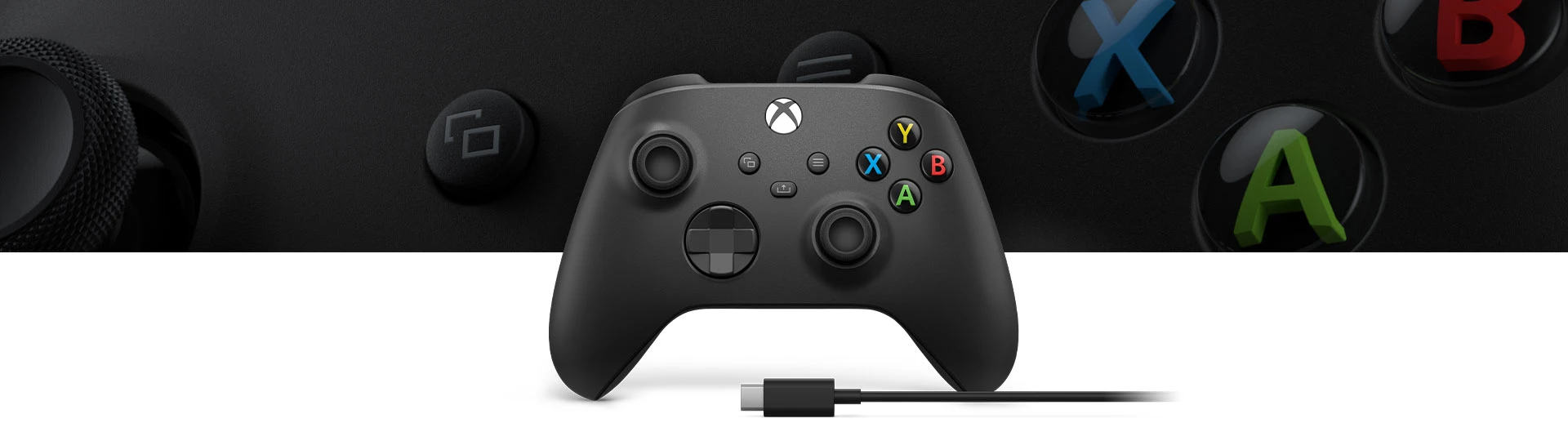
Playing at your desk? A USB cable is usually the easiest option. If you prefer the couch, Bluetooth lets you play without a cable stretched across the room. The current Xbox Wireless Controller works either way, so buying the cable bundle doesn't mean you have to stay plugged in.
The Xbox Wireless Controller + USB-C Cable package comes with a nine-foot cable. Before buying it, check the USB ports on your PC. Planning to play wirelessly instead? Make sure your computer has Bluetooth, too. If you're buying the controller on its own, check what's in the box rather than assuming the same cable comes with it.
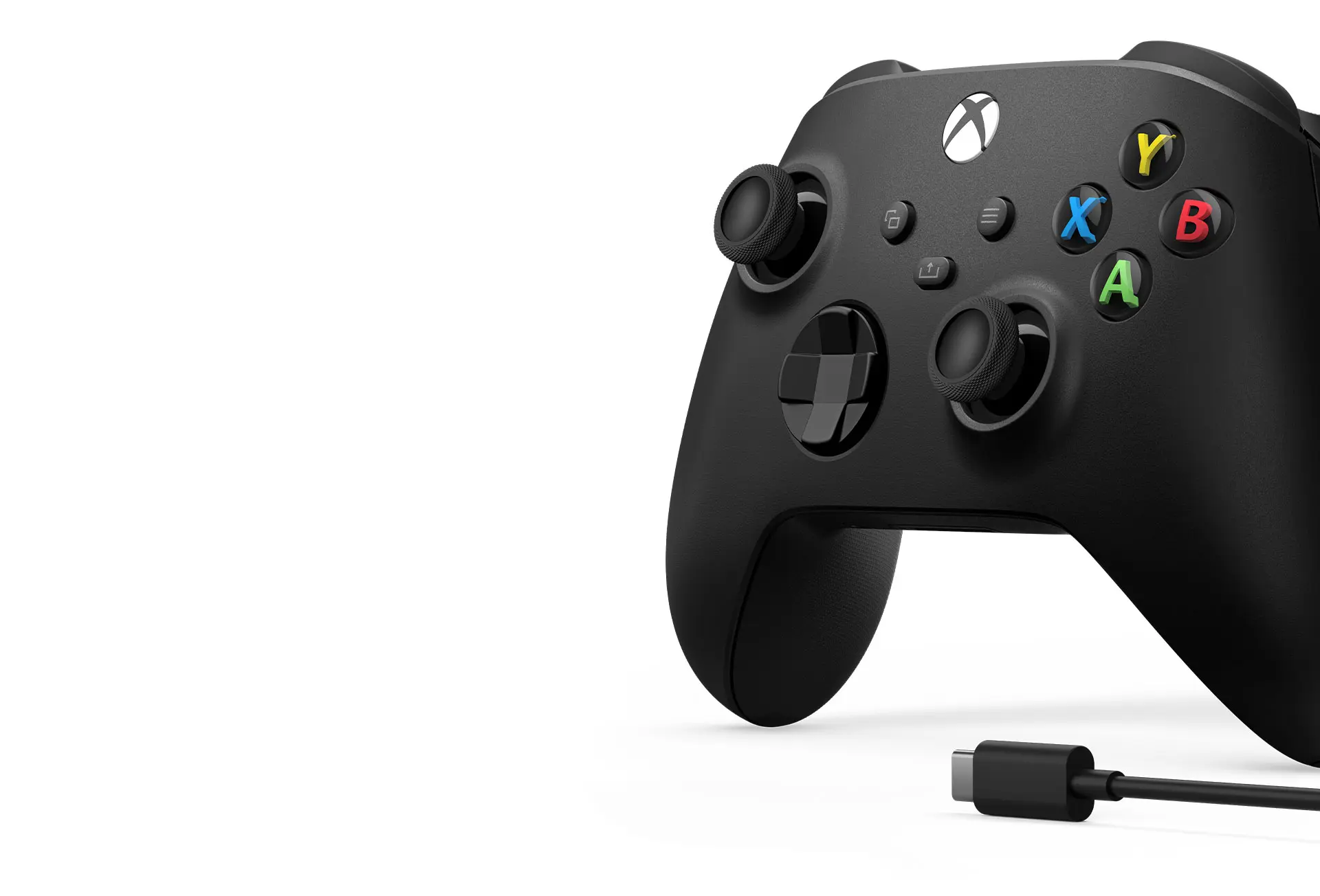
Xbox Wireless Controller + USB-C Cable (Carbon Black)
Xbox · Wireless Controller + USB-C Cable
Includes the Carbon Black controller and a nine-foot USB-C cable. Use USB at a desk or Bluetooth with a compatible PC.
Image: Microsoft / Xbox
Product specifications
- Included cable
- 9-foot USB-C cable
- PC connections
- USB; Bluetooth on compatible PCs
At a desk, there's little reason to complicate things
With USB, you connect the controller straight to your PC. There's no Bluetooth pairing to deal with, and your computer doesn't need Bluetooth at all. That's handy if you're sitting close enough that the cable won't get in your way.
The downside is the cable itself. You need enough room to move your hands without tugging on it. A nine-foot cable gives you more reach, but it can still be annoying if it runs across the floor between your couch and computer.
Already have an Xbox controller that works with your PC? Check whether you also have a suitable USB cable before buying another controller just to get the bundle.
Bluetooth makes more sense from the couch
Not having a cable between you and the PC is the main benefit here. You can get comfortable without checking whether the cord will reach. Your Windows PC needs to support Bluetooth, and you'll have to pair the controller before playing.
Wireless play also means keeping the controller's batteries charged or replacing them when they run out. A USB cable in the box doesn't mean a rechargeable battery pack is included. Check that separately if you don't want to use disposable batteries.
What we'd buy
If you're buying your first Xbox controller for a PC desk, the controller-and-cable bundle is worth considering: you get both in one box, with Bluetooth still available when you want it. Just compare what's included before paying for extras you already own.
For a couch setup, we'd check the PC's Bluetooth support first. The long cable isn't a reason to choose this bundle if you're unlikely to use it. A controller sold on its own may be all you need.