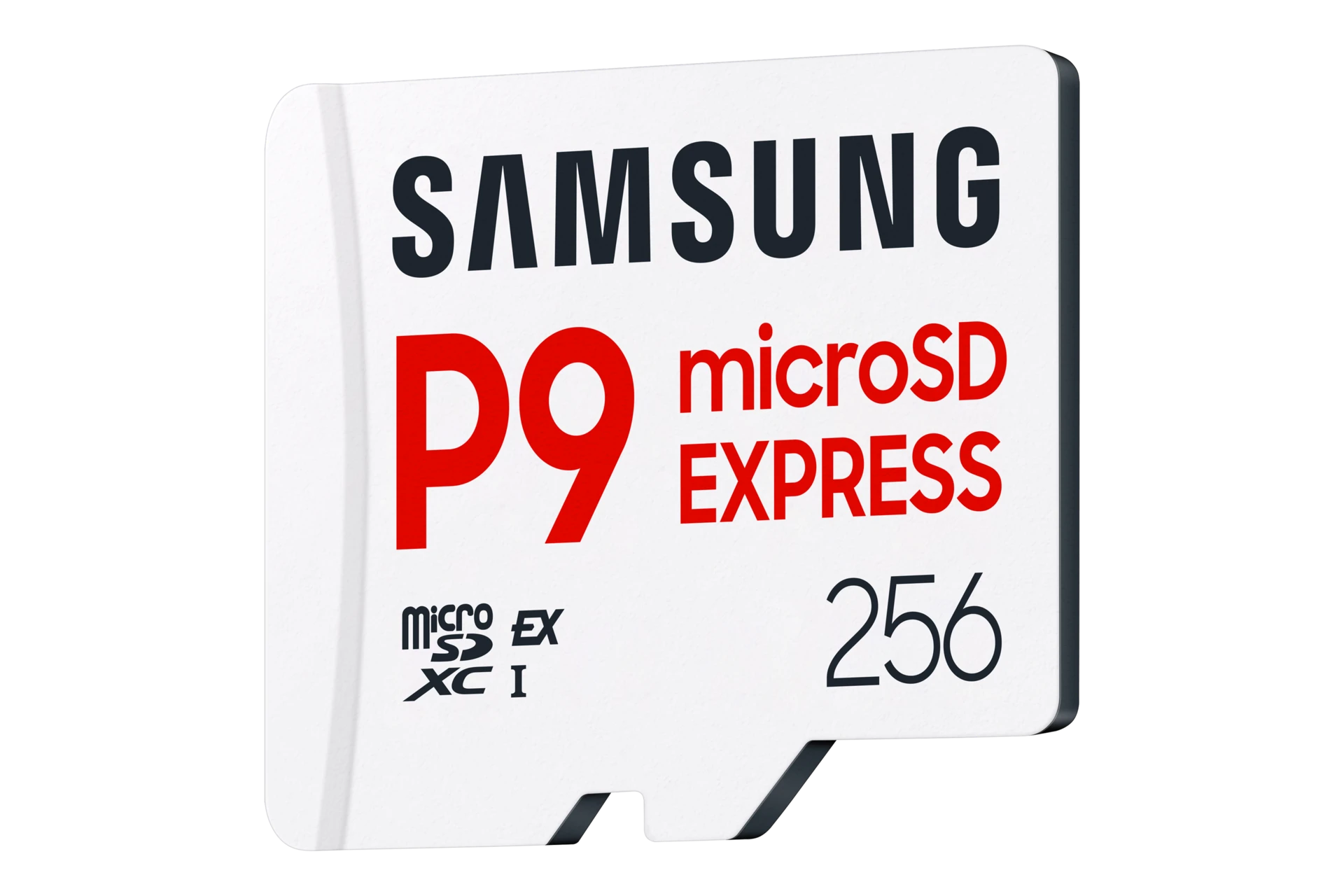
The memory card from your old Switch might fit in a Switch 2, but that does not mean it can hold your new games. Switch 2 needs a microSD Express card for game storage. A regular microSD card is not a substitute, even if the listing calls it fast or says it is made for gaming.
The Samsung P9 Express 256GB is one compatible option. We would consider this size if you want more room without keeping a large downloaded library installed all at once. Before buying, open Data Management on your console and check how much space you actually need.
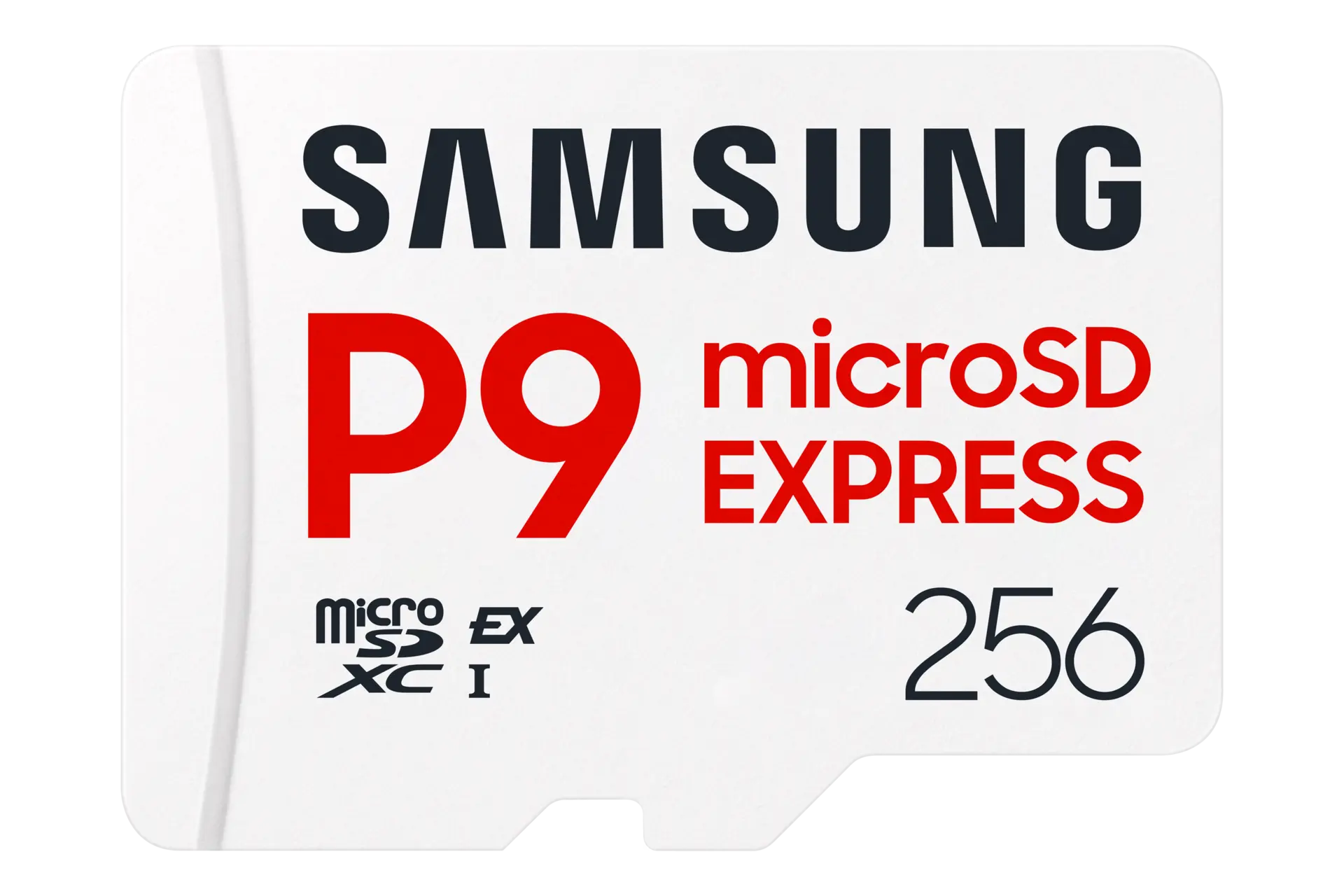
Samsung P9 Express 256GB
Samsung · MB-MK256T/AM
A compatible 256GB option when your Switch 2 needs more game storage.
Product specifications
- Card type
- microSD Express
- Listed capacity
- 256GB
- US model
- MB-MK256T/AM
Pros
- Compatible with Switch 2 game storage
- Adds room for downloads without replacing the console
Cons
- 256GB may be limiting for a large downloaded library
- Does not back up your game saves
Check the label before the capacity
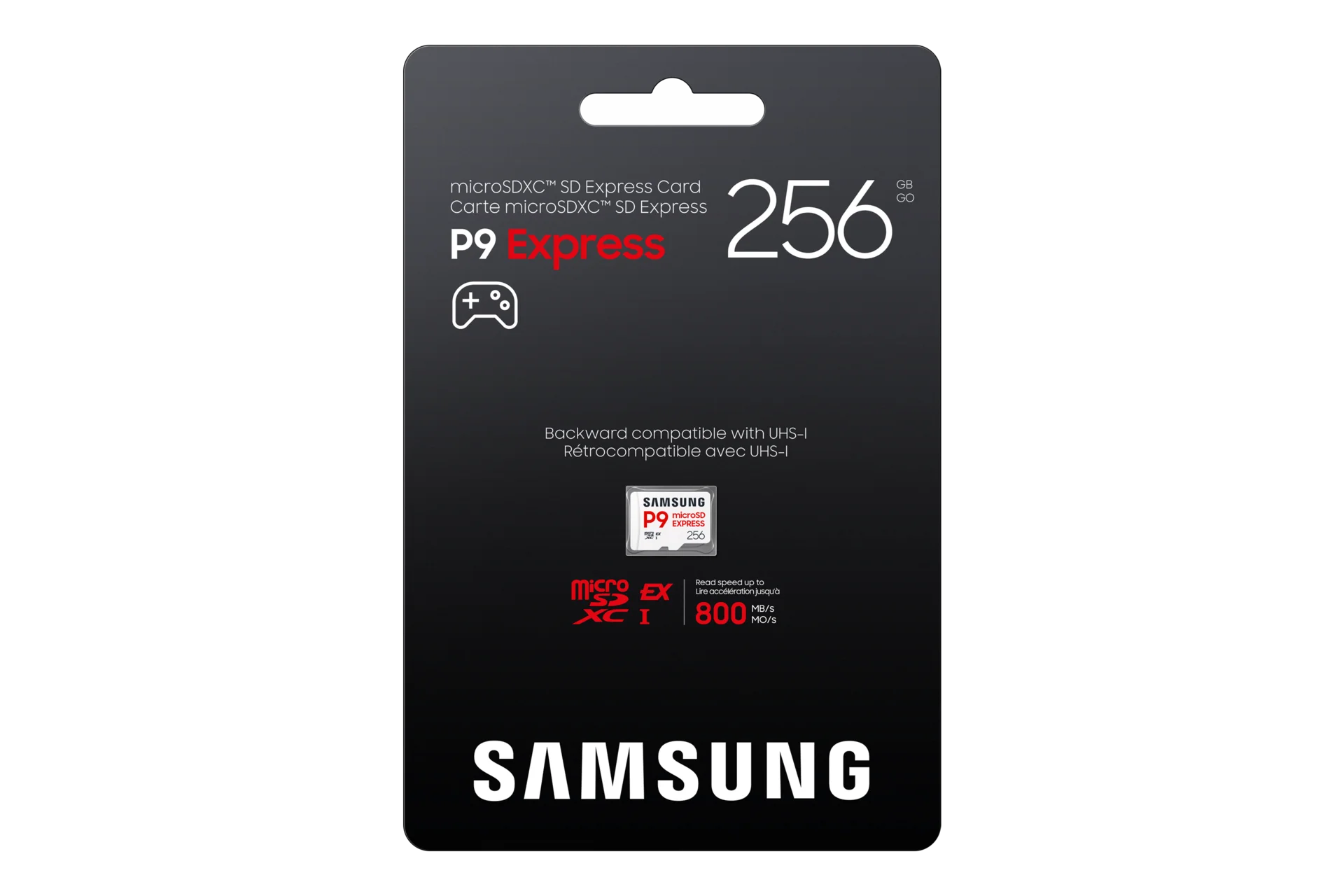
Look for microSD Express on the card or packaging. The Express logo matters more than a big capacity number. A regular 512GB microSD card still cannot replace a 256GB Express card for Switch 2 game storage.
The P9 card linked here is the 256GB model. Samsung also sells a 512GB version, so check the selected size before checkout. The speed printed on the packaging is a manufacturer rating, not a promise that your Switch 2 will load games at that speed.
Is 256GB enough for you?
That depends on what you keep installed. If you usually finish one game before downloading the next, 256GB is worth considering. If you switch between several large games and dislike downloading them again, compare larger Express cards before deciding.
Do not choose by a claim that a card holds a fixed number of games. Check the download sizes of the games you want, then leave room for updates. Usable space will be lower than the capacity on the box after formatting.
Buying physical games does not always remove the need for storage, either. Game-key cards require a game download, and you still need the card inserted to play. Check the box before assuming the game is stored on it.
Your saves stay on the console
The memory card holds downloaded software and other supported files, but your game progress stays in the Switch 2's system memory. Moving a game to the card does not move its save data with it.
This also means a bigger card is not a backup for your progress. If your main worry is losing saves rather than running out of download space, buying more storage does not solve that problem.
Moving games onto the card
Connect your Switch 2 to the internet and install the system update required for its first use of a microSD Express card. Then open System Settings → Data Management → Move System / microSD Express Card Data.
Choose the data you want to move and confirm. Some update data cannot be moved, and saves remain in system memory. Do not be surprised if the console still uses some internal space after the transfer.
Buy it when you need more room
The P9 Express 256GB makes sense if your Switch 2 is filling up and you are comfortable removing games you have finished. If you still have plenty of free space, there is no need to buy a card today. For a large library you want ready to play, compare higher capacities first—and keep checking for the word Express.