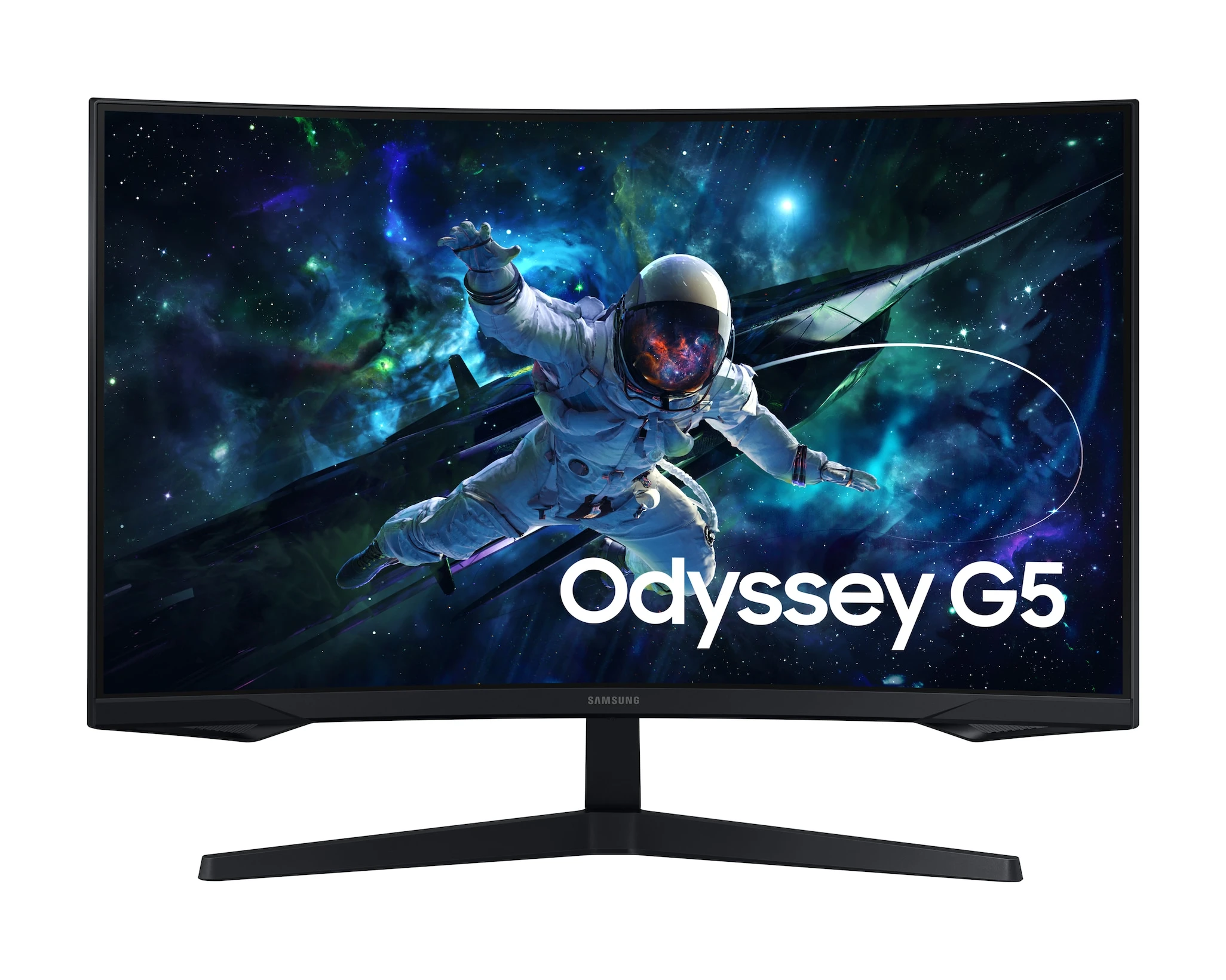
A 32-inch monitor can sound like an easy upgrade until it leaves too little room for your keyboard. The Samsung Odyssey G55C gives you a large, curved screen, but measure your desk before choosing it over a smaller display.
This guide covers the LS32CG550ENXZA, the 32-inch model linked below. Its main appeal is the combination of a 1440p picture and a refresh rate of up to 165Hz. The things to check before buying are less exciting, but just as important: where it will sit, what you will plug into it, and how you will hear your games.
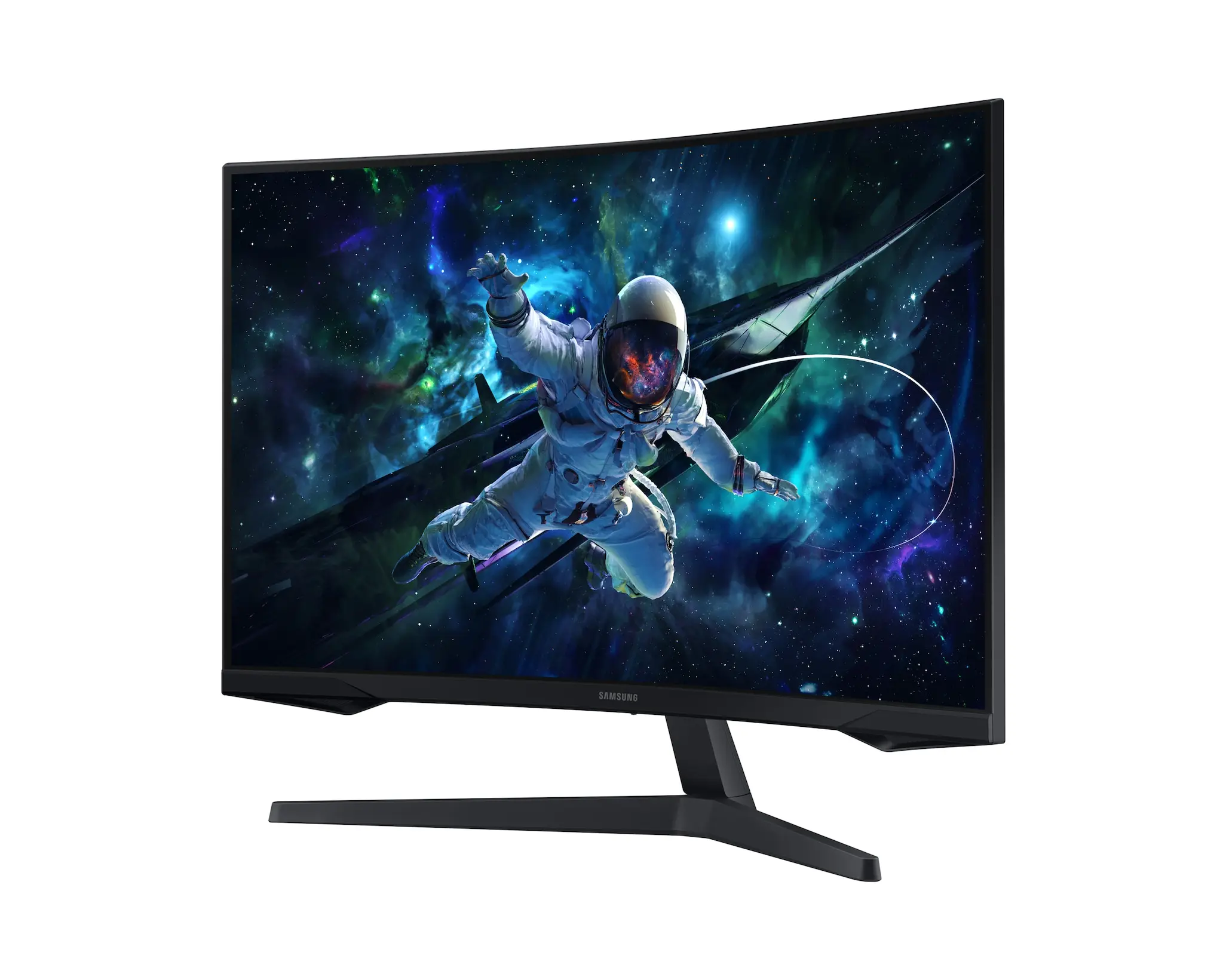
Samsung Odyssey G55C 32-inch Gaming Monitor
Samsung · LS32CG550ENXZA
Worth considering for a roomy desk if you want a large curved screen and do not need several HDMI inputs.
Product specifications
- Model
- LS32CG550ENXZA
- Screen
- 32-inch curved VA
- Resolution
- 2560 x 1440
- Refresh rate
- Up to 165Hz
- Video inputs
- 1 HDMI, 1 DisplayPort
- Stand
- Tilt adjustment
- Mount
- 75 x 75mm
- Depth with stand
- 10.73 inches
Pros
- Large 1440p picture for games and everyday use
- Up to 165Hz with a suitable setup
- DisplayPort can leave HDMI free for a console
Cons
- Stand has no height adjustment
- Only one HDMI input
- Needs separate speakers or headphones
Leave room between you and the screen
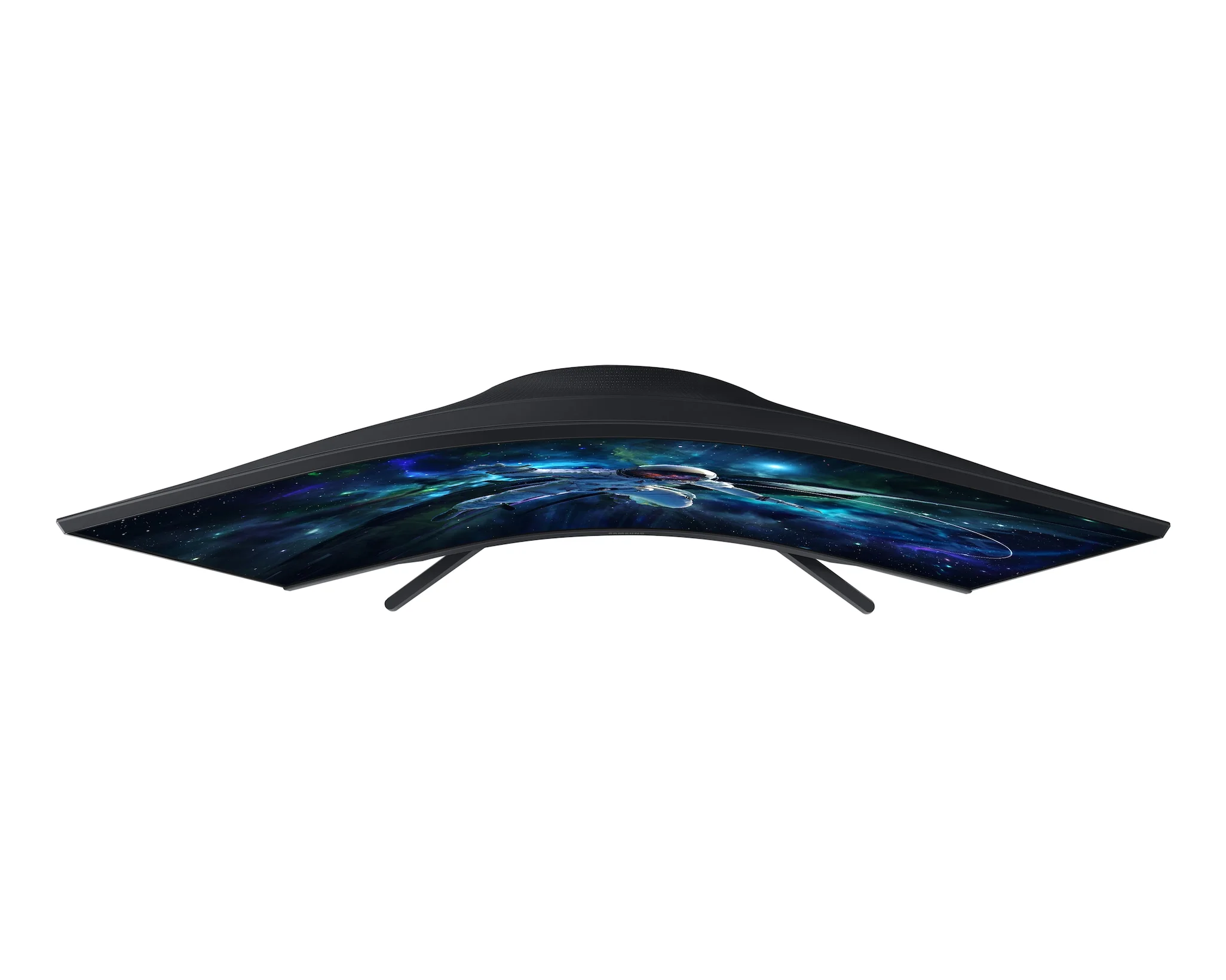
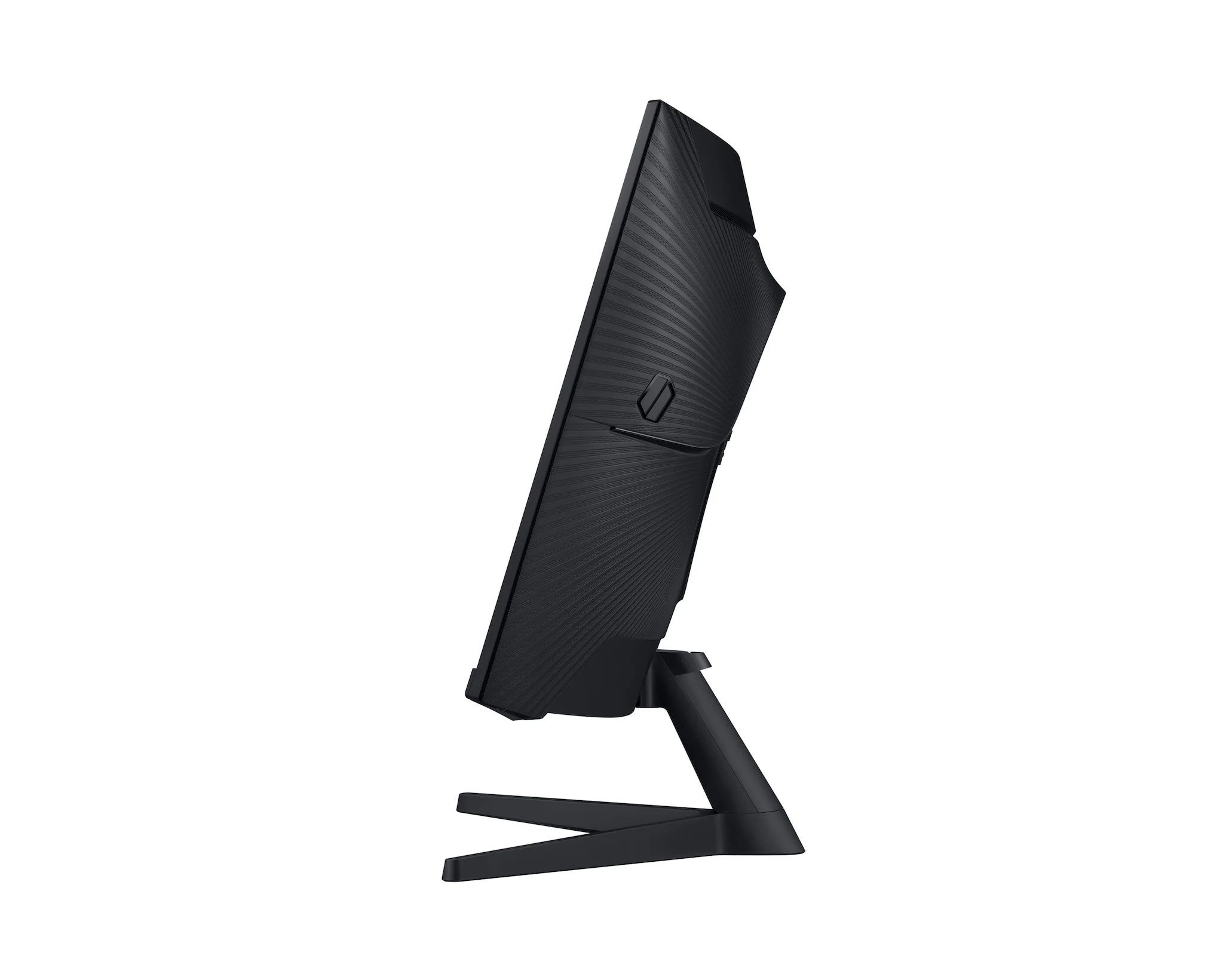
With the stand attached, the G55C is about 28 inches wide and 10.7 inches deep. Mark that space on your desk, then put your keyboard and mouse where you normally use them. If the screen would end up right against your face, a smaller monitor is worth considering.
The 1000R curve is easy to spot from above. Both sides turn toward you rather than staying flat. We would try a similarly curved screen in person if possible, especially if you also spend hours working with documents. A curve is a preference, not a reason everyone should replace a flat monitor.
A bigger screen is not the same as more detail
The resolution is 2560 by 1440, also called QHD or 1440p. That is more detail than 1080p, but it is not 4K. Moving from a 27-inch 1440p screen to this one makes the same number of pixels cover a larger area. You get a bigger picture, not extra workspace at the same display scaling.
Up to 165Hz means the screen can refresh as many as 165 times each second. It does not make your computer run every game at 165 frames per second. Your PC, game settings and connection still matter. Check the refresh rate available in your display settings after connecting it rather than assuming the highest option is already selected.
Plan your cables and sound
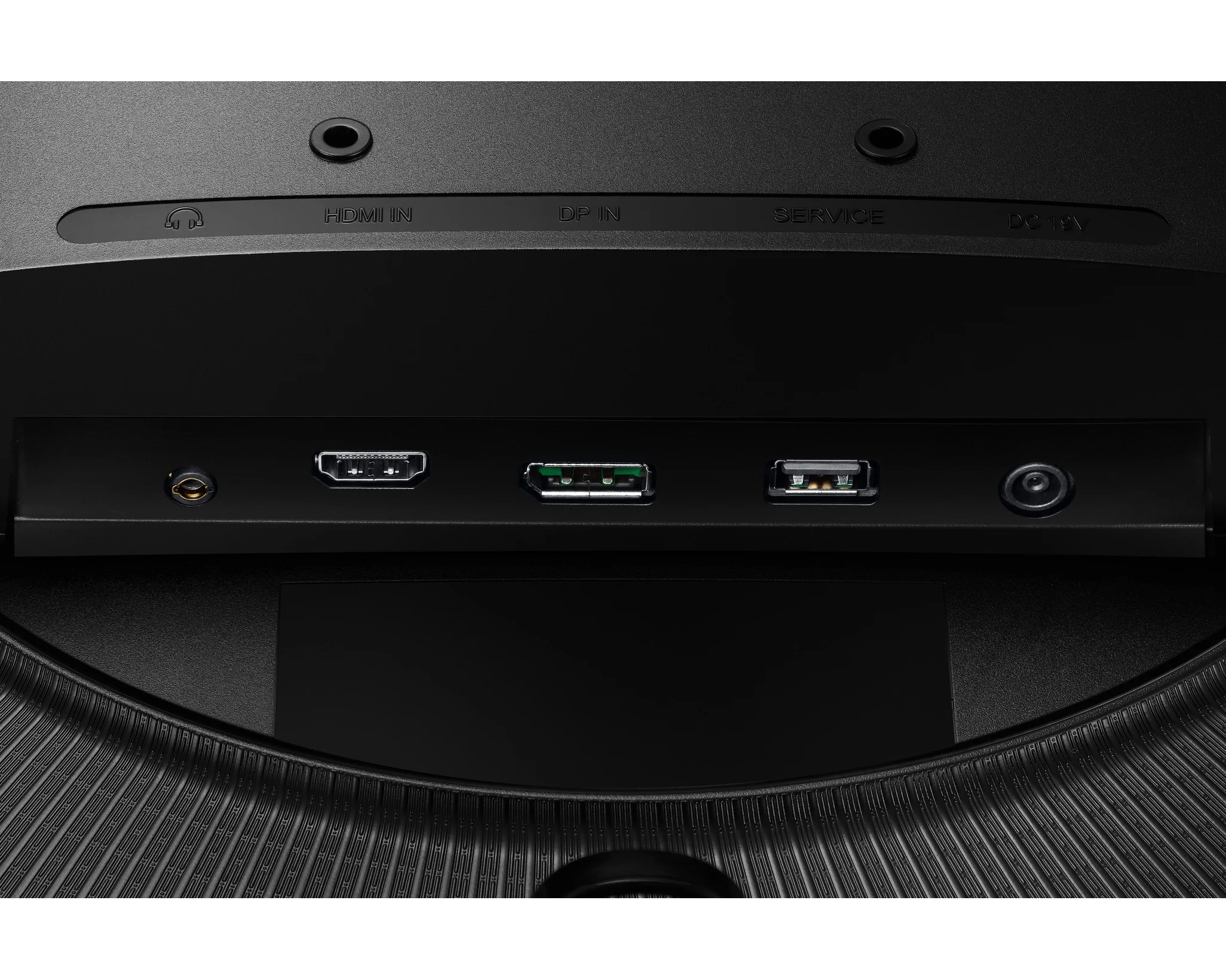
There is one HDMI input and one DisplayPort input, plus a headphone connection. A desktop PC on DisplayPort leaves HDMI free for a console. Two devices that both need HDMI will require you to swap cables or arrange another way to switch between them.
You also need headphones or separate speakers. The G55C does not have built-in speakers, a limitation mentioned by more than one owner on the Amazon listing. Do not assume that connecting a console by HDMI means sound will come from the monitor.
Check the height before buying
The supplied stand tilts, but it does not give you a height adjustment. That matters if you are trying to line it up with a second monitor or share a desk with someone taller or shorter.
There is a 75 by 75mm mounting pattern for a compatible arm. Check an arm's supported weight and clearance before ordering it, and include that extra purchase in your budget. Buying an arm just to make a monitor fit can change which screen offers the better deal.
What to check when it arrives
Owners on Amazon often praise the size and picture. The visible reviews also include complaints about the stand and limited connections, plus an account of the screen losing its picture. Those reports do not tell us how often a fault happens. They are a reason to check your own unit promptly: look for stuck pixels, try the inputs you need and keep the packaging while you decide whether it fits your setup.
Samsung's support page for this exact model lists a firmware download. If you need an update, match the full model number first and follow its instructions. Do not install a file just because another monitor is also called Odyssey G5, or assume an update will fix a hardware fault.
For a roomy desk with a PC and one HDMI device, the G55C is worth considering if you want a large curved picture. For a shallow desk, frequent height changes or several HDMI devices, we would look for a monitor that fits those needs without extra accessories.