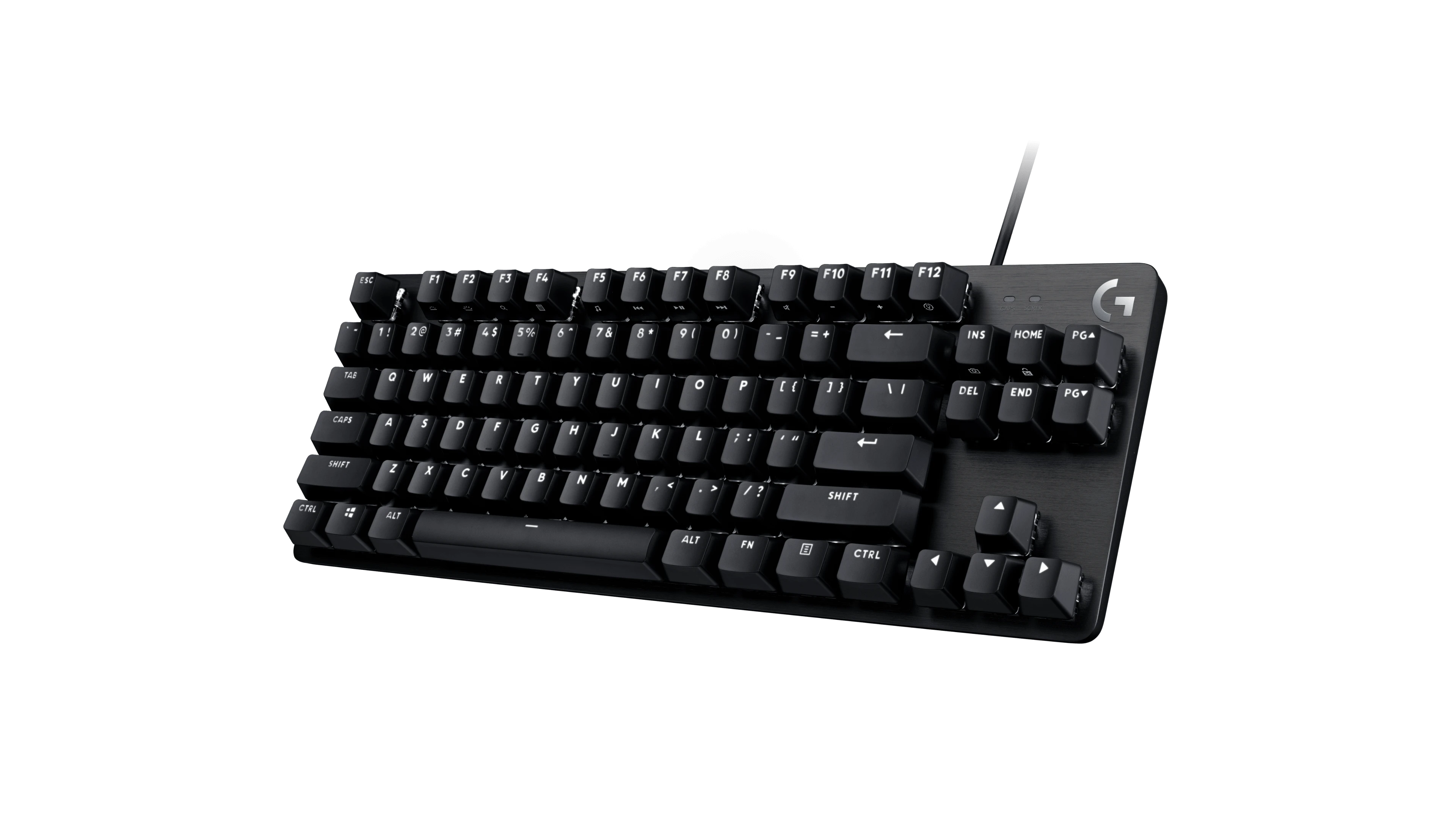
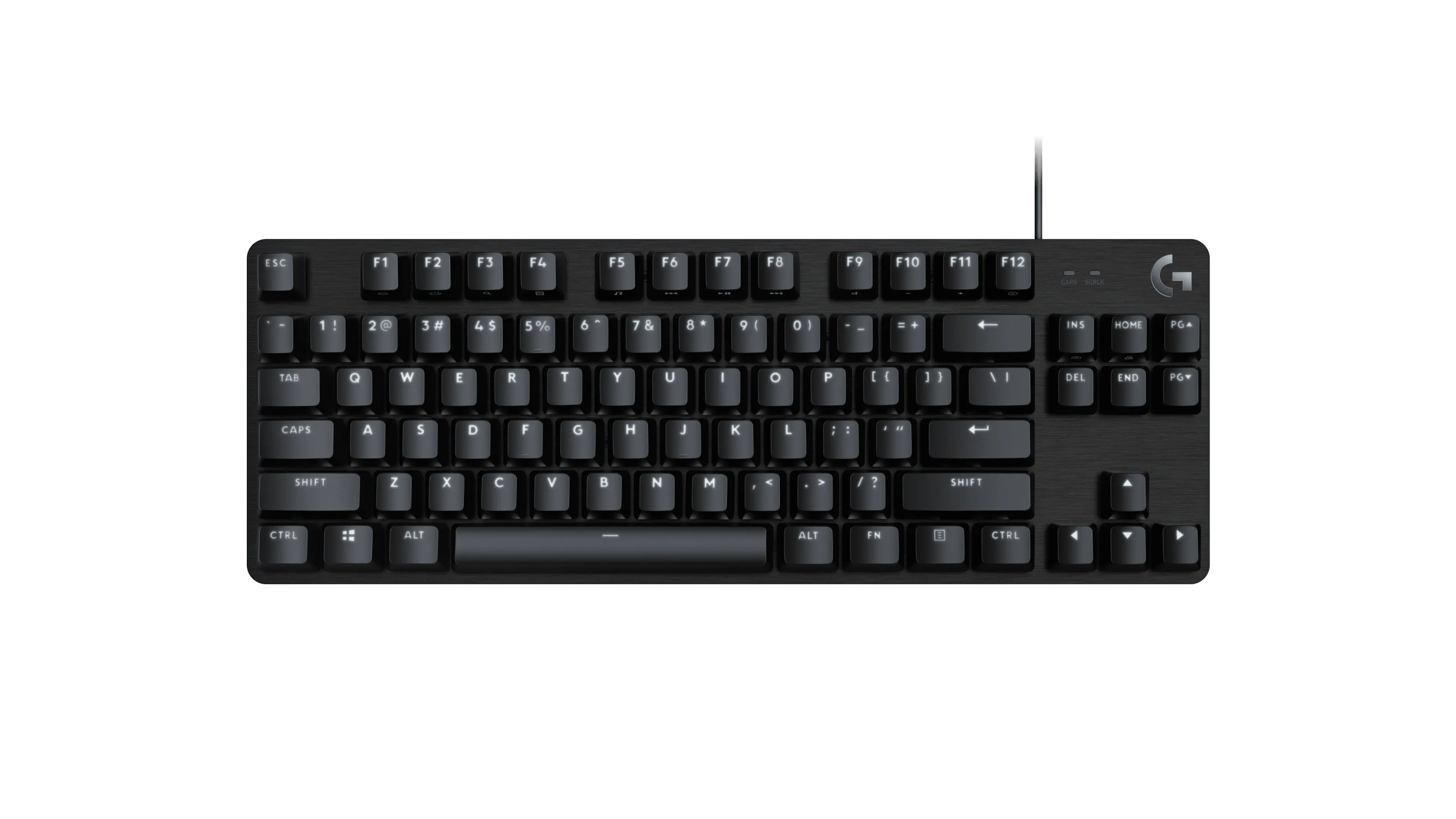
If your mouse keeps hitting the side of your keyboard, a smaller keyboard is worth a look. The Logitech G413 TKL SE drops the number pad on the right but keeps a separate row of function keys and a group of arrow keys. You get more desk space without moving those everyday controls onto shortcuts.
That trade works best if you rarely use a number pad. If you enter figures all day or use those keys in games, a full-size board may suit you better. The G413 TKL SE is also wired, with white lighting rather than RGB. It is a choice for a desk setup, not for switching wirelessly between devices.
Logitech G413 TKL SE
Logitech · G413 TKL SE
For a desk where you want more mouse room but still use arrow and function keys.
Product specifications
- Layout
- Tenkeyless (no number pad)
- Connection
- Wired USB
- Width
- 355mm
- Lighting
- White LEDs
Pros
- Keeps separate arrow keys and a function row
- Narrower layout leaves more room beside the keyboard
- No battery to charge
Cons
- No separate number pad
- Wired connection only
- Lighting is white, not RGB
Measure your desk and check the keys you use
The keyboard is 355mm wide, about 14 inches. Measure that space beside your mouse mat before ordering. A smaller board helps only if it leaves enough room for the way you move your mouse.
Look at the product photo rather than relying on the word compact. This layout keeps Home, End, Page Up and Page Down alongside the arrows. The number row above the letters stays too; it is the separate calculator-style number pad that is missing.
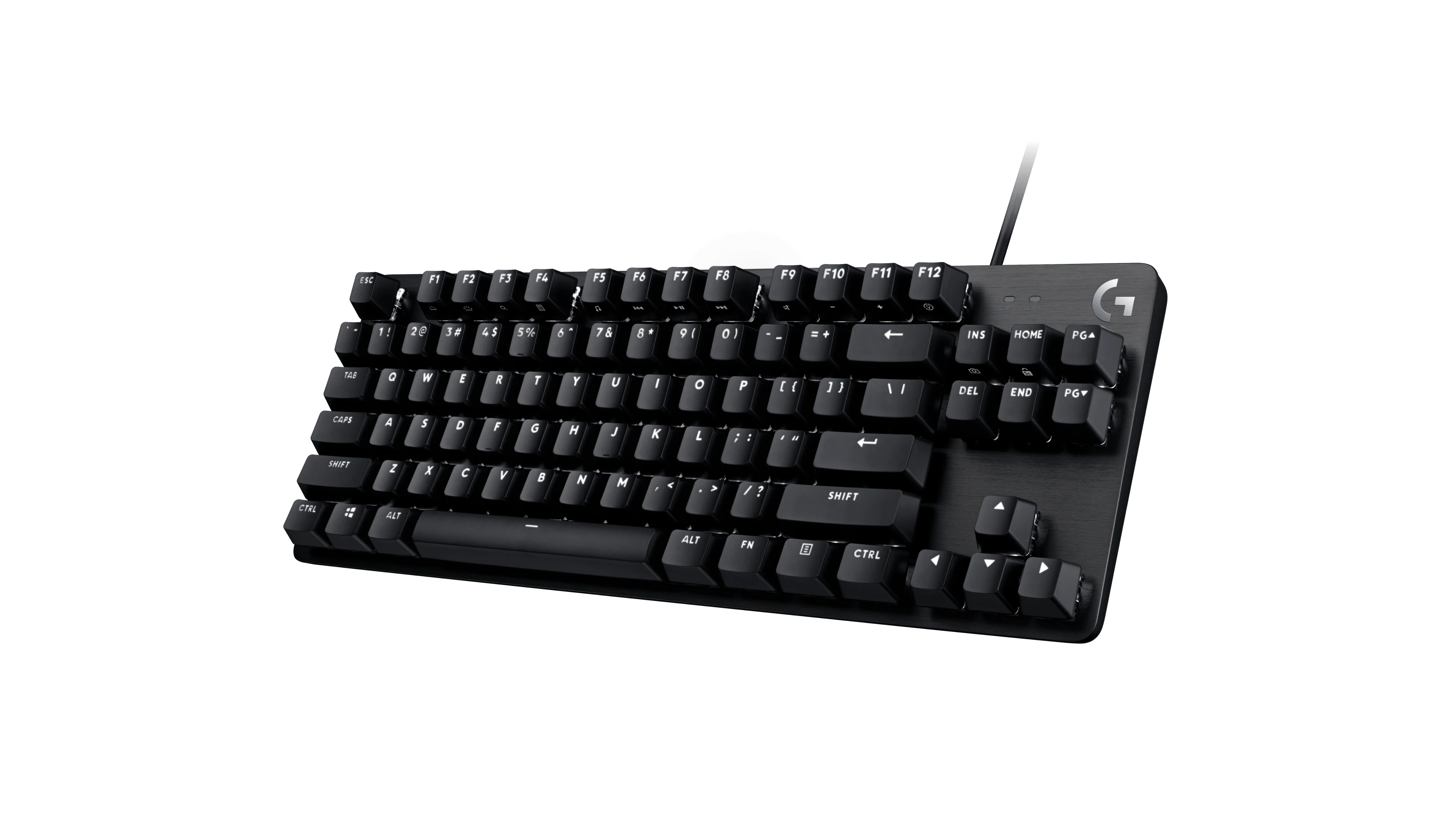
Check the language layout in the listing as well. A keyboard with a different Enter key or unfamiliar symbol positions can be annoying even when its size is right.
What the keys and lighting offer
The switches are tactile: you feel a small bump as you press a key. That describes the mechanism, not a guarantee that you will like its feel or sound. If noise matters in a shared room, try to hear the keyboard before buying it.

The keycaps use PBT, a plastic chosen for resistance to wear. White LEDs light the keys, but you cannot choose a different color to match your setup.
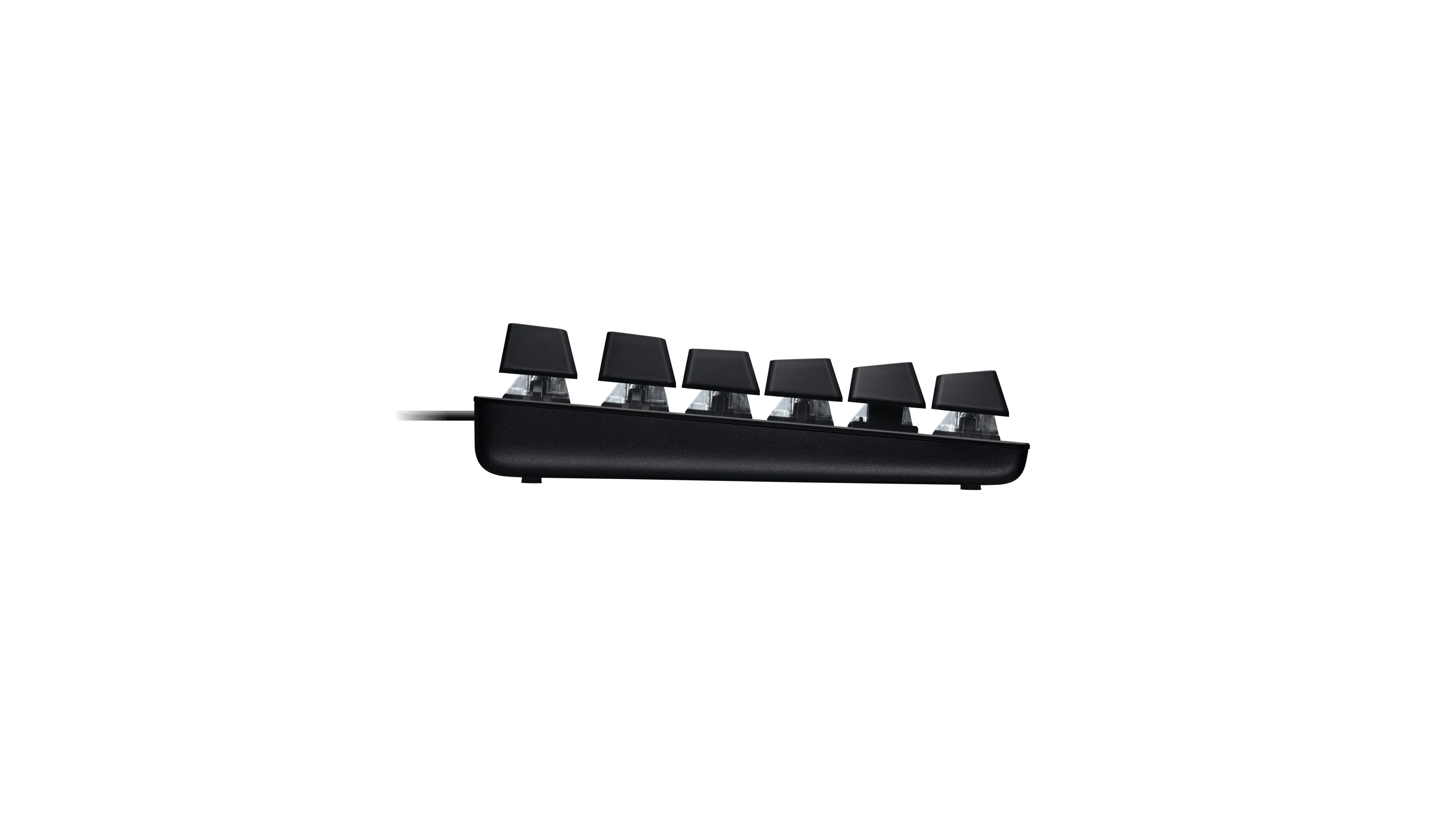
There are five built-in lighting patterns, including a steady light and a breathing effect. The setup guide also covers shortcuts for locking the Windows key and controlling the lighting. These controls use the keyboard itself.
Choose it for the layout, not the gaming label
We would consider the G413 TKL SE for a fixed desk where mouse space matters more than a number pad. Its arrows and function row make the smaller layout easier to judge: you can see which controls stay before you buy.
Skip it if wireless use or colored lighting is on your must-have list. And if you already own a keyboard that fits your desk comfortably, do not replace it just because this one says gaming. Start with the problem you want the new keyboard to solve.