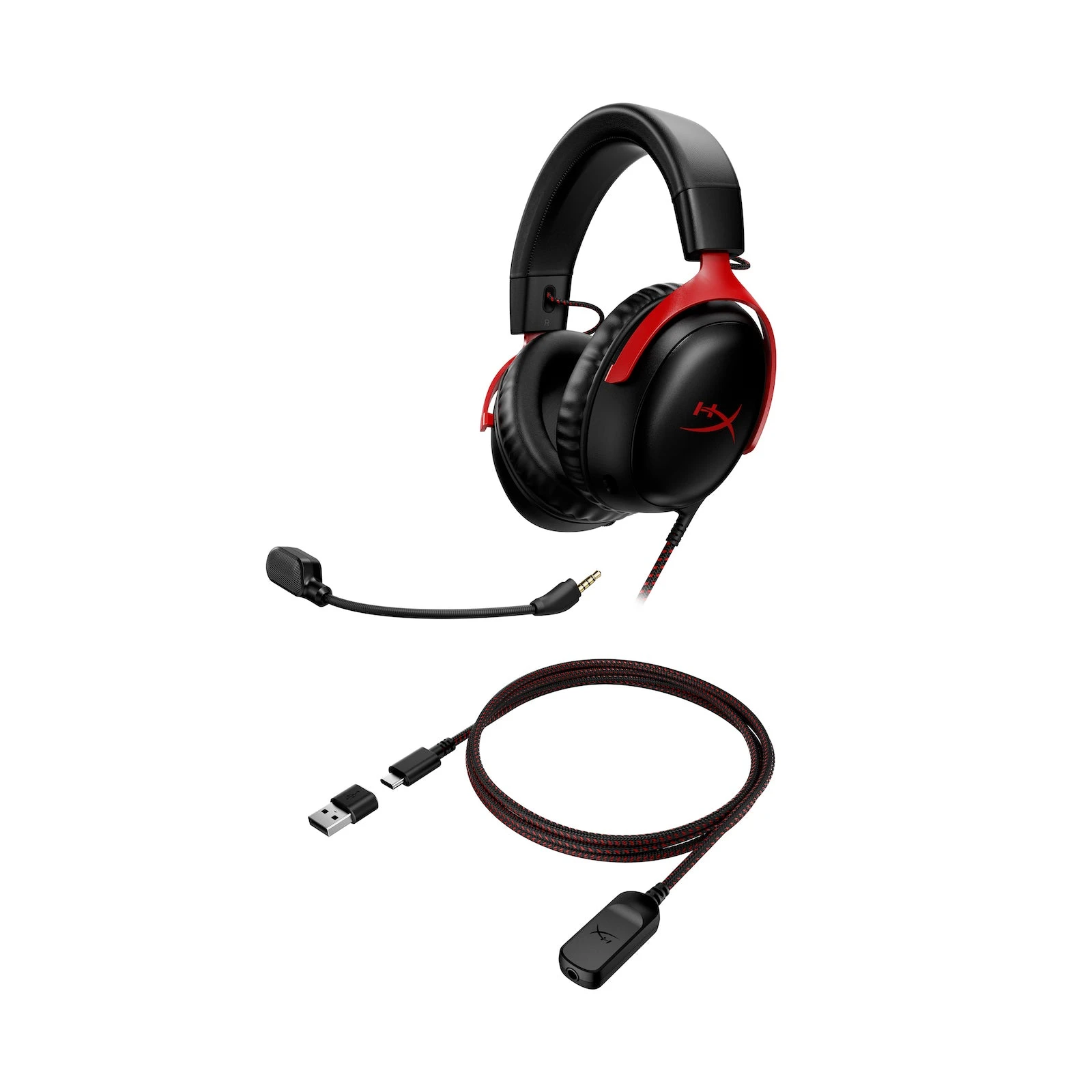
The HyperX Cloud III wired headset comes with a microphone and USB adapters, so you don't have to buy those separately. It also has a regular 3.5mm headphone plug. That's useful if you play on more than one device, but check how you'll connect it before ordering: a list of supported consoles doesn't mean every plug works on all of them.
The model here is the wired Cloud III in black and red. Cloud III Wireless and Cloud III S Wireless are separate products. If you're comparing listings, don't rely on the photo alone; the full model name matters.
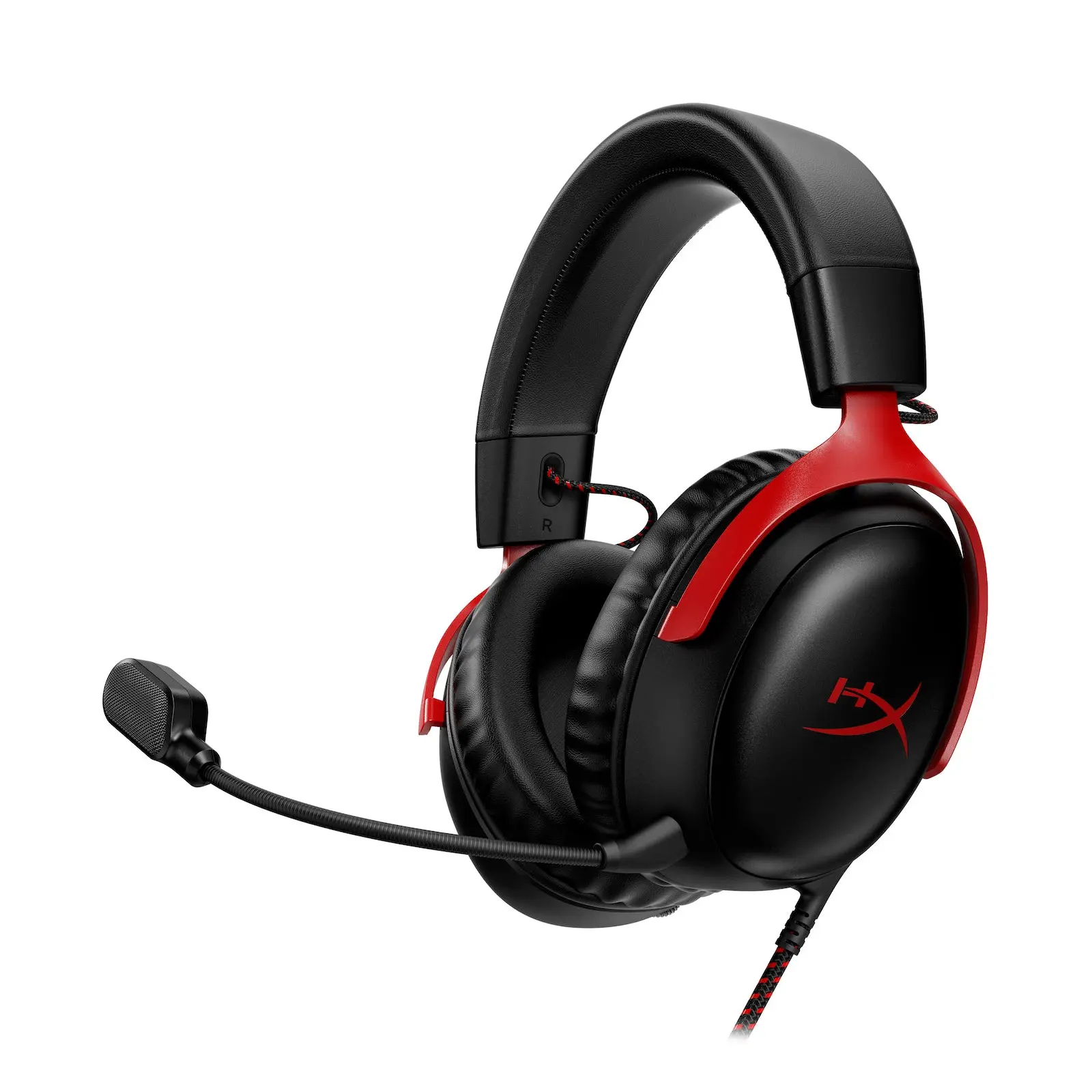
HyperX Cloud III Wired (Black/Red)
HyperX · Cloud III Wired
The wired model, with a removable mic and USB-C and USB-A adapters included.
Product specifications
- Connections
- 3.5mm, USB-C and USB-A
- Microphone
- Detachable
What's in the box
You get the headset, a detachable microphone, a USB adapter with a cable, a USB-C to USB-A adapter, and a quick-start guide. USB-C is the small oval connector; USB-A is the larger rectangular one. Both options are included, which helps if your computer has one type of port but not the other.
The headset's own cable is about four feet long. The USB adapter adds a separate cable of roughly the same length. Before buying for a desk, think about where the computer sits: a cable that reaches easily from a laptop beside you may feel short when the PC is under the desk.
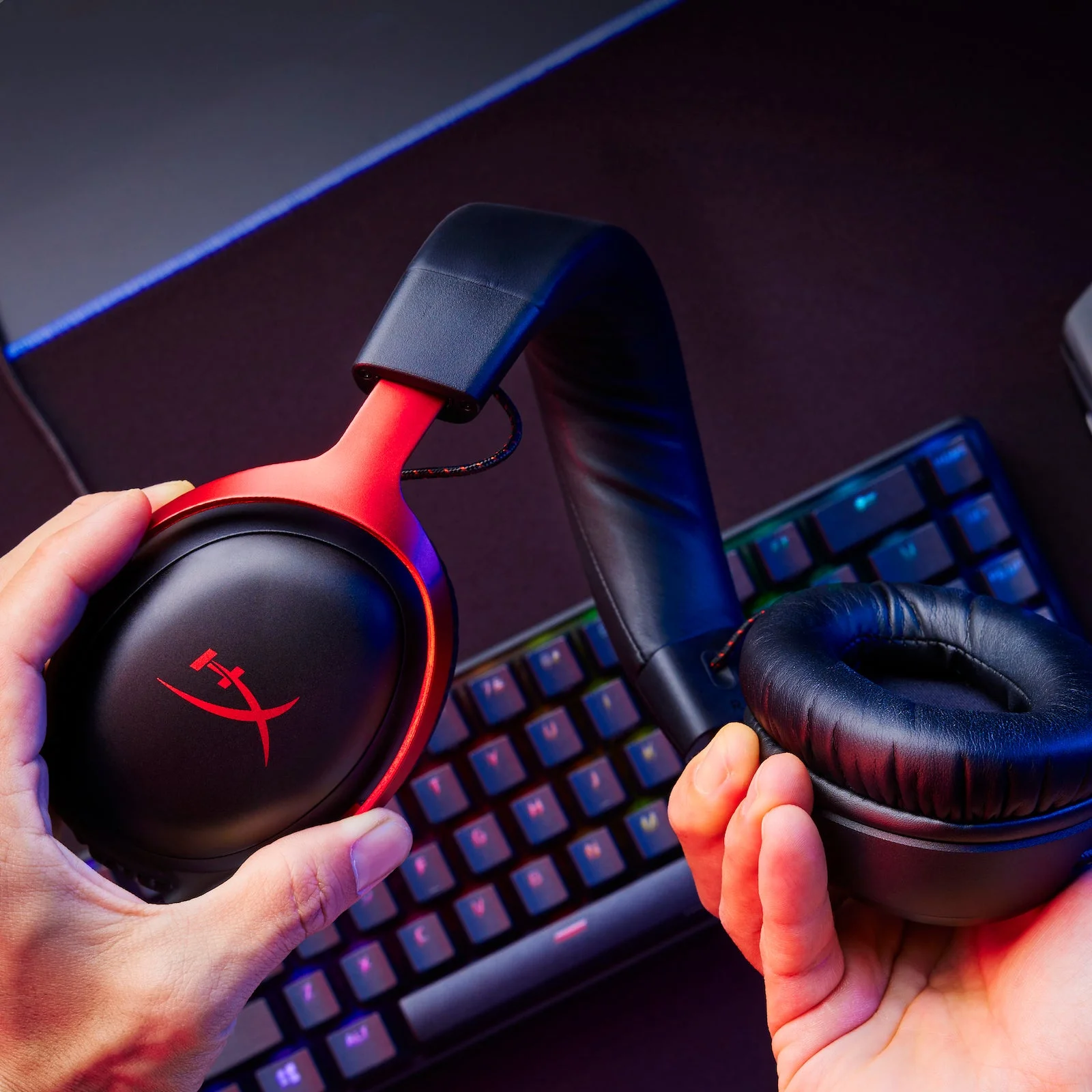
The removable mic is handy when you only want to listen. Volume and mute controls are on the earcup, within reach while you're wearing it.
The cable is both the benefit and the drawback
There's no headset battery to charge. For someone who keeps a headset at their desk, that can be more useful than wireless freedom. You don't need to remember to plug it in after playing.
You do need to take it off before walking away, though. If you often get up during voice chat, or dislike a cord brushing against your arm, a wired headset may annoy you regardless of its other features. Don't buy this version expecting to use it wirelessly later.
Check your device, not just the product name
HyperX lists support for PC, Mac, PS5, PS4, Xbox Series X|S, Xbox One, the original Nintendo Switch, and compatible mobile devices. The connection you use depends on the device. Having USB adapters in the box doesn't make every USB port a supported headset connection.
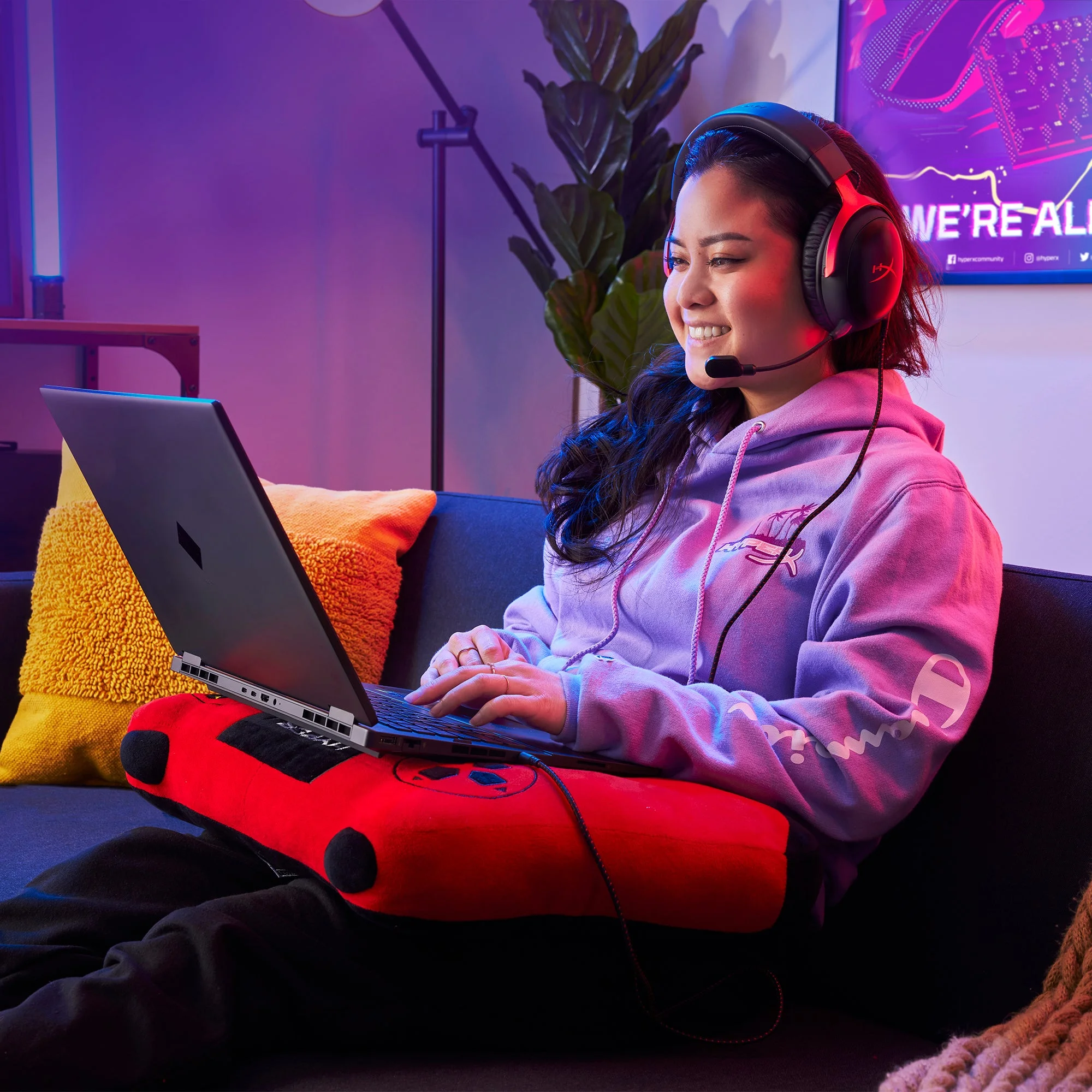
For a shared household headset, write down the devices you actually want to use it with and check each connection. If you already own a headset that works well on all of them, extra plugs alone aren't a good reason to replace it.
The wired Cloud III is worth considering when you want a removable mic and several connection options without another battery to manage. Choose something else if being able to move around without a cable is a priority.