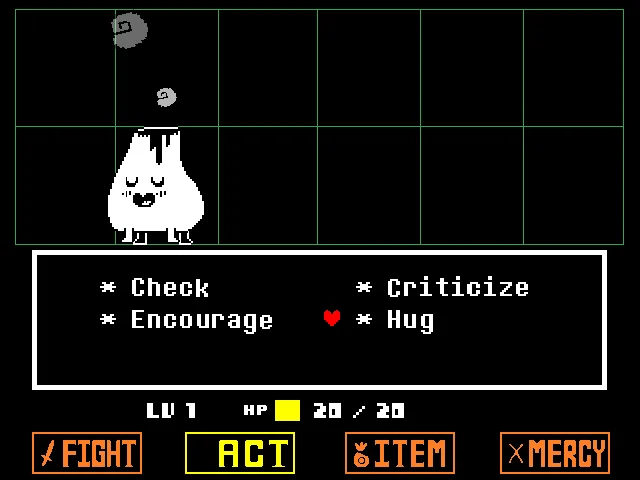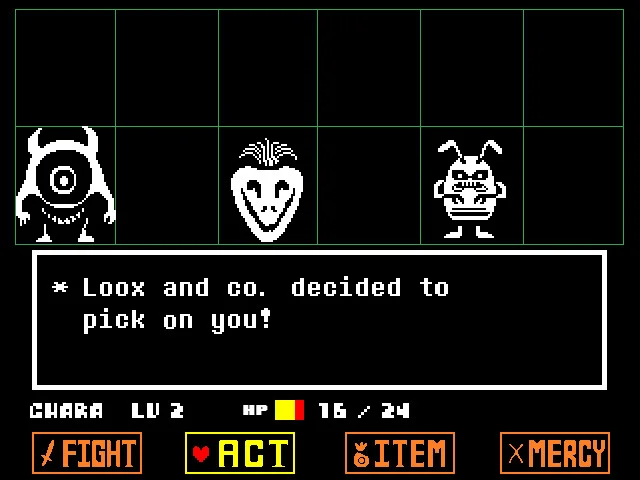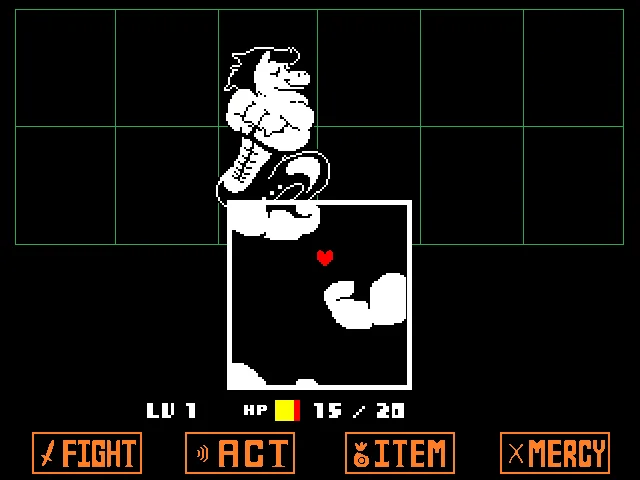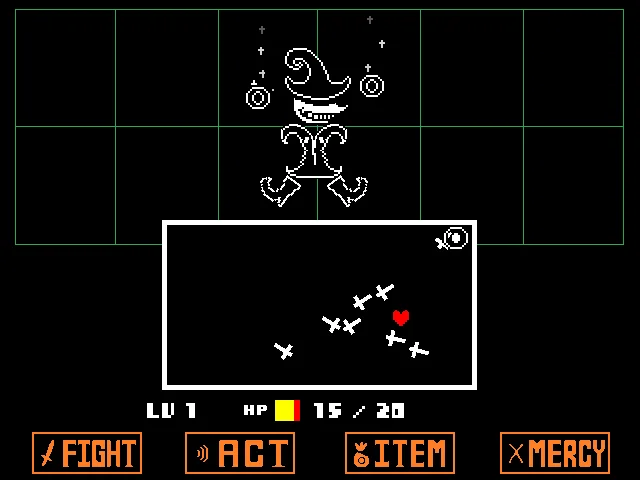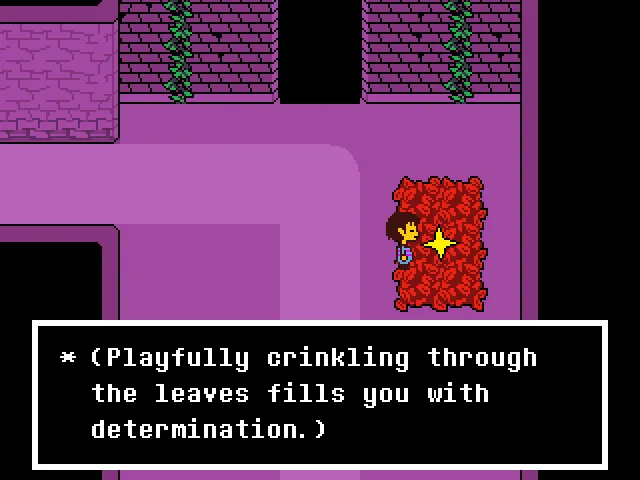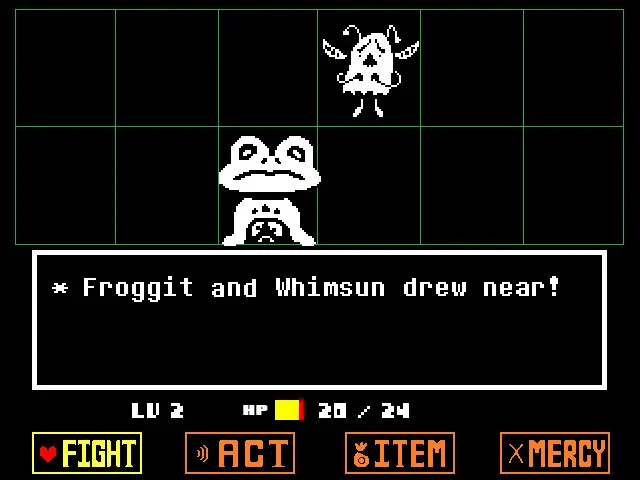
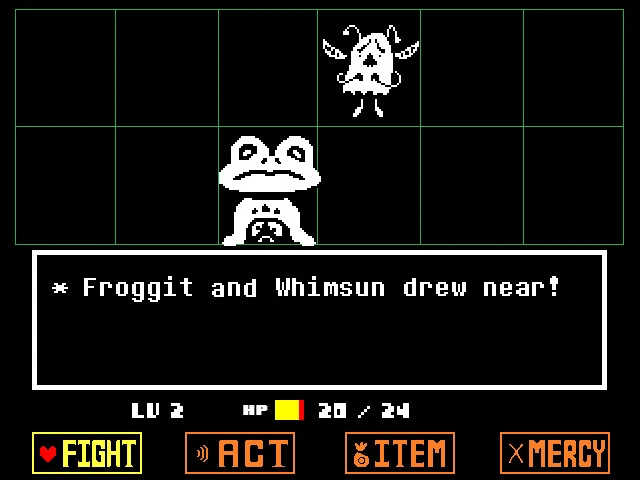
When you meet a monster, Undertale changes from the room view to a black battle screen. The monster appears near the top. A white-bordered box in the middle shows messages and your choices. Along the bottom are four orange commands. You can take a moment to read: the fight does not move to its next step until you make a choice.
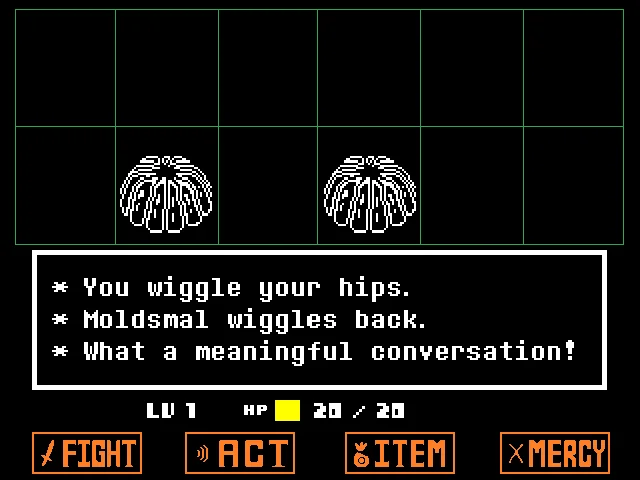
- FIGHT is the far-left command. It attacks. You do not have to choose it for every encounter.
- ACT is second from the left. It lets you interact with a monster or check its information.
- ITEM is third. It opens the items you are carrying, including any healing item you have.
- MERCY is far right. It is where you try to spare a monster instead of defeating it.
Watch HP before making your next choice. The number beside the small colored bar tells you how much health you have left. If an enemy attack reduces it, ITEM may be more useful than repeating the same ACT choice.