Pixel Twelve
Return of the Obra Dinn Beginner Guide: Use the Watch, Read the Book and Solve Fates

How To

Return of the Obra Dinn Beginner Guide: Use the Watch, Read the Book and Solve Fates

A visual beginner guide for Return of the Obra Dinn covering the pocket watch, frozen scenes, book, crew drawings, manifest, map, fate entries and common sticking points.

By Mildred CrumpGame: Return of the Obra DinnVerified Sep 25, 2026
Guide Type
How To
Last Verified
Sep 25, 2026

Guide details

Overview

A visual beginner guide for Return of the Obra Dinn covering the pocket watch, frozen scenes, book, crew drawings, manifest, map, fate entries and common sticking points.

Start here: the short version

Find a body, use the watch, examine the still scene, then open the book. Your job is to work out who each person was and what happened to them. You do not need to solve a person the moment you meet them. Record a clue, move on and return when another scene makes it clearer.

This guide avoids solved names and major story answers. The screenshots are from different parts of the game, so they are examples of what the tools and rooms look like, not a route to follow in order. The pictures are monochrome because that is how Return of the Obra Dinn looks. Turn up the sound: speech before a frozen scene is often part of the evidence.

Buttons differ between keyboard, controller and platform. When this guide says to open the book or use the watch, follow the prompt shown by your copy of the game. On PC, the mouse is used to select and confirm entries in the book. Focus first on recognising the watch, the drawing and the fate page in the images below.
1. Find a body and use the pocket watch

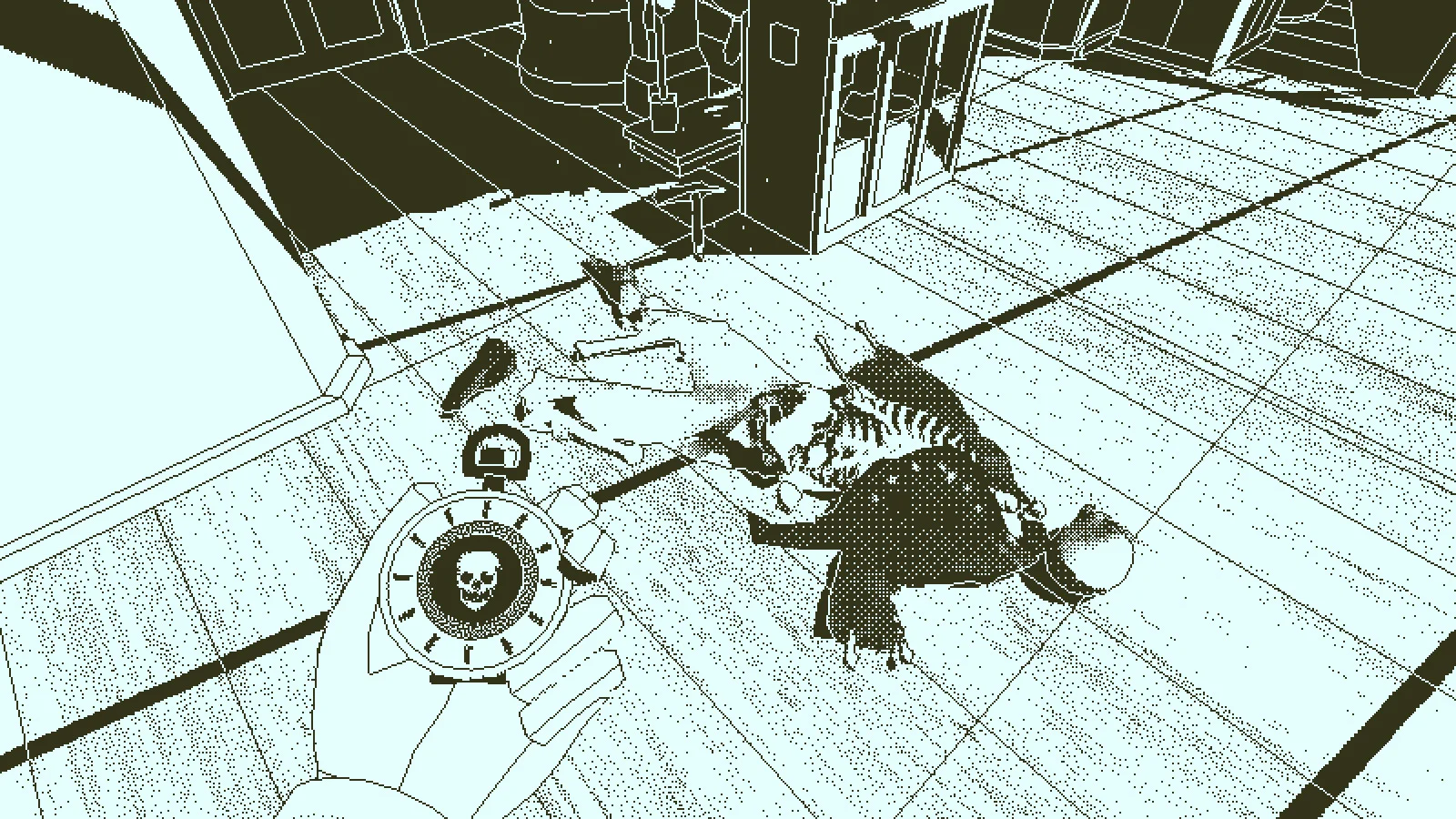
The investigator holds a circular pocket watch above a body on the wooden ship deck.
The watch fills the lower-left of the view when it can be used on a body. The person on the deck is your point of investigation.
  1. After boarding the Obra Dinn, walk onto the deck and look down as well as ahead. Search for a body lying against the wood, not a glowing quest marker. When you stand close enough and look toward it, the pocket watch becomes the obvious object in your hand. Use the action prompt shown on screen to activate it.
  2. Listen before you start writing an answer. The watch plays sounds from just before a death, then places you in a frozen scene. A voice may say a name, but it may also be talking about someone else. Note who seems to be speaking and what the sound tells you; do not assume the nearest figure is the speaker.

If you can see the body but nothing happens, move nearer and aim at the remains until the watch reacts. You may need to inspect a different body first. The watch is used on a death scene; it does not turn every object in the ship into an interactive clue.

2. Look around the entire frozen moment

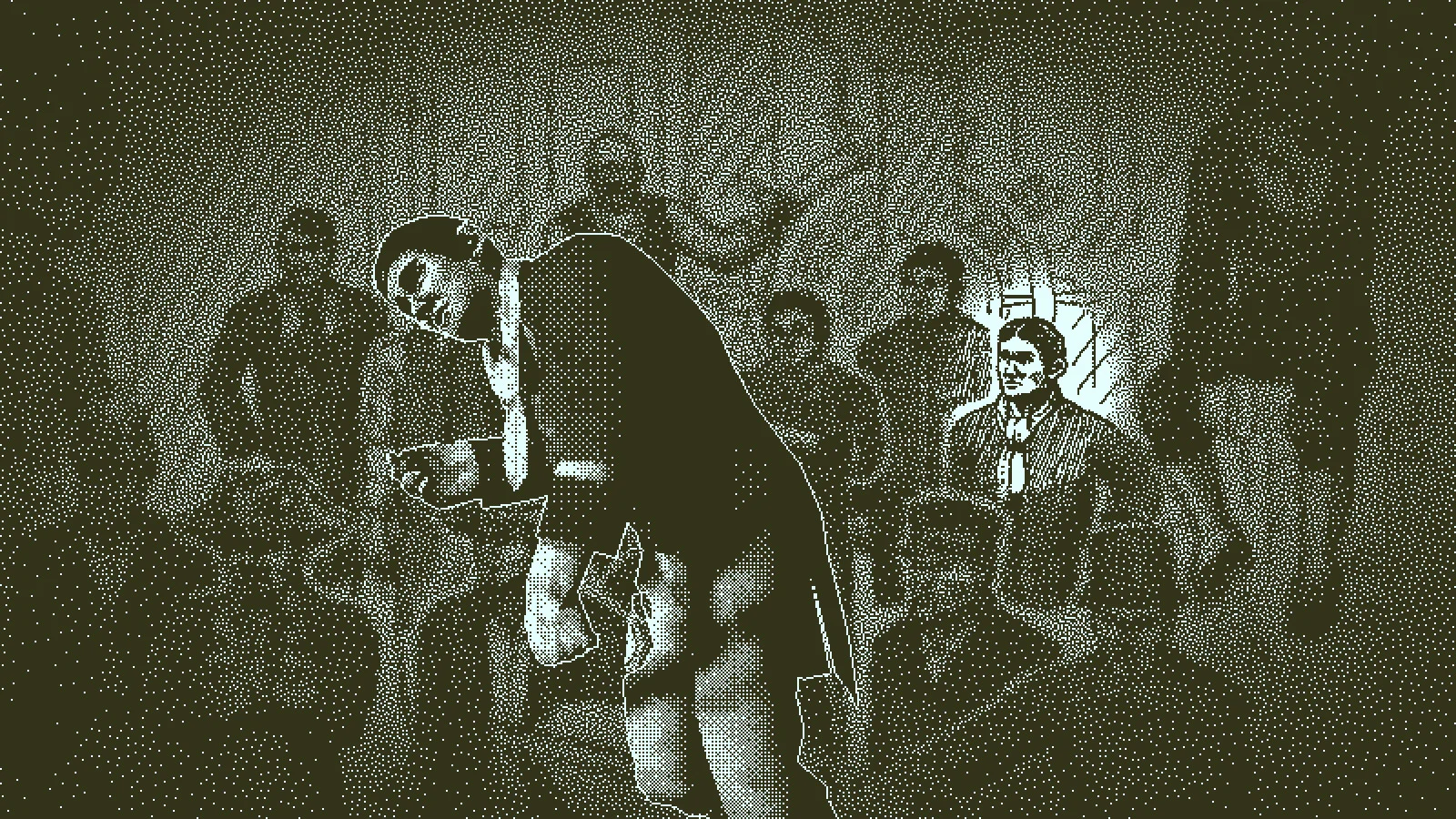
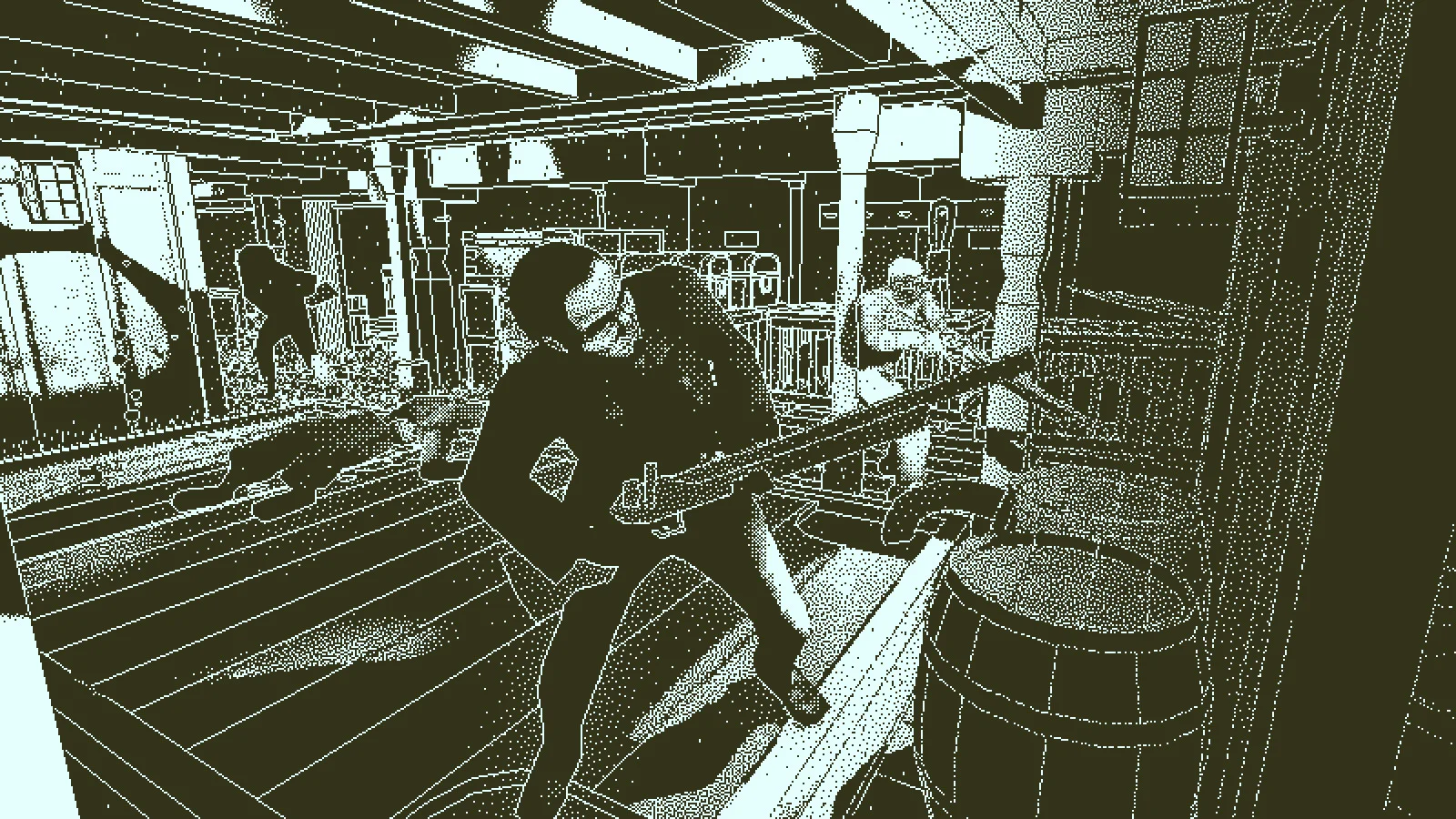
Several sailors stand in a cramped ship room while another person crosses the foreground.
A death scene can show several people. Check the background and the edge of the room as well as the person you arrived to investigate.
  1. Once the sound ends and the scene is still, rotate your view and move around the space. People will not walk away while you inspect them. Start with the person who died, then look at hands, nearby tools, clothes and the direction other people are facing.
  2. Turn toward the walls, doorway and corners before leaving. A face or uniform in the background may be easier to identify than the person whose body brought you there. If the view is crowded, move to one side and look again rather than treating the first angle as the whole scene.
A frozen crowded scene shows several people at different distances inside the Obra Dinn.
One scene may contain more witnesses than you notice from the first camera angle.

You are allowed to leave an identity blank. A clear cause of death and an unclear name are two different things. The book will still keep the scene so you can compare it with another memory later.

3. Search the ship between memories

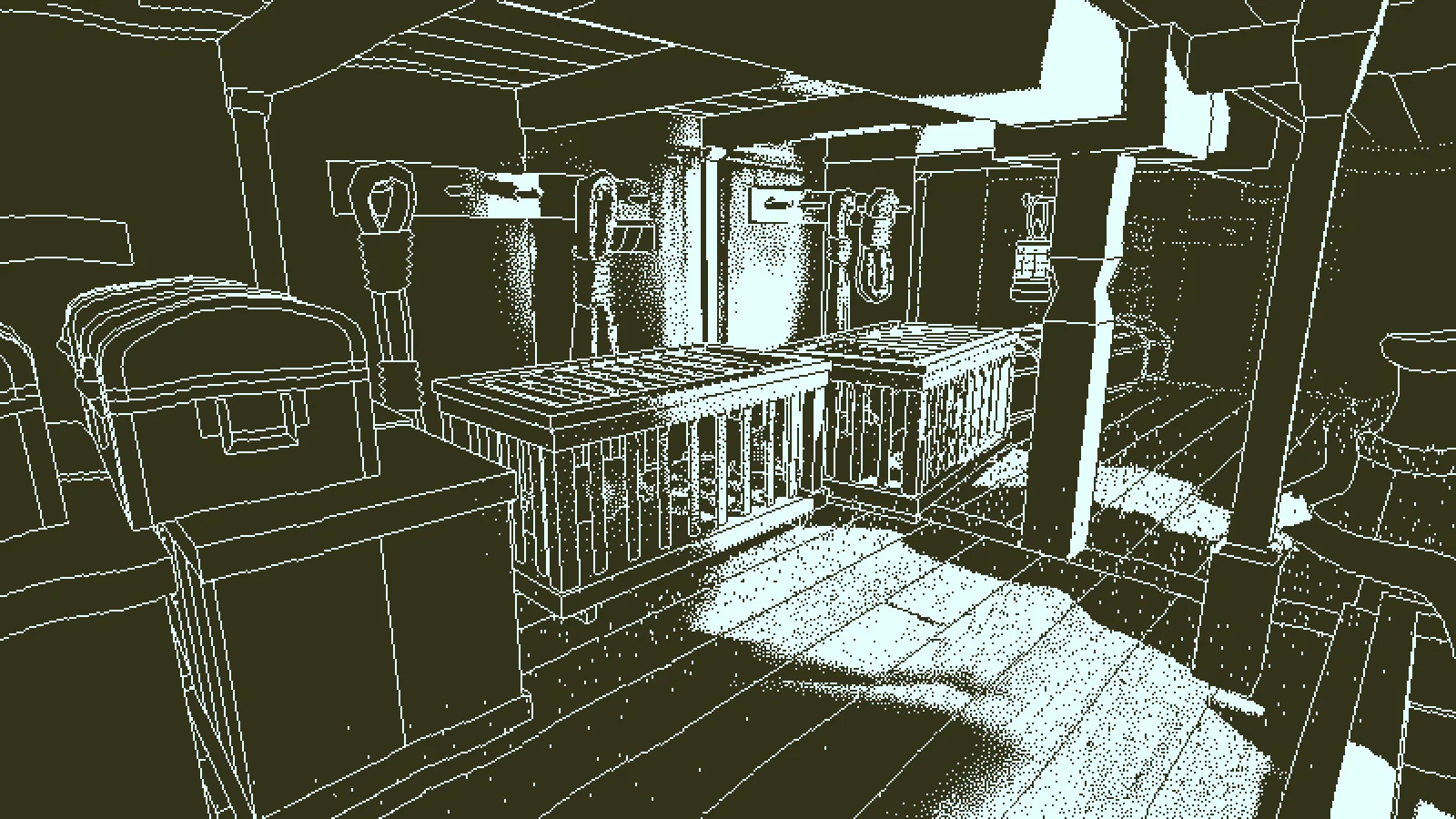
An empty lower-deck storage space contains cages, crates and structural beams.
The hold is one of several ship spaces. Learn its shape so you can recognise it again when a frozen scene shows people there.
  1. When you return to the present ship, scan the nearby floor and the rooms that have opened. Look for another set of remains or a new route through a door or stairway. If you are not sure which way to go, retrace your steps through the last room instead of clicking at random.
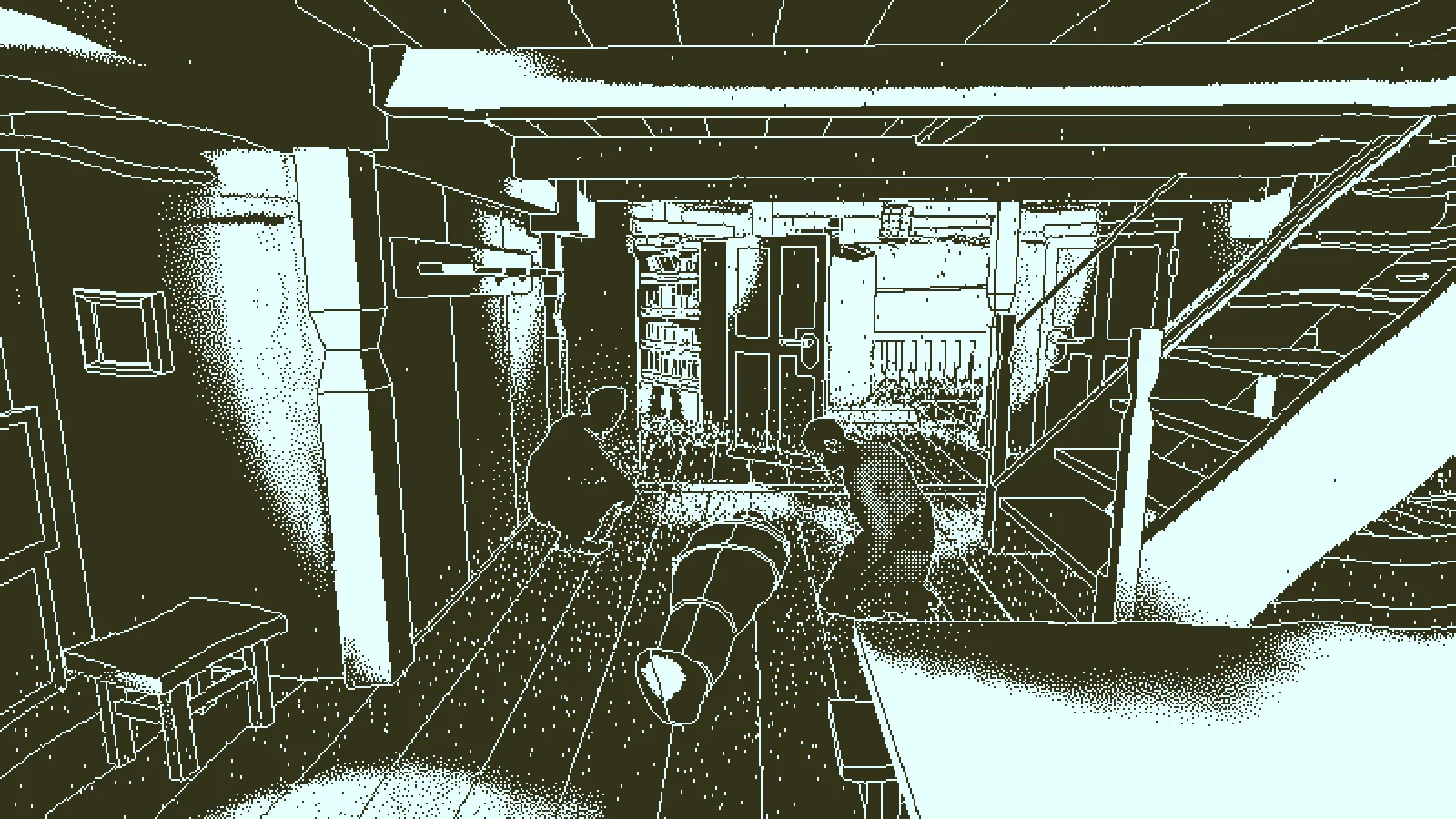
A narrow lower-deck passage opens toward a cabin and equipment in monochrome outline.
Doorways and stairs connect the decks. Remembering where a room sits helps you place the people seen in a memory.
  1. When you enter a lower deck, stop at the doorway and look around. The game often shows the same part of the ship at different times. A chest, cage or narrow stair can tell you that two scenes happened in the same area. That lets you compare who was there without guessing based only on a face.

Do not worry about finding every person in one sweep. The watch and book gradually give you more places to inspect. A scene that seemed useless on your first visit can become important after you recognise its room or one of its people.

4. Open the book and learn what is inside

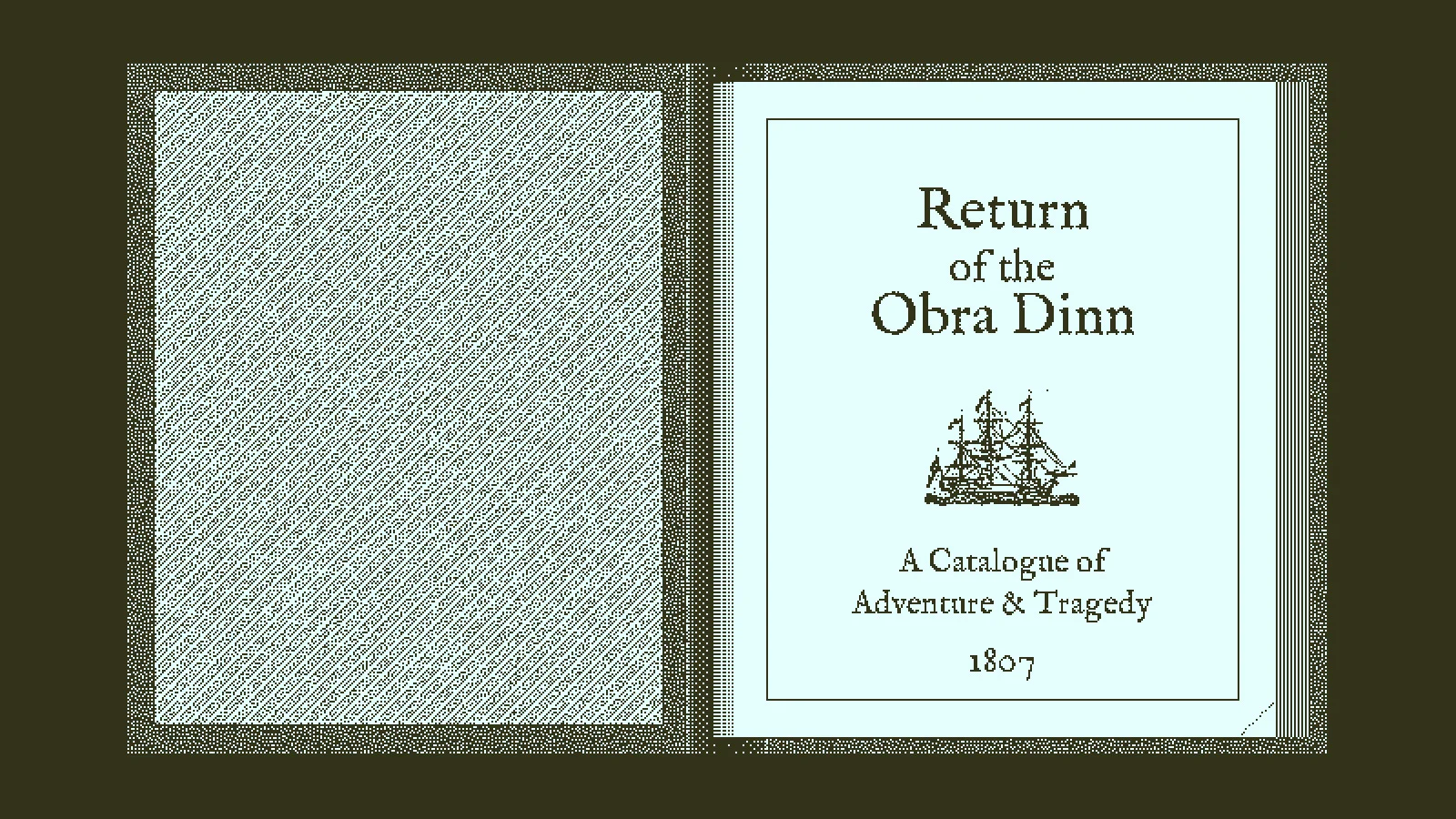
The investigation book lies open to its Return of the Obra Dinn title page.
The book is a working record, not just a story recap. Move through its pages to compare the ship, people and memories.
  1. Use the on-screen Book control to open the large open-book view. Turn pages with the controls shown in your version until you find the crew and passenger list, the drawings, the ship material and the chapters containing scenes you have visited. A list of names is a source of possible identities, not proof that the next person you see has the next name.
  2. After viewing a frozen scene, find its page in the book. Look at the portrait or sketch linked to it and read the incomplete fate line. If the entry says “unknown soul,” the game is telling you that a face still needs a name. You can return after gathering another clue.
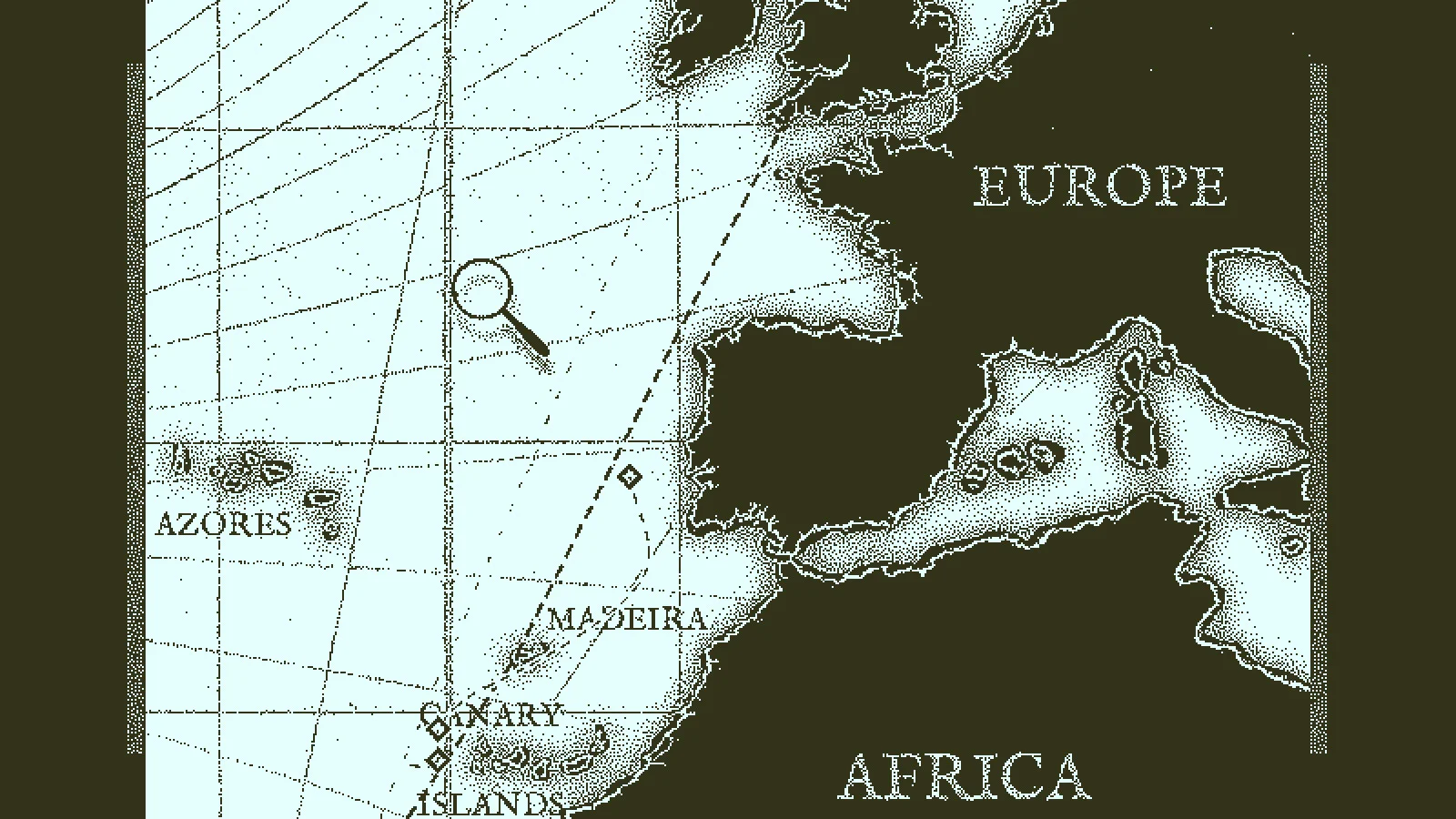
The investigation book shows a map of the voyage with Europe, Africa and the Atlantic marked.
The book also holds a voyage map. Use it as context for the ship’s journey, not as a replacement for evidence about an individual person.

Keep the pages open long enough to learn which information lives where. When you are stuck, the next useful action is often to compare a scene with the book rather than searching for a new button on the deck.

5. Match a face to the drawings and manifest

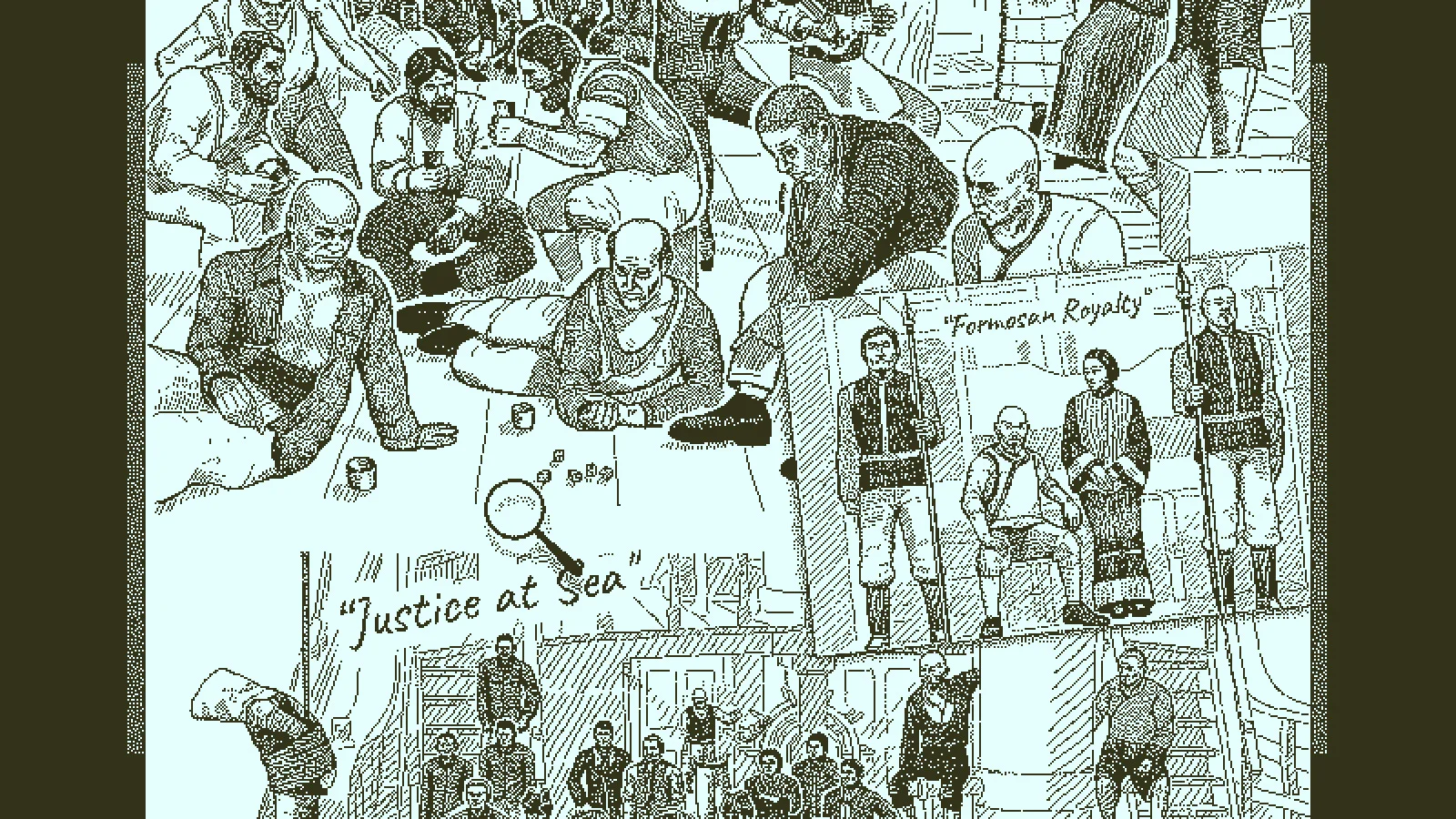
The book displays a large group drawing of the Obra Dinn crew and passengers.
The drawing helps you recognise the same face across different scenes. Some people appear together or in work clothes that give you a lead.
  1. Find the group drawing in the book and point to a face you saw in the frozen scene. Look closely at hair, clothing and the people standing beside them. Then check whether that same face appears in another drawing or memory. Do not decide on a name from one rough resemblance.
  2. Return to the list of names and jobs. If you saw a person working in a particular part of the ship, ask which role on the manifest would fit that work. Then look for a second clue: a spoken name, a repeated uniform, a companion or the place where they spend time. A job narrows the list; it does not make the name certain by itself.
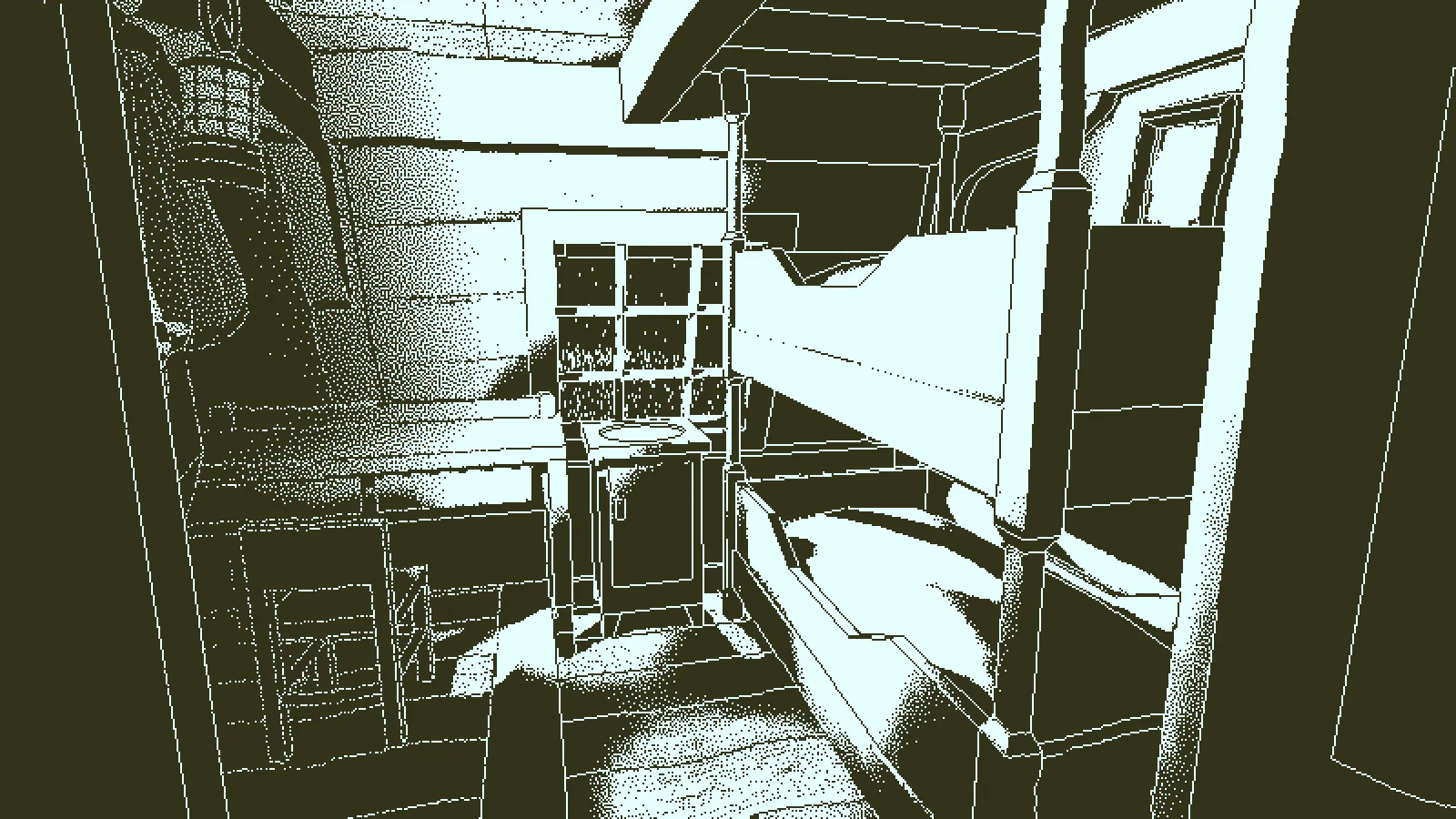
A small ship cabin contains a bunk and shelves visible from the doorway.
Where a person stands or works can be evidence. First recognise the room, then compare it with their role in the book.

If the names still blur together, mark the person as a question to revisit. The game is built for comparing scenes. You do not need to guess your way through the whole manifest.

6. Fill in a fate only as far as the evidence goes

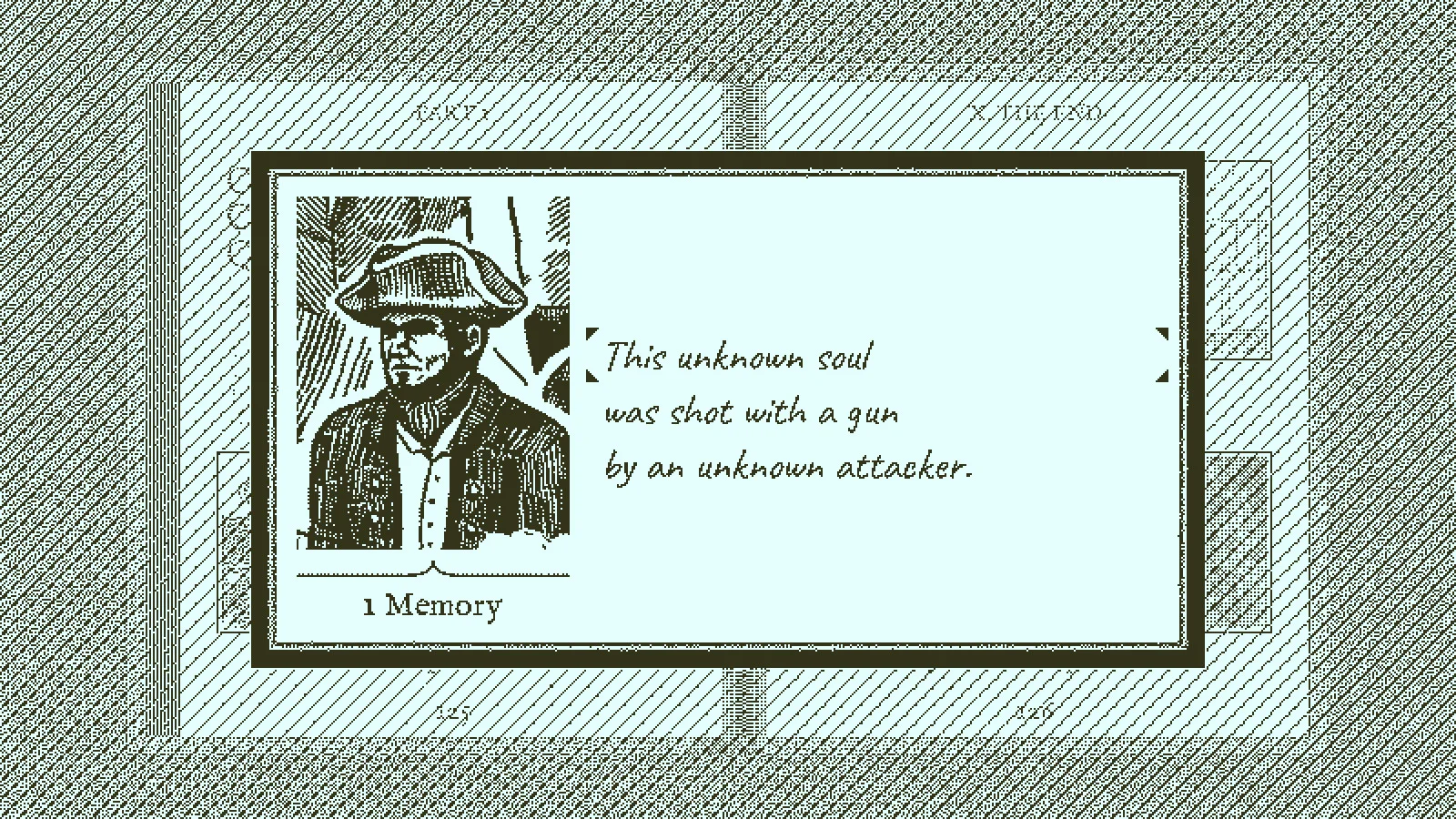
An unresolved fate entry in the book has a portrait and the line “This unknown soul was shot with a gun by an unknown attacker.”
A fate entry has separate parts: the person, what happened and sometimes who caused it. This screenshot leaves the missing parts open.
  1. Open the page for the person you are investigating and select the unfinished identity or fate text. The example already says “shot with a gun,” but the name and attacker remain unknown. Use the available choices to record a part you can support. Do not fill an attacker just because someone is standing nearby; check the action in the scene.
  2. If you know a face but not the cause, leave the cause unfinished. If you know what happened but not the face, keep the identity unfinished. Move to another memory and return after you have compared it with the crew list and drawing.
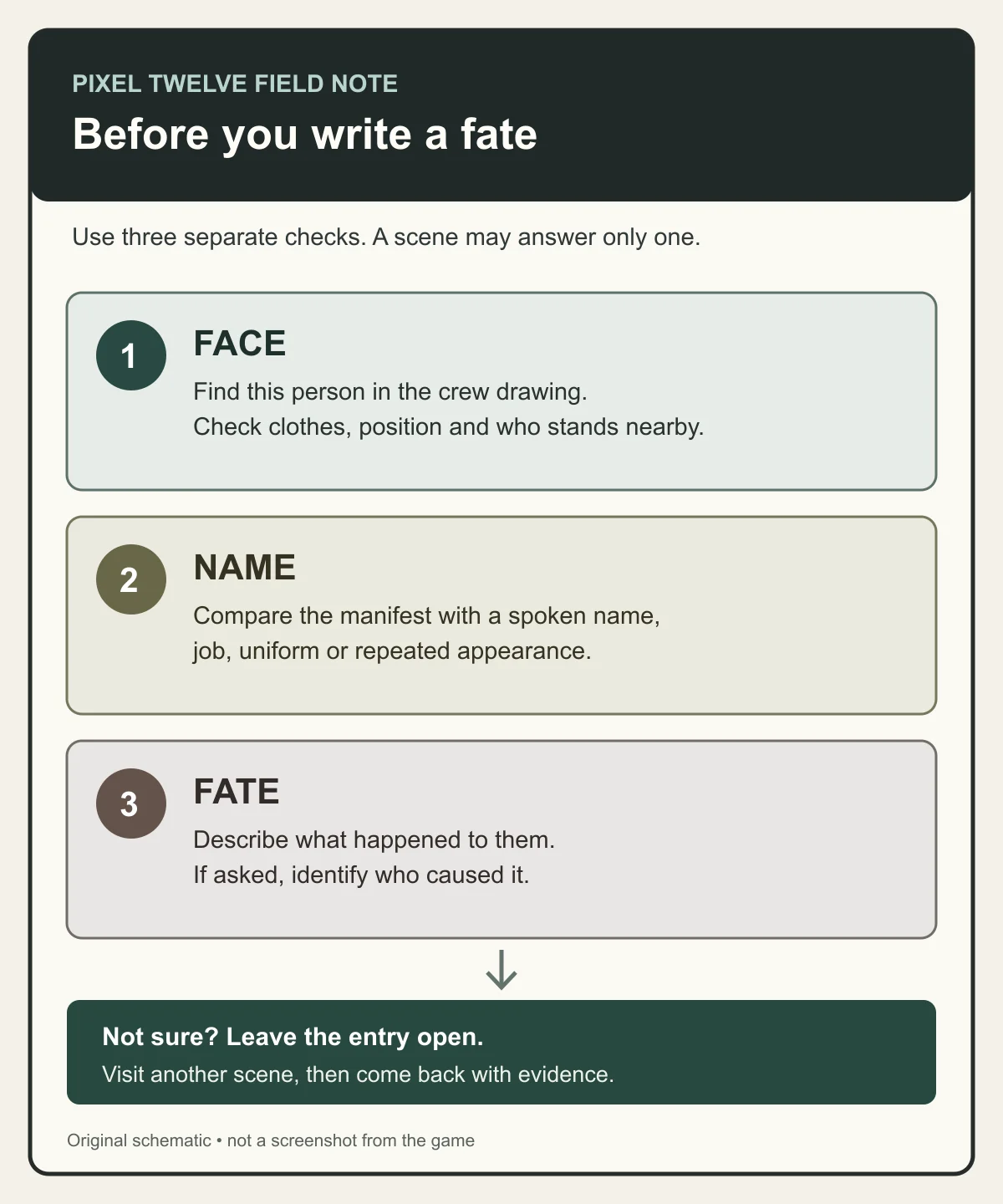
Original Pixel Twelve schematic with three checks for a fate: face, name and cause, followed by a reminder to return if unsure.
This is an original checklist, not an in-game menu. It separates the evidence needed for a face, a name and a fate.

The book confirms correctly completed fates in groups rather than after every single answer. That delay does not mean your first careful entry is wrong. Keep a short note of which parts you are sure of; a later confirmation will make more sense than a string of random changes.

7. Revisit a scene when a new clue changes your theory

  1. Open a chapter page you have already found and read its short scene information. Go back to the place where that body was found, then use the watch again. This time search for the face, object or uniform that you learned about in a later scene.
  2. Look beyond the person who dies. If you now recognise one sailor from the drawing, check who is beside them. See whether a later room or conversation explains why the same people are together. Changing your theory after a new clue is normal; it is better than forcing the first answer to fit.

The monochrome style can make details hard to read at a glance. Take a few steps to the side, look up and down, and compare the shapes of clothing and faces from more than one angle. Audio matters too: replaying a short exchange can help you separate a spoken name from a guess.

If you are stuck, check these first

  • The watch will not open: move closer to a body and aim at it until the watch reacts. If this is a room you have already explored, look for a new body or path instead of clicking scenery.
  • You cannot name someone: open the group drawing, then the manifest. Compare job, clothes, companions and any name spoken in more than one memory. Leave the name blank until a second clue supports it.
  • You know the cause but no attacker: return to the still scene and look at hands, weapons and the direction people face. Do not choose the nearest person automatically.
  • Your entry has not been confirmed: the book does not validate each correct fate one by one. Keep investigating and check whether several complete entries are now supported.
  • A room looks familiar but the scene makes no sense: use the ship drawing, map and nearby doorways to place it. Then search the edge of the frozen scene for people you have seen elsewhere.

The next good move is usually small: identify one face, revisit one room or correct one unsupported part of a fate. Keep the major story discoveries for the game itself.

Get Pixel Twelve's biggest stories first.

Add as a preferred source on Google