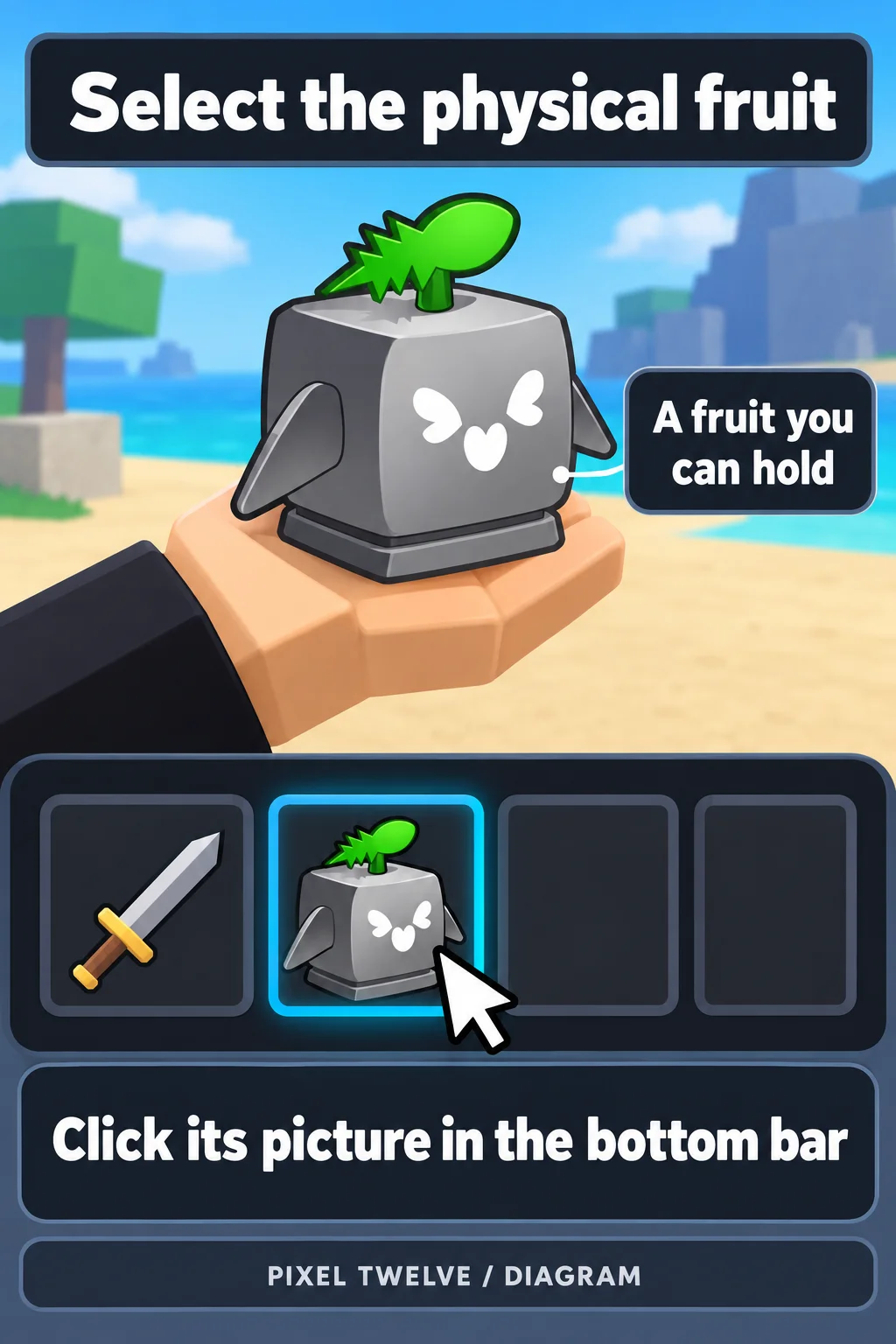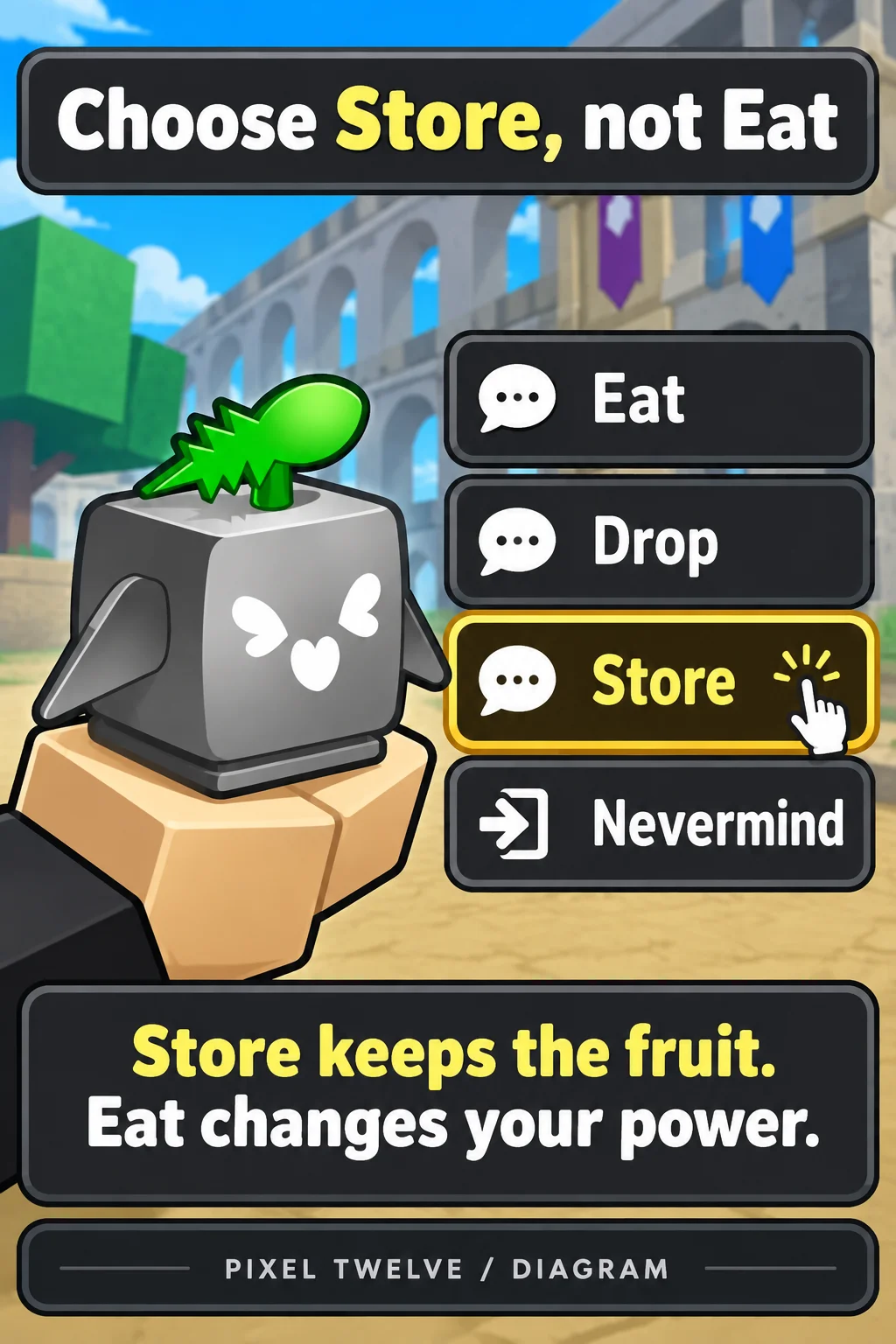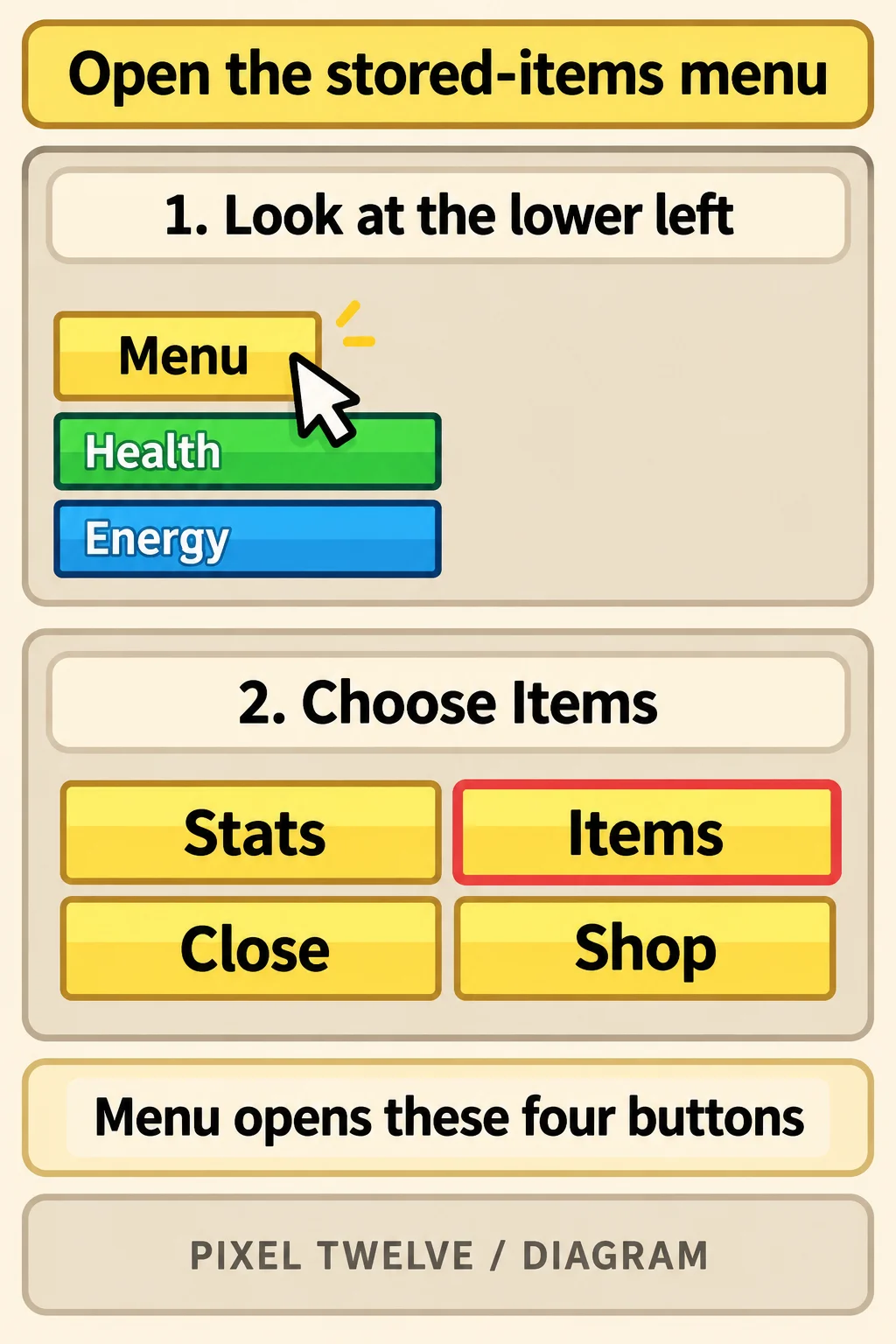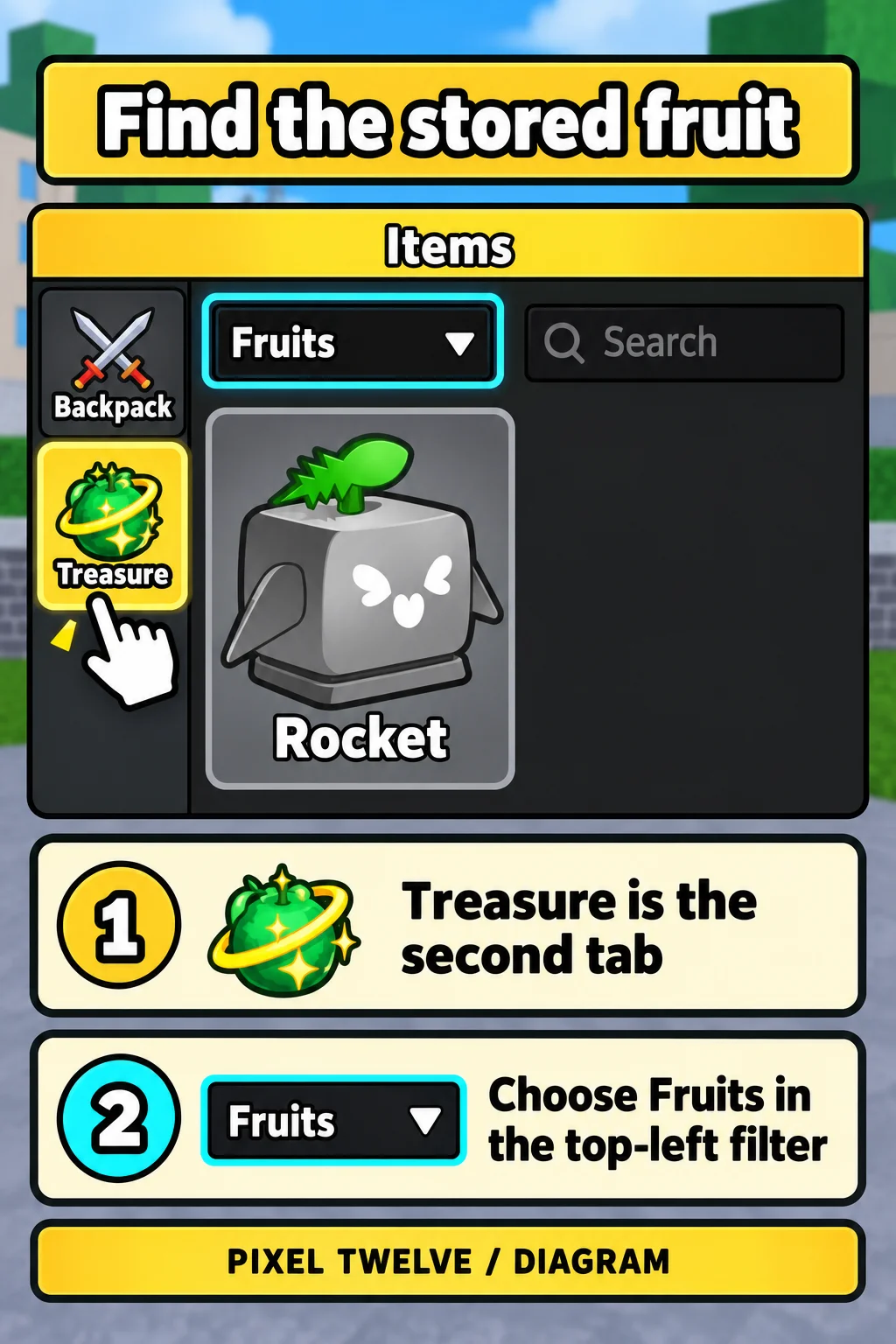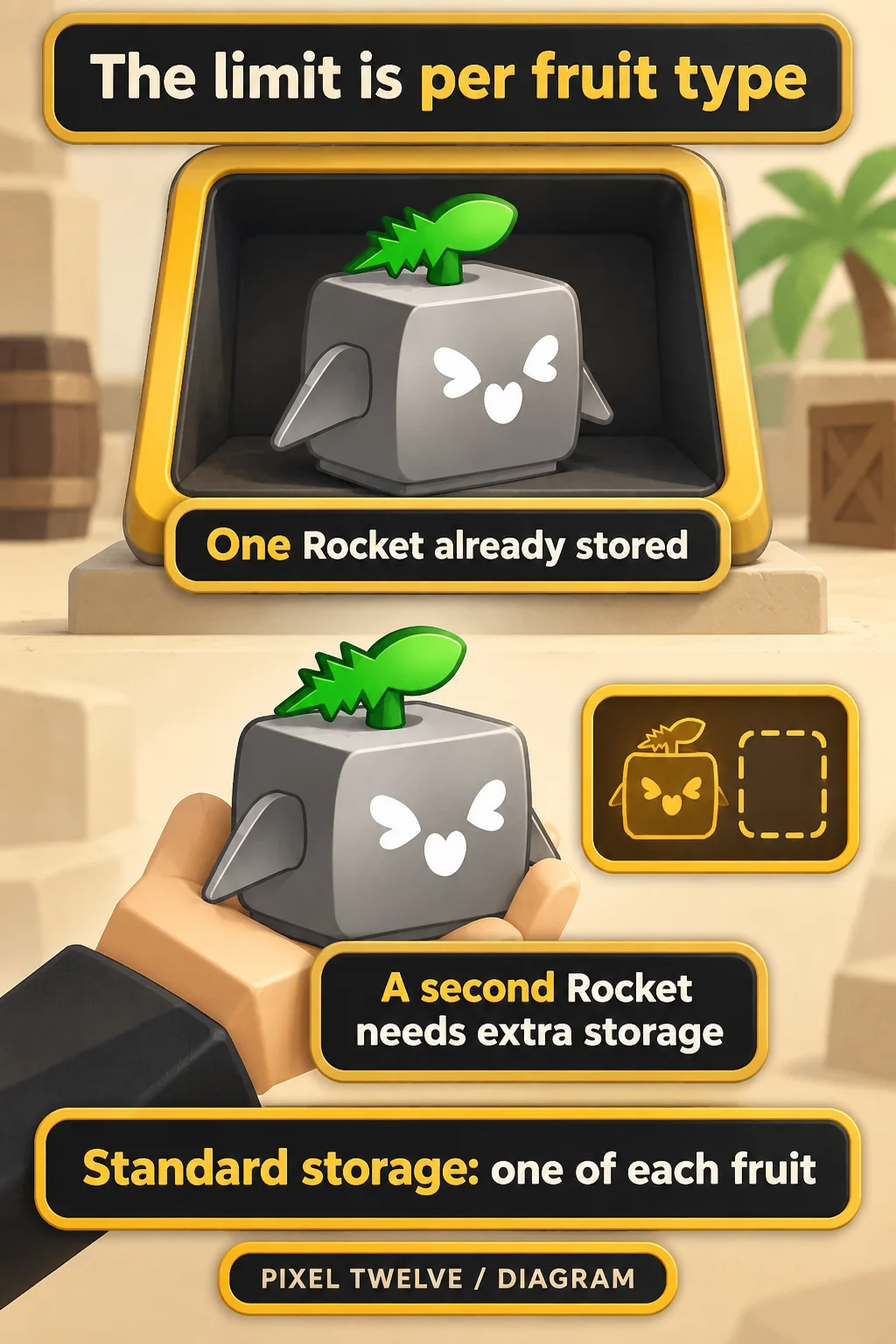






Store saves a physical fruit: an item you can hold before eating it. It does not turn that item into a permanent fruit, and it does not change the fruit power you are already using. The safe route is to select the physical item, choose Store, then check that it appears in your saved inventory.
A physical fruit can come from the Gacha, a map pickup or another physical-fruit reward. Buying a fruit power from the regular Dealer with Money is different: it replaces your active fruit rather than giving you an item to put away. This walkthrough starts after you already have a physical fruit. It uses the PC interface; the pictures are original Pixel Twelve diagrams, not screenshots.
Need to obtain one first? Our Blox Fruits fruit-acquisition guide explains which sources give physical items and which give powers.