
Pixel Twelve
Splatoon Raiders Beginner's Guide to Tanks, Gadgets, Raids and Co-op

How To

Splatoon Raiders Beginner's Guide to Tanks, Gadgets, Raids and Co-op

Use ink to build safe routes, switch tanks between raids, spend salvage deliberately and unlock co-op after the required opening missions.

By Tess CalderGame: Splatoon RaidersVerified Aug 16, 2026
Guide Type
How To
Last Verified
Aug 16, 2026

Guide details

Overview

Use ink to build safe routes, switch tanks between raids, spend salvage deliberately and unlock co-op after the required opening missions.

Watch

Official Trailers

Guide section

What to do first

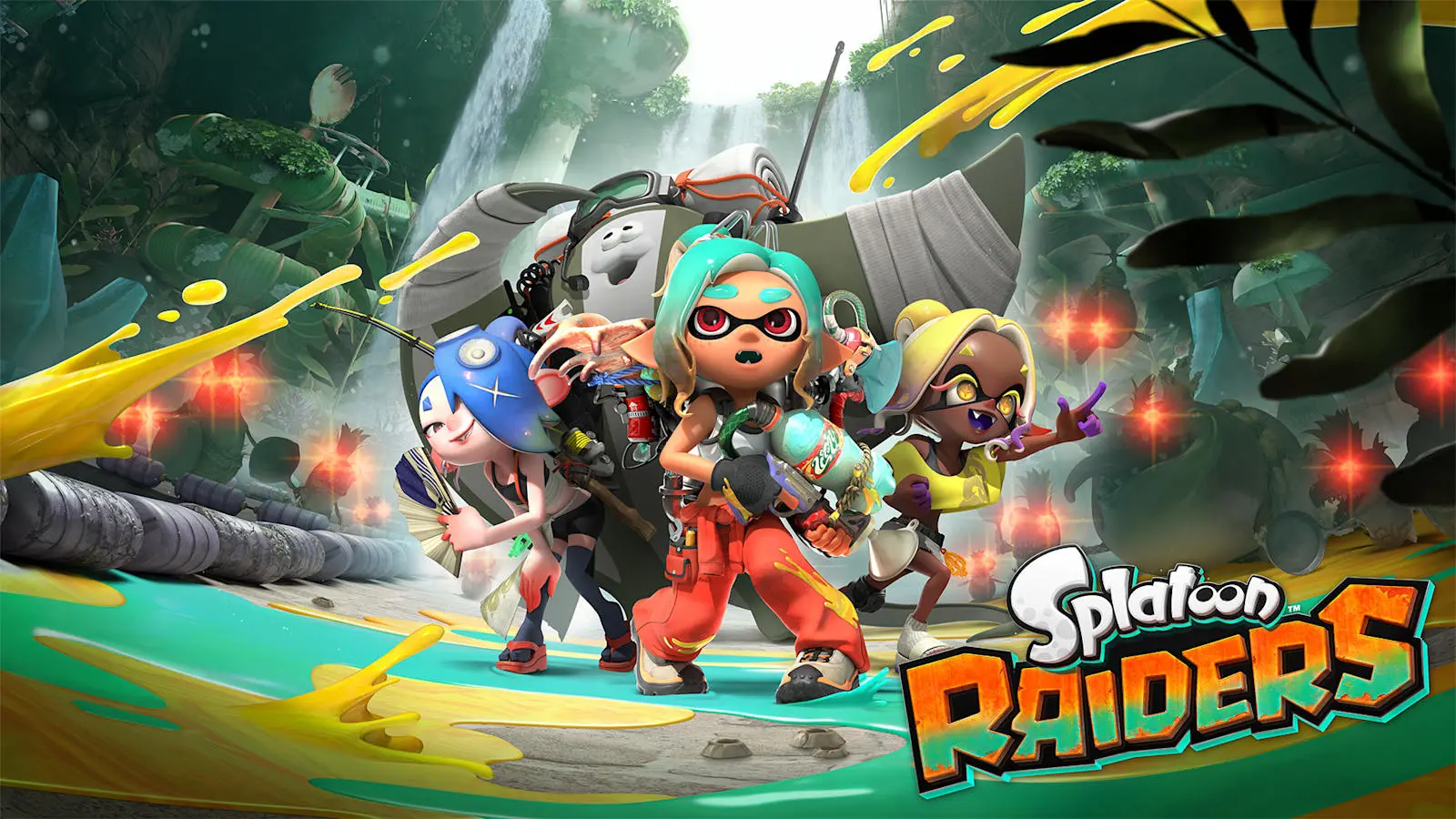
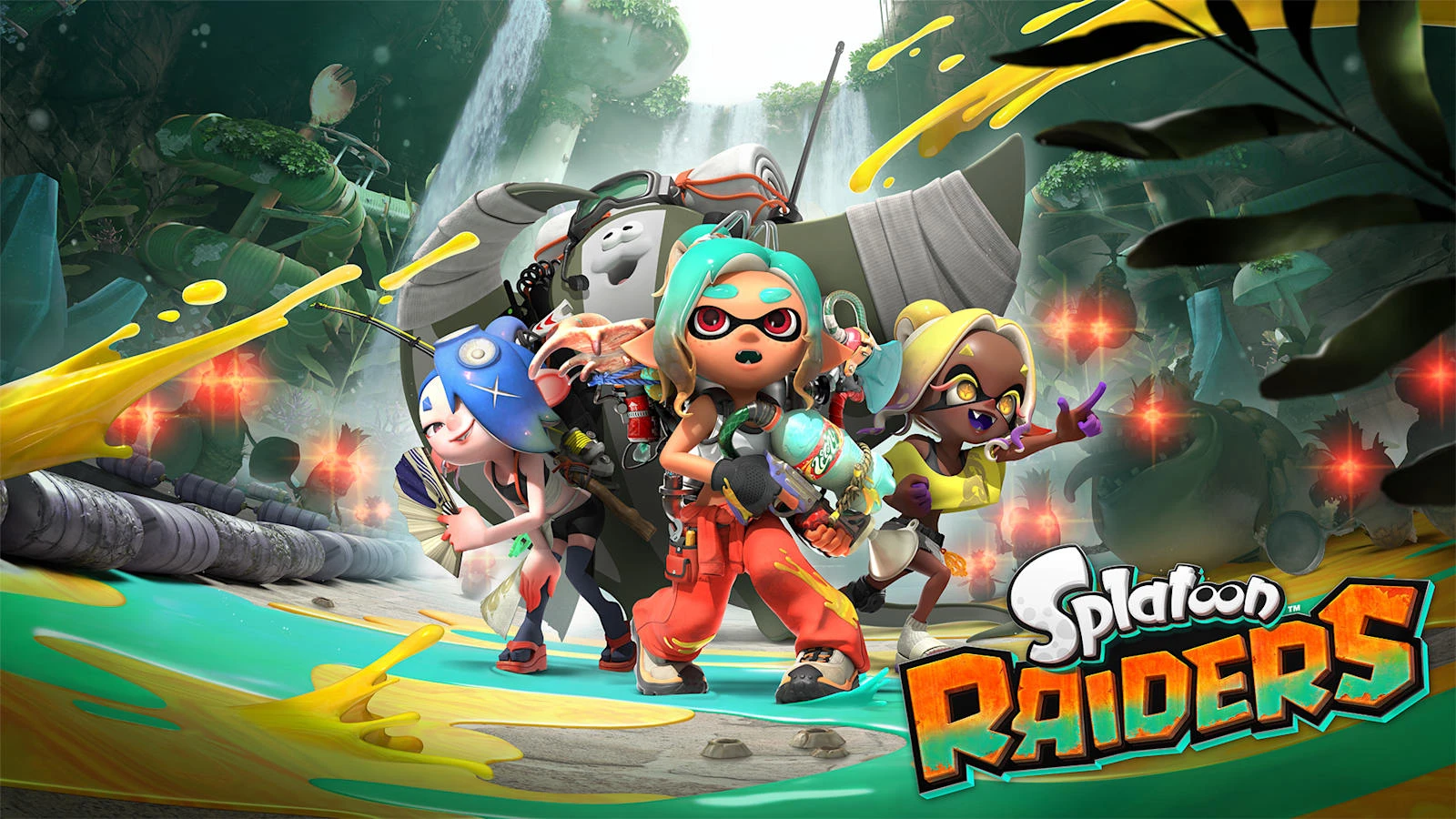
Splatoon Raiders is a single-player-focused action shooter released on July 23, 2026, exclusively for Nintendo Switch 2. You play as a customizable mechanic working with Deep Cut—Shiver, Frye and Big Man—on the Spirhalite Islands. Your main loop is to enter a raid, cover the islands in ink, fight Salmonids, collect treasure and use salvage to improve your equipment for later raids.

This guide explains the systems that matter in the opening hours: how ink and swimming work, what each tank does, how gadgets and Bot Buddy commands fit together, and how to unlock and organize co-op. It does not assume a particular weapon or claim a best build; the right setup depends on the raid and the way you prefer to move and fight.

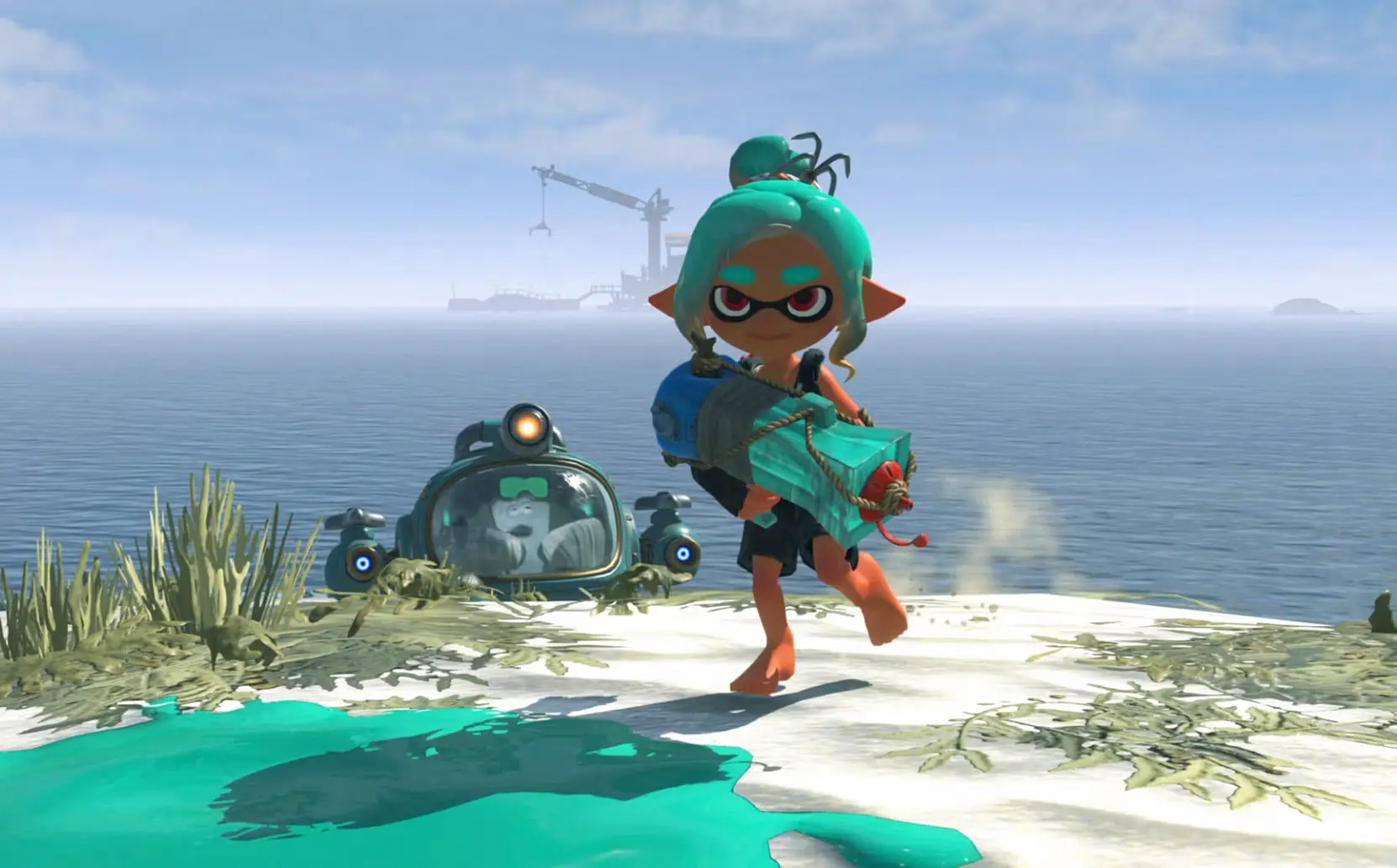
Start by treating ink as movement equipment as well as ammunition. Your weapons spread ink across surfaces, and your Inkling or Octoling can enter Swim Form in your own ink to move quickly and refill the ink tank. Ink also lets you climb ink-covered walls and pass through some barriers. Water remains dangerous, so painting a route before crossing an area can keep an escape path open.

The mechanic can carry a wide range of ink-splattering weapons, but the tank you equip determines which specialized gadgets are available. Nintendo lists three tanks: Power, Speed and Tactical. Tanks can be swapped between missions, so you are not locked into the first choice you make.

Guide section

Choosing a tank

  • Power Tank: Its gadgets support direct damage and close-range pressure. Consider it when a raid places you in front of dense Salmonid groups and you want tools for breaking through them.
  • Speed Tank: Its gadgets improve mobility. Consider it when movement, repositioning or reaching loot quickly matters more than holding a fixed position.
  • Tactical Tank: Its gadgets control the battlefield. Consider it when you want to shape enemy movement, create safer space or manage a crowded encounter.

The three labels describe the intended role, not a permanent class. Nintendo specifically says you can swap tanks between missions and customize each tank with loot. Test a tank in a lower-pressure raid, then change it when the island layout or enemy density exposes a weakness in your current setup.

Guide section

Gadgets, weapons and salvage

Gadgets are separate from your standard weapons. They provide movement, attacks or battlefield tools that change how you approach a raid. Nintendo's Direct coverage gives examples such as Blast Boot, which launches the player forward while attacking or retreating; Dash Bomb, which sends a bomb forward, sideways or backward; and Booyarang, which strikes enemies and returns after staying airborne briefly.

Do not spend every piece of salvage as soon as you find it. Treasure and loot can be used to craft and upgrade gear, while tanks and gadgets can be further customized. A useful beginner routine is to finish a raid, check which weapon or gadget is underperforming, and invest in the equipment that solves that problem rather than upgrading every item at once.

Some gear levels up as you use it. That makes a familiar weapon worth keeping while you learn the islands, even if a new drop has a higher immediate appeal. The official launch article confirms a wide weapon selection, but Nintendo has not published a complete weapon-by-weapon progression chart in the material used for this guide.

Guide section

How Bot Buddy changes a raid

One member of Deep Cut joins you in a powerful Bot Buddy construct. The Bot Buddy can assist in combat, detect treasure and perform other useful functions. You can issue commands to it, jump from it to reach higher areas and build up a Showstopper attack. In practice, it is both a combat partner and a way to access parts of a raid that the mechanic cannot reach alone.

The chosen Bot Buddy matters in multiplayer as well. Nintendo's support instructions state that the host's selected Bot Buddy joins the raid and follows the host. Guests can still use the Showstopper of the Bot Buddy they selected, even though that Bot Buddy does not lead the group through the raid.

Use the Bot Buddy before a fight becomes chaotic. Send it toward a group while you paint a retreat route, or use its movement option to reach a higher platform before Salmonids surround you. The exact command timing is a control skill you will learn through play; the important beginner rule is to keep the Bot Buddy available instead of treating it as a button you only press after taking damage.

Guide section

Raids, treasure and difficulty

Raids send you into the Spirhalite Islands to search for treasure and fight waves of Salmonids. Some treasure becomes crafting material or upgrades for later raids, so exploring an optional path can improve future runs even when it does not immediately advance the objective.

You can select Tourist, Raider or Survivalist difficulty, and Nintendo confirms that the setting can be changed at any time. Difficulty changes enemy strength, not the loot you receive. If you are learning a new tank or weapon, lower the combat difficulty without worrying that you are permanently reducing your reward quality. Raise it again when the controls and enemy patterns feel familiar.

Nintendo's support page lists Ver. 1.1.1, released on August 6, 2026, as the latest software update. It includes gameplay fixes and requires the same software version for players who join the same raid.

Salmonid groups can become overwhelming quickly. Paint the ground before they close in, use your tank's intended role, and avoid standing in open water or at the edge of a platform. If an encounter is filling the screen with enemies, movement and space are usually more valuable than trying to finish every target from the same position.

Guide section

When co-op unlocks

Splatoon Raiders supports one to four players on one system, two to four players through local wireless, and two to four players online. Nintendo's support article says you must complete the first three raids on Erpp Island before multiplayer options become available. That makes the opening solo section a required introduction, not a missed menu setting.

After the unlock, use the radio on the hideout ship to open the multiplayer menu. For local wireless or online play with friends, one player creates a room, the host selects a dungeon from the Treasure Map, and every player holds the ready button before the raid begins. Online keyword rooms allow players who share a keyword to find one another.

There is also a Call for Help option for a raid. Nintendo documents a two-to-three-player help session. The separate Go Help option lets you join players who have called for help and becomes available after completing the raid on Izakaya Island. Use Call for Help whenever you need players for a difficult dungeon, or use Go Help after that milestone rather than assuming the game requires a full four-player party.

Online features require an internet connection, the same software version for all players and a Nintendo Switch Online membership. Local wireless requires additional Nintendo Switch 2 systems and copies of the game. The regular single-player campaign does not require a group, and a Deep Cut Bot Buddy is still part of the solo structure.

Guide section

A simple beginner checklist

  1. Paint a route and learn to refill in Swim Form before chasing loot.
  2. Try the tank that matches the raid's main problem: damage, movement or control.
  3. Spend salvage on a small group of weapons and gadgets instead of everything at once.
  4. Use Bot Buddy for detection, movement and Showstopper attacks before a crowd surrounds you.
  5. Change difficulty when you need safer combat; loot is not reduced by Tourist, Raider or Survivalist.
  6. Finish the first three Erpp Island raids before looking for the multiplayer menu.
  7. After the Izakaya Island milestone, use Go Help; use Call for Help whenever a dungeon needs more players.

Guide section

FAQ

Is Splatoon Raiders an online multiplayer game?

It is primarily a single-player-focused adventure. Co-op for two to four players is available through local wireless or online play, while a Deep Cut Bot Buddy supports the solo raid structure.

Can I change my tank later?

Yes. Nintendo says tanks can be swapped between missions and customized with loot, so the initial choice is not permanent.

Does higher difficulty give better loot?

No. Nintendo says Tourist, Raider and Survivalist change enemy strength, but not the loot earned on raids.

Do I need Nintendo Switch Online for the campaign?

Nintendo Switch Online is required for online features. Local wireless and the solo campaign use different play modes, but local wireless needs additional systems and copies of the game.

When does multiplayer unlock?

Nintendo's support instructions say to complete the first three raids on Erpp Island before multiplayer options become available.

Guide section

More Pixel Twelve coverage

Get Pixel Twelve's biggest stories first.

Add as a preferred source on Google