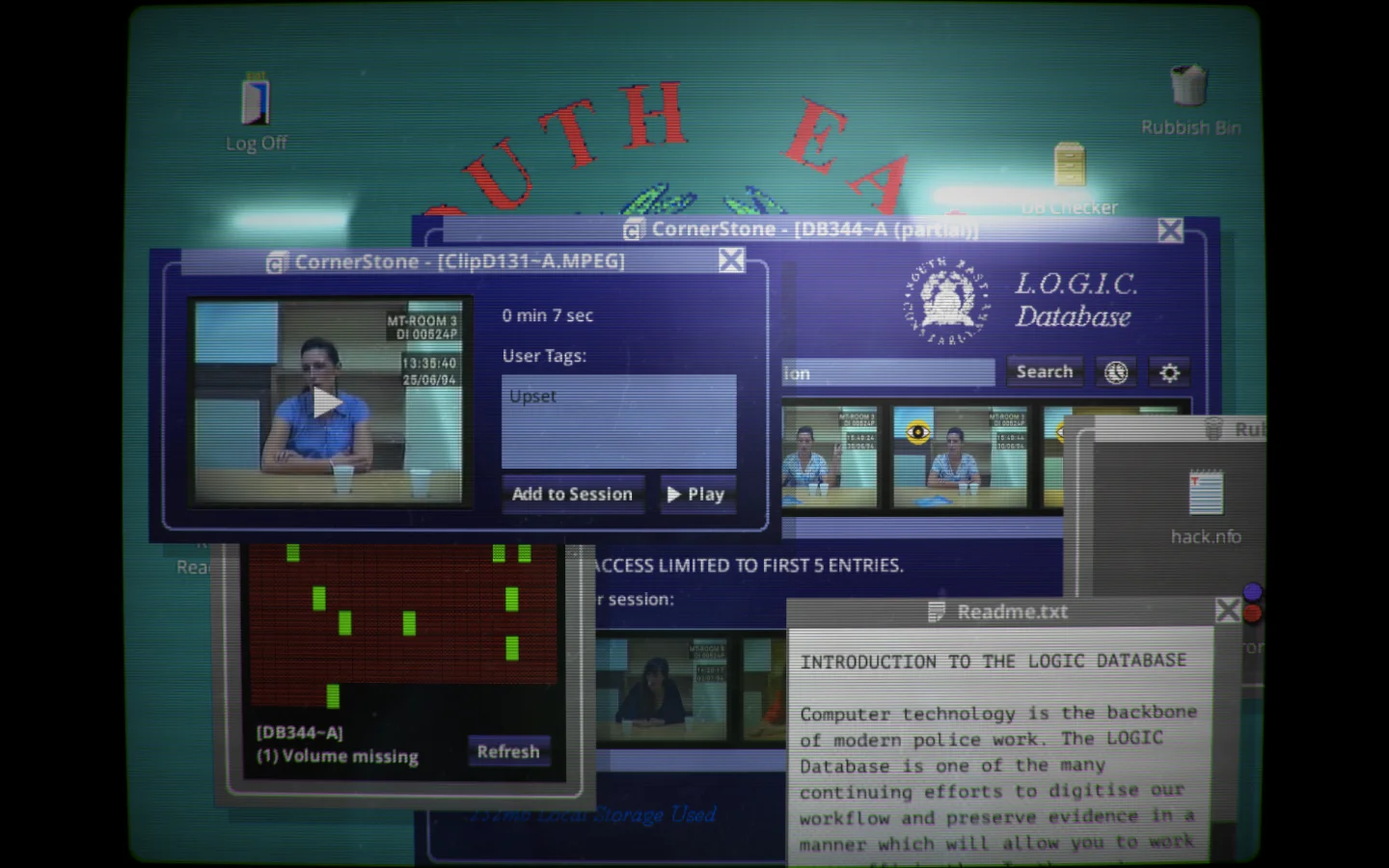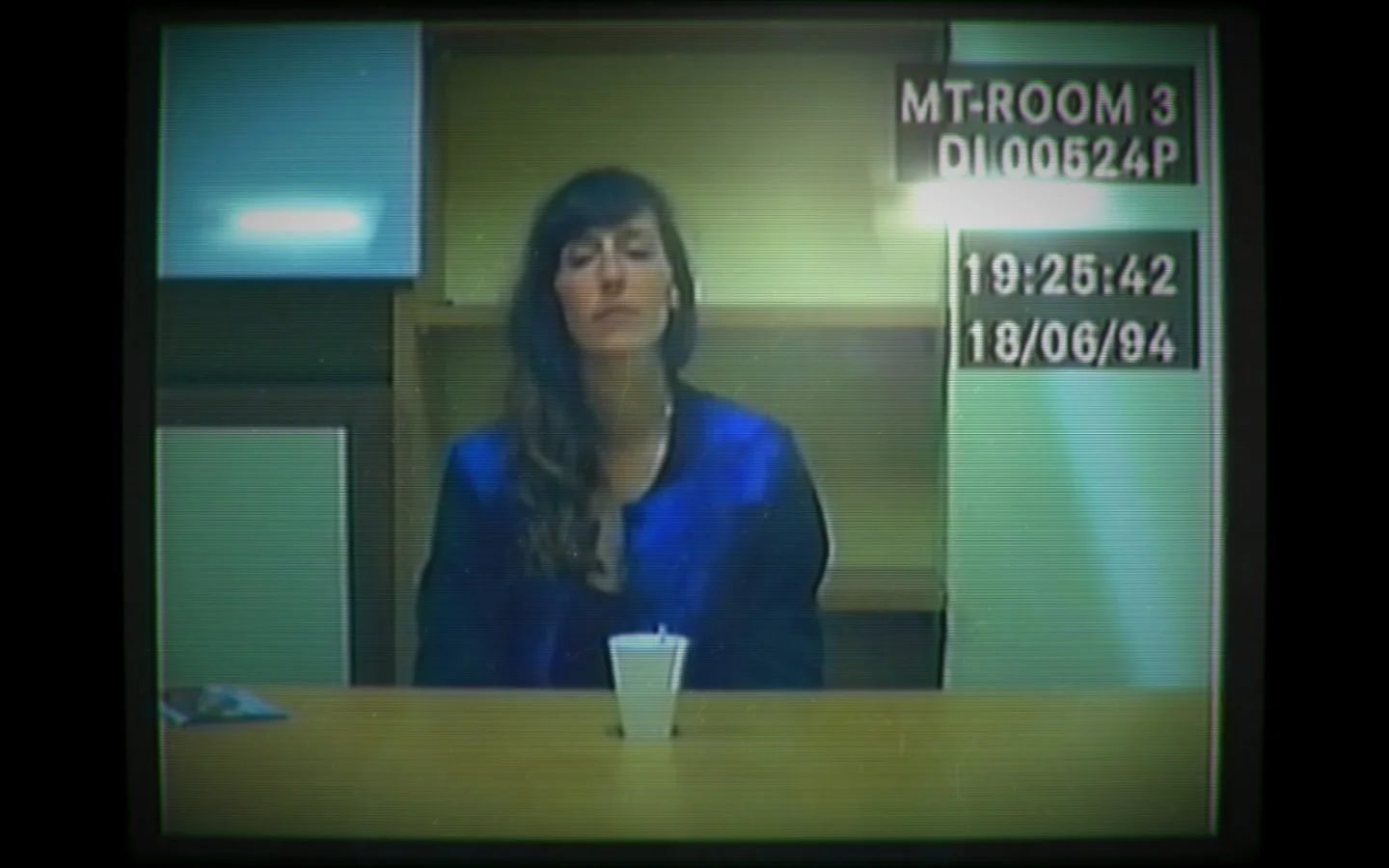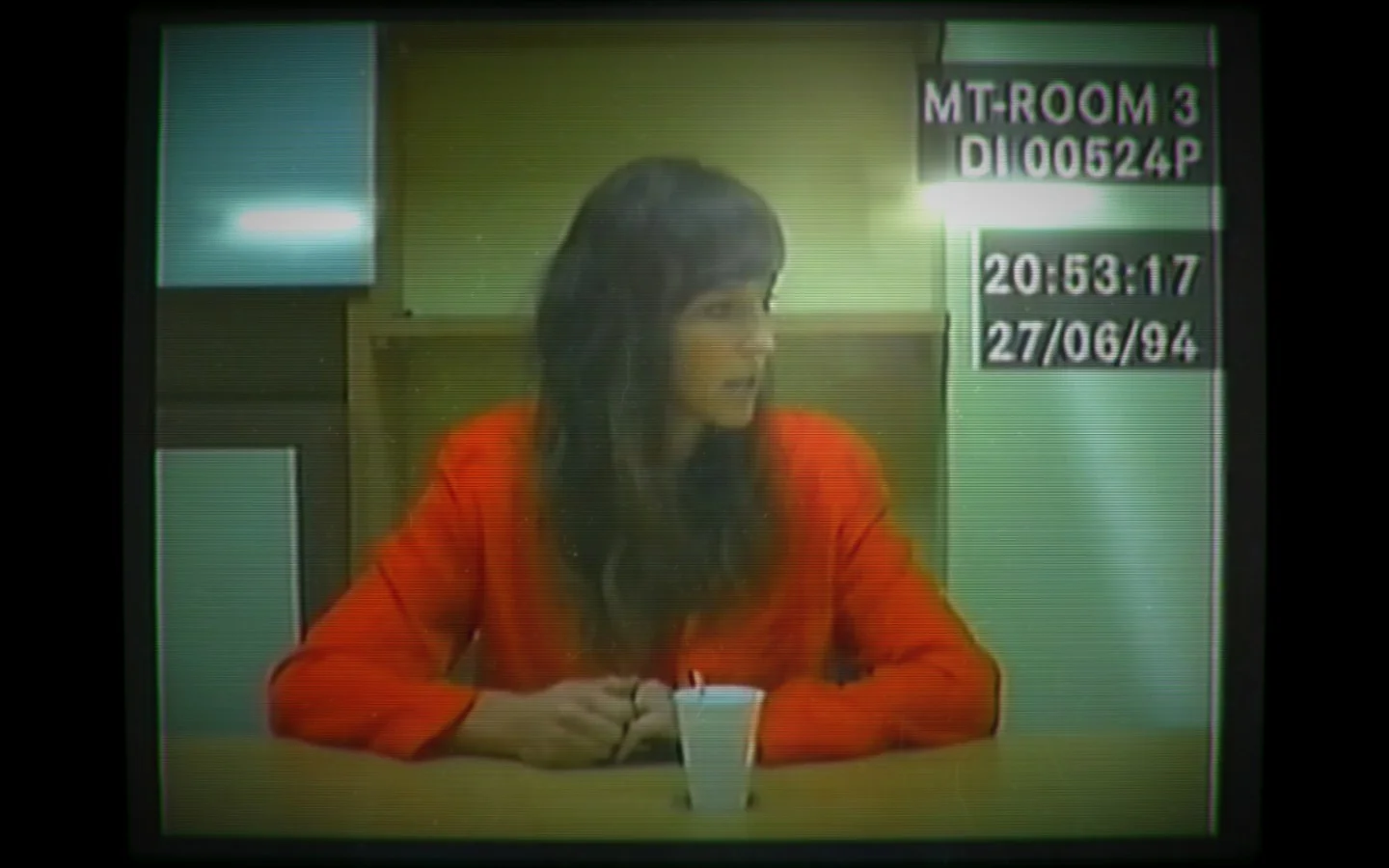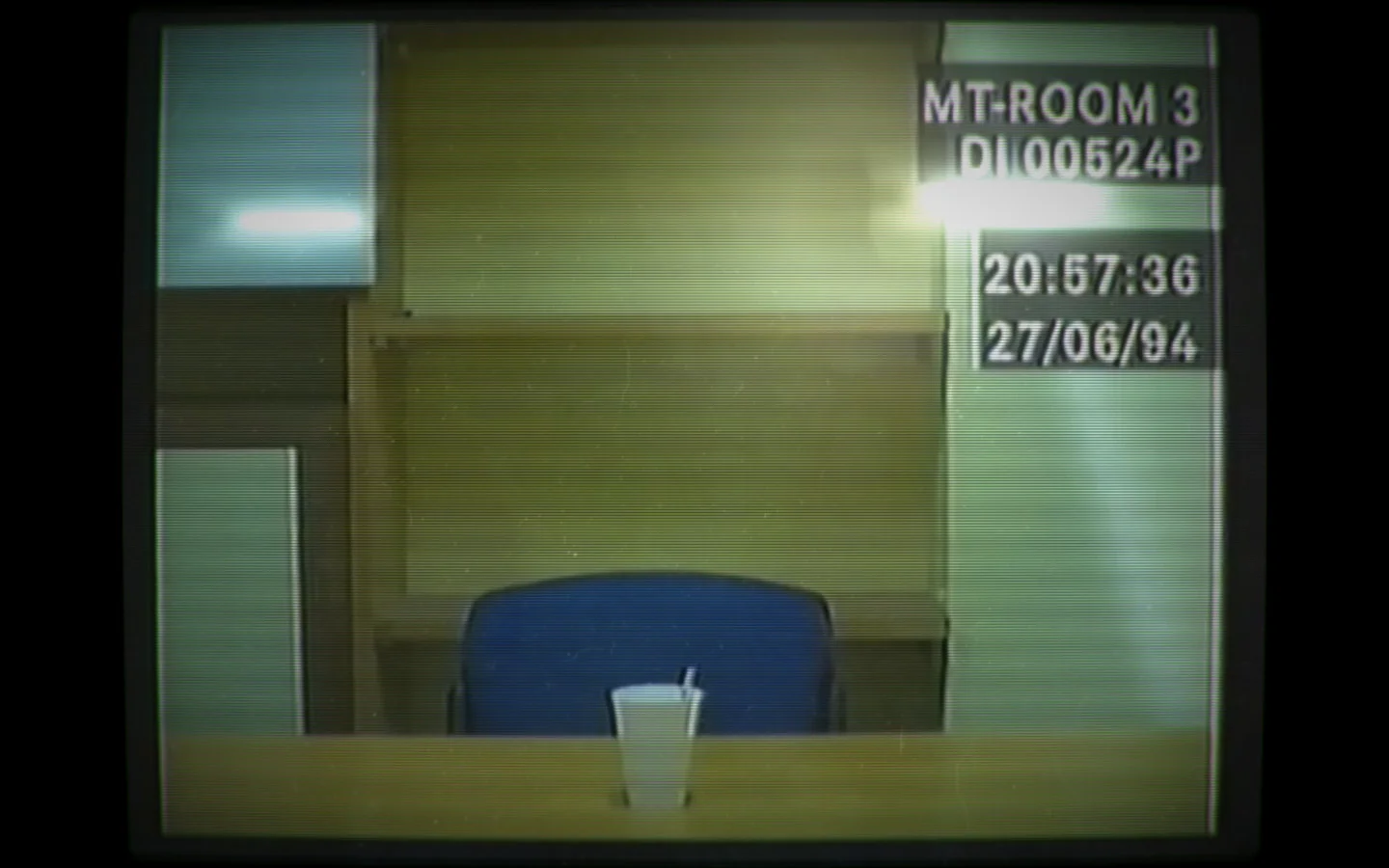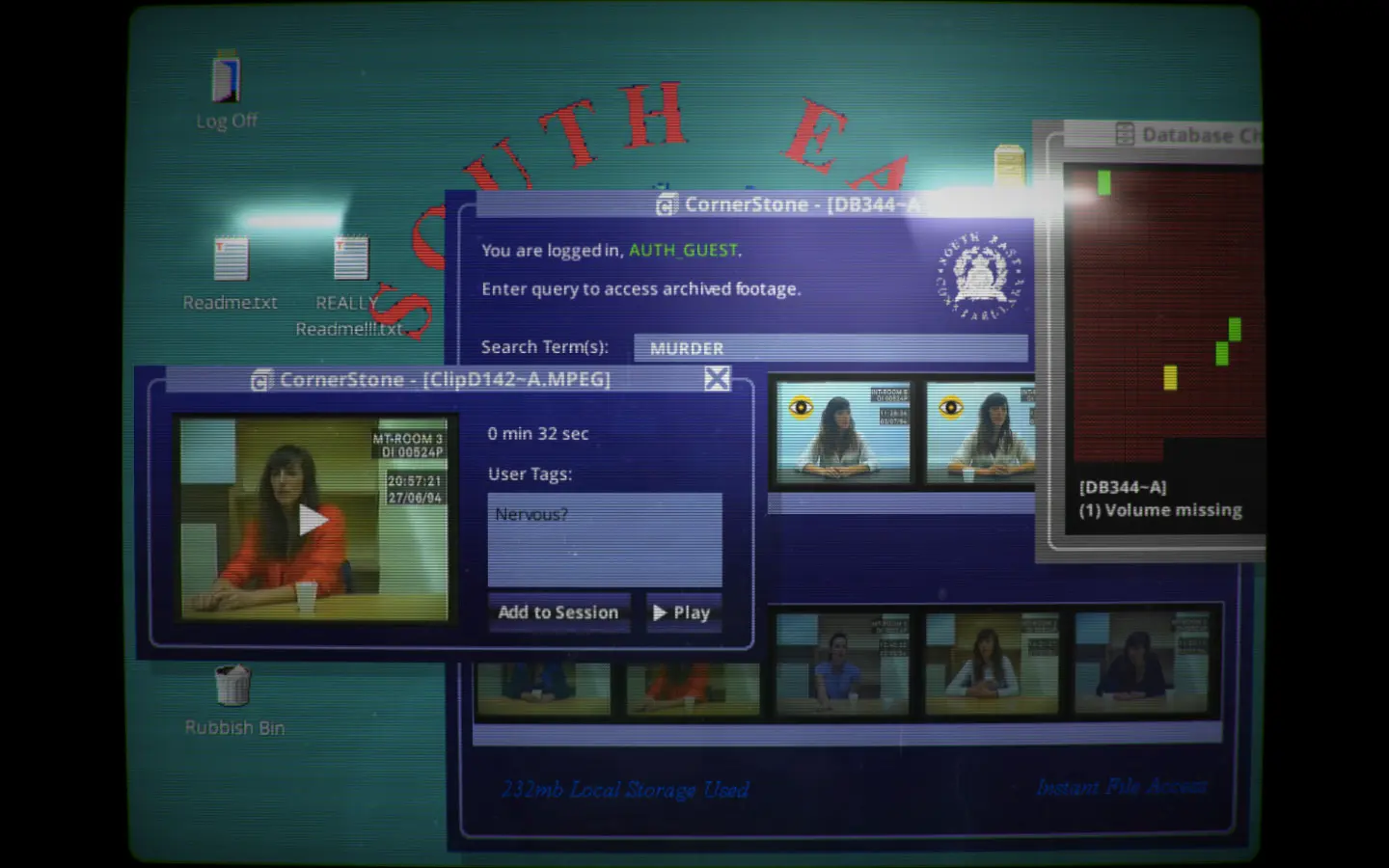
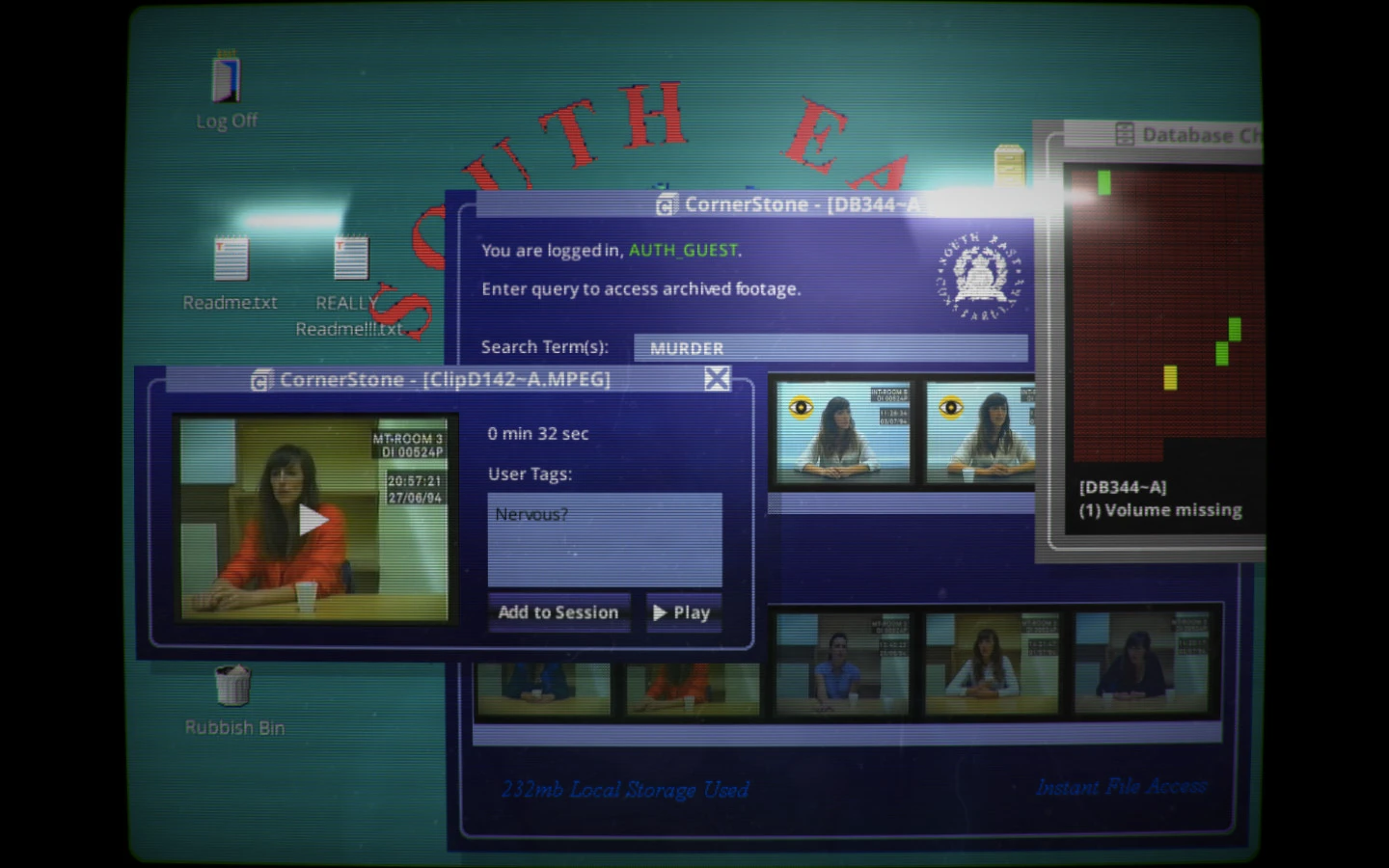
Her Story is not a game where you walk an investigator through a building. The screen is an old police computer. The important window is called L.O.G.I.C. Database. It contains a search field and small video thumbnails. Each thumbnail opens part of an interview with a woman whose husband is missing. You decide what words to search and how to connect the answers. There is no need to know her story before you begin.
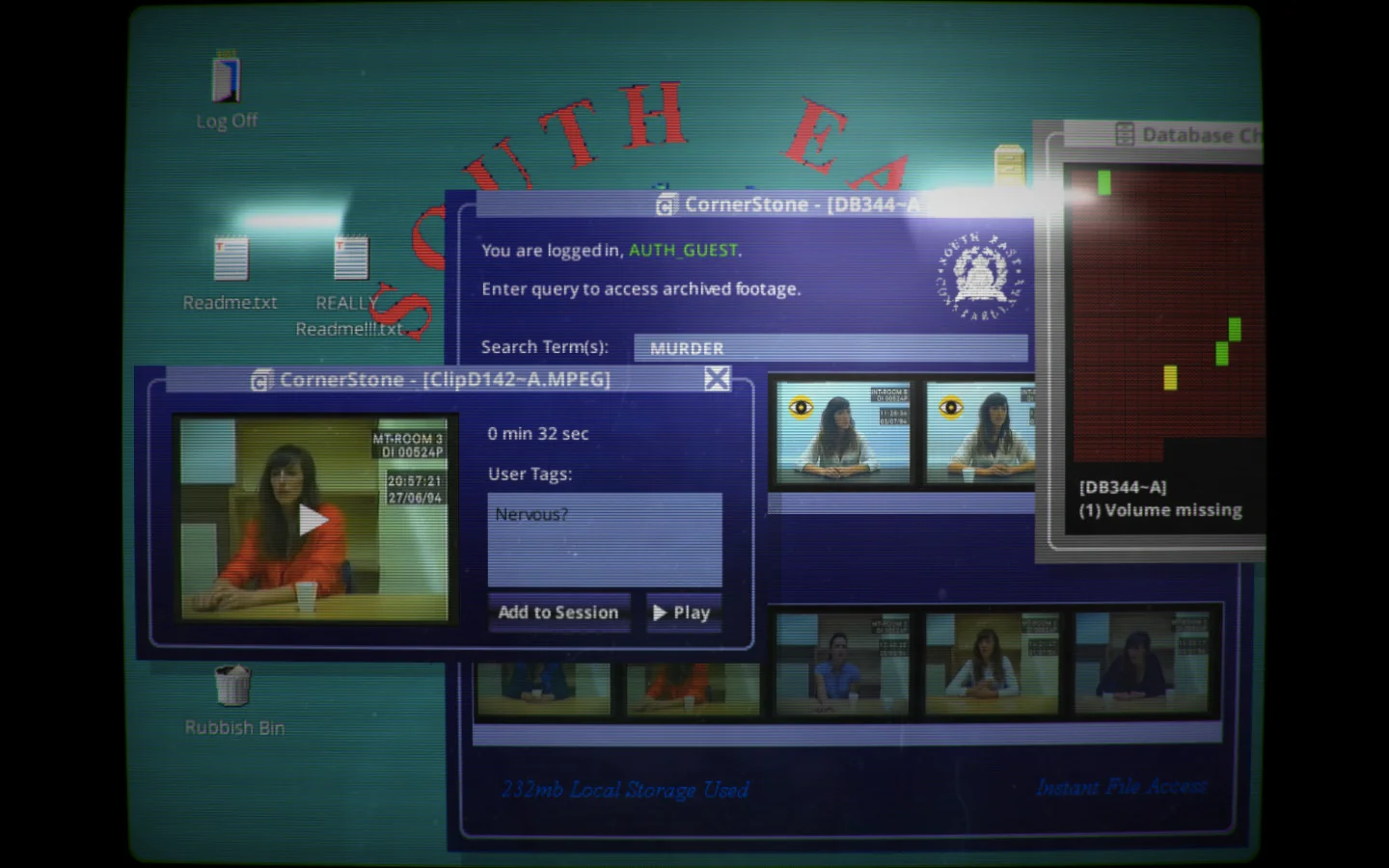
- On the computer-style version shown here, find the large purple window in the middle of the desktop. Its title bar says CornerStone; the database sits inside it. If a smaller video window covers the search area, move or close that smaller window, not the whole database.
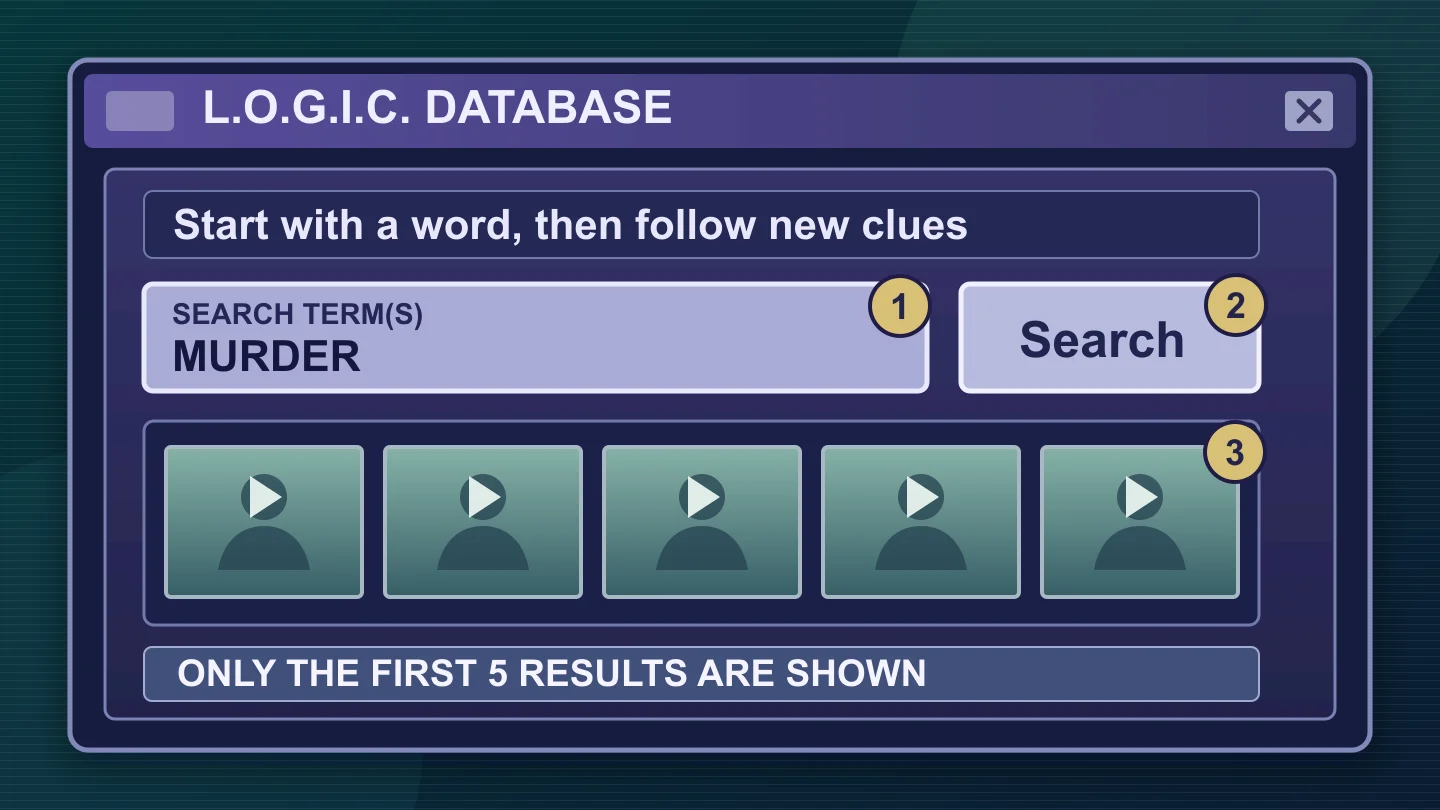
- Look for Search Term(s) near the top of that window. Click inside the pale horizontal field, type a single idea and click Search just to the right of the field. The screenshot shows MURDER only as an example of how a word appears in the field.
- Look directly below for a row of small interview images. Select one thumbnail, then use Play in the clip window to watch and listen. Your first search is the start of a trail, not a final answer.
Do not try to "solve" the opening screen. One result gives you a person, a date and a few words to follow. That is enough to make a useful second search.